


In this article, I am going to talk about the Best Cloud-Native Backup Platforms for SaaS and outline the solutions that businesses can look into to protect critical SaaS data. I’ll compare their backup methods, SaaS application coverage, recovery capabilities, security features, pricing models, scalability, integrations, and overall strengths to help organizations choose a reliable cloud-native backup platform.
What Are Cloud-Native Backup Platforms for SaaS?
SaaS Cloud-Native Backup Platforms SaaS cloud-native backup platforms are cloud-based solutions that automatically protect, store and recover data generated by Software-as-a-Service applications. Unlike legacy backup solutions that depend on physical infrastructure and on-site backup hardware, these solutions back up SaaS data using cloud-native architecture and APIs.
They can support applications such as Microsoft 365; Google Workspace; Salesforce and other business platforms. Typical capabilities include automated backups, retention policies, granular recovery, encryption, immutable storage, ransomware protection, control of access, compliance support, and centralized management for reliable SaaS data protection.
Why SaaS Companies Need Cloud-Native Backup in 2026
Protection from accidental deletion of data: SaaS users can accidentally delete important files, emails, records or settings. Cloud-native backup creates independent copies that can be used by organizations to restore lost data.
SaaS Provider Protections Aren’t All Sufficient: The SaaS provider manages the underlying infrastructure, but customers are responsible for much of their own data. With independent backup, organizations retain control over recoverable copies.
Speed Up Data Recovery: For teams unable to recover deleted or corrupted information quickly, it can mean significant business disruption. With granular recovery, administrators can choose to restore individual records, files, emails, or other objects rather than restoring everything.
Scaling Multi-SaaS Environments: In modern companies, it’s a norm for different departments to use several SaaS apps. A centralized backup platform can simplify protection, monitoring, retention policies and recovery across multiple services.
Improved Disaster Recovery Readiness: With cloud-native backup you can have a broader disaster recovery strategy by keeping recoverable copies outside of your primary SaaS environment, helping you meet your defined recovery objectives.
Key Points
| Platform | Key Strength |
|---|---|
| Druva | Fully SaaS-native data protection across Microsoft 365, Salesforce, Google Workspace, and more |
| AvePoint Cloud Backup | Enterprise-grade SaaS backup with broad Microsoft ecosystem coverage |
| HYCU | Extensive SaaS application protection with flexible recovery capabilities |
| OwnBackup | Market-leading Salesforce backup and recovery platform |
| Spanning Backup | Specialized cloud-to-cloud backup for Microsoft 365, Google Workspace, and Salesforce |
| Backupify (Datto SaaS Protection) | MSP-friendly SaaS backup platform with automated recovery |
| Acronis Cyber Protect Cloud | Integrated SaaS backup, cybersecurity, and ransomware protection |
| CloudAlly | Cost-effective cloud backup for major SaaS applications |
| Veeam Backup for Microsoft 365 | Enterprise-focused Microsoft 365 protection and recovery |
| Commvault Cloud | Unified SaaS, cloud, and hybrid data protection platform |
1. Druva
Druva, founded in 2008, is a fully managed SaaS data protection platform for cloud, SaaS, identity and infrastructure workloads. It covers SaaS for Microsoft 365, Google Workspace, Salesforce, Microsoft Dynamics 365, Power Platform, Entra ID, Active Directory and Okta.
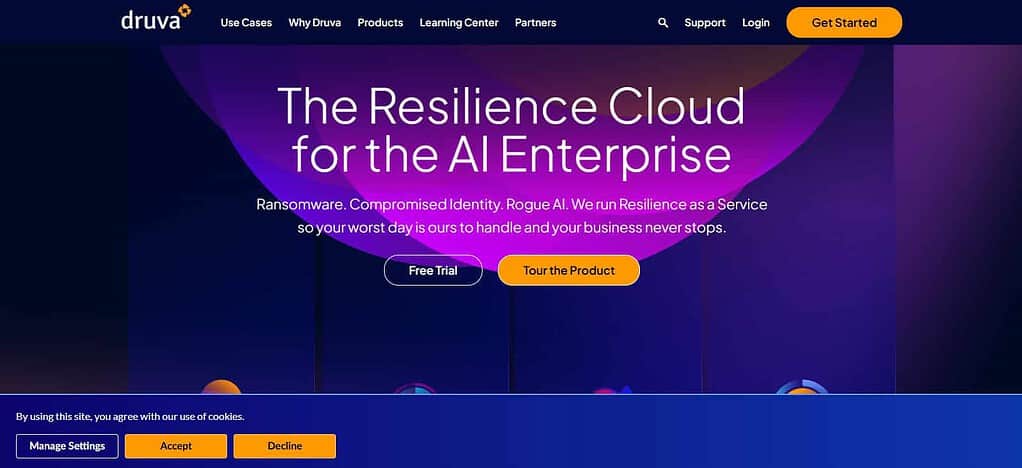
Druva offers automated cloud backup with immutable and air-gapped protection, pooled storage and policy-based management. Recovery provides granular restore and broader cyber-recovery workflows. Its SaaS Universal License is based on per-user pricing + dynamic pooled storage. Druva pricing gives exact commercial rates.
| Feature | Details |
|---|---|
| Cloud Architecture | Fully SaaS-based, cloud-native data protection without traditional backup infrastructure |
| SaaS Protection | Microsoft 365, Google Workspace, Salesforce, Microsoft Dynamics 365, Entra ID and other SaaS workloads |
| Backup Automation | Automated, policy-based backup with centralized management |
| Recovery | Granular recovery, point-in-time recovery and recovery from accidental deletion or cyber incidents |
| Security | Encryption, immutable storage, access controls and air-gapped protection |
| Ransomware Protection | Curated snapshots and clean-state recovery capabilities |
| Storage | Druva-managed cloud storage with cloud-based data management |
| Administration | Centralized console designed to reduce backup-management complexity |
| Deployment | No traditional backup hardware or infrastructure required |
| Best Feature | Combines SaaS backup, security and cyber-recovery capabilities in one cloud platform |
2. AvePoint
Founded in 2001, AvePoint designed Cloud Backup as a cloud-based protection platform, with a heavy focus on Microsoft and other SaaS environments. It comprises Microsoft 365, Salesforce, Dynamics 365, Google Workspace, Azure, Power Platform, and Microsoft Entra ID.
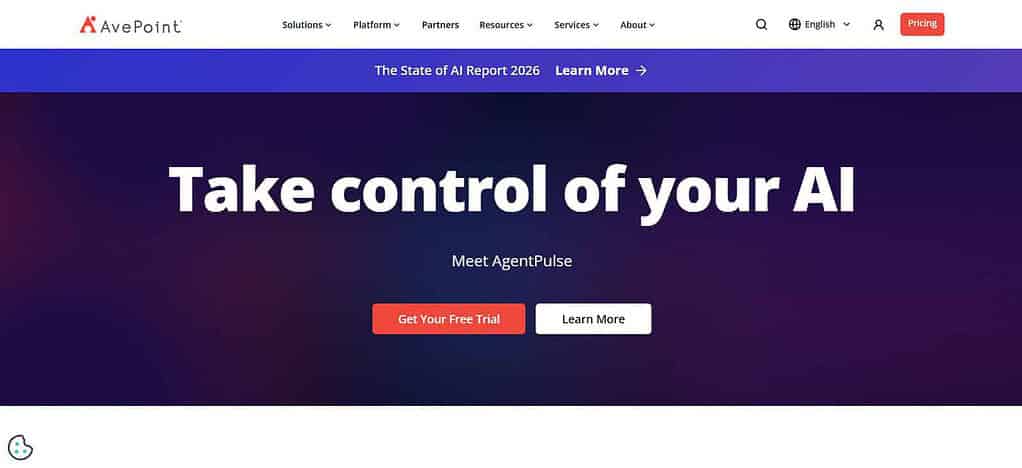
The platform offers automated backup with near zero configuration, ransomware recovery, configuration rollback and granular restore. Depending on the workload, users can recover individual files or broader environments. AvePoint is built on a foundation of cloud resilience and centralized management, not legacy backup infrastructure. Pricing is typically quote-based where the company will provide a tailored quote based on the protected environment and needs.
| Feature | Details |
|---|---|
| SaaS Coverage | Microsoft 365, Salesforce, Dynamics 365, Google Workspace and additional SaaS applications |
| Microsoft 365 Protection | Exchange Online, OneDrive, SharePoint, Teams, Groups, Power Platform and related workloads |
| Backup Frequency | Automated protection; some Microsoft 365 configurations support backups as often as every 6 hours |
| Recovery | Granular file, item, configuration, permission and application-aware recovery |
| Ransomware Protection | Suspicious-activity detection and recovery from ransomware incidents |
| Storage | AvePoint-managed storage or supported customer-controlled storage options |
| Retention | Long-term retention and customizable retention policies |
| Security | Encryption, immutable backups and logical air-gapping |
| Export | Data export and cross-tenant restore capabilities |
| Management | Centralized SaaS backup and recovery management |
| Best Feature | Strong combination of Microsoft 365, Salesforce, Google Workspace and multi-SaaS protection |
3. HYCU
HYCU is a data protection provider for SaaS, cloud, hybrid and multi-cloud data. Founded in 2018. Microsoft 365, Google Workspace, Salesforce, Atlassian, GitHub, Box, iManage and other workloads are covered by its SaaS coverage.
HYCU offers automated backup and recovery, centralized policy management, and ransomware-centric protection. Recovery might be individual files, applications or larger workloads, depending on the service.
SaaS pricing is usually per user with current examples being Microsoft 365 at $2.25/user/month, Atlassian and DevOps suites at $4/user/month whilst some enterprise applications require quotes.
| Feature | Details |
|---|---|
| Architecture | SaaS-based, agentless backup and recovery |
| SaaS Coverage | Microsoft 365, Salesforce, Atlassian, Google Workspace and many additional SaaS applications |
| Integrations | HYCU currently promotes 100+ integrations across SaaS, cloud and infrastructure |
| Backup | Automated policy-based backups running continuously according to configured schedules |
| Recovery | Granular recovery using application-native terminology |
| Point-in-Time Recovery | Supports recovery to earlier backup points |
| Security | Immutable and air-gapped backup copies |
| Retention | Customizable retention policies and backup targets |
| Management | Single interface for SaaS, cloud and on-premises workloads |
| Disaster Recovery | Cloud-based disaster recovery and failover capabilities |
| Best Feature | Broad workload coverage through one backup and recovery platform |
4. OwnBackup
OwnBackup (now Own) was founded in 2015 and became especially famous for Salesforce data protection. It’s core coverage is Salesforce data and metadata and its capabilities focus on automated backup, recovery, sandbox seeding, compliance, and data management.
It is a platform built specifically to help organizations recover from SaaS data events such as accidental deletion, corruption, integration problems and more. Recovery can be granular, and can provide a broader Salesforce data restoration capability. Own’s pricing is largely custom/quote-based. There’s no single public starting price that you can reliably apply to all customers.
| Feature | Details |
|---|---|
| Primary Focus | Salesforce data protection and SaaS data management |
| Salesforce Protection | Salesforce data, metadata, relationships and business-critical records |
| Backup | Automated Salesforce backup and data protection |
| Recovery | Granular recovery for Salesforce data and metadata |
| Data Management | Backup, recovery, sandbox seeding and data-management workflows |
| Data Comparison | Helps identify changes between Salesforce environments and backup states |
| Compliance | Supports governance and data-protection requirements for Salesforce environments |
| Security | Enterprise-grade access and data protection controls |
| Administration | Centralized management for Salesforce backup and recovery |
| Deployment | Cloud-based SaaS platform |
| Best Feature | Deep Salesforce-specific backup, recovery and data-management functionality |
5. Spanning Backup
Spanning Cloud Apps was founded in 2010 and offers SaaS backup for Microsoft 365, Google Workspace, and Salesforce. Its backup solution is cloud-to-cloud protection aimed at automating recurring backups and providing long-term retention.
Recovery is the process of retrieving business data after accidental deletion, malicious activity or other SaaS data-loss events. Across values ease of administration and an all-in-one approach, instead of complex feature tiers.
The company said its solution is 30% less expensive than competitive alternatives and offers unlimited backup retention and volume pricing. Pricing is provided by a pricing request instead of a universal public rate.
| Feature | Details |
|---|---|
| SaaS Coverage | Microsoft 365, Google Workspace and Salesforce |
| Backup Type | Cloud-to-cloud SaaS backup |
| Automation | Automated recurring backups |
| Recovery | Granular recovery of protected SaaS data |
| Retention | Long-term/unlimited retention options depending on service |
| Security | Cloud-based protection designed to provide an independent backup copy |
| Administration | Centralized management for supported SaaS environments |
| Storage | Cloud-hosted backup storage |
| Deployment | No traditional backup infrastructure required |
| Pricing Approach | Vendor promotes simple, all-inclusive pricing rather than complex feature tiers |
| Best Feature | Straightforward SaaS backup for organizations wanting simple administration |
6. Datto SaaS Protection – Backupify
Backupify (now part of Datto SaaS Protection) offers SaaS backup specifically for MSP-managed environments. Datto SaaS Protection is primarily designed to protect Microsoft 365 and Google Workspace including Exchange, OneDrive, SharePoint, Teams, Gmail, Calendar, Contacts and Shared Drive data. It does automated, continuous backups.
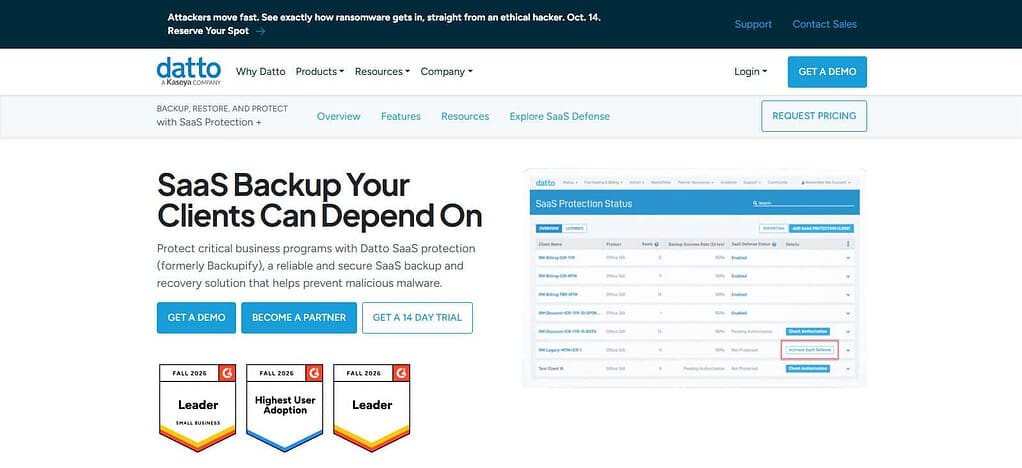
The Datto documentation mentions 3 automated backups a day plus additional backups as needed. Recovery provides granular point-in-time, non-destructive restore and export. Backups are stored in Datto/Kaseya’s private cloud with unlimited retention options. The price is per license , with rates depending on the service agreement.
| Feature | Details |
|---|---|
| Primary Users | Managed service providers and SMB-focused IT environments |
| SaaS Coverage | Microsoft 365 and Google Workspace |
| Microsoft 365 | Exchange, OneDrive, SharePoint and Teams |
| Google Workspace | Gmail, Calendar, Contacts, Drive and Shared Drives |
| Backup Method | Continuous, automatic cloud-to-cloud backup |
| Storage | Datto/Kaseya private cloud |
| Retention | Indefinite retention options |
| Recovery | Granular file/object recovery and full-account recovery |
| Ransomware Recovery | Point-in-time recovery before a ransomware event |
| Cross-User Restore | Allows data to be moved between users |
| Management | Single interface for managing multiple organizations |
| Best Feature | MSP-focused SaaS backup with centralized multi-organization management |
7. Acronis Cyber Protect Cloud
Founded in 2003, Acronis built Cyber Protect Cloud as a more complete cyber-protection platform that combines backup, recovery, security and management features. It is targeted at service providers to protect endpoints, servers, cloud workloads, applications and business data rather than just a narrow set of SaaS applications.
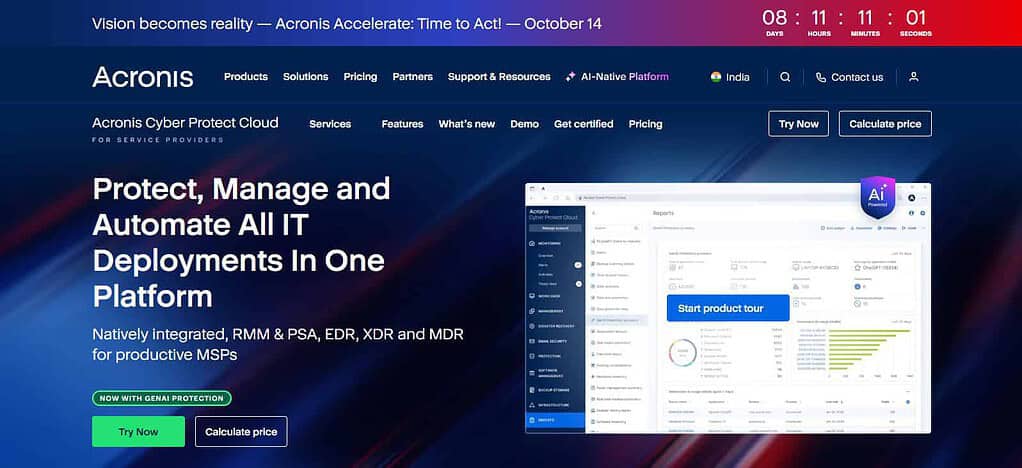
Backup is managed through cloud-based policies and recovery gives the ability to restore protected workloads after data loss or cyber incidents. Acronis has flexible licensing for service providers, including per-workload and per-GB pricing for backup. Workload requirements are factored into total cost. Certain other cybersecurity and management services are licensed separately.
| Feature | Details |
|---|---|
| Platform Type | Integrated backup, cybersecurity and management platform |
| SaaS Coverage | Microsoft 365 and Google Workspace |
| Microsoft 365 | Exchange Online, OneDrive, Teams and SharePoint |
| Google Workspace | Gmail, Drive, Contacts and Calendar |
| Backup Frequency | Microsoft 365 and Google Workspace data can be backed up up to six times per day |
| Recovery | File-level, full-workload and granular recovery depending on workload |
| Security | Anti-malware, ransomware protection, encryption and immutable storage |
| Ransomware Defense | Active Protection and automatic recovery capabilities |
| Storage | Acronis Cloud, public cloud, S3-compatible and local storage options |
| Automation | No-code workflow automation and centralized management |
| MSP Features | Multi-tenant management, billing integrations and PSA/RMM integrations |
| Best Feature | Combines backup, cybersecurity, disaster recovery and MSP management |
8. CloudAlly
CloudAlly was established in 2011 and focuses on cloud-to-cloud SaaS backup & recovery. It protects Microsoft 365, Google Workspace, Salesforce, Box, and Dropbox, with Microsoft 365 protection for Exchange, SharePoint, OneDrive, Teams, Groups and related data. Backups can be automated or ad-hoc, with immutable storage, unlimited retention and point-in-time recovery.
The software allows users to granular recovery based on keywords or export data in ZIP and PST formats. CloudAlly charges on a usage basis with a pay-as-you-go model, and offers monthly or annual billing options. AWS storage is included and CloudAlly does not charge separately for backup storage.
| Feature | Details |
|---|---|
| SaaS Coverage | Microsoft 365, Google Workspace, Salesforce, Box and Dropbox |
| Microsoft 365 | Exchange, SharePoint, OneDrive, Teams, Public Folders and Shared Mailboxes |
| Backup Method | Automated and on-demand immutable backups |
| Backup Frequency | Automated backups can run multiple times per day depending on configuration |
| Storage | AWS S3 or customer-owned AWS, Azure, GCP or compatible storage |
| Retention | Unlimited retention options |
| Recovery | One-click, point-in-time and granular recovery |
| Search | Keyword, date, owner, file type and email-ID search |
| Export | ZIP, PST and EML export options |
| Security | Immutable storage and MFA capabilities |
| Deployment | Cloud-to-cloud with no local installation |
| Best Feature | Flexible backup storage combined with granular search and recovery |
9. Veeam Backup for MS 365
Veeam’s Microsoft 365 backup offering, founded in 2006, is designed to protect Exchange Online, SharePoint, OneDrive, Teams and Microsoft Entra ID. The service offers automated SaaS backup, unlimited storage, configurable storage location, retention controls, and granular recovery for Microsoft 365 data.
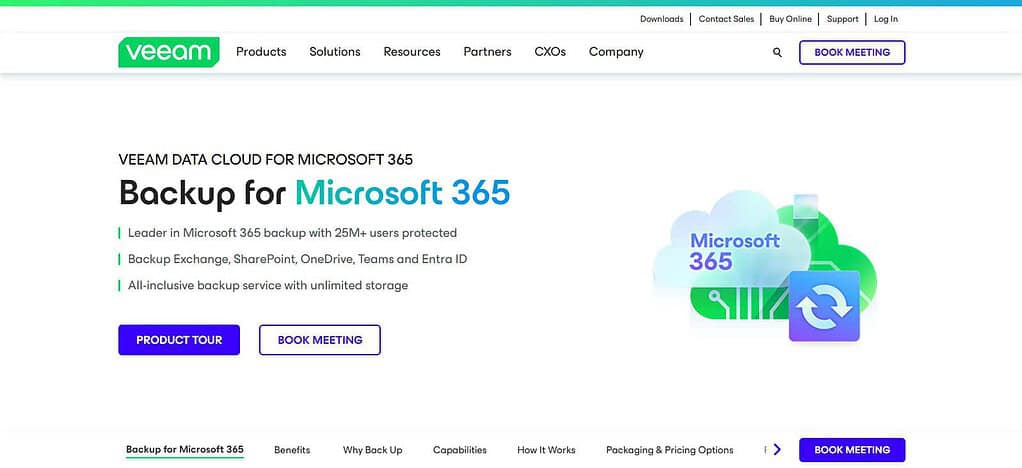
Advanced adds Entra ID resilience and threat-detection capabilities. Premium adds Microsoft 365 disaster recovery. Current public pricing under the stated volume pricing conditions is $2.63/user/month for Foundation, $3.33/user/month for Advanced and $7/user/month for Premium when billed annually.
| Feature | Details |
|---|---|
| Platform Focus | Microsoft 365 SaaS data protection |
| Core Coverage | Exchange, SharePoint, OneDrive and Teams |
| Advanced Coverage | Microsoft Entra ID users, groups, policies, logs and Intune-related data |
| Backup | Automated Microsoft 365 backup |
| Storage | Unlimited storage included with current SaaS plans |
| Storage Location | Customer can choose the storage location |
| Retention | Customizable retention policies |
| Recovery | Granular recovery of Microsoft 365 items |
| Security | Built-in security and compliance capabilities |
| Advanced Security | Advanced threat detection available in higher tiers |
| Disaster Recovery | Microsoft 365 disaster recovery and bulk restore available in higher tiers |
| Best Feature | Strong Microsoft 365 backup combined with flexible recovery and enterprise resilience |
10. Commvault Cloud Services
Founded in 1996, Commvault has transformed into a full spectrum cyber-resilience platform for SaaS, cloud, on-premises and hybrid workloads. Its SaaS capabilities include Microsoft 365 and other enterprise workloads with centralized protection, security controls, backup and fast recovery for larger organizations.
The platform provides broader workload protection beyond SaaS applications, with recovery capabilities focused on reliable restoration and cyber-resilience in case of data loss or attacks. Commvault offers a subscription-based SaaS pricing model for the current Microsoft 365 offering starting at $1.70/user/month for the Standard plan; Enterprise and Compliance tiers are available for more demanding requirements.
| Feature | Details |
|---|---|
| Platform Type | Enterprise cyber-resilience and data-protection platform |
| SaaS Protection | Supports SaaS and cloud workloads as part of a broader data-protection ecosystem |
| Backup | Automated policy-driven backup and centralized data protection |
| Recovery | Granular and workload-level recovery capabilities |
| Cyber Resilience | Designed to protect against ransomware and other cyber threats |
| Security | Encryption, access controls and cyber-resilience capabilities |
| Cloud Protection | Supports protection across public, private and hybrid cloud environments |
| Data Management | Centralized visibility and management across workloads |
| Disaster Recovery | Recovery and resilience capabilities for business continuity |
| Scalability | Designed for enterprise-scale data environments |
| Best Feature | Broad cyber-resilience architecture rather than SaaS-only backup |
| Ideal Users | Large organizations with complex hybrid, cloud and SaaS environments |
Comparison Table: Best Cloud-Native Backup Platforms for SaaS
| Platform | Founded | SaaS Application Coverage | Backup Method | Recovery Capability | Security | Pricing Model | Best For |
|---|---|---|---|---|---|---|---|
| Druva | 2008 | Microsoft 365, Google Workspace, Salesforce, Dynamics 365, Entra ID | Automated, policy-based cloud backup | Granular, point-in-time and cyber recovery | Immutable, air-gapped storage, encryption, access controls | Per-user / custom | Enterprise SaaS protection |
| AvePoint Cloud Backup | 2001 | Microsoft 365, Salesforce, Dynamics 365, Google Workspace, Power Platform | Automated cloud backup | Granular files, records, configurations and workloads | Encryption, immutable backup, ransomware protection | Custom quote | Multi-SaaS environments |
| HYCU | 2018 | Microsoft 365, Google Workspace, Salesforce, Atlassian and other SaaS | Automated, agentless backup | Granular and point-in-time recovery | Immutable and air-gapped protection | Per-user / custom | Broad SaaS and cloud coverage |
| OwnBackup (Own) | 2015 | Primarily Salesforce | Automated Salesforce backup | Granular Salesforce data and metadata recovery | Enterprise access and data-protection controls | Custom quote | Salesforce users |
| Spanning Backup | 2010 | Microsoft 365, Google Workspace, Salesforce | Automated cloud-to-cloud backup | Granular SaaS data recovery | Independent cloud backup protection | Subscription / volume pricing | Simple SaaS backup |
| Backupify / Datto SaaS Protection | 2008* | Microsoft 365, Google Workspace | Continuous automated backup | Granular, point-in-time and cross-user recovery | Private-cloud storage and access controls | Per-license | MSPs and SMBs |
| Acronis Cyber Protect Cloud | 2003 | Microsoft 365, Google Workspace plus broader workloads | Automated cloud backup | File-level and workload recovery | Encryption, ransomware protection, immutable storage | Per-workload / per-GB | Backup + cybersecurity |
| CloudAlly | 2011 | Microsoft 365, Google Workspace, Salesforce, Box, Dropbox | Automated/on-demand cloud backup | Granular, point-in-time and export recovery | Immutable storage, MFA | Usage-based | Flexible SaaS recovery |
| Veeam Backup for Microsoft 365 | 2006 | Exchange, SharePoint, OneDrive, Teams, Entra ID | Automated Microsoft 365 backup | Granular and bulk recovery | Security and advanced threat protection in higher tiers | Per-user subscription | Microsoft 365 protection |
| Commvault Cloud | 1996 | SaaS, cloud, hybrid and enterprise workloads | Policy-driven automated backup | Granular, workload and cyber recovery | Encryption, access controls, cyber resilience | Subscription / custom | Large enterprises |
Conclusion
Cloud-native backup platforms are now a key part of SaaS data protection, enabling organizations to recover from accidental deletion, cyberattacks, data corruption and service disruptions. Druva, AvePoint, HYCU, Own, Spanning, Datto SaaS Protection, Acronis, CloudAlly, Veeam and Commvault all address different backup and recovery needs. The best choice depends on SaaS application coverage, backup automation, recovery options, security controls, compliance requirements, scalability, and total pricing. These factors include RPO, RTO, retention policies, recovery granularity, data residency and integration requirements and should be assessed by businesses before choosing a platform. Ultimately, a good SaaS backup strategy should deliver robust protection without adding any additional operational complexity.
FAQ
What is a cloud-native backup platform for SaaS?
A cloud-native backup platform protects data stored in SaaS applications through automated cloud-based backups. It helps organizations recover deleted, corrupted, or compromised data without maintaining traditional backup infrastructure.
Why do SaaS businesses need cloud-native backups?
SaaS providers protect their underlying services, but customers may still face accidental deletion, ransomware, compromised accounts, configuration errors, and data corruption. Independent backups provide an additional recovery layer.
What should businesses consider when choosing a SaaS backup platform?
Businesses should compare SaaS application coverage, backup frequency, retention, recovery capabilities, security, compliance, integrations, RPO, RTO, scalability, storage options, and total pricing.
Which SaaS applications can these backup platforms protect?
Coverage varies by provider. Commonly supported applications include Microsoft 365, Google Workspace, Salesforce, Microsoft Dynamics 365, SharePoint, OneDrive, Teams, Slack, Atlassian, and other enterprise SaaS applications.
What is the difference between SaaS backup and disaster recovery?
SaaS backup focuses on preserving and restoring application data, while disaster recovery generally covers the broader process of restoring business operations, systems, applications, and infrastructure after a major disruption.