


In this article, I will compare the Best AI Search Platforms for Internal Company Data, on their AI search capabilities, integrations, data sources, knowledge discovery, security, permission controls, pricing and answer quality. These platforms help companies find relevant information across multiple internal systems, while making it easier to access, understand, verify and use company knowledge.
What Are AI Search Platforms for Internal Company Data?
AI search platforms for company internal data are enterprise tools powered by artificial intelligence, natural-language processing, semantic search, and knowledge retrieval, designed to help employees find information across an organization’s internal systems.
Rather than having to search each application individually, employees can ask questions using natural language and find relevant documents, conversations, emails, knowledge base articles, projects and business records from connected sources.
These platforms can also generate contextual answers, summarize information and cite sources for verification. Key features to evaluate include data connectors, cross-platform search, knowledge discovery, permission-aware access, security controls, AI answer quality, citations, integrations, deployment options, and pricing.
Key Points
| AI Search Platform | Best For | Key AI Capabilities |
|---|---|---|
| Glean | Enterprise-wide company search | AI Search, AI answers, RAG, Knowledge Graph, Assistant, Agents |
| Microsoft 365 Copilot / Copilot Search | Microsoft-centric organizations | Natural-language search, AI answers, summaries, citations, Copilot Chat |
| Atlassian Rovo | Jira and Confluence-centered teams | AI Search, Rovo Chat, Agents, summaries and contextual answers |
| Coveo | Enterprise search and AI relevance | AI relevance, semantic search, generative answers, recommendations |
| Guru | Internal knowledge and employee enablement | AI Search, enterprise knowledge, answers, verification and knowledge management |
| Elastic Enterprise Search / AI Search | Custom enterprise search infrastructure | Semantic search, vector search, hybrid search, AI/RAG applications |
| Sinequa | Large-scale enterprise knowledge discovery | Semantic search, NLP, knowledge discovery, generative AI and RAG |
| IBM watsonx Discovery | Enterprise document and knowledge search | NLP, semantic search, document understanding, generative AI/RAG |
| Amazon Kendra | AWS-based enterprise search | Natural-language search, semantic retrieval, relevance tuning and enterprise Q&A |
1. Glean
Glean is an enterprise AI search platform that searches and understands information across a company’s connected applications. The AI search allows for natural language questions, semantic understanding, summaries, and contextual answers using company knowledge.
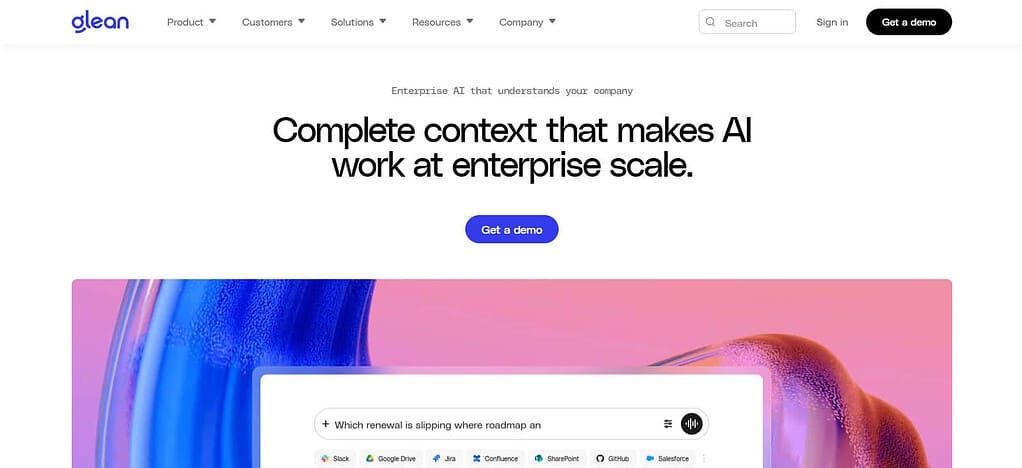
Glean can tap into documents, messages, business applications and other enterprise sources via its connector ecosystem. Its knowledge graph tailors results around people, content and interactions. Search is permission aware, so users only get information they are permitted to see.
The no choice part of it is a no choice part of it, so there is no choice in the matter. Pricing: Glean does not have a standard self-serve price but does offer enterprise-oriented pricing.
Glean Features
- AI-powered enterprise search across company applications and internal knowledge.
- Natural-language and semantic search for questions, documents, messages, and business information.
- AI Answers with citations that let employees verify the information behind a response.
- Permission-aware search that respects access controls from connected data sources.
- Knowledge graph and personalization to connect people, content, expertise, and organizational context.
| Pros | Cons |
|---|---|
| Strong enterprise-wide AI search across many workplace applications | Enterprise pricing is generally not publicly standardized |
| Natural-language answers make internal information easier to find | Value can depend heavily on the quality of connected company data |
| Strong knowledge discovery and organizational context | Large deployments can require significant configuration and governance |
| Permission-aware search helps protect restricted information | Advanced enterprise capabilities may require a higher-tier agreement |
| Citations and source context improve answer verification | More focused on enterprise organizations than simple consumer search |
2. Microsoft 365 Copilot/Copilot Search
Microsoft 365 Copilot / Copilot Search gives you AI-powered search across your Microsoft 365 info and third-party sources you connect. Users can ask natural language questions, get summaries and answers based on connected company data and find relevant info. Copilot connectors bring information from external knowledge bases, ticketing systems, wikis, file stores and CRM platforms into Microsoft search experiences.
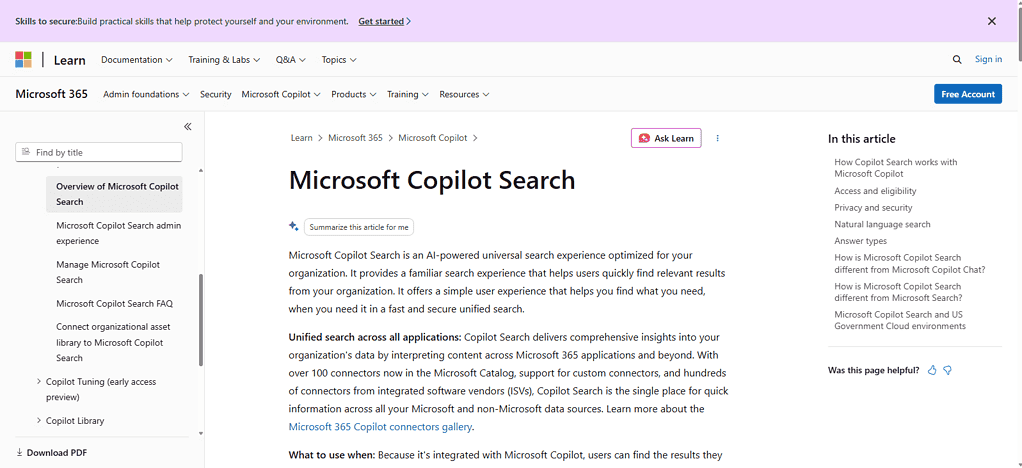
The results respect the underlying permissions and answers from a connected source can cite back to the original content. Pricing Copilot Search does not have a separate additional charge beyond an eligible Copilot license, but some advanced connectors may involve additional costs.
Microsoft 365 Copilot/Copilot Search Features
- Unified AI search across Microsoft 365 and integrated third-party business apps.
Natural-language query that understands intent, not just keywords. - 100+ Microsoft Copilot connectors from sources like Salesforce, ServiceNow, Confluence, Jira, GitHub and Google Drive.
AI-generated answers and summaries with references and links back to richer Copilot Chat experiences. - Enterprise security and personalization with Microsoft Graph, organizational context and existing controls for access.
| Pros | Cons |
|---|---|
| Strong integration with Microsoft 365 and Microsoft Graph | Best experience is closely tied to the Microsoft ecosystem |
| Supports search across Microsoft and connected third-party sources | Licensing can become expensive for large workforces |
| Natural-language questions and AI-generated answers | Some capabilities depend on the user’s Microsoft 365 licensing and configuration |
| Existing Microsoft security and permissions can be leveraged | Setup and administration can be complex in large organizations |
| Broad connector ecosystem for external business data | Organizations outside the Microsoft ecosystem may find alternatives more flexible |
3. Atlassian Rovo
Atlassian Rovo uses AI search, chat and agents to help employees find information across Atlassian products and third-party apps they connect. Its search can tap knowledge from tools such as Jira and Confluence while Rovo Connectors extends discovery to sources including Google Drive, SharePoint, Teams and Figma.
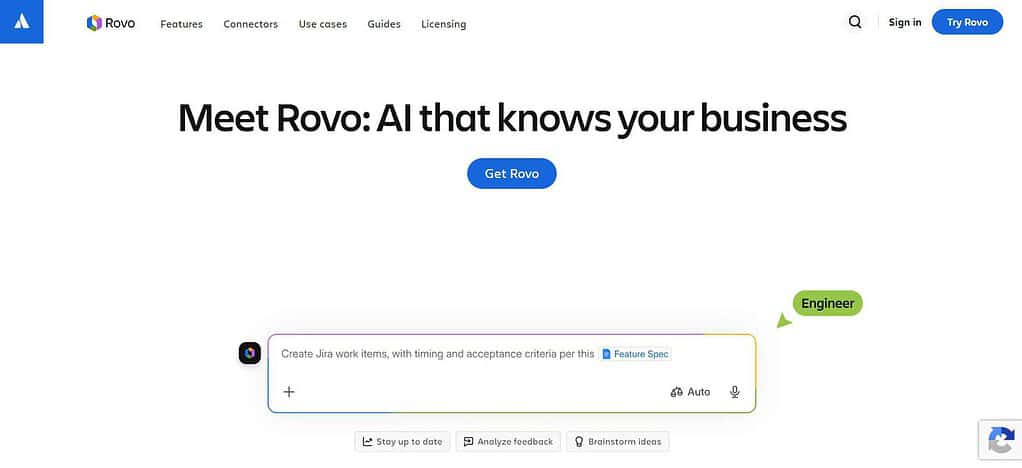
Rovo contextual knowledge discovery via natural-language interactions and the Atlassian Teamwork Graph. It synchronizes with Atlassian and connected applications’ permissions, which helps to narrow results to authorized content. Pricing: Rovo AI capabilities are built into Atlassian plans with Rovo credits and certain capabilities and additional usage are charged based on usage.
Atlassian Rovo Features
- Enterprise search powered by AI across connected business apps, Jira and Confluence.
- Natural-language discovery for finding information, documents, projects and organizational knowledge.
- Rovo Chat Ask questions and navigate company info through conversation.
Rovo Agents that may utilize organizational context to help automate specific business workflows. - Atlassian Teamwork Graph to link people, content, projects and business context.
| Pros | Cons |
|---|---|
| Strong integration with Jira and Confluence | Particularly attractive for organizations already using Atlassian products |
| AI-powered search and conversational knowledge discovery | Organizations with limited Atlassian usage may get less value |
| Rovo Agents extend AI beyond basic search | Advanced AI capabilities can depend on plan and usage limits |
| Teamwork Graph adds organizational context | Third-party data coverage varies by available connectors |
| Useful for discovering projects, people, teams, and knowledge | Pricing and usage can become more complicated at enterprise scale |
4. Coveo
Coveo is an AI-powered search and relevance platform that can locate enterprise information and produce answers from connected content. It can do semantic retrieval, relevance optimization, Retrieval-Augmented Generation and conversational search.
Coveo supports cloud and enterprise content sources. Connectors and indexing capabilities for structured and unstructured information. Its security model includes source-level and document-level security to help ensure that users get only authorized information.
AI generated answers can be based on retrieved enterprise content rather than just an LLM. Pricing: Coveo’s enterprise subscription offerings have different pricing models based on the solution, number of users, number of queries and amount of indexed content, instead of a one-size-fits-all public price.
Coveo Features
- AI-driven search and relevance optimization for enterprise content and digital experiences.
- Semantic and vector search to understand meaning beyond keyword matching.
- Generative AI and RAG capabilities to generate answers using enterprise content retrieval.
- Personalized search that can tailor results to the user’s context and behavior.
- Enterprise security controls to retrieve relevant information without compromising access permissions.
| Pros | Cons |
|---|---|
| Strong AI-powered relevance and semantic search capabilities | Can require more technical implementation than simple workplace-search products |
| Supports enterprise search and generative AI experiences | Pricing is primarily enterprise-oriented |
| Powerful personalization and relevance optimization | Configuration can be complex for organizations with sophisticated requirements |
| Flexible search infrastructure for different enterprise use cases | Some capabilities require additional implementation work |
| Strong option for organizations focused on search quality | May be more infrastructure than smaller companies need |
5. Guru
Guru is all about enterprise AI search with governed knowledge management. It pulls together knowledge from applications such as Google Drive, SharePoint, Slack, Zendesk, Confluence and CRM systems to create a single knowledge layer.
Its AI search can offer natural-language answers and its knowledge verification and maintenance features are designed to improve the quality of information over time. Guru emphasizes citation and permission-aware answers so users can trace answers back to the information. Security features include encryption, SSO, audit capabilities and data protection controls.
Pricing: Guru does not provide a straightforward, public per-seat price for its enterprise AI knowledge offering, which it currently prices in the ballpark of customized packages based on organizational scale, knowledge complexity and AI requirements.
Guru Features
- Enterprise knowledge search AI-powered across connected company data.
Natural-language questions and answers to help you find internal knowledge faster. - Knowledge validation and management to enable organizations to keep information correct and trustworthy.
AI-generated answers with source context to help users more easily validate responses. - Workplace application integrations to empower employees to access organizational knowledge without having to search each system individually.
| Pros | Cons |
|---|---|
| Combines enterprise search with knowledge management | Works best when organizations actively maintain their knowledge |
| AI answers can provide source context | Knowledge quality still depends on the information available to the system |
| Knowledge verification helps reduce outdated information | Advanced functionality may require paid plans |
| Integrates with common workplace applications | Some organizations may prefer a dedicated search platform |
| Strong focus on trusted internal knowledge | Enterprise requirements may require additional configuration and governance |
6. Elastic Enterprise Search/AI Search
Elastic Enterprise Search / AI Search provides a versatile search and retrieval foundation for structured and unstructured enterprise data on top of Elasticsearch. It provides AI Search capabilities for keyword, semantic and hybrid retrieval, vector search, RAG and customizable relevance controls.
Using Elastic connectors and integrations, organizations can connect many data sources and build their own AI-powered search applications instead of only relying on a fixed workplace-search interface. The security capabilities depend on the deployment and connector, and include document level security for supported connectors.
Pricing Elastic has cloud and self-managed options. Elastic Cloud Hosted is available at a published price point. For serverless and enterprise usage you can be metered based on compute, storage and AI usage.
Elastic Enterprise Search / AI Search Features
- Hybrid search of classic keyword retrieval with semantic and vector search.
- AI-powered retrieval and RAG to build applications that generate answers from enterprise data.
Connectors and flexible data ingestion to get structured and unstructured information into search. - Relevance controls that can be customized for organizations that require control over ranking and retrieval behavior.
Developer first search infrastructure for organizations to create custom enterprise AI-search experiences.
| Pros | Cons |
|---|---|
| Highly flexible search and AI retrieval infrastructure | Requires more technical expertise than turnkey workplace search products |
| Supports keyword, semantic, vector, and hybrid search | Organizations may need to build parts of the final AI experience themselves |
| Strong customization and relevance controls | Administration can be complex for large deployments |
| Useful foundation for RAG and custom AI applications | Total cost depends on infrastructure, usage, and deployment model |
| Supports both structured and unstructured data | Less focused on an out-of-the-box employee knowledge assistant |
7. Sinequa
Sinequa is an enterprise AI search and knowledge discovery platform that unifies information from many systems within an organization into a single knowledge layer. It comes with an ecosystem of more than 200 connectors out-of-the-box for enterprise applications and knowledge sources.
Sinequa emphasizes real-time sync and permission-aware access so search and AI experiences can harness current organizational information while respecting existing restrictions on access. Its AI capabilities can surface answers based on enterprise knowledge, helping employees find relevant documents, expertise and information across data silos.
Pricing: Sinequa employs an enterprise sales model and does not offer a standard self-service price. Companies typically need to request a custom quote based on their deployment and requirements.
Sinéqua Features
- Natural-language and semantic search for relevant knowledge in your organization.
- Rich connector ecosystem – gather information from multiple enterprise applications and repositories.
- Knowledge discovery powered by AI to connect documents, information, expertise and organizational context.
Permission-aware enterprise search that respects existing access rights when fetching information.
| Pros | Cons |
|---|---|
| Designed for complex enterprise knowledge environments | Primarily targeted toward larger organizations |
| Broad enterprise data-connectivity capabilities | Enterprise deployment can require substantial implementation |
| Strong semantic search and knowledge discovery | Pricing is generally quote-based |
| Permission-aware access is important for sensitive company information | May be more functionality than smaller companies require |
| Useful for organizations with large and fragmented information estates | Evaluation and deployment can take longer than simpler SaaS tools |
8. IBM watsonx Discovery
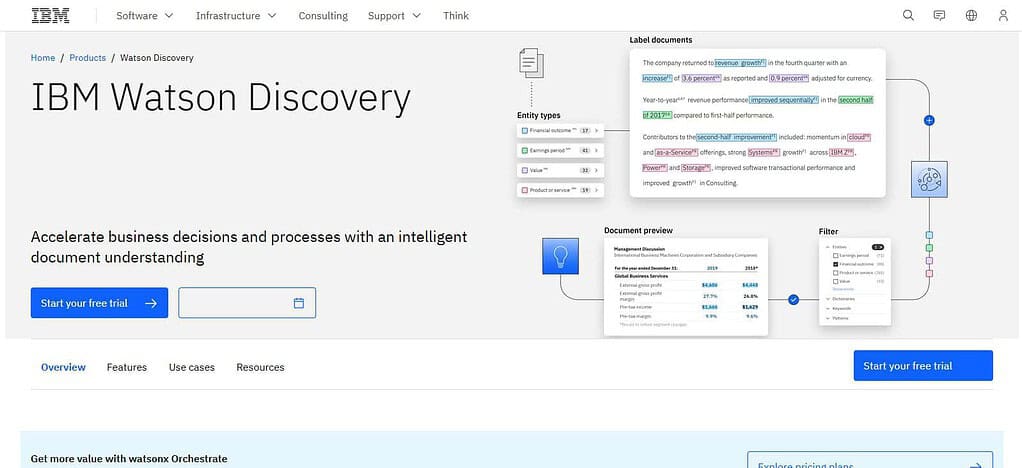
IBM watsonx Discovery is a service that offers enterprise search and document understanding to pull information and insights from large bodies of business content. It supports document crawling, natural-language understanding, OCR, table retrieval, custom NLP and relevance models. It is useful for knowledge discovery across complex document repositories.
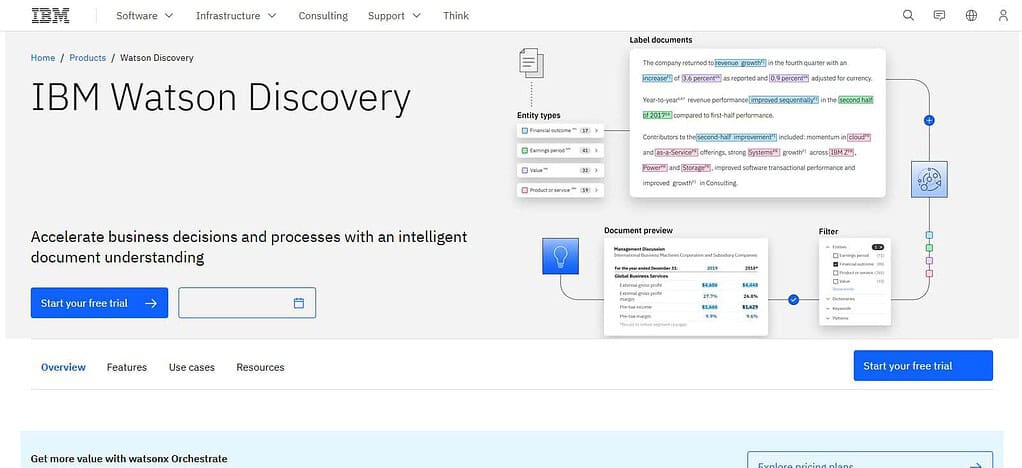
IBM Discovery can connect to external data sources and crawl them periodically so that the information it indexes is up to date. Its connectors are read-only, so Discovery doesn’t alter the original repositories. Pricing: IBM offers a subscription pricing model. Plans start at $500 per month for the Plus plan and $5,000 per month for the Enterprise plan. Cloud Pak for Data deployment is priced separately.
IBM Watsonx Discovery Features
- Document and enterprise search using AI to extract useful information from large document collections.
- Natural-language understanding to find relevant passages and information.
- Document understanding and OCR to handle complex documents and scanned content.
- Passage retrieval and relevance models for finding useful information in large documents.
- Enterprise data connectors and indexing to enable search of data from different repositories.
| Pros | Cons |
|---|---|
| Strong document understanding and information extraction | More technical than employee-focused AI search products |
| Useful for complex and unstructured enterprise documents | Requires implementation and integration work |
| Supports natural-language search and passage retrieval | Pricing can become significant at enterprise scale |
| OCR capabilities help process scanned documents | May require additional IBM services or expertise for complex deployments |
| Suitable for organizations building customized AI search applications | Not primarily designed as a simple plug-and-play workplace search interface |
9. Amazon Kendra
Amazon Kendra is an AWS intelligent enterprise-search service that uses machine learning and semantic retrieval to find relevant information across organizational repositories. The product comes with native connectors for sources such as Amazon S3, SharePoint, Salesforce, ServiceNow, Google Drive and Confluence, and partner connectors.
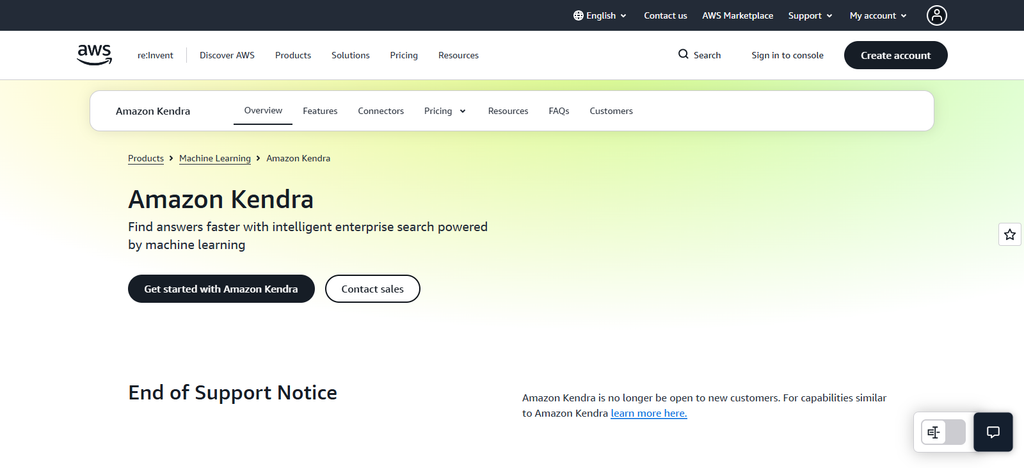
Kendra can pull relevant passages for search or RAG use cases, and can be combined with services such as Amazon Q Business and Amazon Bedrock. Controls for access can include ACLs and user context filtering, with capabilities that vary by index type. Pricing: Kendra is usage-based, with its current GenAI Enterprise Edition base index listed at $0.32/hour with additional storage, query and connector fees.
Amazon Kendra Features
- Enterprise search powered by machine learning for structured and unstructured information in your organization.
Natural-language question answering that can provide specific answers or relevant passages. - Semantic search, and intelligent document ranking to move beyond keyword matching and improve relevance.
- FAQ and table answer extraction to extract answers from FAQ and HTML tables.
Enterprise connectors to sources like Amazon S3, SharePoint, Salesforce, ServiceNow, Google Drive, Confluence.
| Pros | Cons |
|---|---|
| Strong machine-learning-based enterprise search | AWS-based implementation can require technical expertise |
| Supports natural-language questions and semantic retrieval | Usage-based pricing can be harder to forecast |
| Provides numerous enterprise data connectors | Some advanced capabilities depend on the edition and configuration |
| Useful for RAG and AI application development | Less of a ready-made employee knowledge platform than products such as Glean |
| Integrates naturally with the broader AWS ecosystem | Organizations outside AWS may prefer a more vendor-neutral solution |
Conclusion
Internal company data can be transformed into searchable useful knowledge by top AI search platforms for internal company data. Glean, Microsoft 365 Copilot, Atlassian Rovo, Coveo, Guru, Elastic, Sinequa, IBM watsonx Discovery and Amazon Kendra vary in their AI capabilities, integrations, security controls, pricing models and deployment options.
When selecting a platform, businesses should look beyond simple search and take into account natural-language answers, data-source coverage, knowledge discovery, permission-aware access, source citations, security, and scalability. Ultimately, the right solution will depend on the company’s existing technology stack, data environment, workforce needs, budget, and requirements for trustworthy AI-powered internal knowledge discovery.
FAQ
What are AI search platforms for internal company data?
AI search platforms help employees find and understand information stored across internal business systems such as documents, emails, chat applications, knowledge bases, CRM platforms, and project-management tools. They use AI and natural-language search to provide more relevant results and, in some cases, direct answers and summaries.
How does AI search work with internal company data?
AI search typically connects to approved company data sources, indexes or retrieves relevant information, and uses AI to understand employee questions. Depending on the platform, it can return relevant documents, summarize information, or generate an answer based on retrieved company knowledge.
Can AI search platforms search multiple company applications?
Yes. Many enterprise AI search platforms can connect multiple business applications and provide a unified search experience. Available connectors vary by platform, so companies should verify support for the specific applications they use, such as Slack, Microsoft 365, Google Drive, Jira, Confluence, Salesforce, or Notion.
Do AI search platforms respect employee permissions?
Many enterprise platforms are designed to respect existing access permissions. This means an employee should generally only receive information they are already authorized to access. Organizations should verify permission synchronization and access-control behavior for every connector before deployment.