In this article, we will go over the best Qodo Rivals to automate code testing to help developers generate tests, find bugs, review code, increase coverage, and automate quality checks. We’ll compare the leading tools on AI testing capabilities, test generation, security testing, integrations, pricing, code review and developer flows, to help teams understand the key differences.
What Are Qodo Rivals for Automated Code Testing?
Qodo’s competition for automated code testing includes AI-powered software quality tools that offer similar capabilities to Qodo in generating tests, reviewing code, finding bugs, increasing coverage and automating development checks.
These platforms can evaluate source code, pull requests, dependencies, and repository context to detect possible problems before they are deployed. Features may include AI test generation, static analysis, security testing, code review, CI/CD integration, debugging, and automated fixes, depending on the tool.
Popular options include CodeRabbit, Greptile, GitHub Copilot, SonarQube, Codacy, Sourcery, Semgrep, Bito, Graphite Agent, Cursor Bugbot. They differ widely in capabilities, pricing, integrations and depth of testing.
Why Choose Qodo Rivals for Automated Code Testing
Improved Test Creation: Qodo’s competitors have dedicated AI functionality to build unit, integration and regression tests from your current code and recent changes.
Enhanced Security Testing: Tools such as Semgrep and SonarQube can bring static analysis, vulnerability detection, dependency checks, and security-focused code scanning to testing workflows.
Easy-to-Use Integrations: Integrations with GitHub, GitLab, Bitbucket, IDEs, CI/CD platforms, issue trackers, and developer tools are alternatives that make it easier to fit into existing workflows.
Deeper Code Review: AI-powered competitors can review pull requests, find bugs, detect code quality issues, and provide fixes before changes are merged.
Enhanced Test Coverage: Automated coverage analysis can reveal untested or weakly tested areas and assist developers in prioritizing additional test cases.
Pricing Options: Some alternatives may provide free plans, per-developer pricing, usage-based pricing, or enterprise packages, offering teams more options depending on the scale of development.
Need for Specialized Testing: Some platforms emphasize security, static analysis, AI coding, PR review, or repository-level analysis, which enables teams to select the features that align with their testing needs.
Enterprise Deployment Options: If your organization has stringent security requirements, then you might prefer features such as SSO, control of access, audit capabilities, private deployment, or enterprise integrations.
Faster developer feedback: Automated checks that run in pull requests or CI/CD pipelines can surface problems earlier, reducing the time developers spend on manual reviews of repetitive issues.
Support for Different Development Stacks: Qodo competitors have varying support for languages, frameworks, repositories, and IDEs, meaning that a particular alternative may better fit a team’s existing technology stack.
Key Points
| Rival | Best For | Core Testing & Review Features |
|---|---|---|
| CodeRabbit | AI-powered pull request reviews | Automated code review, bug detection, PR analysis |
| Greptile | Large codebases and complex applications | AI code review, repository-wide context analysis |
| GitHub Copilot | GitHub-centric development teams | AI-assisted code review and developer workflows |
| SonarQube | Code quality and security validation | Static analysis, quality gates, security testing |
| Codacy | Continuous code quality monitoring | Automated code review, security analysis |
| Sourcery | Python development teams | Automated code review and refactoring suggestions |
| Semgrep | Security-focused engineering teams | Static application security testing (SAST) |
| Bito | Cross-platform development teams | AI code review and coding assistance |
| Graphite Agent | Teams using stacked pull requests | Automated PR review and merge workflows |
| Cursor Bugbot | AI-first coding workflows | Automated bug detection and review assistance |
1. CodeRabbit
CodeRabbit is an AI-powered code review and automated software quality platform with a focus on pull requests, code analysis and developer workflows. This includes agentic PR reviews, one-click fixes, pre-merge checks, and continuous security monitoring.
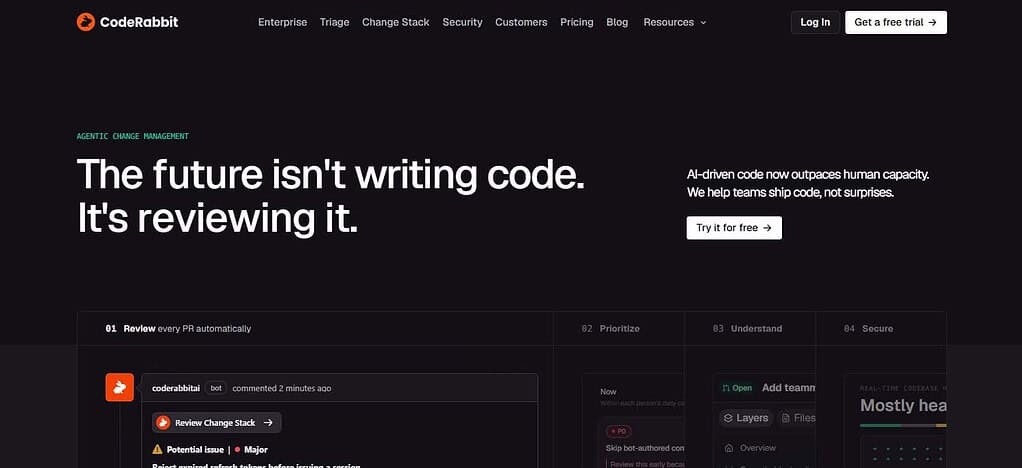
Its Team plan includes finishing touches like unit-test generation. Advanced adds security review of every PR. Prices start at $24 per developer/month annual for Essentials, Team is $48 and Advanced is $72; Enterprise is custom. It integrates with GitHub, GitLab, Jira, Linear, CLI, MCP connections and coding-agent workflows so it is a powerful choice for automated-review and testing.
CodeRabbit Features
- AI Code Review:** Automated PR review with contextual, actionable feedback.
- Test Generation: Supports unit-test generation for better test coverage.
- Security Testing: Advanced workflows can find security issues in pull requests.
- Codebase Analysis: Provides context to code changes in the larger repository.
- Developer Workflow: Supports automated reviews, fixes, and integrations with modern Git based development workflows.
| Pros | Cons |
|---|---|
| AI-powered pull-request reviews with contextual feedback | Can generate extra review comments that require filtering |
| Supports automated security monitoring and SAST integrations | Advanced capabilities require paid plans |
| Provides one-click fixes and agentic workflows | Pricing can become significant for larger teams |
| Supports Jira, Linear, MCP, CLI, and IDE workflows | Primarily focused on code review rather than complete test management |
| Team plan includes unit-test generation | Some features are plan-dependent |
2. Greptile
Greptile is a AI code review and codebase understanding platform that offers more contextual understanding of repositories and pull requests. It has a credit-based review system. The free Starter plan gives you 50 credits/month for one active developer. The Pro plan is $30 per seat/month and gives you 50 credits/seat. Extra credits are $1 each.
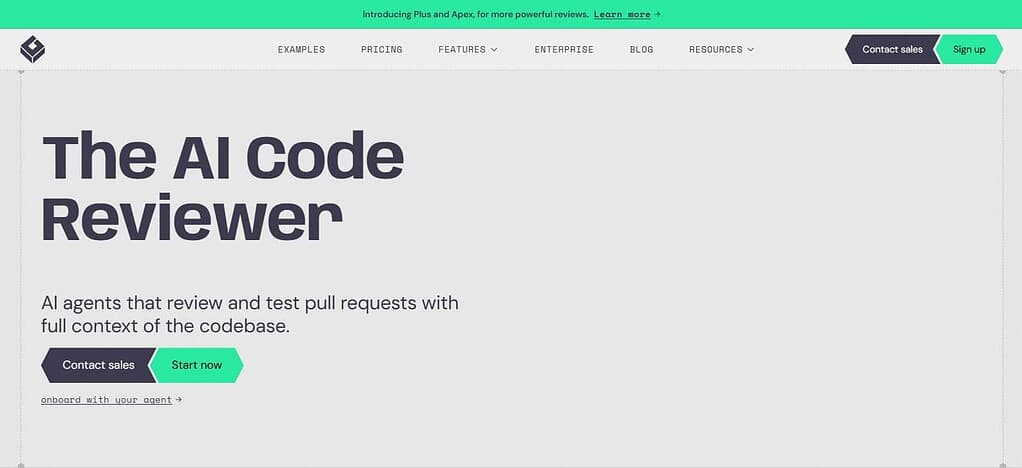
Enterprise also offers custom pricing, self-hosting, SSO/SAML, GitHub Enterprise support, and security/compliance features. Greptile is particularly relevant for AI testing workflows thanks to its repository-aware analysis and review, but it’s primarily categorized as an AI code review tool, not a standalone automated test-generation platform.
Greptile Features
- Testing AI: Its agents can test and review pull requests and its testing workflow provides runtime validation.
- AI Code Review: Automatically review pull requests with full codebase context.
- Codebase Graph: Produce a graph of files, functions and dependencies to see the impact of changes on the system.
- Automated fixes: Review findings can be sent directly to coding agents like Cursor, Claude Code, Codex and Devin.
- Continuous Learning: Learns coding standards from past PR feedback.
| Pros | Cons |
|---|---|
| Uses full-codebase context for PR analysis | Credit-based usage can make costs less predictable |
| Graph-based analysis can identify cross-file issues | More focused on code validation than general development |
| Automatically generates unit tests for changed code | Advanced capabilities may require higher-tier usage |
| TREX can run tests in a sandbox against PRs | Repository indexing adds an initial setup step |
| Integrates with Cursor, Claude Code, Codex, Devin, and other agents | Teams may need configuration to reduce review noise |
3. GitHub Copilot
GitHub Copilot is a broad AI platform for coding, code review, and developer agents, not a standalone testing product. It can generate code and tests, review pull requests, suggest fixes, and leverage repository context through its agentic capabilities.
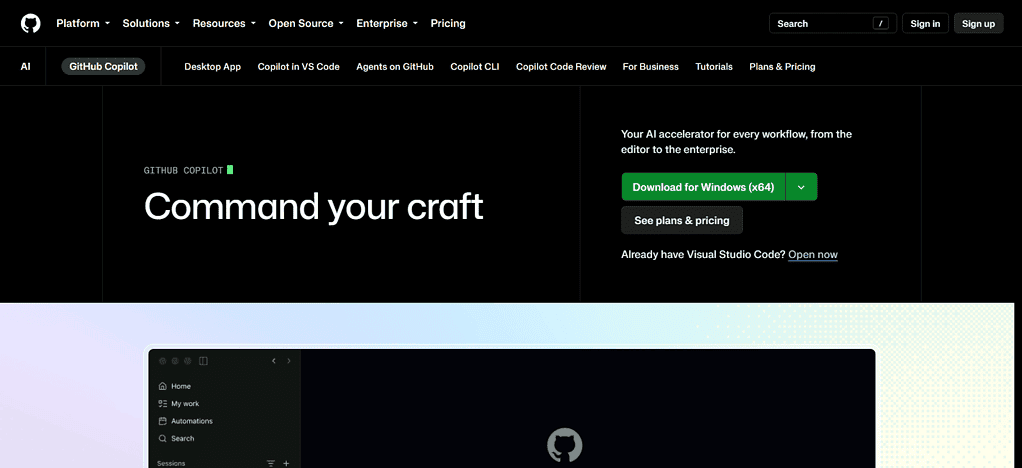
Current individual pricing is Free, Pro at $10/user/month, Pro+ at $39 and Max at $100. Business is $19/user/month and Enterprise is $39/user/month. Copilot is integrated directly into GitHub, supported IDEs, CLI, MCP servers, GitHub Actions and cloud agents. The broader security ecosystem of GitHub improves security and code review catches bugs, security risks, and style issues.
GitHub Copilot Features
- Test Generation: Helps developers generate unit tests & increase test coverage.
- **AI Code Companion: Generates, explains, edits, and refactors code in supported development environments.
- Code Review: Offers AI-assisted code change review and analysis.
- Developer Integrations: Deep integrations with GitHub repositories, pull requests, IDEs, CLI workflows and GitHub developer ecosystem.
| Pros | Cons |
|---|---|
| Generates code, tests, and implementation suggestions | AI output still requires developer validation |
| Deep integration with GitHub repositories and pull requests | Some advanced capabilities consume AI credits |
| AI code review can identify bugs and security issues | Best experience is closely connected to GitHub’s ecosystem |
| Supports VS Code, Visual Studio, JetBrains, Xcode, CLI, and GitHub.com | Not a dedicated standalone testing platform |
| Agentic capabilities can help implement suggested fixes | Review quality can vary depending on code complexity |
4. SonarQube
SonarQube is mainly a static code analysis, code quality and application security platform that detects bugs, vulnerabilities, security hotspots and maintainability issues in many programming languages. Pricing for its current Team plan starts at $34/month for analysis of up to 100,000 lines of code, with Enterprise pricing custom; free tier is also available for eligible private projects and open source projects.
IDE extensions, the CLI, CI pipelines, coding agents and integrations in modern development workflows all support SonarQube. The product strength is not AI-generated testing but rather ongoing quality and security analysis, but its ecosystem today includes AI code review and remediation capabilities.
SonarQube Features
- Static Code Analysis: Identifies bugs, security vulnerabilities, code smells and maintainability issues.
- Security Testing: Provides application security analysis, identifying vulnerabilities and security hotspots.
Quality Gates: Teams can set up automated quality gates before merging code or releasing.
CI/CD Integration: Automated analysis in development and continuous integration pipelines. - Quality of Code Management: A consolidated view of technical debt, reliability, security and maintainability
| Pros | Cons |
|---|---|
| Strong static code-quality analysis | Primarily focuses on analysis rather than AI test generation |
| Detects bugs, vulnerabilities, and security hotspots | Configuration can be more involved for large organizations |
| Supports automated quality gates | Advanced capabilities vary by deployment and plan |
| Works well with CI/CD pipelines | Teams may need complementary testing tools |
| Provides continuous visibility into code quality and technical debt | AI features are not its core historical focus |
5. Codacy
Codacy is an automated code quality, security, coverage and AI coding-governance platform supporting 49 languages. The Developer plan is free, Team starts at $18 per developer/month annually or $21 monthly, Business pricing is custom.
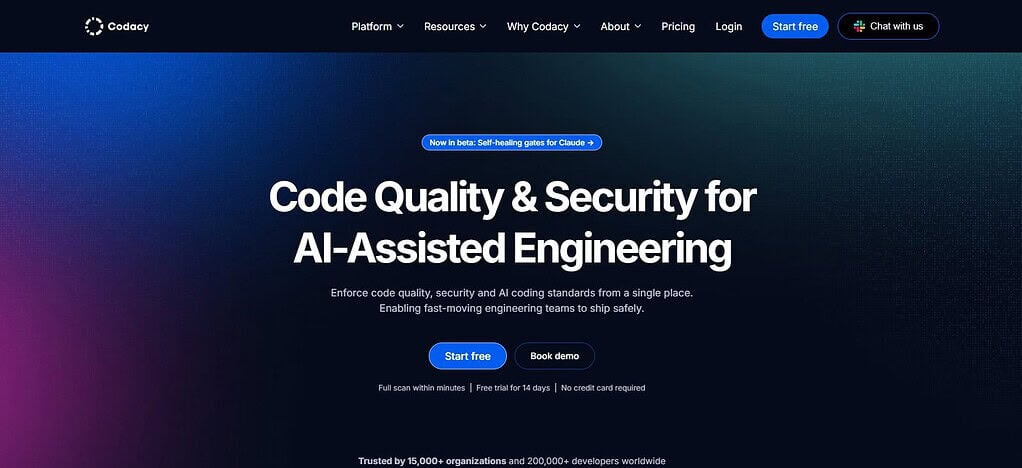
Codacy provides pull request reviews with AI, merge gates, security scanning, SAST, SCA, secrets detection, coverage tracking and AI-generated missing unit tests for low-coverage files. It has integrations with GitHub, GitLab, Bitbucket, Jira, Slack, VS Code, JetBrains, and Cursor. Includes DAST, malicious-package detection, container scanning, custom rules, SSO/SAML, audit logs for enterprise environments.
Codacy Features
- AI Code Review: Combines deterministic analysis with context-aware AI review for pull requests.
- Automated Test Coverage: Identifies coverage gaps and can help AI agents generate missing unit tests.
- Security Testing: Includes SAST, secrets scanning, software composition analysis, and infrastructure-as-code security.
- AI Guardrails: Applies organizational coding and security policies to AI-generated code.
- Code Quality Monitoring: Tracks code coverage, complexity, duplication, quality issues, and security findings across repositories.
| Pros | Cons |
|---|---|
| Combines code quality, security, coverage, and AI review | Broader feature set can require configuration |
| Supports automated coverage monitoring | Advanced enterprise capabilities may require custom pricing |
| AI can assist with missing unit tests | Some teams may need separate specialized testing tools |
| Supports SAST, SCA, secrets, and other security checks | Pricing scales with developer/team requirements |
| Integrates with major development platforms | AI capabilities may vary by workflow and plan |
6. Sourcery
Sourcery is an AI code-review and automated code-quality platform that reviews pull requests, finds bugs, finds edge cases, and suggests fixes. It reviews pull or merge requests from Github and GitLab and supports programming languages supported by Github, including Python, TypeScript, Java, Go and Rust. It’s currently priced from $12 per seat/month for Pro,
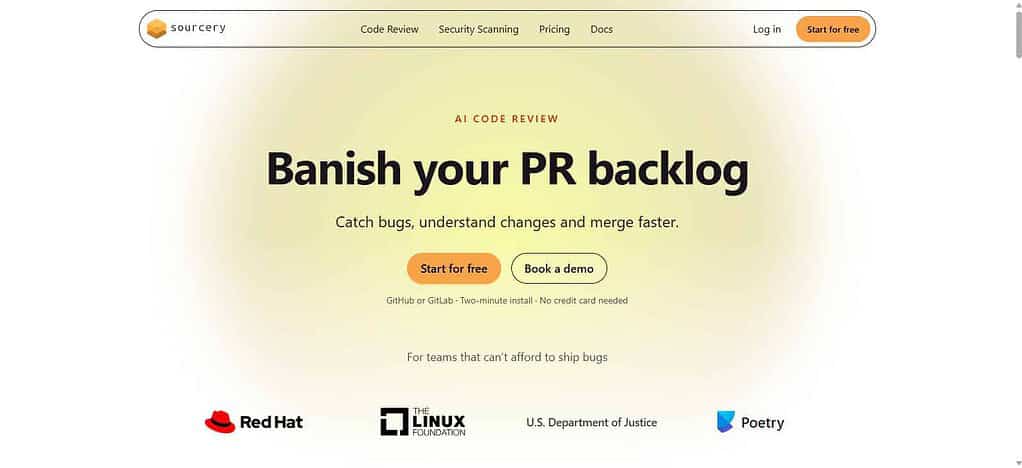
Team is $24 per seat/month if billed annually and open-source projects can get it for free. Sourcery also continually scans for security vulnerabilities, exposed secrets, infrastructure issues, and dependency CVEs. Its key strength is AI-aided review and remediation, not dedicated automated test generation.
Sourcery Features
- AI Code Review: Automatically analyzes code changes and provides suggestions for improving quality.
- Automated Refactoring: Helps developers identify and simplify unnecessarily complex code.
- Bug Detection: Can identify potential defects and problematic coding patterns.
- Security Analysis: Supports security-focused code analysis and vulnerability identification.
- Developer Productivity: Integrates AI assistance into pull-request and coding workflows to reduce repetitive review work.
| Pros | Cons |
|---|---|
| Strong AI-assisted code review and refactoring | More focused on code improvement than full testing infrastructure |
| Helps identify potential bugs and code-quality problems | Test-generation capabilities are less central |
| Provides automated refactoring suggestions | Some advanced capabilities require paid plans |
| Can reduce repetitive manual review work | Teams may need separate security/testing platforms |
| Useful for improving maintainability during development | Feature depth can vary across supported languages |
7. Semgrep
Semgrep is a application security and code-analysis platform focused on SAST, software composition analysis, secrets detection, and AI-assisted security remediation. The Free Edition costs $0 and includes cross-file analysis, AI-powered detection and remediation, 60 AI credits, and scanning of up to 10 repositories.
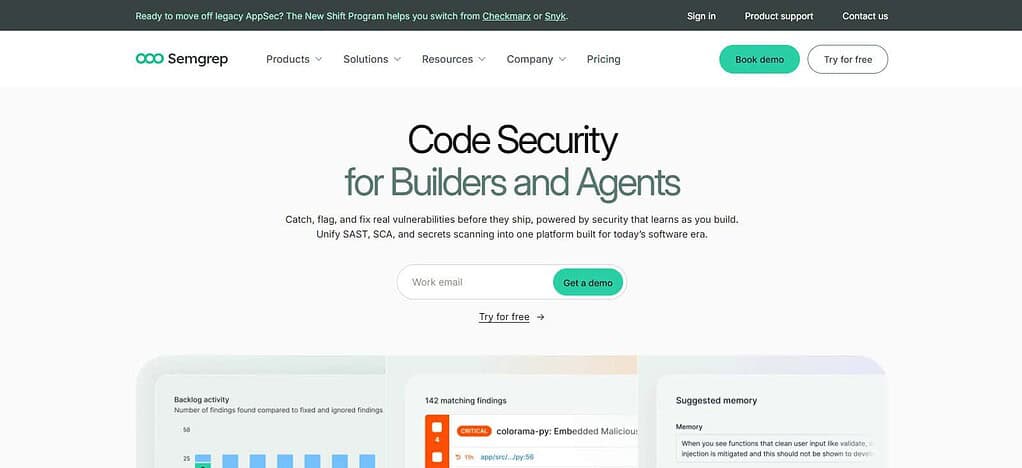
Pricing Teams begins at $30 per contributor/month (Code or Supply Chain), Secrets begins at $15 per contributor/month, or Enterprise is custom. Semgrep integrates with GitHub and GitLab auth, source-control environments, CI/CD pipelines and enterprise infrastructure. Its relevance to automated testing comes mostly from code analysis and security validation, not from traditional AI test generation.
Semgrep Features
- SAST: Performs static application security testing to identify vulnerabilities in source code.
- SCA: Detects risks associated with open-source dependencies and software supply chains.
- Secrets Detection: Helps identify exposed credentials and sensitive secrets.
- AI Security: Provides AI-assisted detection and remediation capabilities.
- CI/CD Security: Can be incorporated into development pipelines so security checks run before code reaches production.
| Pros | Cons |
|---|---|
| Strong SAST capabilities for application security | Primarily a security/code-analysis platform |
| Supports software composition analysis | Not a complete replacement for functional testing |
| Includes secrets detection | AI test generation is not its primary purpose |
| Integrates security checks into CI/CD | Security rules and findings may require tuning |
| Useful for finding vulnerabilities before deployment | Advanced enterprise functionality can increase cost |
8. Bito
Bito is a AI-powered developer productivity and code-review platform that helps teams to analyze code, generate documentation, explain changes, and automate development tasks. It can be sold as a Qodo alternative where teams want AI assistance within their development process, rather than a dedicated testing-only system.
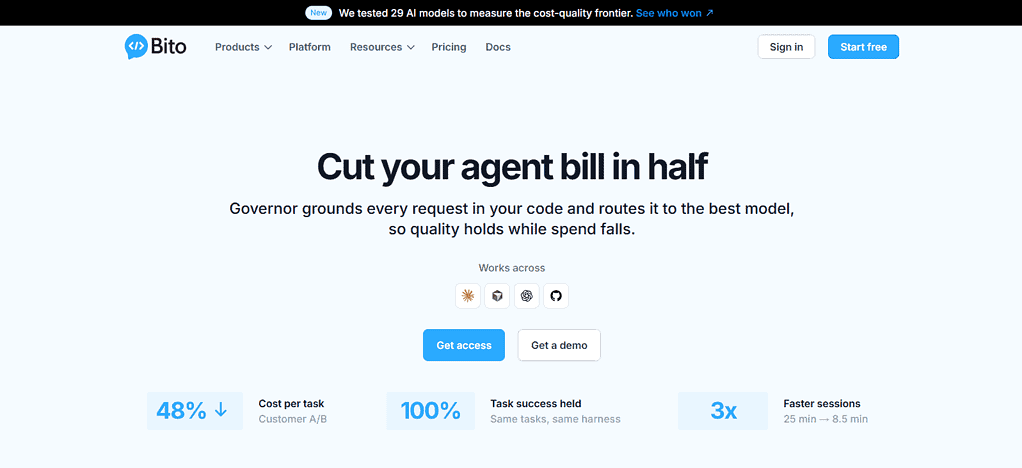
It provides AI-assisted code comprehension, review-centric workflows and developer automation with integrations focused on popular coding environments and repository workflows. Bito can help developers to create and improve code and tests for automated testing, but security testing is less central than dedicated AppSec platforms. Its primary category is AI developer productivity and code assistance.
Bitó Features
- AI Code Review – Automatically reviews pull requests and detects bugs, code smells, security vulnerabilities and other issues.
- Codebase Understanding: Understands code changes using repository context, symbol indexing, ASTs, and embeddings.
- Security Analysis: Static analysis, dependency vulnerabilities, linters, secrets scanning.
- Automated reviews: Reviews new pull requests automatically, and supports manual invocation of reviews.
- Custom Rules: Allows teams to build custom code review rules and engineering guidelines.
| Pros | Cons |
|---|---|
| AI-powered code review can identify bugs and vulnerabilities | AI review still requires human validation |
| Uses repository context for code analysis | Broader testing infrastructure may require other tools |
| Supports security checks, dependency analysis, and secrets scanning | Some advanced capabilities may depend on plan |
| Provides customizable review rules | Configuration may be needed for organization-specific standards |
| Integrates AI into developer workflows | More focused on AI-assisted development than dedicated test management |
9. Graphite Agent
Graphite Agent is an AI-powered code-review and developer workflow platform for pull requests and engineering productivity. Its agentic approach aims at inspecting code changes, finding potential problems and helping developers to fix issues during the review process.
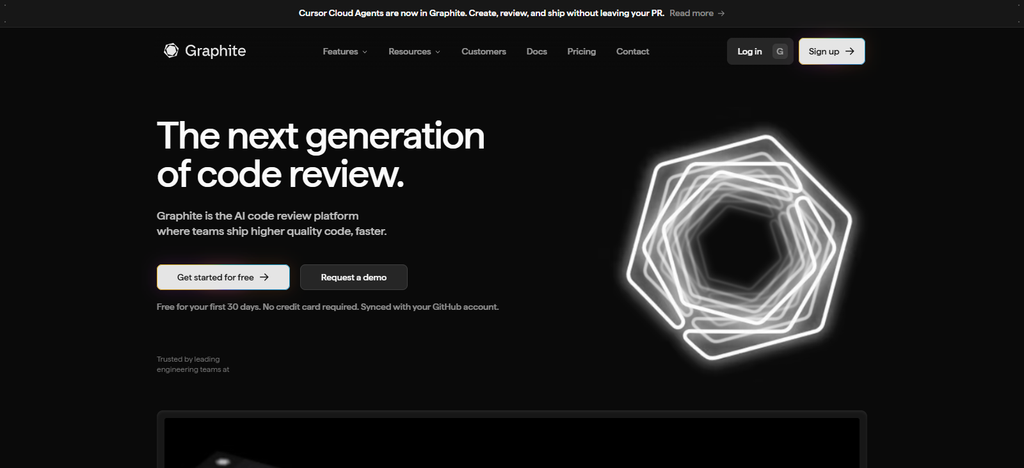
It’s especially relevant for teams that use GitHub-centric development workflows and stacked pull requests. “Graphite’s AI capabilities can help automate review and coding tasks, but it’s more accurate to characterize it as an AI code-review and developer-workflow platform than a pure test-generation tool.
For teams comparing Qodo rivals the primary benefit is its automated review feedback, workflow acceleration and integration with modern Git-based development practices.
Graphite Agent Features
- AI Code Review: Uses AI to review pull requests and provide automated review comments.
Bug Detection: Helps find potential bugs and issues before merging the code. - PR Workflow: Built for the modern pull-request and stacked-PR development workflows.
- Developer Support: Can accelerate the discovery of issues and aid developers in resolving review findings.
- Git Integration: Supports repository and pull request workflows to automate parts of the engineering review process.
| Pros | Cons |
|---|---|
| Automates parts of the pull-request review process | Primarily centered on PR workflows |
| Useful for AI-assisted bug detection | Not a full standalone automated testing suite |
| Fits modern Git-based development workflows | Teams may need additional security scanners |
| Can reduce repetitive reviewer workload | AI findings still require developer verification |
| Works well with developer-agent workflows | Advanced workflow features may require paid access |
10. Cursor Bugbot
Cursor Bugbot is an AI code-review and bug-detection tool for the Cursor development ecosystem. It aims to automatically review code changes and flag potential bugs or issues in pull requests, making it relevant for teams looking for AI-assisted automated testing and review. It’s not a full test-management platform, but its strength is in identifying problems in changed code.
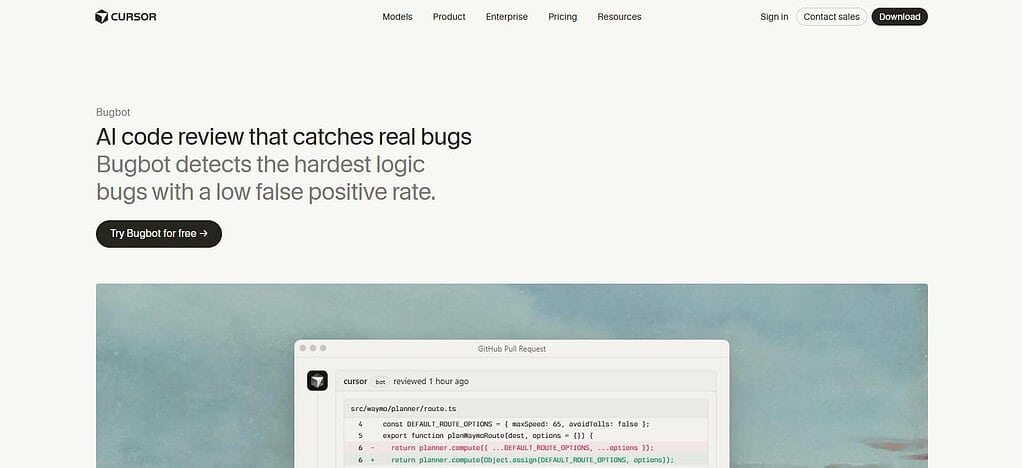
Cursor’s broader environment provides AI coding, agentic development, and debugging, and Bugbot takes those workflows into code review. Pricing and usage may be subject to the wider Cursor plan you’re on and any usage caps that apply, so teams should review the current Cursor pricing structure before deploying.
Cursor Bugbot Features
- Automated PR Review: Automatically reviews pull requests when they are created or updated.
Bug Detection: Finds possible bugs, describes them, and provides suggestions for fixing them.
Security Testing Verifies pull requests for vulnerabilities and security issues.
Custom Review Rules: Teams can define project-specific instructions inBUGBOT.mdand organization-level settings. - Multiple Integrations: Supports GitHub, GitLab, Bitbucket and Azure DevOps repository workflows
| Pros | Cons |
|---|---|
| Automatically reviews pull requests for potential bugs | Focuses mainly on PR review rather than complete test management |
| Can identify security-related issues | AI findings need human validation |
| Provides suggested fixes for detected problems | Usage can depend on the broader Cursor plan |
| Supports custom review instructions | May require tuning for project-specific review standards |
| Works with GitHub, GitLab, Bitbucket, and Azure DevOps workflows | Teams needing advanced test orchestration may need additional tools |
Conclusion
Qodo competitors for automated code testing offer developers a range of options for improving software quality, test coverage, security and code-review workflows. CodeRabbit, Greptile, GitHub Copilot, SonarQube, Codacy, Sourcery, Semgrep, Bito, Graphite Agent and Cursor Bugbot provide various features in AI testing, test generation, security analysis, integrations, pricing and repository support.
Rather than simply selecting based on the number of features, teams need to compare each platform based on their programming languages, testing requirements, CI/CD workflow, security needs, development environment, and budget. This approach helps to find a Qodo alternative that fits into the existing automated testing process of the team.
FAQ
What are Qodo rivals for automated code testing?
Qodo rivals are tools that provide similar or complementary capabilities for AI-powered code testing, code review, bug detection, test generation, security analysis, and development automation.
Which tools are alternatives to Qodo?
Popular Qodo rivals include CodeRabbit, Greptile, GitHub Copilot, SonarQube, Codacy, Sourcery, Semgrep, Bito, Graphite Agent, and Cursor Bugbot.
Can Qodo rivals generate automated tests?
Yes. Some alternatives can generate unit tests or help developers create additional test cases. However, testing capabilities differ between platforms, so teams should verify support for their specific languages and frameworks.
Do Qodo alternatives provide AI code review?
Yes. Several alternatives provide AI-powered pull-request or code review features that can identify bugs, code-quality issues, security problems, and potential improvements.