In this article I will discuss the Top Augment Code Rivals for Enterprise Devs, including tools that support large codebases, AI-powered development, security, integrations, and agentic workflows. The comparison covers top code assistants and agents, including their main features, pricing models, enterprise features, programming-language support, deployment options, codebase context, pros, and cons to help development teams evaluate possible alternatives.
What Is Augment Code Rivals?
Augment Code’s competitors are AI-powered coding assistants and development agents that offer alternatives to Augment Code for software engineering teams. These platforms assist developers to generate, review, debug, refactor, test and understand code when working on large or complex repositories.
Competitors with an enterprise focus may also offer advanced codebase context, autonomous coding agents, IDE and Git integrations, security controls, access management and deployment options. Popular examples are GitHub Copilot, Amazon Q Developer, Kiro, Cursor, Claude Code, Sourcegraph Cody, Gemini CLI, Qodo,
Aider, OpenAI Codex. They each have different capabilities, supported programming languages, pricing models, security features, and development workflows. Enterprises can compare tools against their engineering needs.
How To Choose Augment Code Rivals for Enterprise Devs
Understand Codebase Context – Determine if the tool can comprehend large repositories, multiple files, dependencies, documentation, and interconnected code without developers having to continually supply context.
Evaluate AI Coding Skills – Look at the platform’s support for code generation, autocomplete, debugging, refactoring, creating tests, documentation, code review, and other development tasks.
Agentic Workflows – Verify that the tool can work autonomously for multi-step tasks, run commands, modify multiple files, perform tests, and help with pull-request workflows.
Review Enterprise Security – Look for SSO, SAML, SCIM, RBAC, audit logs, encryption, data-retention policies, privacy controls, and policies around whether customer code is used for model training.
Compare IDE & Developer Integrations – Make sure it integrates with the team’s current IDEs, GitHub or GitLab repositories, command-line tools, CI/CD systems, code-review tools, and other development infrastructure.
Consider Deployment Requirements – Check to see if the platform offers cloud, dedicated, private, self-hosted or other deployment options that align with your organization’s security and compliance policies.
Check programming language support – Ensure the tool is compatible with the languages and frameworks used in your organization’s production repositories.
Understand Pricing & Usage Limits – Estimate total cost by comparing per-user pricing, usage or credit limits, model charges, enterprise minimums, overage charges, and custom-contract requirements.
Developer Workflow Compatibility with Tests – Try out typical tasks (legacy code analysis, refactoring of multiple files, bug fixing, test generation, documentation) to see how well it fits into existing workflows.
Check Enterprise Support & Governance – Look at admin dashboards, user management, support, analytics, policy controls, and governance features required to manage AI coding across large dev teams.
Key Points
| Rival | Best For | Core Enterprise Development Features |
|---|---|---|
| GitHub Copilot | Enterprise software teams | AI code completion, chat, code generation, reviews |
| Amazon Q Developer | AWS-centric organizations | Code generation, testing, cloud development assistance |
| Kiro | Enterprise application development | AI coding automation and development acceleration |
| Cursor | Developers seeking an AI-native IDE | Multi-file editing, AI agents, codebase indexing |
| Claude Code | Terminal-first developers | AI coding assistance, code reasoning, debugging |
| Sourcegraph Cody | Large enterprise codebases | Repository-aware coding assistance |
| Gemini CLI | Google Cloud and Gemini users | AI-assisted coding and workflow automation |
| Qodo | Code quality and testing teams | AI code review, automated test generation |
| Aider | Git-based development workflows | AI pair programming through the command line |
| OpenAI Codex | Autonomous software engineering tasks | AI coding agents and task execution |
1. GitHub Copilot
GitHub Copilot is a coding assistant using AI. GitHub was founded in 2008 and Copilot was released in 2021. Type of product: AI pair programr and code-writing agent. Pricing: Free, Pro from $10/user/month, Pro+ from $39, business and enterprise plans.

Enterprise security: Organizations can use centralized administration, audit controls, identity management and enterprise policies. Integrations & Deployment: Integrates with VS Code, Visual Studio, JetBrains IDEs, Vim, Neovim, GitHub CLI, GitHub.com.
AI Coding Capabilities: code completion, chat, code review, agents. Codebase Context: Repositories on GitHub and organizational knowledge. Languages: supports programming languages in public repositories.
GitHub Copilot Aspects, Benefits & Drawbacks
| Aspects | Benefits | Drawbacks |
|---|---|---|
| AI Coding | Code completion, chat, refactoring, review, and agentic coding workflows. | AI-generated code still requires developer validation. |
| Enterprise Integration | Strong GitHub, IDE, repository, and development-workflow integration. | Organizations outside the GitHub ecosystem may not get the same workflow benefits. |
| Codebase Context | Can work with repository and organizational context. | Context quality can vary with repository structure and task complexity. |
| Security & Governance | Enterprise administration, identity controls, policies, and governance features. | Advanced enterprise controls generally require higher-tier plans. |
| Developer Experience | Supports popular IDEs and familiar GitHub workflows. | Feature availability differs between plans and environments. |
2. Amazon Q Developer
Amazon web services (AWS) Amazon Q Developer is AWS’s AI-powered development assistant based on Amazon CodeWhisperer. Product Type: AI coding assistant & Software development agent. Pricing: Free tier, and the Pro tier is $19/user/month.
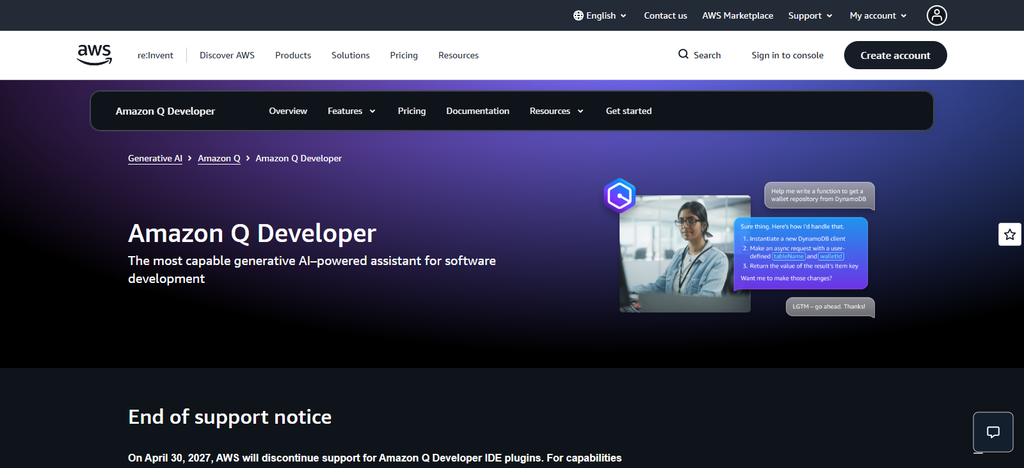
Enterprise Security: Pro comes with AWS Identity Center support, admin dashboards, controls, and IP indemnity. Integrations & Deployment: Works across IDEs and CLI and is deeply integrated with AWS development workflows.
AI Coding Capabilities code generation explanation debugging transformation testing agentic development Codebase Context: It can work on project, repository context and AWS resources. Languages: Supports major programming languages like Java, Python, JavaScript/TypeScript, C#, and more.
Amazon Q Developer Aspects, Benefits & Drawbacks
| Aspects | Benefits | Drawbacks |
|---|---|---|
| AWS Development | Strong fit for AWS services, infrastructure, and cloud-development workflows. | Less compelling for teams that do not use AWS extensively. |
| AI Coding | Generates, explains, transforms, debugs, and reviews code. | Output quality can vary by language and task. |
| Enterprise Security | Benefits from AWS identity, permissions, and enterprise cloud controls. | AWS configuration can add administrative complexity. |
| Codebase Context | Can use project and repository context for development tasks. | Teams may need additional configuration for broader organizational context. |
| Integrations | Works with IDEs, CLI workflows, and AWS tooling. | AWS-centric ecosystem may limit flexibility for multi-cloud teams. |
3 Kiro
Amazon Web Services Kiro is an agentic software development environment based on specification-driven workflows Founded/Launch: Kiro was launched by AWS in 2025. Product Type: AI IDE, Code Agent & Development Workflow Platform Pricing: Free tier, Pro $20/user/month, Pro+ $40, Pro Max $100, Power $200, and enterprise pricing.
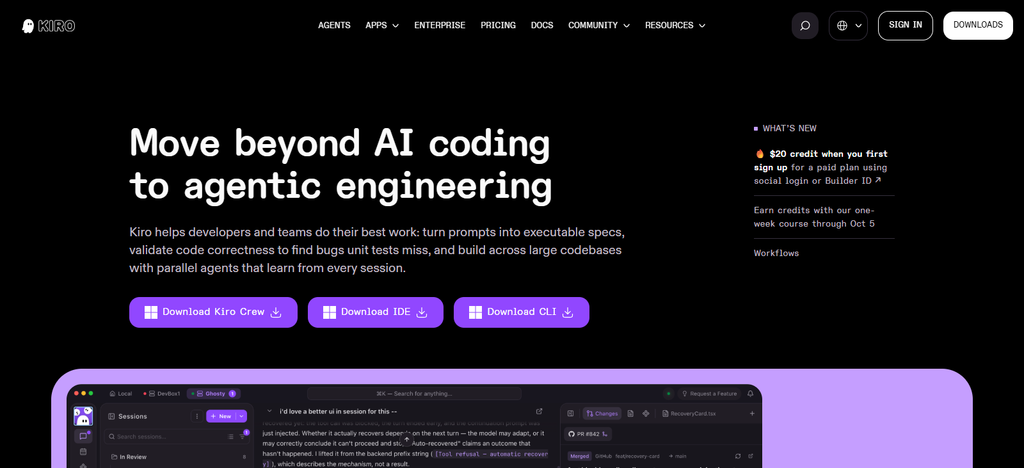
Enterprise Security: Enterprise offers centralized billing, SSO, usage analytics, and security controls. Integrations & Deployment Kiro IDE, CLI, web, compatible IDEs, CI/CD automation AI Coding Capabilities: agents, specifications, code generation, testing, and task performance. Codebase Context: Development aware of the project Languages: supports the common languages used in modern software development.
Kiro Aspects, Benefits & Drawbacks
| Aspects | Benefits | Drawbacks |
|---|---|---|
| Development Model | Specification-driven development helps teams define requirements before implementation. | Spec-driven workflows can add process overhead for simple coding tasks. |
| Agentic Coding | Supports agents, task execution, hooks, and structured development workflows. | Teams may need time to adapt existing development processes. |
| AWS Integration | Designed for strong AWS-oriented development workflows. | AWS-focused capabilities may be less relevant for non-AWS environments. |
| Enterprise Controls | Provides organizational management and enterprise-oriented controls. | Some advanced capabilities depend on plan and deployment configuration. |
| IDE Experience | Provides an AI-native development environment and CLI workflows. | Teams committed to another primary IDE may face workflow changes. |
4. Cursor
Anysphere Cursor is an AI-native code editor made by Anysphere, founded in 2022. Type of Product: AI code editor and agentic coding platform Pricing: $20/month for Individual plans, $40/user/month for Teams. Enterprise is custom pricing. Enterprise Security: SSO, SCIM, RBAC, audit logs, Privacy Mode, model controls, repository restrictions, and customer-managed encryption options available.
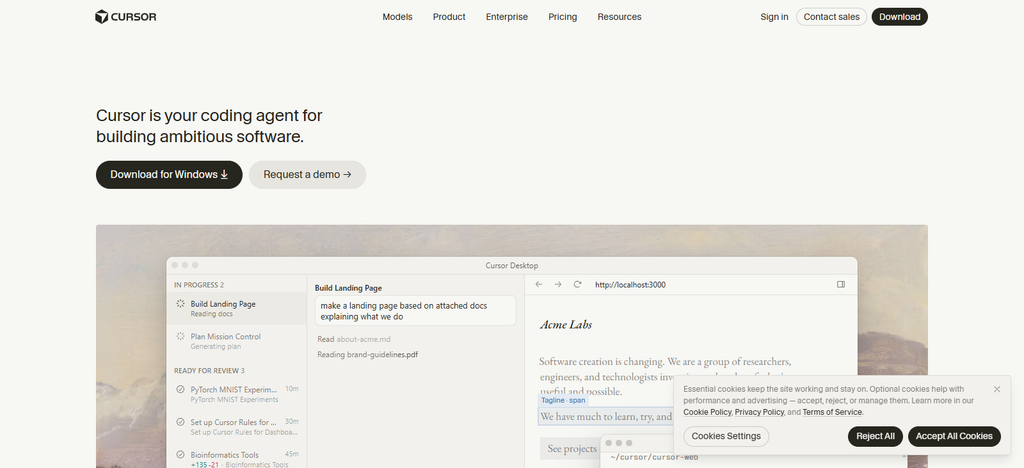
Integrations & Deployment: Windows, macOS, Linux, GitHub, MCP, CLI, cloud agents, and enterprise deployment controls. **AI Coding Skills: agentic editing, code generation, debugging, refactoring, code review, autonomous workflows. Codebase Context: Cursor can search and comprehend repositories. Languages: It supports major programming languages via its editor and model ecosystem.
Cursor Aspects, Benefits & Drawbacks
| Aspects | Benefits | Drawbacks |
|---|---|---|
| AI IDE | AI-native editor combines coding, chat, editing, and agents. | Teams may need to migrate from their preferred existing IDE. |
| Agentic Coding | Handles multi-file edits, debugging, refactoring, and longer coding tasks. | Higher usage can increase costs through metered or usage-based features. |
| Codebase Context | Repository search and project context support larger development tasks. | Complex repositories can still require developer guidance. |
| Enterprise Security | Business and enterprise controls support centralized administration and privacy requirements. | Advanced enterprise features may require higher-tier plans. |
| Model Flexibility | Supports multiple AI models and flexible coding workflows. | Different models can produce inconsistent outputs or behavior. |
5. Claude Code
Anthropic Code is Anthropic’s terminal-first AI coding agent, released in 2025. Product Type: Agentic coding assistant for terminal and supported IDE workflows. Pricing: Available through Claude plans like Team and Enterprise, plus usage-based enterprise deals too.
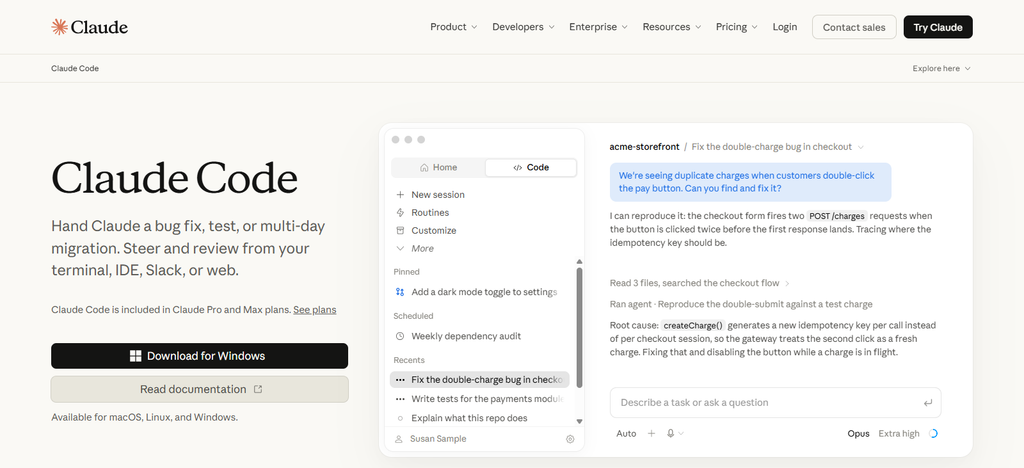
Enterprise Security: Enterprise organizations get admin controls, workspace permissions and enterprise-class data and access management. Integrations & Deployment: Claude Code runs in your terminal and is supported in VS Code, Cursor, and JetBrains IDEs.
AI Coding Features: repository analysis, code generation, debugging, refactoring, testing, command execution, multi-step task delegation. Codebase Context: Analyzes project files and repository structure to do stuff. Languages: works with popular programming languages that fit Claude’s coding workflows.
Claude Code Aspects, Benefits & Drawbacks
| Aspects | Benefits | Drawbacks |
|---|---|---|
| Agentic Development | Strong terminal-based workflow for multi-step coding tasks. | Terminal-first workflow may be less comfortable for GUI-focused developers. |
| Codebase Understanding | Can inspect repositories, files, dependencies, and project instructions. | Large tasks can consume substantial model usage. |
| Automation | Useful for refactoring, testing, debugging, and command execution. | Autonomous commands require appropriate permissions and review. |
| Enterprise Use | Available through business and enterprise-oriented Claude plans. | Cost can increase with intensive usage or higher-capacity plans. |
| Integrations | Works with terminal workflows and supported IDE environments. | Not a standalone traditional IDE replacement for every team. |
6. Sourcegraph Cody
The Sourcegraph Cody is an AI-powered coding assistant by Sourcegraph built on enterprise code intelligence. Founded: Sourcegraph was founded in 2013. Type of Product: AI coding assistant and codebase intelligence platform.
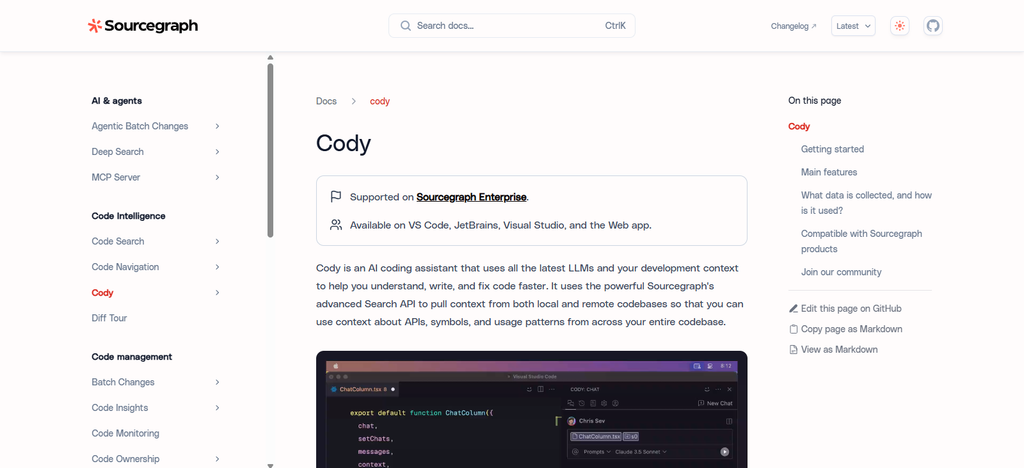
Pricing: Enterprise Dedicated Cloud is priced at $59/user/month and requires a minimum of 25 developers. Self-hosted deployment is available via sales. Enterprise Security: Enterprise options include administrative controls, guardrails, context filters, and dedicated or self-hosted deployment.
Integrations & Deployment: Major code host integrations, IDE workflows, Dedicated Cloud, Self-Hosted deployment. ** Coding skills with AI: generation, explanations, tests, docs, codebase questions. Codebase Context: multi-repository context and code search are core strengths. Languages: supports large enterprise programming language environments.
Sourcegraph Cody Aspects, Benefits & Drawbacks
| Aspects | Benefits | Drawbacks |
|---|---|---|
| Code Intelligence | Strong emphasis on repository search and codebase understanding. | Setup can be more involved than lightweight coding assistants. |
| Large Codebases | Designed around code intelligence and multi-repository context. | Enterprise functionality can involve higher costs and configuration. |
| Enterprise Deployment | Enterprise and self-hosted options can support organizations with specific deployment needs. | Self-hosting increases infrastructure and maintenance responsibilities. |
| AI Coding | Supports code generation, explanations, testing, and development assistance. | Value is highest for teams that need deep code intelligence. |
| Integrations | Supports IDE and source-code management workflows. | Teams should verify compatibility with their complete development stack. |
7. Gemini CLI
Google Gemini CLI is an open-source terminal-based AI development agent from Google, powered by Gemini models. Launch: Gemini CLI launched in 2025. Product type: Command line AI coding agent. **Pricing:**usage is free, with higher limits available via Gemini Code Assist subscriptions or pay-as-you-go options.
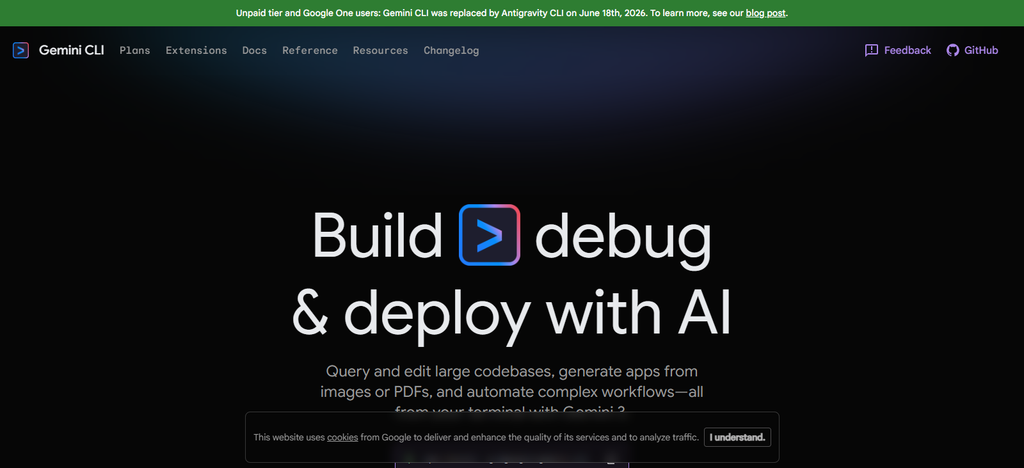
Enterprise Security: Enterprise use can be administered via Google Cloud and Gemini Code Assist administration. Integrations & Deployment: It’s terminal-first, is cross-developer-environment, and plays well with existing command line workflows.
AI coding capabilities: code generation, debugging, explanations, file operations, task execution and agentic workflows. Codebase Context: it can inspect files within the framework of the project and repository Languages: supports common programming languages controlled by Gemini models.
Gemini CLI Aspects, Benefits & Drawbacks
| Aspects | Benefits | Drawbacks |
|---|---|---|
| CLI Workflow | Provides a terminal-first interface for AI-assisted development. | Developers who prefer GUI-only workflows may find CLI interaction less convenient. |
| AI Coding | Supports generation, debugging, file operations, explanations, and agentic tasks. | Results depend on model capabilities and available usage limits. |
| Open Source | Open-source CLI approach enables inspection and customization. | Open-source tooling can require more technical administration. |
| Google Ecosystem | Useful for teams already using Google Cloud and Gemini services. | Enterprise teams outside Google Cloud may have fewer ecosystem advantages. |
| Codebase Context | Can inspect project files and repository context. | Developers must still verify changes across complex projects. |
8. Qodo
Qodo Qodo is an AI code quality and review platform to improve software quality in development workflows. Founded: Qodo was founded in 2022 as CodiumAI and rebranded to Qodo. Product Type: AI code review and quality platform.
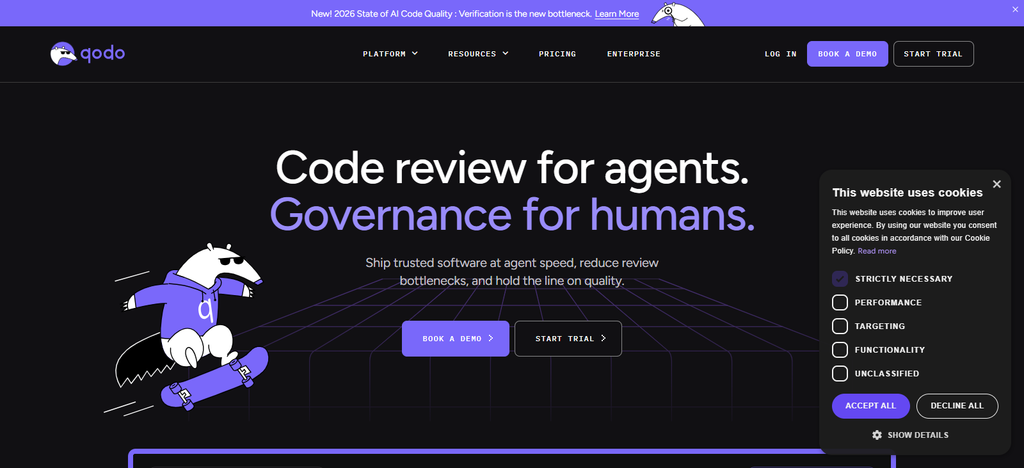
Pricing: Pro Team starting at $30 and Enterprise using custom pricing and supporting larger organizations. Enterprise Security: Available SSO/SAML, audit logs, governance analytics, BYOK, strict data retention, single-tenant SaaS, on-premises or air-gapped deployment Integrations & Deployment Git, IDEs, Gerrit, PR workflows,
CLI, Enterprise deployment AI Coding Capabilities: agentic PR reviews, quality checks, test workflows and custom rules. Codebase Context: supports cross-repo context. Languages: built for multilingual and polyglot codebases.
Qodo Aspects, Benefits & Drawbacks
| Aspects | Benefits | Drawbacks |
|---|---|---|
| Code Quality | Focuses strongly on AI-powered code review, testing, and quality workflows. | Less centered on replacing the complete IDE experience. |
| Enterprise Governance | Enterprise features can support security, governance, and controlled deployments. | Advanced enterprise functionality may require custom plans. |
| Code Review | Useful for pull-request analysis and automated quality checks. | Teams primarily seeking autocomplete may find its quality-first approach broader than necessary. |
| Customization | Supports custom rules and organization-specific quality workflows. | Initial rule configuration can require engineering effort. |
| Integrations | Works across Git and development workflows. | Teams should evaluate integration depth for their existing toolchain. |
9. Aider
Aider is an open-source AI pair-programming tool that works in the terminal. Founded/Launch: Aider was created in 2023 as an open-source project. Product Type: Terminal AI coder assistant. Pricing The software is open source itself.
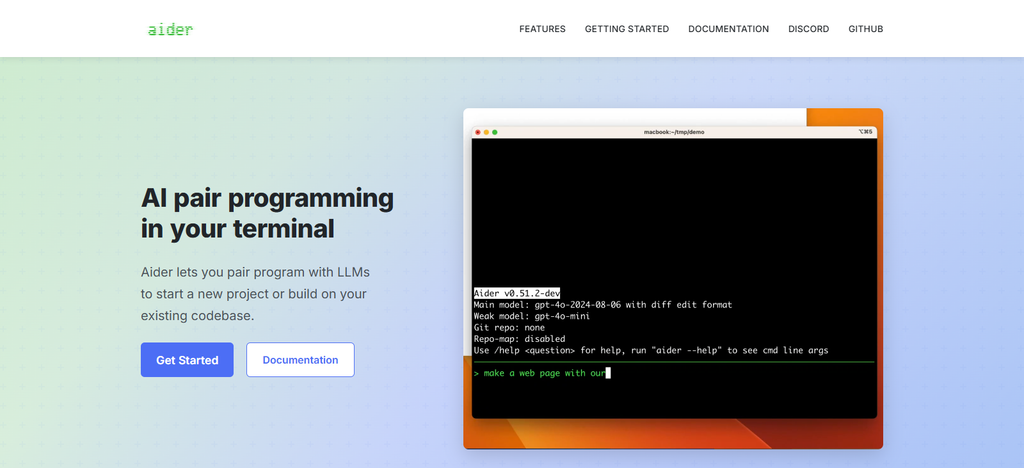
Normally you pay the model provider underneath when you use hosted LLMs, but you can also hook up local models. Enterprise Security: Security is very much dependent on the model provider you select and local deployment configuration.
Integrations & Deployment: git-integrated, IDE-compatible, terminal-first, connects to cloud or local LLMs. AI Coding Abilities: code editing, refactoring, testing, linting, bug fixing and pair programming. Codebase Context: describes the code base of larger projects. Languages: 100+ programming languages supported.
Aider Aspects, Benefits & Drawbacks
| Aspects | Benefits | Drawbacks |
|---|---|---|
| Open Source | Provides an open-source terminal-based AI coding workflow. | Enterprise teams may need to manage more infrastructure themselves. |
| Model Flexibility | Can work with different hosted and local AI models. | Model configuration and provider management can increase complexity. |
| Git Integration | Designed around Git-aware coding and incremental changes. | Developers need familiarity with terminal and Git workflows. |
| Privacy | Local-model options can support privacy-focused deployments. | Privacy depends on the selected model provider when using cloud APIs. |
| Cost | Software is open source, allowing flexible model-provider choices. | Total cost depends on model usage and infrastructure. |
10. OpenAI Codex
OpenAI Codex is OpenAI’s agentic coding system, building on the company’s original Codex research launched in 2021. Product Type: AI coding agent for repository level software development. Pricing: Codex is available on eligible ChatGPT plans, and Business and Enterprise teams can use Codex, and where available, pay-as-you-go usage billed based on token consumption.
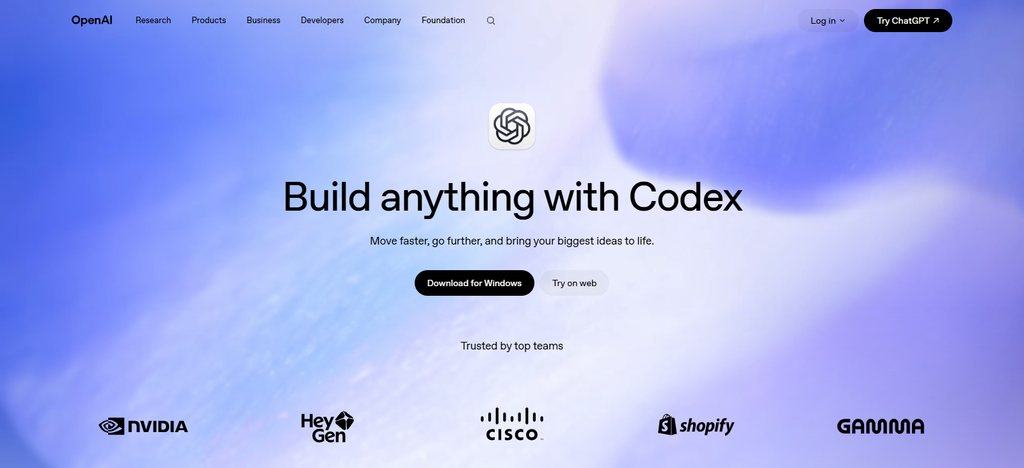
Enterprise Security: Enterprise governance with workspace permissions, RBAC, SCIM linked groups, telemetry and controlled agent access. Integrations & Deployment: GitHub repo integration, cloud coding, terminal workflow, ChatGPT workspace integration.
AI Coding Capabilities: code generation, debug, refactor, test, review repo, automated task execution Codebase Context: looks at repositories and project structure. Languages: Supports the major programming languages used in software development.
OpenAI Codex Aspects, Benefits & Drawbacks
| Aspects | Benefits | Drawbacks |
|---|---|---|
| Agentic Coding | Designed for repository-level coding, debugging, testing, and multi-step development tasks. | Autonomous workflows still require review and appropriate access controls. |
| Codebase Context | Can work with repository structure and project files for coding tasks. | Complex projects may still require detailed developer instructions. |
| Cloud Development | Supports cloud-based coding environments and repository workflows. | Cloud execution can introduce governance and usage considerations. |
| Enterprise Use | Business and enterprise environments can apply organizational access and governance controls. | Pricing and usage can vary according to plan and consumption. |
| Developer Workflow | Useful for terminal, repository, and agent-based development. | Teams may need to adapt workflows built around traditional IDE assistants. |
Comparison Table: Augment Code Rivals for Enterprise Devs
| Tool | Product Type | AI Coding & Agents | Codebase Context | Enterprise Security | Integrations & Deployment | Languages | Pricing Model |
|---|---|---|---|---|---|---|---|
| GitHub Copilot | AI coding assistant & agent | Completion, chat, code review, agentic coding | Repository and organizational context | Enterprise policies, identity and admin controls | GitHub, VS Code, Visual Studio, JetBrains, CLI | Major programming languages | Free, Pro, Pro+, Business & Enterprise |
| Amazon Q Developer | AI coding assistant & agent | Generation, debugging, testing, transformation, AWS assistance | Project and repository context | AWS identity, permissions and enterprise controls | AWS, IDEs, CLI | Python, Java, JavaScript/TypeScript, C#, and others | Free tier + Pro and enterprise options |
| Kiro | AI IDE & coding agent | Specs, agents, code generation, testing, task execution | Project-aware context | Enterprise administration and security controls | Kiro IDE, CLI, supported development environments | Major modern programming languages | Free + paid plans + Enterprise |
| Cursor | AI-native code editor & agent | Agentic editing, refactoring, debugging, code generation | Repository search and project context | SSO, SCIM, RBAC, privacy and admin controls | Windows, macOS, Linux, GitHub, MCP, CLI | Broad programming-language support | Individual, Teams & Enterprise |
| Claude Code | Terminal AI coding agent | Coding, debugging, refactoring, testing, command execution | Repository and project-file context | Team/Enterprise access and administration | Terminal, VS Code, JetBrains, Cursor | Broad language support | Claude plans + usage-based options |
| Sourcegraph Cody | AI coding & code-intelligence platform | Generation, explanation, testing, code assistance | Multi-repository and code intelligence | Enterprise governance, controls, dedicated/self-hosted options | IDEs, code hosts, Dedicated Cloud, Self-Hosted | Broad enterprise language support | Enterprise/custom pricing |
| Gemini CLI | Open-source CLI coding agent | Generation, debugging, file operations, agentic tasks | Project files and repository context | Google Cloud/Gemini enterprise administration | Terminal and Google developer ecosystem | Major programming languages | Free usage + subscription/pay-as-you-go options |
| Qodo | AI code-quality & review platform | PR review, testing, quality checks, coding workflows | Repository and cross-repository context | SSO/SAML, audit controls, BYOK, private/air-gapped options | Git, IDEs, Gerrit, PR workflows, CLI | Polyglot codebases | Team + Enterprise/custom |
| Aider | Open-source terminal coding assistant | Editing, refactoring, testing, debugging, pair programming | Git-aware codebase mapping | Depends on deployment and model provider | Terminal, Git, local/cloud models | 100+ languages | Open source + model usage costs |
| OpenAI Codex | Agentic coding platform | Generation, debugging, testing, refactoring, repository tasks | Repository and project context | Business/Enterprise workspace and access controls | GitHub, cloud coding environments, terminal, ChatGPT | Major programming languages | Included/available through eligible plans + usage options |
Conclusion
The selection of the best Augment Code alternatives depends on the codebase complexity, development workflow, security needs, integrations, and budget of an enterprise team.
GitHub Copilot, Amazon Q Developer, Kiro, Cursor, Claude Code, Sourcegraph Cody, Gemini CLI, Qodo, Aider and OpenAI Codex each provide a different take on AI-assisted development, from IDE-based coding to standalone repository-level agents.
Before adoption, businesses need to compare codebase context, supported languages, agentic capabilities, deployment options, control of access, data policies, and pricing. The right choice will depend on the existing tools, compliance needs, developer preferences and the level of automation required across the software development lifecycle of the organization.
FAQ
What are the top Augment Code rivals for enterprise developers?
Popular options include GitHub Copilot, Amazon Q Developer, Kiro, Cursor, Claude Code, Sourcegraph Cody, Gemini CLI, Qodo, Aider, and OpenAI Codex. Each differs in codebase context, agentic capabilities, security controls, integrations, deployment, and pricing.
Which Augment Code rivals support large enterprise codebases?
Several tools provide repository or project-level context, including GitHub Copilot, Cursor, Claude Code, Sourcegraph Cody, Amazon Q Developer, and OpenAI Codex. Enterprises should evaluate how each tool handles multi-file reasoning, repositories, dependencies, and access permissions.
What features should enterprises compare when choosing an Augment Code alternative?
Key factors include AI coding capabilities, codebase context, agentic workflows, programming-language support, IDE integrations, Git providers, SSO, RBAC, audit controls, deployment options, data policies, pricing, and usage limits.
How much do Augment Code alternatives cost?
Pricing varies considerably. Some offer free tiers, while others use monthly per-user plans, usage-based billing, credits, or custom enterprise contracts. Teams should also consider model usage, additional credits, minimum seats, and enterprise support when calculating total cost.
Which Augment Code rivals offer enterprise security features?
Enterprise-oriented platforms may provide features such as SSO, SAML, SCIM, RBAC, audit logs, data-retention controls, encryption, administrative policies, and private or dedicated deployment. Availability varies by product and plan.
Do Augment Code alternatives support multiple programming languages?
Yes. Most major AI coding assistants support multiple programming languages, although capabilities can vary by language and model. Commonly supported languages include Python, JavaScript, TypeScript, Java, C++, C#, Go, Rust, and PHP.