In this article, I will discuss the Best Enterprise Browser Management Platforms for enterprises looking for better browser security, centralized policy management, extension control, data protection, and secure access. In this comparison, I will talk about the leading platforms on their core features, device coverage, deployment options, integrations, pricing, security features, and enterprise use cases so that organizations can find the right solution for their needs.
What Are Enterprise Browser Management Platforms?
Enterprise Browser Management Platforms are centralized security and management platforms that enable organizations to control, monitor, and secure the browsers that employees use to access corporate applications, websites, and sensitive data.
They enable IT teams to enforce browser policies, control extensions, manage access, protect corporate information, support BYOD environments, and monitor browser security across devices.
Capabilities can also include identity-based access, data-loss prevention, browser isolation, threat protection, compliance controls, reporting and integrations with existing identity, endpoint and security systems — depending on the platform.
Why Do Enterprises Need Browser Management Platforms?
Centralized Browser Control IT teams can manage browser settings, security policies, updates, configurations, and user permissions across all users from a single management console.
Data Protection — Organizations can limit browser activities such as downloads, uploads, copy/paste, printing, screenshots, and others to prevent unauthorized exposure of sensitive business information.
Extension Management — Admins can find, enable, block, approve, or deploy browser extensions to help mitigate risk from malicious or unnecessary add-ons.
BYOD Security — Browser management platforms can help secure corporate applications and data when employees, contractors or partners use personal, unmanaged devices.
Secure SaaS Access – Companies can enforce security and access policies when employees use cloud apps like CRM, productivity, collaboration, and financial platforms.
Identity-Based Access — Organizations can link browser security to identity systems to enforce different policies based on users, roles, devices, locations, and access conditions.
Protection Against Browser Threats — These platforms can help protect against phishing, malicious websites, credential theft, session attacks, unsafe downloads and other browser-based risks.
Compliance and Visibility — Centralized policies, visibility into activity, audit information, and security controls can help enterprises meet their internal governance and regulatory requirements.
** Remote Workforce Protection** — Uniform security policies are applied to remote employee access to business resources, removing the reliance solely on the corporate network.
Reduced IT Complexity — Centralized browser administration lowers the manual configuration work and offers a consistent security baseline across large numbers of users and devices.
Key Points
| Enterprise Browser Management Platform | Best For | Key Strength |
|---|---|---|
| Microsoft Edge for Business | Microsoft 365 enterprises | Strong Microsoft 365 and Entra integration |
| Google Chrome Enterprise | Google Workspace and mixed-device organizations | Mature cross-platform browser management |
| Island Enterprise Browser | Secure enterprise browsing and BYOD | Enterprise browser built around security and data control |
| Palo Alto Networks Prisma Access Browser | Zero-trust enterprise browsing | Strong integration with Palo Alto security ecosystem |
| Menlo Security | Browser security and isolated enterprise access | Broad browser support plus cloud isolation |
| Netskope One Enterprise Browser | SASE and data security | Combines enterprise browser controls with Netskope SASE |
| Cloudflare Browser Isolation | Remote browser security | Cloud-native isolation integrated with Zero Trust |
| Cato Enterprise Browser | Secure access for SaaS and private applications | Browser-based ZTNA without requiring the Cato Client |
| CrowdStrike Falcon Secure Browser / Seraphic | Endpoint and browser security | Combines browser protection with CrowdStrike security |
| Push Security | Browser-extension-based security | Adds enterprise security controls without replacing the existing browser |
1. Microsoft Edge for Business
Microsoft Edge for Business also supports centralized browser management via the Edge management service, and includes controls for browser policies, security settings, AI capabilities, extensions, branding, and browser version management.

IT teams can manage extensions individually or via broader policies, including allow/block and deployment controls. It’s Windows-centric, but also supports management across macOS, iOS, and Android, and Edge is already available on Windows for easier deployment.
It natively integrates with Microsoft 365 and Entra-based environments. The price is based on the Microsoft licensing agreement, not on a separate public price for browser management.
Best For — Microsoft Edge for Business
- Microsoft-Centric Enterprises — Ideal for organizations that are already using Microsoft 365, Entra ID, Intune and other Microsoft security services.
- Centralized Browser Management — Ideal for IT teams that require centralized control of browser settings, policies, updates and configurations.
- Windows-Based Workforces – Ideal for organizations where Windows PCs are the primary employee devices.
- Enterprise Productivity — Best for organizations that want tightly integrated browser management with Microsoft 365 applications and services.
- Large Corporate Environments — Good for organizations that need scalable administration, policy enforcement, reporting and enterprise security controls.
| Key Strength | Details |
|---|---|
| Microsoft Integration | Deep integration with Microsoft 365, Entra ID, Intune, and Microsoft security services. |
| Centralized Management | Enables administrators to manage browser policies, configurations, updates, and settings centrally. |
| Enterprise Productivity | Connects browser workflows closely with Microsoft 365 applications and organizational services. |
| Security Controls | Provides enterprise security policies, identity controls, and protection features for managed browsing. |
| Windows Ecosystem | Particularly strong for organizations operating large Windows-based workforces. |
2. Google Chrome Enterprise
Google Chrome Enterprise with Chrome Enterprise Core offers cloud-based browser management that enables admins to set hundreds of policies, manage applications and extensions, track browser versions and apply controls to users, devices and groups. On Windows, macOS, Linux and ChromeOS you can manage Chrome.
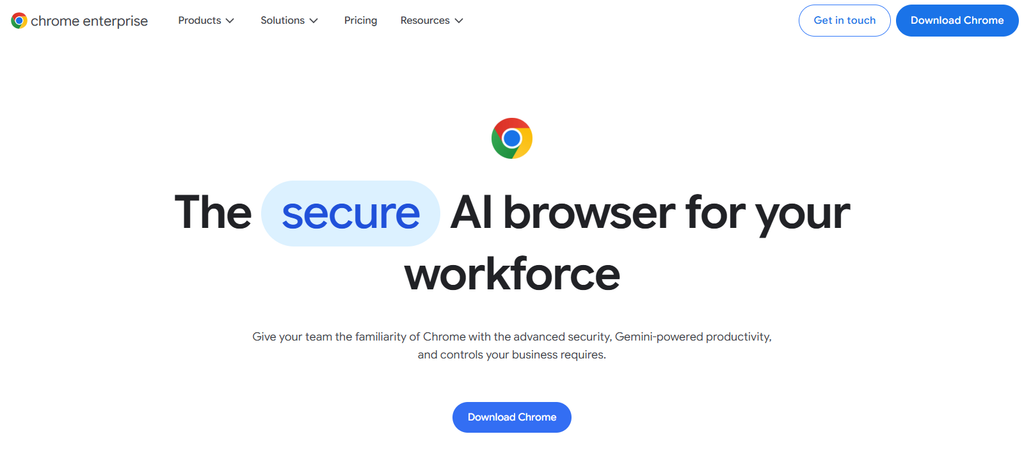
Administrators can deploy extensions, block extensions that are not wanted, and create policies to manage extensions. Chrome Enterprise Core is free, and Chrome Enterprise Premium, which provides advanced security, DLP, context-aware access, and better reporting, is publicly priced at $6 per user/month.
Best For — Google Chrome Enterprise
- Chrome-Based Workforces — Perfect for businesses that normalize employee browsing around Google Chrome.
- Cloud-Based IT Management — Designed for teams that want to centrally manage browser policies, applications and extensions in the cloud.
Google Workspace Organizations — The natural choice for companies with significant investments in Google Workspace and Google Cloud services.
Cross-platform Environments — Good for companies running Chrome on Windows, MacOS, Linux and ChromeOS. - Extension Governance – Best for IT teams who want centralized control of browser extensions and web apps.
| Key Strength | Details |
|---|---|
| Cloud Management | Provides centralized cloud-based administration for Chrome browsers and devices. |
| Extension Control | Gives IT administrators extensive capabilities for managing, allowing, blocking, and deploying extensions. |
| Cross-Platform Support | Supports enterprise Chrome management across major desktop operating systems and ChromeOS. |
| Google Ecosystem | Works naturally with Google Workspace, Google Cloud, and Google identity services. |
| Policy Flexibility | Offers a broad range of administrative policies for controlling browser behavior and enterprise configurations. |
3. Island Enterprise Browser
Island is an enterprise browser built for purpose with security, access control, device posture, data protection and productivity features built right into the browser. Administrators can implement conditional policies based on identity, device, network, location and application with controls on downloads, printing, screenshots, and copy/paste.

Island is available for Windows, macOS, Linux, ChromeOS, iOS, iPadOS, Android and IGEL OS. Its extension is available for Chrome, Edge, Safari, Firefox and Chromium-based browsers. It also delivers SIEM visibility and Zero Trust access. Island does not provide standard pricing, but instead offers enterprise pricing based on quotes.
Best For — Island Enterprise Browser
- High Security Enterprises — Best for organizations that want security controls baked into an enterprise browser.
BYOD Workforces — Good for securing corporate applications and data on personal or unmanaged devices.
SaaS Security – Of value to those organizations that use sensitive enterprise applications via web browsers. - Zero Trust Environments — Best for organizations with identity-, device-, and context-based access policies.
- Data Protection — Great for businesses that require browser-level control for downloads, uploads, copy/paste, screenshots and printing.
| Key Strength | Details |
|---|---|
| Security-First Browser | Builds enterprise security controls directly into the browsing environment. |
| Data Protection | Provides controls designed to protect sensitive information from unauthorized copying, downloading, printing, and sharing. |
| Conditional Access | Can apply policies based on user identity, device posture, location, and application context. |
| BYOD Protection | Helps organizations secure business applications and data when users work from unmanaged devices. |
| Enterprise Visibility | Provides centralized administrative visibility into browser activity, applications, and security policies. |
4. Palo Alto Networks Prisma Access Browser
Palo Alto Networks Prisma Access Browser provides secure enterprise browsing with identity, device-posture, access, threat-prevention and data-protection controls. Organizations can deploy Prisma Browser as a standalone managed browser or through its extension for Chrome, Edge, and other Chromium-based browsers.

This extension can be used on Windows, macOS and ChromeOS, and can provide visibility, phishing protection, login enforcement and browser security without immediately replacing users’ existing browsers. Deployment can use Intune, Jamf, Workspace ONE, MSI or any other method. Public Prisma Browser for Business pricing starts at $10/user/month or $99/user/year and enterprise bundles can use custom licensing.
Best For — Palo Alto Networks Prisma Access Browser
- Zero Trust Security — Best for organizations wanting browser security integrated with a broader Zero Trust architecture.
- Prisma Access Customers — Particularly suitable for businesses already using Palo Alto Networks security infrastructure.
- Secure Remote Access — Useful for protecting employees and contractors accessing corporate resources remotely.
- BYOD Security — Best for controlling access and protecting company data on unmanaged devices.
- Enterprise Threat Protection — Suitable for organizations prioritizing phishing, malware, browser, identity, and data-security controls.
| Key Strength | Details |
|---|---|
| Zero Trust Integration | Combines browser security with identity, access, device posture, and Zero Trust controls. |
| Threat Prevention | Helps protect browser sessions against phishing, malicious websites, and other web-based threats. |
| Data Security | Provides browser-level controls designed to reduce unauthorized access and movement of sensitive information. |
| Palo Alto Ecosystem | Strong fit for organizations already using Prisma Access and other Palo Alto Networks security technologies. |
| Flexible Deployment | Supports enterprise deployment approaches for managed and unmanaged environments. |
5. Menlo Security
Menlo Security Secure Enterprise Browser offers browser security, secure application access, data loss prevention controls, and protection from browser-borne threats. It uses a hybrid architecture with the Menlo Secure Extension for local visibility and control, and can inspect and disarm high risk browsing via the Menlo Cloud.

It extends policies to Chrome and Edge and is built for employees, contractors and third parties with no traditional endpoint-agent rollout needed. Menlo offers centralized management and unified policies for security and visibility.
The pricing is based on the products deployed, user licenses and add-ons, and can be estimated via self-service or customized enterprise quotes.
Best For — Menlo Security
- Secure Web Browsing — Best for organizations wanting protection against web-based threats without relying entirely on endpoint security.
- High-Risk Internet Access — Suitable for businesses dealing with potentially malicious websites, downloads, and browser content.
- Remote Workforce Security — Useful for protecting employees who regularly access the internet from outside corporate networks.
- Third-Party Access — Best for contractors, partners, and other users who need controlled access to business resources.
- Browser Threat Isolation — Suitable for organizations looking for cloud-based isolation and browser security capabilities.
| Key Strength | Details |
|---|---|
| Web Threat Isolation | Separates potentially dangerous web activity from the endpoint to reduce browser-based attack exposure. |
| Cloud Security Architecture | Uses cloud-based security infrastructure to inspect and protect web sessions. |
| Secure Browsing | Designed to protect users from malicious websites, downloads, and web content. |
| Third-Party Protection | Useful for securing browsing and application access for contractors and external users. |
| Data Security | Helps control sensitive information moving through browser-based activities. |
6. Netskope One Enterprise Browser
Netskope One Enterprise Browser brings Netskope SSE security to unmanaged devices, BYOD users, contractors and corporate applications. Administrators across SaaS and private applications can deploy browser-level controls that limit copying, pasting, printing, screenshots, screen sharing, watermarking and other data-protection actions.
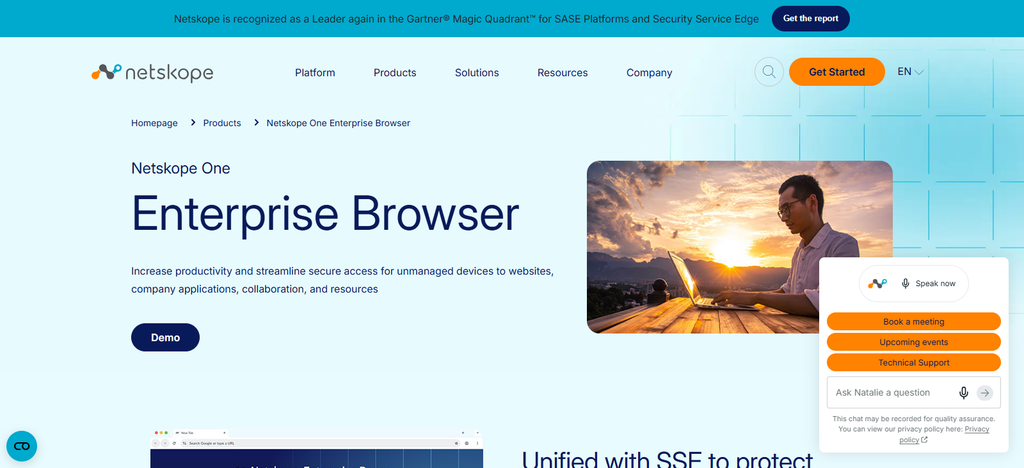
Its extension governance capabilities allow administrators to set default allow/block behavior, create exception allow lists, and force-install approved extensions. The browser is built on Chromium and is integrated with Netskope’s broader SSE, CASB, SWG, NPA, DLP, identity, and threat-protection capabilities. Pricing is generally on enterprise quote basis than published as standard price per user.
Best For — Netskope One Enterprise Browser
- Data Loss Prevention — Ideal for organizations that require detailed controls over sensitive data accessed via web applications.
- SaaS Security — For organizations that rely on cloud applications and SaaS platforms.
BYOD and Unmanaged Devices — This is useful for when employees, contractors, or partners are accessing corporate applications from personal devices.
Enterprise Data Governance – Ideal for organizations requiring centralized security policies, visibility, control of access, and data protection.
| Key Strength | Details |
|---|---|
| Data-Centric Security | Strong focus on protecting sensitive data accessed through SaaS and web applications. |
| Netskope SSE Integration | Connects enterprise browser security with Netskope’s broader SSE, CASB, SWG, DLP, and private-access capabilities. |
| BYOD Security | Designed to protect corporate applications and data on unmanaged and personal devices. |
| Granular Controls | Supports detailed controls around copying, pasting, downloading, printing, screenshots, and other browser activities. |
| SaaS Visibility | Particularly strong for organizations with extensive cloud and SaaS application usage. |
7. Cloudflare Browser Isolation
Cloudflare Browser Isolation takes a different approach, with active web content executing remotely at the Cloudflare edge, rather than on the endpoint. Organizations can set policies for websites, SaaS apps, self-hosted apps, suspicious destinations or specific users and enforce data controls such as blocking copy/paste, uploads and downloads.

Especially helpful for unmanaged devices, contractors and risky browsing. Browser Isolation is included as part of Cloudflare One, along with Secure Web Gateway and Zero Trust Network Access. Remote Browser Isolation is available as an add-on to Cloudflare Zero Trust Pay-as-you-go and Enterprise plans, so pricing is based on the underlying Cloudflare deployment.
Best for — Cloudflare Browser Isolation
- Risky Web Browsing — Ideal for organizations wanting to block potentially dangerous websites from employee devices.
- Unmanaged Devices — Ideal for contractors, partners, and users who access resources from devices that the company doesn’t control.
- Zero Trust Deployments — For companies already using Cloudflare One and Zero Trust security services.
- Remote Browser Security — Best for shifting browser execution away from the endpoint to protect users from web-based threats.
- Web Application Security — For organizations requiring controlled browser access to internet and business apps.
| Key Strength | Details |
|---|---|
| Remote Browser Execution | Runs active web content remotely, reducing direct exposure of endpoints to potentially harmful websites. |
| Zero Trust Integration | Works as part of the Cloudflare One security ecosystem and Zero Trust architecture. |
| Unmanaged Device Security | Provides a way to protect users accessing business resources from devices outside traditional endpoint management. |
| Web Threat Protection | Helps reduce exposure to malicious web content and browser-based attacks. |
| Policy-Based Controls | Allows organizations to apply browsing and data controls based on users, applications, and destinations. |
8. Cato Enterprise Browser
Cato Enterprise Browser from Cato Networks offers a dedicated, managed browser workspace for secure access to public SaaS and private WAN applications, especially for contractors, partners, guests and BYOD users.
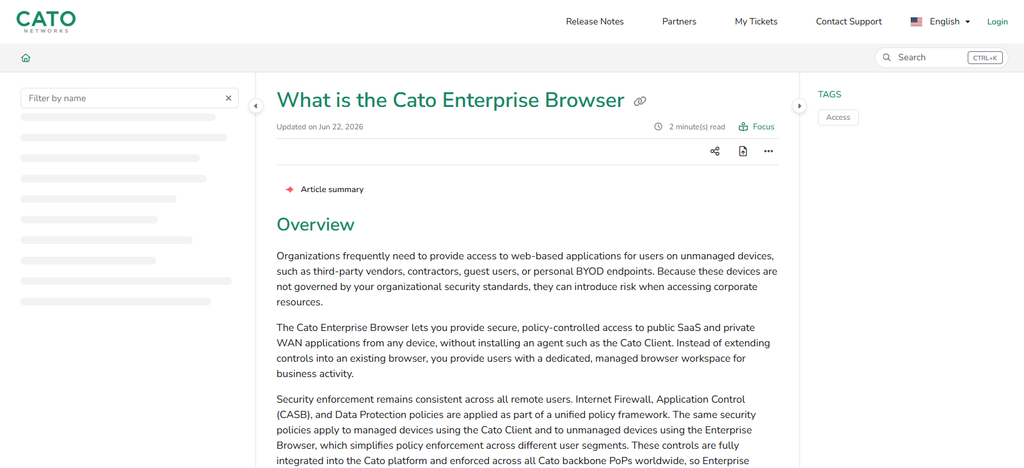
It does not require the full Cato Client and enforces Cato security policies through its unified platform, including Internet Firewall, CASB, threat prevention, conditional access and data protection. You may be limited by browser level controls to copy/paste, download, print and add unauthorized extensions.
Deployment involves distribution of browser and certificate. Has SSO and Client Connectivity policies for access control. Cato does not release a separate public price for Enterprise Browser, as licensing is tied to its overall service model.
Best for — Cato Enterprise Browser
- SASE Environments — Suitable for organizations that use Cato’s SASE platform and want browser security in the same ecosystem.
Contractor Access – Intended to allow contractors and external users controlled access to business applications.
BYOD Security – Great for protecting corporate apps and data on personal devices. - Private Application Access — Ideal for organizations requiring secure browser access to internal and private applications
- All-in-One Security Management — For IT teams that want browser controls as well as network, access and security policies.
| Key Strength | Details |
|---|---|
| SASE Integration | Combines enterprise browser security with Cato’s broader SASE security and networking platform. |
| Secure Application Access | Provides controlled browser access to internet and private business applications. |
| BYOD Support | Helps protect corporate applications and data when users access them from personal devices. |
| Unified Policies | Browser security can work alongside Cato security, access, and network policies. |
| External User Security | Particularly useful for contractors, partners, and other users who require limited business access. |
9. CrowdStrike Falcon Secure Browser / Seraphic
CrowdStrike Falcon Seraphic Enterprise Browser is focused on securing browser sessions without asking employees to change their favorite browsers. It offers runtime browser security, visibility, dynamic authorization, identity protection and controls for managed and unmanaged devices.
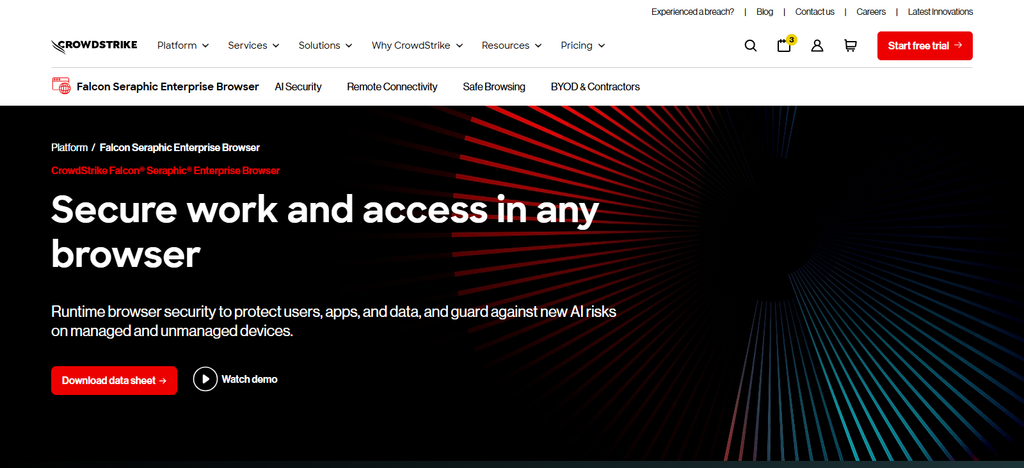
It works with any browser, including Chrome, Edge, Safari, Firefox, Chromium based browsers, and newer agentic browsers, so you can deploy it without dedicated browser infrastructure or major user training.
It configures CrowdStrike for Zero Trust browser protection and for secure access to applications and data. There is no standard public price per user on CrowdStrike, but they do offer a 15-day trial and refer enterprise customers to custom pricing.
Best For — CrowdStrike Falcon Secure Browser Seraphic
- Browser-Based Threat Detection — Ideal for organizations concerned with phishing, malicious extensions, session attacks, and browser threats.
- Identity Security — Good for companies that need better security for browser sessions and application access.
- Unmanaged Devices — Best used to protect browsing activity on endpoints both corporate and personal.
CrowdStrike Security Ecosystems — Best for businesses that use CrowdStrike security products and want browser protection in that same security umbrella.
| Key Strength | Details |
|---|---|
| Browser-Agnostic Security | Designed to strengthen browser security without requiring organizations to standardize entirely on one browser. |
| Runtime Protection | Focuses on protecting browser activity and sessions while users interact with websites and applications. |
| Identity Protection | Helps protect identities, credentials, and authenticated browser sessions against browser-based threats. |
| Extension Security | Provides visibility and protection against potentially dangerous browser extensions. |
| CrowdStrike Integration | Offers a strong fit for organizations already using CrowdStrike’s broader security ecosystem. |
10. Push Security
Push Security Push Security uses a browser security approach and does not require organizations to change their current browser. Its platform comprises policy and security controls for phishing, session hijacking, malicious extensions, AI applications, file transfers, clipboard activity, URLs and application access.
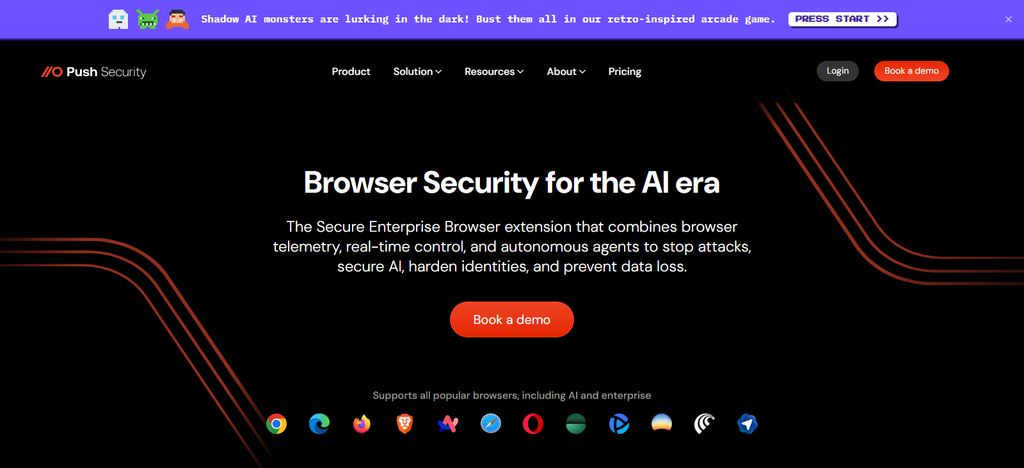
Extension management covers inventory, risk scoring, allowlisting, blocking malicious extensions, monitoring supply-chain changes, and removal. Push works with Chrome, Edge, Firefox, Safari, Brave, Opera, Arc, and many enterprise and agentic browsers, with MDM, direct installation, and unmanaged-device deployment options. Their published Standard plan is $5/user/month for up to 500 employees and enterprise pricing is available for organizations with more than 500 employees.
Best For — Push Security
- Browser Security Across Browsers — Ideal for organizations that want protection but don’t want to force users to use one dedicated enterprise browser.
- Extension Risk Management — Well suited to find, monitor and control potentially risky extensions to browsers.
- Phishing Protection — Good for companies that are concerned about phishing protection and browser-based credential attacks.
- Existing Browser Environments — Ideal for companies that wish to secure Chrome, Edge, Firefox, Safari, and other supported browsers, rather than replace them.
- Lean Security Teams — For those that want browser-centric security controls, visibility and policy enforcement without a large browser migration.
| Key Strength | Details |
|---|---|
| Multi-Browser Protection | Protects users across supported browsers instead of requiring a complete migration to a dedicated enterprise browser. |
| Extension Security | Provides visibility, risk assessment, monitoring, and control for browser extensions. |
| Phishing Defense | Strong focus on preventing browser-based phishing and credential-related attacks. |
| Lightweight Deployment | Designed to add browser security controls without requiring a major browser replacement project. |
| Browser-Based Attack Protection | Focuses specifically on threats involving browsers, sessions, extensions, credentials, and web applications. |
Conclusion
Enterprise browser management solutions have become a critical part of the modern workplace’s security infrastructure, helping organizations control browser policies and extensions, devices, access and sensitive data.
Microsoft Edge for Business and Google Chrome Enterprise are both good options for centralized browser management, while Island, Prisma Access Browser, Netskope One, Cato, Menlo and CrowdStrike are more focused on secure enterprise browsing and data protection. Cloudflare is about browser isolation Push Security is about strengthening protection across existing browsers.
Ultimately, the right platform depends on an organization’s security needs, device environment, BYOD strategy, integrations, deployment model and budget.
FAQ
What is an enterprise browser management platform?
An enterprise browser management platform helps organizations centrally control and secure employee browsing. It can manage browser policies, extensions, access permissions, security settings, data protection, user activity, and browser configurations across corporate or unmanaged devices.
Why do businesses need enterprise browser management?
Businesses use these platforms to reduce browser-based security risks, protect sensitive company information, control extensions, secure SaaS applications, enforce policies, and provide safer access for remote employees, contractors, and BYOD users.
What is the difference between browser management and endpoint management?
Browser management focuses primarily on browser settings, web applications, extensions, browsing policies, and data accessed through the browser. Endpoint management controls the broader device, including operating-system settings, applications, configurations, and device security.
Can enterprise browser platforms protect BYOD devices?
Yes. Several enterprise browser and browser-security platforms can protect corporate applications and data on personal or unmanaged devices. Controls may include copy/paste restrictions, download blocking, session controls, access policies, and data-loss prevention.