



In this article, I will talk about the Best Productivity Apps for Entrepreneurs to help business owners save time, manage tasks, improve teamwork and streamline daily operations. AI-powered assistants, project management tools, scheduling and workflow automation apps and more — these productivity solutions can streamline business activities, make them more efficient, reduce manual work and help entrepreneurs achieve their business goals in 2026.
What Is Productivity Apps?
Productivity apps are electronic instruments that assist businesses and individuals in managing tasks, organizing information, tracking projects, scheduling meetings and getting their daily work done more efficiently.
Such apps include task managers, project management platforms, AI assistants, communication tools, and workflow automation software. For entrepreneurs, productivity apps make business operations easier by removing repetitive tasks, improving team collaboration, managing deadlines, and facilitating better decision-making.
Notion, ClickUp, Todoist, Slack and Microsoft 365 Copilot are tools that provide a variety of features that can be used to meet business needs. Entrepreneurs can manage their time efficiently, control operating expenses, increase work productivity and focus more on growing their business by choosing the right productivity applications.
Key Points
| Productivity App | Key Point |
|---|---|
| Notion | All-in-one workspace for notes, databases, project management, documentation, and AI-powered knowledge management. |
| ClickUp | Comprehensive work management platform combining tasks, docs, goals, time tracking, and AI tools. |
| Asana | Project management platform designed for task assignment, workflow tracking, and team coordination. |
| Todoist | Simple yet powerful task manager with natural-language task creation and cross-platform synchronization. |
| Microsoft 365 Copilot | AI-powered productivity across Word, Excel, Outlook, Teams, and PowerPoint for business users. |
| Slack | Team communication platform that streamlines messaging, collaboration, and workflow integration. |
| Calendly | Automated scheduling tool that eliminates manual meeting coordination and booking friction. |
| Zapier | Workflow automation platform that connects thousands of apps and reduces repetitive manual work. |
| Canva | Easy-to-use design platform for creating marketing materials, presentations, and social media content. |
| Obsidian | Advanced knowledge management and note-taking platform for organizing ideas and research. |
1. Notion
Notion, founded in 2013, is an all-in-one workspace where documents, databases, project management and team knowledge come together. Pricing: The free plan costs $0, the Plus plan starts at $10 per user per month, and the Business plan is $20 per user per month, billed annually.
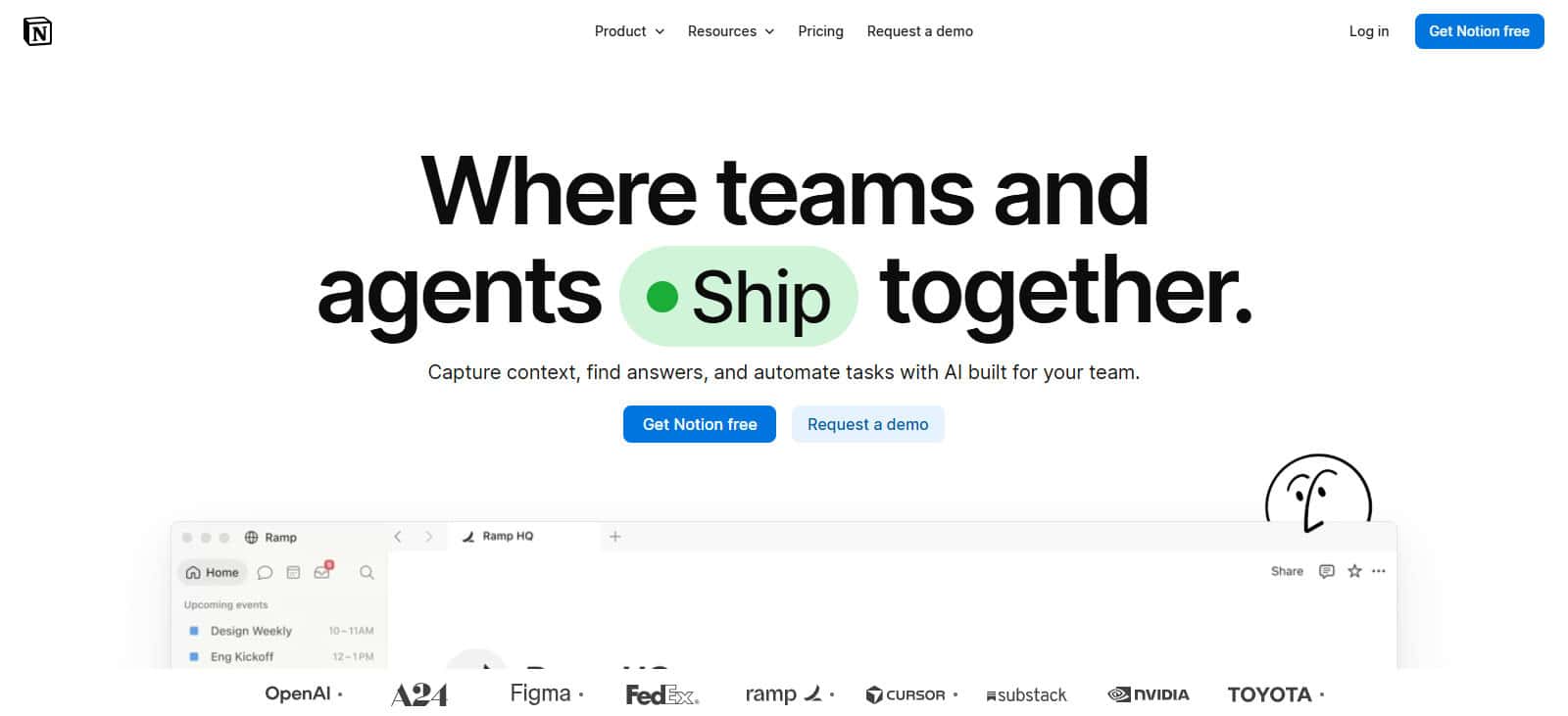
Centralizing notes, tasks and company documentation can save entrepreneurs time. Integrations: Slack, Google Drive, and other connected tools. It can fit the needs of everyone from single founders to larger organizations. But flexible workspaces require some initial setup and organization.
Notion- Key Features
- Customizable Databases Create tables, boards, calendars and filtered views to organize data.
- All-in-One Workspace: All your notes, documents, tasks and business projects – all in one place.
- AI Content Assistance: It helps summarize content, write drafts, and organize information using the available AI features.
- Team Collaboration: Supports shared pages, comments and collaborative documentation.
- Templates and Integrations: Provides reusable templates and integrations with other business tools.
Notion – Pros and Cons
| Pros | Cons |
|---|---|
| Combines notes, documents, databases, and tasks in one workspace. | Advanced workspace setup can take time. |
| Offers customizable templates for business workflows. | Large workspaces can become difficult to organize. |
| Supports real-time team collaboration. | Some advanced features require paid plans. |
| Includes AI features for writing and summarization on eligible plans. | AI access may involve additional costs or usage limits. |
| Useful for building a centralized company knowledge base. | Offline functionality is more limited than dedicated local-first note apps. |
2. ClickUp
Founded in 2017, ClickUp provides task management, project tracking, docs, dashboards, and automation. The Free Forever plan is $0. Unlimited begins at $7 per user per month billed annually, or $10 per month. And entrepreneurs can assign tasks, create repetitive workflows and track progress to reduce manual coordination.
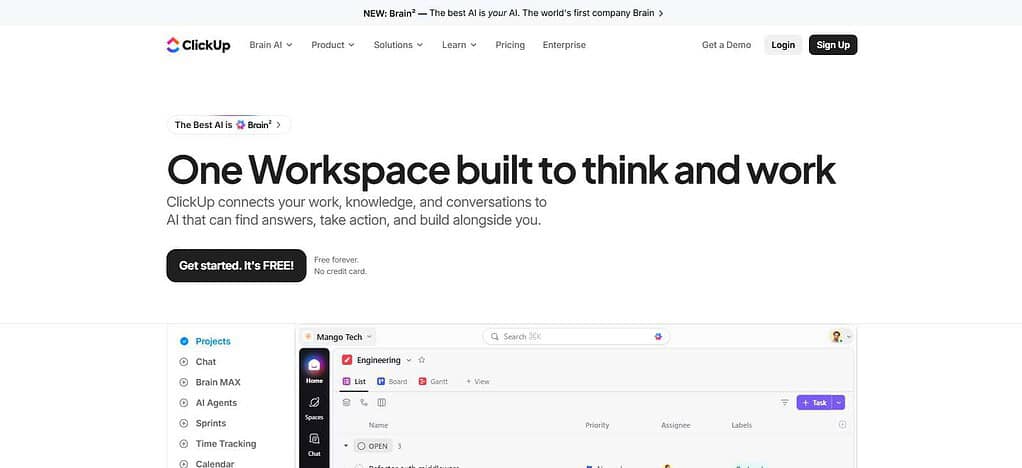
It’s tied into Slack, Google Drive and HubSpot. ClickUp is good for expanding teams, but the platform’s extensive features may require training and setup. Unlimited plan is $35 per month for five employees, billed annually. Taxes not included.
ClickUp – Key Features
- Task Management – Create tasks, assign responsibility, and track deadlines.
- Multiple Project Views: Organize work in List, Board, Calendar and other views.
- Workflow Automation: Automates updates for repetitive tasks and routine project processes.
- AI Productivity Tools: AI-powered writing, summaries, and work management on qualifying plans.
- Dashboards and Reporting: Provides visibility into project progress, workload and performance information.
ClickUp – Pros and Cons
| Pros | Cons |
|---|---|
| Combines tasks, projects, documents, and dashboards. | The extensive feature set can overwhelm beginners. |
| Offers multiple project views and reporting tools. | Initial configuration may require significant effort. |
| Supports recurring tasks and workflow automation. | Some automation features have usage limits. |
| Provides AI-assisted productivity features on eligible plans. | Advanced AI capabilities may increase subscription costs. |
| Scales from small teams to larger organizations. | Notifications and complex workspaces can become distracting. |
3. Asana
Founded in 2008, Asana helps entrepreneurs organize projects, assign responsibilities, and monitor deadlines. Personal is free, Starter is $10.99 per user per month (billed annually) and Advanced is $24.99. It can save you time with automated task assignments, project templates and progress dashboards.
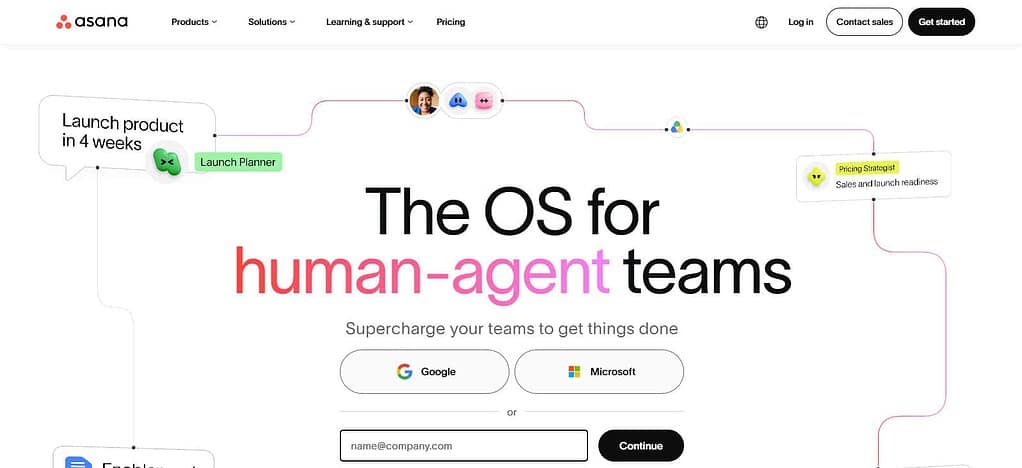
Integrations include Slack, Google Drive, Zoom, and 100+ more applications. Asana scales from small teams to enterprises, but beginners may take time to set up projects and workflows. You can get Five Starter seats for $54.95 per month with 12-month billing.
Asana – Key Features
- Project Planning: Structures projects, milestones, due dates, and responsibilities.
- Task Dependencies: Link related tasks to help teams track the order of work.
- Workflow Automation: Removes repetitive administrative tasks with rules and automation.
- Progress Tracking: Gives project views and reporting to track team activities.
- Team Work: Supports task comments, shared projects and cross functional coordination.
Asana – Pros and Cons
| Pros | Cons |
|---|---|
| Makes project planning and task assignments straightforward. | Advanced features may require a paid subscription. |
| Provides timelines, calendars, and project tracking views. | Can be expensive as the team grows. |
| Supports task dependencies and project milestones. | Some reporting features have plan restrictions. |
| Offers workflow automation to reduce repetitive work. | Complex workflows may require careful configuration. |
| Helps teams coordinate responsibilities and deadlines. | May be more than a solo entrepreneur needs. |
4 Todoist
Launched in 2007, Todoist helps entrepreneurs manage their daily tasks, deadlines, priorities and recurring responsibilities. It offers a free plan for beginners, Pro costs $5/month per user, and Business is $8/month per user (paid annually). Smart task input, reminders, filters and recurring tasks reduce the need for manual planning.
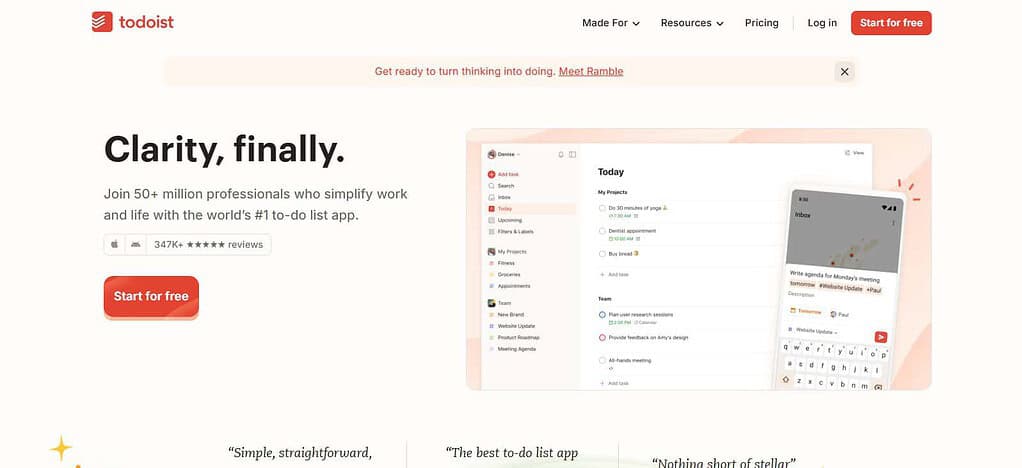
It links to more than 90 tools, including calendar and communication apps. Todoist is simple to learn and fit for freelancers and growing teams, however, there is limited advanced project reporting when compared to larger project management platforms. Five Business users are $40 a month before taxes.
Todoist – Key Features
- Fast Task Entry: Enter tasks using natural language date entry and simple text.
- Priorities and Deadlines – Organizes work according to priority and deadlines.
- Recurring Tasks: Schedule recurring duties and regular business activities.
- Projects and Labels: Grouping work by client, department, project or category.
- Reminders & Integrations: Has support for reminders and integrations with compatible calendars and productivity tools.
Todoist – Pros and Cons
| Pros | Cons |
|---|---|
| Provides a simple interface for managing daily tasks. | Less suitable for complex project reporting. |
| Supports recurring tasks, priorities, and deadlines. | Some advanced features require a paid plan. |
| Makes quick task entry convenient. | Large projects may need additional management tools. |
| Works across multiple supported devices and platforms. | Team collaboration is less comprehensive than in full project management suites. |
| Helps individuals organize personal and professional responsibilities. | Detailed dashboards and resource planning are limited. |
5. Microsoft 365 Copilot
Microsoft 365 Copilot launched for general availability for business productivity in 2023, providing AI assistance for Word, Excel, PowerPoint, Outlook and Teams. Copilot Business is listed by Microsoft to cost ₹1,495.73 per user per month, with annual billing in India, and a qualifying Microsoft 365 subscription is required; taxes and other eligibility criteria apply.
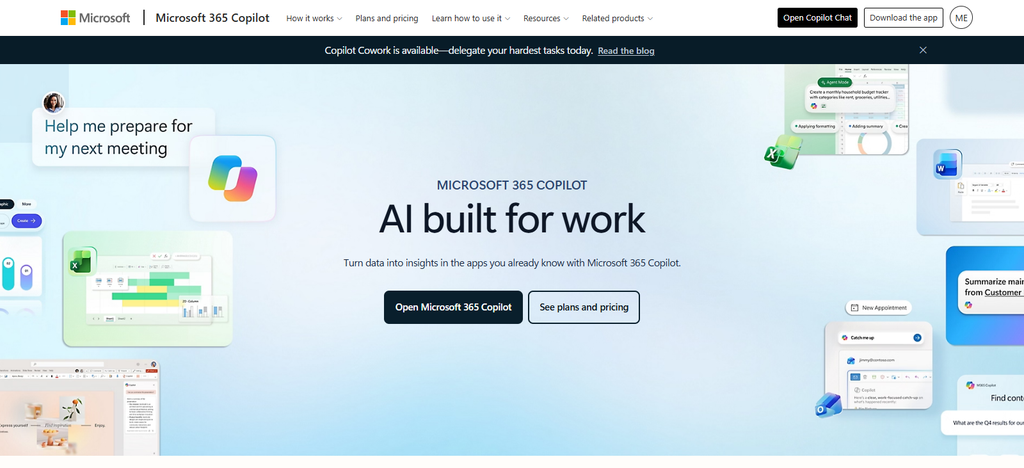
It can save time writing emails, summarizing meetings, analyzing spreadsheets and preparing presentations. It most powerfully integrates with Microsoft 365. It scales across organizations but licensing, permissions, and employee training require planning. Calculate employee costs of mandatory subscriptions.
Microsoft 365 Copilot: Key Features
- AI Writing Assistance: Helps you to draft, rewrite, and summarize content in supported Microsoft apps.
- Document Creation: Helps in preparing documents and presentations in Word & PowerPoint.
- Excel Data Analysis: It helps to analyze data and find patterns in Excel.
- *Meeting Summaries: Facilitates meeting recaps and action item extraction in eligible Teams experiences.
- Microsoft 365 Integration: Available with supported Microsoft applications, depending on licensing and feature availability.
Microsoft 365 Copilot – Pros and Cons
| Pros | Cons |
|---|---|
| Assists with drafting and summarizing business content. | Requires compatible licensing and supported Microsoft applications. |
| Integrates with Word, Excel, PowerPoint, Outlook, and Teams experiences. | Subscription costs can be significant for larger teams. |
| Helps summarize meetings and identify action items where supported. | AI-generated results may contain errors and need human review. |
| Can assist with spreadsheet analysis and presentation preparation. | Benefits depend on data quality and existing workflows. |
| Supports productivity across established Microsoft 365 environments. | Setup, permissions, and employee training may take time. |
6. Slack
Originally an internal communication tool at Tiny Speck, Slack was released to the public in 2013. Its free plan offers basic team messaging, while paid plans add extended history, admin and collaboration features. Business+ costs $15 per active user per month, billed annually, or $18 per active user per month, billed monthly.
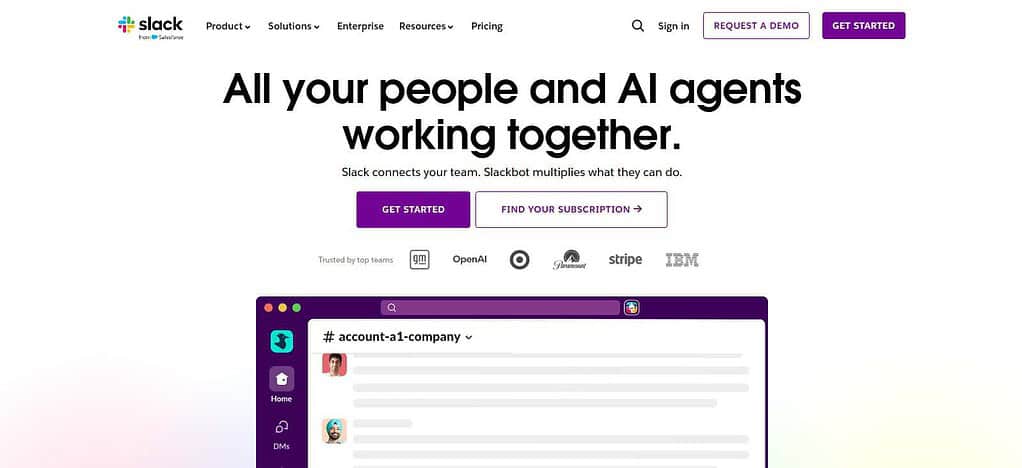
Channels, searchable conversations and app notifications can help reduce email exchanges and improve coordination. Integrations link Slack with tools for project management, file sharing, and automation. Great for distributed teams, but too many notifications and poorly organized channels can be distracting and counterproductive. Five Business+ users are $75/month (annual billing).
Slack – Key Features
- Organized Channels: Sort chats by project, department, client, or topic.
- Direct Messages: Facilitates quick communications between individuals and groups.
- File Sharing – Allows users to share appropriate files and business resources.
- Workflow Automation – Leverages existing workflow tools to automate notifications and routine processes.
- Third-Party Integrations: Links to compatible project management, calendar, storage and business apps.
Slack – Pros and Cons
| Pros | Cons |
|---|---|
| Organizes team communication into topic-based channels. | Too many messages can create distractions. |
| Supports direct messaging and file sharing. | Important information can get buried in conversations. |
| Integrates with many business and productivity applications. | Some integrations require separate subscriptions. |
| Supports workflows and automated notifications. | Advanced administration and workflow capabilities may require paid plans. |
| Helps distributed teams communicate quickly. | Requires clear communication rules to prevent notification overload. |
7. Calendly
Founded in 2013, Calendly is a tool that helps entrepreneurs schedule client calls without having to write long emails. Its Free plan includes one event type and one calendar connection; Standard costs $10 per seat per month, Teams is $16 with annual billing. Automated reminders, calendar syncing and booking links cut down on scheduling admin and missed meetings.

Eligible plans include integrations for Google Calendar, Microsoft Teams, Zoom, HubSpot and payment services. Scales from solo consultants to sales teams, but advanced routing and team scheduling may need a paid subscription. Five Standard seats, $50/month, billed yearly
Key Features of Calendly
- Automated Scheduling: enables clients to schedule meetings via customized scheduling links.
- Calendar Sync: Ties in supported calendars to help avoid double booking.
- Availability Management: Set your business hours, meeting duration and booking rules.
- Automated Notifications – Use the supported features to send booking confirmations and reminders.
- Team Scheduling: Enables team availability, meeting distribution and routing capabilities on eligible plans.
Calendly – Pros and Cons
| Pros | Cons |
|---|---|
| Simplifies appointment booking through scheduling links. | Advanced scheduling features may require paid plans. |
| Synchronizes supported calendars to help prevent double-booking. | Calendar configuration can be confusing initially. |
| Sends booking confirmations and reminders. | Some customization options are plan-dependent. |
| Reduces back-and-forth emails when arranging meetings. | Less useful for businesses with very few appointments. |
| Supports team scheduling and routing on eligible plans. | Advanced team features may increase overall costs. |
8. Zappier
Founded in 2011, Zapier connects business applications to automate repetitive workflows without the need for extensive coding. Its Professional plan starts at $19.99 monthly while Team starts at $69 monthly. Entrepreneurs can automate lead capture, customer notifications, spreadsheet updates, task creation and reduce repetitive manual work.
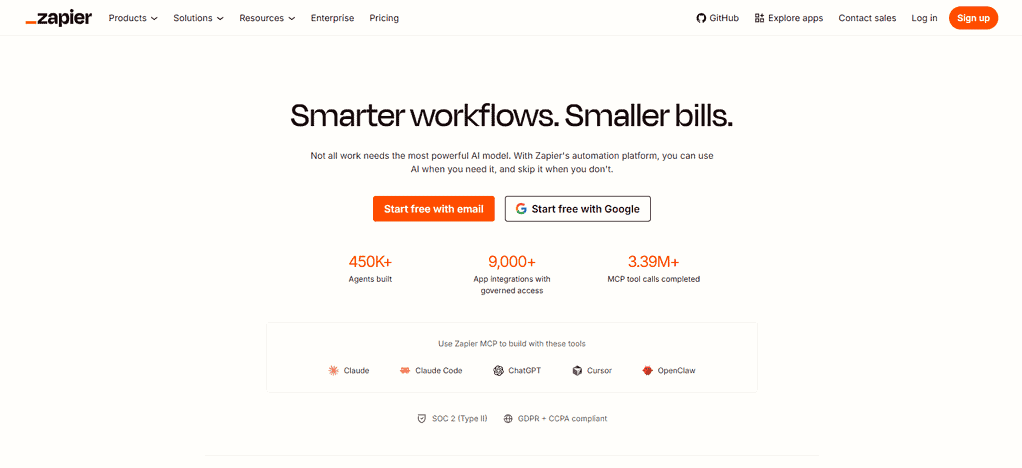
Zapier has thousands of app integrations, and supports multi-step workflows, conditional logic, and webhooks on qualifying plans. It can grow from individual entrepreneurs to larger teams, but complex automations require testing and monitoring. Task usage costs could increase so please estimate your monthly volume before choosing a plan.
Features of Zapier
- App Integrations: Integrates with thousands of supported apps and online services.
- Workflow Automation: Builds automated workflows called Zaps by setting off triggers and actions.
- Multi-Step Workflows: Executes several related actions from a single trigger.
- Conditional Logic: Uses supported filters and branching to customize the automation behavior.
- AI-Powered Automation: Unlocks AI-enabled workflow capabilities and solutions, based on the plan and integrations available at the time of use.
Zapier – Pros and Cons
| Pros | Cons |
|---|---|
| Connects thousands of supported apps and services. | Complex workflows can take time to build and maintain. |
| Automates repetitive tasks without extensive coding. | Paid plans may be necessary for higher usage. |
| Supports multi-step workflows and conditional logic. | Task limits can restrict automation volume. |
| Reduces manual data entry and repetitive transfers. | Failed connections can interrupt workflows. |
| Helps businesses connect different software systems. | Troubleshooting may be difficult when several apps are involved. |
9. Canva
Since its inception in 2013, Canva has been a tool for entrepreneurs to create presentations, social media graphics, marketing collateral and branded business documents. The free plan offers basic design tools, and the paid plans include premium assets, advanced features and collaboration capabilities. Canva Business is priced at ₹6,800 per person per year in India.

Templates and AI-assisted design can shave production time for routine marketing content. Collaborative workflows are supported by integrations and sharing features. Canva is great for solo founders and growing teams, but as content production scales, brand approvals, asset permissions and AI usage caps need to be addressed.
Key Features of Canva
- Design Templates: Gives templates for presentations, social media posts, documents and marketing materials.
- Drag-and-Drop Editor: Create visual content with ease, no advanced design skills needed.
- AI Design Tools: Provides AI-assisted content creation and editing features based on the plan.
- Brand Management – Manage brand colors, fonts, logos and reusable assets with supported features.
- Team Collaboration: Share designs, comments and collaborate on edits.
Canva – Pros and Cons
| Pros | Cons |
|---|---|
| Offers ready-made templates for marketing and business content. | Highly customized designs may require more advanced tools. |
| Makes graphic design accessible to beginners. | Popular templates can lead to less distinctive designs. |
| Provides AI-assisted design and editing features. | AI features may have usage limits or plan restrictions. |
| Supports brand assets and shared design projects. | Advanced brand-management features may require paid plans. |
| Helps create social media graphics and presentations quickly. | Some premium assets and features require a subscription. |
10. Obsidian
Obsidian was released in 2020 and helps entrepreneurs build a searchable knowledge base of linked notes, research, plans and business ideas. Its core application is free, with optional Sync starting at $4 per user monthly with annual billing and Publish at $8 per site monthly with annual billing. Local Markdown files for flexible knowledge management.
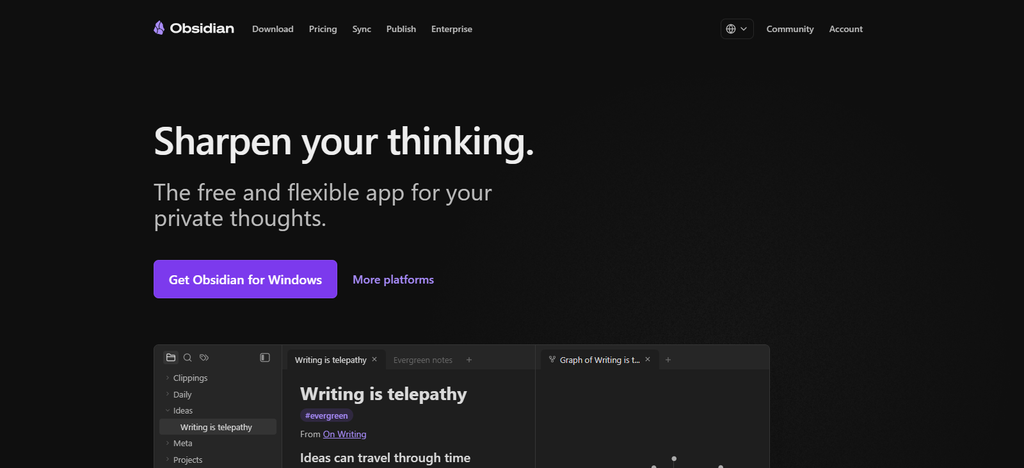
Community plugins for extra functionality. It can save time in terms of extracting research and connecting relevant info. Obsidian is great for individual founders and knowledge-heavy workflows, but team collaboration and initial organization require some extra configuration.
Obsidian – Key Features
- Markdown Notes Store your notes in plain-text Markdown files for knowledge management.
- Linked Notes: Connects ideas using internal links and backlinks.
- Graph View: Shows relationships between notes and topics.
- Community Plugins: Extend functionality with a wealth of optional plugins.
- Local-First Storage: Notes are stored locally by default, with optional separate synchronization and publishing services.
Obsidian – Pros and Cons
| Pros | Cons |
|---|---|
| Stores notes locally in Markdown files by default. | Collaboration is less straightforward than in cloud-first workspaces. |
| Links related notes to build a connected knowledge base. | Organizing a large collection requires consistent habits. |
| Offers graph visualization for note relationships. | Graph View may be less useful without well-linked notes. |
| Supports community plugins and customization. | Plugin configuration can create a learning curve. |
| Core application is free for personal use. | Syncing and publishing services may require separate paid plans. |
Conclusion
The 10 best productivity apps for entrepreneurs in 2026 enable business owners to manage tasks, improve collaboration, automate repetitive work and organize daily operations more efficiently. Notion and ClickUp are helpful for managing projects, Asana and Todoist are good for tracking tasks, Microsoft 365 Copilot helps with AI-powered work, and Slack enhances communication among teams.
Calendly makes scheduling easy, Zapier automates your workflows, Canva makes content creation easy and Obsidian organizes business knowledge. Evaluate the pricing, integrations, ease of setup, scalability and features based on your business needs before choosing an app. Start with the tools that solve your most important productivity problems and grow your software stack with your business.
FAQ
What are the best productivity apps for entrepreneurs in 2026?
Some of the best productivity apps for entrepreneurs in 2026 include Notion, ClickUp, Asana, Todoist, Microsoft 365 Copilot, Slack, Calendly, Zapier, Canva, and Obsidian. Each tool serves a different purpose, from task management and team collaboration to AI automation, scheduling, and content creation.
Which productivity app is best for small business owners?
Notion is a strong option for small business owners who want to organize notes, documents, tasks, and business information in one workspace. ClickUp and Asana are useful for project management, while Todoist works well for managing daily tasks and deadlines.
Are there any free productivity apps for entrepreneurs?
Yes, several productivity apps offer free plans, including Notion, ClickUp, Asana, Todoist, Slack, Calendly, Canva, and Obsidian. These plans can help entrepreneurs manage basic workflows without an initial subscription, although advanced features and usage limits may require paid plans.
How can productivity apps save time for entrepreneurs?
Productivity apps can save time by automating repetitive tasks, organizing business information, scheduling meetings, tracking deadlines, and improving team communication. Tools such as Zapier automate workflows, Calendly simplifies appointment scheduling, and Microsoft 365 Copilot assists with drafting and summarizing work.
Which productivity app is best for AI-powered business tasks?
Microsoft 365 Copilot is useful for AI-assisted emails, documents, spreadsheets, presentations, and meeting summaries. Notion and ClickUp also provide AI capabilities on eligible plans. The best choice depends on your existing software, required AI features, subscription budget, and workflow.