




In this article, I’ll share the Best Website Builders for Small Businesses, to help entrepreneurs build professional websites, without breaking the bank. We’ll compare popular platforms on the basis of features, pricing, ease of use, SEO tools, customization, and ecommerce capabilities. No matter if you own a startup, local business, or online store, this article will help you determine the best website builder for your business.
What Are Website Builders for Small Businesses?
Small business website builders are online platforms that allow entrepreneurs to build, design, and manage professional websites without advanced coding or technical skills. These tools generally include customizable templates, drag-and-drop editors, domain connection, hosting, SEO options, contact forms, and ecommerce features.
Wix, Squarespace, Shopify and WordPress.com are platforms designed for a variety of business needs: service sites, blogs, portfolios and online stores.
Many website builders also include AI-powered design tools, mobile-responsive layouts and marketing integrations. Small businesses can choose a website builder that fits their budget and long-term growth goals by comparing pricing, features, ease of use, security, and scalability.
Why Use Website Builders for Small Businesses?
Affordable Website Creation: Website builders offer affordable plans and ready-made templates, allowing small business owners to easily build professional websites without hiring expensive developers.
Easy to Use: Drag-and-drop editors and simple dashboards let even novices create and edit websites without advanced coding knowledge.
Website Design for Professionals: Customizable templates enable businesses to design attractive websites that showcase their brand, products, and services.
Mobile-Friendly Design: Responsive templates help websites adjust to smartphones, tablets, and desktop computers, giving visitors a better experience.
Built-in Ecommerce Capabilities: Shopify and Wix provide product management, payment integrations, and online selling tools for businesses looking to sell products or services.
Faster Website Development: Ready-made layouts, hosting, and built-in editing features can reduce the time it takes to develop and launch a website.
Website Security and Maintenance: Many builders offer hosting, SSL certificates, and platform updates to help business owners avoid the technical hassle.
Marketing & Customer Relations: Contact Forms, Email Integrations, Booking Systems & Analytics in order to help businesses engage customers & monitor website activity.
Scalability for Business Growth: As business needs grow, the business can add pages, features, integrations, ecommerce capabilities, etc., depending on the platform and plan they have chosen.
Key Points
| Website Builder | Key Point |
|---|---|
| Wix | Flexible drag-and-drop website builder with AI tools, extensive templates, booking features, and a large app marketplace for small businesses. |
| Squarespace | Known for high-quality templates and professional design, making it ideal for brands, portfolios, and service businesses. |
| Shopify | Purpose-built for e-commerce, offering integrated payments, inventory management, and scalable online store capabilities. |
| WordPress.com | Strong choice for content-heavy sites, blogs, and businesses requiring long-term publishing flexibility. |
| Webflow | Provides advanced design control and visual development tools for businesses seeking custom websites. |
| Framer | Design-focused website builder well-suited for modern marketing websites and landing pages. |
| Hostinger Website Builder | Budget-friendly AI-powered builder designed for fast website creation and small business websites. |
| Design.com | AI website builder focused on helping businesses launch branded websites quickly with minimal setup. |
| Lovable | AI-native platform that can generate functional websites and web applications from natural-language prompts. |
| Bolt | AI-driven builder that rapidly converts ideas and prompts into deployed websites and web applications. |
1. Wix
Founded in 2006, Wix allows small businesses to build professional websites using a drag and drop editor, customizable templates, and AI design tools. Historically, its paid plans include business website, booking, and ecommerce services, with costs based on subscriptions, domains, apps, and renewals. SEO features include metadata editing, sitemaps and URL controls.
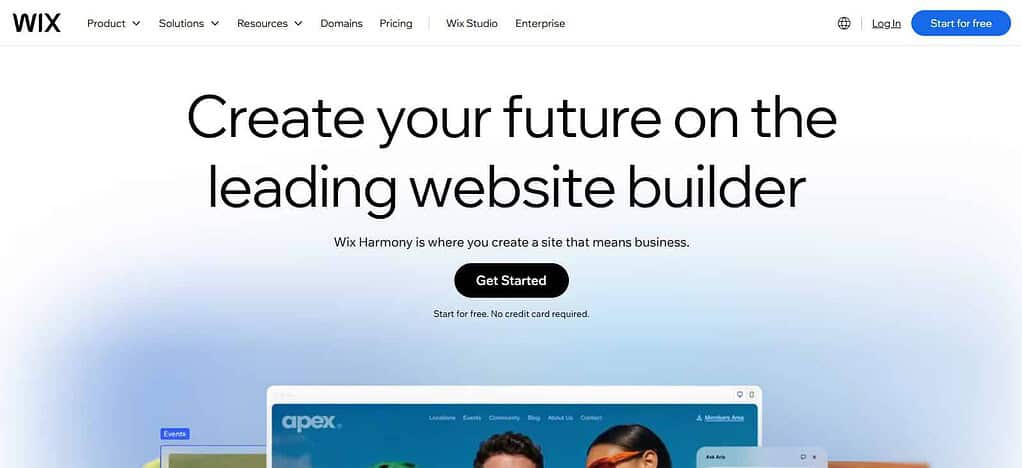
The design of the page, the scripts and the images all affect performance. Managed hosting and SSL are part of security. You can build websites without code for beginners but further customization would take some additional work.
Features
- AI-driven website building tools.
- Website editor drag and drop.
- Templates for various industries.
- SEO and marketing features built-in.
- Ecommerce, booking and contact form functions.
Pros
- Easy to use for beginners.
- Provides a variety of design options.
- supports different types of business
- Includes helpful business tools built in.
- Lets you build websites fast, without any code.
Cons
- Higher tier plans can be expensive.
- It is difficult to change templates after you have built a site.
- Some advanced features might require paid apps.
- Performance optimization may be necessary for complex websites.
- Migrating a site to a different platform can be tricky.
2. Squarespace
Squarespace, founded in 2003, is a great choice for small businesses that want attractive designs, portfolios, service pages, and e-commerce websites. Subscription prices vary based on the plan you select, the billing cycle, and the region. The total cost may include domains, business email, payment processing, and premium features. SEO tools help with page titles, descriptions and site structure.
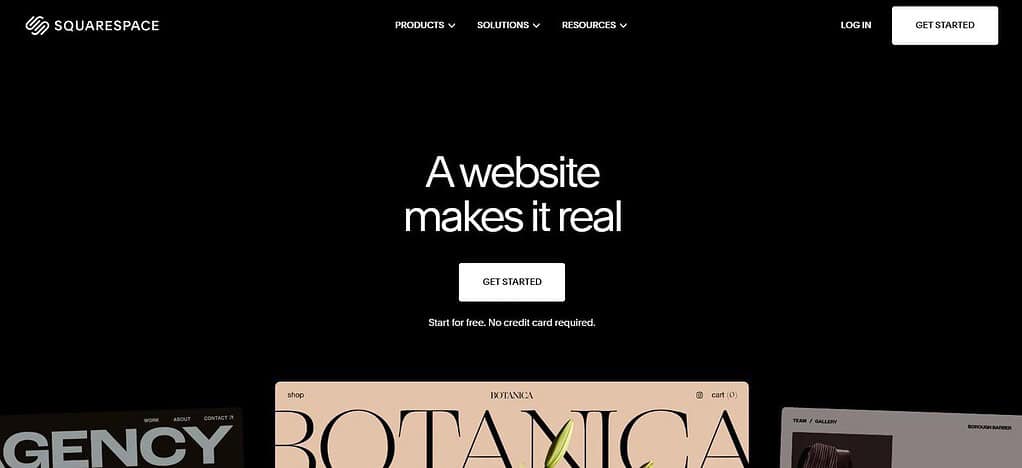
Responsive templates get websites ready for mobile devices, but performance needs to be tested in the real world. Managed infrastructure and security features reduce maintenance. Its visual editor is accessible, but more detailed design changes can require learning its interface.
Features
- Visual Web Site Builder.
- Professionally designed web templates.
- Integrated blogging features.
- E-commerce & Appointment Scheduling Tools.
- Marketing and SEO capabilities.
Pros
- Ideal for portfolios and service companies.
- Beautiful, professional website templates.
- Consistent layouts on all devices.
- Contains useful content management tools.
- Facilitates website maintenance.
Cons
- Less freedom of design than some advanced platforms.
- The cost of a subscription may be a bit high.
- Some features are dependent on your selected plan.
- Advanced integrations might be restricted.
- Migration to another platform may involve manual work
3. Shopify
Shopify’s parent company was founded in 2006 and focuses on creating and running online shops. It has product catalogs, inventory management, payment integrations, shipping tools and sales-channel integrations. Pricing varies by subscription and country. Total ownership costs may include payment-processing or transaction fees, premium themes, app and domain renewals. SEO tools are there to help with editable metadata, redirects and product page optimization.

Hosting and security are included but store performance depends on themes, apps and media. Easy to set up for beginners but you need to be a bit careful when setting up taxes, shipping and inventory. Shopify is especially handy for businesses that expect their online sales to grow.
Features
- Product catalog and online shop management.
- Tracking inventory and orders.
- Payment processor integration.
- Tools for shipping and tax processing.
- Ecommerce analytics and channel integration.
Pros
- Built for ecommerce.
- Simpler inventory and order management.
- Drives business growth, multiple sales channels.
- Has a large app ecosystem.
- Includes security features and managed hosting
Cons
- Premium themes and apps add to your costs.
- Subscription fees: There is a monthly fee.
- You may also be subject to additional transaction fees for your payment setup.
- For content sites, may need additional customization.
- Advanced customization of the store may require technical skills.
4. WordPress.com
WordPress.com is great for small businesses that need blogs, service pages and content-heavy sites. Launched in 2005, WordPress.com They offer both free and paid plans. The full costs depend on hosting requirements, domain registration, premium features, and access to eligible plugins. SEO features include meta data, readable URLs, image alt text and content optimization tools.
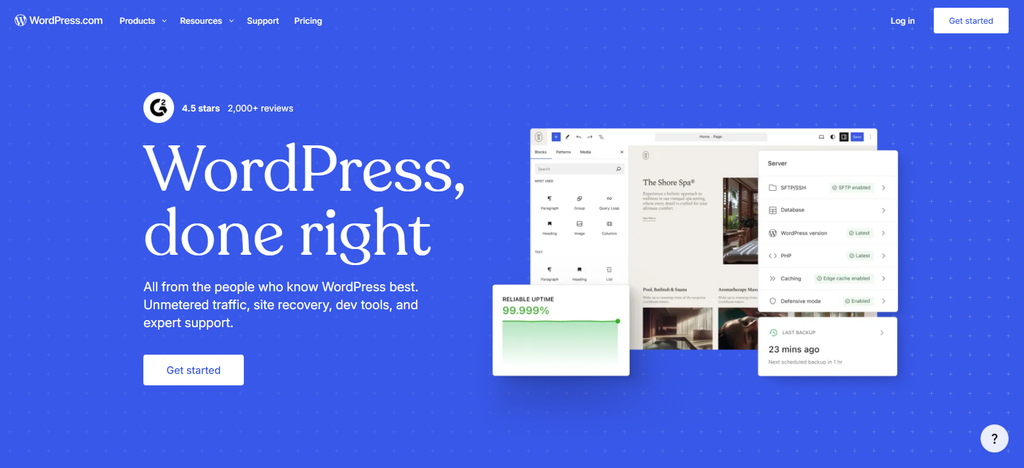
With managed hosting and automatic updates, you’ll have less maintenance to do, but security will partly depend on how secure your account is and on the features included in your plan. The block editor is great for beginners, but to customize it further you’ll have to learn a bit. Ecommerce and integrations are dependent on the plan you select.
Features
- Website editor based on blocks.
- Content management and blogging systems.
- Customizable themes.
- Inbuilt SEO settings.
- Plugins and ecommerce options are only available on the paid plan.
Pros
- Best for blog, content based sites.
- Assists you in publishing and organizing your content.
- Provides hosting and maintenance management.
- Offers themes for various industries.
- Can be a driver of business development with the right plans.
Cons:
- Higher level plan might be required for more customization.
- Availability of plugins varies by plan.
- It might take a beginner some time to learn the editor.
- Some special features require third party tools.
- Migration work to another platform may be needed.
5. Webflow
Webflow launched in 2013 and allows businesses to create highly customized websites with visual design tools, without having to code everything from scratch. Pricing includes website and workspace plans, so total costs could include hosting, CMS needs and additional bandwidth and team access. Features for SEO include editable metadata, redirects, and structured page organization.
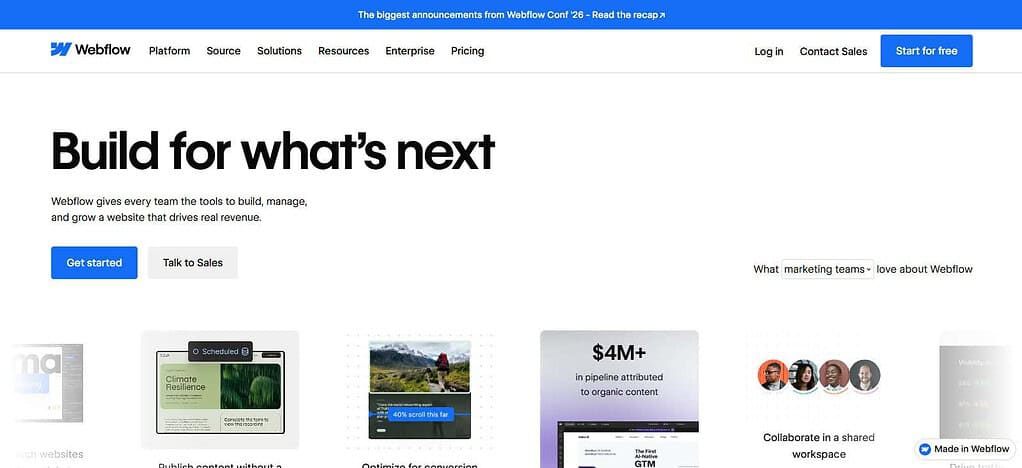
The hosting infrastructure supports published websites, but the speed depends on the implementation and content. Basically we have taken care of security and platform maintenance. More complex than builders aimed at beginners, Webflow is ideal for design-conscious businesses that need more control.
Features
- Advanced visual web site designer.
- Responsive layout controls.
- Content management system (CMS).
- URL redirection and SEO settings.
- Publishing and hosting tools
Pros
- There is detailed design control.
- Support for business websites (customized).
- Great for content rich sites and marketing pages.
- Reduced hand-coding of layouts.
- Enables the creation of responsive websites.
Cons
- It’s a little harder to learn for beginners.
- Pricing may increase with more advanced needs.
- Detailed designs require careful optimization.
- Ecommerce capabilities may not be for every store.
- Moving complex layouts to another platform can be a challenge.
6. Framer
Framer was launched in 2014 as a website design platform and is useful for startups, consultants and small businesses building modern landing pages and marketing websites. Its free plan supports experimentation, while paid plans include custom domains and higher usage limits; overall costs can include extra editors, localization, and advanced hosting.
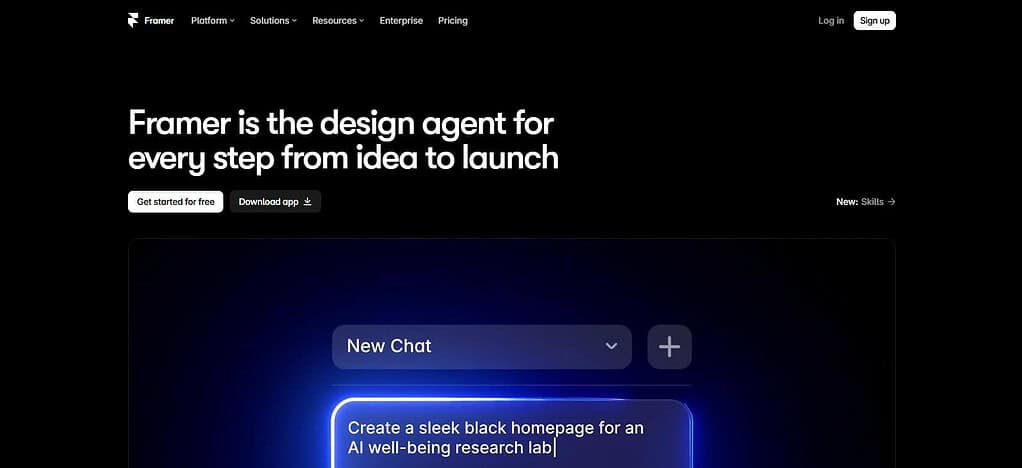
SEO tools supporting metadata, CMS driven page info and redirects are eligible plans. Publishing is easy with responsive design and managed hosting, but you should test performance on real pages. Designers love the visual editor, but complex integrations may require some tech help.
Features
- Editor of website design (visual)
- AI-assisted website creation.
- Responsive page layout.
- CMS and publishing features.
- SEO settings and custom domain support on qualifying plans.
Pros
- Designs sleek, eye-catching websites.
- Great for landing pages and startup sites.
- Provides flexible design tools.
- supports responsive layouts.
- Accelerates the design and publishing workflow.
Cons
- For advanced customization you may require design knowledge.
- Less ecommerce-focused than Shopify.
- Some features are paid plans.
- More complex integrations may require additional work.
- Think about migration and portability of content
7. Hostinger
Founded in 2004, Hostinger is an AI website builder for small businesses looking for low-cost website creation and hosting. Its India pricing is promotional subscription pricing, but TCO depends on upfront billing term, renewal price, domain and ecommerce plan selected.
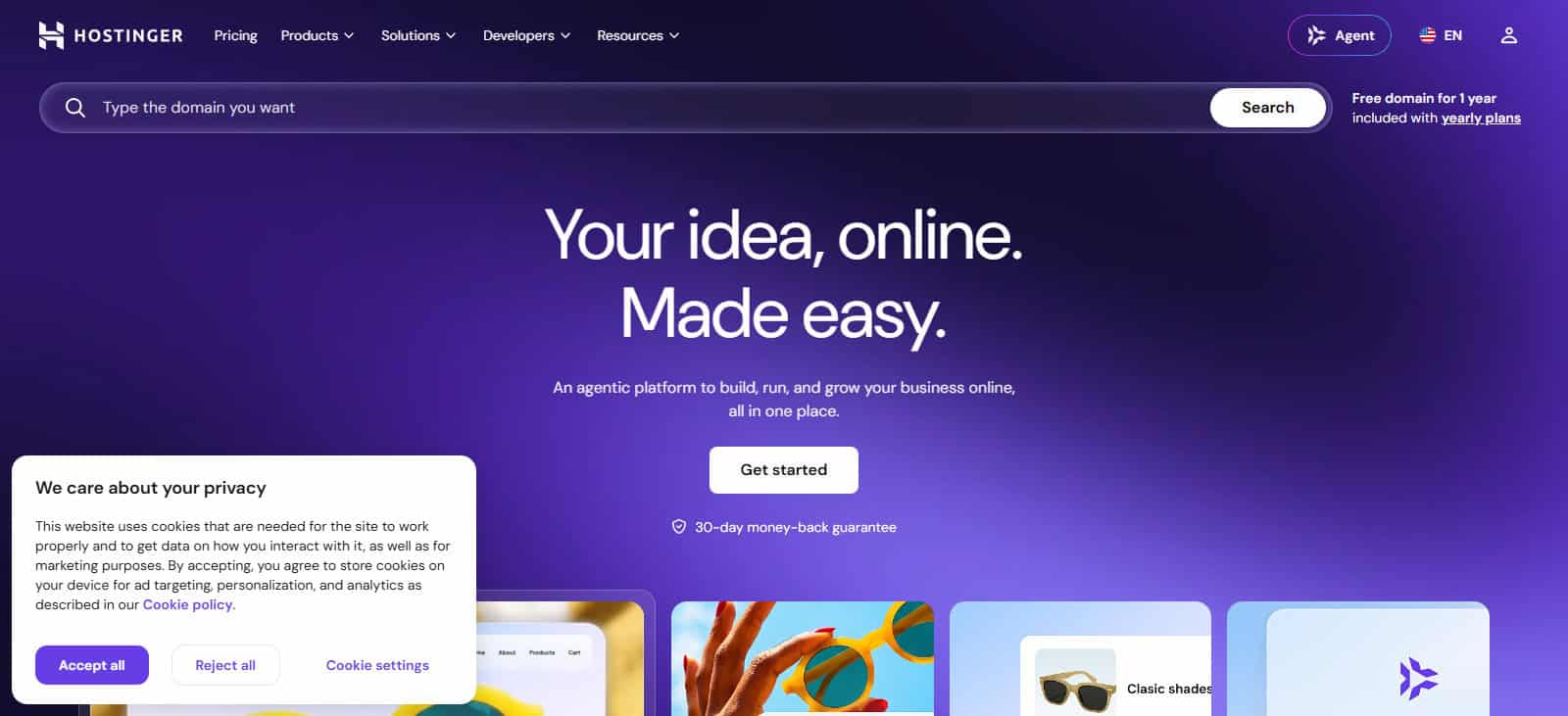
Easy setup with built-in SEO tools, templates, and AI assistance. Hostinger has LiteSpeed tech, NVMe storage, and a global CDN, but website speed is inconsistent. Technical work is reduced by managed hosting and security features. Its drag and drop interface is good for beginners but you might need other tools for advanced functionality.
Features
- AI-powered website generation.
- Drag-and-drop editing.
- Pre-designed website templates.
- Built-in SEO and marketing tools.
- Hosting and ecommerce features on eligible plans.
Pros
- Budget-friendly entry options.
- Beginner-friendly editing interface.
- Combines website building and hosting.
- AI tools can speed up initial setup.
- Suitable for basic business websites.
Cons
- Promotional pricing may increase at renewal.
- Advanced customization can be limited.
- Some integrations may require external tools.
- Ecommerce capabilities depend on the plan.
- Migrating to another platform may require rebuilding parts of the site.
8. Design.com.
Design.com offers AI-generated websites, customizable templates, and branding tools for entrepreneurs looking to get online fast. It doesn’t explicitly mention the founding date of its website builder. It has a free version, and paid subscriptions with additional costs depending on the plan selected and domain requirements.
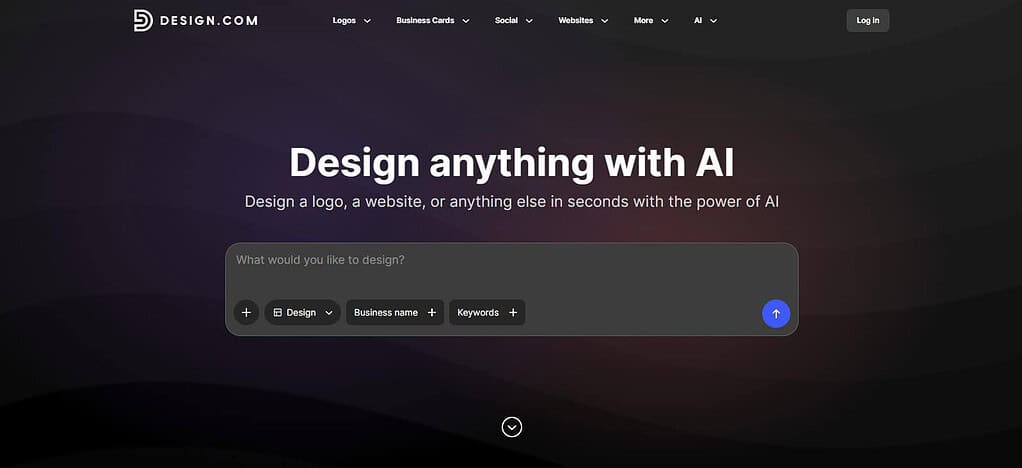
Fundamental business needs: SEO settings, responsive layouts, contact forms and hosting support. Advanced editing features and eCommerce may require a paid plan. Its visual editor makes setup easy, but businesses needing heavy integrations, custom features or advanced technical SEO should check limitations before committing.
Features
- AI-assisted website creation.
- Customizable business website templates.
- Branding and logo design tools.
- Website publishing and hosting options.
- Design assets for business branding.
Pros
- Helps businesses create websites quickly.
- Combines website design with branding resources.
- Suitable for entrepreneurs and beginners.
- Offers templates for different business categories.
- Reduces the need for advanced design skills.
Cons
- Advanced functionality may be limited.
- Features can depend on the subscription plan.
- SEO controls should be checked against business needs.
- Complex integrations may require alternatives.
- Portability and migration options should be reviewed before committing.
9. Lovable
Lovable was born out of the GPT Engineer project as a platform to generate websites and web applications with AI prompts in 2024. It has free and paid plans that work on credits, so the total cost depends on the usage, subscription level, hosting, and application requirements. SEO capabilities including server-based rendering, metadata, structured data and discoverability checks.
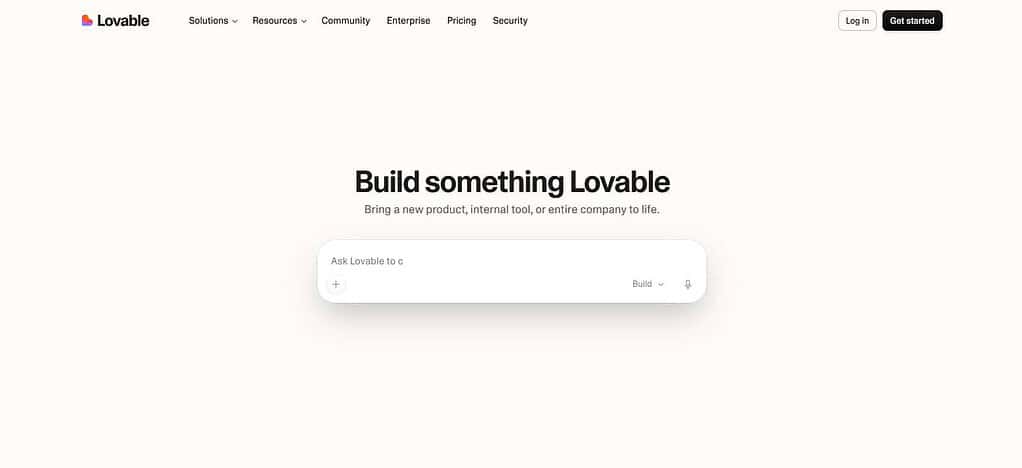
AI speeds setup. Generated code and functionality needs to be tested. Security depends on good authentication, database permissions and configuration. Lovable is great for businesses that need a custom web experience, but if you’re just building a simple brochure website, traditional website builders are easier to work with.
Features
- AI-created websites and web applications.
- Prompt-driven development.
- Generation and editing of code
- Integration with databases and external services.
- Workflows for preview, test and deployment.
Pros
- Accelerates initial development.
- Supports concepts of custom web applications.
- Reduces hand coding of prototypes.
- Can support database driven projects and integrations.
- Useful for entrepreneurs experimenting with new digital products.
Cons
- Increased costs due to metered credits.
- AI generated code needs to be reviewed and tested.
- Advanced functions might need developer knowledge.
- Security is partly dependent on implementation and configuration.
- SEO and performance need to be validated carefully.
10. Bolt.new
In 2024, StackBlitz launched Bolt.new, a tool that lets users build websites and web apps from natural-language prompts. You pay for the subscription you choose, and for limits on how much you use the AI. Overall costs may also include hosting, domains, third-party services and database resources. The SEO capabilities depend on the generated application’s framework , rendering method , metadata , and sitemap configuration .
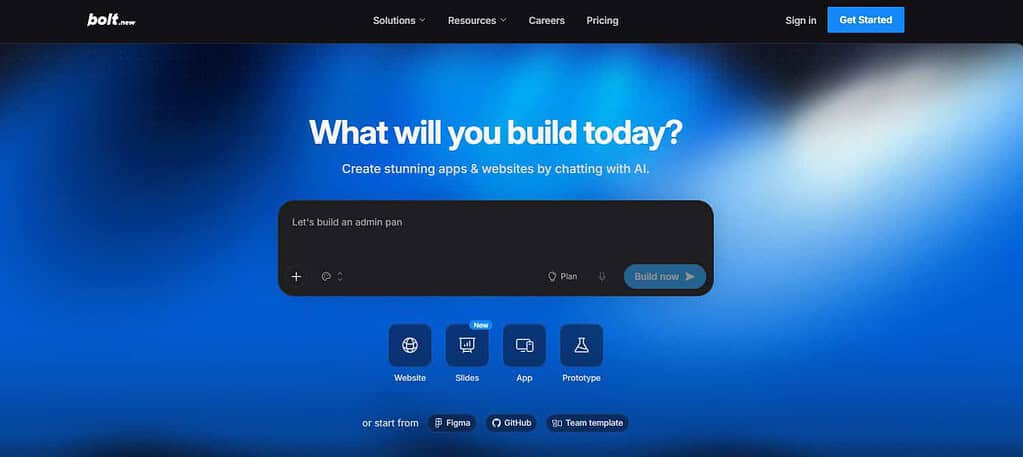
AI-assisted development can accelerate the first stage of setup, but testing and debugging still matter. Security requires to deal with authentication , API keys and user data carefully . If your company requires more specialized functionality than a simple drag and drop website, Bolt.new is a great choice.
Features
- Website and application creation based on AI.
- Browser-based development environment
- Prompt-based Code Generation.*
- Support for contemporary web design frameworks.
- Workflows for preview and deployment.
Pros
- Rapidly delivers website prototypes.
- Custom functionality possible.
- Allows users to experiment with web applications.
- Shortens initial development effort.
- Allows flexibility for technical projects.
Cons
- Output code may require debugging.
- Limits on AI use may impact project costs.
- Technical supervision of complex projects.
- Check security and DB configs.
- Performance and SEO rely on generated implementation.
Conclusion
Best website builders for small businesses in 2026: How to choose The best website builder for small businesses in 2026 will depend on your budget, business goals, technical skills and future growth plans. Wix and Squarespace are best for professional business websites, Shopify is best for ecommerce, and WordPress.com is best for content-centric businesses.
Webflow and Framer offer more design freedom, while Hostinger Website Builder is more affordable. Design.com, Lovable, and Bolt.new speed up AI-assisted creation and customization. Before you make a decision, take into consideration pricing, renewal fees, SEO features, performance, security, and scalability to identify the platform that best fits your business needs.
FAQ
What is the best website builder for small businesses in 2026?
Wix is a strong option for small businesses that want an easy-to-use editor, customizable templates, and built-in business tools. Shopify is better suited to online stores, while Squarespace is ideal for design-focused websites. The best choice depends on your budget, required features, and business goals.
Which website builder is the most affordable for small businesses?
Hostinger Website Builder is worth considering for budget-conscious businesses because it combines website creation and hosting. However, compare promotional prices with renewal rates, domain charges, and additional feature costs before choosing a plan.
Which website builder is best for SEO?
Wix, WordPress.com, Squarespace, and Webflow provide useful SEO capabilities. Look for customizable page titles, meta descriptions, clean URLs, XML sitemaps, mobile-friendly layouts, and redirect controls. Search rankings also depend on content quality, technical performance, and competition.
Can I build a business website without coding?
Yes. Wix, Squarespace, Shopify, Hostinger Website Builder, and Framer offer visual editing tools that allow beginners to create websites without writing code. Lovable and Bolt.new can generate websites through AI prompts, but more complex projects may require technical knowledge and testing.
Are free website builders suitable for small businesses?
Free plans can help you test a platform or create a basic website. However, they may include platform branding, limited storage, restricted features, or no custom domain. A paid plan is generally more suitable for businesses that need professional branding and advanced functionality.