


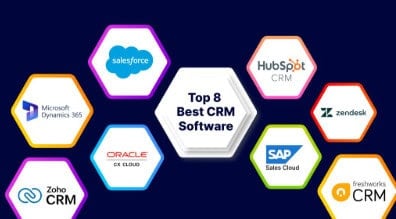
In this article, I will discuss the Best CRM Software for Small Businesses to help you manage customer relationships, track sales leads, automate daily tasks, and boost team productivity. We will compare popular CRM platforms in terms of features, pricing, integrations, ease of use, and limitations to help you choose the right solution for your business needs and budget.
What Is CRM Software for Small Businesses?
CRM software for small businesses is a digital solution that helps businesses manage customer relations, organize contact information, track sales leads, and monitor interactions from one centralized place. It helps business owners to monitor sales pipelines, plan follow-ups, automate monotonous tasks, and enhance communication with prospects and current customers.
Most CRM solutions also have email integration, reporting dashboards, marketing automation and AI-powered capabilities to help with day-to-day activities. CRM software can help small businesses save time, improve customer satisfaction, identify sales opportunities, build stronger customer relationships, and more effectively manage growth.
How much does CRM software cost for small businesses?
The cost of small business CRM software is usually between $10 and $100 per user per month, depending on features, subscription plans and billing options. Free CRM options such as HubSpot CRM and Zoho CRM offer basic customer management features but limit users or advanced tools.
For beginners, paid plans typically range from $10-$30 per user per month, while more advanced plans with automation, AI, analytics and integrations can run over $100 per user per month. Businesses should also take into consideration the setup, training, add-on and third-party integration costs. Compare pricing, free plan limits, scalability, and must-have features before choosing a CRM to make sure you get the best value for your budget.
Key Point
| CRM Software | Key Point |
|---|---|
| HubSpot CRM | All-in-one CRM with sales, marketing, service tools, AI features, and a highly capable free plan for growing businesses. |
| Pipedrive | Sales-focused CRM known for its visual pipeline management, ease of use, and strong sales automation features. |
| Zoho CRM | Feature-rich and affordable CRM with automation, analytics, and AI-powered assistance through Zia AI. |
| Salesforce Sales Cloud | Powerful CRM platform offering extensive customization, integrations, automation, and AI capabilities. |
| Freshsales | CRM solution combining sales management, built-in communication tools, customer support features, and AI functionality. |
| Microsoft Dynamics 365 | CRM platform integrated with the Microsoft ecosystem and enhanced by Copilot AI capabilities. |
| Monday CRM | Visual CRM system designed for collaboration, workflow management, and customizable sales processes. |
| Copper | CRM built specifically for Google Workspace users, with native Gmail integration and contact management. |
| Less Annoying CRM | Straightforward CRM focused on small teams, offering simple setup, customer management, and affordable pricing. |
| Close |
1. HubSpot CRM
Founded in 2006, HubSpot offers a free CRM that helps small businesses manage contacts, deals, tasks, and sales pipelines. The free tools are for up to two users, and paid pricing varies by product, billing terms and features selected.
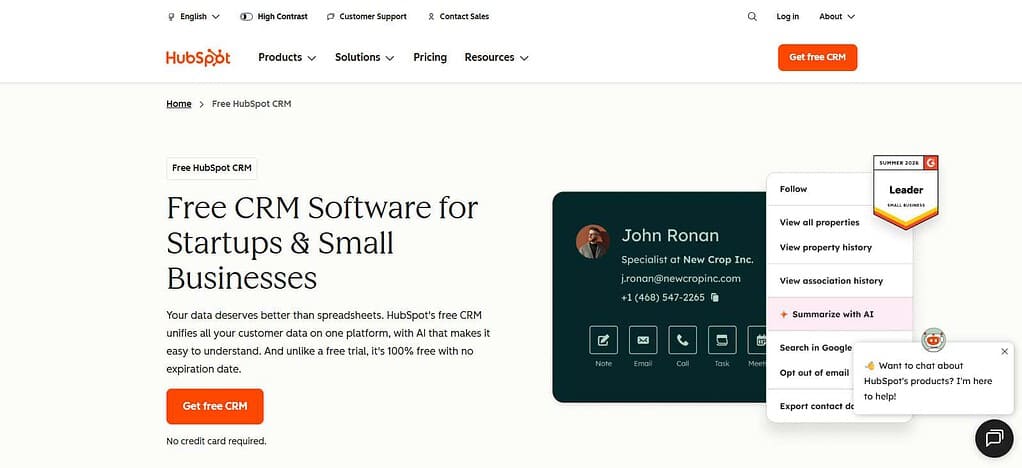
It integrates with Google Workspace, Slack, Shopify and thousands of apps in the marketplace. Setting up the basics could take minutes, but importing data and setting up workflows could take longer. The free plan limits users and advanced features, so growing teams should check upgrade costs.
HubSpot CRM — Features
| Feature | Full Details |
|---|---|
| Contact Management | Stores customer details, communication history, notes, and activities in centralized records. |
| Deal Pipeline Management | Tracks opportunities through sales stages and helps teams monitor deal progress. |
| Email Tracking | Supports email engagement tracking and notifications through eligible tools. |
| Task Management | Organizes follow-ups, reminders, calls, and daily sales activities. |
| Reporting and Analytics | Provides dashboards and reports for monitoring sales performance and pipeline progress. |
| Marketing Tools | Offers connected marketing features, including forms, email marketing, and live chat, with availability depending on the product and plan. |
| Meeting Scheduling | Lets businesses share scheduling links and coordinate prospect meetings. |
| Workflow Automation | Automates selected repetitive sales and customer management tasks, with advanced functionality dependent on the plan. |
| Integrations | Connects with Google Workspace, Microsoft applications, and numerous third-party tools through its marketplace. |
| Mobile CRM | Allows users to access customer records, tasks, and notifications through mobile apps. |
2. Pipedrive
Pipedrive is a visual sales pipeline, lead management, contact management and deal forecasting tool founded in 2010. The Lite plan starts at $14/user/month billed annually, and instead of a free plan forever, a 14-day free trial is available.
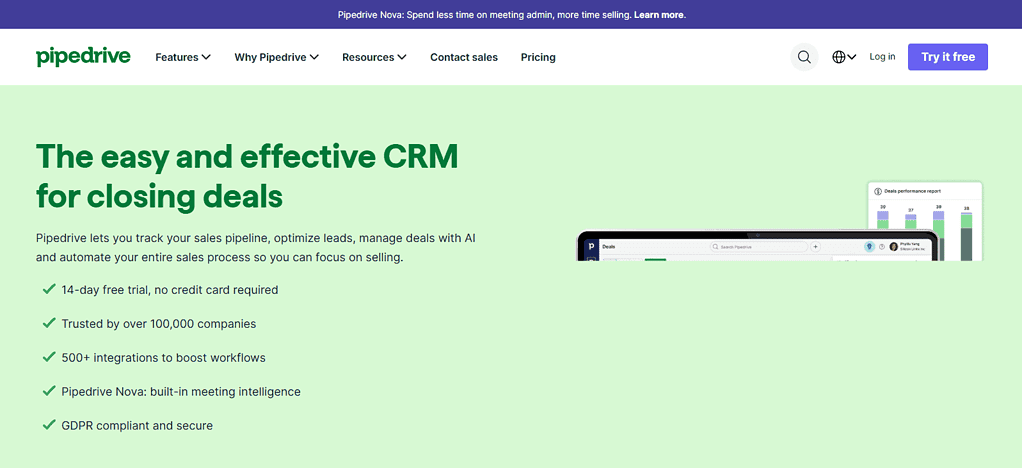
Integrations: Google Workspace, Zoom, Zapier and over 500 marketplace apps. Basic setup can take a few hours depending on data imports and pipeline customization. The entry plan has limitations such as no two-way email synchronization.
Pipedrive — Features
| Feature | Full Details |
|---|---|
| Visual Sales Pipeline | Displays deals in a visual board so sales representatives can track progress. |
| Lead Management | Organizes incoming leads and helps prioritize potential opportunities. |
| Contact Management | Maintains customer information, notes, activities, and communication details. |
| Sales Automation | Automates selected repetitive activities and sales workflows, depending on the subscription plan. |
| Sales Reporting | Provides dashboards and analytics for evaluating performance and pipeline activity. |
| Activity Reminders | Helps representatives schedule calls, meetings, and follow-up tasks. |
| Email Integration | Connects supported email services to help manage sales communications. |
| Customization | Allows users to adapt pipeline stages, fields, and selected workflows to their sales process. |
| App Integrations | Connects with Google Workspace and hundreds of third-party marketplace applications. |
| Revenue Forecasting | Helps teams monitor expected sales revenue using available reporting and forecasting capabilities. |
3. Zoho CRM
Zoho CRM was launched in 2005 by Zoho Corporation, founded in 1996. It provides contact management, lead tracking, workflow automation, reporting and mobile access. It has a free edition for 3 users. It is perfect for small teams that are just starting out with basic customer management.
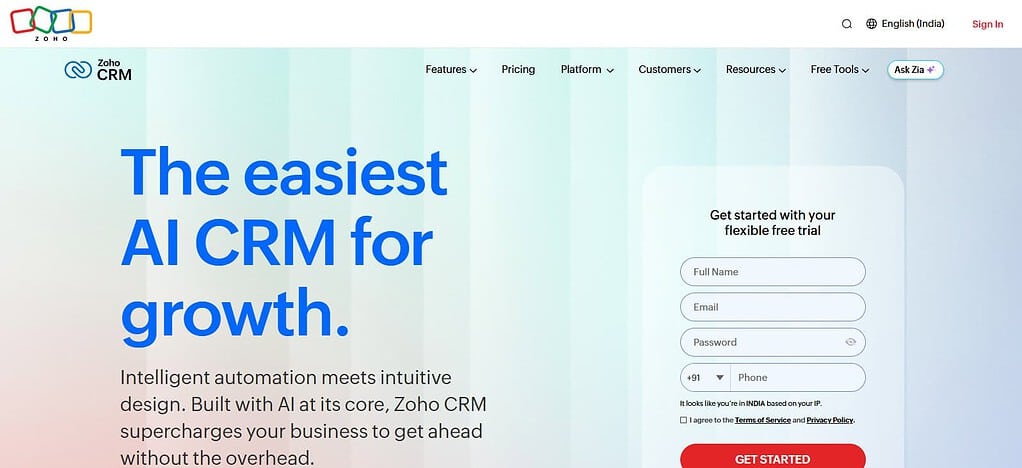
Paid plans differ depending on the edition and the billing frequency. Integrations include other Zoho apps, Google Workspace, Microsoft apps and third-party services. The basic setup can take a few hours, and advanced customization and automation can take more configuration.
Zoho CRM — Features
| Feature | Full Details |
|---|---|
| Lead Management | Captures, organizes, and tracks prospects throughout the sales process. |
| Contact Management | Stores customer information, interaction history, and account details. |
| Sales Pipeline | Tracks opportunities across customizable sales stages. |
| Workflow Automation | Automates eligible tasks, notifications, assignments, and sales processes. |
| Zia AI Assistant | Provides AI-assisted capabilities such as predictions, recommendations, and insights, depending on the plan. |
| Sales Forecasting | Helps managers estimate future sales and evaluate pipeline performance. |
| Multichannel Communication | Supports eligible email, telephone, social, and other customer communication channels. |
| Custom Modules | Allows supported editions to adapt records and fields to business-specific requirements. |
| Reporting and Analytics | Provides dashboards, reports, and performance measurements. |
| Zoho Ecosystem | Integrates with Zoho applications and supported third-party business tools. |
4. Salesforce Sales Cloud
Salesforce was founded in 1999 and offers Sales Cloud for companies that follow leads, accounts, opportunities, forecasts, and sales activities. Starter Suite pricing begins at approximately $25 per user per month, with the higher-end plans costing significantly more.
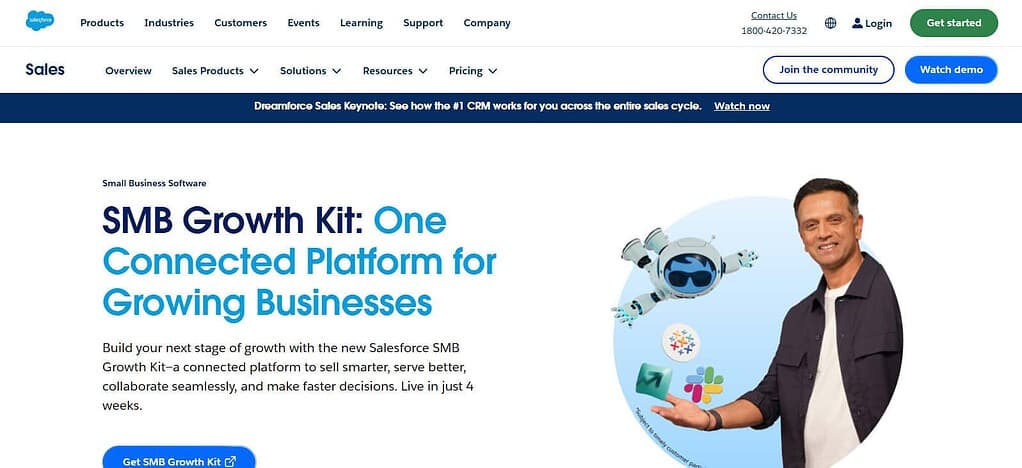
Salesforce’s Free Suite is a free CRM option, but features are limited and you must qualify. It integrates with Slack, Microsoft apps, Google workspace and lots of third party tools. Basic setup can be a few days, complex data migration, permissions and automation can be weeks.
Salesforce Sales Cloud — Features
| Feature | Full Details |
|---|---|
| Lead Management | Captures and tracks prospects from initial interest through qualification. |
| Account Management | Organizes company records, contacts, and customer relationships. |
| Opportunity Management | Tracks deals, sales stages, expected revenue, and closing dates. |
| Sales Forecasting | Helps managers forecast revenue and monitor team targets. |
| Einstein AI | Provides eligible AI-assisted predictions, insights, and productivity capabilities. |
| Workflow Automation | Supports automated business processes, rules, and approvals, depending on the edition. |
| Customization | Offers configurable objects, fields, layouts, and workflows. |
| Reports and Dashboards | Helps teams analyze sales activities, pipeline health, and business performance. |
| App Integrations | Connects with Salesforce applications and supported third-party services. |
| Enterprise Scalability | Supports complex sales processes, permissions, and larger team requirements with appropriate configuration. |
5. Freshsales CRM
Freshsales is the product of Freshworks, a company founded in 2010. It helps small businesses manage contacts, sales pipelines, email communication and follow-ups. The prices depend on the edition you pick, the billing cycle, and the number of users.
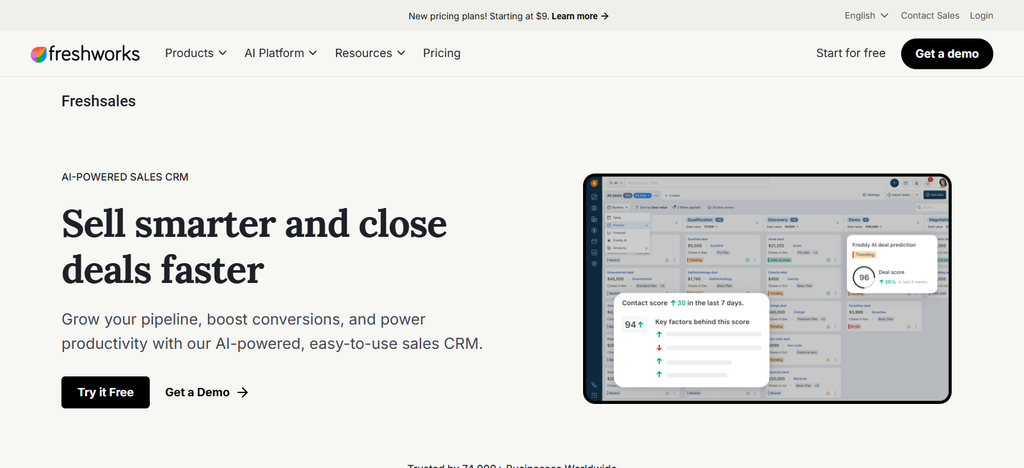
Check the current official pricing page to get the exact numbers before you publish. Free plan availability and features vary by country. See current limitations and eligibility. Integrations can be with business email, telephony, marketing applications and third party services. The basic set-up might take a couple of hours, but importing customer records and setting up workflows can take longer.
Freshsales — Features
| Feature | Full Details |
|---|---|
| Contact Management | Maintains customer records, interaction details, and communication history. |
| Lead Scoring | Helps prioritize leads using available scoring capabilities. |
| Deal Management | Tracks sales opportunities through pipeline stages. |
| Freddy AI | Provides eligible AI-assisted insights and productivity features, depending on the plan. |
| Built-in Communication | Supports sales communication features such as email and telephony, subject to configuration and availability. |
| Sales Sequences | Helps automate or organize repeated outreach activities on eligible plans. |
| Workflow Automation | Automates selected repetitive tasks and sales processes. |
| Sales Reporting | Offers reports and dashboards for evaluating sales activity and performance. |
| Integrations | Connects with supported business applications and third-party tools. |
| Mobile Access | Enables sales teams to manage customer records and activities while working remotely. |
6. Microsoft Dynamics 365 Sales
Founded in 1975, Microsoft’s CRM solution to manage leads, opportunities, customer interactions and sales forecasting is Dynamics 365 Sales. The price you pay depends on the edition, the licensing arrangement and your geography.
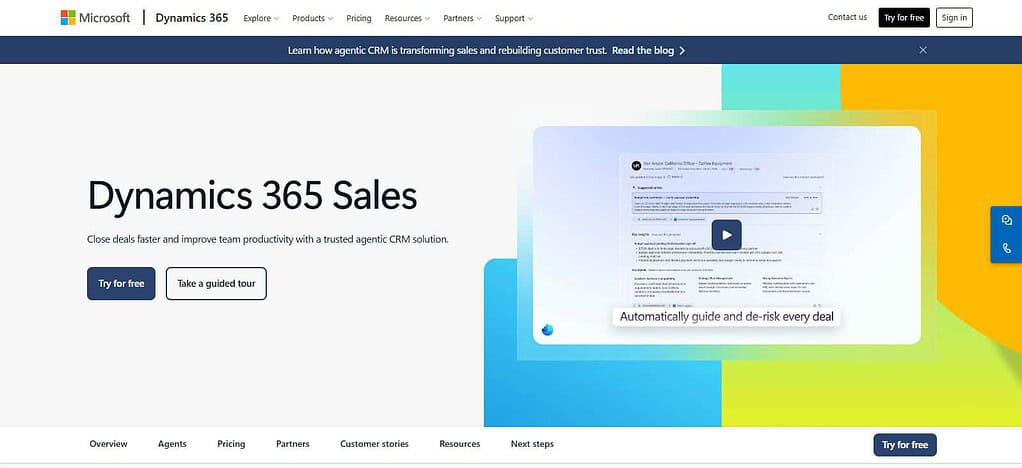
You can try it free for 30 days to see if it is right for you. It’s great for businesses already using the Microsoft ecosystem with integrations with Microsoft 365, Outlook, Teams and Power BI. Initial setup may take a few hours to a few days, but more advanced customization and data migration takes more planning. This trial is temporary, not a permanent free plan.
Microsoft Dynamics 365 Sales — Features
| Feature | Full Details |
|---|---|
| Lead and Contact Management | Organizes prospect records, customer details, and sales interactions. |
| Opportunity Tracking | Monitors deals, sales stages, estimated revenue, and closing dates. |
| AI Sales Insights | Offers eligible AI-powered recommendations, summaries, and sales insights. |
| Sales Forecasting | Helps teams estimate revenue and compare expected results with targets. |
| Microsoft 365 Integration | Connects with supported Microsoft applications, including Outlook and Teams. |
| Power BI Reporting | Supports business intelligence and sales reporting through Power BI integrations. |
| Workflow Automation | Uses supported Dynamics 365 and Power Platform capabilities to automate business processes. |
| Customization | Allows organizations to configure entities, forms, fields, and workflows. |
| Relationship Intelligence | Helps sales teams understand customer interactions and relationship activity through available features. |
| Security and Permissions | Supports role-based access and organizational controls for customer information. |
7. monday.com
monday.com CRM was founded in 2012 and helps teams organize contacts, leads, deals, sales activities and workflow dashboards. Its CRM pricing starts at around $12 per seat per month, billed annually, but you’ll want to check seat minimums and plan terms.
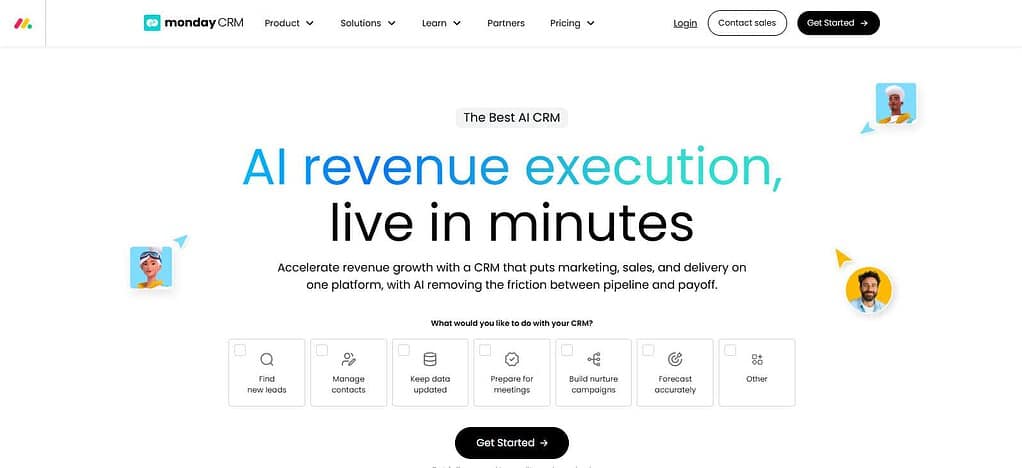
There is a free plan for monday.com’s work platform, but it does not include the full monday CRM product. Available on eligible paid plans with integrations & automation. Basic setup will take a couple of hours, while advanced dashboards, workflows, and integrations will require more configuration.
monday CRM — Features
| Feature | Full Details |
|---|---|
| Visual Deal Pipeline | Displays sales opportunities using customizable boards and pipeline stages. |
| Lead Capture | Organizes leads received through supported forms, imports, and connected applications. |
| Contact Management | Maintains customer details, activities, and relationship information. |
| Workflow Automation | Automates repetitive tasks, notifications, and sales processes. |
| Email and Activity Tracking | Helps organize customer communications and sales activities in supported workflows. |
| AI Capabilities | Provides eligible AI-assisted lead generation, summaries, and workflow tools, depending on availability and plan. |
| Customizable Dashboards | Allows teams to monitor sales progress and selected performance metrics. |
| Team Collaboration | Supports shared boards, task assignments, updates, and team visibility. |
| Integrations | Connects with supported email, productivity, and business applications. |
| Quotes and Invoices | Offers deal-related document and billing capabilities on eligible configurations and plans. |
8. Copper
Copper CRM, founded in the 2010s, targets companies that use Google Workspace to build customer relationships. Features: contact management, sales pipelines, task automation and project tracking. Paid pricing begins at around $23 per user per month, billed annually, with higher tiers providing more reporting and automation.
Free trial available, no free plan for life. It integrates with Gmail, Google Calendar, Slack, QuickBooks, DocuSign and other business apps. Basic setup can take a few hours, depending on contact imports and workflow requirements.
Copper — Features
| Feature | Full Details |
|---|---|
| Contact Management | Organizes leads, customers, companies, and relationship records. |
| Google Workspace Integration | Connects CRM activities with supported Google applications and workflows. |
| Gmail Integration | Helps users manage customer relationships alongside their email communications. |
| Sales Pipeline | Tracks opportunities through customizable deal stages. |
| Task Management | Organizes follow-ups, reminders, and sales activities. |
| Relationship Tracking | Keeps relevant customer interactions and business details accessible to the team. |
| Workflow Automation | Supports selected automated processes depending on the plan. |
| Reporting | Provides sales reports and pipeline visibility based on subscription capabilities. |
| Project Management | Helps teams manage related work and customer projects using available functionality. |
| Third-Party Integrations | Connects with supported business tools, including selected productivity and accounting applications. |
9. Less Annoying CRM
Less Annoying CRM was founded in 2009 and targets small business users who require simple contact management, calendars, task-reminders and sales pipeline tracking. It has a single simple plan (rather than multiple feature tiers) priced at around $15 per user per month.
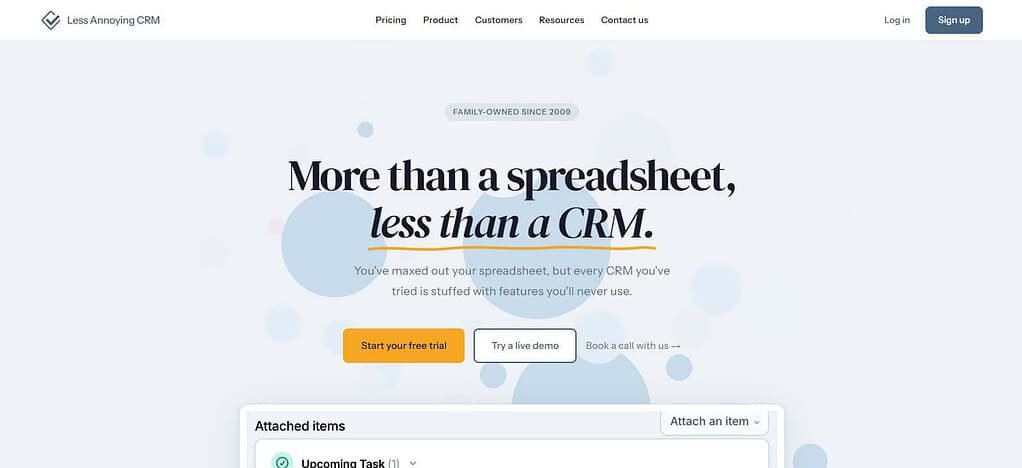
There’s a 30-day free trial, but no forever-free plan. It integrates with Google and Outlook, and also offers web forms and API connections. The simple interface means basic setup could take a few hours. Its limitations should be weighed by companies that want advanced analytics or extensive automation before they buy.
Less Annoying CRM — Features
| Feature | Full Details |
|---|---|
| Contact Management | Stores customer information and communication details in straightforward records. |
| Lead Tracking | Helps users organize potential customers and monitor sales opportunities. |
| Simple Sales Pipeline | Provides visibility into sales progress without unnecessary complexity. |
| Task Reminders | Helps users remember calls, meetings, and follow-up activities. |
| Calendar Management | Organizes scheduled activities and important customer-related events. |
| Contact Notes | Lets users record relevant information about customer conversations and relationships. |
| Team Collaboration | Allows small teams to share customer information and coordinate activities. |
| Email and Calendar Connections | Supports compatible email and calendar workflows through available integrations. |
| Data Import and Export | Helps users move customer information into or out of the CRM using supported options. |
| Simple Interface | Focuses on essential CRM tasks for freelancers and small businesses that prefer straightforward workflows. |
Comparison Table: Best CRM Software for Small Businesses in 2026
| CRM Software | Best For | Free Plan | Starting Price (Approx.) | Key Feature |
|---|---|---|---|---|
| HubSpot CRM | Startups and small businesses | Yes | Free; paid plans vary | Contact management and marketing tools |
| Pipedrive | Sales-focused teams | No; free trial | $14/user/month | Visual sales pipeline |
| Zoho CRM | Budget-conscious businesses | Yes | $14/user/month | Workflow automation |
| Salesforce Sales Cloud | Growing sales teams | Limited free option available | $25/user/month | Sales forecasting and customization |
| Freshsales | Small sales teams | Free option availability varies | Check current plans | Lead scoring and AI assistance |
| Microsoft Dynamics 365 Sales | Microsoft-based businesses | Free trial | Around $65/user/month | Microsoft 365 integration |
| monday CRM | Teams needing visual workflows | No dedicated permanent free CRM plan | Around $12/seat/month | Customizable boards and automation |
| Copper | Google Workspace users | No; free trial | Around $23/user/month | Google Workspace integration |
| Less Annoying CRM | Freelancers and small teams | No; free trial | Around $15/user/month | Simple contact management |
| Close CRM | Outbound sales teams | No; free trial | Check current plans | Calling and sales sequences |
Conclusion
The best CRM software for small businesses in 2026 depends on your budget, team size, sales process, and business goals. If you’re looking for free entry points, HubSpot CRM and Zoho CRM are both worth checking out, while Pipedrive is a good choice for sales-focused teams.
For more complex sales processes, Salesforce Sales Cloud and Microsoft Dynamics 365 are more appropriate; for simpler workflows, Copper and Less Annoying CRM are better. Before choosing, check pricing, integrations, automation features, and limitations on free plans. Select a CRM that lets you easily manage your customers, helps you keep track of them, and grows with your business.
FAQ
What is the best CRM software for small businesses in 2026?
The best CRM software depends on your business requirements, budget, and team size. HubSpot CRM and Zoho CRM are worth considering for businesses looking for free starting options. Pipedrive is suitable for sales-focused teams, while Salesforce Sales Cloud and Microsoft Dynamics 365 support more complex sales processes.
Is there any free CRM software for small businesses?
Yes, several CRM platforms offer free plans or free editions. HubSpot CRM and Zoho CRM provide free starting options, while Salesforce offers a free entry-level option subject to its current terms. However, free plans may limit users, automation, reporting, storage, or integrations.
How much does CRM software cost for small businesses?
CRM software pricing varies by provider, subscription plan, and number of users. Entry-level paid plans can start at around $10–$30 per user per month, while advanced plans may cost considerably more. Businesses should also consider add-ons, onboarding, integrations, and annual billing requirements.
What features should small businesses look for in CRM software?
Small businesses should prioritize contact management, lead tracking, sales pipelines, task reminders, email integration, reporting, and workflow automation. Mobile access, data security, customization, and integration with existing business applications are also important when selecting a CRM platform.
Which CRM is easiest to use for beginners?
Less Annoying CRM is designed around simplicity and straightforward customer management. HubSpot CRM also offers an accessible starting point for businesses new to CRM software. The best choice depends on the features you need, your team’s experience, and how easily the platform fits your daily workflow.