



I will discuss the top Digital Adoption Platforms in this article. Organizations have complex SaaS environments, and adding more services to improve productivity often results in a violation of regulatory policies. Platforms like WalkMe and WhatFix help enterprises maintain control while maximizing the adoption of services offered by the vendor.
Others like Lemon Learning and Userpilot provide similar functionality in a more flexible manner. These platforms not only help control user access, but also help with organizational change to a more digital and efficient environment.
What Are Digital Adoption Platforms for Enterprises?
A Digital Adoption Platform (DAP) offers a wide range of in-app, contextual guidance to end-users and employees on how to use enterprise applications. Using a DAP, enterprises can reduce their reliance on training and support teams to teach end-users how to use enterprise applications, and instead use the DAP to provide in-app, step-by-step guidance. As a byproduct, the number of support tickets generated by end-users reduces drastically.
DAPs enable large enterprises to gain greater control over their SaaS application ecosystemes (i.e. Salesforce, SAP, Microsoft 365, and Oracle, etc.), by introducing in-app, contextual guidance, and assessing the productivity and adoption rates of users. Leading DAPs build and maintain security and governance features, and comply with strict security and privacy standards (i.e. SOC 2, ISO 27001 and GDPR).
In addition to contextual guidance, leading DAPs incorporate artificial intelligence and automation to further help enterprises manage employee digital work, engage employees, and aid employees in adopting and using enterprise applications. Leading DAPs are essential to enterprises to help manage the digital work of employees.
Key Points
| Platform | Best For | Key Strengths | Limitations |
|---|---|---|---|
| Lemon Learning | Mid-market & growing enterprises | No-code editor, fast deployment, EU data residency | Smaller brand, limited analytics depth |
| WalkMe | Large enterprises, multi-app rollouts | Pioneer in DAP, Fortune 500 adoption, advanced analytics | High cost (~$79K+/yr), steep learning curve |
| Whatfix | Enterprise web adoption & self-help | AI-native, strong support, workflow guidance | Setup complexity, content upkeep |
| Pendo | Product analytics + in-app guidance | Deep analytics, user feedback integration | Pricing & reporting depth issues |
| Userpilot | Product-led onboarding | Affordable ($299/mo), fast setup | Limited customization, weaker reporting |
| UserGuiding | Startups & SMBs | Budget-friendly, intuitive builder | Limited features, customization gaps |
| Tango | Workflow documentation | Instant guide creation, automation | Limited advanced features |
| Stonly | Interactive knowledge bases | Strong contextual support, flexible deployment | Less enterprise-scale adoption |
| Oracle Guided Learning | Oracle ecosystem enterprises | Deep integration with Oracle apps | Narrower scope outside Oracle |
| Nexthink Adopt | Employee experience & IT adoption | Analytics-driven, proactive IT support | Less focus on customer-facing apps |
1. Lemon Learning
Lemon Learning was founded in 2014 in Paris, France. Currently, the company has 50-60 employees and supports mid-market companies with their DAP solution. Lemon Learning supports numerous business applications including Salesforce and Microsoft 365, among others.
The company employs contextual tips to provide end-user training. Lemon Learning can be integrated with single sign-on, Learning Management Systems, and Customer Relationship Management Systems. Lemon Learning’s security and data governance controls are in line with the GDPR. Lemon Learning can be deployed quickly and is relatively easy to use. Lemon Learning lacks certain advanced features offered by larger solutions in the market.
Lemon Learning Features
- Onboarding automation with no code builders
- Integrates with web apps, Salesforce, and SAP
- Located in the EU with data encryption
- Integrates with other apps via APIs
- Dashboards for admins
| Pros | Cons |
|---|---|
| Fast, no‑code deployment | Limited analytics depth |
| Affordable pricing for mid‑market | Smaller global brand presence |
| GDPR‑compliant with EU data residency | Less customization for complex workflows |
| Easy integration with LMS, CRM, SSO | Not ideal for Fortune 500 scale |
| Lightweight and intuitive UI | Limited governance features |
| Quick onboarding setup | Narrower reporting capabilities |
| Strong adoption in Europe | Less adoption in North America |
| Role‑based access controls | Fewer advanced AI features |
| Audit trails for compliance | Limited enterprise scalability |
2. WalkMe
WalkMe was founded in 2011 and has its headquarters in both Tel Aviv, Israel and San Francisco, CA. WalkMe supports thousands of business applications including SAP and Workday. WalkMe offers digital process automation, user behavior analytics, and guidance software.
Like other leading digital process and task management solutions, WalkMe provides integration with multiple business applications. WalkMe’s security controls and data governance policies are in line with GDPR and SOC 2. Role-based access controls (RBAC) are provided in WalkMe. WalkMe can be complex to use and administer and is typically adopted by large enterprises.
WalkMe Features
- Artificial Intelligence for guidance
- Integrates with thousands of apps
- Governance with audit logs
- Roles Access permissions
- Integrates with SSO and CRM
| Pros | Cons |
|---|---|
| Pioneer in DAP category | Very high cost (~$79K+/yr) |
| Supports thousands of enterprise apps | Steep learning curve |
| Advanced analytics & AI guidance | Requires dedicated adoption teams |
| SOC 2, GDPR, enterprise security | Complex setup & maintenance |
| Deep IT ecosystem integrations | Overwhelming for SMBs |
| Fortune 500 adoption | Heavy resource requirements |
| Workflow automation | Pricing not transparent |
| Governance dashboards | Long deployment cycles |
| Role‑based permissions | May be excessive for mid‑market |
3. Whatfix
Whatfix is a product experience platform headquartered in Bangalore, India with another office in San Jose, California. Annual pricing for their enterprise product starts at approximately 35,000 dollars. Their guidance and automation offerings are available for multiple enterprise applications and help create context-sensitive guided product tours and other help resources.
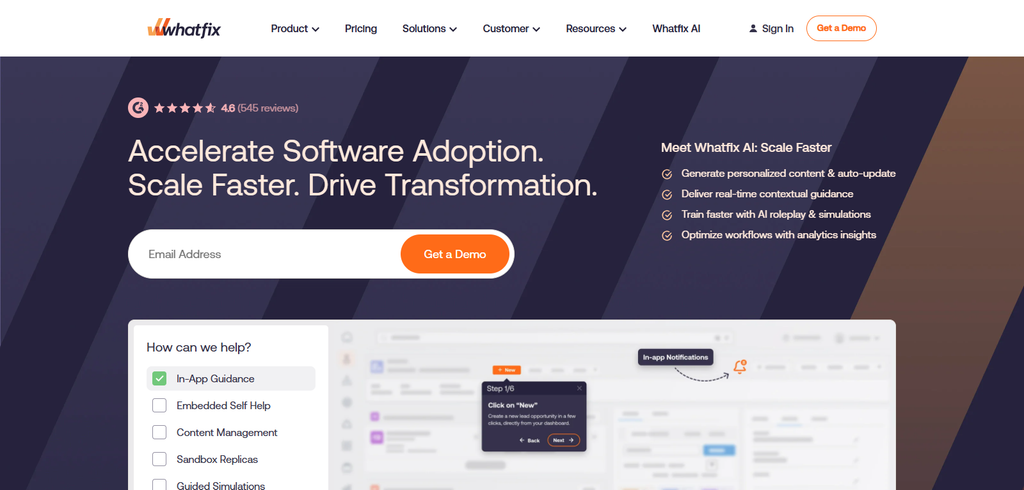
Whatfix’s other offerings include integrations with various learning management systems and a range of security features including SOC 2 and ISO 27001 compliance and GDPR. Similar to their security offerings, Whatfix’s other offerings are geared toward large enterprises.
For large enterprises Whatfix’s offerings are praised for their artificial intelligence integrations and overall product offering. Challenges for large enterprises include integration and content creation.
Whatfix Features
- Guidance and automation
- Integrates with thousands of apps
- Role Access permissions
- Dashboards for admins
- Audit trails and permissions
| Pros | Cons |
|---|---|
| AI‑native contextual guidance | Setup complexity |
| Flexible pricing (~$35K+) | Content upkeep required |
| Strong customer support | Steeper learning curve |
| SOC 2, ISO 27001, GDPR compliance | Higher cost for SMBs |
| Integrates with LMS, CRM, ITSM | Requires IT involvement |
| Workflow automation | Limited brand recognition vs WalkMe |
| Centralized dashboards | Customization takes time |
| Role‑based access | May overwhelm smaller teams |
| Compliance monitoring | Analytics less advanced than Pendo |
4. Pendo
Pendo is a product experience software company located in Raleigh, North Carolina. Pricing for their product analytics offering starts at 2,000 dollars per month. Their product offers tools for building user engagement software and helping businesses gain product usage insights.
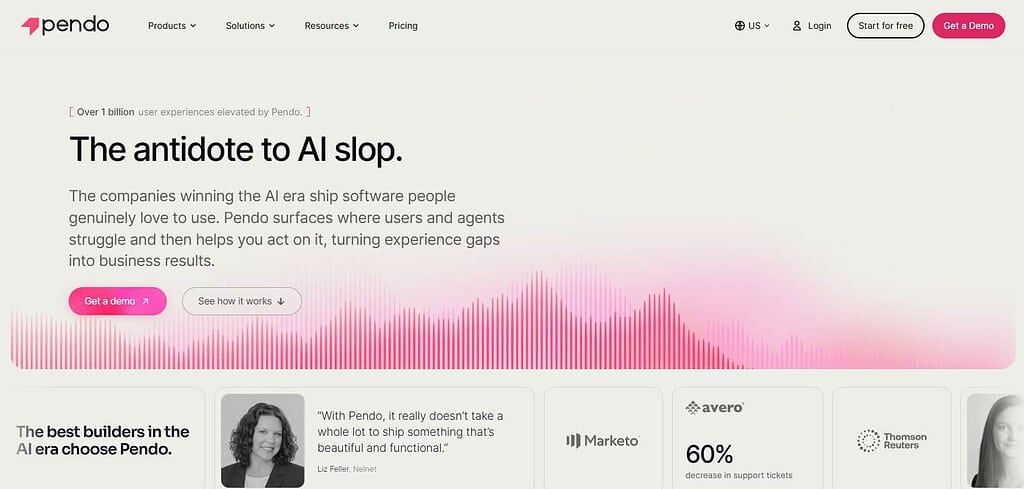
User guides, feedback and resources can be incorporated throughout the product. Other offerings include integrations for collaboration software and analytics.
Pendo’s security features and governance offerings include SOC 2, GDPR compliance, and end to end data encryption. Similar features include role-based controls and compliance dashboards. For product usage insights, smaller enterprises may find Pendo’s offerings challenging compared to competitors.
Pendo Features
- User feedback and analytics
- Guidance for app users
- Thousands of integrations
- Role Access permissions
- Audit trails and permissions
| Pros | Cons |
|---|---|
| Deep product analytics | Pricing starts ~$2K/month |
| Strong user feedback tools | Reporting depth issues |
| SOC 2, GDPR compliance | Less onboarding focus |
| SaaS‑focused integrations | Limited enterprise governance |
| In‑app guidance | Not ideal for IT adoption |
| Role‑based permissions | Higher cost for startups |
| Audit trails | Narrower scope than WalkMe |
| Customer insights | Requires analytics expertise |
| Flexible deployment | Limited customization for workflows |
5. Userpilot
Founded in 2018, Userpilot is a London-based company that offers product tour software. Userpilot has transparent pricing models, with the lowest plans starting at $299 a month. This pricing structure makes the software attractive to product-led teams and mid-market customers.
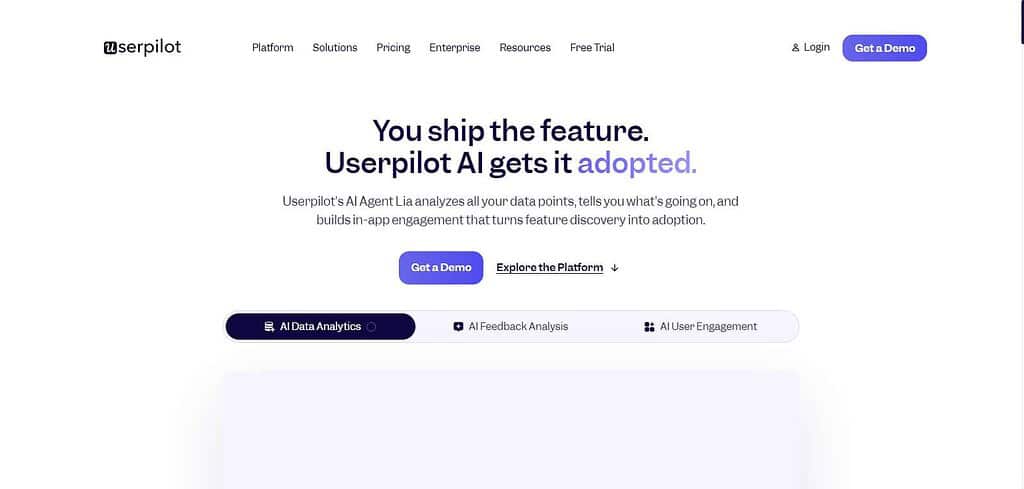
Userpilot helps software companies with user onboarding and to increase adoption of features within the software. Userpilot provides integrations with several CRM and collaboration software. Userpilot has security features to comply with GDPR and offers role-based permissions. Administrator controls and audit logs are available to provide transparency and oversight.
Userpilot is an affordable software to implement user guidance and feature tours within software. Userpilot is less configurable compared to other user guidance software. Userpilot is a great product for software companies to incorporate product-led growth.
Userpilot Features
- Thousands of integrations
- Roles Access permissions
- Governance with audit logs
- Encryption and GDPR compliance
- Dashboards for admins
| Pros | Cons |
|---|---|
| Affordable ($299/month) | Limited customization |
| Fast setup | Weaker reporting depth |
| GDPR‑compliant | Not enterprise‑scale |
| SaaS onboarding focus | No advanced analytics |
| Role‑based access | Limited governance features |
| Admin dashboards | Narrower integrations |
| Feature adoption tools | Less suited for IT workflows |
| Transparent pricing | Smaller brand presence |
| Easy to use | Limited scalability |
6. UserGuiding
Established in 2017 in Istanbul, Turkey, UserGuiding is headquartered there with a worldwide user base. UserGuiding price begins at ninety nine dollars monthly, putting it in the lower price range for DAPs. With respect to product support, it helps with onboarding flow and consists of Interactive Hotspots and Instructional Checklists.
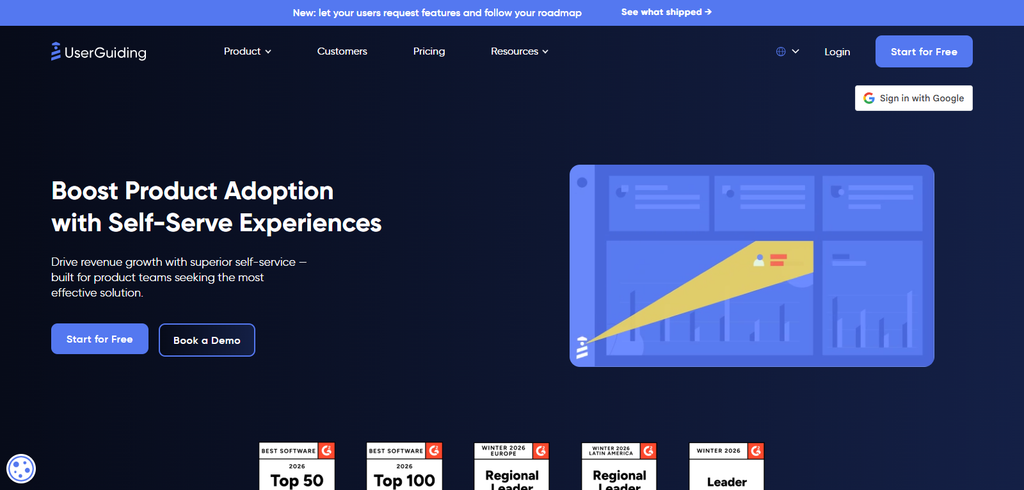
UserGuiding integrates with several products, for example, CRM and Analytics apps. It is protection GDPR out of the box and offers role based permissions. UserGuiding includes administration dashboards and services administration and governance controls.
Though it rates nicely versus peer DAPs for the value added, it doesn’t compare with more expensive enterprise DAPs for customization and analysis. It is more ideally suited for smaller businesses, particularly startups.
UserGuiding Features
- Hundreds of integrations
- Governance with audit logs
- Roles Access permissions
- Encryption and GDPR compliance
- Dashboards for admins
| Pros | Cons |
|---|---|
| Budget‑friendly ($99/month) | Limited analytics |
| Intuitive design | Less customization |
| SaaS onboarding flows | Not enterprise‑ready |
| GDPR‑compliant | Narrower integrations |
| Role‑based access | Limited governance |
| Admin dashboards | Smaller global footprint |
| Tooltips & checklists | No advanced AI features |
| Easy deployment | Reporting gaps |
| Startup‑friendly | Weak scalability |
7. Tango
Based in San Francisco, Tango offers a software solution that creates documentation and instructional materials about work processes. The price is free, with the higher tier at around $20 per user per month. Tango provides workflow solutions for other software applications, and provides workflow and documentation automation.

It provides integrations for knowledge bases and wikis, as well as Confluence and Notion. It provides security and governance features, including the ability for administrators to control access and view audit logs. It also supports security and privacy features, like SOC 2 and GDPR. Tango is simple to use, but more advanced features and integrations are lacking. It is better suited for teams that need simple documentation over more robust DAP.
Tango Features
- Documentation and user guides generated by AI
- Integrates with various SaaS apps and automatically generates usage instructions
- Security features: SOC 2, GDPR, and 256-bit encryption
- Integrations: Slack, Notion, Confluence, and other KBs
- Admin controls, audit logs, and dashboards
| Pros | Cons |
|---|---|
| Free tier available | Limited enterprise features |
| Instant workflow documentation | No deep analytics |
| SOC 2, GDPR compliance | Narrower scope vs DAPs |
| Integrates with Slack, Notion, Confluence | Not ideal for IT adoption |
| Auto‑generated guides | Limited customization |
| Sharing controls | Smaller brand presence |
| Admin dashboards | Governance features basic |
| Audit trails | Focused on documentation only |
| Simple UI | Not scalable for Fortune 500 |
8. Stonly
Stonly was launched in 2018 in Paris and has since established a global business. Stonly’s pricing model offers plans ranging from $199 to $2,499 a month, and the highest plan is modular based on usage. Stonly offers SaaS products the ability to create interactive resources, and expand support resources and customer journeys. Stonyl offers integrations with a range of software including CRMs and Help Desks.
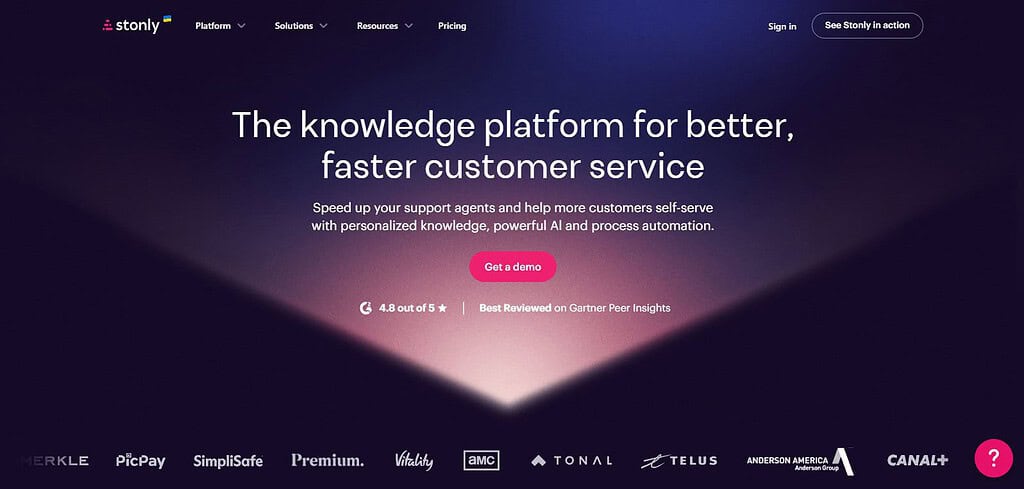
Stonly adheres to the GDPR and offers role based security and data encrytption. Stonly offers admin control governance resources including compliance and audit logs. While staff adoption of Stonly has been less prevalent than Whatfix and WalkMe, Stonly is well suited for developing online customer support and documentation.
Stonly Features
- Interactive Knowledge Bases and Click-by-Click Guides
- Integrates with various SaaS apps and provides context help
- GDPR and 256-bit encryption
- Integrates with CRM and Help Desks
- Audit logs and compliance
| Pros | Cons |
|---|---|
| Interactive knowledge bases | Less enterprise adoption |
| Contextual support | Limited analytics |
| GDPR‑compliant | Narrower integrations |
| SaaS app support | Smaller brand recognition |
| Role‑based access | Governance features basic |
| Compliance monitoring | Not ideal for IT workflows |
| Audit trails | Limited scalability |
| Flexible deployment | Reporting gaps |
| Strong customer support | Less suited for Fortune 500 |
9. Oracle Guided Learning
Oracle Guided Learning, based in Austin, Texas, US, is part of the Oracle suite of products, and charges enterprise-level prices. Available only with the suite of Oracle Cloud services, it provides prompts and workflow automation for various applications within the suite (e.g. ERP, HCM, and CX).
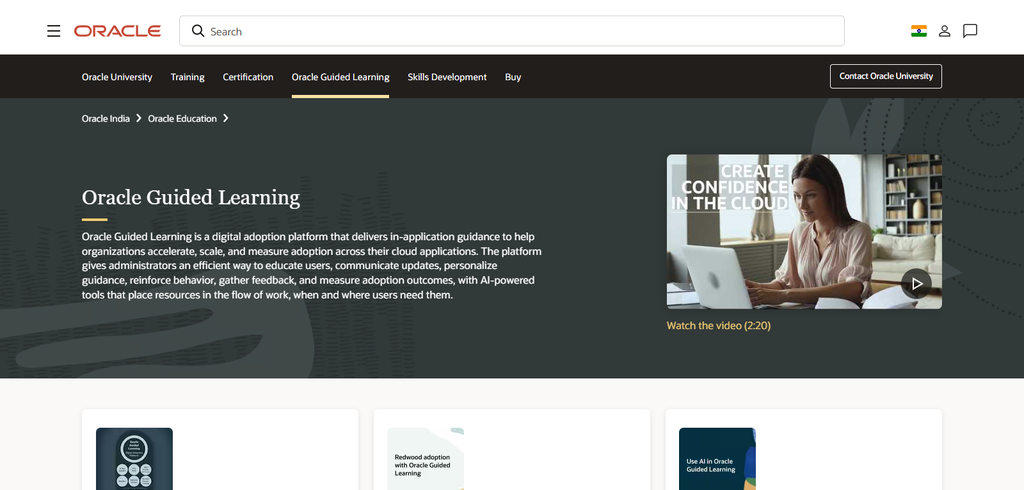
As such, it is limited to the Oracle ecosystem. Deeper integration with other applications is not available. Security is enterprise-level with various frameworks and controls, and governance features include compliance dashboards, auditing, and access control. Overall, Oracle Guided Learning is a good add-on for enterprises with other Oracle products, particularly to enhance workflow automation.
Oracle Guided Learning Features
- Integrates with Oracle ERP, HCM and CX Apps
- Contextual help and automate business processes
- SOC 2 and GDPR
- Narrow ecosystem and integration focus
- Role and compliance jerverics
| Pros | Cons |
|---|---|
| Deep Oracle integration | Limited outside Oracle apps |
| Contextual guidance | Vendor lock‑in risk |
| SOC 2, GDPR compliance | Pricing bundled, not transparent |
| Workflow automation | Narrower ecosystem scope |
| Governance dashboards | Less flexible integrations |
| Audit logs | Not suited for non‑Oracle enterprises |
| Role‑based access | Higher cost for mid‑market |
| Enterprise security | Limited customization |
| Compliance frameworks | Focused only on Oracle Cloud |
10. Nexthink Adopt
Founded in 2004, and based in Lausanne, Switzerland, Nexthink provides user experience software for the IT domain. Pricing is enterprise-level and varies with each customer. Nexthink Adopt provides software to facilitate IT and employee acceptance of workplace changes. It offers integration with other software to provide end-to-end case management.
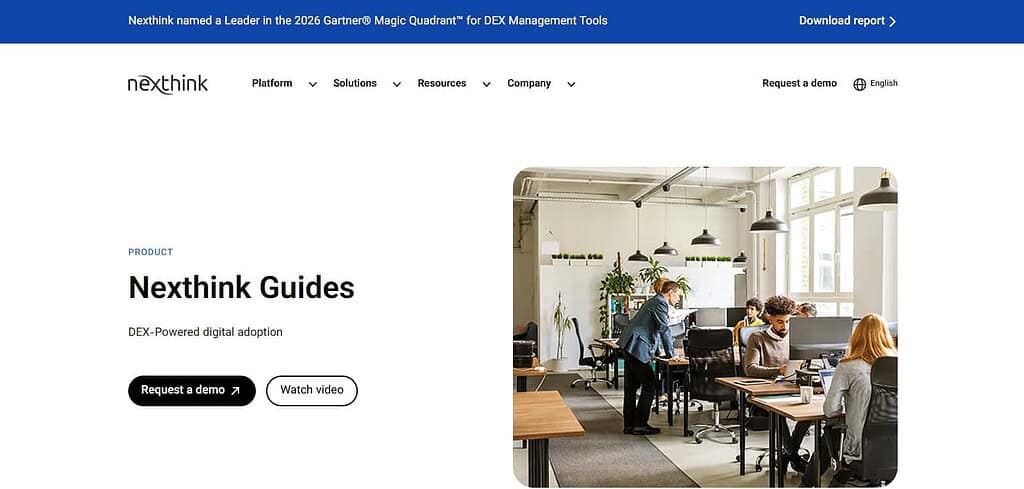
Security is at the enterprise-level with various controls and assurance frameworks. IT governance and proactive monitoring are complemented by dashboards, auditing, and access control. Nexthink Adopt is less focused on customer service and more focused on IT and workplace employee service.
Nexthink Adopt Features
- Employee experience insights with usage analytics
- Promote IT and Digital Workplace Apps
- Security: SOC 2, GDPR and ISO 27001
- Integrates with ITSM and other apps
- Governance dashboard and IT monitoring
| Pros | Cons |
|---|---|
| Analytics‑driven insights | Less customer‑facing focus |
| Strong IT adoption support | Higher enterprise cost |
| SOC 2, ISO 27001, GDPR compliance | Complex setup |
| Integrates with ITSM, analytics | Narrower SaaS onboarding |
| Proactive IT monitoring | Requires IT involvement |
| Governance dashboards | Limited customization |
| Role‑based access | Smaller brand recognition vs WalkMe |
| Compliance monitoring | Not ideal for startups |
| Employee experience focus | Reporting complexity |
Conclusion
By 2026, several digital adoption solutions (DAS) will help employee productivity in a SAAS environment. Enterprises will use DAS that integrate with various SAAS solutions. WalkMe, WhatFix and Userpilot are some of the DAS which provide governance and analytical tools.
Tango and Stonly help in documentation and provide contextual help. UserGuiding offers the lowest price per user and is tailored to small and medium enterprises. Pendo and Nexthink Adopt help in analytics and provide insights. Oracle Guided Learning helps in adopting various applications provided by Oracle.
FAQ
What is a Digital Adoption Platform?
A Digital Adoption Platform (DAP) is software that overlays applications to guide users with in‑app walkthroughs, tooltips, and analytics. It helps enterprises accelerate onboarding, improve productivity, and ensure compliance across SaaS ecosystems.
Which DAP is best for large enterprises?
WalkMe and Whatfix are the most trusted for Fortune 500 companies due to scalability, advanced analytics, and governance features. They support thousands of applications like Salesforce, SAP, and Oracle.
Which DAPs are cost‑effective for mid‑market teams?
Lemon Learning and Userpilot offer affordable pricing models with no‑code deployment, making them ideal for mid‑market enterprises seeking agility without heavy budgets.
Are there budget‑friendly options for startups?
Yes, UserGuiding and Tango provide entry‑level plans starting under $100 per month, focusing on onboarding flows and workflow documentation.