

In this article, I am going to discuss the Best Digital Marketing Tools for Small Businesses to improve online visibility, attract potential customers and boost marketing productivity. You’ll get access to SEO, social media management, email marketing, analytics, and AI-based content generation tools. This guide will assist you to compare features, pricing, and ease of use to choose the best tools for your business growth.
What Are Digital Marketing Tools?
Digital marketing tools are software programs and online services that companies use to promote their products or services, reach target audiences, and grow their online presence. The tools can be used for a variety of marketing tasks, such as search engine optimization (SEO), social media management, email marketing, content creation, paid advertising, website analytics and customer relationship managment (CRM).
Tools like HubSpot, Canva, Semrush, Google Analytics 4, Mailchimp and ChatGPT can help small businesses to create marketing campaigns, analyze customer behavior, automate repetitive tasks and measure performance. The right digital marketing tools help businesses better control their marketing spend, save time, generate leads and make better-informed decisions that aid long-term growth.
Key Points
| Digital Marketing Tool | Key Point |
|---|---|
| HubSpot | All-in-one platform combining CRM, email marketing, lead management, automation, and analytics for small businesses. |
| Canva | Easy-to-use design platform for creating social media graphics, ads, presentations, and marketing content. |
| Semrush | Comprehensive SEO and digital visibility platform for keyword research, competitor analysis, and search performance. |
| Google Analytics 4 (GA4) | Tracks website traffic, user behavior, conversions, and marketing campaign performance. |
| Google Search Console | Monitors search visibility, indexing, keyword performance, and technical SEO health. |
| Mailchimp | Popular email marketing platform with templates, audience segmentation, and automation features. |
| Buffer | Social media scheduling and publishing tool designed for small teams and businesses. |
| Hootsuite | Social media management platform for scheduling, monitoring, and analytics across multiple networks. |
| Ahrefs | SEO platform focused on backlink analysis, keyword research, site audits, and competitor intelligence. |
| ChatGPT | AI-powered assistant for content creation, marketing research, brainstorming, and customer communication. |
1. Hubspot
HubSpot, founded in 2006, offers CRM, email marketing, lead management, landing pages and marketing automation for small businesses. Their free tools start at $0. Starter pricing varies depending on the billing method, starting at approximately $7 per seat per month with annual billing or $20 with monthly billing.
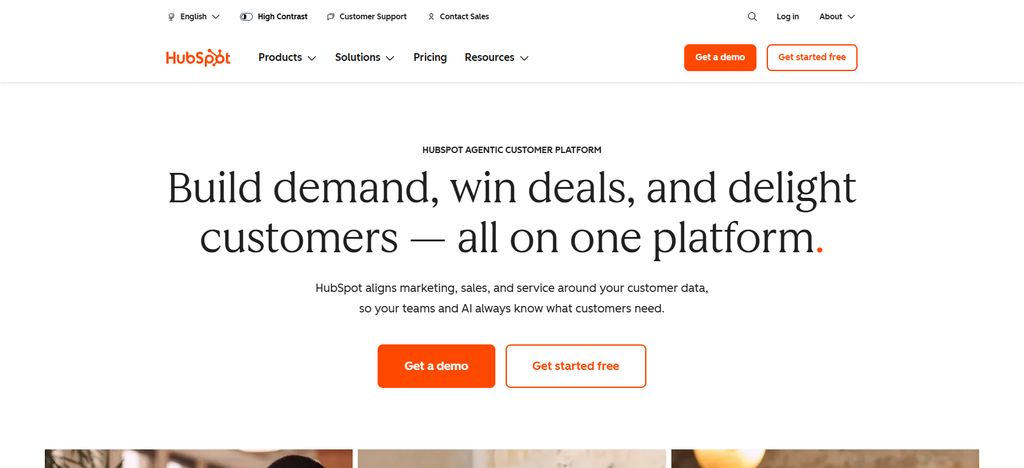
Performance indicators include: leads, customer interactions, email engagement, and conversions. Automation helps reduce repetitive follow-ups, AI helps with marketing. Data checked on: 9 October 2026.
Ease of Use of HubSpot
- User Friendly Dashboard: A single interface to manage contacts, leads, and marketing activities.
- Easy Contact Management: Customers information can be managed without keeping multiple spreadsheets.
- Easy to create campaigns. Includes tools for creating emails, forms and landing pages.
- Automation Setup: You can get basic workflows, but if you want advanced automation you will have to do some learning.
- Learning Curve: Basic CRM features are easy for beginners, but advanced marketing workflows take some learning.
HubSpot — Properties
| Property | Details |
|---|---|
| Tool Category | CRM and marketing automation |
| Founded | 2006 |
| Primary Purpose | Manage customer relationships, leads, and marketing campaigns |
| Lead Management | Organizes contacts, customer records, and sales pipelines |
| Email Marketing | Supports email campaigns and personalization |
| Automation | Automates supported follow-ups and marketing workflows |
| AI Capabilities | AI-assisted content creation and marketing features |
| Performance Metrics | Leads, conversions, campaign engagement, and customer interactions |
| Pricing | Free tools and paid subscription plans |
| Best For | Small businesses that need CRM and marketing in one platform |
| Main Limitation | Advanced features can require higher-tier plans |
2. Canva
Canva, launched in 2013, helps small businesses create social media graphics, advertisements, presentations, and marketing materials without the need for advanced design skills. It’s free plan is free, while paid plans offer more templates, premium assets, brand tools and AI abilities.
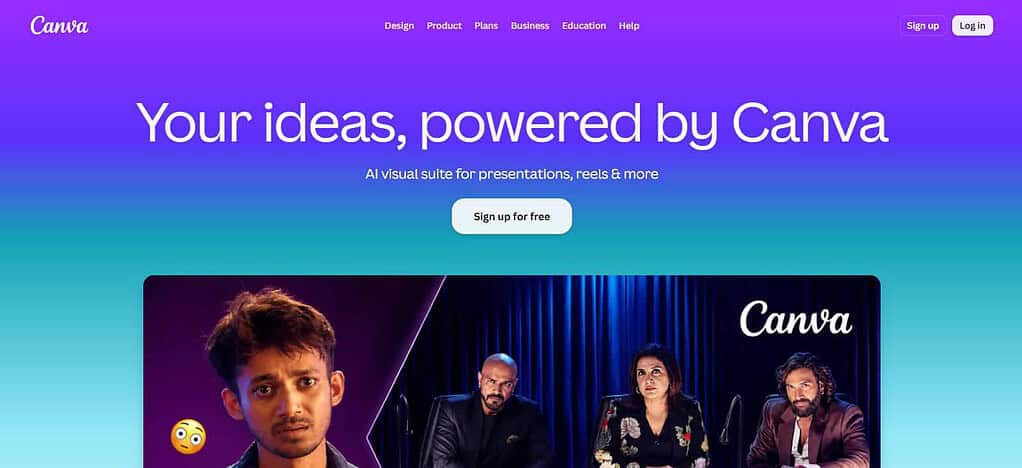
In India, Canva Pro Lite is priced at ₹1,590 per year, but the price might vary if you opt for monthly billing. Businesses can measure content production, turnaround time and campaign engagement. AI-assisted design can speed creative output. Data verification date: 9 October 2026.
Ease of Use of Canva
- Drag-and-Drop Editor – Drag elements to create marketing graphics without coding.
- Ready-Made Templates: Pre-designed layouts for easy creation of social media posts, ads and presentations.
- User-Friendly User Interface: Users without design experience can use the simple editing tools.
- Easy Content Customization: Change text, colors, images and branding elements easily.
- Quick to Learn: Most of the basic design tasks can be learned by performing them.
Canva — Properties
| Property | Details |
|---|---|
| Tool Category | Graphic design and visual marketing |
| Founded | 2013 |
| Primary Purpose | Create marketing graphics and visual content |
| Design Templates | Templates for social posts, presentations, and advertisements |
| Brand Management | Brand assets and consistency tools on supported plans |
| Video Creation | Supports video editing and promotional content |
| AI Capabilities | AI-assisted design and content generation features |
| Performance Metrics | Content production time and engagement measured on publishing platforms |
| Pricing | Free plan and paid plans |
| Best For | Small businesses creating their own marketing materials |
| Main Limitation | Advanced assets and features may require a paid plan |
3. Semrush
Semrush was founded in 2008 and is used for SEO research, keyword discovery, competitor analysis, backlink monitoring and website audits. It lists its SEO Classic Pro plan at $139 per month, or $117.33 per month when billed annually; its higher plans cost more. Small businesses can track keyword rankings, organic visibility, backlink growth and technical SEO issues.
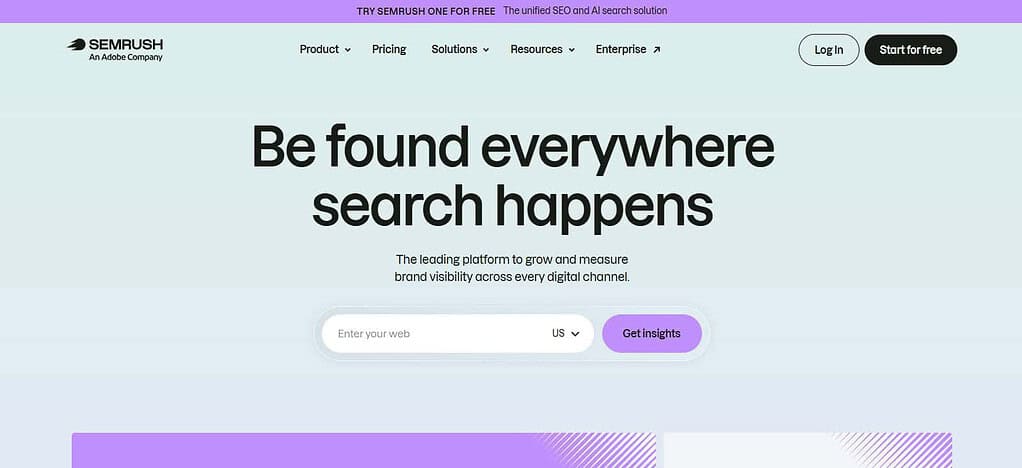
Automated audits & reporting remove manual research, AI features help with search visibility analysis. Actual results will vary with competition, website quality and implementation. Date of data verification: 09.10.2026.
Ease of Use of Semrush
- SEO Dashboard: Access to keyword research, competitor analysis, and website auditing tools.
- Keyword Research Guidance: Reports help users investigate search volume, keyword difficulty, and related opportunities.
- Detailed Data Presentation: Graphs and tables simplify the analysis of SEO data.
- Website Audits + Guidance: Reports identify technical SEO issues and recommend areas for improvement.
- Moderate Learning Curve: Beginners can use basic research features, but advanced SEO analysis requires experience
Semrush — Properties
| Property | Details |
|---|---|
| Tool Category | SEO and digital marketing research |
| Founded | 2008 |
| Primary Purpose | Improve search visibility and research competitors |
| Keyword Research | Identifies relevant search terms and keyword opportunities |
| Competitor Analysis | Helps examine competitors’ search presence |
| Website Audits | Identifies technical SEO issues |
| Backlink Analysis | Supports backlink and referring-domain research |
| AI Capabilities | AI-supported content and search visibility tools |
| Performance Metrics | Keyword rankings, organic visibility, and backlink data |
| Pricing | Paid plans and selected limited-access options |
| Best For | Businesses investing in organic search growth |
| Main Limitation | Comprehensive research features can be expensive for beginners |
4. Google Analytics 4 (GA4)
Google Analytics 4 is Google’s event-based analytics platform launched in 2020 as the next generation of Google Analytics. Its standard version is free, with enterprise features available in Analytics 360. Businesses can track website traffic, acquisition channels, engagement, key events, and conversions to measure marketing performance.
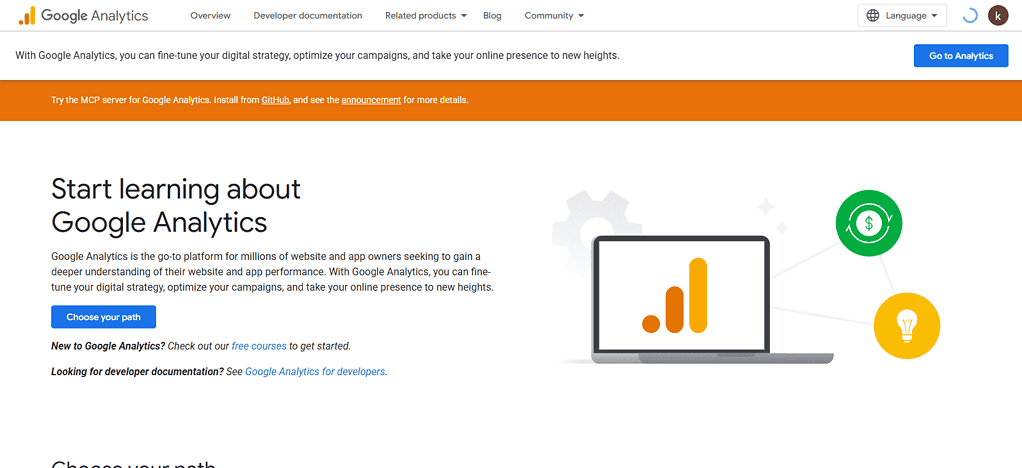
Automation of reports and integrations reduces the need for manual data collection and the ability to utilize machine-learning provides predictive insights. Results depend on the right tracking configuration and consent settings. Data verification date: 09.10.2026.
Ease of Use of Google Analytics 4 (GA4)
- Customizable Dashboard: Users can see reports about traffic, engagement, and conversions.
- Pre-Built Reports: Out-of-the-box reports give new users a quick way to learn the most common website metrics for performance.
- Event-Based Tracking: Gives you rich insight but you’ll need to learn a bit about events and conversions.
- Google Integrations: Connect with supported Google marketing products to improve reporting workflows.
- Technical Setup Requirements: Beginners may need help setting up tags, events and conversion tracking correctly.
Google Analytics 4 (GA4) — Properties
| Property | Details |
|---|---|
| Tool Category | Website and app analytics |
| Introduced | 2020 |
| Primary Purpose | Understand website traffic and user behavior |
| Tracking Model | Event-based measurement |
| Traffic Analysis | Reviews acquisition channels and visitor activity |
| Conversion Tracking | Measures configured key events and conversions |
| Reporting | Provides reports and customizable explorations |
| AI and Automation | Includes supported machine-learning insights and automated reporting |
| Performance Metrics | Users, sessions, engagement, events, and conversions |
| Pricing | Standard version is free; Analytics 360 is paid |
| Best For | Businesses measuring website and campaign performance |
| Main Limitation | Accurate results require correct tracking configuration |
5. Google Search Console
Google Search Console is a free tool by Google to check the performance of the website in Google Search. Its predecessor, Google Webmaster Tools, was launched back in 2006. You do not pay a standard fee each month to subscribe. Small businesses can see clicks, impressions, click-through rate, average search position, indexing issues and search queries.
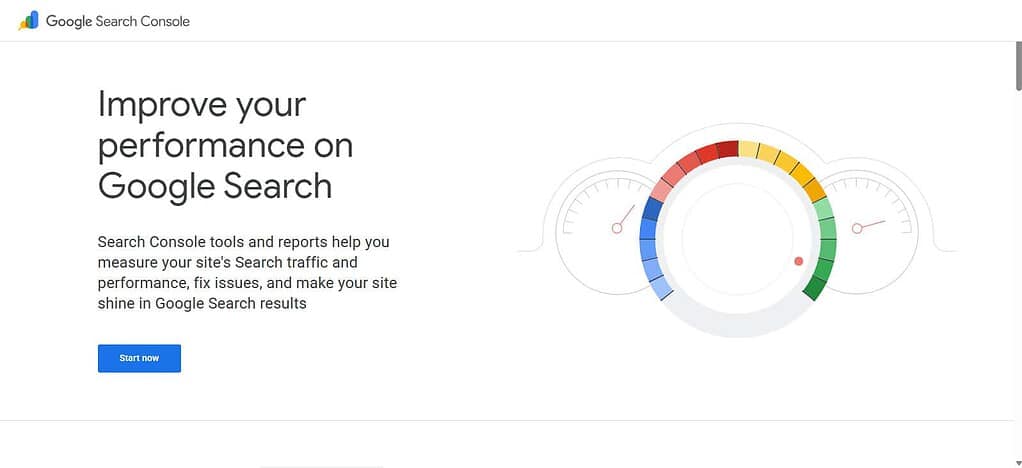
Performance reports show you pages that need better content, and indexing reports help you troubleshoot technical issues. It’s not a replacement for a full website analytics or social media management platform. Data as of October 9 2026.
Ease of Use of Google Search Console
- Easy Search Query Analysis: Find out which search terms are sending traffic to your website.
- Basic Performance Reports: Shows clicks, impressions, click-through rate and average position in search.
- Website Indexing Reports – Helps you identify indexing issues and check out pages that are affected.
- Technical Notifications: Reports notify you of specific issues on your website and search visibility.
- SEO Monitoring for Beginners Basic reports are fairly straightforward, but technical fixes may require expertise.
Google Search Console — Properties
| Property | Details |
|---|---|
| Tool Category | Search performance and SEO monitoring |
| Launched As | Google Webmaster Tools, 2006 |
| Primary Purpose | Monitor a website’s performance in Google Search |
| Search Queries | Shows queries that generate search impressions and clicks |
| Performance Reports | Provides clicks, impressions, CTR, and average position |
| Indexing | Helps identify indexing and crawling issues |
| Technical Monitoring | Includes supported page experience and enhancement reports |
| Automation | Provides reports and notifications for selected issues |
| Pricing | Free |
| Best For | Website owners, bloggers, and SEO professionals |
| Main Limitation | Does not replace full website analytics or backlink research |
6. Mail Chimp
Mailchimp, founded in 2001, helps small businesses with email campaigns, newsletters, audience lists, and supported marketing automation. Pricing is monthly and varies by plan, number of contacts, sending limits and billing cycle. Businesses should check the current entry-level cost before signing up.
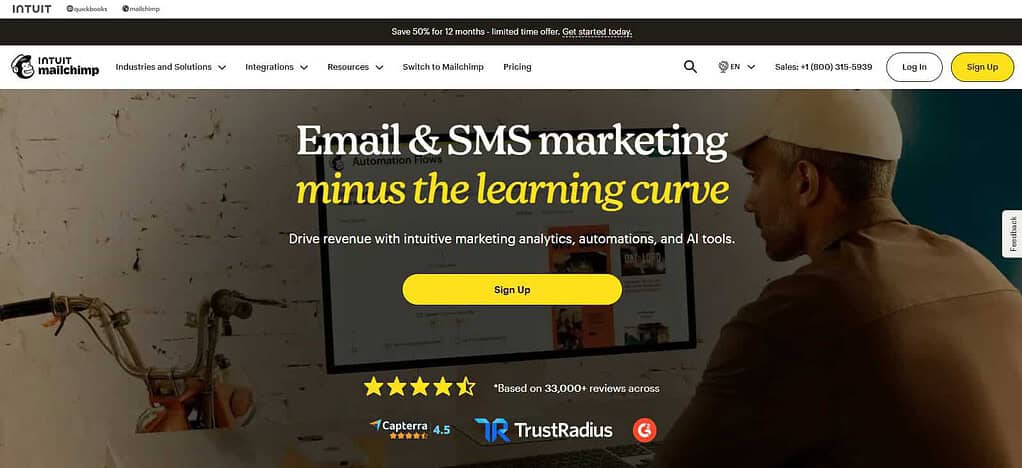
Useful metrics for performance when tracking include email delivery, opens, clicks, unsubscribes and conversions . Campaign templates and automated customer journeys can help you avoid repetitive work, and the AI features available can help you create content. Data as of October 9, 2023.
Ease of Use of Mailchimp
- Simple Audience Management: Supported features to sort contacts into audiences and segments.
- Ready-Made Templates: Pre-designed layouts save you time when creating newsletters.
- Basic Email Builder: Users can build email campaigns with visual editing capabilities.
- *Easy Automation Tools: Basic automated email journeys can help simplify customer communication.
- Easy to Learn: Newsletter creation is simple, segmentation and advanced automation require some practice.
Mailchimp — Properties
| Property | Details |
|---|---|
| Tool Category | Email marketing and customer engagement |
| Founded | 2001 |
| Primary Purpose | Create and manage email campaigns |
| Campaign Creation | Provides email templates and campaign-building tools |
| Audience Management | Organizes subscriber lists and audience segments |
| Automation | Supports eligible automated email journeys |
| Personalization | Enables audience-based email customization |
| AI Capabilities | Offers selected AI-assisted marketing features |
| Performance Metrics | Deliveries, clicks, unsubscribes, and available engagement data |
| Pricing | Free or paid options depending on current eligibility and plan |
| Best For | Small businesses building email marketing campaigns |
| Main Limitation | Contact limits and advanced automation vary by plan |
7. Buffer
Buffer, founded in 2010, helps small businesses plan, schedule and publish social media content to supported channels. Its free plan is $0 and it supports up to three channels, while the Essentials plan is listed at $5 per channel monthly, billed annually.
Available engagement and post-performance indicators can be tracked by businesses to better plan their content. Scheduling cuts down on daily publishing work and its AI Assistant can help with caption creation or refinement. Subscription is required for features and advanced analytics. Data as of October 9, 2026.
Ease of Use of Buffer
- Neat Dashboard: Quick access to connected social media channels and scheduled posts.
- Easy Post Scheduling: Draft posts and schedule them to go out on specific dates.
- Visual Content Calendar: Organizes upcoming posts and helps stick to a consistent schedule.
- Simple Caption Editing: Write, edit, and schedule posts to supported platforms.
- Easy starting point: It’s easy for beginners to pick up the basics of scheduling, but the advanced analytics might take some digging.
Buffer — Properties
| Property | Details |
|---|---|
| Tool Category | Social media management |
| Founded | 2010 |
| Primary Purpose | Plan and schedule social media content |
| Content Scheduling | Schedules posts across supported channels |
| Publishing Calendar | Organizes planned content |
| AI Capabilities | AI Assistant supports caption drafting and editing |
| Analytics | Provides supported social media performance reports |
| Collaboration | Offers team workflows depending on the plan |
| Performance Metrics | Available engagement, clicks, and post-performance data |
| Pricing | Free plan and paid subscriptions |
| Best For | Small teams managing regular social media publishing |
| Main Limitation | Features and channel limits depend on the subscription |
8. Hootsuite.
Founded in 2008, Hootsuite is a social media scheduling, content planning, monitoring and analytics platform for businesses with multiple accounts. The cost will depend on the subscription, the needs of the user and the billing cycle, so small businesses should check the current price of the plan before buying.
Depending on the features of the plan and the connected networks, metrics for performance can include reach, engagement, clicks and audience growth. Scheduling, consolidated account management, and AI-enabled content tools can reduce the manual publishing and reporting. Results are dependent on content quality and audience response. Date of data verification: 9 October 2026.
Ease of Use of Hootsuite
- Centralized Social Management: Provides a shared workspace for supported social media accounts.
- Content Scheduling: Enables users to schedule posts in advance and synchronize publishing.
- Social Monitoring Tools: allows users to track selected mentions and conversations.
- Reporting Dashboard: aggregates social media performance data into reports.
- Moderate Learning Curve: Newbies might need a little time to get used to all of its management features.
Hootsuite — Properties
| Property | Details |
|---|---|
| Tool Category | Social media management and analytics |
| Founded | 2008 |
| Primary Purpose | Manage multiple social media accounts |
| Content Scheduling | Plans and schedules posts across supported networks |
| Social Monitoring | Supports tracking relevant conversations and mentions |
| Analytics | Provides social media reporting and performance analysis |
| Team Management | Supports collaboration and approval workflows on eligible plans |
| AI Capabilities | Selected AI tools assist with social content creation |
| Performance Metrics | Reach, engagement, clicks, and audience growth where available |
| Pricing | Primarily paid subscriptions; verify current plan availability |
| Best For | Businesses managing several social accounts |
| Main Limitation | Cost and feature access can be challenging for very small teams |
9. Ahrefs
Ahrefs was founded in 2010 and offers SEO research, backlink analysis, keyword discovery, competitor research, and website audit services. The Starter plan costs $29 per month, and the Lite plan costs $129 per month. Plan limits and features vary.
You can monitor keyword rankings, referring domains, backlink profiles, technical SEO issues. Site audits and scheduled reporting can help reduce manual analysis, and newer AI visibility features offer further search research. No guaranties with rankings and traffic growth. Data verification date: 9 October 2026.
Ease of Use of Ahrefs
- Organized SEO Tools: Keyword, backlink and website research are in separate tools.
- Keyword Explorer – Provides keyword ideas and search opportunity evaluation.
- Backlink Reports: Eases the process of exploring referring domains and backlink profiles.
- Site Audit Reports: Identifies technical SEO issues you may need to address.
- Learning Curve: Basic research is at your disposal but analyzing advanced SEO data takes experience.
Ahrefs — Properties
| Property | Details |
|---|---|
| Tool Category | SEO research and backlink analysis |
| Founded | 2010 |
| Primary Purpose | Research keywords, backlinks, and competitors |
| Keyword Research | Identifies search opportunities |
| Backlink Analysis | Examines referring domains and backlink profiles |
| Competitor Research | Helps analyze competing websites’ search visibility |
| Site Audits | Detects supported technical SEO issues |
| Performance Metrics | Keyword rankings, backlinks, referring domains, and estimated organic traffic |
| Automation | Supports scheduled monitoring and reports in eligible tools or plans |
| Pricing | Paid subscriptions and selected free webmaster tools |
| Best For | Businesses focused on SEO and content growth |
| Main Limitation | Advanced data access can require a paid subscription |
10. ChatGPT
OpenAI launched ChatGPT on November 30, 2022, to help small businesses brainstorm campaigns, write marketing copy, generate content ideas and summarize research. Pricing & Availability: Its Free plan costs $0. ChatGPT Plus has often been listed at $20 per month.
Availability and pricing can differ by region and plan. Instead of assuming guarantyd marketing gains, businesses can measure productivity by drafting time, content output and editing effort. AI is able to assist with writing that involves repetition, but all factual claims, as well as SEO content and messages your customers see, still need to be checked by a human. Data verification date: October 9, 2026.
Ease of Use of Chat GPT
- Easy Conversational Interface: Users can ask for marketing ideas and content in natural language.
- Easy Content Creation: Helps you write blog outlines, email drafts, ads, and social media captions.
- Flexible Instructions: Users can customize results by specifying audience, tone, format and goals.
- Fast Brainstorming: Generates multiple ideas without needing high level technical skills.
- Low Initial Learning Curve: Easy for beginners to begin with, but effective prompting and fact-checking can improve results.
ChatGPT — Properties
| Property | Details |
|---|---|
| Tool Category | AI assistant and content support |
| Launched | November 30, 2022 |
| Primary Purpose | Assist with marketing research, planning, and content creation |
| Content Generation | Drafts blog outlines, emails, advertisements, and social captions |
| Brainstorming | Generates campaign ideas and content topics |
| Editing | Helps revise tone, clarity, and messaging |
| AI Capabilities | Supports conversational assistance and available tools according to plan |
| Automation | Can support repeatable workflows; integrations depend on available features |
| Performance Metrics | Drafting time, editing effort, content output, and campaign results tracked separately |
| Pricing | Free plan and paid subscriptions |
| Best For | Small businesses that need help with marketing content and planning |
| Main Limitation | Outputs require fact-checking and human review |
Conclusion
Top 10 digital marketing tools for small business in 2026 makes marketing activities easy, increases productivity, understand customer behavior and support business growth.
Tools like HubSpot and Mailchimp are great for customer relationship management and email campaigns, Canva helps with creative design, Semrush and Ahrefs help with SEO research, and Google Analytics 4 and Google Search Console provide useful performance insights.
Hootsuite and Buffer make managing social media easier, and ChatGPT can help with content creation and marketing ideas. The best option will depend on your budget, business goals and features required. “Use free plans whenever possible, track measurable results, and upgrade as your marketing needs grow.”
FAQ
What are the best digital marketing tools for small businesses in 2026?
Some of the best digital marketing tools for small businesses in 2026 include HubSpot, Canva, Semrush, Google Analytics 4, Google Search Console, Mailchimp, Buffer, Hootsuite, Ahrefs, and ChatGPT. These tools help businesses manage SEO, create marketing content, track website performance, automate campaigns, and improve customer engagement.
Which tools are best for social media marketing?
Canva, Buffer, and Hootsuite are useful for different social media marketing tasks. Canva helps create graphics and promotional content, while Buffer and Hootsuite support content scheduling and social media management. Your choice depends on the number of accounts you manage and the analytics or collaboration features you require.
Are AI-powered digital marketing tools worth using in 2026?
AI-powered tools such as ChatGPT, Canva, and selected HubSpot features can help businesses brainstorm ideas, draft content, create marketing assets, and automate certain tasks. They can save time, but businesses should review AI-generated content for accuracy, originality, brand consistency, and relevance before publishing it.
How much do digital marketing tools cost for small businesses?
Digital marketing software costs range from free plans to paid subscriptions costing tens or hundreds of dollars per month. The total depends on the number of users, selected features, contact limits, and billing terms. Small businesses should start with essential tools and calculate the combined monthly cost before upgrading.