




In this article, I will discuss the Best AI Tools for Small Businesses in 2026 to save time for entrepreneurs, reduce operating costs, automate repetitive tasks, and increase productivity. Learn about the best AI tools for marketing, content creation, customer service, accounting, business automation and more, with details on their key features, pricing, real-world use cases and benefits to help you choose the right solutions for your business.
What Are AI Tools for Small Businesses?
AI tools for small businesses are software applications that use artificial intelligence to simplify everyday operations, automate tedious tasks, enhance productivity, and help businesses grow. These tools empower entrepreneurs to handle tasks like content creation, digital marketing, customer service, accounting, data analysis, and workflow automation without needing large teams or deep technical expertise.
For example, ChatGPT Business can help with writing and research, Canva AI aids in creating marketing designs, Zapier automates workflows, and QuickBooks AI assists with accounting.
Most AI tools have free plans or cheap subscriptions making them available to startups, freelancers and small companies. With the right tools for their needs and budget, businesses can save time, control costs, improve client experiences and spend more time focusing on strategic growth.
Key Points
| AI Tool | Best Use |
|---|---|
| ChatGPT Business | Content creation and business research |
| Microsoft 365 Copilot | Office productivity and document management |
| Claude | Writing and document analysis |
| Canva AI | Graphic design and marketing visuals |
| HubSpot Breeze | CRM, sales, and marketing |
| Zapier | Workflow automation |
| Notion AI | Documentation and project management |
| Jasper | Marketing content creation |
| Grammarly Business | Business writing and proofreading |
| QuickBooks AI | Accounting and financial management |
1. ChatGPT Enterprise
ChatGPT Business, which was launched after OpenAI was founded in 2015 and ChatGPT was launched in 2022, helps small businesses write, research, analyze data, code and communicate with customers. Standard seats are $20 per user per month when billed annually, or $25 monthly, with a minimum of two seats required.
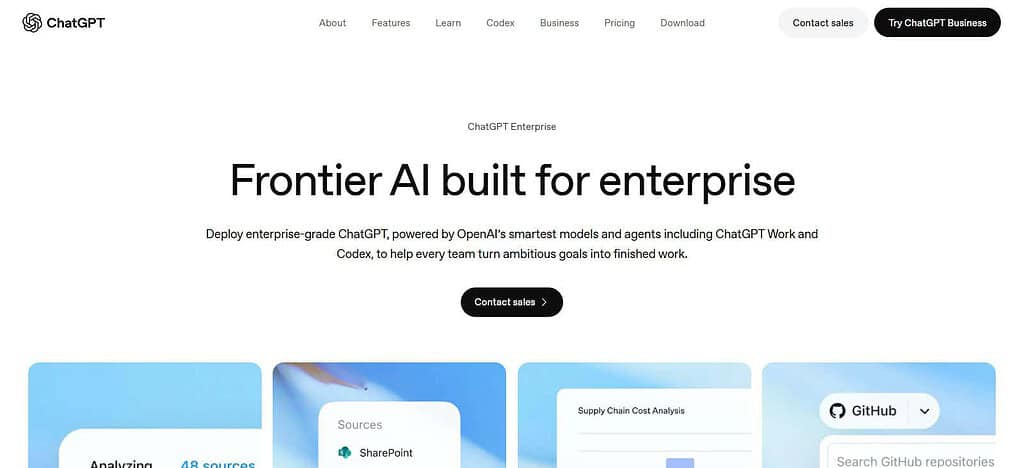
Its time-saving potential is relative to the complexity of the task and the need for review. By default, the model is not trained on business data. Track ROI in hours saved, reduction in outsourcing costs and improved workflow efficiency.
ChatGPT Business — Real Business Use Cases
- Content and Marketing Creation: Business version of the AI model can help small businesses generate blog posts, product descriptions, social media captions, email campaigns, and promotional ideas.
- *Customer Support and Communication: Teams can draft answers to common questions, compose customer emails and create support templates to increase response consistency.
- Business Research and Data Analysis: Business owners can summarize reports, analyze uploaded spreadsheets, organize feedback from clients, and generate ideas to improve sales and operations.
ChatGPT Business — Traits
| Trait | Description |
|---|---|
| AI Content Creation | Creates business emails, blogs, product descriptions, and marketing copy. |
| Data Analysis | Helps analyze spreadsheets, summarize data, and identify patterns. |
| Business Research | Supports brainstorming, planning, and market research. |
| Team Collaboration | Provides a shared workspace for business teams. |
| Productivity | Helps reduce repetitive writing and research tasks. |
| Data Security | Includes business-focused data protection features. |
| Customization | Supports tailored instructions and reusable workflows. |
2. Microsoft 365 Copilot
Developed by Microsoft in 1975, Microsoft 365 Copilot is a tool that helps businesses create documents, summarize emails, analyze spreadsheets and prepare presentations. Microsoft 365 Copilot Business is advertized in India from ₹1,495.73 per user monthly (billed annually), excluding applicable GST.
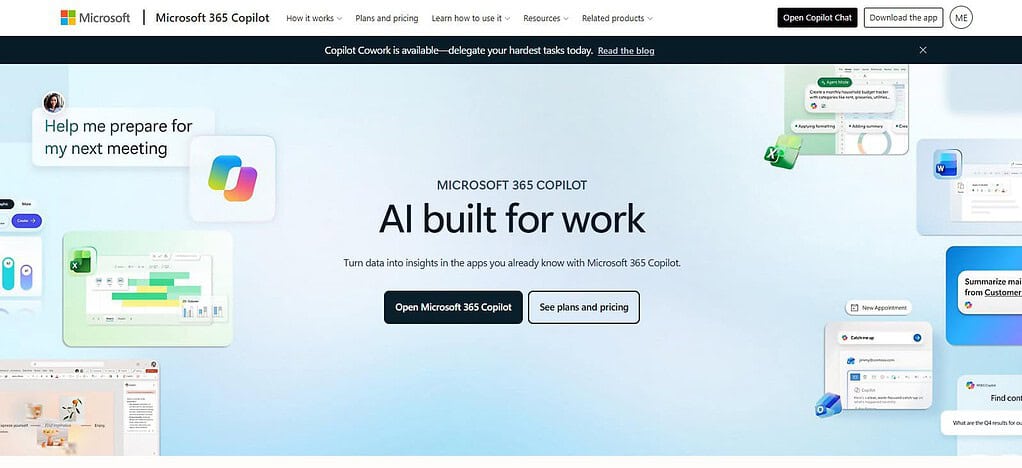
A qualifying Microsoft 365 license may also be required. “It may reduce repetitive work in the office, but the time savings are real. Enterprise data protection and control of access are among the security features. Businesses can measure ROI using metrics like document preparation time, meeting summaries, and employee productivity.
Microsoft 365 Copilot Real Business Use Cases
- Document and Report Preparation: Employees can write business proposals, summarize long Word documents, and prepare reports from the information at their disposal.
- Email and Meeting Management: In supported Microsoft 365 apps, teams can summarize Outlook email conversations, draft responses, review meeting summaries, and identify action items.
- Spreadsheet and Business Data Analysis: Business owners can use Copilot in Excel to analyze sales figures, spot trends, and generate reports for business planning.
Microsoft 365 Copilot — Traits
| Trait | Description |
|---|---|
| Office Integration | Works with supported Microsoft 365 applications. |
| Document Creation | Helps draft and summarize Word documents. |
| Email Management | Summarizes email conversations and assists with replies in Outlook. |
| Meeting Assistance | Supports meeting summaries and action items in Teams. |
| Spreadsheet Analysis | Helps interpret data and work with Excel. |
| Enterprise Security | Uses Microsoft 365 security and access controls. |
| Workflow Productivity | Reduces repetitive tasks across office applications. |
3. Claude
Claude is an AI assistant developed by Anthropic, a company that launched in 2021 and released Claude in 2023. It helps in long document analysis, business writing, research, coding and content planning. Pricing is $20/month or $200/year for the individual Pro plan, with company plans priced differently.

Claude can assist teams in drafting reports and summarizing information quickly, but real savings will depend on workload. Before sharing confidential information, business users should review available security controls and data policies. ROI can be measured by reduced research time and editing costs.
Claude – Real Business Use Cases
- Business Writing and Planning: Teams can draft client proposals, develop business plans, write standard operating procedures and improve internal documentation.
- Long Document Review: consultants and small business owners can manually review important details while summarizing contracts, proposals, research reports, and internal documents.
- Coding and Technical Help: Small software companies can use Claude to explain code, debug errors, write scripts and help with software documentation.
Claude — Traits
| Trait | Description |
|---|---|
| Long-Document Analysis | Helps summarize lengthy documents and reports. |
| Content Writing | Produces drafts, articles, proposals, and business communications. |
| Reasoning Support | Assists with complex questions and structured problem-solving. |
| Coding Assistance | Helps write, explain, and troubleshoot code. |
| Research Support | Organizes information and develops detailed summaries. |
| Business Applications | Supports planning, analysis, and documentation. |
| Privacy Controls | Data-handling options depend on the plan and account settings. |
4. Canva
Canva (2013) offers design tools with the power of artificial intelligence to build social media graphics, advertisements, presentations, and marketing materials. Canva’s pricing in India includes a free plan, Canva Pro for ₹4,000 per year and Canva Business for ₹6,800 per person per year. AI usage limits differ by plan and feature.

They can reduce design processes for small businesses without in-house designers, but it is still important to check brand and accuracy. Security options vary by plan. Measure ROI by comparing design turnaround time, costs of external design, and the production of usable assets.
Canva AI — Real Business Use Cases
- Social Media Marketing: Small businesses can design graphics for promotions, social media posts, ads, and branded visual content for marketing campaigns.
- Product and Promotional Designs: Online stores can create product promotions, sale banners, fliers and marketing material without the need for advanced graphic design skills.
- Business Presentations: Consultants, freelancers, and startups can take advantage of Canva’s design tools and AI-assisted features to build presentations, pitch decks, and visual reports.
Canva AI — Traits
| Trait | Description |
|---|---|
| AI Graphic Design | Helps create marketing graphics and visual content. |
| Image Generation | Supports AI-assisted image creation and editing. |
| Presentation Design | Helps develop professional business presentations. |
| Social Media Content | Creates visuals for social platforms and advertising campaigns. |
| Brand Consistency | Supports reusable brand assets and design templates. |
| Beginner-Friendly Interface | Makes visual design accessible to non-designers. |
| Content Productivity | Speeds up the creation of marketing materials. |
5. HubSpot Breeze
In 2006, HubSpot launched Breeze as its AI product for marketing, sales and customer service. Companies can use its AI capabilities to facilitate content creation, customer research, lead management, and service workflows. HubSpot’s pricing differs based on product, subscription tier, number of seats and usage, so businesses should determine the total cost before buying.
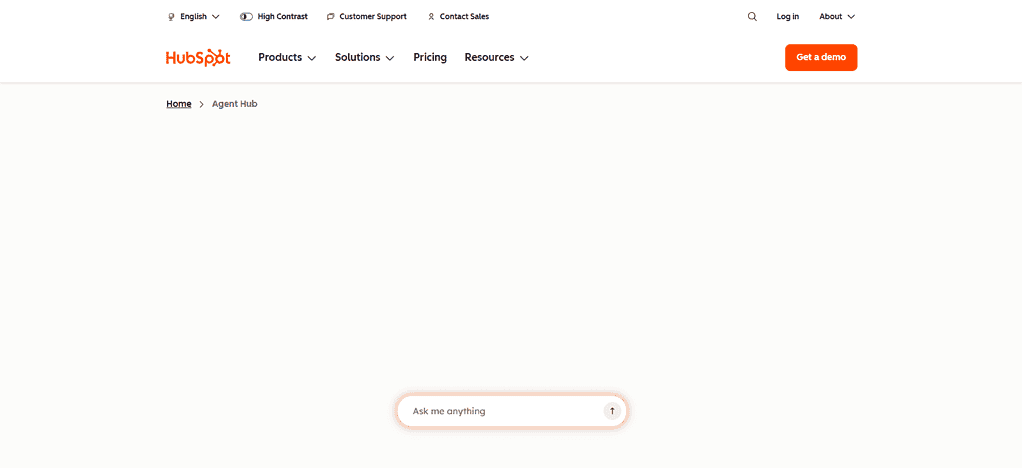
Breeze can cut down on repetitive admin tasks and help teams respond faster to leads. The account permissions and the product settings determine the security. Calculate the return on investment (ROI) of lead response time, conversion rate, hours saved, and customer service costs.
Hubspot Breeze — Real Business Use Cases
- Lead Generation and Marketing : Marketing teams can use available Breeze capabilities to assist with campaign content, customer research and lead-generation workflows.
- Sales Follow-Ups: Supported CRM features enable sales representatives to organize prospect details, compose follow-up messages, and monitor client engagements.
- Customer Service Operations: Support teams could use qualifying AI capabilities to help respond to customer inquiries, locate relevant information and enhance service workflows.
HubSpot Breeze — Traits
| Trait | Description |
|---|---|
| AI Marketing Support | Assists with marketing content and campaign workflows. |
| CRM Integration | Supports customer relationship management within HubSpot. |
| Lead Management | Helps teams organize and work with potential customers. |
| Customer Service | Supports customer service workflows and response assistance. |
| Sales Productivity | Helps streamline selected sales activities. |
| Workflow Automation | Supports automation across eligible HubSpot tools. |
| Business Insights | Helps teams use customer and marketing information more effectively. |
6. Zapier
Founded in 2011, Zapier enables small businesses to automate repetitive tasks by connecting applications and building workflows, including AI-powered automations. Business can combine forms, email, customer relationship management and project management to reduce the manual entry of data. Pricing Free option available. Paid plans based on plan features and task use.
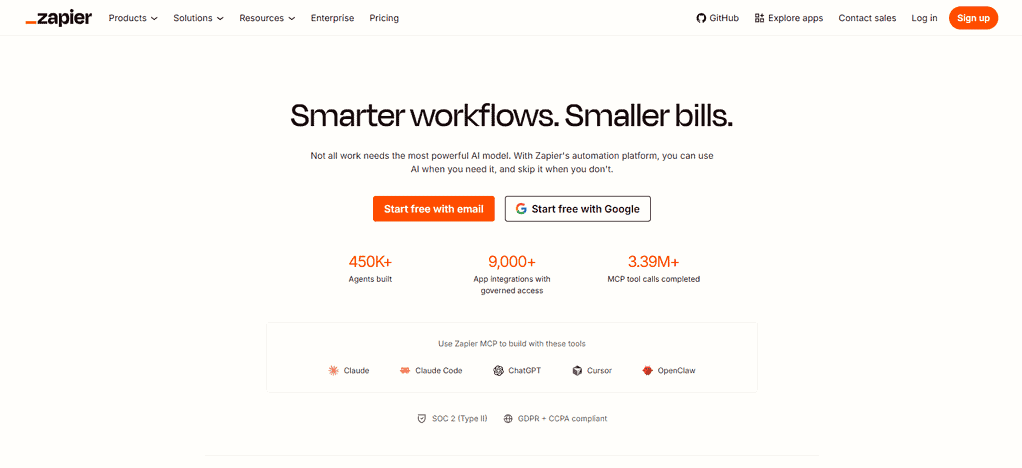
Time savings are a function of workflow volume and reliability. Businesses should review the permissions of connected apps and avoid sharing sensitive data that isn’t needed. ROI can be calculated by comparing the cost of automation to the labor hours, processing delays and manual errors that are reduced.
Zapier Real Business Use Cases
- Invoice & Task Notifications: Supported applications can be connected by businesses to send reminders, create project tasks, and notify employees when invoices or critical deadlines need attention.
- Automated Lead Handling: When a prospect completes a form, Zapier can send the data to a CRM, alert the sales team, and initiate a follow-up process.
- Marketing Workflow Automation: Integrates forms, email marketing platforms and spreadsheets to organize campaign leads and cut down on repetitive data entry.
Zapier — Traits
| Trait | Description |
|---|---|
| Workflow Automation | Automates repetitive tasks between connected applications. |
| App Integration | Connects thousands of supported apps and services. |
| No-Code Setup | Allows users to create many workflows without programming. |
| Data Transfer | Moves information between connected business systems. |
| AI Automation | Supports AI-assisted workflows and task processing. |
| Trigger-Based Actions | Starts workflows when defined events occur. |
| Operational Efficiency | Reduces manual data entry and repetitive administration. |
7. Notion AI
Founded in 2013, Notion provides Notion AI to help businesses write documents, summarize meeting notes, search workspace information and organize projects. AI availability and costs are based on the current subscription and included AI features.
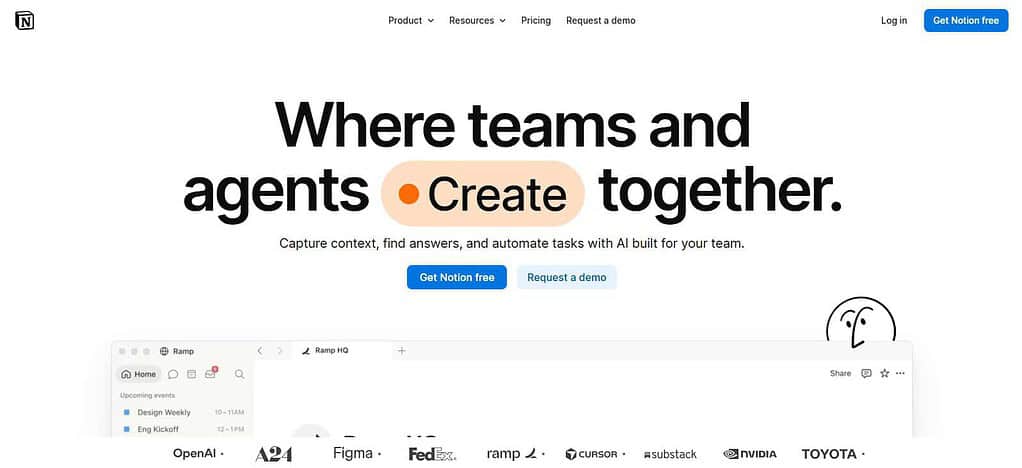
The primary benefit in saving time is reducing the labor involved in finding the information and preparing internal documents.
Security is implemented through workspace permissions, admin settings and data policies. Businesses should check AI-generated summaries before relying on them for important decisions. ROI is seen in quicker information retrieval, less time documenting meetings and fewer hours maintaining project records.
Notion AI – Real Business Use Cases
- Meeting Notes and Action Items: Teams can use AI capabilities to pull meeting notes, highlight decisions, and create action items.
- Internal Knowledge Management: Firms can keep policies, training materials, project documentation and standard operating procedures in a searchable workspace.
- Project Planning and Reporting: Managers can create project updates, summarize progress, organize tasks and generate internal reports using data stored in Notion.
Notion AI — Traits
| Trait | Description |
|---|---|
| AI Writing | Helps draft, rewrite, and summarize business documents. |
| Knowledge Management | Supports organizing internal business information. |
| Meeting Summaries | Helps turn meeting notes into concise summaries and action items. |
| Project Organization | Works within Notion’s documentation and project management environment. |
| Information Retrieval | Helps users find and understand workspace information. |
| Team Collaboration | Supports shared documents and team knowledge workflows. |
| Productivity Support | Reduces time spent organizing and maintaining documentation. |
8. Jasper.ai
Founded in 2021, Jasper is designed to create marketing content with the aid of AI, helping small businesses write ads, product descriptions, campaign copy and content that is on brand. Its Pro plan is priced at $59 per month billed annually or $69 per month billed monthly, and Business pricing is customized.
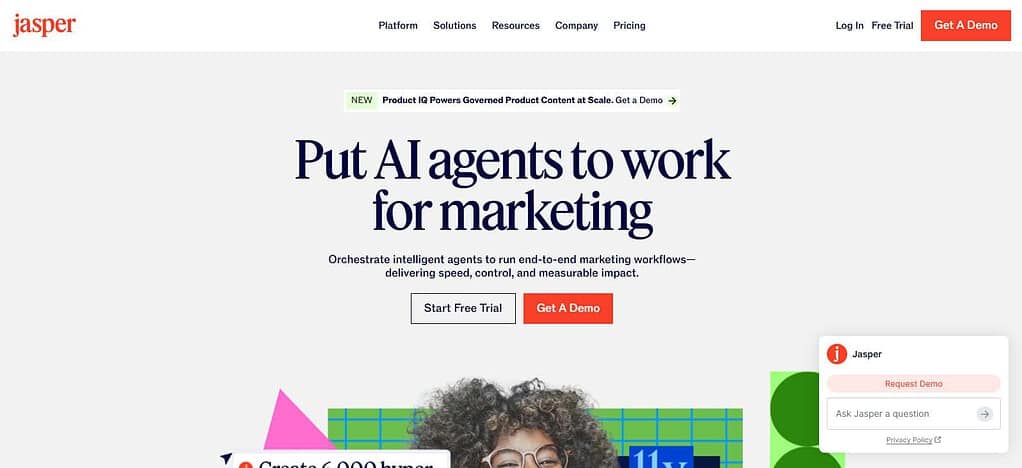
Jasper can help you write a first draft faster, but you still need to edit and fact-check. Businesses should consider the data protection controls of confidential campaign information before uploading it. You can establish ROI by comparing the costs of subscriptions to the hours you spend creating content, the costs of freelance writing and the results of any marketing campaigns you publish.
Jasper — Real Business Use Cases
- Marketing Campaign Development: Marketing agencies can create initial drafts for advertising campaigns, promotional emails, landing pages, and product launches.
- Consistent Brand Messaging: Businesses can use configured brand voice and style guidance to help maintain consistent messaging across marketing materials.
- Content Repurposing: Content teams can adapt an existing article into social media posts, email newsletters, and other marketing formats, with human editing before publication.
Jasper — Traits
| Trait | Description |
|---|---|
| Marketing Content | Helps create advertising copy, blog drafts, and campaign materials. |
| Brand Voice | Supports consistent brand messaging through configured brand guidance. |
| Campaign Creation | Helps develop content for coordinated marketing campaigns. |
| Content Repurposing | Adapts content for different marketing channels. |
| Marketing Workflows | Supports repeatable content production processes. |
| Team Collaboration | Provides team-oriented capabilities depending on the plan. |
| Content Efficiency | Helps marketing teams produce initial drafts faster. |
9. Grammarly for Business
Grammarly, founded in 2009, helps business teams improve grammar, clarity, tone and professionalism in emails, documents and customer communications. Business pricing varies based on your current plan, billing arrangement and team needs, so check the latest offer before you budget. Its time-saving potential lies in cutting down on repetitive proofreading and communication revisions.
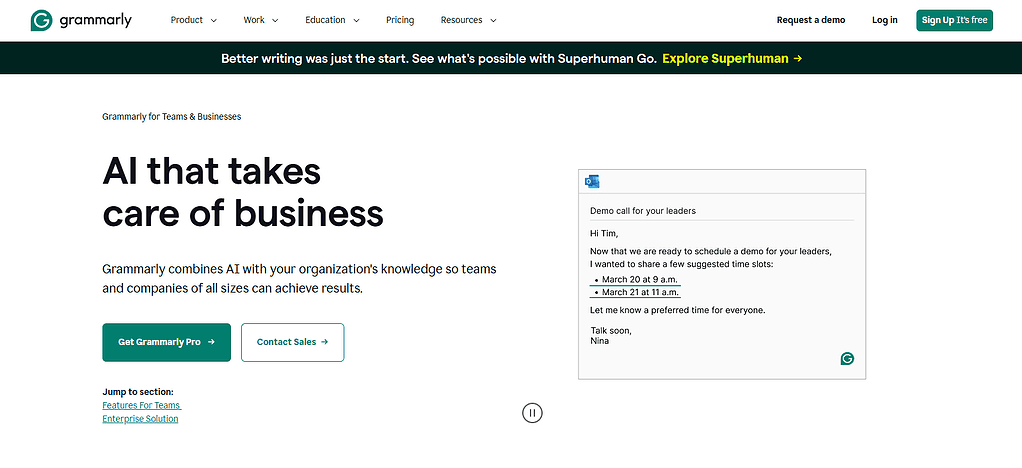
Organizations should review enterprise privacy and access management and data-handling terms before deploying it with sensitive documents. ROI can be measured by tracking editing time, number of revisions, quality of communication and expenses for external proofreading instead of assuming a guarantyd increase in productivity.
Grammarly Business — Real Business Use Cases
- Professional Business Emails: Employees can improve email grammar, clarity, tone, and professionalism when communicating with customers, suppliers, and business partners.
- Sales and Marketing Copy Editing: Teams can review proposals, website content, advertising copy, and customer communications for readability and consistent style.
- Team Writing Standards: Businesses can use available style and writing guidance to help employees follow consistent communication standards across documents and messages.
Grammarly Business — Traits
| Trait | Description |
|---|---|
| Grammar Correction | Identifies grammar, spelling, and punctuation issues. |
| Writing Clarity | Suggests clearer and more concise wording. |
| Tone Adjustment | Helps adapt writing to different audiences and situations. |
| Professional Communication | Supports polished business emails and documents. |
| Style Consistency | Helps teams maintain consistent writing standards. |
| Writing Assistance | Offers AI-supported drafting and rewriting features where available. |
| Productivity Improvement | Reduces routine proofreading and editing effort. |
10. QuickBooks AI
Intuit developed QuickBooks accounting software in 1983. Its AI-powered features may assist eligible businesses in transaction categorization, financial information organization, report preparation, and bookkeeping workflow streamlining.
Price varies by country, subscription plan, promotional offer and features available. Businesses should review local plan pricing. Automation can reduce manual accounting work, but there still needs to be a proper review of transactions and financial reporting.
Security is a function of account protection, user permissions and the subscription you choose. Track bookkeeping hours, accounting service costs, time to reconcile, and the number of manual data-entry errors to measure ROI.
QuickBooks AI — Real Business Use Cases
- Bookkeeping and Transaction Review: Small businesses can use eligible QuickBooks automation and AI-assisted features to organize financial transactions and support transaction categorization, with human verification.
- Expense and Cash Flow Monitoring: Business owners can review expense records, financial summaries, and cash flow information to understand spending patterns and plan payments.
- Invoicing and Financial Reporting: Businesses can streamline supported invoicing workflows and prepare financial reports to monitor revenue, expenses, outstanding payments, and overall financial performance.
QuickBooks AI — Traits
| Trait | Description |
|---|---|
| Accounting Assistance | Supports selected bookkeeping and accounting workflows. |
| Transaction Categorization | Helps categorize eligible financial transactions. |
| Financial Reporting | Supports the preparation and interpretation of business reports. |
| Expense Tracking | Helps organize expenses and financial records. |
| Invoice Management | Supports invoicing and related administrative tasks. |
| Financial Insights | Helps business owners understand financial information. |
| Accounting Efficiency | Reduces some repetitive bookkeeping tasks while retaining the need for human review. |
How much do AI tools for small businesses cost?
The price of AI tools for small businesses ranges from free to several hundred dollars a month, depending on the features, the number of users and usage limits. Many tools are free for basic plans, with paid plans costing around $10–$50 per user monthly.
Advanced business solutions may have higher subscriptions, additional credits, or custom pricing. Canva AI, Zapier, Jasper, Microsoft 365 Copilot and ChatGPT Business all have different pricing structures based on what they can do.
Small business budgets should also factor in training, integrations, relevant taxes and additional usage fees. To calculate ROI, measure subscription fees against tangible time savings, less money spent on outsourcing, and higher productivity. Start with the basics tools, test the results and upgrade only when the benefits surpass the cost.
Conclusion
The 10 best AI tools for small businesses in 2026 can help entrepreneurs increase productivity, automate repetitive tasks, lower operating costs, and manage marketing, customer service, accounting, and daily operations more efficiently. Tools like ChatGPT Business,
Microsoft 365 Copilot, Claude, Canva AI and Zapier have different advantages depending on your business needs and budget. Compare the pricing, features, security and integration options of the tools before making a decision. Begin with a free plan or small subscription, assess the time savings and ROI, and expand your AI toolkit as your business grows.
FAQ
What are the best AI tools for small businesses in 2026?
Some of the best AI tools for small businesses in 2026 include ChatGPT Business, Microsoft 365 Copilot, Claude, Canva AI, HubSpot Breeze, Zapier, Notion AI, Jasper, Grammarly Business, and QuickBooks AI. These tools support content creation, marketing, workflow automation, customer communication, and accounting.
Are there free AI tools for small businesses?
Yes, several AI platforms offer free plans or limited free features. ChatGPT, Canva, and Zapier are examples. Free plans typically include usage limits or restricted features, so businesses should compare the available options before upgrading to a paid subscription.
How can AI tools help small businesses save time?
AI tools can automate repetitive tasks, draft emails, summarize documents, create marketing content, organize customer information, and streamline workflows. Actual time savings depend on the task, tool, and amount of human review required.
How much do AI tools for small businesses cost?
AI tool costs vary from free plans to paid subscriptions charged monthly or annually. Pricing depends on features, user seats, usage limits, and integrations. Small businesses should calculate the total monthly cost before selecting a plan.
Which AI tool is best for small business marketing?
Canva AI is useful for creating marketing visuals, Jasper supports marketing content creation, and HubSpot Breeze assists with marketing and customer relationship workflows. The best choice depends on whether a business prioritizes design, content production, or lead management.