
This article discusses the top cloud cost management software for 2026. Cloud spending has increased across both large and small companies, and effectively managing these costs has become a top priority. These software help companies track, forecast and align engineering/development teams to spending to help achieve cost savings with optimized spending and budgeting. From enterprise solutions to cloud cost management software for Kubernetes, I’ll review and highlight top solutions in the market.
What is Cloud Cost Management Software?
Cloud Cost Management Software helps organizations manage spend across multiple providers, such as AWS, Azure, and Google Cloud. The software displays real-time data on cloud resource consumption. This visibility helps teams eliminate waste, optimize resource usage, and makes spending forecasts.
The software offers automation and tools for anomaly detection and helps enforce governance policies. cloud cost management software empowers a business to efficiently manage a multi-cloud environment. It provides tools for predictive workload optimization, chargeback management, service management, cost optimization, security, and compliance tools.
Why Choose Cloud Cost Management Software
Cost Visibility: Real time dashboards to show cloud spending.
Optimization: Eliminate spending on unneeded resources.
Governance: Set rules and automate spending approval.
Forecasting: Anticipate spending.
Automation: Eliminate manual work using artificial intelligence.
Multi Cloud: Support for Amazon Web Services, Microsoft Azure, and Google Cloud Platform.
Developer: Integrate cost management in your software development.
Kubernetes: Artificial Intelligence to manage your cloud costs.
Finance: Setup costs and usage charging.
Flexible: Use by organizations of all sizes including startups.
Key Points
| Tool | Best For | Key Features | Score/Rating |
|---|---|---|---|
| CloudZero | Unit cost economics | Granular unit cost analysis, cost-per-customer tracking | 9.2/9.4 |
| Spot by NetApp | Automated savings | Rightsizing, spot instance automation, scaling | 9.0/9.4 |
| CloudHealth by VMware | Enterprise governance | 200+ reports, multi-cloud policy enforcement | 8.8/9.4 |
| Flexera One | Integrated IT + cloud | Asset management, hybrid visibility, forecasting | 8.5/9.4 |
| Harness CCM | CI/CD visibility | Cost insights in pipelines, developer-first alerts | 8.3/9.4 |
| Cloudability (IBM) | Enterprise FinOps | Advanced tagging, chargebacks, forecasting | 8.1/9.4 |
| CAST AI | Kubernetes optimization | Automated rightsizing, autoscaling, spot node use | 8.0/9.4 |
| Kubecost | Kubernetes visibility | Per-namespace cost tracking, open-source core | 8.7/10 |
| Zesty | Autonomous AWS savings | Real-time resource adjustments, predictive scaling | 7.8/9.4 |
| Densify | Hybrid analytics | Deep optimization insights across AWS/Azure/GCP | 7.6/9.4 |
1. CloudZero
Launched in 2016, CloudZero is a FinOps software product that provides granular visibility into cloud costs to both engineering and finance teams. CloudZero provides unit cost economics, and therefore, customers can be attributed cost at the product and/or feature level.
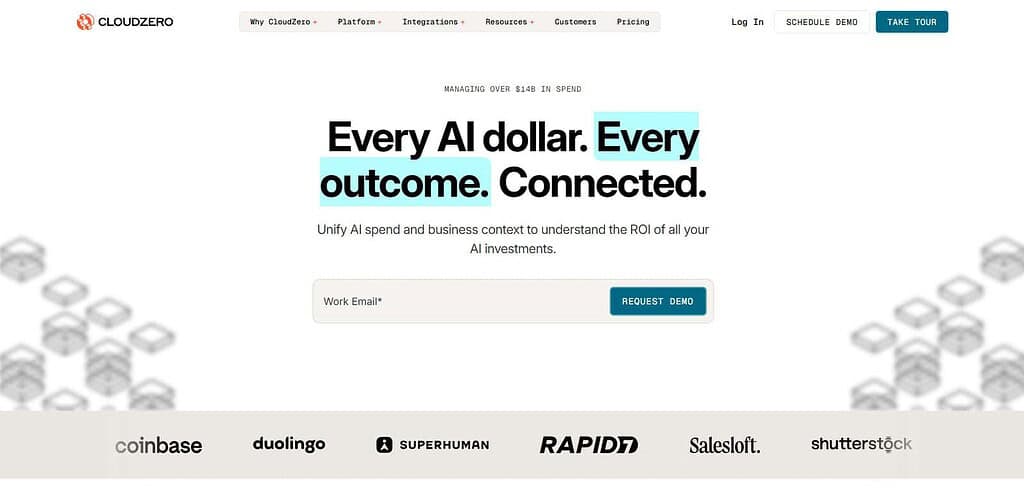
CloudZero provides integration with Amazon Web Services (AWS), Microsoft Azure and Google Cloud Platform (GCP). Real-time dashboards and anomaly detection are some of the features provided by CloudZero. CloudZero charges subscription fees, and costs between $500 to $1000 per month, based on usage.
Value added services, such as cost forecasting and overspending, are provided by the company. CloudZero is primarily used by software companies, and larger enterprise customers. CloudZero is one of the leading software products to provide engineering-centered cost management.
CloudZero Features, Pros & Cons
| Features | Pros | Cons |
|---|---|---|
| Unit cost tracking | Granular insights | Higher cost for startups |
| Real-time alerts | Engineering-focused | Requires tagging discipline |
| Multi-cloud support | Strong SaaS adoption | Limited hybrid IT support |
| Cost anomaly detection | Actionable alerts | Learning curve |
| Forecasting tools | Predictive insights | Subscription pricing |
| API integrations | Easy automation | Limited SMB focus |
| Dashboards | Clear visualization | Customization needed |
| Cost-per-customer | Unique visibility | Complex setup |
| SaaS focus | Tailored for SaaS | Not ideal for hybrid |
| FinOps alignment | Strong governance | Needs dedicated team |
2. Spot by NetApp
Spot by NetApp, founded in 2015 and acquired by NetApp in 2020, uses sophisticated algorithms to improve workload placement across different clouds. The company’s key service is using spot instances, along with rightsizing and predictive scaling, to lower cloud computing costs (by up to 90%) via its subscription service.
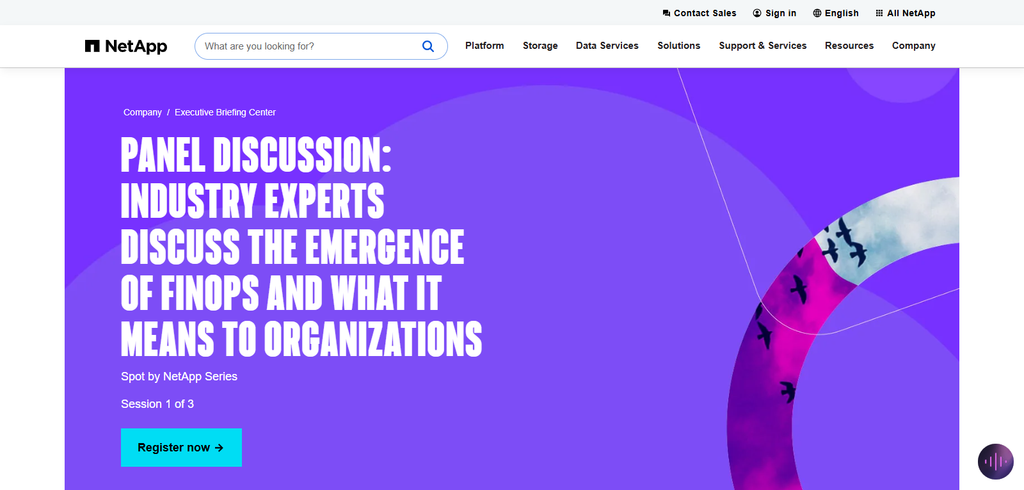
Spot provides a variety of cloud-related services such as Elastigroup and Ocean for Kubernetes and autoscaling and Eco for managing and optimizing Amazon’s reserved instances. Spot has quickly gained popularity among large and smaller enterprises for use in automating a variety of infrastructure-related decisions. Its primary value proposition is reducing cloud computing costs.
Spot by NetApp Features, Pros & Cons
| Features | Pros | Cons |
|---|---|---|
| Spot automation | Up to 90% savings | AWS-heavy focus |
| Predictive scaling | AI-driven optimization | Complex setup initially |
| Kubernetes support | Strong automation | Limited reporting depth |
| Reserved instance mgmt | Flexible savings | Requires expertise |
| Elastigroup | Autoscaling workloads | Limited hybrid support |
| Ocean for K8s | Container optimization | Narrow scope |
| Eco optimization | Reserved savings | Enterprise pricing |
| Multi-cloud support | Broad integration | Best for AWS |
| AI-driven insights | Hands-off savings | Needs monitoring |
| Automation focus | Minimal manual work | Less governance tools |
3. CloudHealth by VMware
CloudHealth was founded in 2012 and purchased by VMware in 2018. It offers organizations the ability to gain visibility and governance over their public cloud environments. CloudHealth offers more than 200 reports that are customizable, and offers multi-cloud capabilities across Amazon Web Services (AWS), Microsoft Azure, Google Cloud Platform (GCP), and Oracle. The company focuses on large enterprises, and sets pricing based on negotiated cloud spend.

CloudHealth also offers services that help organizations with cost optimization, and integrations for security and compliance. The platform helps addresses financial, operational, and security concerns of large enterprises. CloudHealth is a strong option for organizations that need a platform to help govern and assist compliance for a large, regulated, enterprise environment.
CloudHealth by VMware Features, Pros & Cons
| Features | Pros | Cons |
|---|---|---|
| 200+ reports | Enterprise governance | Expensive enterprise pricing |
| Policy enforcement | Multi-cloud visibility | Steep learning curve |
| Compliance tools | Trusted by Fortune 500 | Requires FinOps team |
| Security integration | Strong compliance | Complex onboarding |
| Cost allocation | Detailed tracking | Custom pricing |
| Forecasting | Predictive insights | Overhead for SMBs |
| Multi-cloud support | Broad adoption | Heavy enterprise focus |
| Governance dashboards | Clear visibility | Complex setup |
| Chargebacks | Strong accountability | Needs tagging discipline |
| Enterprise focus | Best for large orgs | Not SMB-friendly |
4. Flexera One
Flexera was founded in 1987 and became Flexera One in 2020. It provides hybrid and multicloud solutions and combines IT asset management (ITAM) and cloud spend management. It supports various environments, including on-premises, SaaS, and other cloud environments.
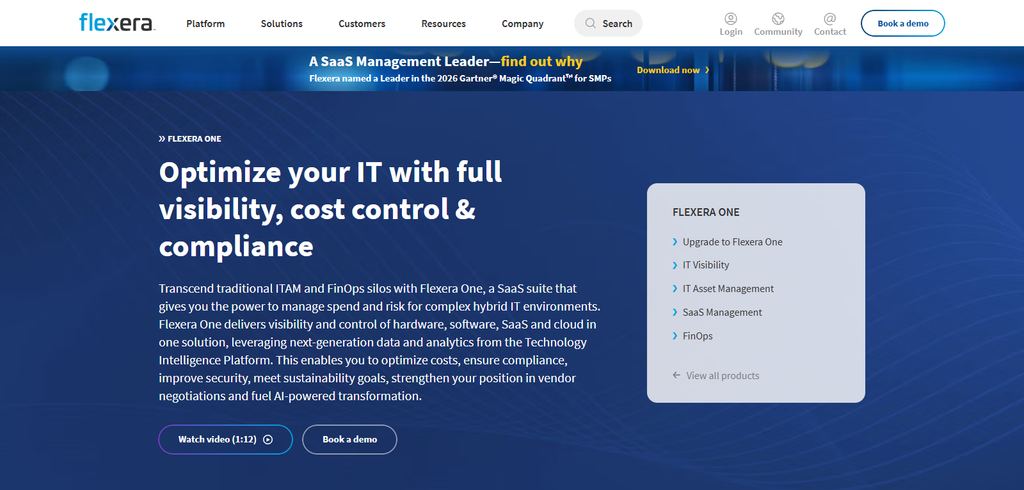
Pricing is based on the size of the organization’s IT assets. Flexera’s services include IT asset management and license implementation and migration to the cloud. It also provides cost-saving estimates for cloud computing. Flexera One provides cloud and IT spending analysis for Amazon Web Services (AWS), Microsoft Azure and Google Cloud Platform (GCP). It combines IT asset management and FinOps.
Flexera One Features, Pros & Cons
| Features | Pros | Cons |
|---|---|---|
| Hybrid IT visibility | Strong asset management | Complex licensing |
| SaaS integration | Deep compliance support | Custom pricing only |
| Forecasting tools | Enterprise scalability | Overhead for SMBs |
| License optimization | Strong governance | Complex setup |
| Cloud migration | Smooth planning | Expensive |
| Multi-cloud support | Broad visibility | Requires expertise |
| Asset tracking | Detailed insights | Not developer-focused |
| Compliance dashboards | Strong reporting | Heavy enterprise focus |
| IT + cloud view | Holistic visibility | Steep learning curve |
| Enterprise focus | Trusted globally | SMB unsuitable |
5. Harness CCM
Harness was founded in 2016 and launched its Cloud Cost Management (CCM) module in 2020. Traditional cloud spend management tools provide little to no visibility to developers. Harness, however, offers developers visibility by integrating its CCM module within its CI/CD pipeline. Thus, developers can understand the cost impact of each deployment. Harness CCM is offered as a SaaS product for $100/month for teams and is cost specified for enterprises.
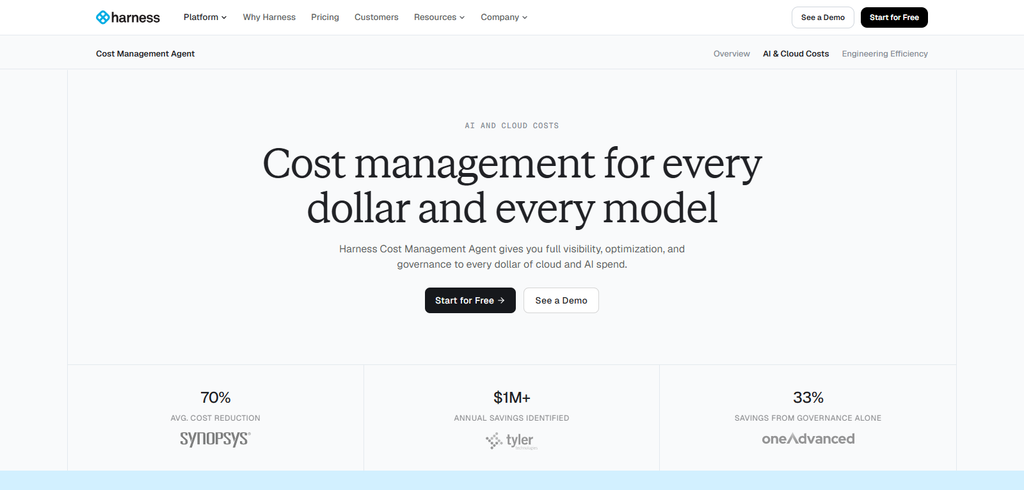
Harness offers cost and productivity related features such as cost optimization of Kubernetes clusters, cost forecasting, and cost anomaly detection. Harness CCM’s key advantage is integrating cost management within the developer workflow. Therefore, developers are better equipped to manage costs without compromising speed and quality of software delivery.
Harness CCM Features, Pros & Cons
| Features | Pros | Cons |
|---|---|---|
| CI/CD integration | Developer-friendly | Limited enterprise governance |
| Real-time alerts | Easy adoption | Smaller feature set |
| Kubernetes support | Cost in pipelines | Requires DevOps maturity |
| Forecasting | Predictive insights | Limited hybrid support |
| Anomaly detection | Quick alerts | Subscription pricing |
| Developer dashboards | Clear visibility | Narrow scope |
| SaaS pricing | Affordable entry | Scaling costs |
| API integration | Easy automation | Less compliance tools |
| Pipeline visibility | Unique feature | Needs DevOps culture |
| FinOps alignment | Developer accountability | Not enterprise-heavy |
6. Cloudability (IBM)
Launched in 2011 and acquired by Apptio (later IBM) in 2019, Cloudability is a large enterprise FinOps platform. With more advanced tagging and chargebacks features as well as forecasting, it helps finance teams with cost allocation. Its features also assist with showback and chargeback analysis. Pricing is only disclosed as enterprise-level pricing, based on spending limits.
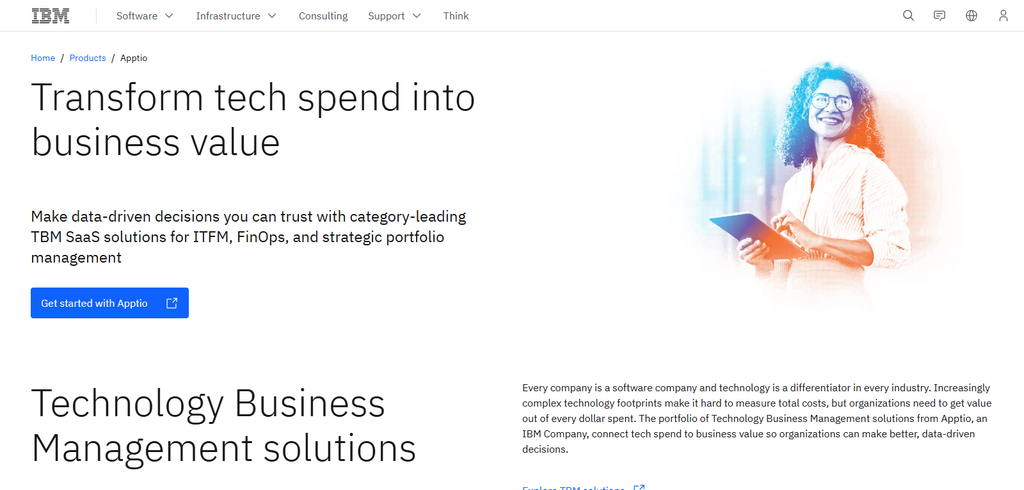
Recently, it has added budget alerts, and services for Reserved Instance optimization. It offers reporting across the three leading cloud providers. It offers the strongest integration with IBM’s IT Finance Management tools, providing end-to-end management of Finance for IT and Cloud services. Overall, it provides strong governance and financial management of Cloud spend.
Cloudability (IBM) Features, Pros & Cons
| Features | Pros | Cons |
|---|---|---|
| Advanced tagging | Strong chargebacks | Enterprise-only pricing |
| Budget alerts | IBM integration | Complex onboarding |
| Forecasting tools | Holistic IT visibility | Requires large spend |
| Chargebacks | Strong accountability | Needs tagging discipline |
| Multi-cloud support | Broad adoption | Expensive |
| Reserved optimization | Savings insights | Complex setup |
| Compliance dashboards | Strong governance | SMB unsuitable |
| Cost allocation | Detailed tracking | Heavy enterprise focus |
| IBM suite integration | Holistic IT view | Narrow flexibility |
| Enterprise focus | Trusted globally | Not SMB-friendly |
7. CAST AI
Cast AI was launched in 2019 and offers Kubernetes-centered, cloud cost optimization solutions. By using rightsizing, autoscaling, spot ocean loading and other mechanisms, costs can be reduced by 60%. Additional features such as automating cluster scaling and providing real time cluster status are offered. The company has offerings for both small and large clusters. For large clusters, real time automation and cluster security are offered.
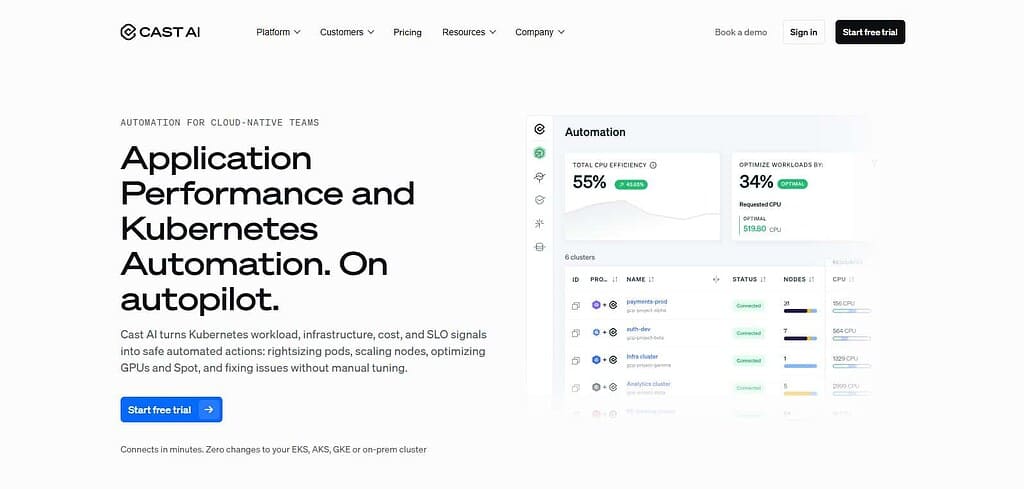
The product is aimed at containerized workloads and provides integration with the major cloud provider’s infrastructure. The product is fully automated and once integrated, continuously provides cluster optimization. Because of this feature, it is popular with large enterprises that use Kubernetes.
CAST AI Features, Pros & Cons
| Features | Pros | Cons |
|---|---|---|
| Automated rightsizing | Full automation | Kubernetes-only focus |
| Spot node use | Strong savings | Limited enterprise governance |
| Security checks | Easy scaling | Requires container workloads |
| Real-time monitoring | Continuous optimization | Narrow scope |
| Multi-cloud support | Broad adoption | Best for K8s |
| Forecasting | Predictive insights | Limited hybrid IT |
| Autoscaling | Strong automation | Needs DevOps |
| Free tier | Startup-friendly | Limited features |
| AI-driven optimization | Hands-off savings | Not enterprise-heavy |
| Container focus | Tailored for K8s | Narrow applicability |
8. Kubecost
Founded in 2019, Kubecost created an open-source tool to help customers understand their Kubernetes costs. Kubecost offers users the ability to track costs at the namespace level, and shows users where Kubernetes resources are allocated. Kubecost provides users with live cost reporting dashboards.
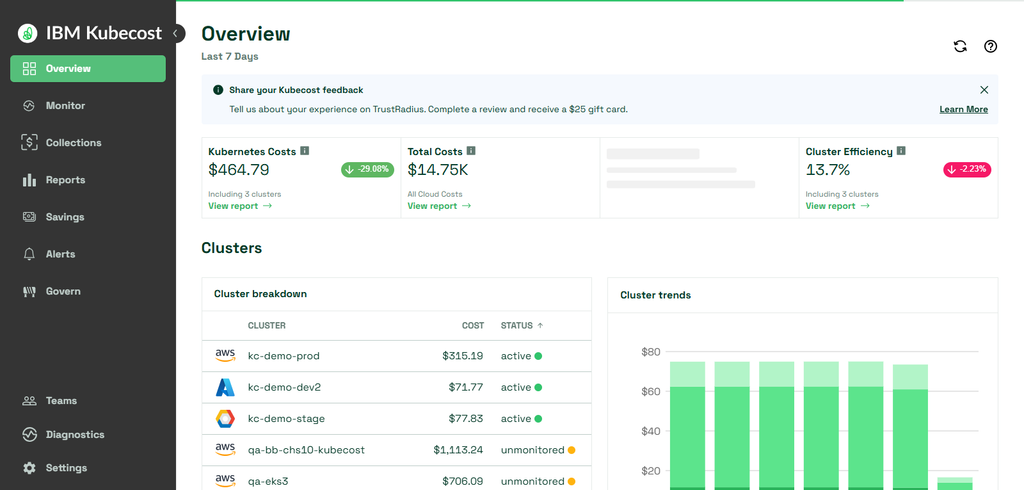
Kubecost have a free, open-source, version of their product and charge enterprises $449 and above, each month, for their products and services. Kubecost’s services include forecasting, and identifying anomalies, within the Kubernetes environment.
Kubecost provides users with costs associated to namespaces, pods, and other Kubernetes resources. Engineering and technical teams have adopted Kubecost to understand cost associated to Kubernetes resources.
Kubecost Features, Pros & Cons
| Features | Pros | Cons |
|---|---|---|
| Namespace tracking | Open-source tier | Limited enterprise support |
| Real-time dashboards | Developer-friendly | Paid tier expensive |
| Forecasting tools | Transparent costs | Kubernetes-only scope |
| Cost allocation | Detailed tracking | Narrow focus |
| Alerts | Quick detection | Limited governance |
| Multi-cloud support | Broad adoption | Best for K8s |
| Open-source | Free tier | Limited enterprise features |
| Developer dashboards | Clear visibility | Needs DevOps maturity |
| SaaS pricing | Affordable entry | Scaling costs |
| Container focus | Tailored for K8s | Not hybrid IT |
9. Zesty
Zesty, launched in 2019, utilizes AI technology to help companies decrease their AWS spending. Zesty’s technology automatically adjusts cloud resources and has a tracking and billing system to charge customers based on usage.
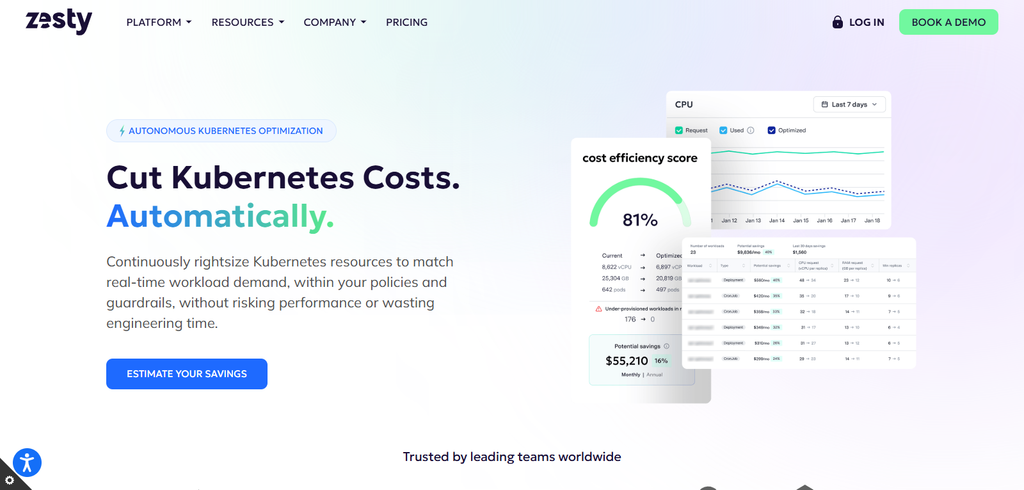
Zesty claims that their customers can achieve AWS cost savings in the range of 50%. In addition to automating AWS savings, Zesty provides other AWS automation services, including predictive scaling, and management of AWS reserved instances. Like many other FinOps companies, Zesty focuses on the AWS ecosystem. Zesty’s core differentiator is its 24/7 constant resource optimization. Its technology is targeted at both the startup and enterprise markets.
Zesty Features, Pros & Cons
| Features | Pros | Cons |
|---|---|---|
| Real-time scaling | Autonomous optimization | AWS-only focus |
| Reserved automation | Hands-off savings | Limited multi-cloud |
| Predictive analytics | Strong automation | Smaller ecosystem |
| AI-driven insights | Continuous savings | Narrow scope |
| AWS integration | Deep optimization | Vendor lock-in |
| Cost anomaly detection | Quick alerts | Limited governance |
| SaaS pricing | Affordable entry | Scaling costs |
| Automation focus | Minimal manual work | Less reporting depth |
| Startup-friendly | Easy adoption | Enterprise limited |
| Cloud-native | Modern approach | Narrow applicability |
10. Densify
Densify was founded in 2000 and focuses on cloud optimization. They provide services and solutions for all major cloud platforms including AWS, Azure, and GCP. Densify’s services include advanced analytics, workload planning, and forecasting. Densify does not disclose pricing publicly; however, in the past they have quoted larger enterprises.
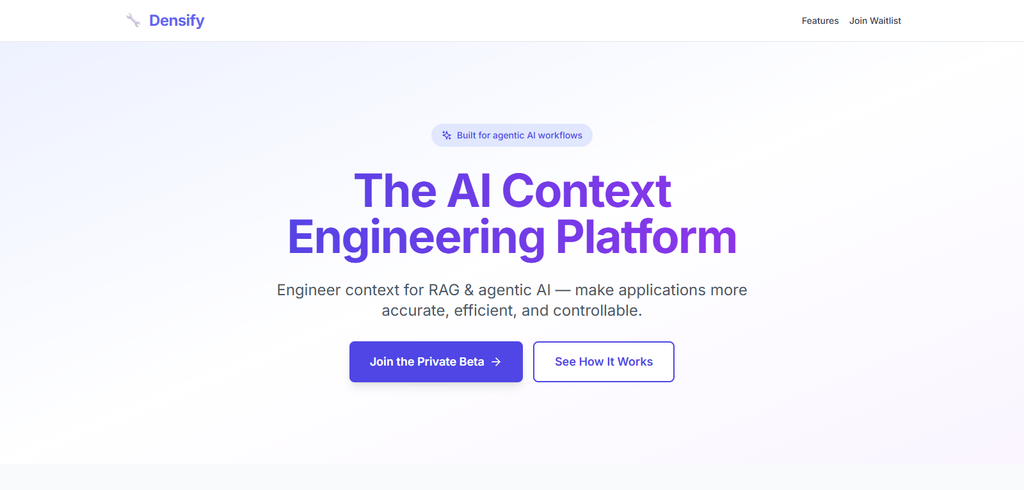
They provide customers automated insights and recommendations. In addition, they offer advanced hybrid cloud visibility and tools and extensions for ITSM software.
Densify differentiates themselves from the competition in the analytics space and provides predictive workload optimization for both cloud and on-premises workloads. Customers use Densify to better understand how to maximize workload performance while minimizing costs for their hybrid cloud environments.
Densify Features, Pros & Cons
| Features | Pros | Cons |
|---|---|---|
| Hybrid analytics | Deep optimization | Enterprise pricing only |
| Predictive insights | Long market history | Complex setup |
| ITSM integration | Strong hybrid support | Less developer focus |
| Reserved planning | Savings insights | Expensive |
| Multi-cloud support | Broad adoption | Heavy enterprise focus |
| Forecasting | Predictive analytics | Steep learning curve |
| Compliance dashboards | Strong governance | SMB unsuitable |
| Cost allocation | Detailed tracking | Needs expertise |
| Hybrid visibility | Holistic IT view | Narrow developer scope |
| Enterprise focus | Trusted globally | Not SMB-friendly |
Comparison Table – Best Cloud Cost Management Software
| Tool | Founded | Pricing | Services | Best For |
|---|---|---|---|---|
| CloudZero | 2016 | Subscription ~$500/month | Unit cost tracking, anomaly alerts | SaaS & FinOps |
| Spot by NetApp | 2015 | Usage-based | Spot automation, predictive scaling | Dynamic workloads |
| CloudHealth by VMware | 2012 | Enterprise custom | 200+ reports, governance, compliance | Large enterprises |
| Flexera One | 1987 | Enterprise custom | Hybrid IT visibility, license optimization | Hybrid IT orgs |
| Harness CCM | 2016 | SaaS ~$100/month | CI/CD cost visibility, anomaly detection | DevOps teams |
| Cloudability (IBM) | 2011 | Enterprise custom | Advanced tagging, chargebacks, forecasting | Enterprise FinOps |
| CAST AI | 2019 | Usage-based + free tier | Kubernetes autoscaling, rightsizing | K8s optimization |
| Kubecost | 2019 | Free + $449/month | Namespace tracking, dashboards, forecasting | Kubernetes visibility |
| Zesty | 2019 | Usage-based | Real-time scaling, reserved automation | AWS-heavy startups |
| Densify | 2000 | Enterprise custom | Hybrid analytics, predictive insights | Hybrid enterprises |
Conclusion
Finally, the top 10 cloud cost management tools of 2026 (CloudZero, Spot by NetApp, CloudHealth by VMware, Flexera One, Harness CCM, Cloudability (now IBM), CAST AI, Kubecost, Zesty, and Densify) offer some of the most powerful FinOps, Kubernetes, and Organizational governance solutions.
Automation and visibility are the cornerstones of these solutions to help companies of all sizes optimize their cloud spend. These solutions are often complementary, and companies may choose to implement multiple solutions based on their business needs.
Pricing of these solutions ranges from free (Kubecost) to thousands of dollars a month (Densify) based on the features and usage. Companies should evaluate these solutions based on their business needs, especially the types of workloads they have. These solutions undoubtedly help companies increase their cloud spend management sophistication.
FAQ
What is cloud cost management software?
Cloud cost management software helps organizations monitor, optimize, and reduce cloud spending across providers like AWS, Azure, and GCP. It provides visibility, automation, and governance to ensure efficient resource usage.
Which tool is best for enterprises?
CloudHealth by VMware and Flexera One are best for enterprises due to their governance, compliance, and hybrid IT visibility. They offer advanced reporting and policy enforcement for large organizations.
Which tool is best for Kubernetes workloads?
CAST AI and Kubecost specialize in Kubernetes optimization. CAST AI automates rightsizing and scaling, while Kubecost provides namespace‑level visibility and open‑source flexibility.
What is the pricing model for these tools?
Pricing varies:
CloudZero, Harness CCM, Kubecost → SaaS subscription starting ~$100–$500/month.
Spot by NetApp, CAST AI, Zesty → Usage‑based, savings‑driven pricing.
CloudHealth, Flexera One, Cloudability, Densify → Enterprise custom quotes based on spend.
Which tool offers the most automation?
Spot by NetApp and Zesty lead in automation, dynamically adjusting workloads and leveraging spot instances without manual intervention.