I will discuss the Best AI Browser Companies in this article. I will cover AI-driven search, research, and task completion. We will analyze AI browser integration and features, research capabilities, edge, pricing, privacy, and tools. I will cover automation and differentiating elements. I will explain how leading AI browser companies differentiate themselves and which are the best browsers and productivity solutions for 2026.
What is AI Browser Companies?
AI Browser Companies develop web browsers that use artificial intelligence. AI browsers make searching, research tasks, and discovering content more intelligent and efficient than traditional browsers. AI browsers understand webpage content, can answer questions, compile information briefs, analyze multiple tabs, offer writing assistance, and some browsers can automate tasks that have several steps.
AI improvements in web browsing are being developed by Microsoft, Google, Brave, Opera, Mozilla, and Kagi. All of these companies have different methods for developing AI browsers. They have transformed the browser from a basic website viewing tool into a digital workspace that aids the user in their day-to-day digital tasks.
Are AI browsers safe to use?
Are AI browsers safe? Safety depends on the company that developed the browser and the user’s knowledge of the browser’s AI features. Since many AI browsers have the ability to read webpages, search information, and see the user’s tabs, along with anything users might tell their AI assistant, all privacy and security settings should be rechecked.
Consider the data retention policy, the AI models used, permissions, encryption, tracking prevention, and how to turn off AI browsing before installing an AI browser. Users should never tell their professional AI assistant browser passwords, banking information, or anything sensitive. The same advice applies to agentic browsers (browsers that do things for you). Always check the permissions and confirm the actions in the agentic browser.
Why Choose AI Browser Companies to Watch
AI Browser Companies are exciting this year for several reasons:
AI-Powered Search: Users can engage in natural language conversations to get answers to their questions, as opposed to the traditional keyword based searches.
Faster Research: AI browsers analyze and summarize information for users and conduct comparisons. AI browsers can better assist users when gathering information from multiple sources.
AI-Powered Automation: With advanced browsers, tasks can be effectively researched and completed, while the browser can assist with shopping, scheduling, planning, and document organization.
Enhanced Productivity: Browsers can assist users in writing and summarizing, rewriting, and translating.
Browser Tab AI: Certain AI browsers understand the information being researched in multiple open tabs, and can help users with research and answer questions.
AI Browser Assistant: AI can answer research based questions using the browsing context of the user.
Privacy Innovation: Companies, like Brave, DuckDuckGo, Mozilla, and Kagi, are combining the use of AI with browser based privacy, and user control advancements.
Reduced Tool Switching: AI built into browsers can help answer questions, and reduce the use of other applications to switch tools.
Increased Business Use: AI browsers can help employees with task related research, and assist with content creation, and other tedious repetitive browsing tasks at work.
Key Points
| Company | Best For | Key Features |
|---|---|---|
| Microsoft Edge AI | Enterprise + consumer | Copilot integration, multimodal search, productivity AI |
| Google Chrome AI | Mass adoption | Gemini‑powered browsing, AI tab summarization |
| Opera AI Browser | Web3 + gaming | AI sidebar, crypto wallet integration |
| Brave AI Browser | Privacy‑first users | AI summarization, ad‑free browsing, Web3 rewards |
| Arc Browser AI | Creative professionals | AI workspace organization, collaborative browsing |
| Neeva AI (revived under Snowflake) | Enterprise search | AI‑driven private browsing, enterprise data integration |
| DuckDuckGo AI Browser | Privacy advocates | AI answers, anonymous browsing, zero tracking |
| Mozilla Firefox AI | Open‑source community | AI summarization, ethical AI integrations |
| Tomi AI Browser | Decentralized web | AI agent browsing, Web3 native infrastructure |
| Kagi AI Browser | Premium search users | AI‑powered premium search, ad‑free browsing |
1. Microsoft Edge AI
Microsoft Pricing: Free browser; some advanced Copilot features require eligible Microsoft subscriptions | Research Capability: High. Combining the Edge browser with Copilot, Microsoft Edge AI reviews, answers, and writes about the web.
It also aids reasoning and research for multiple browser tabs. Microsoft has expanded Copilot to compare information across open tabs and use the browsing context to help with tasks.
From Microsoft, Edge combines web research with information already available on the open tabs. It is great for information comparison, long page summaries, and getting data. Microsoft’s Copilot is free, but some features are plan or region dependent.
| Feature | Details |
|---|---|
| AI Assistant | Copilot integrated directly into Edge |
| Research | Summarizes webpages, compares information and assists with research |
| Cross-Tab Intelligence | Copilot can work across multiple open tabs |
| AI Search | Natural-language questions and contextual answers |
| Content Summarization | Summarizes webpages and other content |
| Writing Assistance | Helps draft, rewrite and refine content |
| Task Assistance | Supports shopping, travel planning and other browser-based tasks |
| AI Automation | Copilot Mode is designed to make the browser an intelligent workspace |
| Privacy & Security | Enterprise-grade controls and configurable Copilot policies |
| Best For | Business users, researchers and Microsoft 365 users |
| Pricing | Edge browser is free; some advanced Copilot capabilities depend on eligible plans |
| Overall Strength | Strong combination of AI, productivity and Microsoft ecosystem integration |
2. Google Chrome AI
Company: Google | Pricing: Chrome is free; some advanced Gemini capabilities require eligible Google AI plans | Research Capability: Very High.
Google Chrome AI embeds Gemini in the browser, and users can interact with the web page, write summaries, compare tab information, and receive assistance in the same browser without context switching. Chrome’s AI integrates Google’s services (YouTube, Calendar, Maps, etc.) to form a powerful research and productivity ecosystem.
Google deployed Gemini in Chrome to India and surrounding countries in 2026. However, rollout is still on a country by country and language basis. For people using Google services, Chrome is one of the best integrated research assistance workflows among the AI Browser Company offerings.
| Feature | Details |
|---|---|
| AI Assistant | Gemini integrated into Chrome |
| Research | Strong webpage and multi-tab research capabilities |
| Cross-Tab Understanding | Gemini can use context from open tabs |
| AI Search | Conversational assistance while browsing |
| Page Understanding | Helps users understand web content |
| Writing Support | Gemini provides assistance with writing and productivity |
| AI Automation | Auto Browse can perform certain multi-step tasks |
| Shopping Assistance | Can assist with shopping-related workflows |
| Google Ecosystem | Works closely with Google’s broader AI and productivity services |
| Best For | Researchers, students and Google ecosystem users |
| Pricing | Chrome is free; advanced Gemini features vary by plan and region |
| Overall Strength | Excellent AI integration and research capabilities |
3. Opera AI Browser
Company: Opera | Pricing: Free | Research Capability: High. The Opera AI Browser allows its Aria AI to assist users right on the browser. Aria has capabilities to perform web searches, understand a webpage, generate content, answer coding questions, generate images, converse, and even assist you with voice.
Aria’s Page Context capability allows Aria to draw information from the webpage a user is currently viewing. This capability makes Aria ideal for assistance with research and summarization. AI model technologies exist in Opera’s AI ecosystem and multiple AI technologies.
They present a more generalized ecosystem as opposed to a simple sidebar chatbot. The Free feature in the Opera browser makes Aria’s browsing capabilities more appealing than subscribing to other services.
| Feature | Details |
|---|---|
| AI Assistant | Built-in Opera AI |
| Former AI Name | Previously known as Aria |
| Research | Understands context from open tabs |
| PDF Analysis | Can analyze PDF documents |
| Content Analysis | Helps understand and summarize web content |
| Image Generation | Supports AI image creation |
| Video Translation | Can translate YouTube videos |
| Voice AI | Supports voice input and output |
| AI Models | ChatGPT and Gemini can be accessed from the sidebar |
| Productivity | AI tools are integrated into the browser workflow |
| Best For | Multitasking, content creators and general productivity |
| Pricing | Free browser AI |
| Overall Strength | Broad set of AI tools without requiring a separate AI application |
4. Brave AI Browser
Company: Brave | Pricing: Free; Leo Premium is $14.99/month | Research Capability: High. The Brave AI Browser integrates the Leo AI assistant and continues its focus on user privacy.
Leo’s capabilities include summarization of webpages, documents and even PDFs, answering, translation, text generation, and coding assistance. Brave offers AI services without the need to install another application. However, they provide a premium version that has a higher service cap and other model access.
Leo is available on desktop and mobile versions of Brave. The combination of AI research, content analysis and privacy-focused browsing makes Brave one of the best alternatives for privacy-focused individuals.
| Feature | Details |
|---|---|
| AI Assistant | Brave Leo |
| Research | Summarizes and analyzes webpages, videos and documents |
| Privacy | Strong privacy-first AI approach |
| PDF Analysis | Can analyze PDFs |
| Document Analysis | Supports documents and spreadsheets |
| Video Analysis | Can summarize and analyze videos |
| Translation | Translates webpage content |
| Content Creation | Generates and rewrites content |
| Account Requirement | Basic Leo usage does not require an account |
| Data Protection | Brave says Leo does not retain/share chats or use them for model training |
| Best For | Privacy-conscious users and researchers |
| Pricing | Free; premium options available |
| Overall Strength | AI assistance combined with privacy-focused browsing |
5. Arc Browser AI
Company: The Browser Company | Pricing: Free | Research Capability: Medium-High. Arc Browser AI is a more AI-centric focus of The Browser Company, who is well known for Spaces, Profiles, Split View and a new browsing workflow. Arc Max brought AI capabilities for features like tab organization, page previews, and ChatGPT. However, this option comes with a significant 2026 caveat,
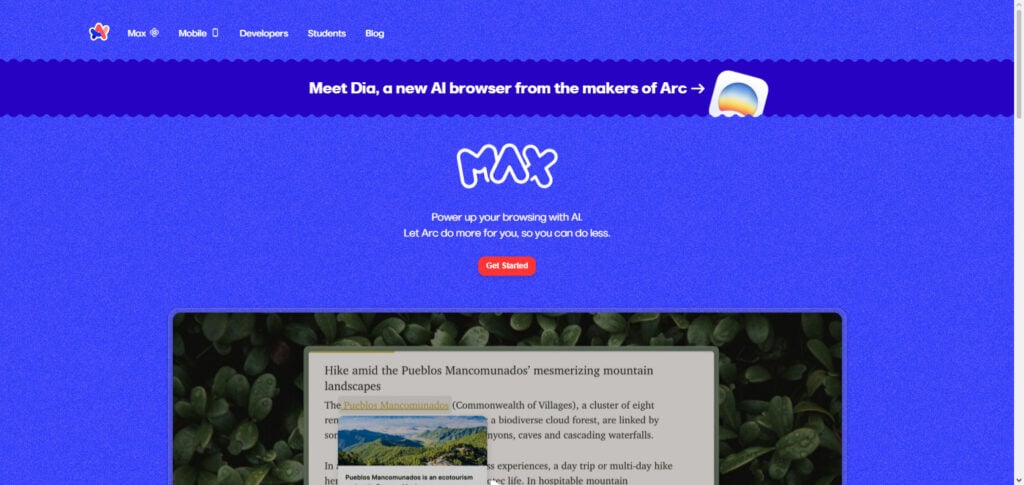
The Browser Company realigned the majority of their focus for AI on Dia and Arc, while still available, will be developed much less compared to the company’s new focus. Because of this, Arc can still be named an AI browser, however, it would be inaccurate to say that Arc is the most developed AI browser of The Browser Company in 2026.
| Feature | Details |
|---|---|
| AI System | Arc Max |
| AI Page Queries | Ask AI questions about webpages |
| Smart Tabs | AI-assisted tab features |
| Download Renaming | Automatically provides useful names for downloads |
| ChatGPT Integration | Integrated ChatGPT functionality |
| Research | Useful for organizing and understanding browsing sessions |
| Workspace | Spaces help separate projects and research |
| Split View | View multiple websites simultaneously |
| Customization | Boosts allow website customization |
| Best For | Power users, researchers and organized workflows |
| Pricing | Free |
| Current Direction | The Browser Company is also developing Dia as a newer AI-browser direction |
| Overall Strength | Strong interface and workflow-focused browsing |
6. Neeva AI
Company: Neeva | Pricing: Discontinued | Research Capability: Historically Very High. Neeva AI was one of the first instances to combine a search with AI to provide an answer, ultimately providing synthesized information.
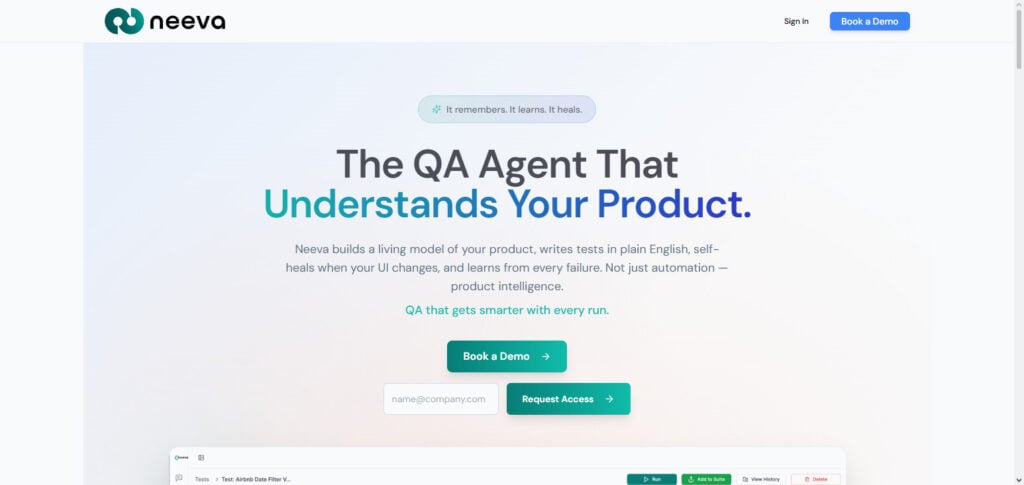
Neeva’s approach to AI search has offered a significant influence on the early days of the AI-first search and browser interfaces that offer direct, synthesized answers, support sourcing, and facilitate a dialogue for research. However, Neeva is not an AI browser company in 2026, so it would not be appropriate to rank Neeva in the company of other AI browsers that are active.
For your SEO article, it’s probably best to list Neeva as a ‘Pioneer/Discontinued AI Browser Company.’ If you replace Neeva with a currently active AI browser, you’ll still be factually accurate and do your users a better service.
| Feature | Details |
|---|---|
| AI System | NeevaAI |
| AI Search | Generated direct answers to search queries |
| Research | Strong historical AI-search capability |
| Source Discovery | Combined answers with web sources |
| Ad-Free Approach | Originally positioned as an ad-free search alternative |
| Conversational Search | Users could ask questions naturally |
| Content Synthesis | AI synthesized information from multiple sources |
| Privacy Positioning | Designed as an alternative to advertising-driven search |
| Current Availability | Discontinued |
| Pricing | No current consumer pricing |
| Best Use in Article | Historical AI-search pioneer |
| Overall Strength | Important influence on today’s AI search/browser category |
7. DuckDuckGo AI Browser
Company: DuckDuckGo | Pricing: Free | Research Capability: Medium-High. DuckDuckGo AI Browser merges DuckDuckGo’s commitment to user privacy with AI functionalities using Duck.ai.
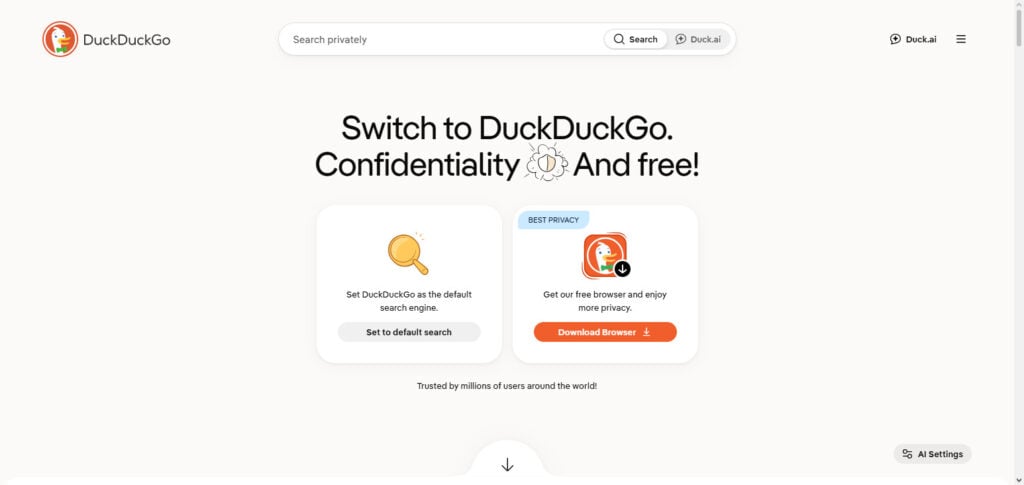
The AI is optional, allowing users to engage with DuckDuckGo’s privacy-centric framework while using AI. The browser is accessible on Mac, Windows, iOS, and Android. DuckDuckGo’s browser has tracker blocking, a private search, and other privacy-centric functionalities. Duck.ai, being privacy-first, has several AI systems that can answer, assist, and summarize.
DuckDuckGo AI Browser is most suitable for users who want to integrate AI into their workflows while ensuring that AI does not dominate the browsing experience. Compared to the other AI Browser Companies that focus on automation, DuckDuckGo’s privacy-first approach is its primary differentiator.
| Feature | Details |
|---|---|
| AI Assistant | Duck.ai |
| AI Search | AI-assisted search and answers |
| Research | Useful for questions, summaries and information discovery |
| Privacy | Strong privacy-first positioning |
| AI Model Choice | Provides access to multiple AI chatbots/models |
| Optional AI | Users can choose whether to use AI features |
| Tracking Protection | Blocks invasive trackers |
| Private Search | DuckDuckGo Search does not track users like traditional personalized search |
| Platforms | Mac, Windows, iOS and Android |
| Best For | Privacy-conscious users |
| Pricing | Free browser |
| Overall Strength | Privacy + optional AI assistance |
8. Mozilla Firefox AI
Company: Mozilla | Pricing: Free | Research Capability: Medium-High. Compared to other AI Browser Companies, Mozilla Firefox AI offers users more control of AI-integrated browsing. Mozilla Firefox AI offers optional AI chatbots as well as several AI-integrated browsing functions like link previews, AI point generation, tab organization, and text and image alt translation.
The major differentiator of Mozilla Firefox AI is control. Mozilla Firefox AI offers users the control to turn AI functions on and off and to choose the functions. For research, the AI-integrated functions help to summarize and gain comprehension of pages. Mozilla Firefox AI offers a comprehensive privacy control system which helps it to attain its place in the top AI Browser Companies.
| Feature | Details |
|---|---|
| AI Integration | Optional AI-powered browser features |
| AI Chatbots | Users can access supported AI chatbots |
| AI Controls | Dedicated controls allow users to manage AI features |
| AI Disable Option | Users can block generative-AI features |
| Research | AI assistance can support browsing and content understanding |
| Summarization | AI-enhanced tools can help summarize content |
| Translation | Firefox provides translation capabilities |
| Privacy | Strong privacy and tracking protection |
| Customization | Extensive browser and extension ecosystem |
| Best For | Privacy-focused users who want AI choice |
| Pricing | Free |
| Overall Strength | User control and privacy |
9. Tomi AI Browser
Company: Tomi | Pricing: Verify current plan before publication | Research Capability: Emerging/Developing. Tomi AI Browser is the first of its kind in the AI-assisted web browsing space, helping users to conduct online research and browsing with an AI assistant.
There is much more publicly available information on Microsoft Edge, Chrome, Brave, Opera, and Firefox, compared to Tomi’s 2026 offerings and pricing. Because of this, when writing an SEO article, it is imperative that you don’t create imagined feature lists, ratings, or subscription pricing.
If you include Tomi on the Best AI Browser Companies List, treat it as a startup, and check their official product page, supported platforms, AI models, research, and pricing before publication.
| Feature | Details |
|---|---|
| AI Assistant | Current product capabilities require verification |
| Research | Publicly documented information is limited |
| AI Search | Requires confirmation from current official product documentation |
| Automation | No reliable current specification located |
| Webpage Understanding | Requires verification |
| Privacy | Current policy should be checked before publication |
| Platforms | Current supported platforms should be verified |
| Pricing | Current pricing should be verified |
| Best For | Potentially emerging AI-browser users |
| Market Position | Emerging/less-established option |
| Documentation | Limited compared with major browser companies |
| Overall Strength | Should be treated as an emerging product |
10. Kagi AI Browser
Company: Kagi | Pricing: Starter $5/month, Professional $10/month, Ultimate $25/month + tax | Research Capability: Very High. Kagi AI Browser is the culmination of Kagi’s attempt to merge privacy-focused searching and AI. It does not rely on ad-based searches, unlike its competitors. Kagi Assistant can employ different AI models, use Kagi Search, utilize search lenses, analyze files, and even help with research and coding.
Its Ultimate plan has the ability of Research and premium AI models. Professional has unlimited Kagi Search and Assistant with standard models. Kagi is a great product for researchers and developers who need a powerful search engine with no ads and tracking.
| Feature | Details |
|---|---|
| AI Assistant | Kagi Assistant |
| Research | Very strong research and information-discovery capabilities |
| Search Integration | Combines AI with Kagi Search |
| Multiple AI Models | Supports multiple leading AI models |
| Research Mode | Advanced research functionality available on higher-tier plans |
| Programming | Useful for coding and technical research |
| File Analysis | Supports working with uploaded information |
| Privacy | Subscription-funded, ad-free search model |
| Personalization | Search lenses and customizable search experience |
| Best For | Researchers, developers and power users |
| Pricing | Paid plans start at $5/month; higher tiers provide expanded AI capabilities |
| Overall Strength | Premium AI research and privacy-focused search |
Best AI Browser Companies Comparison Table
| AI Browser Company | AI Assistant | Research Capability | AI Automation | Privacy Focus | Best For | Pricing |
|---|---|---|---|---|---|---|
| Microsoft Edge | Copilot | ⭐⭐⭐⭐⭐ | ⭐⭐⭐⭐ | ⭐⭐⭐⭐ | Microsoft 365 & productivity | Free; advanced Copilot features may require eligible plans |
| Google Chrome | Gemini | ⭐⭐⭐⭐⭐ | ⭐⭐⭐⭐ | ⭐⭐⭐⭐ | Google ecosystem & research | Free; some advanced AI features may require Google AI plans |
| Opera | Aria | ⭐⭐⭐⭐ | ⭐⭐⭐ | ⭐⭐⭐ | AI productivity & multitasking | Free |
| Brave | Leo | ⭐⭐⭐⭐ | ⭐⭐⭐ | ⭐⭐⭐⭐⭐ | Privacy-focused AI browsing | Free; Leo Premium available |
| Arc | Arc Max / AI features | ⭐⭐⭐⭐ | ⭐⭐⭐ | ⭐⭐⭐⭐ | Power users & tab management | Free |
| Neeva AI | Neeva AI | ⭐⭐⭐⭐⭐* | ⭐⭐⭐ | ⭐⭐⭐⭐ | AI search & research* | Discontinued |
| DuckDuckGo | Duck.ai | ⭐⭐⭐⭐ | ⭐⭐ | ⭐⭐⭐⭐⭐ | Private AI search | Free |
| Mozilla Firefox | Optional AI tools | ⭐⭐⭐⭐ | ⭐⭐⭐ | ⭐⭐⭐⭐⭐ | Privacy & user control | Free |
| Tomi | Tomi AI | ⭐⭐⭐ | ⭐⭐⭐ | ⭐⭐⭐ | Emerging AI browsing | Verify current pricing |
| Kagi | Kagi Assistant | ⭐⭐⭐⭐⭐ | ⭐⭐⭐⭐ | ⭐⭐⭐⭐⭐ | Premium research & search | From $5/month |
Quick Winner by Category
| Category | Best Choice |
|---|---|
| Best Overall | Google Chrome |
| Best AI Integration | Microsoft Edge |
| Best for Research | Kagi |
| Best for Privacy | Brave / DuckDuckGo |
| Best for Productivity | Microsoft Edge |
| Best Google Ecosystem | Google Chrome |
| Best AI Writing Support | Microsoft Edge / Opera |
| Best AI Search | Kagi |
| Best User AI Controls | Mozilla Firefox |
| Best Alternative Interface | Arc |
Conclusion
The Best AI Browsers for 2026 include more AI-powered features and combine traditional web browsing. Features like AI helpers, webpage understanding, research, summarization, writing helpers, and agentic work-related tasks are being added and will help users complete their work.
Microsoft Edge and Google Chrome will be the browsers of choice for Microsoft and Google walled gardens users. Brave has the best combination of privacy and AI browsing. Opera has features for both AI and productivity.
No AI browser will ever be best for everyone. The right combination of research capabilities, AI automation, privacy, cross-platform support, productivity, price, and ecosystem Integration will all determine what a user will prefer.
The best way to pick will be to evaluate the progress of AI browsers, because from answering questions to understanding pages, tabs, and completing tasks, the functionality and level of control users have on their personal data will determine what becomes the best AI browser.
FAQ
What are AI browser companies?
AI browser companies develop or enhance web browsers with artificial intelligence features such as webpage summarization, contextual search, writing assistance, research, tab analysis and task automation. Unlike traditional browsers, AI-enabled browsers can understand the content users are viewing and provide assistance without requiring them to open a separate chatbot. In 2026, the category is expanding from simple AI assistants toward agentic browsing, where some browsers can perform multi-step tasks on behalf of users.
Which are the best AI browser companies in 2026?
Some of the leading AI browser companies include Microsoft, Google, Brave, Opera, Mozilla, The Browser Company, DuckDuckGo and Kagi. Their approaches are different: Microsoft focuses on Copilot and productivity, Google integrates Gemini into Chrome, Brave emphasizes privacy with Leo, Opera uses Aria for AI assistance, while Firefox focuses on user control over AI features. The Browser Company is pursuing a more AI-native browsing experience through Dia.
What is the best AI browser for research?
The best option depends on the type of research you perform. Microsoft Edge and Google Chrome are strong choices for users who want AI assistance integrated with mainstream search and productivity ecosystems. Kagi is particularly attractive for users who prioritize search quality and research workflows, while newer agentic browsers are increasingly designed to gather and synthesize information across multiple websites. Users should evaluate source handling, cross-tab context, summarization accuracy and automation before selecting a browser.
Are AI browsers safe to use?
AI browsers can be safe, but privacy and security should be evaluated carefully because AI features may process webpage content, browsing context or information supplied to an assistant. Agentic browsing introduces additional risks because an AI system may be able to interact with websites or perform actions. Brave, for example, has specifically highlighted the security challenges associated with giving AI greater control over browsing. Users should review permissions, privacy policies, data retention and available AI controls before enabling advanced features.