


In this article, I will talk about the Best AI Agents for Employee Onboarding Automation that assist businesses in easing hiring transitions and managing employee joining processes. They automate HR processes like syncing employee data, collecting documents, setting up payroll, tracking compliance, and coordinating managers. I will also compare their key features, pros and cons, and integrations to help businesses choose the right onboarding solution.
Quick Comparison Table
| AI Agent / Platform | Best For |
|---|---|
| Enboarder | Employee onboarding orchestration |
| Deel HR | Global onboarding and compliance |
| Rippling | HR and IT onboarding automation |
| Workday Illuminate | Enterprise HR onboarding |
| UKG Bryte AI | AI-powered onboarding assistance |
| Leena AI | Agentic HR workflows |
| ServiceNow with Moveworks | Cross-department onboarding |
| Process Street | Onboarding process automation |
| Factorial | HR workflow automation |
| WorkBright | Onboarding progress tracking |
1. Enboarder
Enboarder brings together HR, IT, managers and new hires to create AI-powered employee journeys for onboarding. Intelligent agents and AI assistants help develop personalized onboarding workflows for employees based on their role, location and progress.
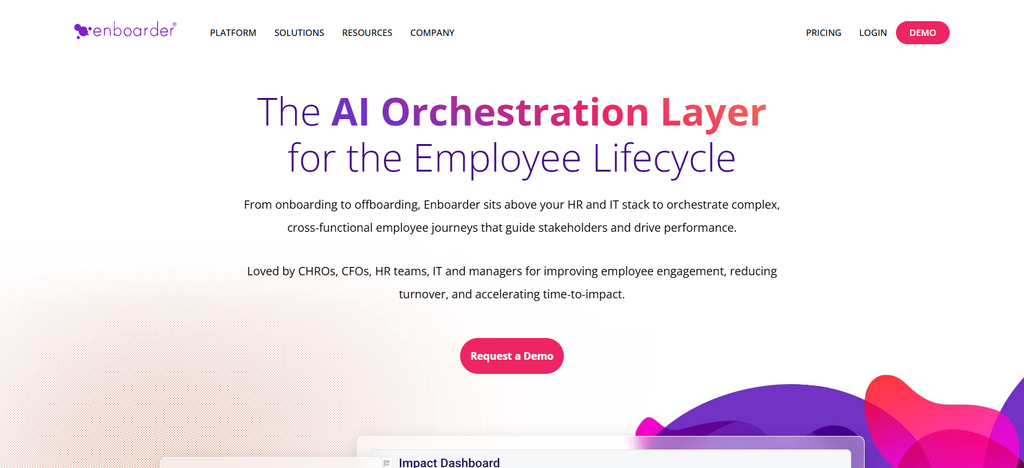
The platform supports HRIS and ATS integrations for syncing employee data, collecting documents, electronic signatures, compliance tasks and automated reminders. It also manages manager responsibilities, buddy introductions, training activities and IT provisioning requests via connected systems.
Its onboarding analytics measure task completion, engagement, compliance progress and time-to-productivity. This makes Enboarder useful for organizations that have complicated, multi-department onboarding processes.
Characteristics
- It offers customized onboarding journeys for employees based on job roles, departments and locations.
- Preboarding features, welcome messages, employee communications, and onboarding reminders.
- Orchestrates new hires, managers, HR and IT in a seamless process.
- Offers AI generated 30-60-90 day plans and role based employee enablement.
- Tracks onboarding, employee engagement, compliance tasks and completion rates.
Pros
- Provides customized onboarding experiences for different employee groups.
- It supports multiple communication channels like SMS, WhatsApp, Email, etc.
- Integrations with HRIS, ATS, LMS and IT systems.
- Increases manager accountability with automated reminders.
- Offers valuable insight into onboarding progress and readiness.
Disadvantages
- the pricing is not public.
- Support may be needed for implementation of advanced workflows.
- Uses integrated systems for different HR backend processes.
- May be too much for companies with basic onboarding needs.
- Certain compliance capabilities are US-centric.
2. Deel Human Resources
Deel HR helps companies automate onboarding employees across global teams, connecting HR administration, employment documentation and payroll-related processes. Configurable workflows can send personalized welcome emails, assign onboarding tasks, create IT tickets and alert managers of important joining milestones.
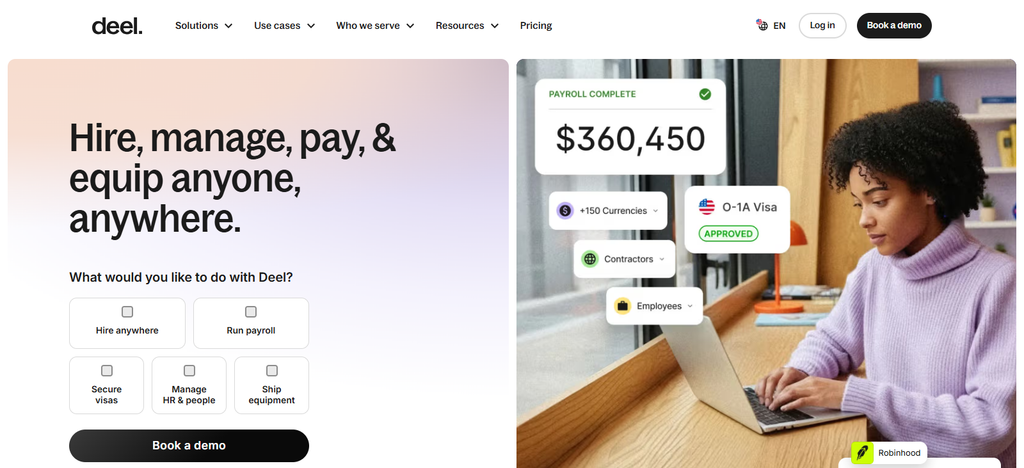
Its global HR infrastructure can process employee information, employment agreements and country-specific requirements. Compliance support is even more important when hiring workers in other jurisdictions such as monitoring regulatory requirements and changes related to relocation.
Managers are reminded of probation and onboarding and HR teams coordinate outstanding activities. The combination of global workforce administration and repeatable onboarding automation is its strength.
Characteristics
- Automates employee onboarding processes for global teams.
- Gathers digital employment forms and handles localized contracts.
- Keeps payroll set up and employee information through centralized HR platforms.
- Sends automated onboarding notifications and reminders and assigns tasks.
- Supports country-specific compliance workflows and employee management.
Pros
- Supports global onboarding of employees and contractors.
- – Prepares international employment documentation.
- links HR administration with payroll-related services.
- Customizable onboarding and offboarding workflows.
- Helps HR teams stay on top of compliance requirements in different countries.
Disadvantages
- Some advanced features rely on other Deel products.
- Price may vary depending on the needs of the workforce
- Global employment processes may require complex configurations.
- Some payroll features are country specific.- If businesses use different HR platforms, they may need to set up integration.
3. Rippling
Rippling unites employee onboarding with HRIS, payroll, benefits and IT admin on one workforce platform. Once a new employee is added, automated workflows can be used to send out employment agreements, collect signatures, set up payroll information, initiate the benefits enrollment process, and arrange for the delivery of devices. •
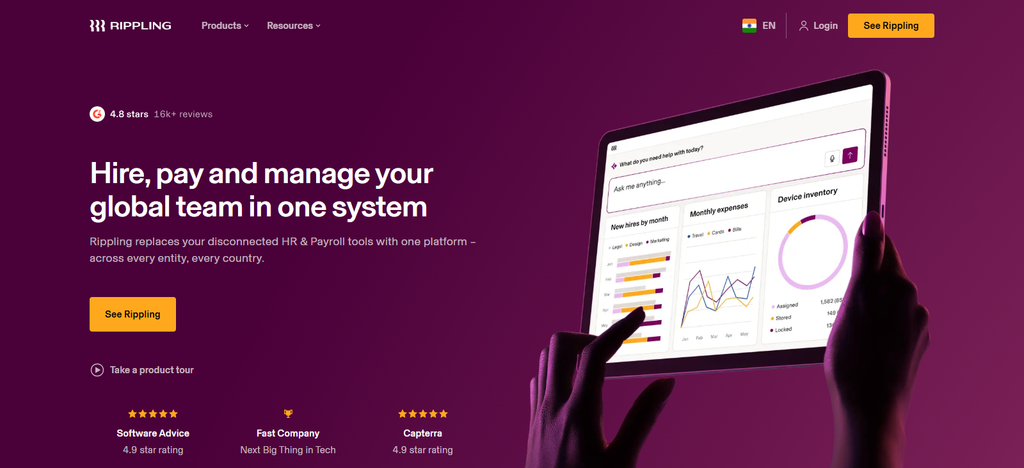
Employee Data Synchronization When an employee’s role, department or manager changes, the information is updated across all connected applications. Its automation capabilities also support software account creation, permissions, training assignments and compliance processes.
HR teams can use reporting dashboards to monitor workforce data and onboarding activities. Rippling’s biggest advantage is that it can handle employee administration and tech access without a bunch of disjointed workflows.
Characteristics
- Automates employee onboarding across HR, benefits, payroll and IT systems.
- Maintains employee information consistency across connected business applications.
- Starts provisioning devices and creating software accounts for new employees.
- Handles digital documents, employee forms and benefits enrollment.
- Provides automated workflows, approvals, notifications and employee reports.
Pros
- One platform for HR & IT administration.
- Decreases an employee’s time spent on repetitive data entry.
- Supports automated provisioning of software and devices.
- Links employee onboarding to payroll processes.
- Centralized workforce management and reporting.
Disadvantages
- Modular pricing could increase the total cost.- Advanced configurations might require some help to implement.
- The feature set can be overwhelming.
- Some features depend on the modules selected.-Smaller businesses may not require all its functionality.
4 Workday Illuminate
Workday Illuminate brings AI agents into enterprise HR and workforce management processes to help improve business operations by leveraging data from the organization and its employees. It has AI capabilities for setup of business processes, employee case management, talent acquisition and assistance with workforce-related issues.
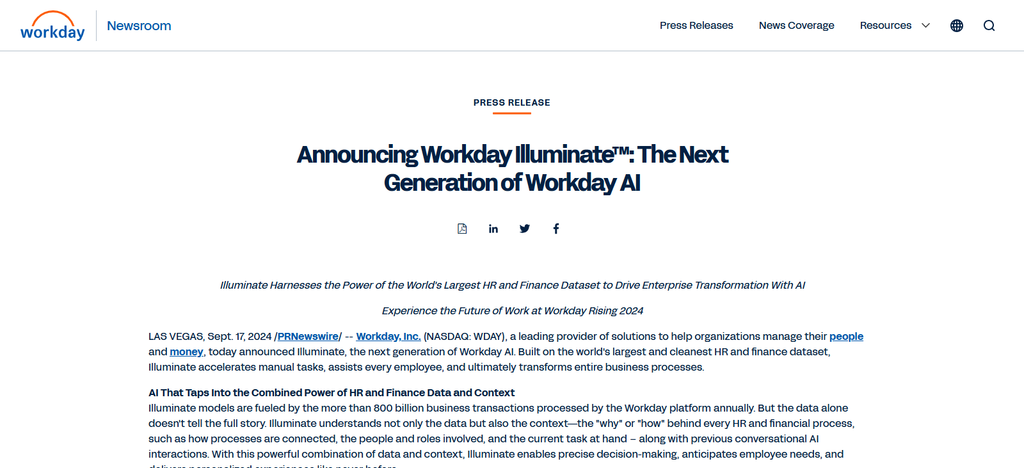
Onboarding allows organizations to connect hiring activities to employee records, administrative processes, document flows and payroll operations within the larger Workday HCM environment. Its payroll and workforce capabilities ensure employee data is accurate and managers and HR teams can use connected processes to coordinate duties and approvals.
Enterprise reporting also helps to track workforce trends and operational performance. Where it shines is in the integration of AI into an existing enterprise HR ecosystem.
Characteristics
- Leverages AI capabilities to support enterprise HR and workforce processes.
- Connects employee records to wider Workday HCM workflows.
- Powers AI-enabled HR tasks, employee assistance and business processes.
- Supports coordination of onboarding activities, approvals and employee administration.
- Offers enterprise workforce insight and reporting capabilities.
Pros
- Introduces AI capabilities to a current enterprise HCM setting.
- Addresses the needs of complex workforce management.
- Integrates HR information with broader business processes.
- Employee data management at enterprise level.
- AI assistance cuts down on repetitive administrative work.
Disadvantages
- Best for bigger organizations.- Implementation may require a lot of planning.
- Advanced capabilities might require additional licensing.
- Smaller HR teams may find the configuration to be complex.
- Some onboarding tasks still require human approval.
5. UKG Bryte
UKG Bryte AI powers HR teams, managers and employees to accomplish workforce-related tasks with personalized AI guidance and intelligent assistance. It uses the UKG platform for onboarding to guide new hires through required paperwork, assigned documents and role specific information.
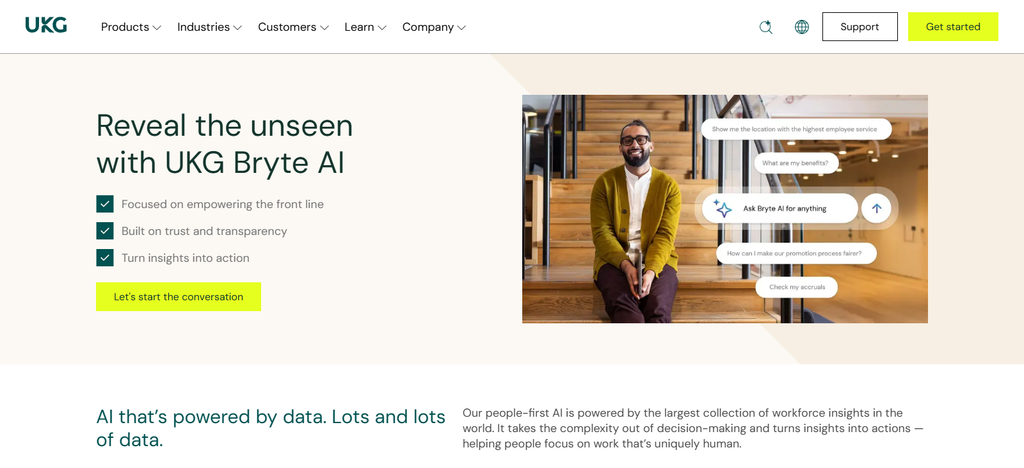
Employee data is tied to processes such as HR, payroll, time and attendance and workforce management, which makes it easier for organizations to maintain consistent records. Managers can get onboarding guidance, task reminders, and employee insights.
Compliance tools help with HR administration and regulatory requirements. It offers reporting capabilities that help organizations understand workforce performance and employee trends. Sensitive approvals and employment decisions still need supervision by humans.
Characteristics
- Offers AI-powered help to HR teams, managers and employees.
- Questions about the workforce and access to employee information are supported.
- Integrates HR activities with payroll and workforce management processes.
- Provides managers with a picture of employee duties and workforce information.
- Delivers AI-powered insights for HR administration and workforce decisions.
Pros
- Adds an AI Assistant to workforce management.
- Helps employee and manager productivity.
- Links to broader UKG HR and payroll capabilities.
- Simplifies basic HR questions.
- Delivers enterprise-grade workforce management capabilities.
Disadvantages
- Some capabilities are based on existing UKG environment.
- More advanced functionality may require some additional configuration.
- The platform may be extensive for smaller organizations.
- AI assistance does not substitute all manual HR approvals.
- Pricing and implementation requirements may vary.
6. Leena AI
Leena AI helps organizations automate employee support and HR service workflows using conversational AI and enterprise integrations. Its AI counterparts can integrate with HRIS, payroll, benefits, onboarding, learning and compliance systems to deliver the information and assistance employees need. Conversational support can help employees access company policies, locate required documents and navigate HR processes during onboarding.
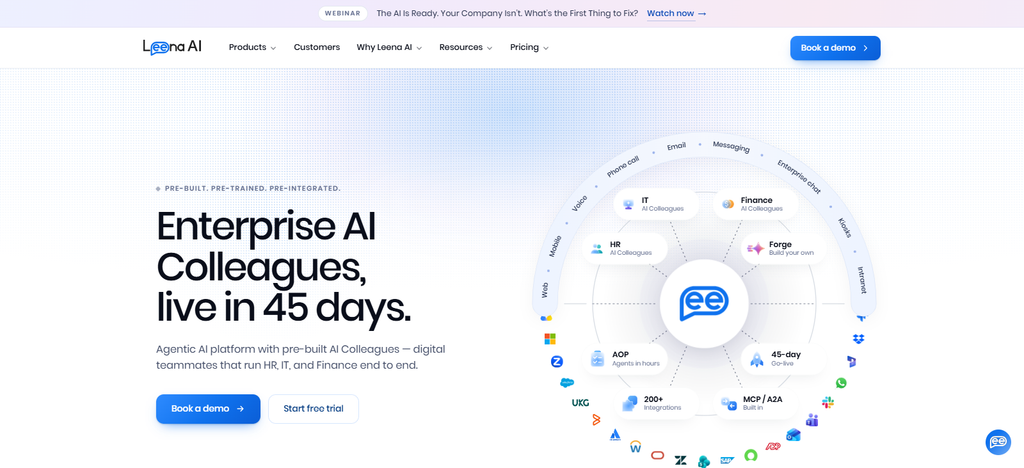
It integrates with platforms like Workday, SAP and ServiceNow to coordinate information across enterprise applications. They enable HR teams to cut down on repetitive employee queries, manage service requests and improve visibility of workflow. Its main strength is the ability to integrate employee assistance with existing business systems.
Characteristics
- Automates employee HR support with conversational AI assistants.
- Answers employee questions with connected company data.
- Works with HRIS, payroll and enterprise service applications.
- Assists with onboarding questions and employee service requests.
- Automates HR operations and employee assistance workflows.
Pros
- Cuts down on repetitive HR support questions.
- Assists employees in conversational terms.
- Integrates with existing enterprise applications.
- Enables employees to get HR information faster.
- Streamlines automated workflows for employee services.
Disadvantages
- Some advanced integrations may require technical configuration.
- Quality of response is dependent on company information available.
- Some complex HR cases may require human intervention.
- Implementation of enterprise deployment may require effort.
- Some features rely on connection to third-party systems.
7. ServiceNow + Moveworks
ServiceNow + Moveworks brings together enterprise service management and conversational agentic AI to help employees get administrative work done across connected business applications. Onboarding new hires can involve an AI assistant for answering questions about company policies, requesting equipment, accessing internal information, and submitting HR or IT service requests.
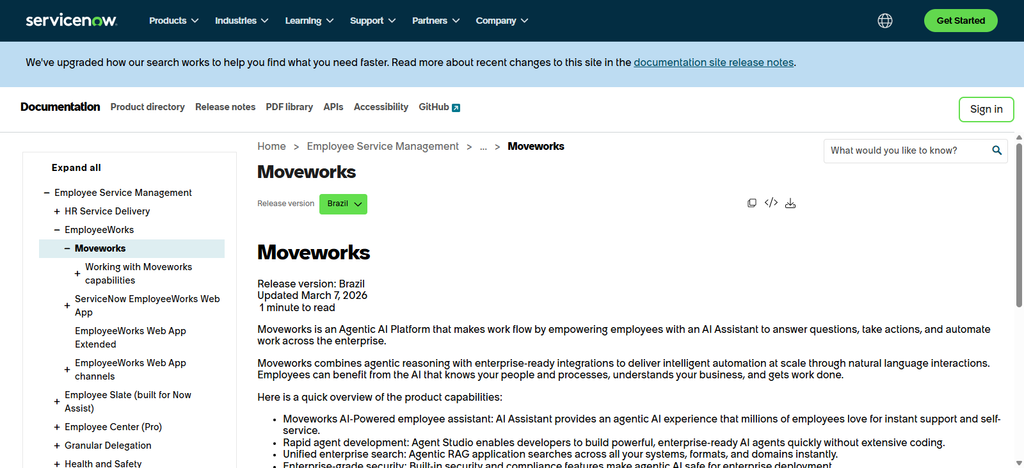
Connected workflows can direct requests to the appropriate departments, process approvals and provide updates on pending activities.
Supported integrations also allow for updating employee records, and document generation and connected signing services help streamline administrative processes. Moveworks provides conversational assistance and action-oriented automation, and ServiceNow offers the broader workflow infrastructure.
Characteristics
- Directs employee requests to the appropriate department and approval workflows.
- Harnesses conversational AI to automate HR and IT service requests.
- Helps new hires request equipment, software access and workplace services.
- Connects to enterprise applications to retrieve information and initiate actions.
- Gives visibility into employee service requests and workflow status.
Pros
- Combines conversational AI and enterprise service management.
- Provides HR/IT liaison support.
- Cuts down on repetitive employee support requests.
- Automates service routing and approvals
- integrates into larger enterprise workflows.
Disadvantages
- Technical expertise may be required for implementation.
- Enterprise licensing can increase overall costs.
- Advanced workflows need to be carefully configured.
- Some requests still require human approval.
- Perhaps too complicated for small businesses.
8. Process Street
Process Street helps HR teams to standardize employee onboarding with configurable workflows, automated task assignments, forms, approvals and conditional logic. Onboarding processes can be constructed to enable companies to gather employee information, submit necessary documents, establish payroll systems, distribute equipment, allocate training programs, and carry out managerial responsibilities.
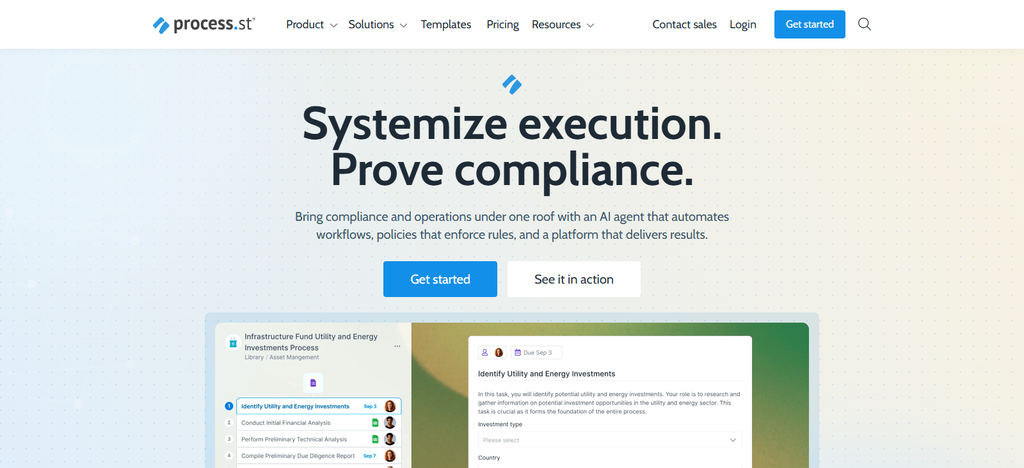
Workflow automation can create new onboarding processes based on events that happen in connected applications and integrations can help to coordinate activities across departments. Its task ownership and due-date features make compliance tracking easier, with a record of completed activities and outstanding requirements.
Managers can track individual workflows and HR teams have access to execution records and operational visibility. Its strength is in a structured, repeatable process management for onboarding.
Characteristics
- Builds automated employee onboarding checklists and workflows.- Assigns HR teams, managers and new hires tasks.
- Onboarding processes tailored through conditional logic.
- Supports forms, approvals, collecting documents and tasks reminder.
- Monitored completed workflow and pending onboarding tasks.
Pros
- Streamlines standardization of onboarding processes.
- Supports customizing the workflow.
- Reducing manual task allocation.
- Helps managers track onboarding responsibilities.
- Offers integration with other business applications.
Disadvantages
- Have to set up complex workflows in advance.
- It is more of a workflow platform than a complete HRIS.
- Advanced automation may need some integration setup.
- Some processes need manual control.- Connected systems for employee data management.
9. Factorial
Factorial offers HR automation tools to help companies manage employee onboarding, paperwork, and administrative tasks in a centralized platform. HR teams can build onboarding checklists, manage employment documents, coordinate contracts, and gather electronic signatures through mobile-friendly workflows.
Employees can do their assigned activities from a remote location and managers and HR administrators can track pending tasks and joining requirements. Its broader HR management capabilities allow to manage employee records and coordinate administrative processes throughout the employee lifecycle.
Depending on the organization’s configuration, the platform has available modules and integrations for payroll and workforce administration. It’s strength is in simplifying everyday HR tasks and employee onboarding.
Characteristics
- Centralizes HR workflows to automate employee onboarding.
- Process employee documentation, contracts and e-signatures.
- Has onboarding checklists and employee task management.
- Maintains employee files; aids with HR administration.
- Reporting of workforce and connected HR management capabilities.
Pros
- Offers a user-friendly HR management environment.
- Enables employee document management.
- Supports structured onboarding processes.
- Acts as a repository for employee information.
- Suitable for many small and medium-sized businesses.
Disadvantages
- Advanced enterprise automation may not be as robust as full-scale HCM suites.
Some features are subject to plan restrictions.
Complex integrations might require additional setup. - AI agent capabilities are less of a core offering.
There may be other requirements for global payroll.
10. WorkBright
WorkBright is a provider of employee onboarding documents, employment eligibility verification, and compliance management. It provides AI agents via WorkBright+. The platform automates the gathering of employee forms, verification of documents, processing of I-9s and management of E-Verify cases.
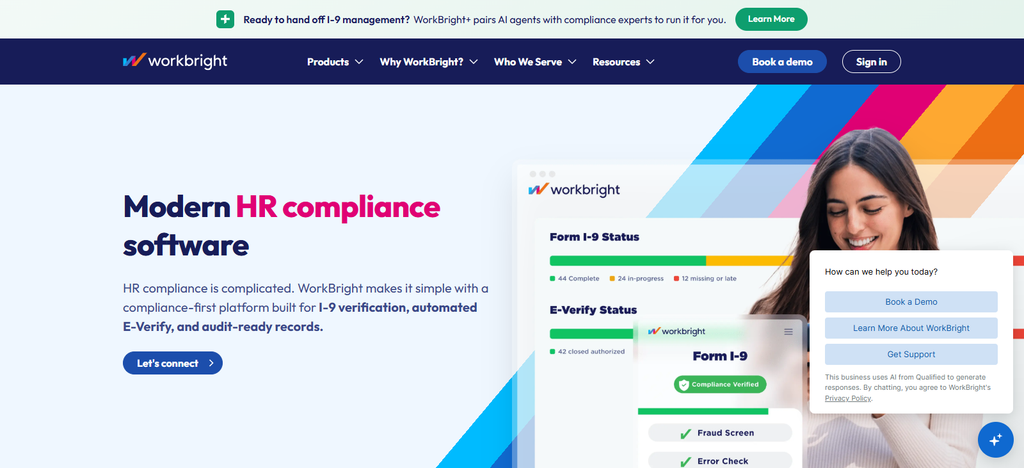
AI agents help you track verification deadlines, send reminders, catch document errors and escalate complex matters to compliance experts. Digital records and timestamps help with audit preparation and employee information can sync with connected HRIS and payroll systems.
Managers and HR administrators can view outstanding paperwork and verification progress using centralized reporting. Specialized employment compliance automation is the most powerful differentiator.
Characteristics
- Automates employee document collection and employment verification process
- Digital I-9 completion and E-Verify case management support.
- Utilizes WorkBright+ AI agents for compliance-related support.
- Tracks missing info and document errors and verification deadlines.
- Offers digital employee records and compliance reporting.
Pros
- Specialized in employment eligibility verification.
- Reduces paperwork for documenting employment.
- Helps HR teams keep up with compliance deadlines.
- Allows completion of employee paperwork remotely.
- Consolidates audit and verification records.
Disadvantages
- Primarily focused on employment documentation and compliance.
- Not a full substitute for an HRIS or payroll platform.
- Global relevance of US employment verification is limited.
- May require integrations for wider HR automations.
- Additional services may be required for more sophisticated capabilities.
Conclusion
AI agents are revolutionizing the employee onboarding process, enabling companies to automate HR workflows, synchronize employee data, manage documentation, coordinate payroll setup, and track compliance requirements across various tools.
There are several ways to increase onboarding efficiency, including Enboarder, Deel HR, Rippling, Workday Illuminate, UKG Bryte AI, Leena AI, ServiceNow with Moveworks, Process Street, Factorial and WorkBright. Some specialize in automating enterprise and cross-platform integrations, while others specialize in employee support, workflow management or employment compliance.
What’s right depends on the size of your business, your HR needs, integration capabilities and automation needs. The right platform can help you reduce admin workloads, improve employee experiences and create a more streamlined onboarding process.
FAQ
What Are AI Agents for Employee Onboarding Automation?
AI agents for employee onboarding automation are intelligent tools that manage repetitive HR activities, including employee data collection, document processing, payroll coordination, compliance tracking, and onboarding task management across connected systems.
How Do AI Agents Automate Employee Onboarding Across HR Tools?
AI agents connect HRIS, payroll, ATS, IT, and document management platforms to transfer employee information, trigger workflows, assign tasks, send reminders, and monitor onboarding progress.
Which AI Agents Are Best for Employee Onboarding Automation?
Enboarder, Deel HR, Rippling, Workday Illuminate, and UKG Bryte AI are notable options. The right choice depends on business size, HR requirements, integrations, and automation capabilities.
Can AI Agents Automate Employee Document Collection?
Yes. Supported platforms can automate document requests, digital form completion, electronic signatures, missing-document reminders, and document storage to simplify employee onboarding administration.