

In this article, I’ll go over the Best Project Management Tools for Teams in 2026, covering platforms that help businesses organize tasks, manage projects, improve collaboration, and track performance. I’ll compare their core features, AI capabilities, automation, reporting, pricing and team compatibility to assist you in selecting the right software for your team’s workflow and productivity requirements.
What Are Project Management Tools?
Project management tools are software programs that help teams plan, organize, execute and track projects from start to finish. Task assignment, tracking of deadlines, workflow automation, team collaboration, file sharing, reporting, and project scheduling are some of the features.
These platforms assist businesses in task management, better communication, workload tracking, and lessening operational delays. Today’s project management tools also come with AI-driven assistance, customizable dashboards, integrations, and real-time progress tracking. Such tools allow teams to coordinate activities, manage resources, and complete projects more quickly.
Key Points
| Tool | Best For | Main Strength |
|---|---|---|
| Asana | Cross-functional teams | Task and workflow management |
| Monday.com | Business teams | Customizable workflows |
| ClickUp | Growing organizations | All-in-one productivity |
| Jira | Software development | Agile project management |
| Trello | Small teams | Visual Kanban boards |
| Wrike | Enterprises | Advanced reporting |
| Smartsheet | PMOs | Spreadsheet-based planning |
| Microsoft Project | Complex projects | Resource scheduling |
| Basecamp | Team communication | Collaboration-focused workspace |
| Notion | Knowledge-driven teams | Docs + project management |
1. Asana
Asana Team Size Compatibility: Asana is suitable for small, medium, and enterprise teams requiring structured project coordination. Shared project spaces with their task assignments, sub-tasks, dependencies, and timelines allow departments to manage responsibility without duplicating work.
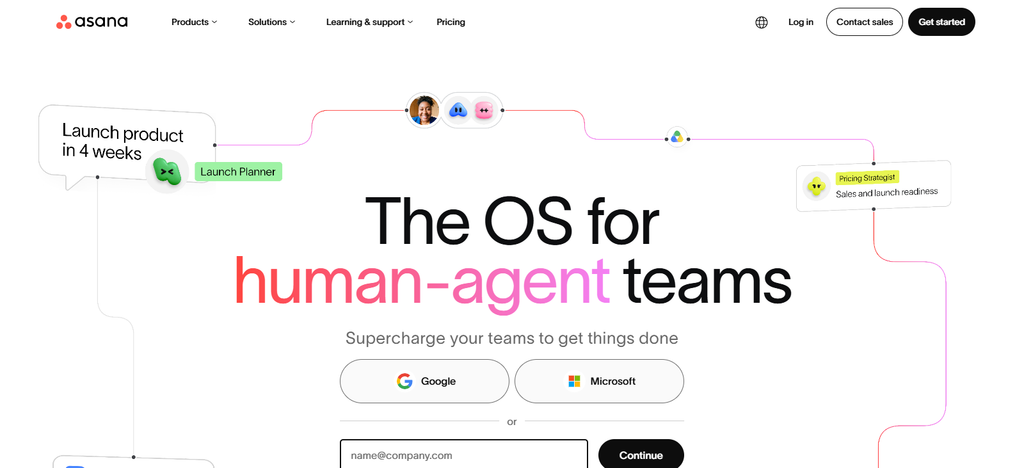
Quality of collaboration: Task comments, file attachments, approvals, project messages and integrations support cross-functional communication. AI Capabilities: Asana AI is able to assist with workflow assistance, meeting action items, AI Teammates, and smart work management.
Reporting & Analytics: Visibility of the projects is provided through custom dashboards, goals, portfolios, workload tracking and progress reports. Pricing: There is a free Personal plan and paid Starter and Advanced plans that unlock more features.
Asana – Key Features
| Feature | Detailed explanation |
|---|---|
| Project & Task Management | Create projects, assign tasks, set deadlines, add subtasks, and establish dependencies to organize responsibilities. |
| Multiple Project Views | Switch between List, Board, Calendar, Timeline, and Gantt-style views to manage different workflows. |
| Workflow Automation | Use Rules to automate repetitive activities, task assignments, notifications, and status changes. |
| AI Work Management | Use AI assistance to summarize updates, generate content, answer work-related questions, and support workflow coordination. |
| Goals & Milestones | Connect daily tasks with organizational objectives, project milestones, and measurable business outcomes. |
| Workload Management | Monitor team capacity, identify overloaded employees, and distribute assignments more effectively. |
| Reporting Dashboards | Create dashboards to track project progress, overdue tasks, goals, and operational performance. |
| Integrations & Connectivity | Connect with communication, productivity, file-sharing, and development applications to coordinate work across systems. |
| Portfolio Management | Monitor multiple projects through centralized portfolio views and understand progress across departments. |
| Access & Administration | Manage permissions, team responsibilities, and organizational controls for structured project collaboration. |
2. Monday.com
Monday.com Team Size Compatibility: Monday.com is appropriate for small businesses, growing teams, and large organizations that need customizable project workflows. Teams can create separate boards for marketing, sales, operations, product development and other departments.
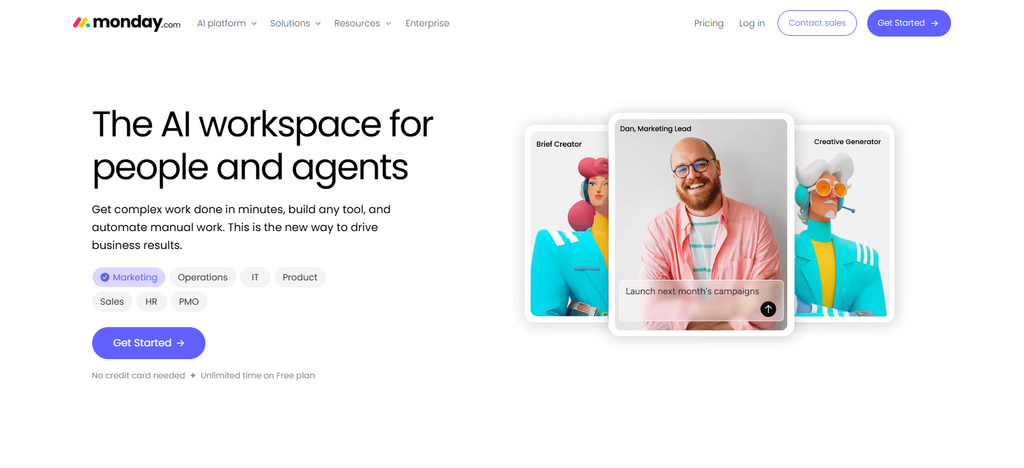
Quality of Collaboration: Shared workspaces and task updates, mentions and notifications, file sharing and Workdocs keep communication work-related. AI capabilities: Monday AI offers intelligent assistance, powered by AI columns and AI-powered workflow automation.
Reporting & Analytics: managers can track progress and team performance through custom dashboards, charts, multiple board views and cross-board reporting. Pricing: Free and paid plans are available, with more advanced automation, integrations, and reporting features in higher tiers.
Monday.com – Key Features
| Feature | Detailed explanation |
|---|---|
| Customizable Work Boards | Build project boards using custom columns for owners, deadlines, priorities, statuses, budgets, and other information. |
| Visual Workflow Management | Organize work using Kanban, Table, Timeline, Calendar, and other available project views. |
| No-Code Automation | Create automated rules for notifications, task assignments, status changes, and recurring activities. |
| Monday AI | Use AI-powered assistance and AI-enabled columns to summarize information, generate content, and support workflows. |
| Team Collaboration | Share updates, mention colleagues, attach documents, and discuss tasks directly within project boards. |
| Dashboard Reporting | Combine information from multiple boards to monitor project performance, workload, and business activities. |
| Workload Planning | Review team capacity and distribute assignments based on responsibilities and availability. |
| Forms & Work Requests | Collect project requirements, internal requests, and task submissions through customizable forms. |
| Integration Support | Connect external applications and business tools to synchronize information and reduce manual work. |
| Departmental Workspaces | Create separate workflows for marketing, sales, operations, product development, and other departments. |
3. Click Up
Team Size Compatibility: ClickUp is designed for freelancers, small businesses, growing teams, and enterprises who need multiple work management functions in one place. It supports task hierarchies, custom statuses, dependencies and a variety of project views.
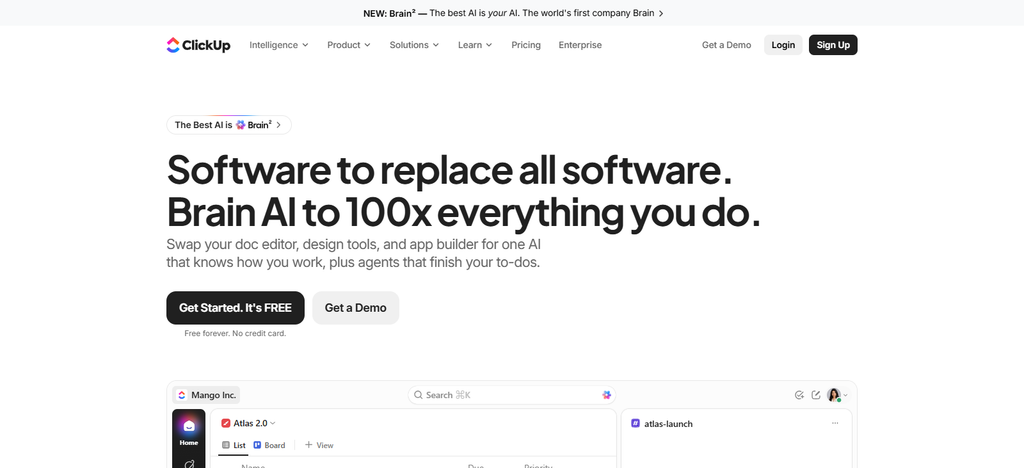
Quality of Collaboration: Teams can coordinate work via ClickUp Chat, comments, shared documents, Whiteboards, and assigned conversations. What AI is able to do: ClickUp Brain plans offer AI support, workspace search, writing assistance, task management and AI agents.
Reporting & Analytics: Teams can measure progress with dashboards, goals, time tracking, workload details, and sprint reports. Pricing: Free plan and paid Unlimited and Business plans are available, though advanced AI options may require additional spending.
ClickUp – Key Features
| Feature | Detailed explanation |
|---|---|
| Hierarchical Task Management | Organize work through Spaces, Folders, Lists, tasks, and subtasks for detailed project structures. |
| ClickUp Views | Manage activities through List, Board, Calendar, Gantt, Timeline, and other customizable views. |
| ClickUp Brain AI | Access AI assistance for workspace questions, content generation, task summaries, and information discovery. |
| Collaborative Documents | Create internal documentation, project briefs, meeting notes, and knowledge resources using ClickUp Docs. |
| Whiteboards | Visually develop ideas, workflows, project plans, and brainstorming sessions with team members. |
| Sprint Management | Organize development work through sprint planning, backlogs, estimates, and sprint reporting. |
| Time Tracking | Record time spent on tasks and use time information to understand project effort and productivity. |
| Workflow Automation | Configure automated actions, triggers, and conditions to reduce repetitive project administration. |
| Custom Dashboards | Monitor goals, workload, task completion, time information, and project performance through dashboards. |
| Team Communication | Use comments, assigned conversations, notifications, and ClickUp Chat to coordinate work. |
4. Jira
Team size compatibility: Jira is good for software development teams, engineering departments and large organizations working on complex technical projects. It supports Agile workflows, Scrum and Kanban boards, backlogs, sprints and issue tracking.
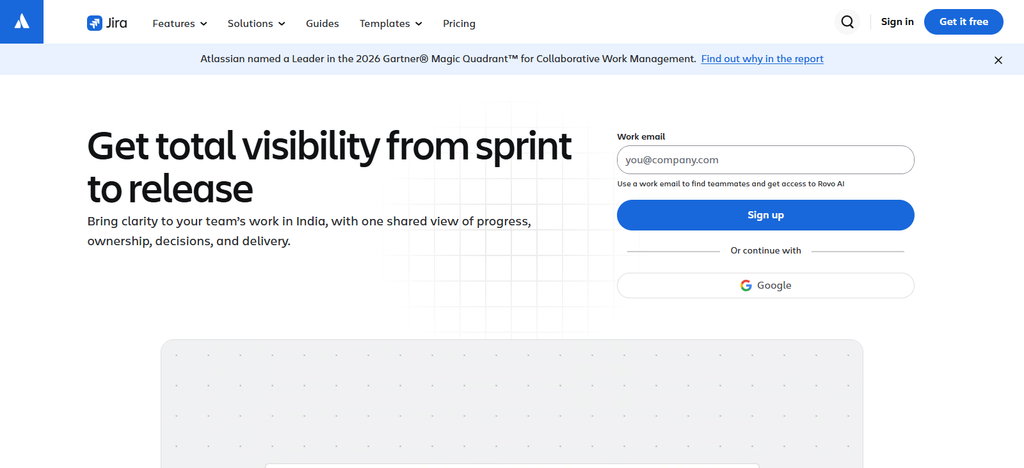
Collaboration Quality: Developers, product managers and testers can communicate with comments on issues, mentions, shared workflows and updates on tasks. AI Capabilities Atlassian Rovo provides AI-powered search, chat, agents, and help with work management on eligible paid plans.
Reporting & Analytics: Teams can measure delivery performance through sprint reports, velocity charts, burndown charts, dashboards, and cumulative flow diagrams. Pricing: Jira has a free plan for up to 10 users, followed by Standard, Premium, and Enterprise options.
Jira – Key Features
| Feature | Detailed explanation |
|---|---|
| Agile Project Management | Organize development projects using Scrum, Kanban, and configurable Agile workflows. |
| Backlog Management | Prioritize user stories, bugs, technical tasks, and development requirements before assigning sprint work. |
| Sprint Planning | Create sprints, estimate work, assign responsibilities, and monitor development progress. |
| Issue & Bug Tracking | Record software issues, assign owners, set priorities, and follow problems through resolution. |
| Custom Workflows | Define project stages, approval processes, issue transitions, and team-specific development procedures. |
| Atlassian Rovo AI | Use AI-powered search, chat, and agents to discover information and support work processes. |
| Agile Reporting | Access burndown charts, velocity reports, cumulative flow diagrams, and sprint performance information. |
| Development Integrations | Connect development workflows with source-code repositories, CI/CD tools, and other engineering applications. |
| Automation Rules | Automate issue assignments, notifications, transitions, and repetitive administrative activities. |
| Permissions & Administration | Configure project roles, user permissions, workflows, and administrative controls for development teams. |
5. Trello
Team Size Compatibility: Trello is best suited for freelancers, startups, small businesses, and medium-sized teams that require a simple visual project tracking tool. “Boards, lists and cards allow you to structure responsibilities without complex project structures.
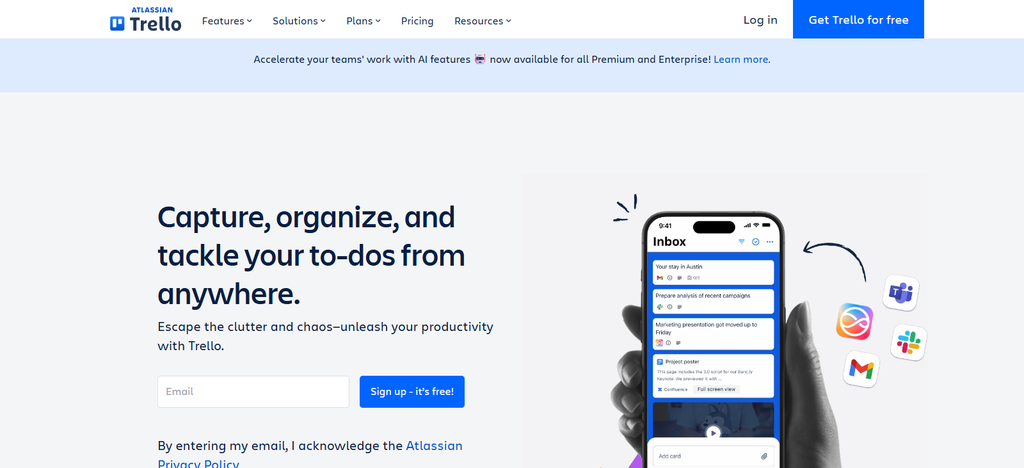
Quality of Collaboration: Team members can assign cards, comment, attach documents, mention colleagues, share progress updates. AI Features: AI-assisted writing, card summaries, and content generation powered by Atlassian Intelligence are available on eligible paid plans.
Reporting & Analytics: Teams can monitor task progress with workspace views, dashboards, card activity, and available reporting integrations, although advanced portfolio reporting is not as robust. Pricing: Trello has a free plan as well as Standard, Premium, and Enterprise subscriptions.
Trello – Key Features
| Feature | Detailed explanation |
|---|---|
| Kanban Board Management | Create visual boards with lists and cards to organize tasks according to their current workflow stages. |
| Drag-and-Drop Cards | Move cards between lists to update task progress and communicate changes in project status. |
| Task Assignments | Add team members to cards, establish due dates, and assign responsibility for individual activities. |
| Advanced Checklists | Break larger tasks into smaller actionable steps and monitor completion within individual cards. |
| Butler Automation | Create automated rules, scheduled commands, and card actions to reduce repetitive administrative work. |
| Atlassian Intelligence | Access AI-assisted writing and card-related capabilities on eligible paid plans. |
| Power-Ups & Integrations | Extend board functionality through connected applications and additional productivity features. |
| Calendar & Timeline Views | Use additional planning views on eligible plans to understand deadlines and project schedules. |
| File Attachments | Add documents, images, and other relevant resources to cards for centralized task information. |
| Workspace Management | Organize boards, manage team access, and coordinate multiple projects through shared workspaces. |
6. Wrike
Team Size Compatibility Wrike is best for small teams, growing businesses, agencies and large enterprises that handle several projects at once. Its customizable workspaces, project folders, task hierarchies, and resource management features help teams collaborate on complex workloads. Quality of Collaboration: Shared tasks, comments, approvals, proofing, file sharing and request forms help improve communication between internal departments and external clients.
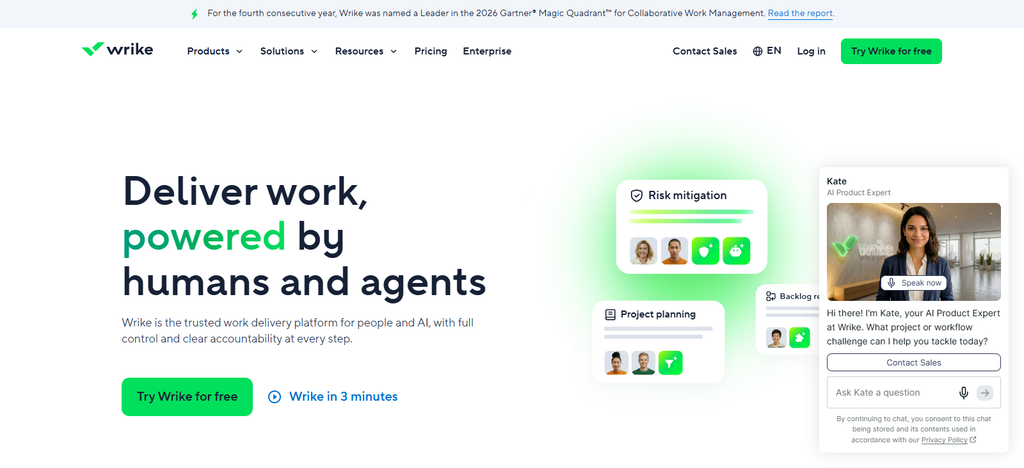
AI Capabilities: Wrike AI is able to generate content, summarize comments, build automation rules, identify risks, and offer AI-assisted workflows. Reporting & Analytics: Interactive dashboards, Gantt charts, workload reports, resource planning and advanced business intelligence to gain visibility into projects. Pricing: Free plan, Team ($10), Business ($25 per user per month, billed annually), custom enterprise plans.
Wrike – Key Features
| Feature | Detailed explanation |
|---|---|
| Advanced Project Planning | Organize complex projects using folders, spaces, tasks, subtasks, and structured workflows. |
| Interactive Gantt Charts | Visualize project schedules, dependencies, milestones, and timeline changes across different activities. |
| Resource Management | Monitor employee availability, workload distribution, and resource allocation across concurrent projects. |
| Wrike AI Capabilities | Use AI assistance for content creation, comment summaries, risk identification, and project-related information. |
| Request Forms | Collect project requirements and automatically route incoming requests to the appropriate teams. |
| Proofing & Approvals | Review creative assets, exchange feedback, annotate files, and manage approval processes within projects. |
| Workflow Automation | Automate task assignments, status updates, notifications, and recurring project activities. |
| Business Intelligence | Use dashboards, custom reports, and workload analytics to monitor project delivery and performance. |
| Cross-Department Collaboration | Coordinate marketing, operations, creative, and client-facing teams through shared workspaces. |
| Enterprise Administration | Manage permissions, access policies, integrations, and organizational workflows for larger teams. |
7. Smartsheet
Team size Smartsheet is good for small businesses, project management offices, operations departments and enterprises that like the spreadsheet style approach to project planning. Its structured sheets, formulas, dependencies and customizable workflows allow for detailed project coordination.
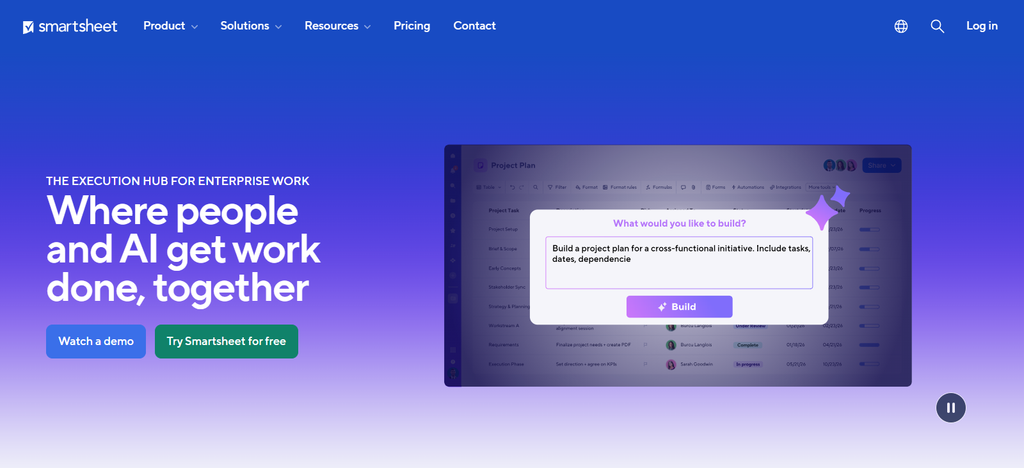
Collaboration Quality: Sharing of sheets, assigning responsibility, sharing comments, collecting information through forms and managing approvals can be done by teams. AI capabilities: Smartsheet enables you to create formulas, analyze data, fill out forms, build dashboards and work with information with AI-driven assistance.
Reporting & Analytics: Managers can monitor performance with custom dashboards, reports, Gantt charts, workload tracking and portfolio management. Pricing: Pro plans start at $9, Business at $19 per member per month, billed annually, and Enterprise is custom priced.
Smartsheet – Key Features
| Feature | Detailed explanation |
|---|---|
| Spreadsheet-Based Project Management | Manage projects through familiar rows, columns, formulas, and structured project information. |
| Gantt Chart Planning | Create project schedules, track dependencies, and visualize deadlines through timeline-based planning. |
| Automated Workflows | Configure automated notifications, approval requests, reminders, and updates using workflow rules. |
| AI-Powered Assistance | Use AI capabilities to generate formulas, analyze information, and support data-related project activities. |
| Custom Reporting | Combine information from different sheets to create reports for project managers and stakeholders. |
| Dashboard Creation | Build visual dashboards with charts, metrics, and project summaries to improve management visibility. |
| Resource Management | Review workload, resource availability, and assignments to coordinate project requirements. |
| Forms & Data Collection | Create forms to gather project requests, updates, feedback, and operational information. |
| Portfolio Management | Consolidate project information to monitor multiple initiatives and organizational priorities. |
| Enterprise Governance | Manage access, permissions, security controls, and administrative requirements across business teams. |
8. Microsoft Project
Together with Microsoft Project capabilities, Microsoft Planner and the premium plans available today are compatible with the size of your team. If you’re a professional project manager, operations department or enterprise team with complex schedules, Microsoft Project is the right choice for you. Collaboration Quality: Departments collaborate by integrating with Microsoft teams, sharing plans, task conversations, assignments and connectivity with Microsoft 365.
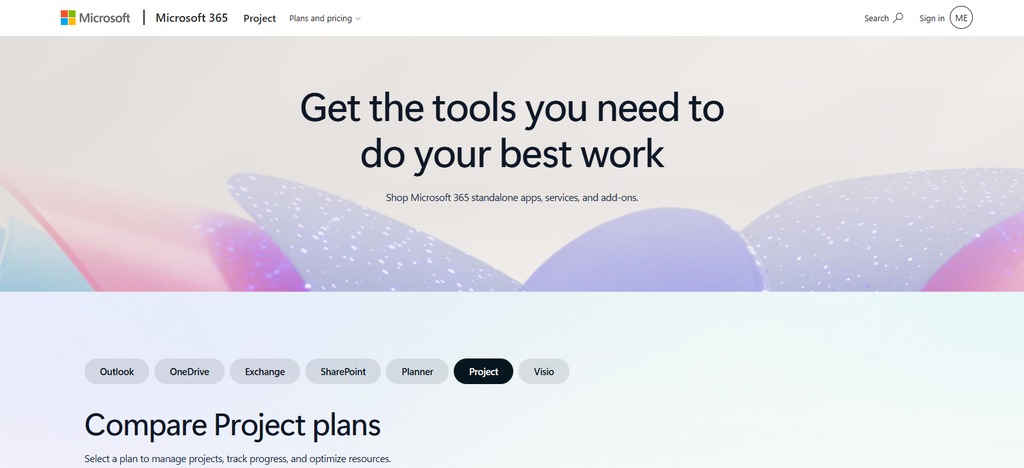
When you have the proper license, Microsoft 365 Copilot can help you create a plan, generate tasks, track progress, and create status reports. Reporting & Analytics: Timeline views, Gantt charts, portfolios, baselines, dependencies, critical-path analysis and project progress reports allow for detailed performance monitoring.
Pricing: Microsoft Planner is available with eligible Microsoft 365 subscriptions. Planner Plan 1 starts at ₹830, and Planner and Project Plan 3 starts at ₹2,495 per user per month with annual billing in India.
Microsoft Project – Key Features
| Feature | Detailed explanation |
|---|---|
| Project Scheduling | Create structured project schedules with activities, start dates, deadlines, and task durations. |
| Gantt Chart Management | Visualize project timelines, task relationships, milestones, and scheduling dependencies. |
| Critical Path Analysis | Identify activities that directly influence the overall project completion date. |
| Resource Management | Plan employee assignments, review resource availability, and manage workload across project activities. |
| Baseline Tracking | Establish original project schedules and compare planned progress against actual performance. |
| Portfolio Management | Coordinate multiple projects and review their progress against broader organizational objectives. |
| Microsoft Copilot | Use eligible Microsoft 365 Copilot capabilities to assist with project planning, task creation, and progress summaries. |
| Advanced Reporting | Monitor project schedules, milestones, financial information, and performance through available reporting capabilities. |
| Microsoft 365 Integration | Connect project workflows with Microsoft Teams, Excel, Outlook, and other Microsoft productivity applications. |
| Permissions & Administration | Manage organizational access, project responsibilities, and collaboration through Microsoft’s administrative ecosystem. |
9. Basecamp
Team Size Compatibility: Basecamp is perfect for freelancers, small businesses, agencies, and larger teams who need a simple way to communicate about projects without the need for configuration. It has a project based framework with responsibilities, discussions, schedules, and deliverables.
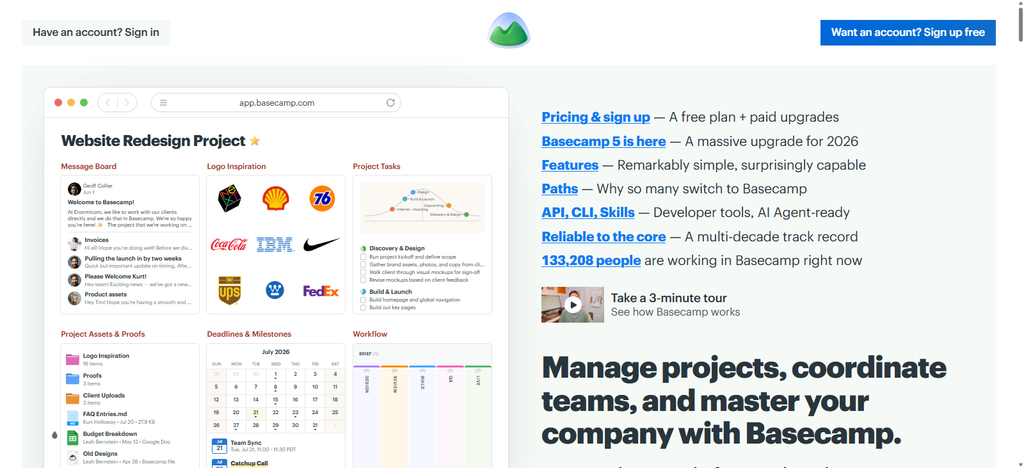
Collaboration Quality: Message boards, group chats, to-do lists, file sharing, automatic check-ins and shared schedules keep conversations tethered to projects. AI Features: Basecamp doesn’t have the same extensive built-in AI suite as some competitors, but it does support external AI agents via its connectors, including ChatGPT and Claude.
Reporting & Analytics: Managers can see project status with Hill Charts, project activity, schedules, and progress updates. Pricing: Basecamp has a free plan with limited features and fixed monthly plans, including some with unlimited users and no per-user fees.
Basecamp – Key Features
| Feature | Detailed explanation |
|---|---|
| Centralized Project Spaces | Create dedicated project spaces where teams can organize discussions, tasks, schedules, and documents. |
| To-Do Lists | Create actionable task lists, assign responsibilities, establish deadlines, and monitor completion. |
| Message Boards | Organize project announcements, discussions, decisions, and important updates in centralized communication spaces. |
| Group Chat | Communicate through real-time group conversations and coordinate everyday project activities. |
| Automatic Check-Ins | Schedule recurring questions to collect team updates, progress reports, and individual work summaries. |
| Hill Charts | Visualize project progress and understand whether work is moving forward or facing uncertainty. |
| File & Document Sharing | Store and organize project documents, attachments, and important resources within project spaces. |
| Project Scheduling | Maintain shared schedules, track important dates, and coordinate upcoming deadlines and activities. |
| Client Collaboration | Provide controlled access to clients and external collaborators for project discussions, files, and approvals. |
| Project Reports | Review outstanding tasks, completed activities, upcoming deadlines, and team participation through project reporting features. |
10. Notion
Team Size Fit: Notion is a good fit for freelancers, startups, small businesses, growing teams, and enterprises looking for project management with documentation and knowledge sharing capabilities. Its databases, teamspaces, task boards and customizable pages accommodate different workflows.
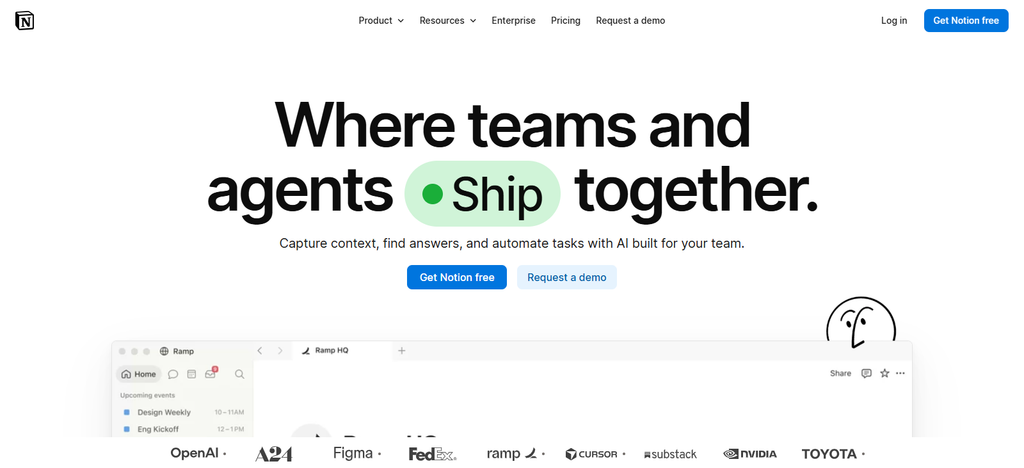
Collaboration Quality. Shared workspaces, comments, mentions, collaborative documents, permissions and connected databases help employees coordinate projects. AI capabilities: Notion AI is able to help you write, summarize meetings, search your workspace, autofill databases, and build AI agents to automate repetitive tasks.
Reporting & Analytics Teams can organize and monitor information using database charts, project dashboards, page analytics and custom views. Pricing: Notion is free, plus ($10), business ($20 per member/month) and custom enterprise pricing.
Notion – Key Features
| Feature | Detailed explanation |
|---|---|
| Customizable Databases | Build project trackers using databases, properties, filters, relations, and different information structures. |
| Task & Project Management | Organize assignments, deadlines, priorities, project statuses, and responsibilities within connected databases. |
| Collaborative Documentation | Create shared documents, meeting notes, project briefs, company wikis, and internal knowledge resources. |
| Multiple Database Views | Display project information through Table, Board, Calendar, Timeline, and Gallery views. |
| Notion AI | Use AI for writing assistance, information summaries, workspace search, and database-related productivity tasks. |
| Connected Workspaces | Link documents, tasks, databases, and team resources to create a centralized information environment. |
| Teamspaces & Permissions | Organize departments and projects into dedicated workspaces with appropriate access controls. |
| Project Templates | Use customizable templates for campaign planning, product launches, task tracking, and recurring workflows. |
| Charts & Analytics | Create visual charts and dashboards from database information to understand project progress and activity. |
| Integrations & Connectivity | Connect external applications and use available integrations and APIs to extend workspace functionality. |
Comparison Table: 10 Best Project Management Tools for Teams in 2026
| Project Management Tool | Best For | Team Size | Key Strength | AI Capabilities | Free Plan |
|---|---|---|---|---|---|
| Asana | Cross-functional project management | Small to Enterprise | Goals, portfolios, workload management | Asana AI | Yes |
| Monday.com | Customizable team workflows | Small to Enterprise | Visual boards and automation | Monday AI | Yes |
| ClickUp | All-in-one work management | Small to Enterprise | Tasks, Docs, Whiteboards and Sprints | ClickUp Brain | Yes |
| Jira | Software development teams | Small to Enterprise | Agile planning and issue tracking | Atlassian Rovo | Yes |
| Trello | Visual task management | Individuals to Medium | Kanban boards and Butler automation | Atlassian Intelligence | Yes |
| Wrike | Complex project coordination | Medium to Enterprise | Resource planning and proofing | Wrike AI | Yes |
| Smartsheet | Spreadsheet-based project management | Small to Enterprise | Gantt charts and workflow automation | Smartsheet AI | Trial available |
| Microsoft Project | Advanced project scheduling | Medium to Enterprise | Critical path and resource planning | Microsoft Copilot* | Depends on plan |
| Basecamp | Simple team collaboration | Small to Large | Centralized communication | External AI integrations | Limited free plan |
| Notion | Documentation and flexible workflows | Individuals to Enterprise | Connected databases and knowledge management | Notion AI | Yes |
Additional Comparison: Important Decision-Making Factors
| Tool | Project Views | Automation | Reporting & Analytics | Major Integration Ecosystem |
|---|---|---|---|---|
| Asana | List, Board, Timeline, Calendar | Rules and workflows | Goals, portfolios, dashboards | Slack, Microsoft Teams, Google Workspace |
| Monday.com | Board, Timeline, Calendar, Gantt | No-code automation | Custom dashboards and charts | Slack, Teams, Google Workspace |
| ClickUp | List, Board, Gantt, Calendar | Custom automation | Dashboards, goals, sprint reports | Slack, GitHub, Google Drive |
| Jira | Scrum, Kanban, Backlog | Automation rules | Velocity, burndown, sprint reports | Bitbucket, GitHub, Confluence |
| Trello | Board, Timeline, Calendar | Butler automation | Workspace and dashboard views | Slack, Google Drive, Jira |
| Wrike | Gantt, Board, Table, Calendar | Workflow automation | Workload reports and dashboards | Microsoft Teams, Slack, Salesforce |
| Smartsheet | Grid, Gantt, Calendar, Card | Automated workflows | Reports and visual dashboards | Microsoft Teams, Google Workspace |
| Microsoft Project | Grid, Board, Timeline, Gantt | Power Automate | Project schedules and portfolio reports | Microsoft Teams, Excel, Outlook |
| Basecamp | To-do lists, Hill Charts, Schedule | Recurring check-ins and integrations | Hill Charts and project activity | Google Drive, Dropbox, Slack |
| Notion | Table, Board, Calendar, Timeline | Database automations | Charts and database dashboards | Slack, Google Drive, GitHub |
Conclusion
The best project management tool for teams in 2026 depends on team size, workflow complexity, collaboration needs, and budget. Asana and Monday.com are great for cross-functional projects. ClickUp and Notion provide task management with the flexibility of workspaces.
Jira is best for software development teams, while Trello is best for simple visual task tracking. Wrike and Smartsheet are great for complex project management, and Microsoft Project is great for scheduling. Basecamp is for simple team communication and project organization.
Be sure to compare AI features, reporting, integrations, automation, scalability, and pricing before you commit to a platform that can meet your team’s long-term productivity needs.
FAQ
What is the best project management tool for teams in 2026?
Asana, Monday.com, and ClickUp are strong choices for teams seeking task management, collaboration, automation, and project tracking. The best option depends on team size, workflow requirements, and budget.
Which project management software is best for small teams?
Trello, Basecamp, and Notion are suitable for small teams because they offer straightforward project organization, shared workspaces, task tracking, and collaboration features.
What is the best free project management tool for teams?
ClickUp, Asana, Trello, Jira, and Notion offer free plans. Their capabilities and usage restrictions differ, so teams should compare user limits, storage, integrations, and available features.
Which project management tools offer AI capabilities?
ClickUp, Asana, Monday.com, Wrike, Notion, Jira, and Smartsheet offer AI-powered capabilities for task management, content generation, workflow automation, summaries, and project assistance.