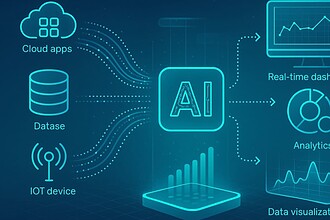


In this article, I’ll discuss the Best Granola App Alternatives for Executive Notes that help professionals, executives, founders, and leadership teams record meetings, generate AI-powered summaries, track action items, and boost productivity. For advanced transcription, enterprise security, CRM integrations, or automated meeting recaps, these options provide robust features built to make executive note-taking and meeting management easier.
Why Choose Granola App Rivals for Executive Notes
More Advanced AI Summarization
Many Granola alternatives offer executive summaries, decision tracking, action items, and meeting recaps, allowing leaders to quickly digest the key discussions.
Improved CRM Integrations
Platforms like Fireflies.ai, Avoma and tl;dv integrate directly with Salesforce, HubSpot and other business applications, removing the need for manual data entry.
Enterprise Level Security
Alternatives like Fellow and Microsoft Teams Copilot provide better governance, control of access, compliance features and admin management for large organizations.
Workflow Automation Management
AI meeting assistants can automate task creation, delegate follow-ups, and sync action items with project management platforms.
Searchable Meetings Knowledge Base
Executive teams can search through past meetings, transcripts, summaries and decisions making it easier to find important information.
Cross Platform Compatibility
Many competitors support Zoom, Microsoft Teams, Google Meet, Slack Huddles and in-person meetings, which gives them greater flexibility than a single-platform solution.
Analytics & Insights on Meetings
Tools like MeetGeek and Avoma offer conversation intelligence, engagement metrics, and meeting performance reports to leadership teams.
Multi-lingual Assistance
Notta and other such solutions provide multi-language support which is ideal for global organizations and international executives.
Benefits to Native Ecosystems
Microsoft Teams Copilot and Zoom AI Companion are integrated into their ecosystems, meaning you don’t need any extra software.
Increased Team Collaboration
Shared notes, collaborative agendas, centralized records and access organization-wide keep executives and teams aligned across departments.
Increased Productivity
Such platforms automate note-taking, transcription, summarization, and follow-ups, so executives can focus on decision-making rather than administrative work.
Scales for Growing Organizations
Granola’s competitors are built for startups, mid-sized businesses, and enterprise organizations with scalable pricing and feature sets.
Key Points
| App | Key Point |
|---|---|
| Fellow | Executive meeting agendas, AI notes, action items, 1:1s, meeting management, and team follow-up workflows |
| Otter.ai | AI transcription, meeting summaries, speaker identification, searchable transcripts, action items, and collaboration |
| Fireflies.ai | Automated meeting capture, transcription, summaries, action items, conversation search, analytics, and CRM integrations |
| Fathom | AI meeting recording, transcripts, summaries, highlights, action items, and quick sharing of meeting insights |
| Avoma | AI meeting notes, conversation intelligence, coaching, deal intelligence, CRM workflows, and revenue-team analytics |
| MeetGeek | Automated meeting recording, transcription, summaries, action items, searchable meeting history, and workflow integrations |
| tl;dv | AI meeting recording, transcripts, summaries, clips, searchable conversations, follow-ups, and sales/customer workflows |
| Notta | Multilingual transcription, AI summaries, meeting notes, recordings, translations, and cross-platform meeting capture |
| Microsoft Teams Copilot | AI assistance inside Microsoft Teams for meeting summaries, key points, decisions, action items, and follow-up questions |
| Zoom AI Companion | AI meeting summaries, action items, meeting questions, productivity assistance, and integration within Zoom’s meeting ecosystem |
1. Fellow
Fellow is a 2017-founded AI-powered meeting management and executive note-taking platform. It records meetings on Zoom, Microsoft Teams, Google Meet, Slack Huddles, and face-to-face conversations — great for executives with several communication channels to manage.
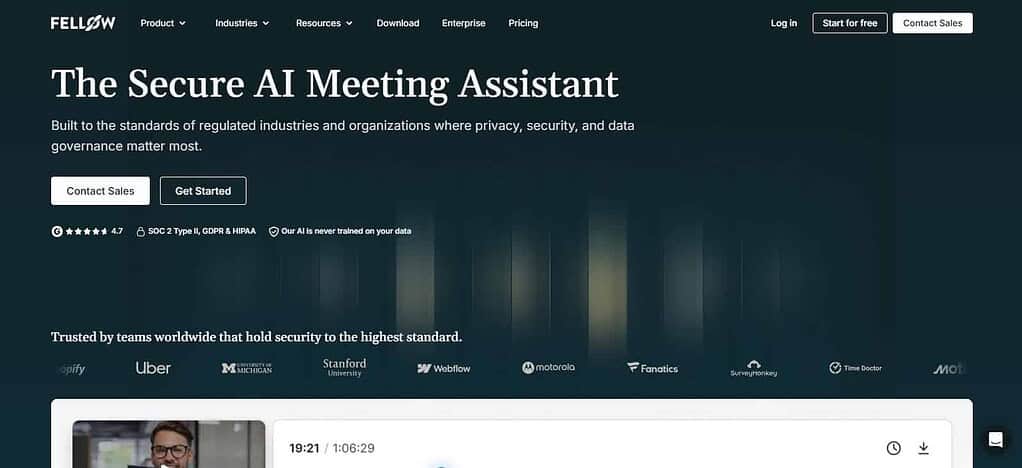
The platform is dedicated to creating executive notes with AI-generated summaries, action items, decisions, and searching the organization’s knowledge. Fellow has both free and paid pricing plans for individuals and teams.
Enterprise-grade privacy and security, including governance controls, centralized meeting archives and organization-wide search capabilities. It connects with Microsoft 365, Google Workspace, Slack, Zoom, Teams, Asana, Jira, Salesforce and other workplace productivity applications.
| Feature | Details |
|---|---|
| AI Meeting Notes | Automatically generates detailed meeting summaries and executive notes. |
| Collaborative Agendas | Create and share meeting agendas with team members before meetings. |
| Action Item Tracking | Converts discussions into actionable tasks and follow-ups. |
| Organization Search | Search across all company meetings and notes from a centralized workspace. |
| Meeting Templates | Provides customizable templates for different meeting types. |
| AI Recaps | Generates concise recaps highlighting decisions and next steps. |
| Team Collaboration | Shared notes and real-time collaboration across teams. |
| Enterprise Security | Advanced permissions, governance controls, and administrative tools. |
| Business Integrations | Connects with Slack, Jira, Asana, Salesforce, Google Workspace, and Microsoft 365. |
Fellow Pros & Cons
Pros
- Excellent for executive and leadership meeting facilitation.
- Action items and meeting summaries generated by AI.
- Look for meetings and notes throughout the organization.
- Robust collaboration with common agendas and notes.
- Enterprise-grade security, governance, and administration controls.
Cons
- Advanced features requires higher tier plans
- Best experience is for teams, not individuals.
- New users have a steep learning curve to manage multiple workflows.
Some integrations may require a premium subscription. - Might have more features than simple note taking tools.
2. Otter.ai
Otter.ai is probably the best-known AI meeting assistant for executive note-taking and meeting documentation. The platform automatically records, transcribes and summarizes meetings with advanced speaker identification and searchable transcripts. Designed for executives who require quick access to meeting discussions, decisions and follow-up actions.
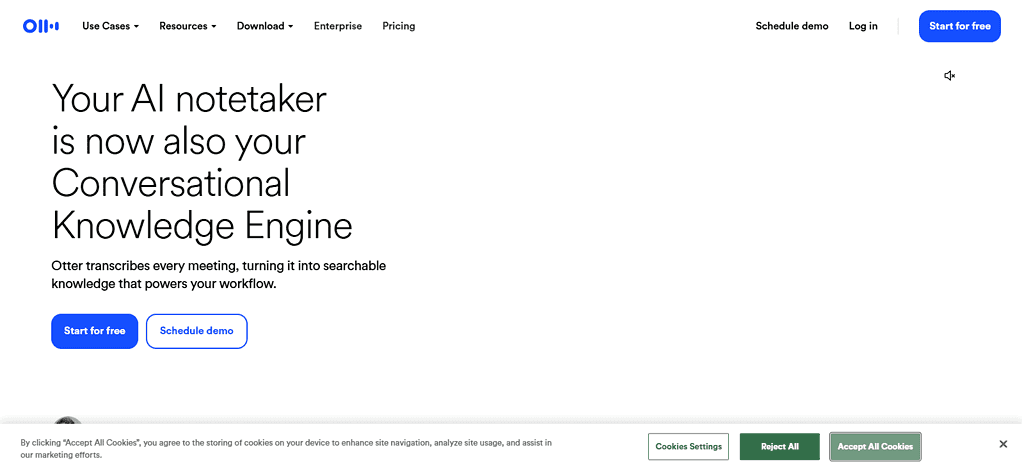
Otter.ai has a free tier and premium pricing based on the number of transcriptions and collaboration needs. The security features include cloud-based transcript management and controlled sharing permissions. The platform integrates with Zoom, Microsoft Teams, Google Meet, Google Calendar, Microsoft Outlook, Salesforce and productivity apps to help leadership teams centralize meeting intelligence and executive records.
| Feature | Details |
|---|---|
| Live Transcription | Real-time speech-to-text transcription during meetings. |
| Speaker Identification | Automatically recognizes and labels different speakers. |
| AI Meeting Summaries | Creates meeting recaps with key takeaways. |
| Searchable Notes | Search transcripts, recordings, and meeting content instantly. |
| Shared Workspaces | Collaborate with teams through shared transcripts and notes. |
| Meeting Recording | Records online meetings automatically. |
| Keyword Highlights | Identifies important topics and discussion points. |
| Calendar Sync | Connects with Outlook and Google Calendar. |
| Multi-Platform Support | Works with Zoom, Teams, and Google Meet. |
Otter.ai Pros & Cons
Pros
- Transcription and note taking during meetings in real-time.
- Ability to accurately identify speakers.• Simple interface for individuals & teams.
- Strong search capability on transcripts.
- Works with all major meeting platforms.
Cons:•
- The transcript may be inaccurate if audio quality is poor
- Paid plans for advanced features.
- CRM functionality is limited compared to competitors.
- Restrictions on free plan usage.
- May require some editing for complicated discussions.
3. Fireflies.ai
Fireflies.ai is an AI meeting intelligence platform that automates executive note-taking via meeting recording, transcription, summarization, and workflow automation. Especially popular with leadership, sales and operations teams, it turns conversations into searchable knowledge and actionable tasks. Pricing: Fireflies.ai offers free and paid subscription plans for individuals and businesses.
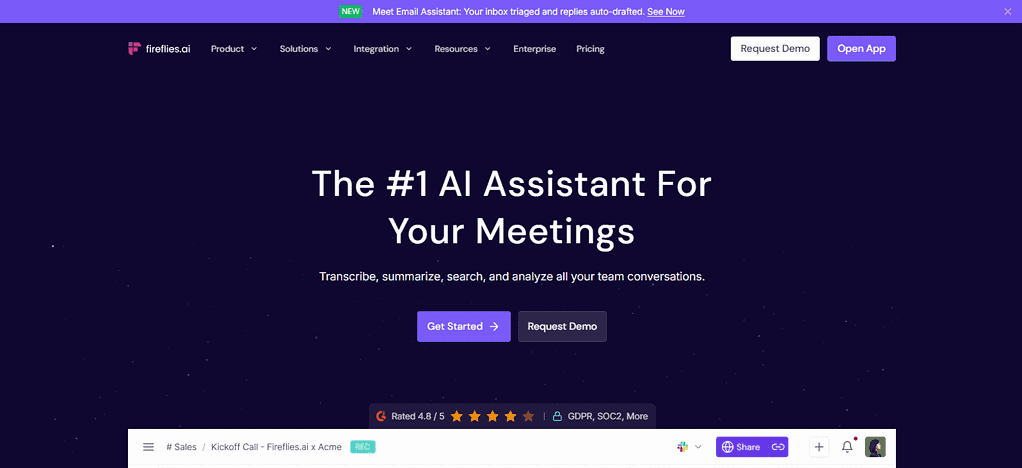
It’s a productivity-focused platform, automatically capturing meeting content and pushing insights into business systems. Privacy controls include team management and customizable access settings. It integrates with Salesforce, HubSpot, Slack, Microsoft Teams, Zoom, Google Meet, Notion, Asana, Trello, and most CRMs, enabling executives to easily automate post-meeting processes.
| Feature | Details |
|---|---|
| Automatic Recording | Records and transcribes meetings automatically. |
| AI Note Generation | Creates summaries, highlights, and action items. |
| CRM Sync | Pushes meeting notes directly into CRM systems. |
| Conversation Intelligence | Analyzes discussions and meeting performance. |
| Team Collaboration | Share notes, transcripts, and meeting insights easily. |
| Voice Search | Search meetings using spoken keywords. |
| Workflow Automation | Automates repetitive post-meeting tasks. |
| Sentiment Analysis | Evaluates tone and customer sentiment. |
| Extensive Integrations | Supports Salesforce, HubSpot, Slack, Notion, and more. |
Fireflies.ai Pros & Cons
Pros
- Recording and transcribing meetings automatically.
- Robust CRM integrations and workflow automation.
- High quality action item identification.
- Searchable, conversational database.
- Supports multiple conferencing platforms.
Cons
- Recording bots may not be right for every organization.
- Some advanced analytics are for premium plans only.
- First-time users find the interface overwhelming.
- Heavy reliance on integrations to get the most value.
- Free version is limited in capabilities.
4. Fathom
Fathom is an AI meeting assistant that focuses on short executive notes, instant summaries, and meeting highlights. The platform automatically records conversations and generates structured notes that executives can quickly review after meetings. Fathom is known for its generous free plan, along with paid business options. Its executive note focus is to extract key decisions, action items, and highlights and follow up requirements from conversations.
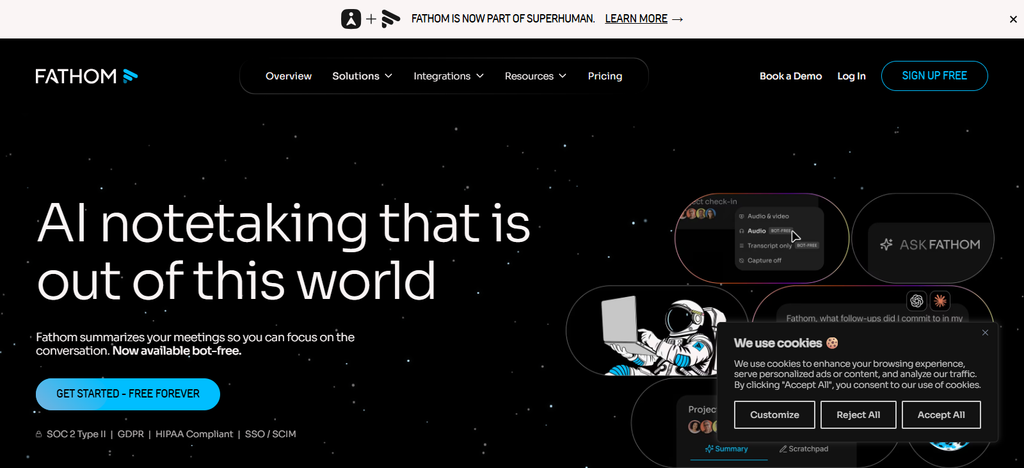
Security and Privacy Features: Access to Recordings & Transcripts is Controlled It integrates with Zoom, Microsoft Teams, Google Meet, Salesforce, HubSpot and collaboration tools to help leaders make the most of meetings. Startup founders and leadership teams interested in automated meeting documentation are really attracted to the platform.
| Feature | Details |
|---|---|
| Instant AI Summaries | Automatically creates meeting summaries after calls. |
| Highlight Creation | Save important moments during meetings. |
| Action Item Extraction | Identifies tasks and follow-up responsibilities. |
| Meeting Clips | Generate shareable video snippets from recordings. |
| Call Recording | Records meetings automatically. |
| CRM Updates | Syncs important meeting information to CRM platforms. |
| Team Sharing | Easily share notes and highlights with colleagues. |
| Performance Insights | Tracks meeting effectiveness and outcomes. |
| Zoom & Teams Support | Works across major video conferencing platforms. |
Fathom Pros & Cons
Pros
- Free plan for individuals, teams – generous.
- Rapid AI-created meeting recaps.
- Sharing of highlights and clips made easy.
- Auto extraction of action items
- Easy to design and configure.
Cons
- No advanced reporting
- Functionality best depends on supported meeting platforms.
- Paid upgrades required for some integrations.
- Less emphasis on organization-wide knowledge management.
5. Avoma
Avoma is a Conversation Intelligence and AI Meeting Assistant platform to enhance decision making and executive productivity. The platform captures meeting conversations and automatically generates summaries, action items, notes and conversation insights for leadership teams.
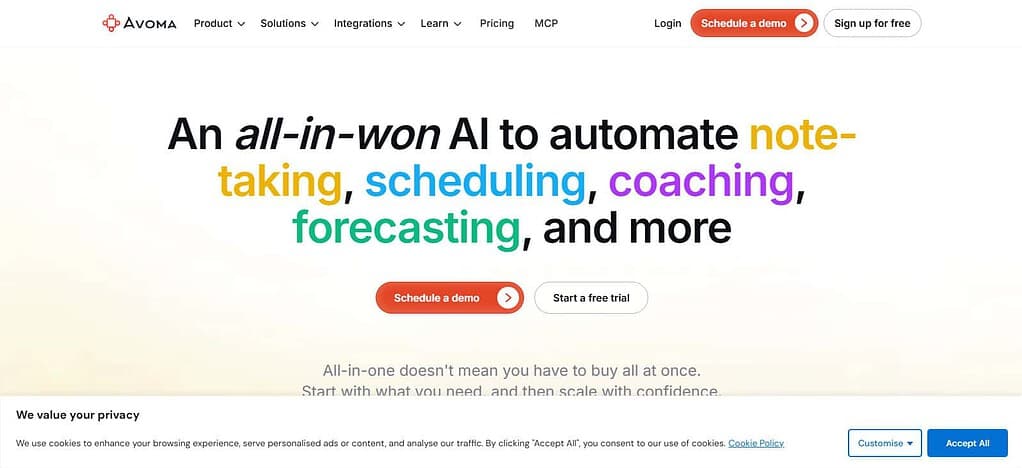
The executive note function includes tools for tracking agendas, logging decisions, analytics of meetings, and collaboration. Avoma offers different price plans for businesses of all sizes. Security features allow for organizational collaboration and central meeting records.
The software integrates with the ecosystems of CRM, scheduling, video conferencing, project management and productivity software. Avoma is a note-taking solution and strategic meeting intelligence platform for executives that helps teams retain organizational knowledge.
| Feature | Details |
|---|---|
| AI Note Taking | Generates structured meeting notes automatically. |
| Conversation Intelligence | Provides deep insights into meeting conversations. |
| Agenda Management | Create, manage, and track meeting agendas. |
| Decision Tracking | Records critical business decisions. |
| Coaching Insights | Helps improve meeting effectiveness and communication. |
| Meeting Analytics | Provides reports and discussion analysis. |
| Action Item Management | Tracks commitments and follow-up tasks. |
| CRM Integration | Updates customer data automatically. |
| Revenue Intelligence | Valuable for sales leadership and executive teams. |
Avoma Pros & Cons
Pros
- Strong conversation intelligence features.
- Detailed meeting analytics and reporting.
- Effective agenda and decision tracking.
- Excellent for sales and executive teams.
- Robust CRM integration options.
Cons
- Can be expensive for growing teams.
- More complex than standard note-taking tools.
- Requires time to learn advanced features.
- Feature-rich interface may feel overwhelming.
- Smaller teams may not use all available capabilities.
6. MeetGeek
MeetGeek is an AI-powered meeting assistant that automates meeting documentation, generates executive notes, and provides meeting analytics. It captures conversations and turns them into structured summaries, action items, next steps and searchable records.
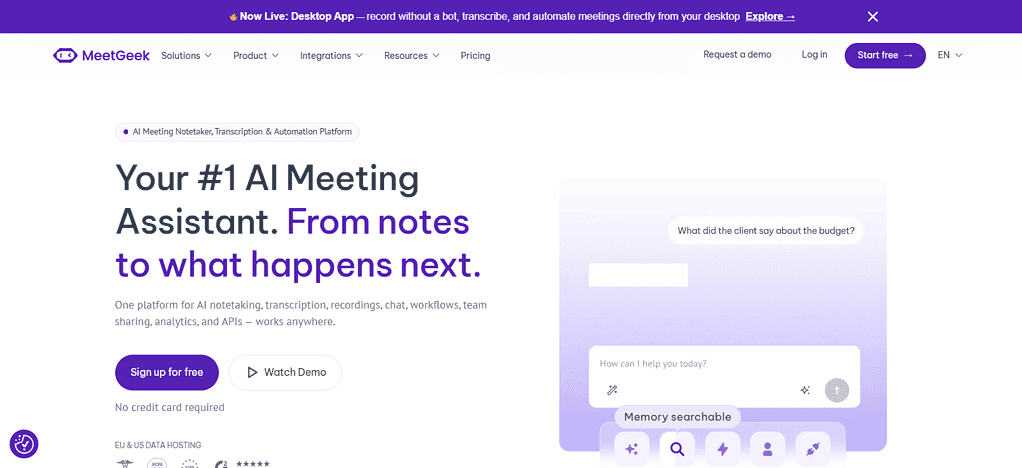
The platform is frequently used by management, HR, operations and executive teams that want consistent meeting documentation. MeetGeek pricing plans are free and premium based on recording, storage and analytics needs.
Security features enable team collaboration with access restrictions for sensitive conversations. It connects with Microsoft Teams, Zoom, Google Meet, Slack, HubSpot, Salesforce, Notion and workflow apps. The recurring meeting templates make it useful for executive reporting processes as well.
| Feature | Details |
|---|---|
| Automatic Meeting Recording | Captures meetings without manual intervention. |
| AI Summaries | Generates concise meeting recaps. |
| Meeting Templates | Structured templates for recurring meetings. |
| Action Item Detection | Identifies next steps automatically. |
| Performance Analytics | Measures meeting productivity and engagement. |
| Searchable Records | Access and search previous meetings quickly. |
| Team Collaboration | Share notes and recordings across teams. |
| Workflow Automation | Automates meeting-related processes. |
| Platform Integrations | Connects with Slack, HubSpot, Notion, Salesforce, and more. |
MeetGeek Pros & Cons
Pros
- Automated meeting notes and summaries.
- Useful meeting analytics and reports.
- Consistent recurring meetings with templates.
- Searchable archive of meetings
- Good integration eco system.
Cons
- • Advanced analytics are typically only available on paid plans.
- Some users may find the reports too detailed.
- Not as customizable as some competitors.
- Should be used regularly to get the best value.
Some integrations require a premium subscription.
7. tl;dr
tl;dv is an AI meeting recorder & executive note platform for teams to document, search & share meeting knowledge effectively. The platform records meetings, summarizes them, generates timestamped highlights and allows executives to review the key moments without having to re-watch the entire conversation.
It has free and paid pricing plans for both individuals and organizations. Executive note functionality provides quick summaries, searchable knowledge, stakeholder updates and asynchronous collaboration. Privacy settings determine who can view meeting content. It integrates with Zoom, Microsoft Teams, Google Meet, Salesforce, HubSpot, Slack, Notion and CRM systems, making it useful for executives coordinating information across multiple departments.
| Feature | Details |
|---|---|
| Meeting Recording | Records Zoom, Teams, and Google Meet sessions. |
| Timestamped Highlights | Capture important moments with clickable timestamps. |
| AI Meeting Notes | Produces summaries and meeting insights. |
| Searchable Library | Search across all recorded conversations. |
| Team Knowledge Base | Builds a centralized repository of discussions. |
| CRM Synchronization | Transfers meeting data to business systems. |
| Collaboration Tools | Share recordings and highlights instantly. |
| Automated Reports | Generates recurring meeting reports. |
| Multi-Meeting Analysis | Analyze trends across multiple meetings. |
tl;dv Pros & Cons
Pros
- Time-encoded meeting notes for quick review.
- Great for teams that work in different time zones.
- Meeting summaries generated by AI.
- Compatible with major conferencing platforms.
- Good sharing of knowledge skills.
Cons:
- • Paid plans needed for advanced functionality.
- Not all teams are made for a very record-oriented approach.
- Some features are mostly geared toward remote meetings.
- CRM functionality is not as rich as dedicated sales tools.
Complex workflow learning takes time.
8. Notta
Notta is an AI note-taking and transcription platform for multilingual meeting environments and global organizations. It records conversations, transcribes discussions, and creates AI-powered executive summaries and notes. Its multilingual support capabilities make the platform particularly useful for executives with international teams. Pricing: Free and premium options, based on transcription needs and collaboration features.
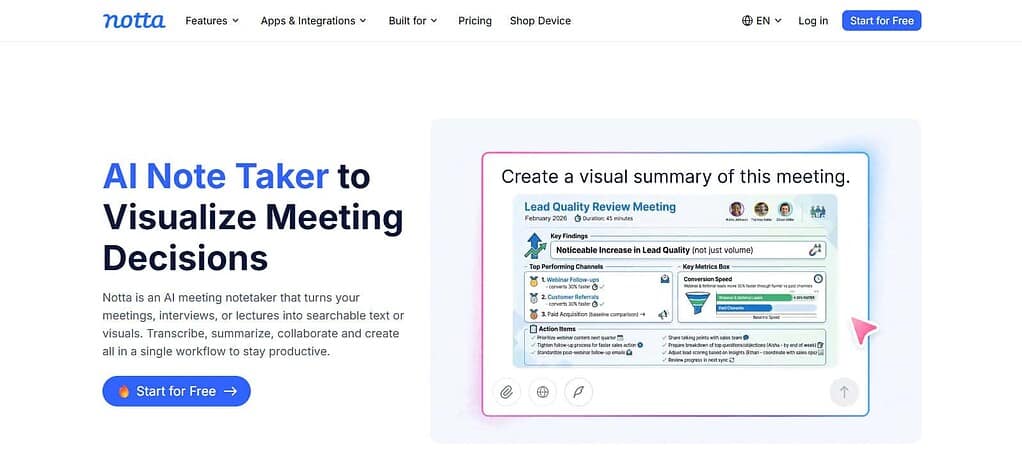
Security features help you store meeting transcripts in the cloud and share them on a need-to-know basis. Integrations connect to meeting platforms, calendars, productivity apps and collaboration spaces. For executive users, this translates into organized transcripts, searchable records, and rapid summarization features that improve follow-up and documentation workflows for meetings.
| Feature | Details |
|---|---|
| AI Transcription | Converts speech into accurate text transcripts. |
| Multilingual Support | Supports multiple languages for global teams. |
| Meeting Summaries | Generates concise AI-powered recaps. |
| Voice Recording | Records conversations and meetings. |
| Searchable Archive | Quickly locate important discussions. |
| Export Options | Export notes in various formats. |
| Real-Time Transcription | View transcripts as discussions happen. |
| Team Collaboration | Share transcripts and summaries securely. |
| Productivity Integrations | Connects with calendars and business apps. |
Notta Pros & Cons
Pros
- Good support for multilingual transcription.
- AI-generated meeting notes and summaries.
- intuitive user interface.
- Enables live transcription.• Great for global and distributed teams.
Cons
- •• Accuracy of translations may vary by language.
- Premium plans are required for advanced features.
- Less workflow automation features than some competitors
- Lack of enterprise management capacity.• Not as many broad integrations as competitors.
9. Microsoft Teams Copilot
Microsoft Teams Copilot is Microsoft’s built-in native AI meeting assistant in the Microsoft 365 family. It automatically captures meeting context, generates executive summaries, identifies action items and produces meeting recaps right in Microsoft Teams. The executive notes feature is built for executive teams who are heavy users of Microsoft productivity tools.
Pricing is based on Microsoft 365 and Copilot licensing plans. Privacy and security is supported by Microsoft’s enterprise-grade compliance, governance and security framework. Of course, integrations are deep within Microsoft Teams, Outlook, Word, PowerPoint, Excel, OneDrive and SharePoint. For executives already immersed in Microsoft 365, Teams Copilot offers a centralized, highly integrated note-taking experience.
| Feature | Details |
|---|---|
| AI Meeting Recaps | Automatically generates meeting summaries. |
| Action Item Identification | Detects and lists follow-up tasks. |
| Intelligent Search | Find information from past conversations and meetings. |
| Meeting Insights | Highlights decisions, questions, and outcomes. |
| Teams Integration | Fully embedded within Microsoft Teams. |
| Microsoft 365 Connectivity | Works with Outlook, Word, Excel, and PowerPoint. |
| Enterprise Security | Built on Microsoft’s compliance and security framework. |
| Natural Language Queries | Ask questions about meeting content. |
| Productivity Automation | Reduces manual note-taking and meeting administration. |
Microsoft Teams Copilot Pros & Cons
Pros
- Tightly integrated with Microsoft 365 applications.
- Automatic meeting summaries and recaps
- Enterprise-class security and compliance.
- AI-driven action-item tracking.
- Great for organizations already on Teams.
cons
- Needs Microsoft Ecosystem Adoption.
- Licensing costs may be substantial.
- Not as useful outside Microsoft workflows.
- Needs a Copilot license for full capabilities.
- May be overwhelming for small businesses.
10. Zoom AI Companion
Zoom AI Companion is the native artificial intelligence assistant of Zoom that creates executive-level meeting notes, summaries and post-meeting insights without the need for a separate third-party app.
It automatically generates meeting recaps, action items and highlights of discussion for leadership teams. The platform is especially helpful for executives who do most of their meetings within the Zoom ecosystem. Pricing is typically linked to qualifying Zoom for Business subscriptions.
Privacy and security are handled by the Zoom platform controls and admin settings. Integrations support Zoom Workplace tools, and business workflows more broadly. Executive users benefit from native meeting intelligence, less manual note-taking and simplified post-meeting communication.
| Feature | Details |
|---|---|
| Smart Meeting Summaries | Automatically creates post-meeting summaries. |
| Action Item Extraction | Captures tasks and next steps. |
| Meeting Questions | Ask AI about discussions during meetings. |
| Conversation Highlights | Identifies important discussion points. |
| Native Zoom Integration | Built directly into the Zoom ecosystem. |
| Chat Assistance | Helps generate meeting-related messages and responses. |
| Productivity Tools | Supports faster decision-making and follow-ups. |
| Administrative Controls | Centralized settings for organizations. |
| Workflow Support | Improves meeting documentation and executive communication. |
Zoom AI Companion Pros & Cons
Pros
- Native built-in integration for Zoom meetings.
- Auto-generate meeting summaries and highlights.
- No additional note-taking software is required.
- Easy setup and user experience.
- Useful productivity and recap features.
Cons
- Best for Zoom users primarily.
- Minimal benefit outside of the Zoom ecosystem.
- Advanced functionality may vary with subscription plan.
- Fewer third-party workflow features than niche competitors.
- Organizations that use multiple meeting platforms may want a more flexible solution.
Conclusion
The right Granola alternative depends on the organization’s meeting workflows, collaboration needs, and the needs of executive reporting. The fellow is good for enterprise meetings, Otter.ai is good for transcription and search, Fireflies.ai is good for automation and CRM integrations, and Fathom is good for quick AI-generated summaries.
Avoma and MeetGeek provide conversation intelligence and meeting analytics, and tl;dv and Notta are great for searchable transcripts and multilingual teams.
Organizations already invested in particular ecosystems get a native, seamless experience with Microsoft Teams Copilot and Zoom AI Companion. Collectively, these platforms help executives to reduce manual note-taking, improve decision tracking, boost productivity, and keep organized, actionable meeting records across the enterprise.
FAQ
What is the best Granola alternative for executive note-taking in 2026?
The best Granola alternative depends on your requirements. Fellow is ideal for enterprise executives who need organization-wide meeting management, while Otter.ai excels in transcription and searchable meeting records. Fireflies.ai stands out for workflow automation and CRM integrations, making it a popular choice for leadership teams.
Which Granola competitor offers the best free plan?
Fathom is widely regarded as one of the strongest free alternatives to Granola because it provides meeting recording, AI summaries, highlights, and action items without significant upfront costs. It is particularly useful for startups, founders, and small executive teams.
Which platform is best for Salesforce and CRM integrations?
Fireflies.ai, Avoma, and tl;dv provide extensive CRM integrations. These platforms can automatically sync meeting notes, action items, and conversation insights to systems such as Salesforce and HubSpot, helping executives streamline follow-up activities.
Are these Granola alternatives suitable for enterprise organizations?
Yes. Solutions such as Fellow, Microsoft Teams Copilot, Avoma, and Fireflies.ai are designed to support larger organizations through centralized administration, team collaboration features, governance controls, and enterprise-grade meeting intelligence capabilities.