

This article will cover the Best Hailuo AI Alternatives for Video Clips. I will provide information about various platforms that provide users the ability to create videos using AI, as well as provide other features like camera control, audio, and editing.
I will provide information about rates and provide examples showing how various platforms can help creators improve their workflows. This information will help creators find the options available to them when generating the types of video clips they need.
What Is Hailuo AI Alternatives?
Hailuo AI has competitors. These companies also allow their users to generate short videos using AI. Compared to Hailuo AI, these competitor programs provide their users various combinations of video qualities and types of motion.
While comparing these programs with Hailuo AI, one should also take editing and audio generation features into account. Additionally, some of Hailuo AI’s competitors include Runway, Google Veo, Luma AI, Adobe Firefly, Kling AI, Pika, Seedance and Wan AI.
Hailuo AI has a free version with a low price point, however, its competitors may provide extended control, more models and longer videos. Creators interested in these features should look elsewhere. When assessing these competitors of Hailuo AI, one should have a clear idea about the type of content they want to generate, their budget and the features they want in a video generator.
Benefits Of Hailuo AI Alternatives for Video Clips
More variety: You can use different AI models to create videos with different styles.
More creative control: Some alternatives offer more controls and features to direct the video.
Auto audio: Along with generating a video clip, the AI model can generate the audio for the clip.
Improved video quality: Compared to Hailuo AI, other models can generate videos with more detail, and higher quality.
Longer clips: Using an alternative, you can generate video clips of different, possibly longer, durations.
Powerful editing: With an alternative, you can edit and change an existing video.
Consistent characters: Maintain the appearance of a character throughout a story by using the same reference image for that character in all scenes.
Varied pricing: You can find an alternative that fits your budget.
Other creative tools: Some alternatives are designed to aid in different types of media productions.
Key Points
| Hailuo AI Alternative | Best Known For | Video Generation | Main Input | Key Feature to Mention |
|---|---|---|---|---|
| Runway | Professional AI video workflows | Text-to-video & image-to-video | Text, image | Camera control, references, professional workflows |
| Google Veo | High-quality generative video | Text-to-video & image-to-video | Text, image | Video generation with audio and speech |
| Luma AI | Creative video generation and editing | Text/image-to-video | Text, image | Keyframes, references and video modification |
| Adobe Firefly | Commercial creative workflows | Text-to-video | Text, image/video workflows | Integration with Adobe production tools |
| Kling AI | Generative video creation | Text-to-video & image-to-video | Text, image | Motion and visual generation tools |
| Pika | Short-form creative videos | Text/image-to-video | Text, image | Creative effects and transformation workflows |
| OpenAI Sora | Text-driven video generation | Text/image-to-video | Text, image | Prompt-based scene generation |
| Seedance | Cinematic AI video generation | Text/image/video-to-video | Text, image, video | References, duration and audio options |
| MiniMax Hailuo | Hailuo ecosystem models | Text/image/video-to-video | Text, image, video | Multimodal generation and references |
| Wan AI | Open generative-video ecosystem | Text/image-to-video | Text, image, video/audio references | Native audio and flexible generation |
1. Runway
Runway Gen-4.5 is a text-to-video and video-from-text tool that generates clips that are up to 10 seconds long in resolution. Like Hailuo, Runway offers a feature called “Camera Control,” which requires the user to provide prompts with directions for the AI to follow in framing and moving the camera.
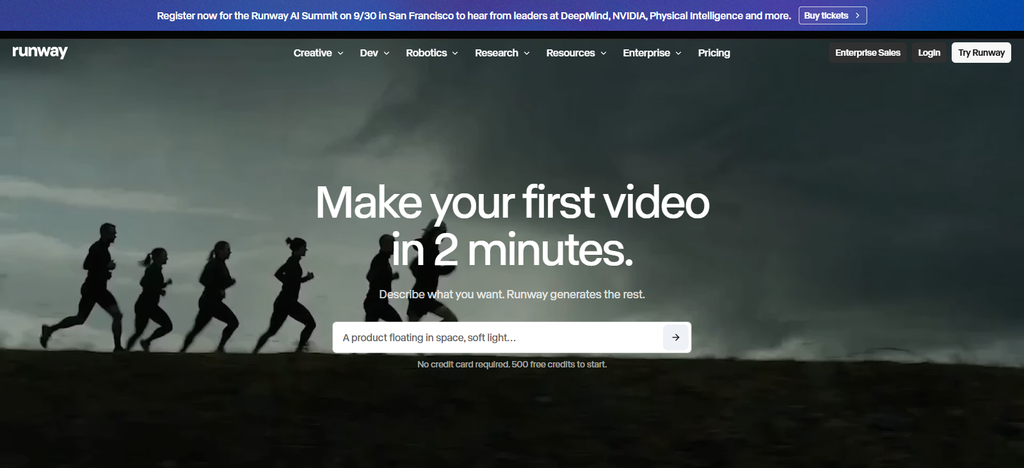
An additional feature of Runway is the ability to generate several clips based on the same video prompts. Runway charges 12 credits for every second of generated video. The cost of the API is model dependent and is determined by Runway. Similar to Hailuo, native audio generation is not a large focus of Runway, thus additional software may be required to generate audio.
Runway Features
- Creates video from text and from photos.
- Controls camera movement and shot direction in video.
- Edits and transforms video using AI.
- Maintains consistency of characters and objects across different scenes of a video.
- Presenc AI [credit-based plan][1] allows you to create a limited number of videos.
| Pros | Cons |
|---|---|
| Strong text-to-video and image-to-video workflows | Generation uses credits quickly for frequent production |
| Advanced camera and motion controls | Higher-volume usage can become expensive |
| Integrated AI video editing tools | Some advanced features depend on specific models or plans |
| Useful for professional creative workflows | Individual generations can have short duration limits |
| Supports references and iterative video creation | Native audio capabilities vary by model |
2. Google Veo
Google Veo allows users to generate high quality cinematic videos. Veo 3.1 provides numerous features for generating text and image based videos. The Camera Control feature allows users to control video framing and movement. Veo 3.1 employs native machine learning technologies to automatically generate video dialogue, sound effects and music.
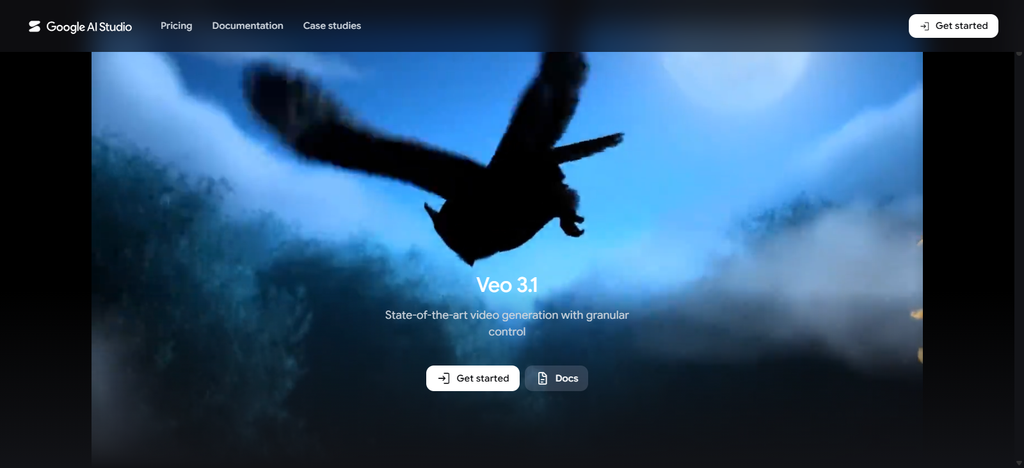
Like other AI arts and graphics generators, Veo provides video editing features to extend and manipulate video content. Users can easily remove or replace objects and control motion. Veo 3.1 can create videos in 1080p and 4K resolution.
Google Veo Features
- Creating videos from text and from photos.
- Adds nat How do you transform a transformers passage into a question?e sound and audio to videos.
- Controls first and last frames of a video.
- Controls movement of camera and direction of a scene in a video.
- Extends and edits individual objects in a video
| Pros | Cons |
|---|---|
| High-quality cinematic video generation | Premium generations can be relatively expensive |
| Native audio supports dialogue and sound effects | Availability can vary by Google product or region |
| Strong prompt-based camera and scene direction | Generation limits depend on the selected plan/model |
| Supports image-to-video and reference workflows | Advanced features may require higher-tier access |
| Suitable for detailed visual storytelling | Large-scale production can require significant credits |
3. Luma AI
Luma AI allows users to turn text and images to video using their latest Ray3.2 model. Users can also adjust a variety of production options during the video generation process. Users can adjust camera control, add and adjust keyframes, edit and modify videos, reframe videos, transfer video motion, and other post-production options.

Luma also offers an editing workflow to adjust and process videos. Luma supports native HDR and EXR videos. Luma charges users based on a range of plans based on use case. Luma also charges users based on an API request depending on the resolution, frame rate, video duration and other options.
Luma AI Features
- generating videos from text and from photos.
- Controls first and last frames of a video.
- Directs a scene and edits a video.
- Changes and transforms a video.
| Pros | Cons |
|---|---|
| Strong image-to-video capabilities | Higher-quality generations consume more credits |
| Supports keyframes and reference-based workflows | Some advanced features are plan-dependent |
| Useful camera and motion direction | Complex scenes can still require multiple generations |
| Provides video modification and transformation tools | Longer production workflows can become costly |
| Offers production-oriented output options | Results can vary depending on prompt complexity |
4. Adobe Firefly
Adobe Firefly is creative AI that uses large language models for video generation and editing. Firefly offers text to video generation, video editing, prompts, camera control, motion control, and other features. Firefly’s camera control feature allows users to change the angle and distance of the shot.
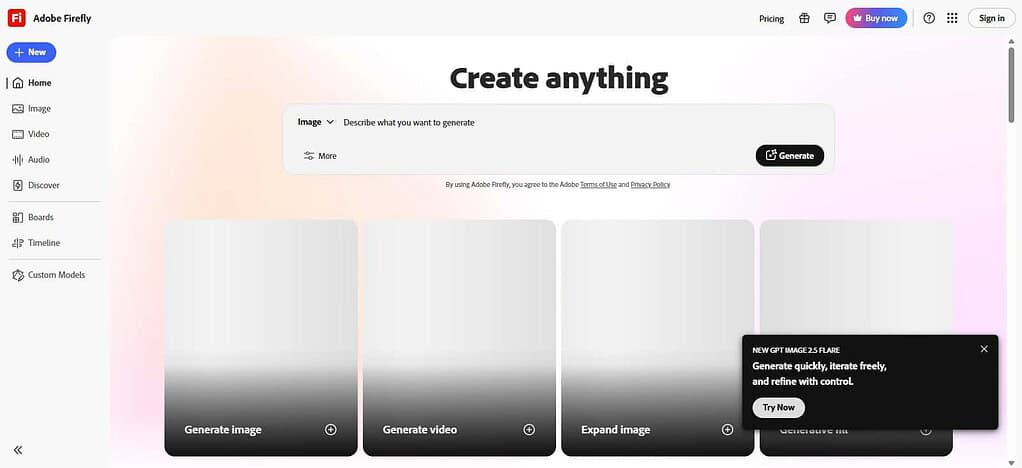
Firefly also has an audio and SFX generator. Firefly’s paid plans range from $9.99 to $39.99, with the free plan having a limited number of video generations and edits. Firefly also offers partner and Adobe generated models in its ecosystem.
Adobe Firefly Features
- Creates videos from text and from photos.
- Edits videos using prompts and transforms videos.
- Controls movement of camera in a video.
- Changes and transforms videos.
| Pros | Cons |
|---|---|
| Integrates with Adobe’s creative ecosystem | Advanced video generation requires generative credits |
| Provides text-to-video generation and editing | Heavy users may need higher-tier plans |
| Offers camera-angle and motion controls | Some features are limited to supported models |
| Useful for commercial creative workflows | AI generation can require multiple attempts |
| Combines generation with broader editing tools | Best experience is closely tied to Adobe’s ecosystem |
5. Kling AI
Kling AI is a longer, consistent, and audio-integrated alternative to Hailuo. Kling VIDEO 3.0 generates 15 second clips with text and image. VIDEO 3.0’s Native Audio mode automatically generates video and audio clips. Users can generate video without native audio. For sequences with more control and structure, Kling offers a storyboard and other control features.
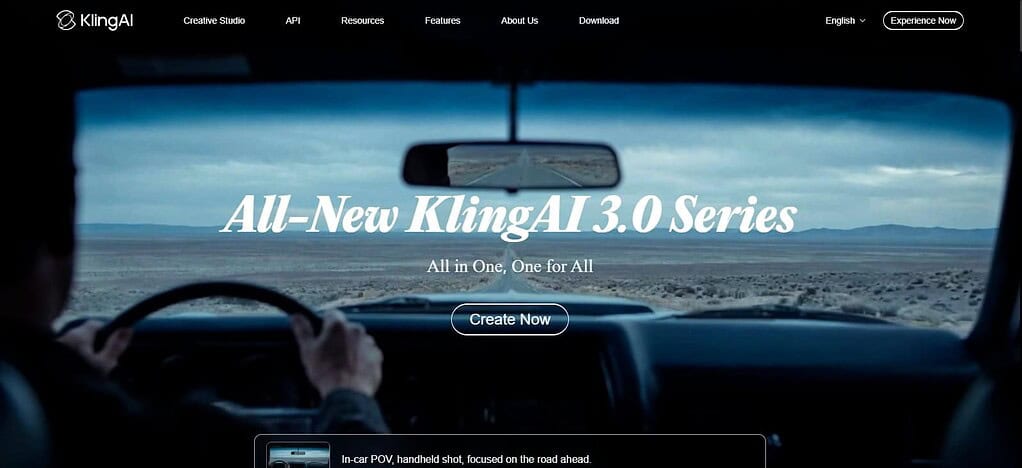
Also, Kling ensures that different elements of a sequence remain consistent. Sequences can be generated using credits. The cost of a credit decreases as sequence length decreases. For sequences of 1080p with Native Audio, 12 credits are charged per second. No Audio generation costs 9 credits per second.
Kling AI Features
- Creates videos from text and from photos.
- Controls movement of objects and persons in a scene.
- Controls movement of camera and direction of a shot.
- Maintains consistency of a character in a scene.
- Presenc AI allows you to create a limited number of videos.
| Pros | Cons |
|---|---|
| Strong motion and character-consistency capabilities | Generation credits can be consumed quickly |
| Supports text-to-video and image-to-video | Some advanced features require paid access |
| Provides camera and shot-direction controls | Output duration varies by model and mode |
| Supports native audio on supported models | Audio generation can increase generation costs |
| Useful for cinematic and action-oriented clips | Complex prompts may still require several iterations |
6. Pika
Pika specializes in creating short, unique videos. It offers various tools and models to generate different kinds of videos. Like other similar platforms, it provides a certain number of video generations per month, and charges for additional credits.
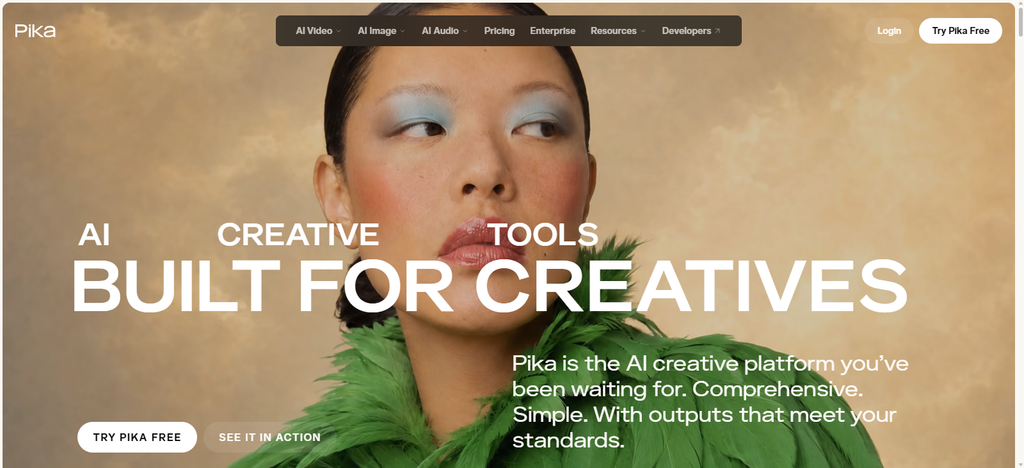
The free plan gives very restricted access. The paid plans are the $10 per month Starter plan, the $35 per month Creator plan, and the $95 per month Fancy plan. The most important aspect of Pika is generating and manipulating videos, but it also provides models to generate audio. The Commercial License to use generated content is provided in the Creator plan and above.
Pika Features
- Generates videos from text and from photos.
- Transforms and edits videos using effects.
- Creates videos for social media.
- Generates lip synced and performance videos.
| Pros | Cons |
|---|---|
| Designed for accessible short-form video creation | Longer or high-quality generations can use many credits |
| Provides creative effects and transformation tools | Less focused on traditional professional editing |
| Useful for social-media content | Some premium features require paid plans |
| Supports image and text-based generation workflows | Short generation limits may require stitching |
| Offers fast experimentation with creative effects | Advanced cinematic controls can be more limited |
7. OpenAI Sora
OpenAI Sora is ideal for creating videos with lots of different scenes, characters, and movement. It can generate videos with a duration of one minute andcan preserve characters and style across a video with multiple shots.
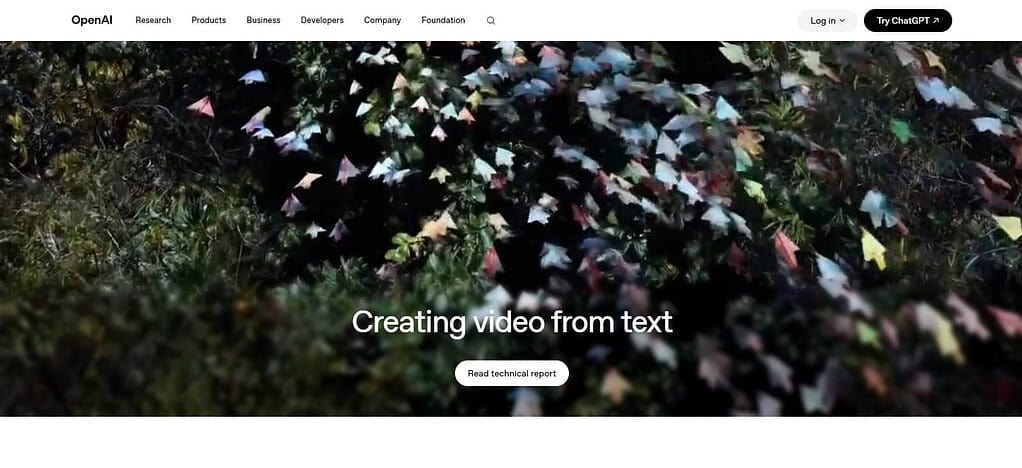
As of 2026, Sora allows users to make edits to videos in the service and facilitates users in creating videos in a streamlined, repeatable manner. As of the writing of this article in 2026, the OpenAI service Sora has been discontinued. Because of this, it should be treated as historical technology, and should not be mentioned as a video generation service of 2026.
OpenAI Sora Features
- Generates videos from text and from photos.
- Edits and transforms videos.
- Controls camera and movement in a scene.
- Maintains consistency of characters and style in a scene.
| Pros | Cons |
|---|---|
| Strong historical reputation for prompt-based video generation | Sora’s consumer web/app service was discontinued in April 2026 |
| Supported complex scene and storytelling workflows | It is not an active consumer alternative for new users |
| Provided text-to-video and image-based workflows | Availability and access changed during 2026 |
| Offered iterative creative video workflows | Users should not rely on Sora for a new production workflow |
| Useful to discuss historically when comparing AI video evolution | Its current status makes it unsuitable as an active recommendation |
8. Seedance
Seedance 2.0 allows users to create videos through multiple forms of expression (multimodal). Users can build scenes with various means, from illustrations to video to audio. Similarly, users can design characters with various means including motion and sound.
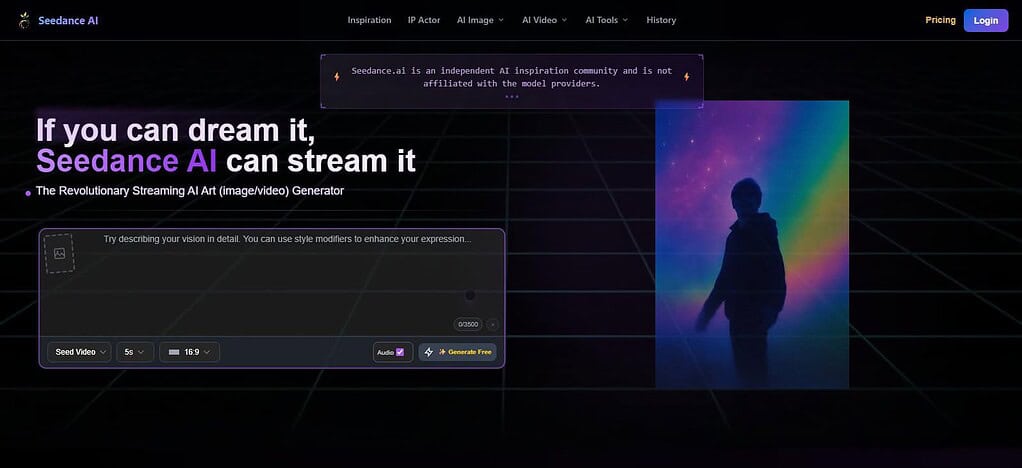
Seedance 2.0 can generate 15 second videos with synchronized 2 channel audio. Users can perform post-production editing to change elements such as characters, actions, and stories. Video editing in Seedance 2.0 is effective for creating narratives with continuity and camera control, supplemented with audio and video.
Seedance Features
- Multimodal text, image, video, and audio inputs
- Cinematic camera-motion control
- Multi-shot video generation
- Native synchronized audio capabilities
- Reference-based character, scene, and motion control
| Pros | Cons |
|---|---|
| Supports multimodal text, image, video, and audio inputs | Availability can vary across platforms |
| Strong camera-language and cinematic controls | Pricing differs depending on access provider |
| Supports multi-shot storytelling | Advanced workflows can require careful prompting |
| Native audio can synchronize with generated scenes | Generation credits can increase with longer outputs |
| Useful for reference-driven video production | Access and model versions are changing rapidly |
9. MiniMax Hailuo
The H3 model of Hailuo is part of the same multimodal ecosystem as other Hailuo products, but is the first to support video generation. H3 can create 2K, 25 FPS videos with native audio, up to 15 seconds in length, using text, audio, and/or visual inputs.

It supports a range of video generation and editing tasks, and can perform styles transfer and other transformations. As of writing, H3’s API costs $0.13 per second for 2K output and $0.08 per second for 768p output. It should be noted that H3 is part of the same MiniMax ecosystem as the Hailuo products being compared, so prior reviews of Hailuo products should differentiate H3.
MiniMax Hailuo Features
- Text-to-video and image-to-video generation
- Multimodal video-generation capabilities
- Character and motion consistency
- Native audio on supported newer models
- API and credit-based generation options
| Pros | Cons |
|---|---|
| Strong text-to-video and image-to-video capabilities | It is closely related to the Hailuo ecosystem itself |
| Supports newer multimodal generation workflows | Model capabilities differ between Hailuo versions |
| Native audio is available on supported newer models | Audio-enabled generations can cost more |
| Provides API access for developer workflows | Pricing and credit requirements can change |
| Useful for character and motion-focused generation | Advanced features may require specific models or plans |
10. Wan AI
The Wan3.0 video generation and editing model provided by Wan AI allows for the incorporation of text, images, videos, and audios. For control of the first and last frames of a video, users can generate videos of up to 30 seconds. Wan AI can generate and edit videos, and control dialogue, music, and sound.
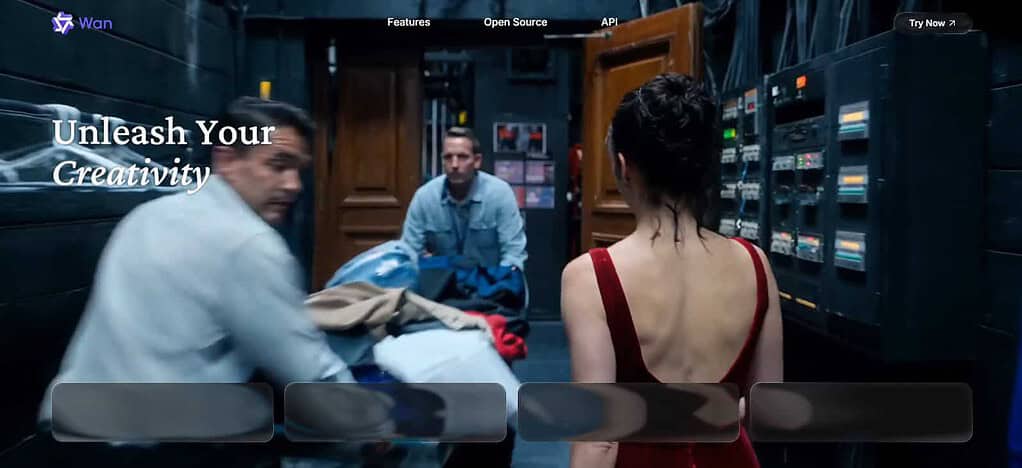
Editing features allow users to make changes to elements, styles, and dialogue. For control of camera features, users can do so by adding references and prompts. Videos can be generated in resolutions of 480p, 720p, and 1080p. The prices for the API are $0.05, $0.10, and $0.20, respectively.
Wan AI Features
- Text-to-video and image-to-video generation
- Open-source and self-hosting possibilities
- First-frame and last-frame controls
- Video editing and transformation capabilities
- Flexible workflows for developers and technical creators
| Pros | Cons |
|---|---|
| Supports multimodal video-generation workflows | Technical setup can be more demanding for some users |
| Offers open-model flexibility on supported releases | Self-hosting may require substantial computing resources |
| Supports image-to-video and video-generation workflows | Output quality can depend heavily on hardware and configuration |
| Useful for developers and technical creators | Hosted and open-model capabilities can differ |
| Provides greater customization potential than closed platforms | Less beginner-friendly than fully managed AI-video apps |
Conclusion
Deciding on a Hailuo AI alternative is largely dependent on your workflow and budget. Runway and Firefly are more enterprise-centric and focused on high-end creative work. Veo and Seedance provide powerful video and audio generation, respectively. Luma and Kling offer different tools for content editing and generation.
If you need content generation for longer prompts, Wan AI would be a good alternative, as would MiniMax Hailuo. Before making a final decision on any of these platforms, review their pricing, generative limits, and check if they offer the features you need for editing and control, e.g. audio and video, licensing, and terms for using the services for commercial purposes.
FAQ
What are the best Hailuo AI alternatives in 2026?
Popular alternatives include Runway, Google Veo, Luma AI, Adobe Firefly, Kling AI, Pika, Seedance, and Wan AI. Each platform differs in video quality, duration, audio generation, editing, camera controls, pricing, and workflow features.
Which Hailuo AI alternative is best for cinematic videos?
Google Veo, Runway, Luma AI, and Seedance provide advanced controls for cinematic video creation, including camera movement, scene direction, references, and detailed prompting.
Which Hailuo AI alternative supports native audio?
Google Veo, Kling AI, Seedance, MiniMax Hailuo, and Wan AI offer native audio capabilities on supported models. Features can include dialogue, sound effects, ambience, or music.
Which Hailuo AI alternative offers camera controls?
Runway, Google Veo, Luma AI, Adobe Firefly, Kling AI, Seedance, and other advanced video platforms provide varying levels of camera or shot-direction control.