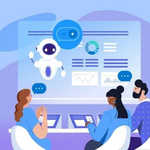


In this article I will discuss the Best AI Agents for Webinar Attendee Follow-Ups that help businesses automate their post-webinar communication, analyze attendee engagement, personalize follow-up messages and identify high-quality leads. These AI tools make lead nurturing easier, improve audience segmentation, automate sales handoffs and enable marketing teams to convert webinar attendees into potential customers.
Why Use AI Agents for Webinar Attendee Follow-Ups
Automated Follow-Up Communication: AI agents automate personalized emails, webinar recordings, thank-you messages, and relevant resources, eliminating the need for manual effort and ensuring timely communication with attendees.
Improved Lead Qualification: They analyze attendee behavior, questions, poll responses and engagement to surface high-intent leads and help sales teams focus on the most valuable opportunities.
Customized Attendee Experiences: AI agents tailor follow-up messages based on individual interests, session attendance, and business needs, leading to more relevant communication and enhanced audience engagement.
Better Attendee Segmentation: They segment members into attendees, no-shows, early leavers, and highly engaged prospects, enabling businesses to create tailored follow-up campaigns for different audience groups.
Accelerated Sales Handoffs: AI agents spot promising prospects and pass along their details, engagement history, and questions to sales reps, enabling timely and informed conversations.
Less Marketing Work Automating the routine work like sending emails, updating leads, managing contacts, and reminders to follow up will leave more time for marketing teams to focus on strategy.
Improved Lead Nurturing: AI agents follow up with webinar attendees with relevant content, product information and meeting invitations, enabling businesses to build rapport throughout the buying journey.
Performance Monitoring and Insights: They allow marketing teams to track email responses, meeting bookings, engagement activity, and qualified leads to measure follow-up campaigns and optimize future webinar approaches.
Key Points
| AI Agent | Best For |
|---|---|
| Salesforce Agentforce Lead Nurturing | Personalized attendee follow-ups and meeting booking |
| HubSpot Breeze Agents | Automated webinar lead nurturing and CRM-based follow-ups |
| Microsoft Copilot + Dynamics 365 Customer Insights | Event attendee engagement and sales handoffs |
| ON24 AI Engagement Platform | Webinar-driven pipeline generation and personalized journeys |
| Goldcast AI Agents | Webinar engagement analysis and personalized outreach |
| Qualified Piper AI SDR | Converting webinar attendees into sales meetings |
| Oracle Eloqua AI | Lead scoring and automated webinar nurture campaigns |
| Adobe Marketo Engage AI | Webinar-based lead nurturing and content-driven follow-ups |
| Zoom AI Companion & ZoomMate | Webinar summaries and automated post-event actions |
| Drift AI | Conversational attendee engagement and follow-up automation |
1. Salesforce Agentforce Lead Cultivation
Founded Salesforce – 1999
Salesforce Agentforce Lead Nurturing allows companies to automatically send personalized communication to prospects after webinars based on CRM records, customer information and sales context. It can write introduction emails, respond to prospect questions, manage follow up conversations and book appointments with sales reps.
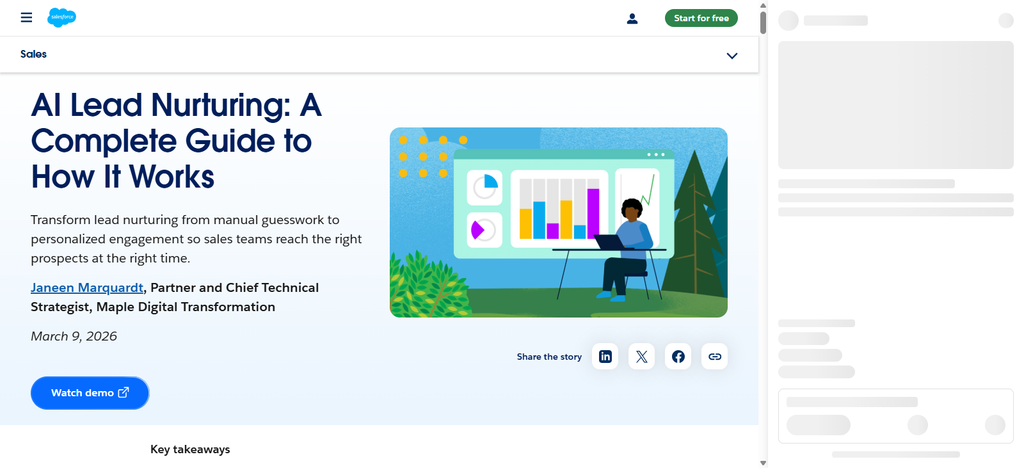
Integrated with Salesforce CRM and Data Cloud information, its lead scoring and qualification capabilities can help teams prioritize prospects. You can segment your attendees using CRM fields and engagement data, but webinar attendance behavior usually needs to be synced from a webinar platform.
Supported integrations include Salesforce CRM, Microsoft Exchange and connected calendar services. Sales meeting booking and rep routing allow for human handoff. Prices vary by Salesforce editions and Agentforce consumption.
Salesforce Agentforce Lead Nurturing Features, Pros & Cons
| Features | Pros | Cons |
|---|---|---|
| Automated Lead Nurturing | Follows up with prospects through personalized AI-generated emails. | Requires proper CRM configuration. |
| Lead Qualification | Identifies qualified prospects and helps prioritize sales opportunities. | Advanced qualification depends on available customer data. |
| Personalized Communication | Responds to prospect questions using business knowledge and CRM context. | Requires careful agent setup and knowledge preparation. |
| Meeting Booking | Connects interested prospects with sales representatives. | Scheduling configuration may require additional setup. |
| CRM Integration | Works directly with Salesforce leads, contacts, and sales records. | Most valuable within the Salesforce ecosystem. |
2. HubSpot Breeze Agent
Founded: HubSpot – 2007
HubSpot Breeze Agents help marketing and sales teams with their webinar leads by researching prospects, personalizing outreach, engaging with customers, and automating qualification. Its Prospecting Agent can research potential buyers and draft relevant outreach, and the Customer Agent answers questions and qualifies incoming prospects.
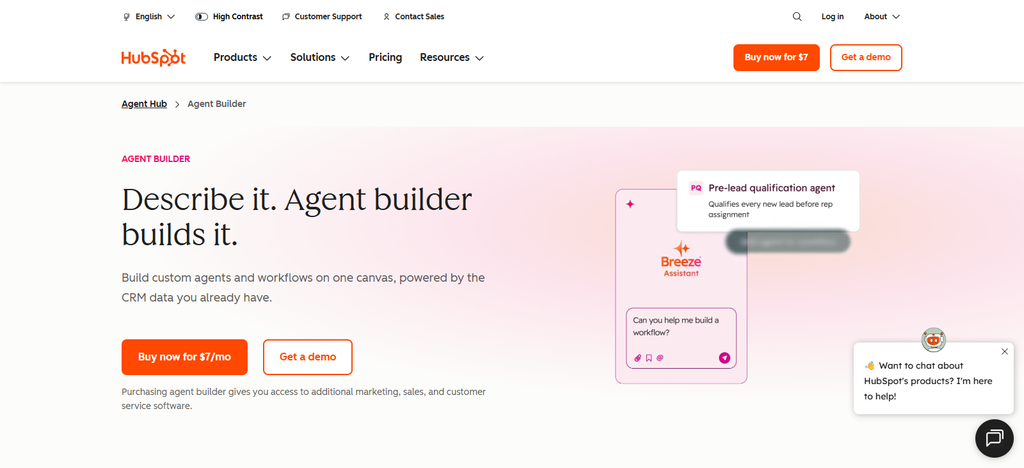
HubSpot’s lead scoring helps you prioritize who to reach out to next, using engagement and company-fit signals. You can segment attendees by CRM properties, by campaign interactions and imported webinar activity.
Supported Integrations HubSpot CRM, marketing automation and connected Third Party apps. Human handoff can route qualified leads to sales reps with helpful engagement context. Pricing is based on HubSpot subscriptions and credits. Published agent rates are $1 per recommended prospect and $0.50 per resolved customer conversation.
HubSpot Breeze Agents Features, Pros & Cons
| Features | Pros | Cons |
|---|---|---|
| Prospecting Agent | Researches prospects and prepares personalized outreach. | Requires accurate prospect and company information. |
| Customer Agent | Answers questions and handles customer conversations automatically. | Complex inquiries may require human assistance. |
| Lead Scoring | Prioritizes prospects using fit and engagement criteria. | Scoring quality depends on CRM data and configuration. |
| Automated Workflows | Supports repetitive marketing and sales follow-up activities. | Advanced workflows may require higher-tier subscriptions. |
| CRM Integration | Uses HubSpot customer records and connected applications. | Works best when customer data is centralized in HubSpot. |
3. Microsoft Copilot + Dynamics 365 Customer Insights
Founded: Microsoft – 1975
Microsoft Copilot + Dynamics 365 Customer Insights helps organizations build personalized post-webinar customer journeys using unified customer profiles and engagement data. Copilot can assist with audience segmentation, content generation, customer summaries, and journey creation. Customer Insights can help automate your email, text and push notification campaigns.
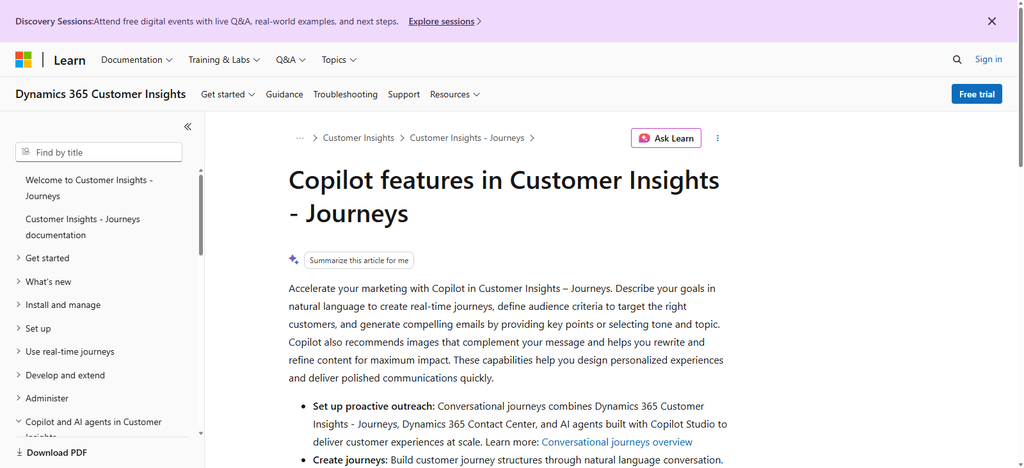
Its lead scoring and qualification workflows can identify hot prospects and automatically hand off qualified leads to salespeople. Supported integrations include Dynamics 365, Microsoft Dataverse, and connected Microsoft business applications. Other channels can be configured.
Sales-team routing supports human handoff . Pricing for Customer Insights in the US is $1,700 per tenant per month, billed annually, plus capacity surcharges.It is not a good thing to keep changing your mind all the time.
Microsoft Copilot + Dynamics 365 Customer Insights Features, Pros & Cons
| Features | Pros | Cons |
|---|---|---|
| Customer Segmentation | Creates audience segments using unified customer profiles. | Requires reliable customer data and setup. |
| Personalized Journeys | Automates targeted email and customer communication journeys. | Journey configuration can be complex. |
| AI-Assisted Content | Helps generate marketing content and customer communications. | AI-generated content requires review. |
| Lead Management | Connects customer insights with sales and marketing workflows. | Advanced lead management may require Dynamics 365 Sales. |
| Microsoft Integration | Connects with Dataverse and Microsoft business applications. | Full capabilities are strongest within Microsoft’s ecosystem. |
4. ON24 AI Engagement Tool
ON24 Founded: 1998
The ON24 AI Engagement Platform is designed for businesses looking to transform webinar participation into actionable marketing and sales opportunities. It captures attendee signals of engagement through webinar interactions, content consumption, questions and behavioral activity.
These insights help marketers segment audiences, find interested prospects and personalize follow-up campaigns. Its analytics helps qualify leads and prioritize sales, and its integrations push engagement information into your CRM and marketing automation systems.
Supported integrations include Salesforce, HubSpot, Marketo, Oracle Eloqua, Microsoft Dynamics 365 and Outreach. No human handoff. Connected sales workflows, not an autonomous SDR acting alone. Pricing is tailored based on the platform packages, features, and organizational requirements.
ON24 AI Engagement Platform Features, Pros & Cons
| Features | Pros | Cons |
|---|---|---|
| Webinar Engagement Analytics | Tracks attendee interactions and content engagement. | Advanced insights depend on event data quality. |
| AI-Powered Content | Helps repurpose webinar content into additional marketing assets. | Generated content may need editing. |
| Attendee Segmentation | Uses engagement information to identify audience interests. | Requires appropriate data collection and configuration. |
| Lead Qualification | Provides engagement insights to help prioritize prospects. | Sales qualification may require CRM integration. |
| Marketing Integrations | Connects with Salesforce, HubSpot, Marketo, and other platforms. | Some integrations require additional setup. |
5. Goldcast AI Agents
Goldcast was founded in 2020.
Goldcast AI Agents help B2B marketing teams transform webinar recordings and audience engagement into personalized content and follow-up opportunities. The platform supports webinar experiences, AI-powered content repurposing, video insights and automated marketing workflows. Event participation and engagement information can be used to segment attendees.
CRM sync enables teams to identify interested prospects and organize follow-up activities. Supported integrations include Salesforce, HubSpot, Slack, Marketo, Oracle Eloqua and Pardot, based on the subscription. Connected CRM and sales workflows can handle human handoff.
Lead scoring is not a one-size-fits-all scoring engine, but rather a function of connected marketing automation capabilities. Pricing for the Starter, Pro, Premium and Enterprise plans differ.
Goldcast AI Agents Features, Pros & Cons
| Features | Pros | Cons |
|---|---|---|
| AI Content Repurposing | Converts webinar content into reusable marketing materials. | Output may require human editing. |
| Engagement Tracking | Helps understand attendee participation and content interests. | Detailed analysis depends on available event information. |
| Audience Segmentation | Supports targeted marketing using webinar engagement data. | Advanced segmentation may require CRM synchronization. |
| CRM Integrations | Supports Salesforce, HubSpot, and selected marketing platforms. | Integration availability varies by subscription. |
| Marketing Automation | Connects webinar engagement with broader marketing workflows. | Advanced workflows may require additional integrations. |
6. Qualified Piper AI SDR
Established: Qualified – 2018
Qualified Piper AI SDR enables B2B companies to engage webinar-related prospects with personalized conversations, lead qualification and automated meeting booking. It has AI capabilities for website conversations, email engagement, prospect research and lead routing.
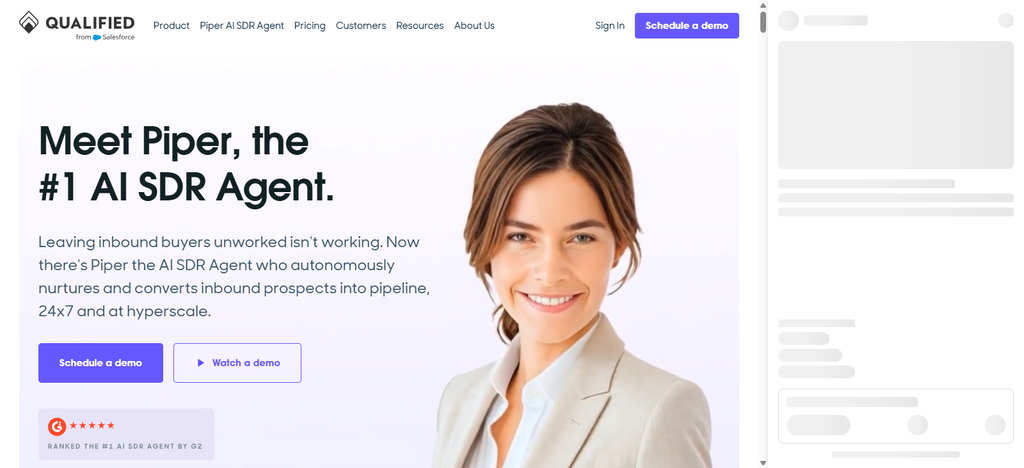
Webinar registration and attendance information can provide additional CRM context for businesses to personalize follow-up conversations. Its segmentation and qualification capabilities help to prioritize prospects based on buying intent, account information, and engagement signals.
Supported integrations through APIs and platform integrations with Salesforce and connected business systems. Handoff to human via agent routing and sales-team escalation. Higher plans include advanced handoff capabilities. Prices available for Premier, Enterprise and Ultimate packages with commercial terms that are custom to you.
Qualified Piper AI SDR Features, Pros & Cons
| Features | Pros | Cons |
|---|---|---|
| AI Sales Conversations | Engages prospects through automated sales conversations. | Complex conversations may need human intervention. |
| Lead Qualification | Identifies potential buyers using qualification criteria. | Requires accurate qualification rules. |
| Meeting Scheduling | Helps qualified prospects book sales meetings. | Depends on calendar availability and configuration. |
| Account-Based Engagement | Supports personalized engagement with target business accounts. | Primarily suited to B2B sales teams. |
| Human Handoff | Routes qualified conversations to sales representatives. | Sales teams must configure routing rules and availability. |
7. Oracle Eloqua AI
Year Founded: Eloqua – 1999
Oracle Eloqua AI helps enterprise marketing teams to automate webinar follow-up with campaign orchestration, audience segmentation, lead nurturing and behavior analysis. Marketers may use attendance records from webinars, email interactions, and campaign responses to create targeted follow-up programs.
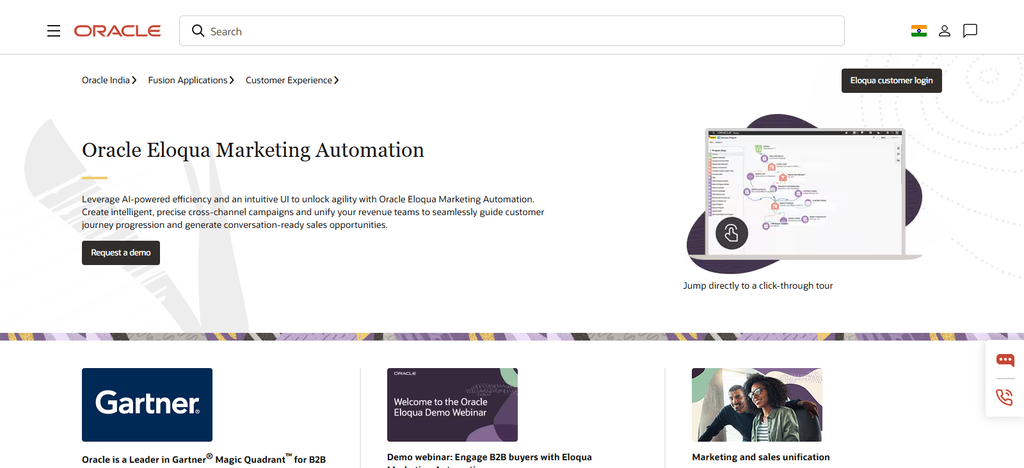
Its lead scoring models help assess prospect interest and qualification before passing qualified opportunities to sales teams. When event data is integrated, attendee segmentation can help you determine highly engaged participants, inactive registrants and prospects that are showing buying signals.
The connectors and integrations available are compatible with Oracle CX applications, Salesforce and webinar platforms. CRM synchronization and sales assignment workflows manage human handoff. Pricing is quoted based on enterprise licensing, contacts and requirements.
Oracle Eloqua AI Features, Pros & Cons
| Features | Pros | Cons |
|---|---|---|
| Automated Lead Nurturing | Creates structured follow-up campaigns for webinar prospects. | Campaign setup can be complicated. |
| Lead Scoring | Evaluates prospect interest and qualification signals. | Scoring requires suitable behavioral and demographic data. |
| Audience Segmentation | Creates targeted audience groups using customer information. | Advanced segmentation needs organized marketing data. |
| Campaign Automation | Automates email sequences and marketing activities. | Complex workflows require experienced administrators. |
| CRM Integration | Connects marketing information with sales systems. | Integration configuration may require technical expertise. |
8. Adobe Marketo Engage AI
Founded: Marketo, 2006
Adobe Marketo Engage AI helps with webinar attendee follow-ups with automated campaigns, smart audience segmentation, lead management and personalized marketing communication. Marketing teams can connect webinar participation data to contact records to build out different journeys for attendees, no-shows and highly engaged prospects.
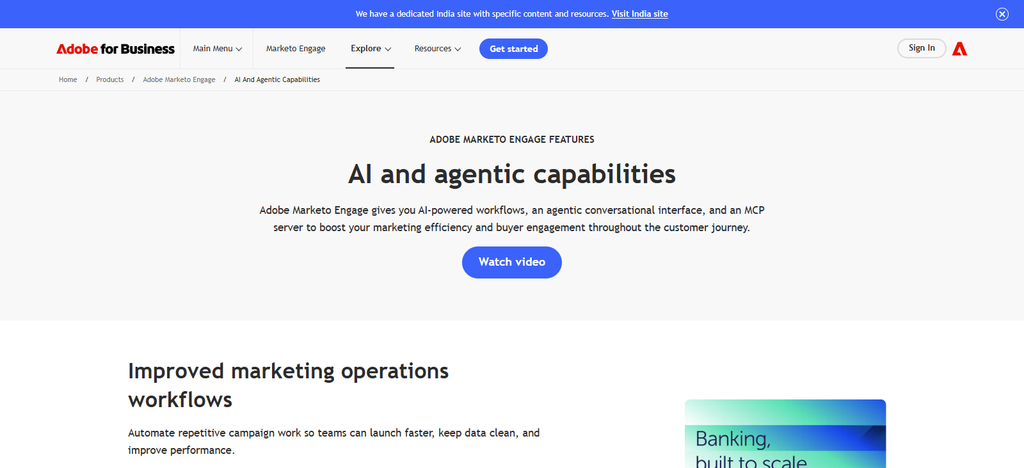
Its lead scoring and nurturing workflows prioritize potential customers based on demographic information and behavioral activity. Supported integrations include Salesforce, Adobe Experience Cloud, webinar applications and third-party marketing tools through its LaunchPoint ecosystem.
Human handoffs are done with sales alerts, CRM sync and qualified lead assignment. Usually, the price is customized based on the size of the database, marketing needs and subscription level, instead of a single public charge per month.
Adobe Marketo Engage AI Features, Pros & Cons
| Features | Pros | Cons |
|---|---|---|
| Lead Scoring | Prioritizes prospects using behavioral and demographic information. | Requires ongoing scoring model optimization. |
| Email Automation | Creates automated webinar follow-up email campaigns. | Advanced campaigns require configuration. |
| Audience Segmentation | Separates prospects according to engagement and customer attributes. | Poor-quality data can affect segmentation accuracy. |
| Lead Nurturing | Supports personalized communication across customer journeys. | Complex nurturing programs need marketing expertise. |
| CRM Integration | Connects with Salesforce and other marketing applications. | Integration maintenance may require technical resources. |
9. Zoom AI Companion & ZoomMate
Founded: 2011 (Zoom)
Zoom AI Companion and ZoomMate help businesses turn webinar and meeting discussions into actionable follow-up tasks. AI Companion helps with meeting notes, conversation highlights, and extracting action items; ZoomMate helps with agentic search and workflow orchestration across connected business applications.
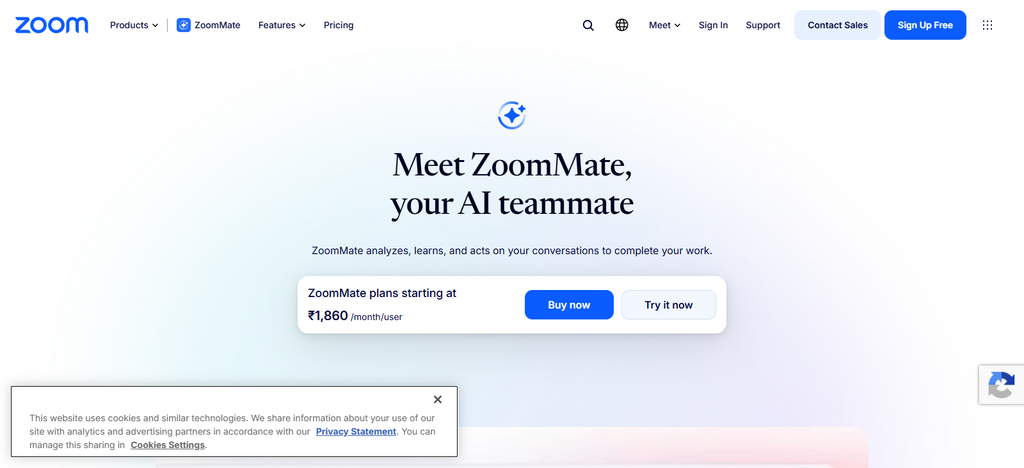
Teams can use these outputs to craft personalized follow-up messages, spot questions that remain unanswered and build sales tasks. Native webinar qualification features don’t include attendee segmentation or lead scoring, which usually require integration with a CRM or marketing platform.
Supported connections include Salesforce, Slack, Google apps, Microsoft apps, and other enterprise systems. Connected workflows still involve human handoff. AI Companion availability is dependent on eligible Zoom plans; pricing and access to ZoomMate are dependent on plan verification.
Zoom AI Companion & ZoomMate Features, Pros & Cons
| Features | Pros | Cons |
|---|---|---|
| AI Meeting Summaries | Generates summaries of meetings and conversations. | Summaries may miss important context. |
| Action Item Extraction | Identifies tasks and follow-up actions from conversations. | Extracted actions may require human verification. |
| AI Note-Taking | Helps teams capture important discussion points. | Not a complete webinar lead-nurturing solution. |
| Agentic Workflows | Supports connected workflows across supported applications. | Advanced automation depends on available integrations and plans. |
| Application Integrations | Connects with selected business and productivity applications. | Integration capabilities vary by subscription. |
10. Drift AI
Founded: 2015
Drift AI connects companies to potential customers using conversational marketing, automated website conversations, buyer intent analysis, and sales qualification. Teams may utilize synchronized attendee information for webinar follow-ups to personalize website conversations and encourage interested prospects to book meetings.
The ability to qualify conversations helps to detect purchase intent and prioritize high value leads and segmentation can utilize account specifics and behavioral data. depending on configuration.Salesforce, HubSpot, Marketo and other connected sales and marketing applications Human handoff allows qualified conversations to be passed to sales reps.
The price is usually tailored and depends on the commercial agreement and implementation. Drift is now part of Salesloft, so buyers should seek current product availability and packaging.
Drift AI Features, Pros & Cons
| Features | Pros | Cons |
|---|---|---|
| Conversational AI | Engages website visitors through automated conversations. | Requires well-designed conversation workflows. |
| Lead Qualification | Collects prospect information and identifies potential buyers. | Qualification depends on configured questions and rules. |
| Meeting Booking | Helps qualified prospects schedule sales meetings. | Depends on representative availability. |
| Buyer Intent Signals | Uses visitor interactions to support sales prioritization. | Webinar-specific intent requires connected engagement data. |
| Sales Handoff | Connects qualified conversations with sales representatives. | Routing rules and team availability require configuration. |
Conclusion
Choosing the right AI agents for targeting webinar attendees in 2026 can help businesses improve lead engagement, automate personalized communication, and create sales opportunities. Salesforce Agentforce, HubSpot Breeze, ON24, Goldcast and Qualified provide varying levels of attendee segmentation, lead scoring, automated nurturing and human handoff.
Businesses should also consider integration compatibility, pricing, automation features and reporting capabilities when choosing a solution.
The best choice will depend on the volume of webinars, your marketing goals, CRM needs, and sales workflows. At the end of the day, an effective AI agent can transform webinar engagement into meaningful customer relationships and qualified business opportunities.
FAQ
What Are AI Agents for Webinar Attendee Follow-Ups?
AI agents for webinar attendee follow-ups are intelligent software tools that automate post-webinar communication, analyze attendee engagement, personalize messages, qualify leads, and coordinate sales follow-ups.
How Do AI Agents Follow Up With Webinar Attendees?
They use registration details, attendance records, questions, polls, and engagement activity to send personalized emails, share relevant resources, recommend meetings, and update CRM records.
Which AI Agent Is Best for Webinar Attendee Follow-Ups?
Salesforce Agentforce, HubSpot Breeze Agents, ON24, and Goldcast are notable options. The best choice depends on CRM compatibility, webinar engagement tracking, lead scoring, and automation requirements.
Can AI Agents Automatically Send Webinar Follow-Up Emails?
Yes. AI agents and connected marketing automation platforms can prepare and send follow-up emails, share webinar recordings, recommend resources, and schedule subsequent communication based on configured workflows.
Can AI Agents Identify High-Intent Webinar Attendees?
Yes. They can analyze signals such as pricing questions, demo requests, poll responses, content engagement, and attendance duration to help identify prospects with stronger buying intent.