



In this article, I will talk about the Best AI Agents for Website Workflow Testing which helps companies automate the testing process before launching the product. These AI tools can validate user journeys, identify website bugs, test cross-browser compatibility and pinpoint workflow failures. I will also compare their core features, autonomy in testing, integrations, reporting and pricing so you can choose the best platform.
What Is AI Agents for Website Workflow Testing?
AI agents for website workflow testing are intelligent software solutions that automate the testing of website functionality, user interactions, and application performance before product launches. These agents leverage artificial intelligence, machine learning and automation technologies to generate test cases, execute user journeys, surface bugs and analyze workflow failures.
They can check crucial website functionality like user sign-up, user login, navigation, forms submission, shopping cart actions, and payment processing.
Unlike traditional testing tools, AI agents can adjust to website changes, eliminate repetitive manual testing, and offer comprehensive reports. They help development and QA teams make websites more reliable, find issues that could block a launch, and deliver smoother digital experiences.
Advantages of AI Agents for Testing Website Workflow
Faster Testing Execution: AI agents can assist in automating repetitive testing tasks for websites, run multiple test scenarios within a short period, and help development teams validate workflows before launching products.
Catching Bugs Early: They catch broken links, navigation errors, failed forms, and functionality issues early, allowing developers to fix critical problems before users access the website.
Automated User Journey Testing: AI agents mimic the behavior of real users as they register, log in, check out, and process payments to ensure that all of the website’s workflows are functioning properly.
Less Manual Testing Work: They automate the creation, running, and maintenance of test cases. It helps you reduce the time spent on repetitive QA tasks and use more time for complex testing requirements.
Better Cross-Browser Compatibility: AI testing agents help ensure website functionality across multiple browsers, devices and operating systems to create better user experiences.
Simpler test maintenance: Self-healing features can adjust automated tests when website layouts, buttons, or app elements are modified, easing maintenance.
Comprehensive reporting and analytics: They provide developers with screenshots, logs of execution, failure reports and diagnostic information to help them understand what is wrong and prioritize what to fix.
Better Preparedness for Product Launches: AI agents empower teams to identify workflow breakdowns, check critical website functions, and enhance the general stability of applications before they go live to customers.
Key Points
| AI Agent | Best For |
|---|---|
| QA Wolf | End-to-end website workflow testing |
| Mabl | Self-healing test automation |
| Testim | AI-powered regression testing |
| Applitools Autonomous | Visual workflow validation |
| Momentic | Natural-language test creation |
| Functionize | Autonomous test maintenance |
| testRigor | Plain-English test automation |
| Reflect | Browser workflow testing |
| BrowserStack AI Agents | Multi-type automated testing |
| Autify | No-code AI testing automation |
1. QA Wolf
QA Wolf is an AI-powered end-to-end testing platform that enables development teams to verify website workflows before launching a product. Its autonomous testing capabilities allow it to explore applications, map user journeys, create test cases and maintain automated tests when website interfaces change.
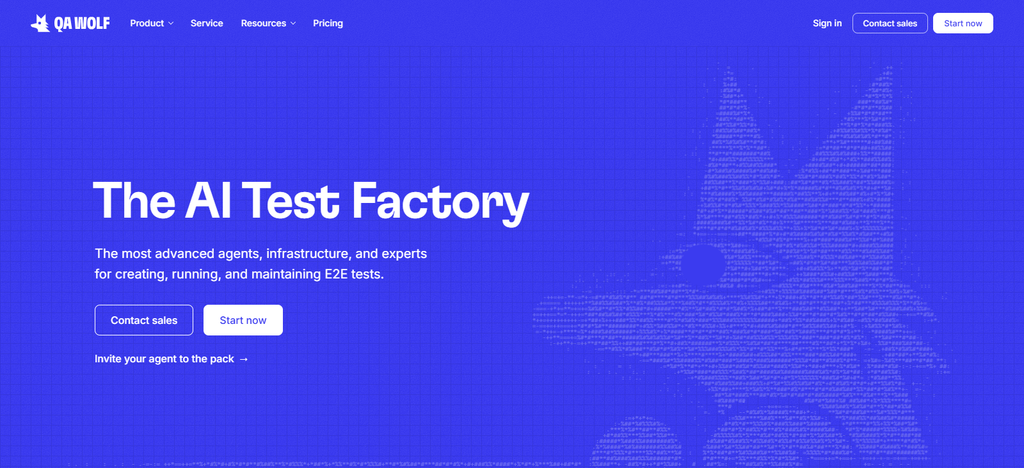
Teams can test crucial flows like account registration, login, checkout, payment processing and multi-user interactions. QA Wolf supports cross browser testing with Chrome, Firefox, and WebKit. Its reporting provides videos, screenshots, Playwright traces and console logs for debugging failures.
Integration support covers GitHub, Jira, Slack, Linear, APIs, and webhooks. It’s priced self-service starting at $0.01 per AI credit and $0.15 per runner minute, with custom pricing for managed services.
QA Wolf Key Highlights
| Key Highlights | Details |
|---|---|
| Autonomous Testing | AI agents explore applications, map workflows, and create automated end-to-end tests. |
| User Journey Testing | Tests complex workflows, including signup, checkout, booking, and multi-user interactions. |
| Cross-Browser Testing | Supports Chrome, Firefox, and WebKit testing. |
| Self-Healing | Automatically repairs broken tests when website elements change. |
| Reporting & Analytics | Provides video replays, screenshots, traces, logs, and bug reports. |
| Integration Support | Connects with GitHub, Slack, Jira, Linear, and coding agents. |
| Pricing | AI credits and runner-minute-based pricing, with managed QA services available. |
2. Mabl
Mabl is an agentic testing platform that helps teams automate website workflows, find application defects and maintain reliable test coverage throughout development. Its autonomous test capabilities help you author, execute, recover and analyze failures in tests, reducing repetitive manual QA tasks.
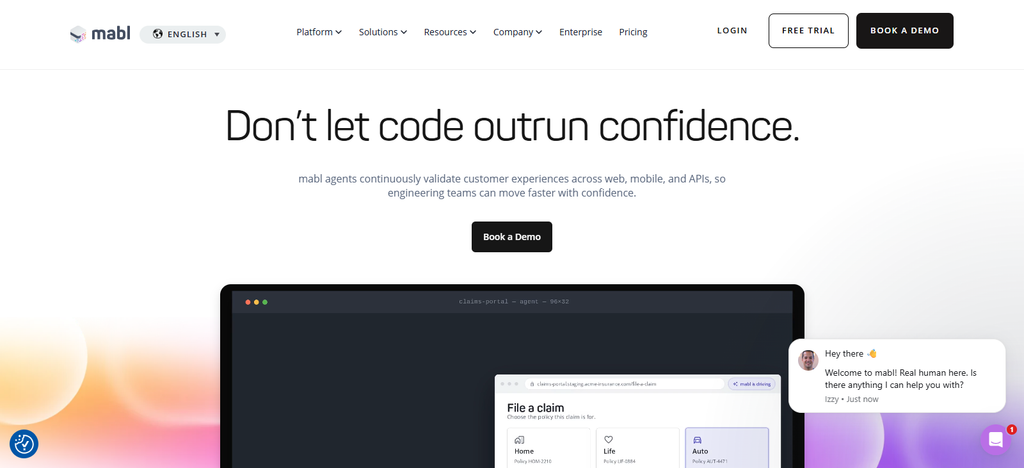
Teams can test complete user flows including registration authentication form submissions and API interactions on web apps. Mabl supports cross-browser testing on Chrome, Firefox, Safari and Edge, and mobile testing capabilities.
Its reporting and analytics deliver quality dashboards, failure summaries, test reliability insights and diagnostics. Integration support includes GitHub, GitLab, Jenkins, Jira, Slack and Microsoft Teams. They base their pricing on the needs of the organization and also offer a free 14 day trial.
Mabl Key Highlights
| Key Highlights | Details |
|---|---|
| Autonomous Testing | AI agents create, execute, analyze, and maintain automated tests. |
| User Journey Testing | Validates browser, mobile, and API-based customer workflows. |
| Cross-Browser Testing | Supports Chrome, Firefox, Safari, and other browser environments. |
| Self-Healing | Recovers tests when application interfaces or execution conditions change. |
| Reporting & Analytics | Offers quality dashboards, failure analysis, and test reliability reports. |
| Integration Support | Integrates with GitHub, GitLab, Jenkins, Jira, Slack, and Teams. |
| Pricing | Subscription-based pricing with a 14-day free trial. |
3. Testim
Testim is an AI-powered test automation platform that enables dev teams to build, run and maintain reliable website testing workflows. Intelligent locators and test maintenance features help automated tests stay stable as web interfaces or application elements change.
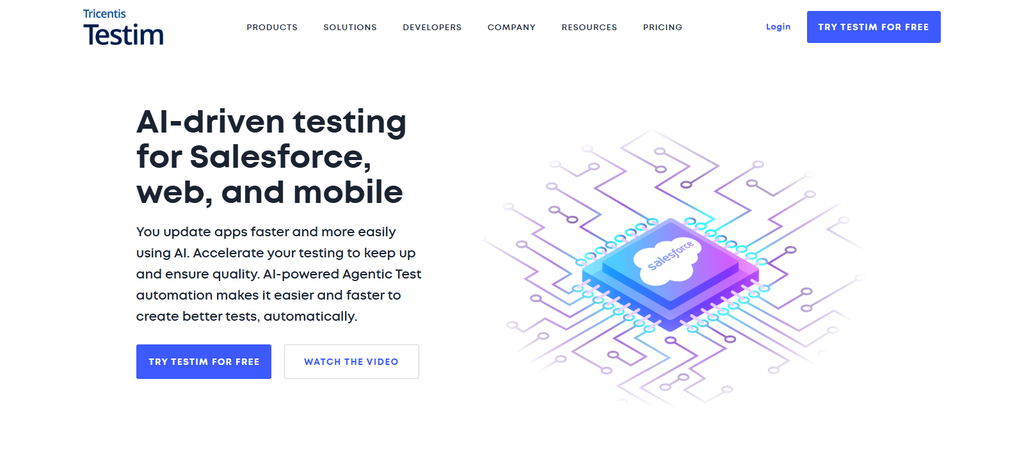
Testim lets you test user journeys for key activities such as account creation, navigation, form submission and checkout processes. It provides cross-browser testing, which allows teams to test on different browsers using its testing grid or any Selenium compatible infrastructure.
Reporting and analytics spot recurring failures, measure test reliability and track progress of testing. Integration support includes GitHub, GitLab, Jenkins, CircleCI, Jira, Slack, BrowserStack and Applitools. Pricing depends on the plan selected and your organization’s needs.
Testim Key Highlights
| Key Highlights | Details |
|---|---|
| Autonomous Testing | Uses AI-assisted automation to create and execute website tests. |
| User Journey Testing | Automates login, registration, navigation, and checkout workflows. |
| Cross-Browser Testing | Supports testing through browser grids and Selenium infrastructure. |
| Self-Healing | Intelligent locators help maintain tests after UI changes. |
| Reporting & Analytics | Tracks test execution, failures, and automation reliability. |
| Integration Support | Connects with GitHub, GitLab, Jenkins, Jira, and CI/CD tools. |
| Pricing | Offers different subscription options based on testing requirements. |
4. Applitools Autonomous
Applitools Autonomous is a no-code AI testing platform that enables teams to validate website functionality and visual consistency before launching new products. It can autonomously test by scanning websites, generating tests, executing workflows and maintaining test coverage – no traditional scripting is required.
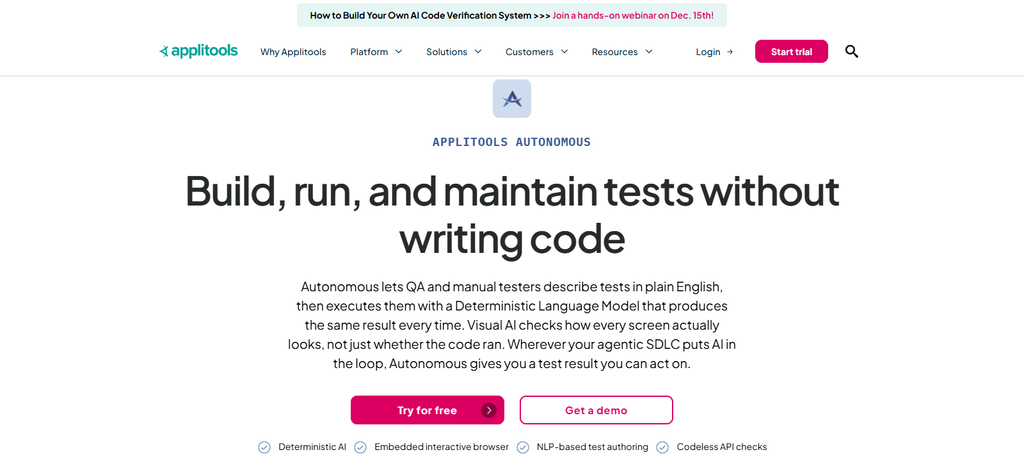
Teams can describe user actions in natural language and test journeys like login, shopping carts, checkout, and form submissions. Visual AI detects unexpected changes to the interface, and cross-browser and device testing helps validate consistent experiences.
The report includes screenshots, visual differences and regression results. Integration support with CI/CD pipelines and with existing testing workflows. Pricing starts at $667/month for a Starter plan (billed annually) and increases from there with custom pricing for higher tiers.
Applitools Autonomous Key Highlights
| Key Highlights | Details |
|---|---|
| Autonomous Testing | Creates, executes, and maintains tests using natural-language instructions. |
| User Journey Testing | Validates complete application workflows without traditional scripting. |
| Cross-Browser Testing | Supports visual validation across different browser and device environments. |
| Visual AI | Detects unexpected visual changes and interface inconsistencies. |
| Reporting & Analytics | Provides screenshots, visual differences, and regression testing results. |
| Integration Support | Connects with existing automation and CI/CD workflows. |
| Pricing | Offers a Starter plan and customized higher-tier options. |
5. Momentic
Momentic is an AI-powered testing platform that automates website workflows to find functional problems before product releases. Its AI agents can generate, repair, and maintain tests when application interfaces shift, reducing the effort needed to manage repetitive testing tasks.
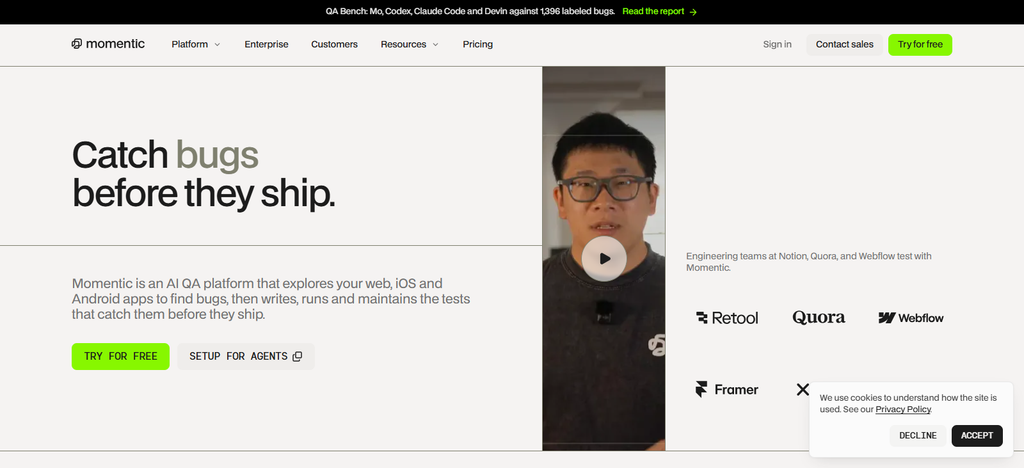
The platform allows you to test user journeys on web apps like navigation, interaction with forms, other critical customer journeys. Its AI QA agent, Mo, is able to navigate applications and deliver bug reports with full recordings and steps to reproduce the issues.
Momentic supports testing in Chromium-based browsers and can run locally or in hosted environments. We support integration with GitHub actions, GitLab, CLI and other CI providers. Teams can reach out to Momentic for plan-based pricing and try its free trial.
Momentic Key Highlights
| Key Highlights | Details |
|---|---|
| Autonomous Testing | AI agents help create, repair, and maintain automated tests. |
| User Journey Testing | Validates navigation, forms, and important customer interactions. |
| Browser Testing | Supports Chromium-based browser testing and hosted execution environments. |
| Self-Healing | Reduces maintenance when website interfaces and elements change. |
| Reporting & Analytics | Provides test results, recordings, and reproducible bug reports. |
| Integration Support | Supports GitHub Actions, GitLab, CLI, and CI providers. |
| Pricing | Offers trial access and plan-specific pricing. |
6. Functionize
Functionize is an AI-powered testing platform that uses specialized agents to author, execute, diagnose and maintain automated website tests. Teams can define testing requirements in plain English and generate workflows with the autonomous testing capability without having to manually write traditional scripts.
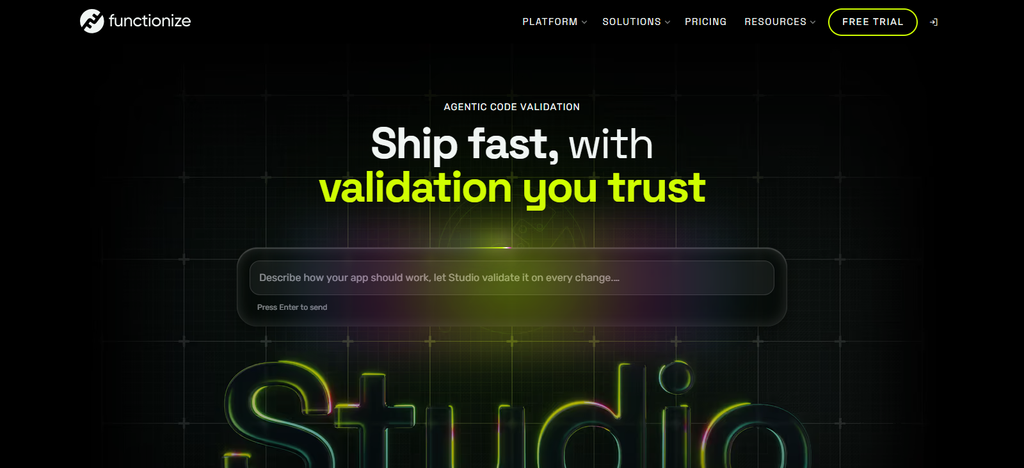
Functionize provides complete user journey testing across UI, API, and Data layers for complex application interactions. It has the self-healing technology to adapt to changes in the interface and it has cross-browser testing for Chrome, Firefox, Safari and Edge.
The reporting and analytics deliver execution histories, failure explanations and exportable reports. We support integration with GitHub, GitLab, Jenkins, Jira, TestRail, Slack and Azure DevOps. The listed prices are Free, Growth at $20/month and Scale at $100/month, with custom enterprise pricing.
Functionize Key Highlights
| Key Highlights | Details |
|---|---|
| Autonomous Testing | AI agents create, execute, diagnose, and maintain automated tests. |
| User Journey Testing | Tests complex UI, API, and data-driven workflows. |
| Cross-Browser Testing | Supports Chrome, Firefox, Safari, and Edge. |
| Self-Healing | Adapts automated tests when application elements change. |
| Reporting & Analytics | Provides execution histories, failure explanations, and reports. |
| Integration Support | Connects with GitHub, GitLab, Jenkins, Jira, and Azure DevOps. |
| Pricing | Offers Free, Growth, Scale, and customized enterprise options. |
7. testRigor
testRigor is a generative AI testing platform that enables teams to write website automation tests in simple English commands without complex programming scripts. Its autonomous testing approach helps in building, running and maintaining test cases for critical user journeys like registration, checkout, authentication and payment verification.
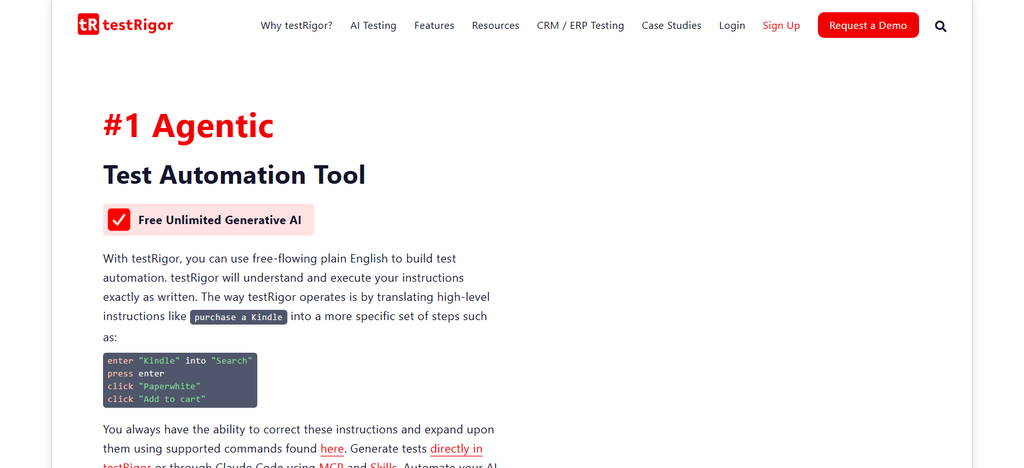
The platform also offers cross-browser and cross-platform testing, as well as web, mobile, API, email, SMS and two-factor authentication workflows. Its reporting features allow teams to review the execution results and identify steps in testing that were not successful.
Integration support includes CI/CD workflows, BrowserStack, LambdaTest and Twilio for additional testing needs. testRigor has a free public option, and paid plans vary based on testing needs and selected capabilities.
testRigor Key Highlights
| Key Highlights | Details |
|---|---|
| Autonomous Testing | Generates and executes tests using plain-English instructions. |
| User Journey Testing | Automates registration, authentication, checkout, and payment workflows. |
| Cross-Browser Testing | Supports web testing across multiple browser environments. |
| Self-Healing | Uses AI-assisted maintenance to reduce script updates. |
| Reporting & Analytics | Helps teams review execution results and failed test steps. |
| Integration Support | Connects with CI/CD workflows, BrowserStack, LambdaTest, and Twilio. |
| Pricing | Offers a free public option and paid business plans. |
8. Reflect
Reflect is an AI-powered browser testing platform that aims to help teams automate website functionality testing with much less manual scripting. It’s all about writing and running end-to-end tests for critical website interactions like navigation, user authentication, form submissions, and other customer-facing workflows.
Testers can use its AI-assisted capabilities to create browser automation scenarios and lower the maintenance burden of traditional test scripts. The performance of Reflect in different website environments is an important aspect to consider when performing cross-browser testing.
The results of Reflect’s execution enable teams to examine failed tests and investigate what may have gone wrong. Teams should check with the provider for up-to-date browser coverage, reporting options, integrations, and pricing by plan before selecting it for production launch testing.
Reflect Key Highlights
| Key Highlights | Details |
|---|---|
| Autonomous Testing | Uses AI-assisted browser automation to build and execute tests. |
| User Journey Testing | Validates login, navigation, form submissions, and website interactions. |
| Browser Testing | Automates browser-based testing scenarios. |
| Test Maintenance | Helps reduce repetitive maintenance of automated test workflows. |
| Reporting & Analytics | Provides test execution results and failure investigation information. |
| Integration Support | Supports development and testing workflows through available integrations. |
| Pricing | Verify current subscription availability and pricing with the provider. |
9 BrowserStack’s AI Agents
BrowserStack AI Agents help software teams automate various quality assurance activities such as test generation, maintenance, failure analysis and test data preparation. Its autonomous agents can generate test cases from requirements, Jira issues, Confluence documents and design files, while spotting duplicate scenarios and suggesting improvements.
These capabilities can be integrated with BrowserStack’s browser and real-device testing infrastructure to validate user journeys across environments for website workflow testing. Reporting and Analytics help developers understand failures, look at test results, and find potential fixes.
The integration support includes Jira, GitHub related workflows, CI/CD tools and test management systems. AI agents are available on certain plans. Test case generation is only available for Team Ultimate.
BrowserStack AI Agents Key Highlights
| Key Highlights | Details |
|---|---|
| Autonomous Testing | AI agents assist with test generation, maintenance, and failure analysis. |
| User Journey Testing | Supports validation of application workflows through browser testing infrastructure. |
| Cross-Browser Testing | Provides access to multiple browsers, operating systems, and real devices. |
| Test Case Generation | Generates test scenarios from requirements, Jira issues, and design documents. |
| Reporting & Analytics | Helps investigate failures and review test execution results. |
| Integration Support | Connects with Jira, GitHub workflows, and CI/CD environments. |
| Pricing | AI capabilities depend on the selected subscription and plan. |
10. Autify
Autify An AI-powered software testing platform that helps teams automate end-to-end website workflows and reduce repetitive quality assurance tasks. Its Aximo autonomous testing agent uses natural-language instructions and visual recognition to author and execute tests across web, mobile and desktop applications.
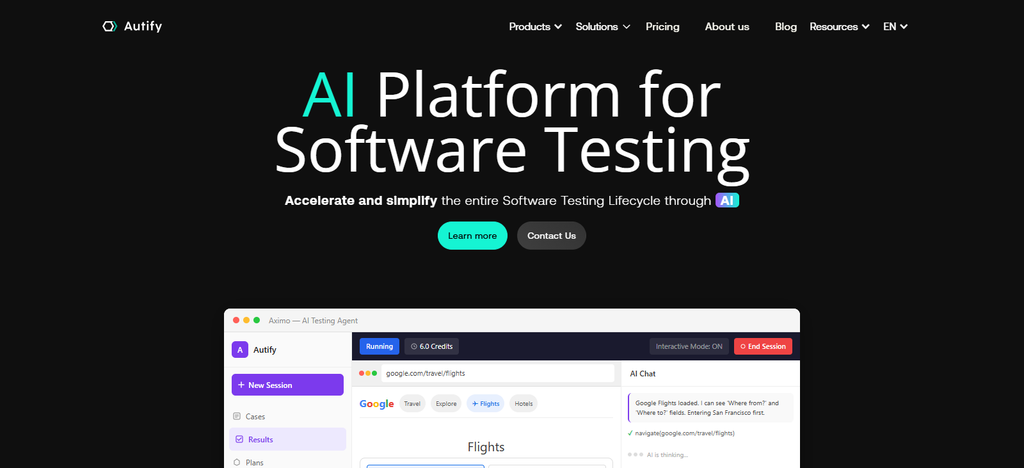
Teams can validate user journeys like navigating, registering, submitting forms and other key application interactions. Its self-healing capabilities help reduce maintenance when website interfaces change, and visual regression testing helps find unexpected design differences.
Support for integrating AI code agents using MCP and test framework workflows. The price includes a free Individual plan, Core from $99 per month when billed annually and Team from $450 per month when billed annually. Pricing for enterprise is customized.
Autify Key Highlights
| Key Highlights | Details |
|---|---|
| Autonomous Testing | Aximo AI agent helps create and execute automated tests. |
| User Journey Testing | Validates navigation, registration, forms, and application workflows. |
| Cross-Platform Testing | Supports web, mobile, and desktop application testing. |
| Self-Healing | Reduces test maintenance when website interfaces change. |
| Reporting & Analytics | Provides testing results and visual regression insights. |
| Integration Support | Supports development workflows and AI coding agent connections through MCP. |
| Pricing | Offers Individual, Core, Team, and customized Enterprise plans. |
Conclusion
AI agents for website workflow testing are becoming indispensable for businesses that want to launch reliable, secure, and user-friendly products in 2026. Tools like QA Wolf, Mabl, Testim, Applitools Autonomous, Momentic, Functionize, testRigor, Reflect, BrowserStack AI Agents, and Autify enable teams to automate testing, verify user journeys, find bugs, and decrease the load of manual testing.
However, the right choice depends on pricing, autonomous testing capabilities, cross-browser support, reporting and integration requirements. When selecting a platform, consider how well it can support real-world website workflows, detect critical failures, and ensure test reliability across the product development lifecycle.
FAQ
What Are AI Agents for Website Workflow Testing?
AI agents for website workflow testing are intelligent software tools that automate website testing activities, execute user journeys, identify functional errors, and verify application performance before product launches.
How Do AI Agents Test Website Workflows?
AI agents simulate real user interactions, including account registration, login, navigation, form submissions, checkout, and payment processes. They analyze test results and identify workflow failures.
Which Are the Best AI Agents for Website Workflow Testing in 2026?
Some popular platforms include QA Wolf, Mabl, Testim, Applitools Autonomous, Momentic, Functionize, testRigor, Reflect, BrowserStack AI Agents, and Autify.
Can AI Agents Perform Autonomous Website Testing?
Yes. Some AI agents can independently explore applications, generate test cases, execute workflows, detect failures, and maintain tests when website elements change.