




In this article, I will be talking about the Best AI Agents for Shared Inbox Management that helps small businesses to organize customer emails, automate responses, prioritize important conversations and improve team collaboration. Let’s go over their main features, automation capabilities, pricing considerations, and business use cases to assist you in choosing the right AI tool for efficiently handling shared inboxes.
What Is AI Agents for Managing Shared Inboxes?
AI agents for shared inboxes are smart software tools that allow small businesses to manage, track and reply to customer emails from a single, central workspace. These agents use AI, natural language processing and automation to identify incoming messages, determine priorities, categorize inquiries, route conversations to the appropriate team members and generate contextual responses.
They can also summarize long email threads, handle follow-ups, prevent duplicate replies, and accomplish authorized tasks without constant manual intervention. While some advanced AI agents can manage routine customer requests autonomously, others assist employees by providing suggested responses and automating workflows.
These solutions help small businesses to improve response times, reduce repetitive workloads, increase team collaboration and provide more consistent customer support.
Why Use AI Agents for Managing Shared Inboxes
Faster Email Management: AI agents automatically sort incoming emails, categorize customer questions, and assign conversations to the right people. This helps small businesses manage shared inboxes, without manually sorting each message.
Customer Automated Responses: AI agents provide contextual responses and answer repetitive customer questions, decreasing response times and allowing teams to provide consistent communication across all customer interactions.
Smart Priority Detection: These tools use keywords, intent, and sentiment analysis to identify urgent messages, customer complaints, and time-sensitive requests so employees can prioritize important conversations first.
Improved Team Collaboration: Shared inbox AI agents distribute conversations between team members, maintain message ownership, support internal discussions, and reduce duplicate responses when multiple employees handle the same inbox.
Automated Follow-Ups: AI workflows can identify emails that have not been answered and automatically send reminders or follow-up emails. AI will help businesses not to miss customer inquiries and build better relationships with them.
Less Manual Work: AI agents can take care of repetitive work like email sorting, conversation summarization, ticket assignment and drafting responses, so employees can focus on complex customer needs.
Better Customer Experience: Faster responses, accurate routing of messages and consistent communication help businesses resolve customer queries efficiently and deliver better support experiences.
Quick Comparison
| AI Agent Platform | Best For |
|---|---|
| Front AI | Collaborative shared inbox management |
| Zendesk AI | Customer support inbox automation |
| Freshdesk AI | Ticket routing and SLA workflows |
| Intercom Fin AI | AI-assisted customer conversations |
| Missive AI | Team email collaboration |
| Hiver AI | Gmail-based shared inboxes |
| Trengo AI | Omnichannel inbox management |
| HubSpot Conversations Inbox AI | CRM-connected inbox workflows |
| Help Scout AI | Customer support teams |
| Kayako AI | Shared inbox governance and triage |
1. Front AI (Founded in 2013)
Founded in 2013, Front is an AI-powered shared inbox for businesses that manage customer emails and conversations across multiple teams. AI capabilities include conversation summarization, suggested replies, email composition, topic classification and automated workflows.
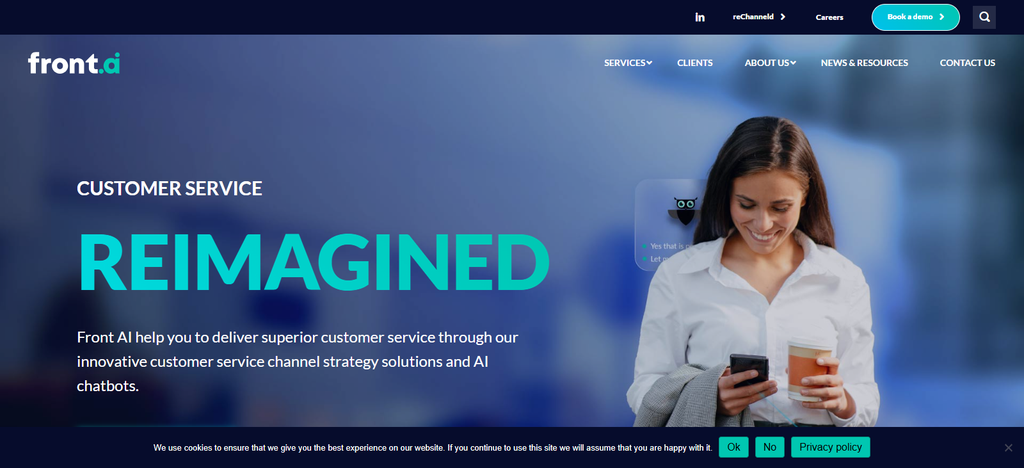
Priority detection helps teams to structure conversations and routing rules help to assign messages to the right employees. Its Autopilot AI agent can take care of routine requests and perform multi-step workflows.
Human approvals and escalation controls allow teams to keep a watch on automated actions. Front can help small businesses coordinate support, sales, and operations, but advanced AI automation may require access to additional plans or add-ons.
Front AI – Best For
- Small business managing several shared email inboxes.
- Teams that want AI-powered email assignment and routing.
- Companies that automate repetitive customer service tasks.- Sales and support teams that need to work together in-house.
- Companies looking for AI-assisted and autonomous inbox management.
| Where It’s Strong | Where It’s Weaker |
|---|---|
| – AI-powered email drafting and conversation summaries.- Smart assignment and conversation routing.- Automated workflows for repetitive customer requests.- Team collaboration through shared inboxes.- Autopilot for handling routine customer interactions. | – Advanced AI features may increase subscription costs.- Initial workflow configuration can take time.- Some automation requires integrations.- Advanced features may depend on plan availability.- Smaller teams may not need all its capabilities. |
2. Zendesk AI (Founded: 2007)
Zendesk was founded in 2007 and provides AI-enabled customer service tools to manage support requests through email, messaging, web forms, and voice. Its AI agents use trusted knowledge sources to answer customer questions, identify customer intent and take authorized actions through integrations.
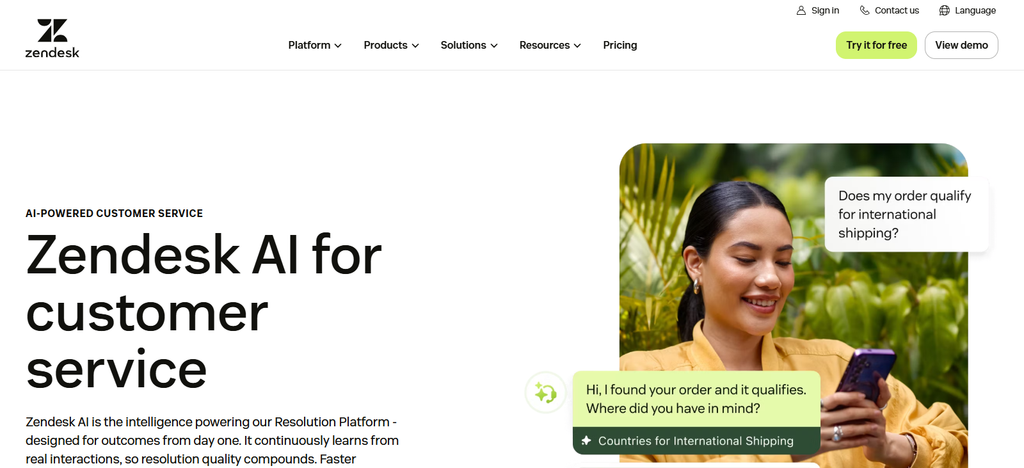
Smart triaging identifies topics, sentiment, language and other ticket details to help teams prioritize incoming requests. Automated workflows help with follow-ups, escalations, and ticket management.
When necessary, human agents can take over conversations, and authorized actions enable AI to autonomously handle appropriate requests. Before moving to more advanced capabilities, small businesses should think about subscription costs and automated-resolution allowances.
Zendesk AI – Best For**
- Small businesses that process many customer support tickets.
- Teams that need to intelligently rank and classify tickets.
- Businesses automating customer questions and support answers.
- Businesses needing advanced escalation and routing workflows.
- More support departments that deal with several customer communication channels.
| Where It’s Strong | Where It’s Weaker |
|---|---|
| – Intelligent ticket classification and prioritization.- AI agents for automated customer support.- Automated ticket routing and escalation.- Sentiment and intent detection.- Extensive customer service integrations. | – Initial configuration can be complicated.- Advanced AI features may cost extra.- Smaller teams may find its interface extensive.- Custom workflows require setup time.- Pricing can increase with additional capabilities. |
3. Freshdesk AI (Founded: 2010)
Freshdesk is a product of Freshworks, a company founded in 2010. It’s Freddy AI combines customer-facing AI agents, agent assistance and operational insights for shared inbox and ticket management. Priority detection leverages customer sentiment and ticket information to help surface conversations that require attention faster.
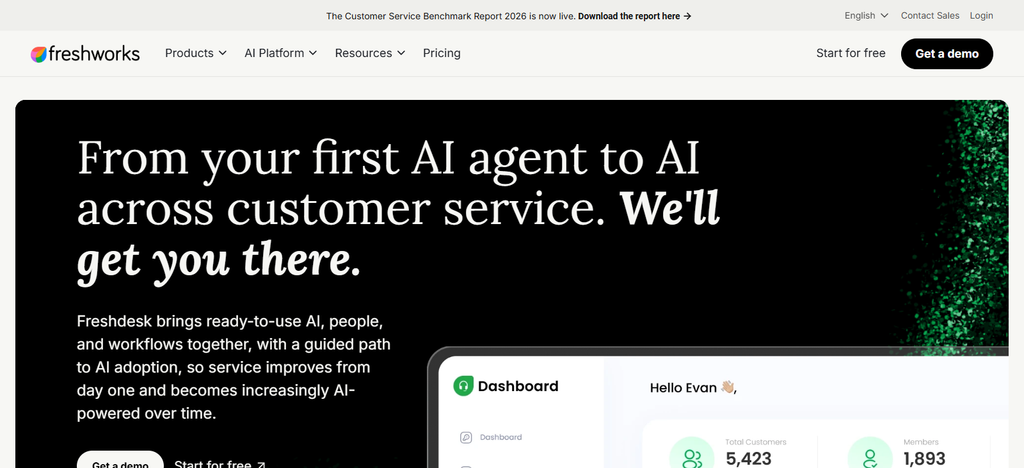
Auto-triage can suggest ticket priority, status and group assignments. AI-generated summaries and replies assist employees. Freddy AI Agent Studio offers businesses the ability to build workflows and automate customer responses, email conversations, escalations and other.
Human agents can review suggested replies and handle complex requests. Small businesses can begin with core helpdesk capabilities and assess AI add-on and usage costs as their teams scale.
Freshdesk AI – Best For
- Small businesses looking for AI-powered customer support automation.
- Teams that need to automatically assign and prioritize tickets.
- Businesses using Freddy AI to help them respond to their customers.
- Companies with recurring customer service questions.
-Expanding support teams facing the need for scalable help desk workflows.
| Where It’s Strong | Where It’s Weaker |
|---|---|
| – Freddy AI supports automated customer responses.- Intelligent ticket classification and prioritization.- AI-generated replies and conversation summaries.- Automated ticket assignment and escalation.- Suitable for growing customer support teams. | – Some Freddy AI features require paid plans or add-ons.- Advanced automation requires configuration.- AI usage allowances can limit operations.- Complex workflows may require technical assistance.- Additional features can increase subscription costs. |
4. Intercom Fin AI (Founded: 2011)
Founded in 2011, Intercom created Fin AI Agent to automate customer service conversations across email, messaging and other supported channels. Fin answers questions, handles repetitive requests, and performs authorized actions such as refunds, cancelations, and account changes when integrations allow, using company knowledge and connected information.
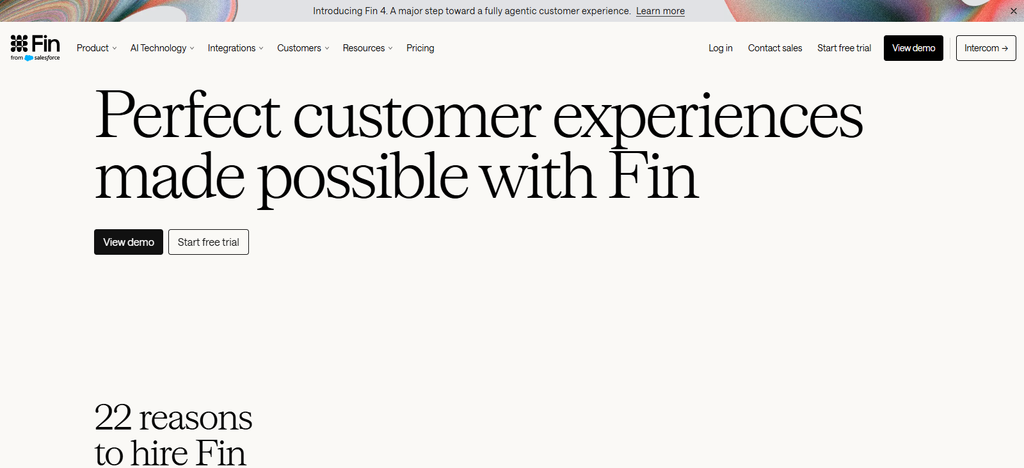
Its conversation handling capabilities detect requests that require human intervention and forward unresolved cases along with the conversation history.
Teams can control customer interactions by setting its tone, length of response, actions and routing rules. Small businesses can use Fin with existing supported helpdesks, but should consider resolution-based usage costs, and integration requirements.
Intercom Fin AI – Best For
- Companies that automate repetitive conversations in customer support.
- Teams who need a customer service powered by AI autonomously.
- Companies that utilize knowledge bases to answer questions from customers.
- Businesses that want automated resolutions and human escalation.
- Firms that are scaling and managing customer conversations across multiple channels.
| Where It’s Strong | Where It’s Weaker |
|---|---|
| – Autonomous AI-powered customer service responses.- Resolves repetitive customer inquiries automatically.- Uses knowledge sources for contextual answers.- Supports authorized customer service actions.- Escalates complicated conversations to human agents. | – Outcome-based pricing can increase expenses.- Knowledge sources need regular maintenance.- Complex integrations may require additional setup.- Not every customer request can be automated.- Human intervention remains necessary for sensitive cases. |
5. Missive AI (Founded: 2015)
Founded in 2015, Missive combines shared email management, internal team communication and AI-powered workflows into one workspace. Its AI Rules can interpret the intent of messages, recognize sentiment, identify urgent requests, extract deadlines and categorize customer inquiries.
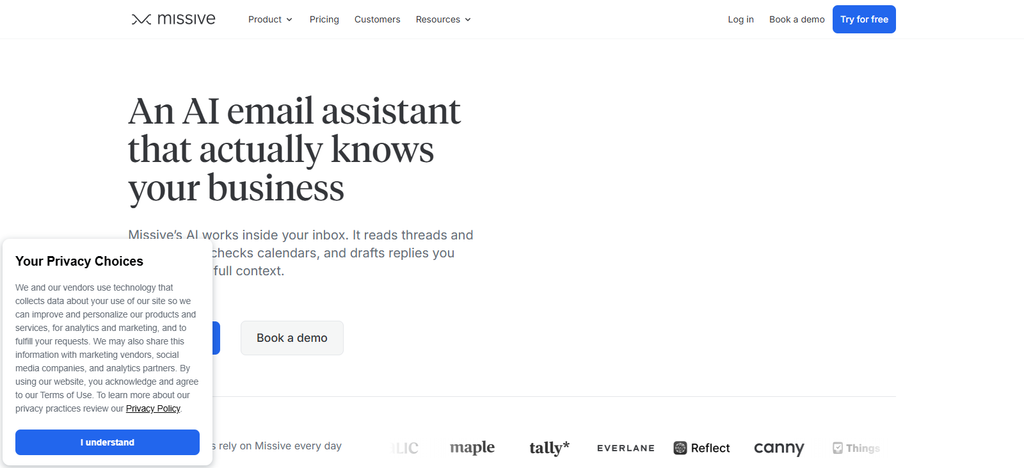
Teams can generate AI-made labels, internal notes, task lists and response drafts from the contents of a message. Its AI assistant can evaluate the full conversation context, search linked emails and draft responses for employee review.
Follow-up tasks can be managed via rules and team workflows, but don’t consider Missive a fully autonomous customer-resolution agent. Its collaborative inbox is especially useful for small teams.
Missive AI – Best For
- Teams of little people running shared email accounts together.
- Organizations that want AI-generated drafts and summaries of emails.
- Teams that are coordinating customer conversations through internal discussions.
- Businesses automating email classification using customizable rules.
- Businesses that want to run a collaborative inbox, not a complicated helpdesk system.
| Where It’s Strong | Where It’s Weaker |
|---|---|
| – AI-generated email drafts and responses.- Conversation summarization for faster understanding.- Automated message classification through AI Rules.- Internal discussions and shared drafts.- Collaborative inbox management for small teams. | – Less focused on autonomous customer resolution.- Advanced support ticketing features are limited.- Complex AI workflows may require integrations.- Automation depends on configured rules.- Large support operations may need specialized tools. |
6. Hiver AI (Founded in 2011)
In 2011, Hiver was released to help customer service teams manage shared inboxes with the help of AI-driven assistance and automation. AI capabilities help employees investigate customer issues, retrieve information from previous conversations, and prepare relevant responses.
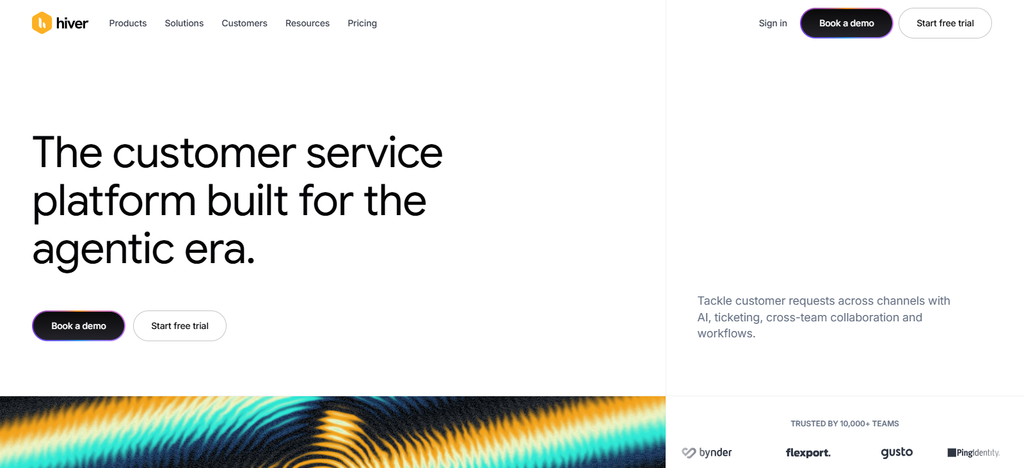
The Assist Agent can also perform actions on linked systems like creating software issues or processing refunds, depending on team approval and the permissions set. Priorities and workflow automation help teams prioritize incoming requests and manage follow-ups.
Sensitive actions are best handled with human approval controls. Hiver’s shared inbox and customer service tools are ideal for small businesses that want to cut down on manual email management and improve teamwork.
Hiver AI – Best For
- Small businesses using Gmail to manage shared inboxes.
– Teams that need automated email routing and tracking. - Companies that need AI-supported customer response management.
- Companies coordinating support tasks with approval controls.
- Teams who want to collaborate on email management, all within Google Workspace.
| Where It’s Strong | Where It’s Weaker |
|---|---|
| – Shared inbox management within Gmail.- AI-powered customer response assistance.- Automated email assignment and tracking.- Connected workflow actions for customer requests.- Team collaboration and approval controls. | – Gmail-oriented workflows may limit flexibility.- Advanced capabilities may require higher plans.- Some workflows depend on external integrations.- Complex automation needs configuration.- Businesses outside the Google ecosystem may prefer alternatives. |
7. Trengo AI (Founded: 2017)
Trengo, founded in 2017, has an AI Agent that manages customer conversations across email, WhatsApp, live chat, social media and voice. It can automate various tasks from identifying customer requests, prioritizing relevant inquiries, qualifying sales leads and routing conversations to relevant employees.
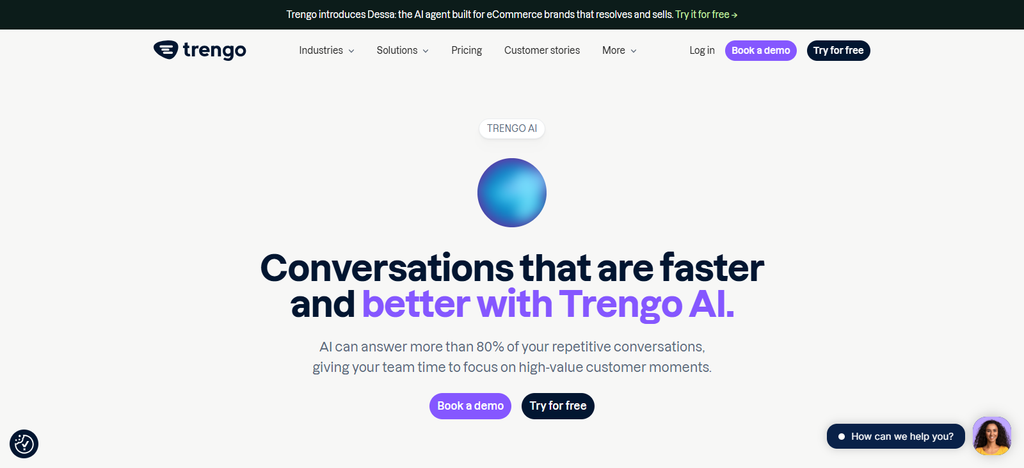
The AI agent can access connected business information, perform supported actions and automate repetitive requests such as order-status inquiries.
Sales teams will utilize follow up automation to stay in contact with potential customers, as well as escalation rules to hand complex cases off to human workers. Businesses can set brand tone, knowledge sources and agent behavior. Good fit for small businesses that are growing due to its centralized inbox and no-code set-up.
Trengo AI – Best for
- Small business managing emails and WhatsApp chats in one place.
- Teams automating customer queries on multiple channels.
- Businesses that need AI-powered lead qualification and routing.
-Companies that handle customer follow-ups and repetitive communications. - Expanding teams needing a centralized view of their omnichannel inbox.
| Where It’s Strong | Where It’s Weaker |
|---|---|
| – Centralized email, WhatsApp, and social messaging.- AI agents for customer conversations.- Automated lead qualification and routing.- Customer response and follow-up automation.- No-code workflow configuration for business teams. | – Advanced omnichannel features may increase costs.- Email-only businesses may not need every channel.- AI automation requires proper knowledge configuration.- High conversation volumes can increase expenses.- Some advanced features depend on subscription plans. |
8. HubSpot Conversations Inbox AI (2006 Est.)
Founded in 2006, HubSpot has a shared Conversations Inbox that ties customer communications to its CRM ecosystem. Businesses can manage incoming conversations with customers, maintain contact histories and coordinate responses across supported channels.
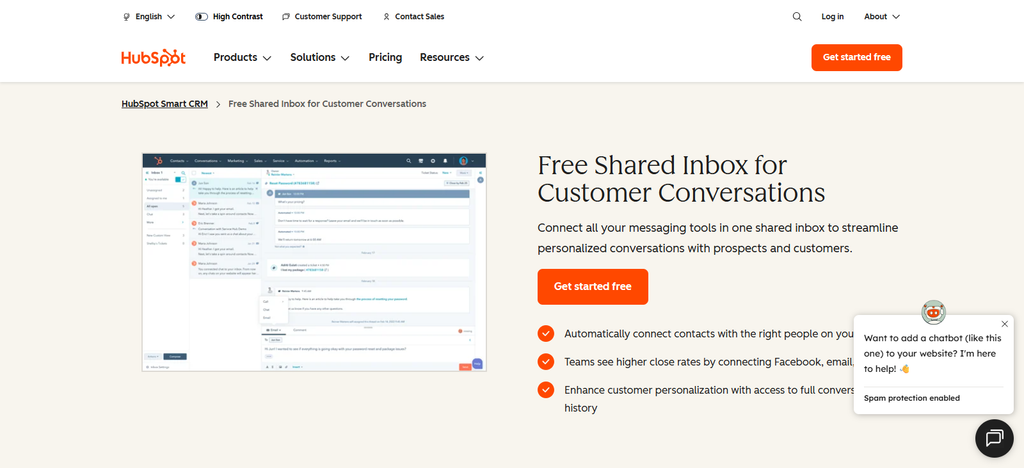
It also has a broader Breeze AI ecosystem, including customer-facing AI agents and AI help for service teams. CRM data helps employees to understand the customer’s context, identify important requests, and craft a more relevant answer.
Depending on the features and subscriptions you have, automation workflows can help with follow-ups, managing leads and assigning conversations. The human employee still controls customer communication and complex requests. For small businesses already using HubSpot CRM, it is useful to have customer data and conversations in one place.
HubSpot Conversations Inbox AI – Best For
- Small business owners currently using HubSpot CRM.
- Sales teams handling customer conversations and lead inquiries.
- Companies linking email communication to customer records.
- Businesses that automate their follow-ups using CRM workflows.
- Teams that combine customer support, sales and marketing tasks.
| Where It’s Strong | Where It’s Weaker |
|---|---|
| – Shared inbox connected to CRM records.- Customer conversation history in one workspace.- Breeze AI assistance for service teams.- Automated follow-ups and conversation workflows.- Strong connections with sales and marketing activities. | – Advanced features may require higher subscription tiers.- Some AI capabilities require additional HubSpot products.- Complex automation can take time to configure.- Costs may increase as businesses expand.- Autonomous inbox capabilities depend on available integrations. |
9. Help Scout AI (Founded: 2011)
Founded in 2011, Help Scout is a collaborative customer support platform with the shared inbox, customer profiles and AI-powered employee assistance. The capabilities of AI include writing contextual responses, summarizing long email conversations, changing the tone of replies, correcting grammar, and translating messages.
Inbox workflows and team processes aid in making management a priority. Collision detection prevents multiple employees from answering the same customer at the same time. Teams can follow up on conversations that are still pending through workflows and assignment features.
Its AI is in the service of human workers, not a fully autonomous agent to resolve your inbox. It can be used by small businesses to keep in personal contact with customers and reduce repetitive work.
Help Scout AI – Best for
- Small Customer Support teams dealing with shared email inboxes.
- Businesses looking for AI-generated drafts of responses and summaries.
- Collision detection to prevent teams from sending duplicate responses.
Companies trying to personalize customer communication. - Companies who want basic customer support and collaboration workflows.
| Where It’s Strong | Where It’s Weaker |
|---|---|
| – AI-generated customer response drafts.- Automatic conversation summarization.- Grammar correction and translation assistance.- Collision detection prevents duplicate replies.- Simple shared inbox collaboration for small teams. | – Limited focus on fully autonomous AI actions.- Advanced routing may require additional configuration.- Complex omnichannel requirements may need other tools.- AI assistance depends on conversation context.- Large support teams may need advanced automation. |
10. Kayako AI (Established: 2001)
Kayako, established in 2001, offers an AI-powered customer support platform featuring a single, unified inbox for handling customer conversations across a variety of channels. It’s AI capabilities includes intelligent triage, intent classification, urgency prediction, automated routing and AI-assisted response generation.

The platform is able to pull answers from knowledge bases and past support cases and can support authorized actions such as password resets and order-status checks. Its automation builder provides triggers, conditions, approval gates and exception handling to give businesses control over how autonomous actions are performed.
In cases of escalation, human agents receive conversation context. Centralized communication can be helpful for small businesses but advanced workflow needs and implementation complexity should be considered.
Kayako AI – Best For
- Companies that manage customer support tickets across channels.
- Teams that need AI-powered ticket classification and prioritization.
Companies automating the routing and escalation of customer inquiries. - Support departments requiring structured approval flows.- Organizations that want to implement complex customer service operations.
| Where It’s Strong | Where It’s Weaker |
|---|---|
| – AI-powered ticket classification and triage.- Customer intent and urgency detection.- Automated conversation routing and escalation.- AI-assisted customer response generation.- Workflow approval controls for support operations. | – Advanced configuration may require implementation time.- Integration requirements should be evaluated carefully.- Smaller businesses may not need extensive ticket automation.- Advanced reporting availability should be checked.- AI capabilities may vary by subscription and configuration. |
Conclusion
Choosing the right AI agent for shared inbox management can help small businesses improve customer communication, reduce manual workloads, and manage incoming emails more efficiently.
Front AI, Zendesk AI, Freshdesk AI, and Intercom Fin AI provide advanced automation, intelligent prioritization, and AI-driven customer replies. Missive, Hiver, and Help Scout focus more on improving team collaboration and employee productivity.
Companies should compare autonomous actions, follow-up automation, human approval controls, integrations, and pricing before choosing a platform. Ultimately, it’s about the right solution for the team size, budget, customer support needs and long-term business growth.
FAQ
What Are AI Agents for Managing Shared Inboxes?
AI agents for managing shared inboxes are intelligent software tools that help businesses organize incoming emails, categorize customer requests, assign conversations, generate replies, and automate repetitive communication tasks.
How Do AI Agents Help Small Businesses Manage Shared Inboxes?
They reduce manual email handling by automatically identifying important messages, routing inquiries to the right employees, summarizing conversations, preparing responses, and managing customer follow-ups.
Which AI Agent Is Best for Managing Shared Inboxes in 2026?
Front AI, Zendesk AI, Freshdesk AI, and Intercom Fin AI are notable options. The best choice depends on automation requirements, team size, integrations, and budget.
Can AI Agents Automatically Reply to Customer Emails?
Yes. Some AI agents can generate and send responses to routine customer questions using approved knowledge sources. Businesses can configure human approval requirements for sensitive or complex conversations.