



In this article, I’ll talk about the Best AI Agents for Solo Consulting Administrative Work that help independent consultants to take care of the everyday business responsibilities more efficiently. These tools can make client communication, meeting scheduling, document creation, task management, and workflow automation easier. AI agents make solo consultants more productive by saving their precious time from repetitive administrative work so that they can focus on delivering quality services to clients.
What Are The advantages of AI agents for solo consulting administrative work?
Save administrative time. AI agents can automate repetitive tasks like scheduling, drafting emails, data entry, and meeting summaries. Automating these tasks frees up consultant time to work on client projects.
Client Communication: They help organize inquiries, prepare responses, manage follow-ups and ensure consistent communication during the consulting relationship.
Easier Meeting Management: AI agents can assist in booking appointments, documenting eligible meetings, creating summaries, and highlighting significant action items.
Organized Daily Tasks: They can help you prioritize tasks, monitor deadlines, track project activities, and maintain a more organized work schedule.
Make client onboarding easier: Consultants can automate some elements of the onboarding process such as sending out welcome emails, collecting information, generating documents and scheduling the first meeting.
Reduce human errors: Automated workflows can help reduce the number of repetitive data-entry errors and promote more consistent processing of routine administrative information.
Integrate business applications: Many AI agents can integrate with calendars, email services, CRMs and project management tools, enabling the sharing of information between various business workflows.
Encourage Business Expansion: AI agents can relieve the administrative load on solo consultants, leaving them more time for client acquisition, service delivery and business growth.
Key Points
| AI Agent / Platform | Major Administrative Function | Best For |
|---|---|---|
| Lindy | Email, calendar, meeting and workflow automation | General administrative assistance |
| Zapier Agents | Automating tasks across connected business applications | Multi-app workflow automation |
| Motion AI | Calendar scheduling, task planning and project management | Daily workload management |
| Reclaim.ai | Calendar optimization, task scheduling and focus time | Appointment and calendar management |
| Fireflies.ai | Meeting transcription, summaries and action items | Client meeting administration |
| Fathom | Meeting recording, summaries and follow-up information | Meeting documentation |
| Notion AI | Document organization, knowledge management and task assistance | Client documentation |
| ChatGPT | Document drafting, research and administrative task execution | General-purpose admin assistance |
| Make AI Agents | Connecting applications and automating multi-step workflows | Custom administrative workflows |
| SPIRITT | Client inbox, scheduling, invoicing and paperwork | End-to-end administrative support |
1. Lindy
Founded: 2023 (product launch) | Best for: General administrative automation
Lindy is an AI assistant platform for handling repetitive business tasks, such as email management, calendar coordination, meeting preparation and follow up actions. It was launched in 2023 and lets individual consultants build AI assistants for a variety of administrative tasks.
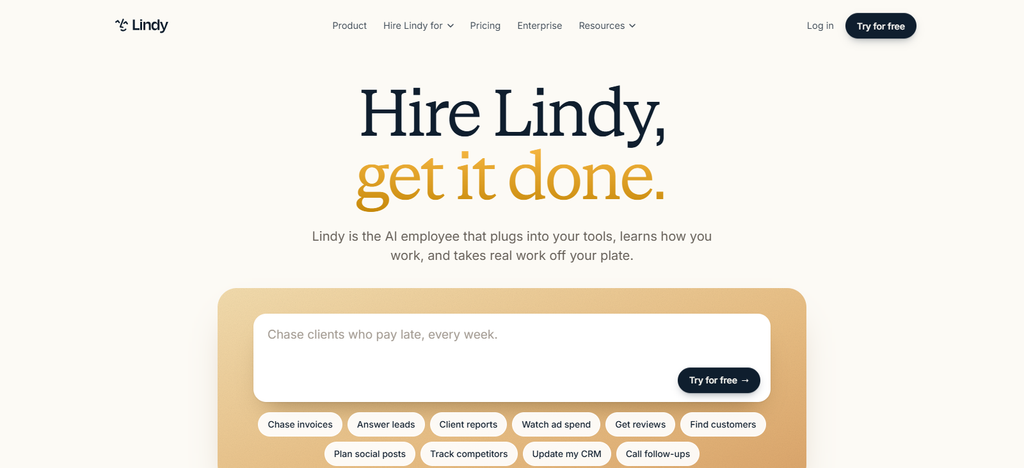
Lindy can also help with client communication by managing inboxes, writing replies, and preparing follow-up messages. Its workflow capabilities can also assist with client onboarding by streamlining information collection, setting up introductory meetings and document generation.
For invoice management, it can help with administrative reminders and connected-app workflows, rather than being a full-fledged accounting system. Workflow integration includes email, calendar, Slack and other integrated apps. Pricing starts from free credits and its Team plan starts from $49.99 monthly.
How It Works
- Task Instructions: The consultant lists administrative tasks such as managing emails, preparing for meetings and following up with clients.
- Email Connection Lindy connects to supported email accounts to view incoming messages and communication details.
- Information Analysis: Its AI analyzes what’s inside the emails and selects important requests that need to be addressed.
- Client Communication: Assists in writing email responses, managing conversations and drafting follow-ups.
- Calendar Coordination: Leverages linked calendar information to help schedule and prep for meetings.
- Workflow Execution: Lindy performs configured actions in supported applications based on instructions and within the scope of permissions.
- Automation of Tasks: Repetitive administrative tasks can be defined as automated workflows.
Review & Improvement: Consultants will review actions taken and refine the instructions to improve future outcomes.
2. Zapier Agents
Established: 2012 (Zapier) | Introduced agents: 2025 | Ideal for: Multi-app automation
Solo consultants can use Zapier Agents to automate administrative tasks between connected business apps with instructions and AI-powered workflows. Zapier was founded in 2012. Zapier Agents launched in January 2025. Client communication may be supported by agents in processing incoming information, preparing responses and triggering follow-up workflows.
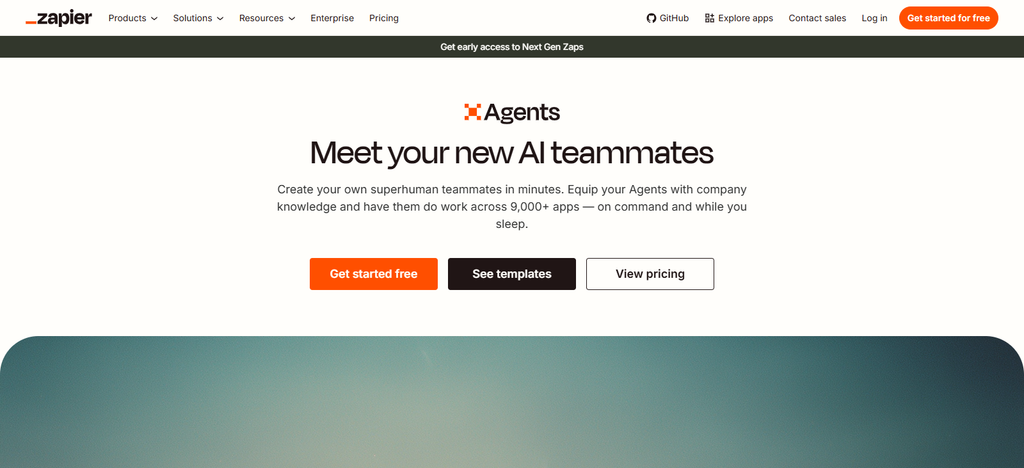
Onboarding clients enables them to move submitted form information into CRM records, create tasks and notify the consultant of new clients. For invoice management, agents can link billing apps with spreadsheets, accounting platforms, and payment-related workflows.
Its biggest strength is workflow integration. It syncs with thousands of apps. Pricing depends on the Zapier subscription you choose, how many tasks you use, and which agent capabilities are available. Check Zapier’s current plans before quoting an exact price.
How It Works
- Agent Creation: Consultants create an AI agent using custom instructions or available templates.
- Task Definition: They describe the administrative task, the expected result and the conditions under which it will be performed
- Application Connection: Zapier connects applications such as email, CRM, spreadsheets and project management tools.
- Trigger Selection: Users choose an event or condition that initiates the agent’s workflow.
Information Processing: The agent will process incoming information and determine which connected tools are needed. - Action Execution: It executes configured actions such as record creation, information update, and notification sending.
- Workflow testing: Consultants test the agent and modify agent’s instructions or attached applications.
- Monitoring: Once published, users monitor agent activity and optimize workflows as needed.
3. Motion AI
Founded: 2019 (Motion) | Best for: Task management and scheduling
Motion is an AI work management software that combines calendar scheduling, project planning, task management and document assistance. Founded in 2019, it was created to help solo consultants organize their professional duties without having to plan every activity manually.
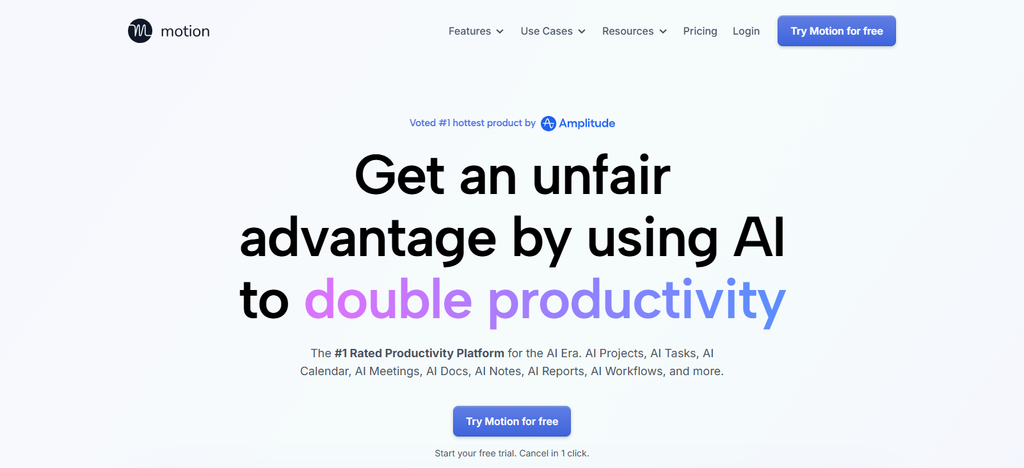
Client Communication Consultants can schedule meetings, track deadlines and plan work around important client deadlines. Motion can help you create project tasks, assign deadlines, and organize initial deliverables for client onboarding.
It’s not a dedicated accounting platform, but its task and project features can also help with invoice management by scheduling billing-related reminders. Workflow integration features calendar, project and productivity. Its Pro AI pricing starts at $19 per seat monthly, and Business AI starts at $29.
How It Works
- Task Entry: The consultants input administrative duties, project activities, deadlines and priorities.
- Calendar Connection: Motion has access to your connected calendar data to view your current meetings and working hours available.
- Task Prioritization: It ranks tasks by deadline, importance, duration, and preferred scheduling.
- Automatic Scheduling: Tasks are automatically placed into calendar time slots based on availability.
- Project Organization: Users organize client projects, milestones, deliverables and responsibilities.
- Reschedule: Motion can reschedule eligible tasks if meetings or deadlines change.
- Progress Tracking: Consultants manage outstanding tasks, project deadlines, and upcoming duties.
- Reviewing the workflow: The user reviews the schedules and prioritizes the tasks to have an organized workload.
4. Reclaim.ai
Reclaim.ai is a smart scheduling tool that helps independent consultants organize meetings, protect focus time, schedule recurring tasks, and manage shifting calendars. Now owned by Dropbox, it aims to improve everyday time management by scheduling automatically.
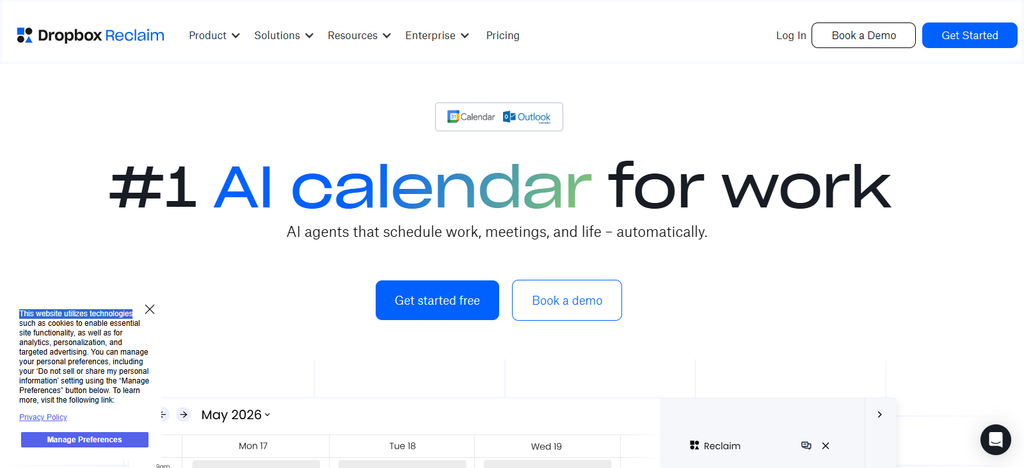
In terms of client communication, its calendar coordination and scheduling links can make booking appointments easier and reduce unnecessary meeting exchanges. For client onboarding consultants can dedicate time for discovery calls, document reviews, and introductory meetings.
For invoice management it can schedule billing reminders and recurring payment follow-ups. It is not a replacement for invoicing software. Its workflow integration features Google Calendar, Slack, Zoom, Google Meet and supported productivity tools. Reclaim offers a free Lite plan, and paid plans start at $10 per seat per month.
How It Works
- Calendar Connection: Consultants connect supported calendars so Reclaim can understand existing schedules.
- Working Preferences: Users set working hours, scheduling preferences, focus time, and meeting availability.
- Adding Task: They create administrative tasks with time estimates and due dates.
- Smart Scheduling: Reclaim finds open slots in your calendar for assignments and recurring activities.
- Meeting Scheduling: Enables users to find suitable times for meetings and organize appointments.
- Protect Focus Times: The platform protects time for critical consulting work and minimizes scheduling conflicts.
- Auto Reschedule: Reclaim automatically reschedules qualified tasks and activities when calendar commitments change.
- Schedule Monitoring: Consultants check their calendars and schedule suggestions to help them manage their workload.
5. Fireflies.ai
Founded: 2016 | Ideal for: Meeting management and customer follow-ups
Fireflies.ai is an AI meeting assistant that records, transcribes, summarizes and organizes business conversations. Launched in 2016, it helps solo consultants eliminate manual meeting documentation and keep client discussions accessible. Client communication is helped by its AI-generated summaries and action items that help consultants write clear follow-up messages after meetings.
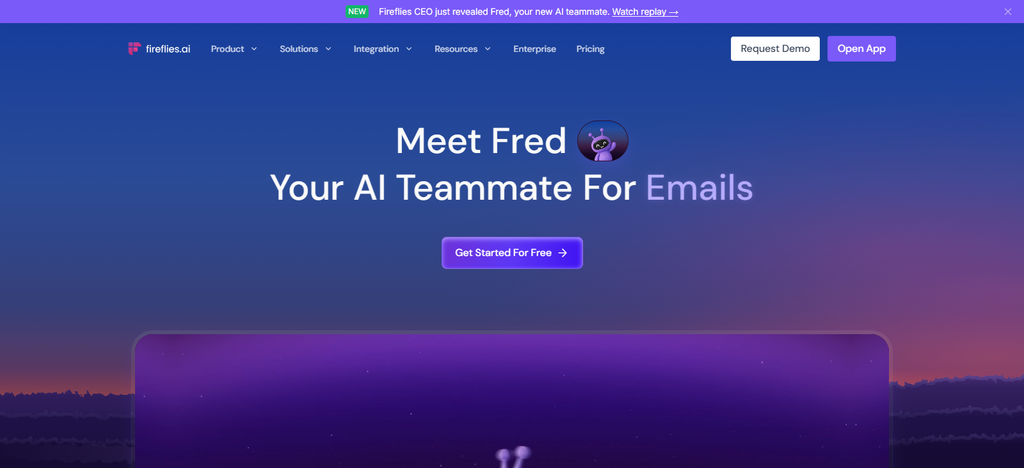
It can record discovery call conversations, identify client requirements and organize crucial next steps during client onboarding. Consultants can use meeting notes to mark billing conversations and payment commitments for invoice management, but Fireflies is not a replacement for dedicated invoicing software.
Its workflow integration includes Zoom, Google Meet, Microsoft Teams, CRM apps and productivity tools. The pricing includes a free plan, Pro starts at $10 per seat per month (billed annually), and Business starts at $19.
How It Works
- Meeting Integration: Fireflies is integrated by consultants with meeting platforms and calendar apps that are supported.
- Meeting detection: The assistant can identify upcoming meetings and join eligible calls based on your configured settings.
- Recording: Captures conversations from meetings when recording is turned on and the relevant consent requirements are satisfied.
- Speech Transcription: Leverages AI to transcribe spoken conversations into searchable text transcripts.
- Conversation analysis: Identifies key topics, talking points and relevant meeting information.
- Summary Generation: It generates meeting summaries, key take-aways and action items.
- Information Sharing: Consultants can access and share meeting records with interested clients or collaborators.
- Workflow Integration: Integrated support for pushing meeting information to CRM and productivity applications.
6. Fathom
Established: 2020 | Ideal for: Client Meeting Documentation
Fathom is an AI meeting assistant that records your conversations, makes transcripts, creates summaries and extracts important points from discussion. Founded in 2020, it’s especially useful for independent consultants who often have discovery calls, strategy sessions, and client progress meetings.
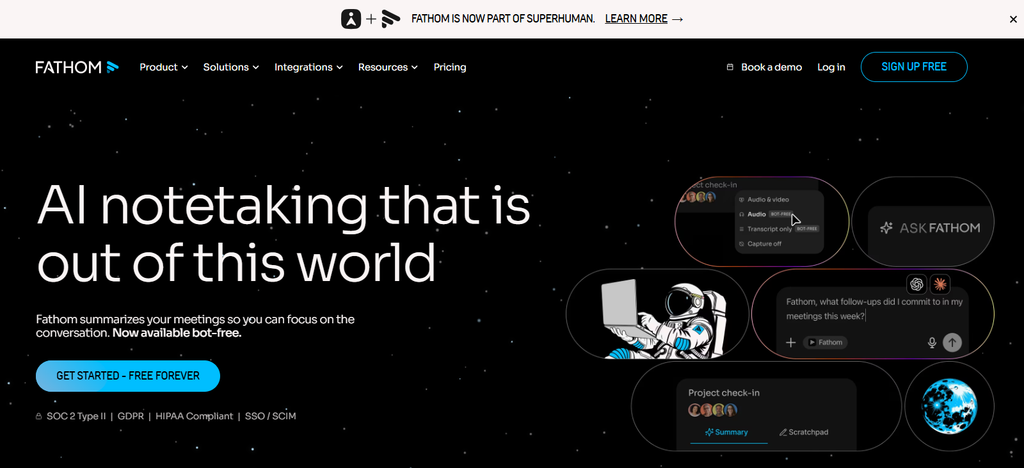
For client communication Fathom helps to prepare follow-up messages with meeting summaries and identified action items. Client onboarding Consultants can capture client expectations, project requirements and key decisions without relying solely on handwritten notes.
For invoice management, it can help identify billing-related discussions, but you need separate tools for invoice creation and payment collection. It has workflow integration through CRM integrations, Zapier, Make and other supported apps. Fathom offers a free plan for individuals, and its premium plan starts at $16 per user, per month.
How It Works
- Account Setup: Consultants sign up for an account and set up Fathom with supported meeting apps.
- Meeting Integration: They connect their calendar and supported video conferencing tools.
- Meeting Recording: Fathom will record eligible meetings when recording is turned on and applicable consent requirements are met.
- Live Transcription: It transcribes spoken conversations into written transcripts during and after meetings using its AI.
- Moment Detection: The system helps you spot important points of discussion and related highlights from the conversation.
- Summary Generation: It generates meeting summaries, decisions, and follow-up action items.
- Client Follow-ups: Consultants prepare follow-up messages based on meeting details and document project requirements.
- Data Integration: Share or integrate meeting information with supported CRM and productivity tools.
7. Notion AI
Founded: 2013 (Notion) | Best for: Business documentation and knowledge management
Notion AI is an AI-powered workspace that combines docs, databases, project management, and knowledge organization. Notion was founded in 2013 and its AI capabilities help consultants organize information in a single workspace. For client communication users can write emails, create client updates and store information about conversations.
Client onboarding can include the use of intake databases, onboarding checklists, project documentation and client knowledge pages by consultants.
Invoice management: Notion can track invoices, payment statuses, and billing records, but it is not a replacement for accounting or payment processing software. Its workflow integration includes connected apps, databases and automation features. Notion offers Free, Plus ($10 per seat, per month) and Business ($20) tiers that provide access to sophisticated AI agent functionality.
How It Works
- Workspace: Consultants create a Notion workspace for business docs, client files, projects, and admin information.
- Information Organization: Organize pages, databases, documents and task lists as required for consulting.
- AI Instructions: Users tell Notion AI or Notion Agent what information they want to find, create, or update.
- Context Gathering: The AI gathers the information regarding the request from the allowed workspace and connected sources.
- Document Creation: It creates client proposals, meeting summaries, reports and administration documents.
- Database Management: AI features can help you organize records, update information and get things done.
- Execute Workflows: Notion Agent can execute supported multi-step actions within the workspace.
- Review and Approval: Generated information is reviewed by consultants and significant changes are reviewed prior to use.
8. ChatGPT
Release: 2022 | Best For: General administrative assistance
ChatGPT is an AI assistant for general-purpose tasks that assists solo consultants to write business documents, research information, organize administrative tasks, and perform multi-step work using available agentic capabilities. It was launched in 2022 and supports a wide range of consulting workflows without the need for a separate AI tool for each writing task.
Client communication: It can write professional emails, proposals, reminders, and client updates. For client onboarding it can prepare questionnaires, welcome messages, checklists and document templates. Invoice management: can help with invoice descriptions, organize billing information, and create payment reminders, but you need connected services to actually process payments.
It has workflow integration with supported connected apps and ChatGPT Work functionality. Free, Go, Plus, Pro and business plans. Features and usage limits according to subscription.
How It Works
- What is the task? The consultant explains the administrative task, the expected result, and the relevant business requirements.
- Information Gathering: ChatGPT reads the provided files, instructions, and connected sources to understand the task.
- Task Planning: For agentic tasks that are suitable, it creates a sequence of steps to achieve the desired outcome.
- Document Generation: It generates emails, proposals, reports, spreadsheets and other administrative documents.
- Application interaction: It can read information and take actions authorized by you through supported connected applications and ChatGPT Work.
- Workflow Execution: It performs supported multi-step tasks, like researching information and organizing work materials.
- Result Verification: Consultants verify generated results and confirm key details before use.
- Final Delivery: Completed work is delivered by ChatGPT or actions taken and any items requiring further approval are reported.
9. Make AI Agents
Founded: 2012 (Original company: Integromat by Make) | Best for: Custom admin workflows
Make is a visual automation platform that enables solo consultants to connect applications, build automated workflows, and manage repetitive business processes. It started in 2012 as Integromat, but now offers AI-powered automation and agent-based workflows.
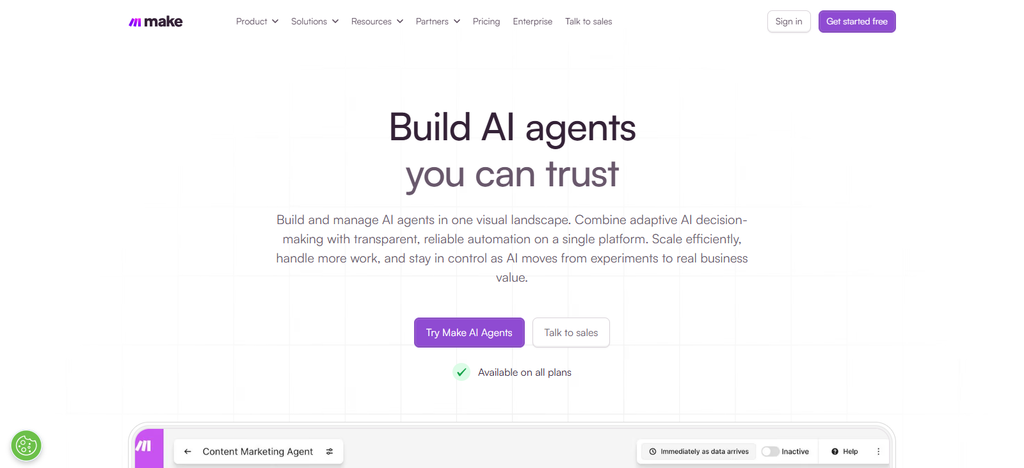
Consultants can use automation to communicate with clients. They can send alerts and organize incoming questions and link email applications with CRM systems. In client onboarding, workflows can move form submissions, build client records and fire off task notifications.
Billing: Make can integrate with accounting tools, spreadsheets, and payment applications to automate billing updates and reminders. Its workflow integration connects it to thousands of apps. Pricing: Free ($0) – 1,000 credits/month Core ($12) – 10,000 credits/month Pro ($21) – 10,000 credits/month .
How It Works
- Workflow Creation: Consultants create an automation scenario for a particular administrative task.
- App Selection: They pick the business apps they need, such as email, CRM and spreadsheets.
- Trigger Setup: When the workflow begins, based on a schedule, application event, or supported trigger.
- AI Agent Configuration: Users set the agent’s instructions, the tools it can access, what they want the agent to be responsible for.
- Information Processing: The agent understands incoming data and leverages connected tools to fulfilll the assigned tasks.
- Action Coordination: Connect workflow steps to transfer information, update records, and trigger actions.
- Testing and Monitoring: Consultants test scenarios, review results of the execution and identify errors that need to be corrected.
- Workflow Automation: If enabled, the workflow will execute based on its triggers and permissions.
10. SPIRITT
SPIRITT was on the previous list of comparisons as an AI administrative assistant for consultants, but could not find any reliable public product documentation to verify the company founding year, official pricing or claimed automation capabilities.
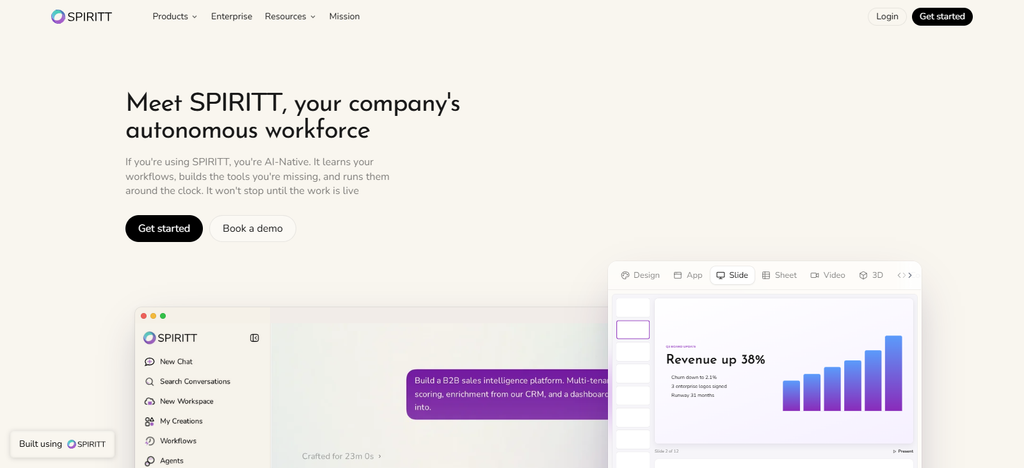
So it would be wrong to say that SPIRITT provides verified client communication, client onboarding or invoice management features. Its claims to workflow integration, including email, scheduling, billing and paperwork applications, are also yet to be seen.
Before adding it to a published top-ten list, verify SPIRITT’s official product identity, working platform, pricing, integrations, and customer documentation. Better to keep it in until then than to release unsupported product information.
How It Works
- Select Applications: Identify the business applications required for the proposed task.
- Permission Setup: The consultant determines which applications are allowed to be accessed or modified.
- Workflow Mapping: The proposed process is divided by steps and actions to be taken.
- First Run: The consultant gets a feel for the proposed workflow during a trial run.
- Human Approval: In cases where approval controls exist, sensitive actions can be reviewed before execution.
- Recurring Scheduling: If your platform supports recurring automation, you can schedule recurring tasks.
- Control and Correction: The consultant then evaluates the results and corrects workflow problems if necessary.
Conclusion
AI agents are becoming a useful tool for solo consultants who want to take on administrative responsibilities but don’t want to hire staff. Platforms like Lindy, Zapier Agents, Motion AI, Reclaim.ai, Fireflies.ai, and even ChatGPT can help you simplify client communication, scheduling, onboarding, meeting documentation, and workflow automation.
Notion AI and Make are tools that can help organize your documents and related business processes. But not all platforms provide full invoicing or autonomous management, so consultants should check out integrations, pricing, security and approval controls before making a decision.
The right AI agent can help cut down on repetitive work and enable consultants to spend more time on client relationships and growing the business.
FAQ
What are the best AI agents for solo consulting administrative work?
Some useful options include Lindy, Zapier Agents, Motion AI, Reclaim.ai, Fireflies.ai, Fathom, Notion AI, ChatGPT, and Make AI Agents. Each supports different administrative requirements.
Can AI agents manage client communication for solo consultants?
Yes. AI agents can help draft client emails, organize inquiries, prepare follow-up messages, schedule meetings, and manage communication workflows through supported integrations.
Can AI agents automate client onboarding?
Yes. They can assist with client intake forms, welcome emails, appointment scheduling, document collection, onboarding checklists, and CRM record creation.
Can AI agents handle invoice management?
Some AI automation platforms can connect invoicing applications, organize billing records, prepare payment reminders, and update invoice statuses. Actual invoice generation and payment processing depend on integrations.
Are AI agents affordable for solo consulting businesses?
Many platforms offer free plans or entry-level subscriptions. Consultants can select tools based on their monthly budget, automation requirements, usage limits, and available features.