


This article focuses on the Best AI Coding Tools 2026. It showcases leading AI platforms that allow for enhanced writing, debugging, and code optimization.
Gain an understanding of their primary functionalities, advantages, comparisons, and scenarios for their optimal utilization. After reading this, you will be able to select the most appropriate AI coding assistant based on your requirements in 2026.
What Are AI Coding Tools?
AI coding tools are a new way for programmers to assist with coding by writing snippets, debugging, evaluating the efficiency of the code, etc. They rely on machine learning to analyze coding languages and coding projects, all to better assist developers.
As natural language programming develops, these tools will become more advanced. It will not be long before AI coding tools will be able to perform tasks by interpreting voice commands.
Some of the recently developed tools are even able to autogenerate shots and describe them for documentation or tests. AI coding tools have evolved to serve as a programming partner vs. just a simple coding helper.
Criteria for Selecting the Best AI Coding Tools
Quality and Accuracy of Code: Tools should create code with minimal issues that are clean and correct and that require minimal manual debugging to be production ready.
Speed and Performance: In real time, and especially during phases of autocomplete and interactive coding, these tools should act without lag.
Understanding of Context: Tools should be able to work with large codebases.
Integration with IDE and Workflows: Tools integrate range of development environments and Cloud IDEs.
Multi-Language and Framework Support: Support of multiple programming languages and modern frameworks that include Python, JavaScript, Java, Go, and their frameworks.
Security and Privacy: Tools should have enterprise-grade privacy controls and safe handling of code with sensitive data.
Cost of Tools and Accessibility: Tools that have affordable pricing plans, and/or a free tier are extremely accessible.
Enhanced AI Offerings: Features that include debugging, code explain, refactoring, and test generation greatly enhance these tools.
Key Features of Modern AI Coding Tools
Natural Language to Code Translation: With simple English instructions, you can rely on AI tools to write complete code, for you, allowing faster application development.
Contextual Code Suggestions: Real-time suggestions predict and display the next lines of code, reducing the redundancy of code writing.
Multi-Language Framework: The wide range of supported languages, e.g., Python, Java, JavaScript, C++, and Go, yields versatility.
Auto Bug Detection: Construction, time, and task expenditures are encompassed by the automated error detection, explanation, and solution suggestions of AI tools.
Code and Document Generation: Creating documentation and simplifying advanced code fosters readability of the code and eases collaborative efforts in teamwork.
IDE Support: Seamless support for major IDEs (VS Code, JetBrains, and cloud-based editors) is a topic of concern for many coding assistants.
Code Modification Support: AI tools enable the modification of code to improve its structure and performance, making it easier to understand and maintain.
Test Case Creation Support: The automated generation of unit tests and ample test case generation is a common feature of many AI coding tools.
Key Point & Best AI Coding Tools 2026
| Tool | Key Strengths |
|---|---|
| Claude Code | Strong reasoning, excellent debugging, handles large codebases |
| OpenAI Codex | High-quality code generation from natural language |
| Cursor | AI-first IDE, real-time edits, strong workflow integration |
| GitHub Copilot | Fast autocomplete, GitHub ecosystem integration |
| RunCell | Notebook-style execution + AI assistance |
| Claude Sonnet 5 | Balanced speed + reasoning model performance |
| GPT-5.5 | Advanced reasoning + multimodal coding support |
| Qwen3.7 Max | Strong open model performance, multilingual support |
| Windsurf | Agentic coding, fast automation workflows |
| Kiro | Lightweight AI coding support, emerging tool |
1. Claude Code (Anthropic)
Claude Code is one of the best at reasoning in the Best AI Coding Tools 2026. It has great capabilities for understanding large codebases, debugging complex logics, and writing clean code. Developers focus on large systems where context is key. It looks at system level design.
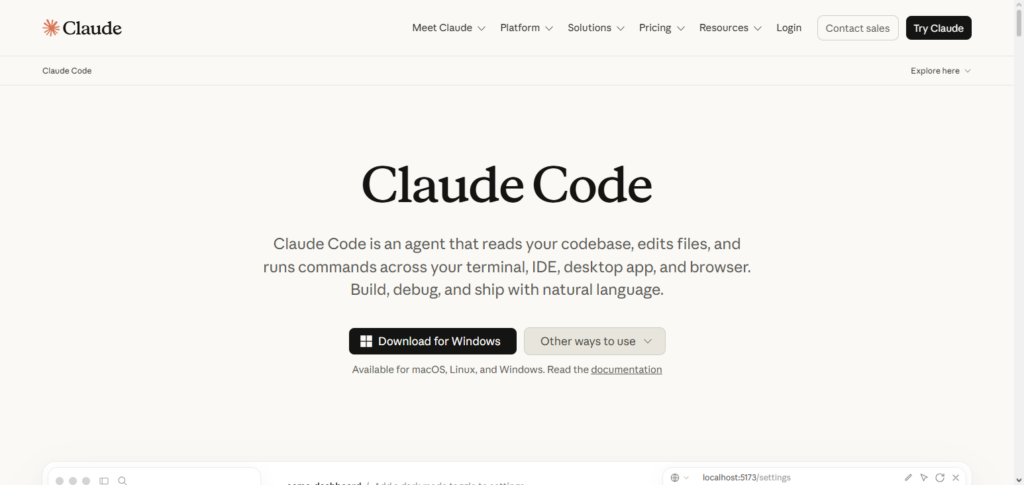
Unlike other auto-complete tools, Claude Code looks at the entire project and even suggests architectural changes.
Claude Code is perfect for writing backend code, changing legacy systems, and explaining complex code. It might take longer to provide suggestions in comparison to tools that offer suggestions in real time, especially IDE plugins, because it values reasoning more than speed.
Claude Code Details
| Feature | Details |
|---|---|
| AI Reasoning | Excels at solving complex programming problems with deep contextual understanding. |
| Large Context Window | Understands large codebases across multiple files and repositories. |
| Code Refactoring | Improves existing code structure while maintaining functionality. |
| Debugging | Detects bugs, explains root causes, and suggests accurate fixes. |
| Architecture Support | Assists with software design, system architecture, and project planning. |
| Natural Language Coding | Converts detailed prompts into production-ready code. |
| Documentation | Generates clear comments and technical documentation. |
| Best For | Enterprise software, backend systems, and large-scale applications. |
2. OpenAI Codex
OpenAI Codex is still one of the best tools for natural language to code in Best AI Coding Tools 2026. It allows developers to write in plain English and receive working code in many programming languages instantly. OpenAI Codex is used for API calls, writing scripts, and doing some tasks rapidly.
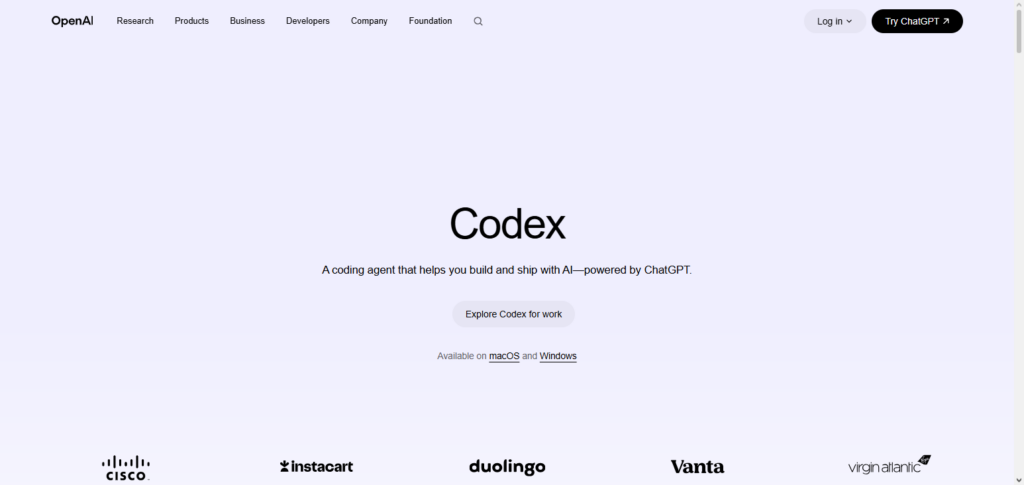
It is great for writing working applications from ideas. OpenAI Codex might struggle to perform in writing code for a deeply contextual enterprise level system in comparison to newer agent based tools. The simplicity and versatility of OpenAI Codex make it a great first choice for many developers and many development teams.
OpenAI Codex Details
| Feature | Details |
|---|---|
| Prompt-to-Code | Converts plain English into executable code. |
| Multi-Language Support | Supports Python, JavaScript, Java, C++, Go, PHP, and more. |
| Code Completion | Generates functions and complete code blocks quickly. |
| API Development | Excellent for building APIs and automation scripts. |
| Bug Fixing | Identifies coding mistakes and recommends improvements. |
| Learning Support | Explains code for beginners and professionals. |
| Rapid Prototyping | Builds proof-of-concept applications quickly. |
| Best For | Developers, startups, and rapid application development. |
3. Cursor AI Editor
Cursor earns its place among the Best AI Coding Tools 2026 due to its AI-driven nature and strong IDE integration. Developers can edit, refactor, and generate code in real-time within the IDE. One of the most impressive features for full-stack developers is the IDE’s capacity for multi-file understanding.
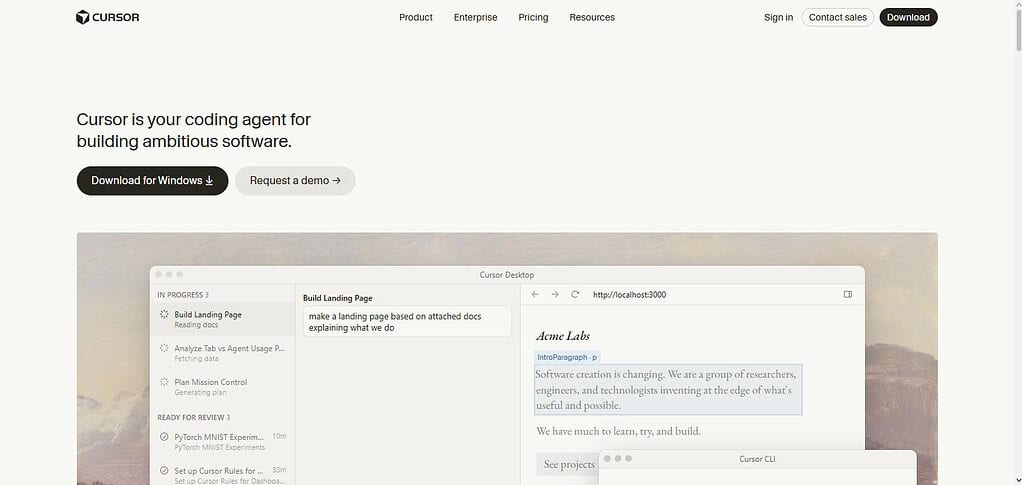
Cursor’s conversational interface allows the developer to ask questions, debug, and even optimize code without leaving the editor. Cursor offers variety and advanced functions, though the developer must adapt to a more AI-driven workflow. The traditional IDE experience (i.e., VS Code) is forgone to achieve a more advanced workflow.
Cursor Details
| Feature | Details |
|---|---|
| AI-First IDE | Built specifically around AI-assisted software development. |
| Smart Autocomplete | Provides real-time coding suggestions. |
| Multi-File Editing | Understands and edits entire projects. |
| AI Chat | Lets developers ask coding questions inside the editor. |
| Refactoring | Improves existing code automatically. |
| Error Detection | Finds bugs while coding. |
| VS Code Compatibility | Familiar interface with enhanced AI capabilities. |
| Best For | Full-stack developers and productivity-focused teams. |
4. GitHub Copilot
GitHub Copilot captures the power of code autocompletion in an efficient package, and this earns it a spot among the Best AI Coding Tools 2026. Copilot is fully integrated with GitHub and the IDEs that support VS Code. Code suggestions are generated in real-time.
Copilot is very helpful for code that is repetitive, especially for development tasks that are done regularly and in a time-consuming way. Copilot also incorporates a chat feature that aids in debugging and provides explanations.
However, newly developed AI agents possess greater functionality for reasoning and logic, while Copilot still captures a vast audience due to its dependability and seamless integration into an ecosystem, making it extremely useful for enterprise developers.
GitHub Copilot Details
| Feature | Details |
|---|---|
| Intelligent Autocomplete | Predicts code while typing. |
| GitHub Integration | Works seamlessly with GitHub repositories. |
| IDE Support | Compatible with VS Code, Visual Studio, JetBrains, and Neovim. |
| Chat Assistant | Answers coding questions and explains code. |
| Test Generation | Helps create unit tests. |
| Documentation | Generates comments and documentation automatically. |
| Team Productivity | Speeds up collaborative development. |
| Best For | Daily programming and enterprise teams. |
5. RunCell
RunCell has a notebook-style interface and focuses on AI-assisted coding. For all these reasons, it tops the list of the Best AI Coding Tools 2026 for data science and experimentation. It blends AI suggestions with the ability to interact and execute code. Because of this, RunCell is a superb assistant for Python, ML, and data-related work.
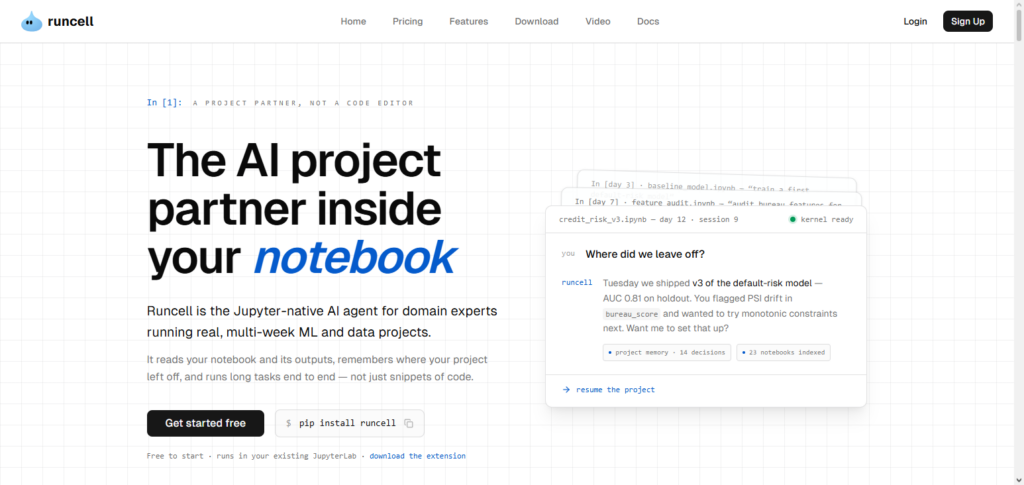
Developers can run code cells, view data, and have AI give them explanations in the process. Its best use case is for prototyping and exploratory programming. For production-level builds and backend systems, RunCell is not the best tool. It is nevertheless extremely useful for researchers and analysts, as well as students.
RunCell Details
| Feature | Details |
|---|---|
| Interactive Notebook | Executes code in notebook-style cells. |
| AI Code Assistant | Suggests improvements during coding. |
| Python Optimization | Optimized for Python programming. |
| Data Visualization | Supports charts and analytical workflows. |
| Machine Learning | Useful for AI and ML experiments. |
| Experiment Tracking | Helps organize coding experiments. |
| Quick Testing | Run code instantly without full deployment. |
| Best For | Data scientists, researchers, and analysts. |
6. Claude Sonnet 5
Claude Sonnet 5 is a balanced AI model that has been placed in the Best AI Coding Tools 2026 based on both speed and reasoning efficiency. What’s more, it has a good edge over others in the tasks related to the generation, explanation, and optimization of code, as all of these can be addressed with an excellent speed.

It can be used for every coding-related task, be it debugging, function writing, or verification of code logic. A lot of times, it helps in tasks when there is a need to find a common ground between light autocomplete tools and heavy reasoning tools.
It is a great improvement in comparison with the full Claude Code systems in terms of usability and overall speed consistency. It keeps on proving its value as a versatile tool, as it can be used for every single software development task.
Claude Sonnet 5 Details
| Feature | Details |
|---|---|
| Balanced Performance | Combines speed with strong reasoning abilities. |
| Code Generation | Produces accurate and readable code. |
| Code Review | Reviews code quality and suggests improvements. |
| Debugging | Explains errors with detailed solutions. |
| Documentation | Creates developer-friendly documentation. |
| Fast Responses | Delivers quick answers for coding tasks. |
| Multi-Language Support | Supports major programming languages. |
| Best For | Everyday software development and coding assistance. |
7. GPT-5.5
GPT-5.5 ranked among the most sophisticated systems in Best AI Coding Tools 2026. It offers multiple modalities for coding and high-level reasoning. Developers can use it for end-to-end software development, including application generation and debugging, as well as sophisticated systems analysis. GPT-5.5 can even understand diagrams and other mixed inputs.
With the ability to understand context throughout large-scale software development projects, it can be a resource hog. For best results, careful prompt structuring may be required, but many consider it the best codex tool available for professional developers and software companies.
GPT-5.5 Details
| Feature | Details |
|---|---|
| Advanced Reasoning | Solves highly complex programming challenges. |
| Full Application Development | Assists from planning to deployment. |
| Multimodal Support | Understands text, code, and visual inputs. |
| Code Refactoring | Optimizes existing applications efficiently. |
| Debugging | Finds and fixes complex software issues. |
| Test Generation | Creates automated test cases. |
| Project Planning | Helps design scalable software architecture. |
| Best For | Professional developers and enterprise software. |
8. Qwen3.7 Max
Qwen3.7 Max is a multifunctional model best included in Best AI Coding Tools 2026. It supports a variety of coding languages and is notable for its ability to generate, translate, and debug code.
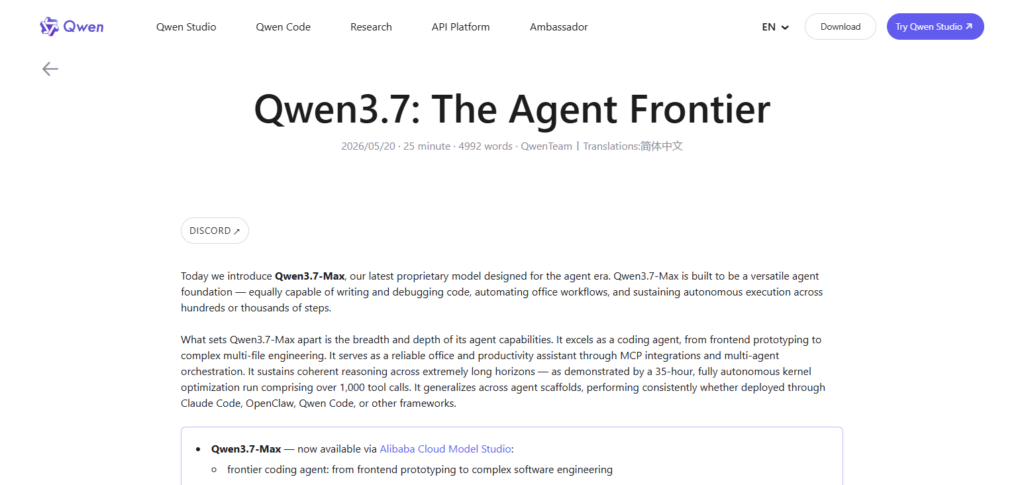
Thanks to its open and adaptable ecosystem, Qwen3.7 Max is especially popular among research teams and developers in the field. Its ecosystem and tooling are a work in progress but in comparison to the established giants of the field, Qwen3.7 Max offers a compelling balance of performance, openness, and accessibility.
Qwen3.7 Max Details
| Feature | Details |
|---|---|
| Multilingual Coding | Supports coding and prompts in multiple languages. |
| Open Ecosystem | Suitable for custom AI deployments. |
| Code Generation | Produces accurate source code across languages. |
| Bug Detection | Helps identify coding errors quickly. |
| Performance Optimization | Suggests efficient coding practices. |
| Flexible Deployment | Supports cloud and local environments. |
| Research Support | Useful for experimentation and AI research. |
| Best For | Research teams and global development organizations. |
9. Windsurf
Windsurf is a new AI-native IDE and made the Best AI Coding Tools 2026 list. Windsurf embraces the concept of agent-based development, meaning that the AI itself can plan, write, and edit the code, requiring maximum minimal human supervision.
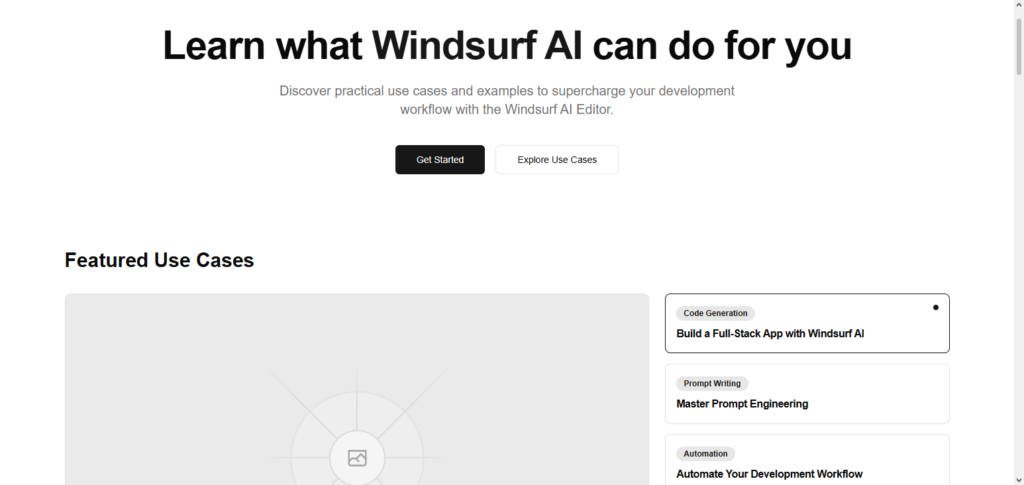
Windsurf can be favored for the fast development of processes as well as for the automation of engineering tasks that are repetitive and tedious. Windsurf can assist developers in building features in a software product by diminishing the amount of manual development.
As Windsurf is in the early stages of development, it may be lacking in stability and the maturity of the features. Despite this, it tends to prove itself along the lines of AI coding tools, offering autonomous and smarter development experiences.
Windsurf Details
| Feature | Details |
|---|---|
| AI-Native IDE | Designed specifically for AI-assisted development. |
| Agentic Coding | Automates multi-step programming tasks. |
| Context Awareness | Understands project-wide code structure. |
| Smart Editing | Makes intelligent edits across files. |
| Workflow Automation | Reduces repetitive development tasks. |
| Real-Time Assistance | Provides continuous coding guidance. |
| Productivity Tools | Accelerates software delivery. |
| Best For | Developers seeking AI-driven automation. |
10. Kiro
Kiro is another lightweight, emerging, fast, AI-assisted coding, and simple IDE tool from the Best AI Coding Tools 2026. Kiro is highly focused on rapid suggestion generation along with straightforward coding to assist developers in task completion.
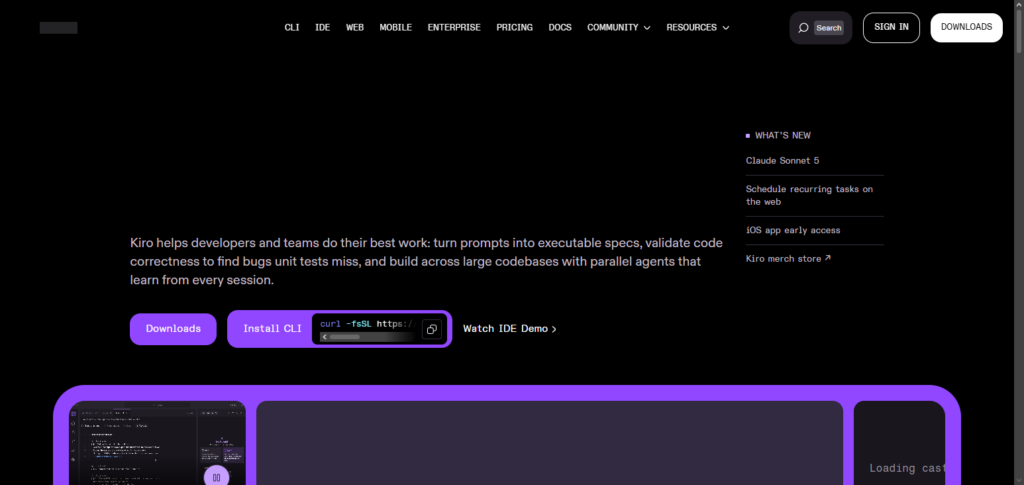
Kiro is also a beginner-friendly tool in coding and design, as it helps alleviate developing code without the large, bulky set of features that accompany a full-fledged IDE. Kiro is fast and highly focused on the low-level coding assistance as opposed to large-scale architectural planning and enterprise features.
Kiro is a good tool to use both as a learning aid and in coding small-scale, simple projects. Its lightweight nature makes Kiro easy to use to code on a daily basis.
Kiro Details
| Feature | Details |
|---|---|
| Lightweight Design | Fast and easy-to-use AI coding assistant. |
| Code Suggestions | Generates code snippets instantly. |
| Error Detection | Identifies common coding mistakes. |
| Beginner Friendly | Simple interface for new developers. |
| Quick Refactoring | Improves existing code efficiently. |
| Multi-Language Support | Works with popular programming languages. |
| Fast Responses | Delivers quick coding recommendations. |
| Best For | Beginners, students, and small development projects. |
Benefits of Using AI Coding Tools
Able to Complete Projects Quickly: With repetitive tasks being completed for them, developers using coding tools are more likely to meet their deadlines.
Developer Productivity Grows: With tools automatically suggesting code, debugging, and documentation, developers are able to spend their time solving problems rather than describing them.
Coding Errors Diminish: With intelligent error detection and debugging in real time, coding bugs occurs less frequently and coding becomes more reliable.
Beginners Build Skills Quickly: Because AI assists in suggesting best coding practices and examples, beginners more easily learn programming.
Code Quality Improves: AI tools are able to suggest new ways to write code to meet best practices that improve software.
Documentation and Testing Automated: AI tools solve real humans problems by generating documentation and comments automatically, as well as unit tests.
Multiple Programming Language Support: Modern coding tools are able to support most coding languages and frameworks, so switching between technologies is less frustrating.
Teamwork Strengthened: Development teams are able to more easily understand, review, and maintain a shared codebase thanks to standardized suggestions and documentation made by tools.
Claude Code vs Codex vs Cursor (Deep Comparison)
| Feature | Claude Code | OpenAI Codex | Cursor |
|---|---|---|---|
| Primary Purpose | AI coding agent focused on reasoning, debugging, and large codebases | Natural language-to-code generation and coding assistance | AI-first code editor with integrated development workflow |
| Best For | Enterprise projects, backend systems, complex software architecture | Rapid prototyping, scripting, API development | Full-stack development, daily coding, productivity |
| Code Generation | Excellent for complex, structured code | Fast and accurate code generation from prompts | High-quality code generation directly inside the editor |
| Debugging | Outstanding at identifying and explaining complex bugs | Good debugging with prompt-based assistance | Real-time debugging and inline fixes |
| Context Window | Excellent understanding of large repositories and multiple files | Strong context handling but less optimized for very large projects | Multi-file awareness with project-wide context |
| Real-Time Autocomplete | Good, but optimized more for reasoning than speed | Fast autocomplete and code suggestions | Excellent autocomplete integrated into the IDE |
| Code Refactoring | Advanced refactoring with architectural recommendations | Supports code improvements and optimization | Powerful inline refactoring across multiple files |
| Natural Language Support | Excellent at converting detailed instructions into code | Outstanding prompt-to-code capabilities | Conversational editing and code generation |
| IDE Integration | Works with supported development environments and terminals | Available through compatible tools and APIs | Native AI-powered IDE based on VS Code |
| Supported Languages | Python, JavaScript, TypeScript, Java, Go, C++, Rust, and more | Supports dozens of popular programming languages | Supports most modern programming languages and frameworks |
| Performance | Prioritizes accuracy and deep reasoning | Fast responses with reliable code generation | Optimized for speed and seamless editing |
| Learning Curve | Moderate for advanced features | Easy to learn for beginners and professionals | Easy for VS Code users with AI-focused workflow |
| Collaboration Features | Excellent for reviewing and explaining team code | Helpful for documentation and code sharing | Strong collaboration through integrated editing workflow |
| Security & Privacy | Enterprise-grade privacy options and secure workflows | Security depends on deployment and configuration | Privacy controls available with enterprise offerings |
| Strengths | Deep reas |
Conclusion
The innovative tools included in The Best AI Coding Tools 2026 help developers improve, construct, and debug software with intelligent code automation and reasoning. Whether developers need advanced problem solving through Claude Code, instant NLP coding with Codex, or an AI-centered coding experience with Cursor, every tool has something to offer for coding styles and project scopes.
Other tools like GitHub Copilot, GPT-5.5, Windsurf, Kiro, etc. have individual features that can complement large enterprise teams, small scale startups, and freelancers. With these tools, developers can simplify their workflow and IDE plug-ins, languages, project scopes, and budgetary constraints with custom toolsets.
In using the right AI code assistants, developers can achieve optimum productivity with minimal error and coding innovation, rather than focusing on procrastination inducing and monotonous coding tasks.
FAQ
Which AI coding tool is best for beginners?
GitHub Copilot, Cursor AI Editor, and OpenAI Codex are excellent choices for beginners because they provide real-time code suggestions, easy-to-use interfaces, and helpful explanations that simplify the learning process.
Is Claude Code better than OpenAI Codex?
Claude Code is generally stronger for complex reasoning, debugging, and working with large codebases, while OpenAI Codex excels at fast natural language-to-code generation and rapid prototyping. The better choice depends on your development needs.
Can AI coding tools replace software developers?
No. AI coding tools are designed to assist developers by automating repetitive tasks, generating code, and finding bugs. Human developers are still essential for system architecture, business logic, security decisions, and creative problem-solving.
Which AI coding tool is best for enterprise development?
Claude Code, GitHub Copilot, GPT-5.5, and Cursor AI Editor are among the top choices for enterprise development because they support large projects, advanced code analysis, collaboration, and secure development workflows.