



In this article, I’ll cover the Best Construction Estimating Software for Contractors to help builders and construction professionals better estimate project costs. We’ll review the leading platforms, their estimating features, pricing, digital takeoff capabilities, labor calculations and subcontractor management tools to help you compare options and select the right software for your construction business.
What Is Construction Estimating Software?
Construction estimating software is a digital solution that enables contractors, builders and construction professionals to estimate the total costs of construction projects before work starts. It makes it easier to calculate material quantities, labor costs, equipment costs, subcontractor costs and overheads.
These platforms often feature digital takeoff tools, cost databases, estimate templates, bid management and budget tracking capabilities. Construction estimating software streamlines calculations and organizes project costs to help businesses produce accurate quotes, reduce manual errors, control budgets, and make informed financial decisions throughout the construction process.
Benefits Of Best Construction Estimating Software for Contractors
Increased Accuracy of Costs: Construction contractors are able to more accurately calculate material, labor, equipment, and overhead costs, reducing the errors from manual calculations and improving budget planning of a project.
Saves Estimating Time: Automates quantity takeoffs, cost calculations, and estimate preparation, enabling contractors to generate project quotations in less time and take on multiple bidding opportunities.
Minimizes Material Waste: Estimates the quantity of materials from construction drawings, which prevents builders from buying too much, thus minimizing waste and controlling the overall cost of the project.
Simplifies Labor Cost Planning: Helps estimate workforce requirements, labor hours, productivity rates, and wages, facilitating the creation of realistic construction budgets.
Facilitates bid preparation: Contractors can create detailed estimates, analyze subcontractor bids, calculate profit margins, and prepare professional project proposals.
Enhances subcontractor coordination: Consolidates subcontractor bids, supplier quotes, and cost data to assist contractors in evaluating pricing and coordinating different construction activities.
Helps in better budget control: Compares estimated project costs with actual costs, allowing contractors to determine budget differences and track financial results during construction.
Improves Business Profitability: It finds hidden costs, sets the right markups, controls project costs, creates competitive bids, and makes sure no critical financial needs are missed.
Key Points
| Software | Best For |
|---|---|
| Procore | Large commercial contractors |
| PlanSwift | Digital takeoffs and fast estimating |
| Sage Estimating | Enterprise and complex projects |
| Autodesk Construction Cloud | BIM-integrated estimating |
| STACK | Cloud-based estimating |
| Buildertrend | Home builders and remodelers |
| Buildxact | Small residential contractors |
| InEight Estimate | Infrastructure and engineering projects |
| WinEst | Detailed professional estimating |
| Contractor Foreman | Small-to-medium contractors |
1. Procore
Founded in 2002, Procore provides cloud-based construction management and preconstruction solutions for general contractors, specialty contractors and builders. Its estimating capabilities support digital takeoffs, project budgeting, cost planning, bid preparation and financial coordination.
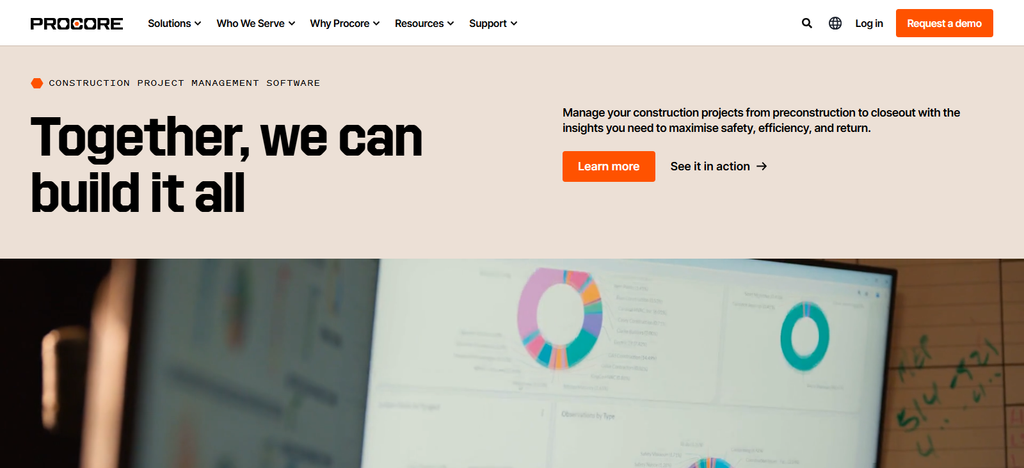
The platform integrates estimating, subcontractor bidding, vendor collaboration and project cost management. Pricing is based on the annual construction volume and the products chosen not a monthly subscription.
It is primarily a cloud-based estimating type of 2D and 3D takeoff with built-in cost workflows. Support subcontractor management: Bid management and project collaboration. No free trial available on public listing; contractors can request a demo and customized quote.
Procore – Key Features
| Feature | Description |
|---|---|
| Digital Quantity Takeoff | Measures linear, area, and weight-based quantities from construction drawings. |
| Cost Catalog | Organizes materials, labor, equipment, services, and reusable assemblies. |
| Automated Takeoff | Supports auto-count and plan overlay to simplify quantity measurement. |
| Estimate Management | Adjusts material prices, labor units, and profit margins within estimates. |
| Bid Management | Connects estimating workflows with subcontractor bidding and procurement. |
| Budget Conversion | Transfers approved estimate information into project budgets. |
| Change Order Estimation | Supports alternate estimates and cost adjustments for project changes. |
| Integrations | Connects with accounting, project management, and construction applications through its marketplace. |
2. PlanSwift
Founded in 2007, PlanSwift is a construction takeoff and estimating solution for residential, commercial and specialty contractors. It supports digital measurements from PDF, JPG, TIFF and CAD drawings, material calculations, labor estimates, custom assemblies and Excel exports.
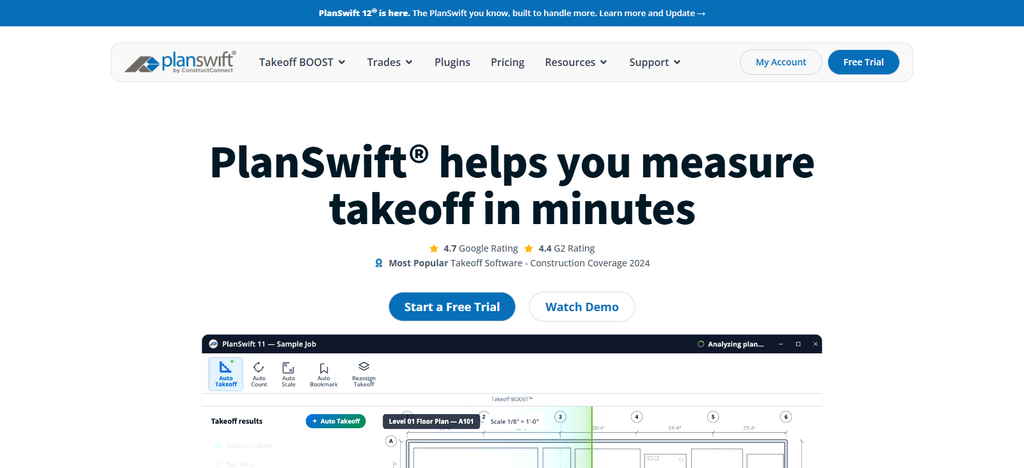
Its estimating type is mainly desktop-based digital quantity take-off and item-based cost estimation. It is not mainly about subcontractor management, but contractors can calculate quantities and make estimates. The Essential plan starts at $2,000 per seat per year, and the Core plan starts at $3,000 per seat per year. It has a 14-day free trial with no credit card required.
PlanSwift – Key Features
| Feature | Description |
|---|---|
| Digital Blueprint Takeoff | Measures areas, lengths, segments, slopes, and quantities directly from digital plans. |
| AI Takeoff Tools | Takeoff BOOST includes Auto Takeoff, Auto Count, Auto Scale, and Auto Bookmark. |
| Material Assemblies | Applies reusable material assemblies and waste factors to measured quantities. |
| Labor Cost Calculations | Uses labor rates and production units to calculate workforce expenses. |
| Custom Estimating Formulas | Creates trade-specific formulas, templates, and estimating calculations. |
| Plan Comparison | Compares drawing revisions and highlights changes affecting estimates. |
| Excel Integration | Exports quantities and connects takeoff information with Excel workflows. |
| Detailed Reporting | Generates material, labor, equipment, subcontract, markup, and cost-versus-selling reports. |
3. Sage Estimating.
Founded in 1981, Sage Estimating is a well-known construction cost estimation solution for contractors working on residential, commercial and large-scale projects. It provides detailed quantity takeoffs, cost databases, labor and material calculations, estimate customization and bid day analysis.
Its type of estimating is detailed item-based and database-driven cost estimation, with linked workflows for construction finance. Bid comparison, subcontractor quote review, and bid leveling facilitate subcontractor management.
The price is tailored to the needs of the business, the number of users and the implementation requirements. There is no public standard free trial. Interested contractors can request a product demo and consultation.
Sage Estimating – Key Features
| Feature | Description |
|---|---|
| Detailed Cost Estimation | Creates structured estimates using construction cost databases and project information. |
| Quantity Takeoff | Supports quantity calculations for different construction activities and work items. |
| Cost Database Management | Maintains reusable cost items, assemblies, and estimating information. |
| Labor Cost Estimation | Calculates labor expenses using productivity rates and cost assumptions. |
| Material Cost Calculation | Organizes material quantities, unit costs, and estimated expenses. |
| Bid-Day Analysis | Helps estimators evaluate subcontractor quotations and compare competing bids. |
| Estimate Customization | Supports detailed estimate structures and company-specific costing procedures. |
| Financial Integration | Connects estimating information with broader construction accounting and financial workflows. |
4. Autodesk Construction Cloud
Autodesk construction platform, founded in 1982, is now called Autodesk Forma, which includes capabilities that were once part of Autodesk Construction Cloud.
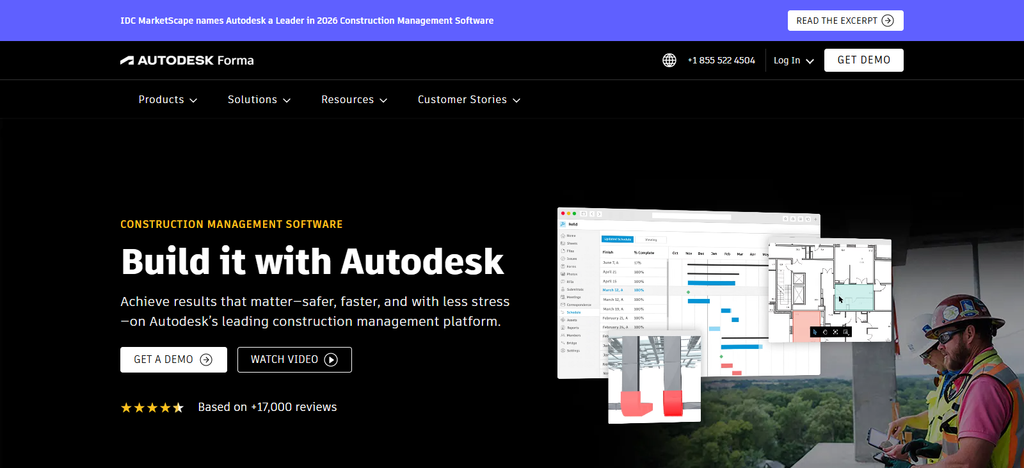
Its preconstruction tools include Forma Takeoff, Forma Estimate, ProEst and BuildingConnected for digital quantification, cost estimating and bid management. It’s estimating type features 2D and 3D quantity takeoffs, model-based workflows and detailed cost estimation, all in the cloud.
BuildingConnected and TradeTapp offer subcontractor management features like invitations to bid and qualification. Pricing is based on the products, bundles and licensing needs chosen. Free trial of standard estimating to be confirmed with sales. Autodesk advertizes a 30 day money back guaranty on their pricing information.
Autodesk Construction Cloud – Key Features
| Feature | Description |
|---|---|
| 2D Quantity Takeoff | Measures construction quantities from uploaded digital drawings. |
| 3D Model Takeoff | Extracts quantities from building information models for estimation workflows. |
| Cost Estimation | Supports structured project cost estimates and preconstruction planning. |
| Bid Management | BuildingConnected helps organize bid invitations and subcontractor responses. |
| Subcontractor Qualification | TradeTapp supports subcontractor risk assessment and qualification workflows. |
| Drawing Coordination | Connects drawings, revisions, and project information across construction teams. |
| Design Collaboration | Supports coordination between design, estimating, and construction stakeholders. |
| Cloud-Based Workflows | Provides centralized access to project information and connected preconstruction tools. |
5. STACK
STACK was founded in 2011 as CloudTakeoff and renamed to STACK in 2014. It offers cloud-based construction takeoff and estimating tools for general contractors, specialty trades and subcontractors.

Features include digital blueprint measurements, material and labor calculations, custom assemblies, estimate worksheets, proposal generation and drawing comparisons. It is an estimating type that combines online quantity takeoff with worksheet based cost estimating.
Contractors can organize bid information and collaborate with project teams, but it’s not a complete subcontractor qualification tool. STACK provides a free plan with limited projects and measurements. The premium plan starts at $299 per user per month, billed annually, and the pro plan starts at $349.
STACK – Key Features
| Feature | Description |
|---|---|
| Cloud-Based Takeoff | Access construction drawings and estimating projects through a browser. |
| Digital Measurement Tools | Measures areas, lengths, counts, and other drawing quantities. |
| Prebuilt Assemblies | Uses reusable material and labor assemblies for faster estimates. |
| AI Takeoff Capabilities | Supports AI-assisted takeoffs, symbol recognition, and plan organization. |
| Labor Hour Estimation | Calculates workforce hours using estimating quantities and labor settings. |
| Material Cost Estimation | Organizes material quantities, unit prices, and project expenses. |
| Estimate Worksheets | Provides worksheet-based cost calculations and estimate organization. |
| Excel Integration | Connects estimating information with Excel-based workflows. |
6. Buildertrend
Buildertrend is a cloud-based construction management platform for residential builders, remodelers and specialty contractors, founded in 2006. It has estimating features that include project estimates, budgeting, cost calculations, proposals, and financial tracking.
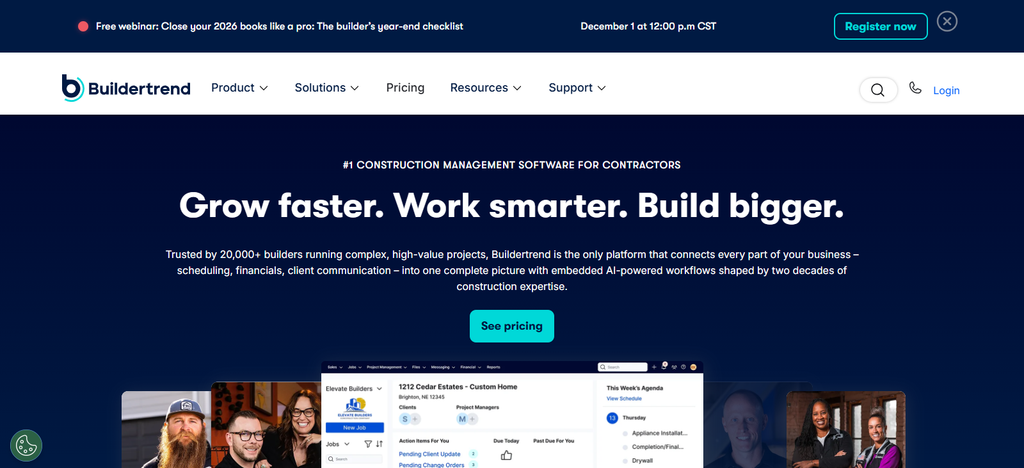
Its estimating type combines residential construction estimating with project budgeting and job costing. Contractors can schedule subcontractors, coordinate schedules, share project information and coordinate purchasing activities.
It links estimation with communication with the customer and the execution of the project. The company doesn’t publish a standard starting price and pricing is customized for business needs. The free trial is not confirmed and is publicly listed, contractors can request a personalized demonstration and quotation.
Buildertrend – Key Features
| Feature | Description |
|---|---|
| Construction Cost Estimation | Organizes material, labor, equipment, and subcontractor expenses. |
| Digital Takeoff | Measures quantities directly from construction blueprints. |
| Estimate Templates | Reuses standardized templates for consistent project estimates. |
| Professional Proposals | Converts estimates into organized client-facing proposals. |
| Job Costing | Compares estimated expenses with actual project costs. |
| Subcontractor Portal | Provides subcontractors with project updates and communication tools. |
| Change Order Management | Tracks project scope changes and their financial impact. |
| Financial Management | Connects estimates with budgets, purchase orders, invoices, and project expenses. |
7. Buildxac
Buildxact is construction estimating and job management software founded in 2011 in Australia primarily for residential builders, remodelers, and small contractors. It can do digital takeoffs, figure materials, cost out labor, create estimates, incorporate supplier pricing and create professional proposals.

It combines cloud-based quantity takeoff, residential cost estimation and job costing into one estimating type. Subcontractor coordination includes requests for quotes and purchase workflows depending on the plan chosen.
The free Go plan is free of cost and offers five free credits. Paid Foundation begins at $169 a month, billed annually, and Pro starts at $339 a month. Paid add-ons are available for additional AI estimating tools.
Buildxact – Key Features
| Feature | Description |
|---|---|
| Digital Plan Takeoff | Measures project quantities from uploaded construction drawings. |
| Blu Takeoff Assistant | Provides AI-assisted takeoff capabilities through an optional add-on. |
| Estimate Costing | Calculates project costs using materials, labor, and estimating data. |
| Assembly Management | Uses reusable assemblies to simplify recurring construction estimates. |
| Supplier Integration | Connects estimating workflows with building material suppliers and dealer systems. |
| Request for Quotes | Helps contractors request and organize supplier and subcontractor quotations. |
| Purchase Order Management | Creates and manages purchase orders for project materials. |
| Actual Cost Tracking | Compares project spending against estimated costs through job management tools. |
8. InEight Estimating
InEight’s estimating roots date back to 1989 when Hard Dollar pioneered construction estimating technology and InEight was formally launched in 2014. InEight Estimate is designed for complex capital projects, infrastructure construction, industrial facilities and large contractor operations.
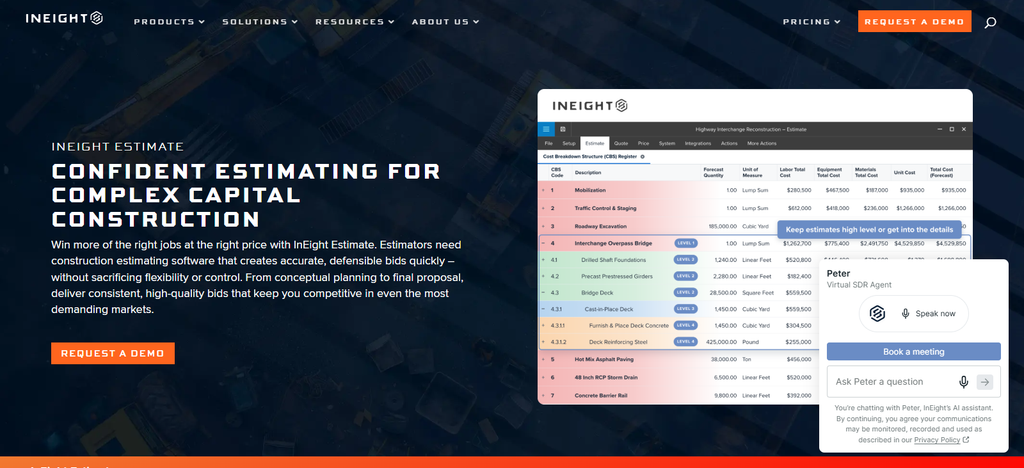
Its estimating type is detailed cost estimation, quantity-based calculations, historical cost data and 3D model quantity integration. Contractors can build estimates for labor, equipment, and materials, and link cost planning to project controls.
Subcontractor coordination may be a part of broader project procurement processes. Custom pricing available with per-user and enterprise options. There is no standard free trial publicly available, but interested businesses can request a product demo.
InEight Estimate – Key Features
| Feature | Description |
|---|---|
| Detailed Cost Estimation | Develops structured estimates for complex construction and capital projects. |
| Historical Cost Analysis | Uses previous project cost information to support future estimating decisions. |
| Quantity-Based Estimating | Organizes project quantities and associated cost calculations. |
| Resource Cost Planning | Supports cost planning for labor, equipment, materials, and other resources. |
| Estimate Standardization | Helps establish consistent estimating procedures across project teams. |
| Risk and Contingency Planning | Supports estimating workflows for identifying cost uncertainty and project risks. |
| Project Cost Controls | Connects estimating information with broader project cost management processes. |
| Enterprise Estimating | Supports estimating requirements for large infrastructure, industrial, and engineering projects. |
9. WinEst
Trimble WinEst is construction cost estimating software for contractors looking to manage detailed project budgets and competitive bids. Trimble was founded in 1978 (not to be confused with the individual product launch year of WinEst). Its estimating type is focused on database-driven cost estimating, conceptual budgeting, detailed quantity take-offs and historical cost analysis.
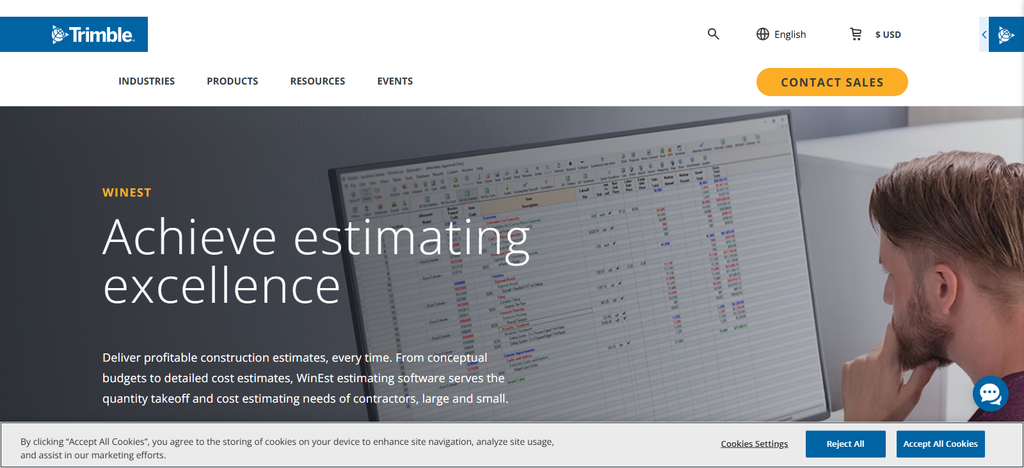
Contractors can coordinate labor, equipment and material costs and standardize estimating procedures across teams. Subcontractor pricing can be included in project estimates, but is mostly used for cost estimation purposes and not as a stand-alone subcontractor management tool.
Sales consultation is available for pricing and a free trial that is publicly advertized is not confirmed. Product demos available.
WinEst – Key Features
| Feature | Description |
|---|---|
| Conceptual Cost Estimation | Develops early-stage construction budgets before detailed project planning. |
| Detailed Quantity Estimation | Supports quantity takeoff and detailed construction cost calculations. |
| Historical Cost Data | Uses previous project information to inform future estimates. |
| Standardized Estimating | Helps teams maintain consistent estimating methods and cost structures. |
| Cost Database Management | Organizes cost information for repeatable estimating workflows. |
| Estimate Customization | Supports different project requirements and company-specific estimating procedures. |
| Bid Preparation | Helps contractors prepare structured and consistent project bids. |
| Construction Cost Analysis | Supports evaluation of estimated project costs and potential profitability. |
10. Foreman Contractor
Contractor Foreman is a single source construction management platform for small to mid-sized contractors, builders and specialty construction businesses. Its estimating tools enables cost calculations, estimates, proposals, markup controls, and project budgeting.
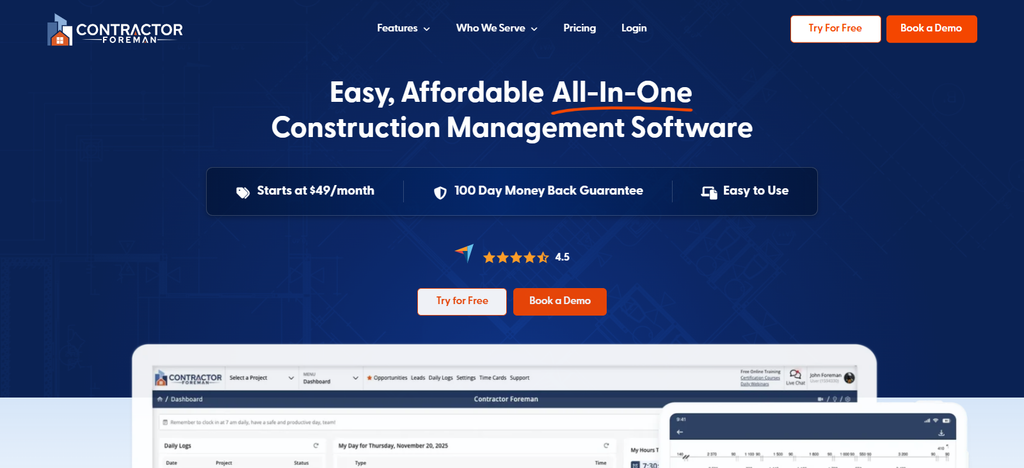
It combines cloud-based estimating with job costing and construction project management. Contractors can manage purchase orders, track project expenses, connect estimates to operational workflows and coordinate subcontractors.
The Basic plan, which includes one user, starts at $49 per month, with more advanced plans offering additional users and features. It has a 30-day free trial, allowing contractors to try out the features before they purchase.
Contractor Foreman – Key Features
| Feature | Description |
|---|---|
| Estimate Creation | Creates project estimates with configurable pricing and cost calculations. |
| Markup Management | Applies markup at individual line-item or bulk levels. |
| Profit Margin Tracking | Displays estimated profit while contractors prepare project quotations. |
| Professional Proposals | Generates branded proposals and client-facing estimate documents. |
| Estimate Tracking | Tracks whether clients receive, open, and engage with submitted estimates. |
| Job Costing | Connects project financial information with operational cost tracking. |
| Subcontractor Coordination | Supports subcontractor communication and project task coordination. |
| Accounting Integrations | Connects with tools such as QuickBooks for financial workflow management. |
Quick Comparison: Total of 10 Softwares
| Software | Founded | Estimating type | Price / trial |
|---|---|---|---|
| Procore | 2002 | Cloud-based 2D/3D | Custom quote |
| PlanSwift | 2007 | Desktop takeoff | $2,000/year; 14-day trial |
| Sage Estimating | Sage: 1981 | Custom quote | Database-driven |
| Autodesk Forma | Autodesk: 1982 | 2D/3D and BIM-based | Custom quote |
| STACK | 2011 | Cloud based takeoff | Free plan, from $299/user/month |
| Buildertrend | 2006 | Residential estimating | Custom quote |
| Buildxact | 2011 | Residential takeoff | Free plan; paid starts at $169/year |
| InEight Estimate | Roots: 1989 | Enterprise cost estimating | Custom quote |
| WinEst | Trimble: 1978 | Database driven | Custom quote |
| Contractor Foreman | Check found | Cloud-based estimating | From $49/month; 30-day trial |
Conclusion
The right construction estimating software can help contractors and builders improve cost accuracy, manage project budgets, reduce manual calculations and prepare competitive bids. Digital takeoffs, material calculations, labor costing, subcontractor coordination…
Platforms like Procore, Sage Estimating, PlanSwift, STACK, and Autodesk Construction Cloud offer different capabilities. Buildxact and Buildertrend are great for residential construction businesses, but InEight Estimate and WinEst are better for more complex estimating needs.
Contractors should compare pricing, estimating features, integrations, scalability and availability of free trials before making a choice. The right solution should match the size of projects and business needs.
FAQ
What is construction estimating software?
Construction estimating software helps contractors and builders calculate project costs, including materials, labor, equipment, subcontractors, and overhead expenses. It simplifies quantity takeoffs, budget preparation, and bid creation.
What is the best construction estimating software for contractors?
Procore, PlanSwift, Sage Estimating, STACK, and Autodesk Construction Cloud are popular options. The best choice depends on project size, estimating requirements, pricing, and subcontractor management needs.
Is there free construction estimating software?
Yes. STACK and Buildxact offer free entry-level options with limitations. Some other providers offer product demonstrations or trial access instead of permanently free plans.
How much does construction estimating software cost?
Pricing varies by platform, features, and user requirements. Contractor Foreman starts at $49 monthly, while PlanSwift offers annual licensing. Enterprise platforms such as Procore and InEight generally provide customized pricing.