

I’ll discuss the Best Canva AI Tools for Design, Branding & Social Media in this article, and how they enhance creators and marketers’ creativity and efficiency.
In the Canva Magic Write, Canva Magic Design AI, and Canva AI Video Editor, for example, users can create content for digital marketing and branding with increased ease and efficiency.
Why Canva AI Tools for Design, Branding & Social Media
Time and Energy.
You can save time, energy, and money with Canva Magic Design AI (and other Canva AI tools) so you can create high-quality designs.
Content Improvement.
Create quality captions, blogs, and marketing content with the use of Canva Magic Write for increased audience engagement.
Brand Uniformity
For consistent logos and colors, use Canva Brand Kit AI, to be consistent across marketing and branding.
Audience Interactivity
Likes and shares are increased with the content made with Canva Magic Animate and Canva AI Video Editor.
Beginner Friendly
Users can confidently make high-quality designs and content without any prior experience in design and editing.
Marketing Productivity.
Managing marketing campaigns and scheduling content is as simple as using the Canva AI Social Scheduler and Canva AI Content Planner.
Quality Presentations.
You can make rich, quality presentations in Canva AI Presentation Builder.
Visual Content.
Complex content is better when made simple, easy, and engaging with the use of infographics made with the Canva AI Infographic Generator.
Professional Designs
Creators and businesses do not need expensive graphic designers or video editors for quality, professional designs.
Key Point & Best Canva AI Tools for Design, Branding & Social Media
| Canva AI Tool | Key Points |
|---|---|
| Canva Magic Write | AI-powered writing tool that creates captions, blogs, ad copy, and social media text quickly. |
| Canva Magic Design AI | Automatically generates professional templates and layouts from prompts or uploaded media. |
| Canva Magic Animate | Adds smooth animations and transitions to presentations, videos, and graphics instantly. |
| Canva Brand Kit AI | Stores brand colors, logos, and fonts for consistent business branding across designs. |
| Canva AI Background Remover | Removes image backgrounds in one click for clean and professional visuals. |
| Canva AI Video Editor | Simplifies video editing with drag-and-drop tools, effects, captions, and AI enhancements. |
| Canva AI Presentation Builder | Creates engaging presentations automatically using AI-generated layouts and content ideas. |
| Canva AI Social Scheduler | Schedules and publishes social media posts directly from Canva to multiple platforms. |
| Canva AI Content Planner | Helps organize, manage, and plan marketing content with a visual content calendar. |
| Canva AI Infographic Generator | Converts data and ideas into attractive infographics with AI-powered templates and charts. |
1. Canva Magic Write
Canva Magic Write is one of the top AI tools that Canva offers for design, branding, and social media. Primarily, it allows users to quickly generate professional quality content.
The AI tool can draft blog content, social media captions, advertising copy, product descriptions, and even emails and marketing messaging based on the prompts you provide. Because of this, marketers, bloggers, and businesses can improve their creativity and save time with this tool. Beyond just generation, the tool can rewrite content, and summarize and elongate messages for different contexts.
There is an aspect of the content creation workflow that every tool in the category of design, branding and social media marketing offered by Canva relies on. Magic Write improves that workflow by enhancing the quality and productivity of content for digital marketing.
Canva Magic Write Features
- AI text generation for diverse formats such as blogs, captions, and ads
- Rapid social media content generation
- Text summarization and paraphrasing support
- Instant generation of creative content ideas
- Boosts productivity and writing pace
Canva Magic Write
| Advantages | Disadvantages |
|---|---|
| Generates content quickly | AI text may sound generic |
| Saves writing time | Requires editing for accuracy |
| Helps create captions and blogs | Limited creativity in complex topics |
| Easy for beginners | Advanced features need Pro plan |
| Improves productivity | Sometimes repeats content patterns |
2. Canva Magic Design AI
Canva Magic Design AI is an innovative tool that allows users to generate powerful templates and layouts through design prompts or images that they upload. Users can make their own professional, polished presentations, posts, flyers, invites, and branded materials without having to undergo the lengthy process of design or a steep learning curve.
The AI can even understand a visually appealing design by matching elements like colors and text. Because of this, it is used by practically everyone to help speed up the tedious task of graphic design. Of all the tools offered by Canva, Magic Design AI is one of the best because it quickly takes concepts and ideas and draws them to a visualization for a user quickly.
Canva Magic Design AI Features
- Automated generation of design layouts
- Template generation via text and image prompts
- Automated suggestions of complimentary fonts and color schemes
- A streamlined graphic design flow
- Supports social graphics, presentations, and posters
Canva Magic Design AI
| Advantages | Disadvantages |
|---|---|
| Creates professional designs instantly | Limited customization in AI templates |
| Beginner-friendly interface | Some designs may look repetitive |
| Saves graphic design time | Premium templates require payment |
| Suggests matching layouts and colors | Internet connection required |
| Useful for social media content | AI may not match every branding style |
3. Canva Magic Animate
Magic Animate allows you to create interest in your designs with added animations and transitions.
Creating motion effects can be time consuming and tiresome, but with Magic Animate, you can instantly make any visual element on your page come to life with professional animations designed to be eye catching and fun.
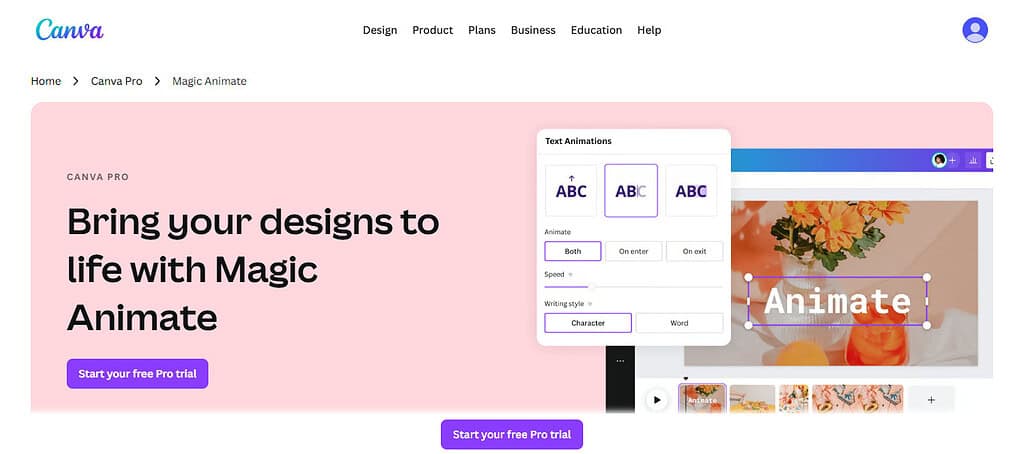
Many businesses incorporate Magic Animate in their marketing videos, Instagram Reels, YouTube videos and presentations whenever they want to engage their audience. It also makes your storytelling easier. By modernizing and enhancing your static graphics, you can improve your story.
As one of the Best Canva AI Tools for Design, Branding & Social Media, Magic Animate allows brands to make visually impressive content that drives engagement, improves communication, and elevates social media’s reach with minimal design effort and editing.
Canva Magic Animate Features
- Animation of graphics and presentations
- Automated enhancement of transitions
- Enrichment of social media and video content
- Increased interactivity of designs
- Multiple options for animation styles and effects
Canva Magic Animate
| Advantages | Disadvantages |
|---|---|
| Adds engaging animations easily | Limited advanced animation controls |
| Improves social media engagement | Some effects require Pro version |
| Makes presentations interactive | May slow large projects |
| Simple drag-and-drop functionality | Not suitable for complex motion graphics |
| Enhances visual storytelling | Fewer customization options than professional tools |
4. Canva Brand Kit AI
With Canva Brand Kit AI, businesses can create and manage branding initiatives with ease, ensuring that their branding remains consistent across all marketing efforts and various digital channels.
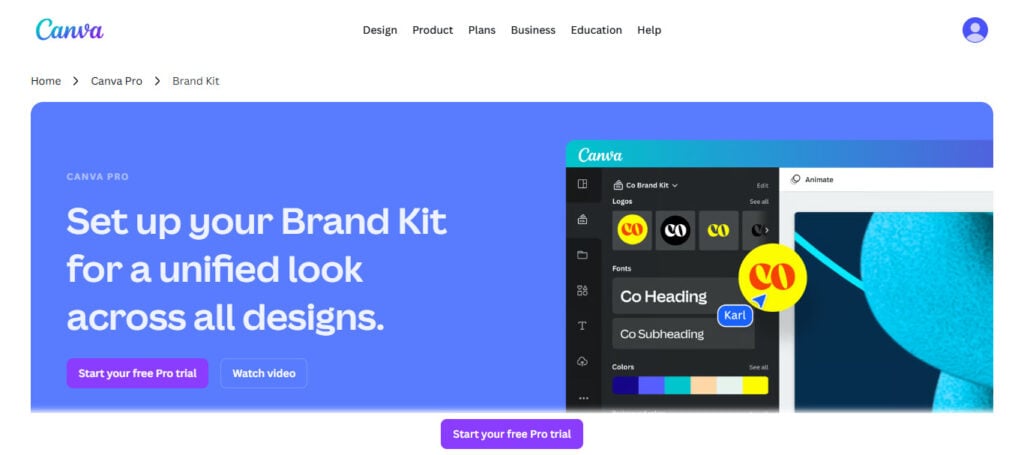
Users can upload their logos, brand colors, design fonts, and design templates so all brand collateral can visually be on-brand. This is a fantastic offering for companies, agencies, startups, and social media managers that need to have great branding but do not want to deal with complex software.
The AI technology also suggests styles and layouts that complement the uploaded design. In the realm of digital marketing, tools like the Brand Kit AI are improving the consistency of all branded materials, social posts, advertising, and promotional campaigns.
Canva Brand Kit AI Features
- Centralized fonts, colors, and logos of a brand
- Supports cohesive branding in all designs
- Centralized storage of brand assets for speedy access
- Streamlined collaborative effort of the team in the branding process
- Supports marketing campaigns of a professional standard
Canva Brand Kit AI
| Advantages | Disadvantages |
|---|---|
| Keeps branding consistent | Mostly available in Canva Pro |
| Stores logos and brand assets securely | Limited advanced branding analytics |
| Saves time in design workflow | Team features may require upgrades |
| Great for businesses and agencies | Fewer customization controls than enterprise software |
| Simplifies team collaboration | Depends on cloud storage access |
5. Canva AI Background Remover
With Canva AI Background Remover, eliminating the image background is a quick task, requiring only one click to remove all background imagery in an image. Backgrounds can be removed in all types of imagery including product shots, marketing graphics, profile images, Creative thumbnails, and branding materials.
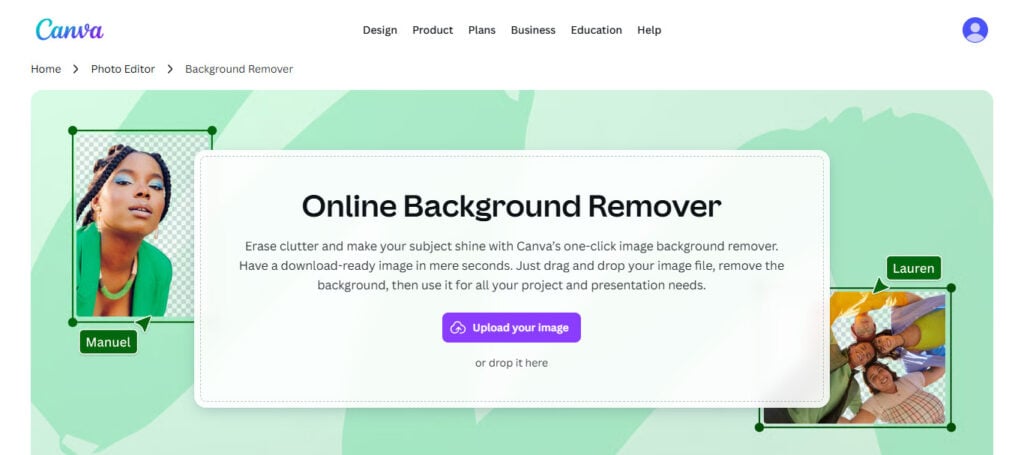
Users can skip the whole complicated editing software thing. With just a few clicks, customers can isolate subjects and produce clean, professional visuals. Companies and creators working in e-commerce will find it even more useful, adding both the flexibility of design and improving the image.
Featured among the Best Canva AI Tools for Design, Branding & Social Media, the AI Background Remover makes modern drawing quicker and more visually appealing, improving the engagement and professionalism of your content and graphics across the web, all while consuming less of your valuable time.
Canva AI Background Remover Features
- Backgrounds of images removed in seconds
- Clean professional profile and product images
- Professional photo editing made easier
- Time-saving compared to the conventional method of editing
- Image downloads of previously edited images with a transparent background
Canva AI Background Remover
| Advantages | Disadvantages |
|---|---|
| Removes backgrounds instantly | High-quality feature often requires Pro |
| Easy to use for beginners | May miss fine image details |
| Creates professional visuals quickly | Struggles with complex backgrounds |
| Saves editing time | Requires internet access |
| Useful for product photography | Limited manual editing tools |
6. Canva AI Video Editor
Canva AI Video Editor lets you create and record videos quickly for marketing, teaching, and social media across the web. With AI dragging and dropping, you can add animations, songs, subtitles, added transitions, new effects, and even new voiceovers. It even does short-form content for Instagram, YouTube, TikTok, and even Facebook.
That means creating exciting videos is no longer an impossible task. That’s why companies use it to create ads, how-to’s, and promo videos, and more advanced editing. As one of the Best Canva AI Tools for Design, Branding & Social Media, Canva AI Video Editor improves the quality of your content and the engagement of your audience while allowing you to seamlessly design professional videos.
It’s the future of editing your content for you and developing professional content all for the lowest cost of production.
Canva AI Video Editor Features
- Video editing via drag and drop feature
- Addition of transitions, effects and subtitles
- Automation of music and animation with lots of added features
- Video editing for social media with ease
- Designing of marketing and promotional videos made easier
Canva AI Video Editor
| Advantages | Disadvantages |
|---|---|
| Easy video editing for beginners | Limited advanced editing options |
| Supports social media video formats | Large files may load slowly |
| Includes effects and transitions | Fewer controls than professional editors |
| Saves production time | Premium assets require subscription |
| Great for marketing videos | Limited cinematic editing features |
7. Canva AI Presentation Builder
With Canva AI Presentation Builder, quickly create beautiful presentations with the newest feature, dynamicallyAI-generated layouts, templates, and content suggestions. It has everything you need to make a business presentation, classroom slides, marketing pitches, or project reports in no time. Design slides, tell your story, and utilize all the graphics and animations and charts with ease.
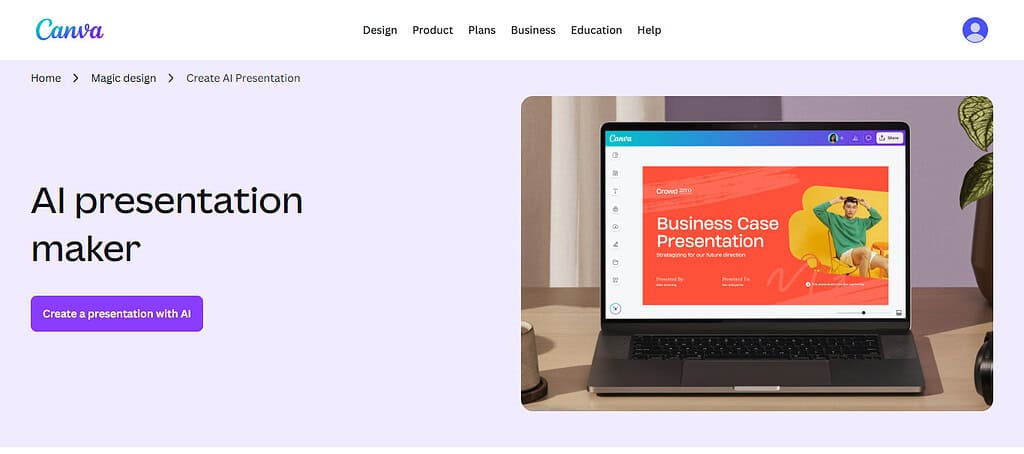
It is very useful for users, educators, business owners, and team members. In the digital workspace, the Best Canva AI Tools for Design, Branding & Social Media include the Presentation Builder. It saves time and enhances the quality of presentations. It also allows the users to showcase their ideas and messages with pro, elegant slide designs that are seamless and dynamic.
Canva AI Presentation Builder
- Automated generation of layouts for presentations
- Fast creation of professional slides for business
- AI design suggestions for better enhancement and support
- Supports charts, graphics, and animations.
- Enhances visual storytelling of your presentations.
Canva AI Presentation Builder
| Advantages | Disadvantages |
|---|---|
| Generates presentations quickly | AI layouts may feel repetitive |
| Improves slide design quality | Limited advanced presentation tools |
| Beginner-friendly platform | Some templates are premium-only |
| Supports animations and charts | Less flexible than PowerPoint for experts |
| Saves time for businesses and students | Requires internet connection |
8. Canva AI Social Scheduler
With the Canva AI Social Scheduler, users are able to plan, schedule, and publish social media posts from directly within the Canva app. It provides support for multiple social networks, and aims to help businesses and creators take control of their content calendars.
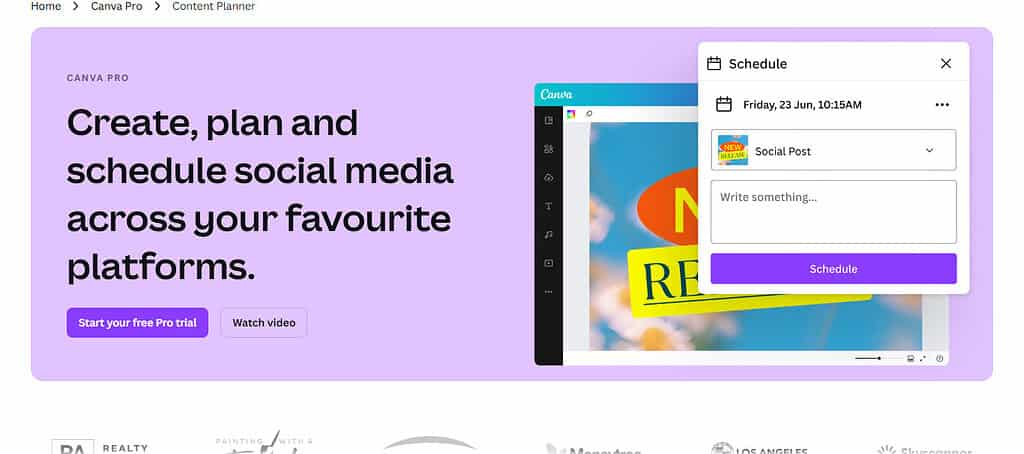
Users can create posts in advance, automate their post schedules, and enhance their social media involvement, without leaving the app. The AI helps users find the optimal time to post and plans their campaigns to reach their target audience.
Of the Best Canva AI Tools for Design, Branding & Social Media, the Social Scheduler is very helpful, as it integrates content creation and publishing on a single platform, making time management easier for brands and enhancing their marketing workflow.
Canva AI Social Scheduler Features
- Schedules posts across all social platforms.
- Ensures consistent posting across platforms.
- Handles social media campaigns with ease.
- Less time spent with auto post functions.
- Works with your Canva designs.
Canva AI Social Scheduler
| Advantages | Disadvantages |
|---|---|
| Schedules posts automatically | Limited analytics compared to advanced tools |
| Supports multiple social platforms | Some integrations may be restricted |
| Saves social media management time | Requires Canva account connection |
| Improves posting consistency | Advanced scheduling features may need Pro |
| Combines design and scheduling together | Not ideal for large enterprise campaigns |
9. Canva AI Content Planner
Canva AI Content Planner acts as an advanced smart content management system to help businesses build their marketing strategies and manage their creative projects schedule.
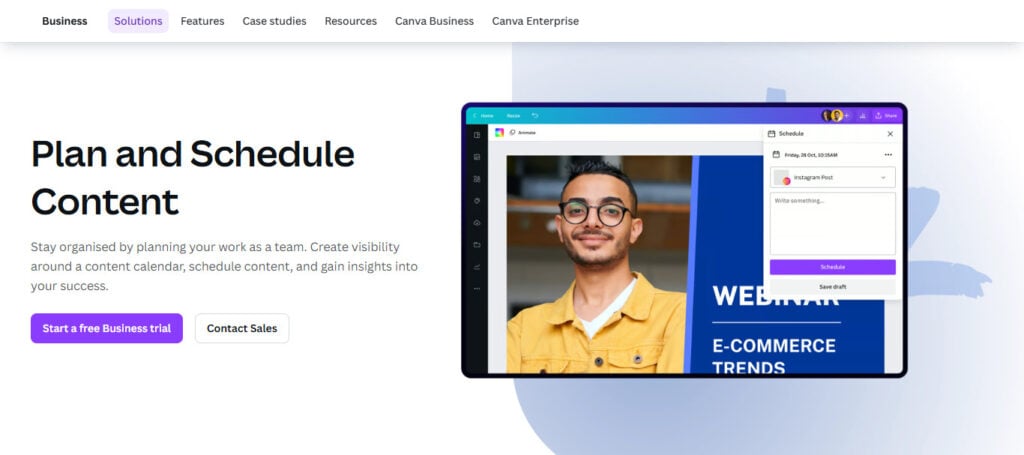
It gives users a visual calendar to schedule their blog posts, ads, and social and promo content ahead of time. This tool alleviates the pressure of creating content at the last minute, and helps the team align on content and branding schedules.
As one of the Best Canva AI Tools for Design, Branding & Social Media, the Content Planner improves organization and productivity, allowing brands to strengthen their digital presence across various online platforms.\
Canva AI Content Planner Features
- Arranges content ideas in a calendar format.
- Organizes marketing campaigns effectively.
- Enhances workflow and productivity.
- Allows for management of social media.
- Facilitates planning and collaboration for content.
Canva AI Content Planner
| Advantages | Disadvantages |
|---|---|
| Organizes marketing content efficiently | Limited project management features |
| Helps maintain posting consistency | Advanced workflow tools are limited |
| Improves team productivity | Better suited for small teams |
| Easy visual content calendar | Requires regular internet access |
| Simplifies campaign planning | Fewer integrations than specialized planners |
10. Canva AI Infographic Generator
With the Canva AI Infographic Generator, customers can conveniently convert data into easy-to-follow infographics. The AI tool provides options like layouts, icons, charts, color palettes, and typography to assist users in creating flawless designs in a timely manner. Infographics have become popular with businesses, educators, bloggers, and marketers for describing statistics, reports, processes, and other tricky concepts.
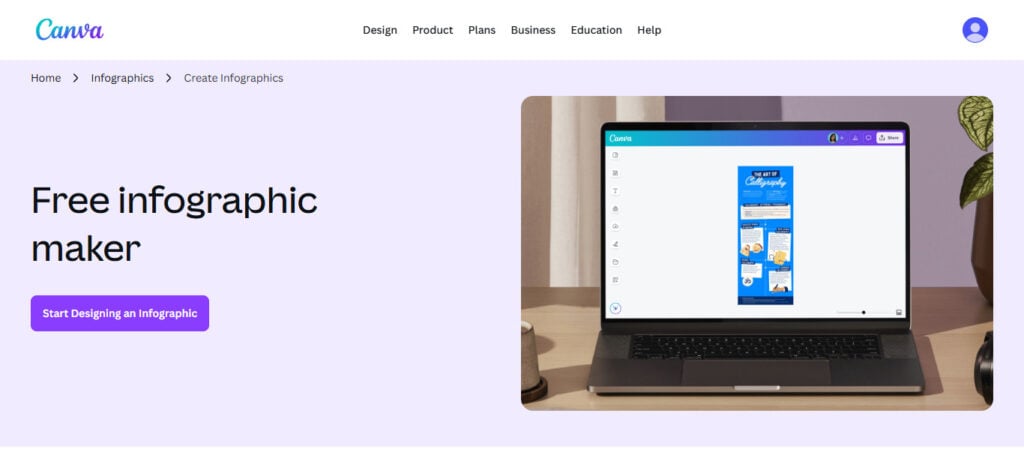
This tool promotes audience engagement as visual content is inherently more appealing and shareable compared to text-based content. The Best Canva AI Tools for Design, Branding & Social Media are complete with the Infographic Generator, allowing brands to share information in an effective manner with brilliant content that captivates the users of web pages and social media.
Canva AI Infographic Generator Features
- Generates high-quality infographics with ease.
- Shows data visually.
- Provides charts and icons through AI.
- Utilizes visuals for better audience retention.
- Works for marketing and teaching content.
Canva AI Infographic Generator
| Advantages | Disadvantages |
|---|---|
| Creates infographics quickly | Limited advanced data visualization |
| Beginner-friendly design process | Some templates require Pro plan |
| Improves audience engagement | AI suggestions may feel repetitive |
| Converts data into visual content | Less flexible for detailed customization |
| Useful for marketing and education | Complex charts may need manual editing |
Conclusion
Canva AI Tools for Design, Branding & Social Media boost productivity for users across multiple industries. Marketers, business owners, bloggers, and content creators can easily and quickly produce professional content. Canva Magic Write is perfect for content creation, and videos can be made easily with the Canva AI Video Editor. Furthermore, the Brand Kit AI, the AI Social Scheduler, and the AI Infographic Generator provide solutions to give brand consistency and visual representation of data. These time-saving features will stimulate creativity and productivity, proving that Canva is a top platform for digital branding, design, and marketing.
FAQ
What are the Best Canva AI Tools for Design, Branding & Social Media?
The Best Canva AI Tools for Design, Branding & Social Media include Canva Magic Write, Canva Magic Design AI, Canva AI Video Editor, Canva Brand Kit AI, and Canva AI Social Scheduler. These tools help users create content, manage branding, edit videos, and schedule social media posts efficiently.
How does Canva Magic Write help content creators?
Canva Magic Write helps content creators generate blog ideas, captions, ad copy, emails, and marketing content quickly using AI. It saves time and improves creativity by producing high-quality written content from simple prompts.
Is Canva Magic Design AI good for beginners?
Yes, Canva Magic Design AI is perfect for beginners because it automatically creates professional templates and layouts without requiring advanced design skills. Users can generate social media graphics, presentations, and posters within minutes.
What is the use of Canva Brand Kit AI?
Canva Brand Kit AI helps businesses store logos, fonts, and brand colors in one place. It ensures consistent branding across all marketing materials, presentations, and social media content.