




This article reviews the best AI Knowledge Base Software solutions for businesses offering advanced AI functionalities for smart data management, support automation, and unprecedented knowledge sharing.
These advanced AI software with intelligent search, automation, and generation technologies enable systems to deliver fast, accurate answers and automate repetitions, thereby optimizing business productivity. This review explores their business value, functionality, technologies used, and most importantly, the benefits of each.
What Is AI Knowledge Base Software?
AI Knowledge Base Software is an AI-driven knowledge management system which leverages technologies such as machine learning and NLP. Semantic search and generative AI are also used to structure and deliver information. Traditional reliant knowledge bases require users to manually search through static documents.
AI-driven knowledge bases, on the other hand, understand user intent and frame contextual answers. They analyze a company’s documents, FAQs, customer support, and internal resources to build comprehensive information systems. Automation of customer support, productivity growth, reduction of monotonous work, and instant access to vital information are some benefits of using AI Knowledge Base Software by businesses.
How to Select the Best AI Knowledge Base Software?
Search Automation
Prior to purchasing knowledge management systems, look for search systems that use intent classification, semantic search, and NLP. These systems understand the users’ search intent instead of searching for matching keywords. This saves the users’ time and reduces frustration with inadequate search results.
Generative AI & RAG
Generative AI and Retrieval-Augmented Generation (RAG) help knowledge management systems answer user requests using internal trusted data.
Knowledge Automation
AI document summarization, article creation, updating documents, and suggesting knowledge are some of the automation features to consider. These features help eliminate the repetitive tasks associated with updating knowledge and automate the systems and reduce the workload.
Integrations
The knowledge management system should offer integrations with business applications, helpdesk, collaboration tools, and customer support and communication applications. Integration helps create a unified knowledge management system.
Security & Data Privacy
- Check security features like encryption, control access by role, login, and permission management.
- Enterprise businesses should consider compliance requirements and data protection policies.
- AI knowledge platforms keep sensitive business data secure.
Scalability & Performance
- Select software that will grow with your business requirements.
- The platform should be able to process an increasing number of documents, users, customer requests, and data sources without affecting the performance.
- Scalable solutions are more appropriate for the long-term growth of the business.
User-Friendly Interface
- A simple and intuitive interface helps employees and customers quickly learn to use the system.
- Ease of content creation and collaboration, navigation, and searching are some of the key features that can be used to assess how friendly a system is.
- A user-friendly system is more effective than a complicated one and requires less training.
Key Point & Best AI Knowledge Base Software
| Platform | Best For | Key Features |
|---|---|---|
| Zendesk AI KB | Customer support | AI‑powered help center, semantic search |
| Freshdesk AI KB | SMEs | Automated ticket deflection, multilingual support |
| Intercom Fin AI KB | Conversational support | AI chat + KB integration, predictive answers |
| Guru AI Knowledge Hub | Enterprise teams | AI card system, Slack/Teams integration |
| Notion AI KB | Internal docs | AI semantic search, collaborative editing |
| Confluence AI KB (Atlassian) | Dev & IT teams | AI‑driven wiki, Jira integration |
| Zoho Desk AI KB | SMBs | AI suggestions, contextual KB search |
| Helpjuice AI KB | Documentation‑heavy orgs | AI content structuring, analytics |
| Document360 AI KB | Technical docs | AI tagging, version control, API docs |
| Bloomfire AI Knowledge Sharing | Enterprise learning | AI search, multimedia KB, compliance tools |
1. Zendesk AI KB
Zendesk AI Knowledge Base automatically generates self-service content from support documents, FAQs, and support conversations using generative AI and search automation to deliver answers even faster. The platform’s unique technology uses Natural Language Processing (NLP), machine learning, and semantic search to understand the reasoning behind the query as opposed to just looking for keyword matches.
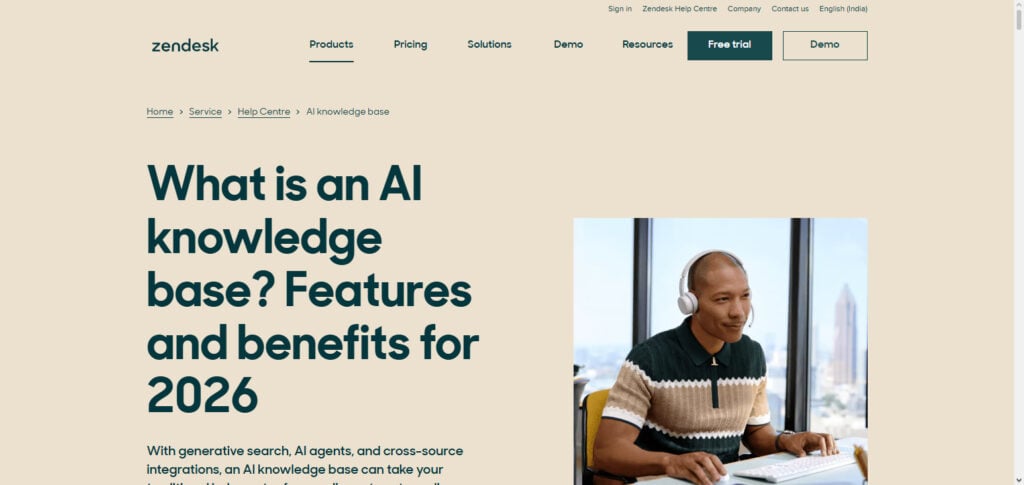
Consequently, the platform streamlines self-service support. Increasingly powerful AI customer experience platforms reduce ticket volume, increase agent productivity, and improve customer satisfaction by delivering automated knowledge.
Features:
- AI-Powered Search: Discovers answers to customers’ questions and helps knowledge base discovery.
- AI Content Assistance: Automatically creates, summarizes, enhances, and edits articles.
- AI Customer Support Automation: Automates responses to common customer inquiries, reducing the need for customer support.
- Knowledge Analytics: Analyzes search patterns, article performance, and knowledge article gaps to improve content.
- Multi-Channel Integration: Integrates knowledge base resources with customer support resources, help centers, and corresponding workflows.
Pros:
- Lessens repetitive queries.
- Amplifies self-service.
- Employs advanced automation and AI.
- Suitable for large enterprise knowledge systems.
- Enhances access for support agents to knowledge articles.
Cons:
- Greater AI use may increase costs.
- More complex setup and configuration needed.
- Best features designed for large teams.
- May be complex for beginners.
- Requires constant content updates.
2. Freshdesk AI KB
Freshdesk AI Knowledge Base uses the Freshworks AI platform to allow organizations to build, manage, and optimize customer support content. Freshdesk AI KB enables customers to build intelligent help centers in which AI tools suggest solutions and answer customer support queries, and even improve knowledge articles.
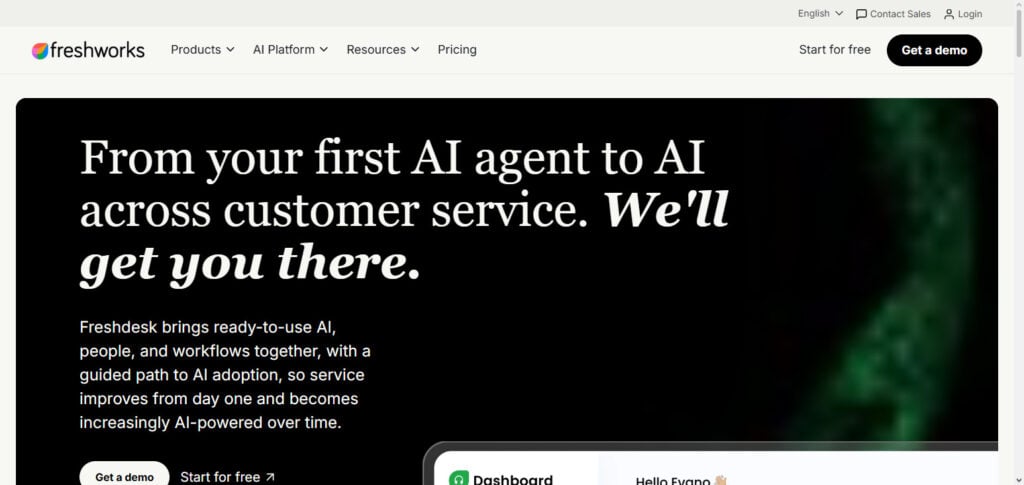
Similar to Zendesk AI Knowledge Base, Freshdesk’s AI knowledge base uses machine learning and conversational AI and support automation technology to transform support data into valuable information, driving customer engagement for its clientele.
Improving customer support using AI-driven solutions also reduces the number of redundant queries. Freshdesk’s AI-based article suggestion technology also drives case resolution velocity and positive customer experiences. The platform also helps achieve significant operational efficiencies, delivering measurable business value, and supporting large workload volumes.
Features:
- Provides support and suggests answers to customers and agents using AI.
- Creates, organizes, and optimizes content for knowledge base articles.
- Automates resolution of customer service requests using AI.
- Creates an autonomous resolution center for customer issues.
- Automates support tasks using AI.
Pros:
- Simple interface.
- Good for small and medium size businesses.
- An affordable solution for quality AI support.
- Improves response time.
- Provides quality automation.
Cons:
- Customization for advanced AI is restricted.
- Some enterprise features are accessible at a higher pricing tier.
- Accuracy will vary for AI depending on available content.
- Reporting features are rudimentary.
- Not the best choice for the more complicated knowledge domains.
3. Intercom Fin AI KB
Intercom Fin AI Knowledge Base specializes in using conversational AI and advanced assistance to help customers resolve their support cases through company knowledge and assistance. Fin Answers uses large language models and natural language understanding to obtain answers to customer support questions through documentation retrieval.
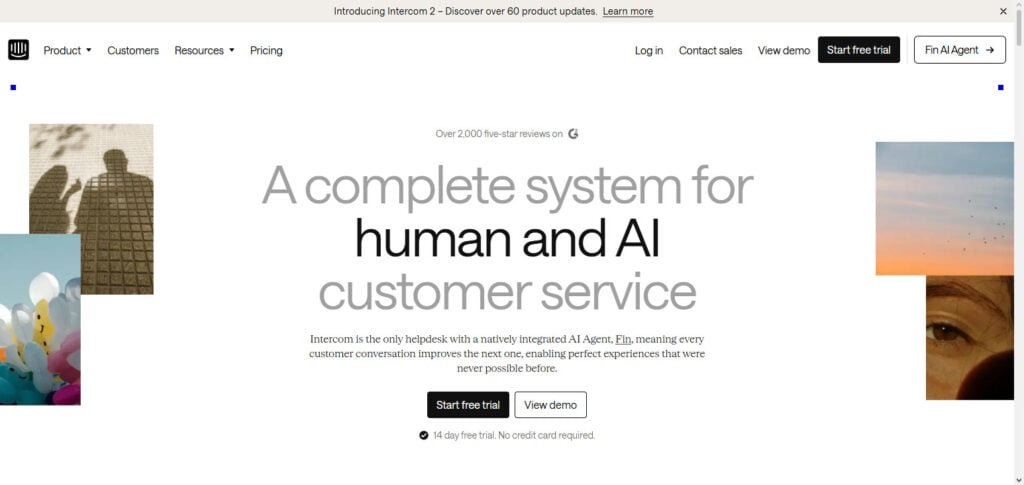
In contrast to most knowledge bases, customers of Intercom Fin AI KB can ask questions naturally with the assurance of timely, precise responses without the customer needing to search through multiple articles. Businesses using Intercom Fin AI KB are able to automate their customer conversations while maintaining accurate data.
More demand for AI agents and self-service solutions, along with a focus on improving customer support interactions, responding quickly to customer inquiries, and minimizing the workload on customer support teams has shown Intercom Fin AI KB is the future of automated customer support.
Features:
- Conversational AI Assistant:tailored to understand customer queries and provide prompt responses.
- AI Knowledge Retrieval: understands customer queries and helps retrieve relevant information from company documents.
- Automated Customer Resolution: can help resolve repetitive Customer Support queries.
- Human Agent Handoff: Captures context of a complex issue and transfers it to a Human for resolving the issue.
- Personalized Customer Support: helps design AI Customer Support that engages with the Customer.
Pros:
- AI Customer Support that reduces workload of Customer Support Staff.
- Provides quick Customer responses.
- Easy to deploy Chatbot.
- Improves engagement with Customers.
Cons:
- Pricing can be unattractive at high volumes of usage.
- Requires quality knowledge content.
- Primarily focused on Customer Support.
- Not ideal for internal knowledge management.
- Advanced customization will need some technical skills.
4. Guru AI Knowledge Hub
Guru AI Knowledge Hub, also referred to as Guru, is an enterprise knowledge management system that empowers teams to easily access verified information. Guru AI Knowledge Hub incorporates AI verification and workplace collaboration with AI search, thus providing a centralized system of information.
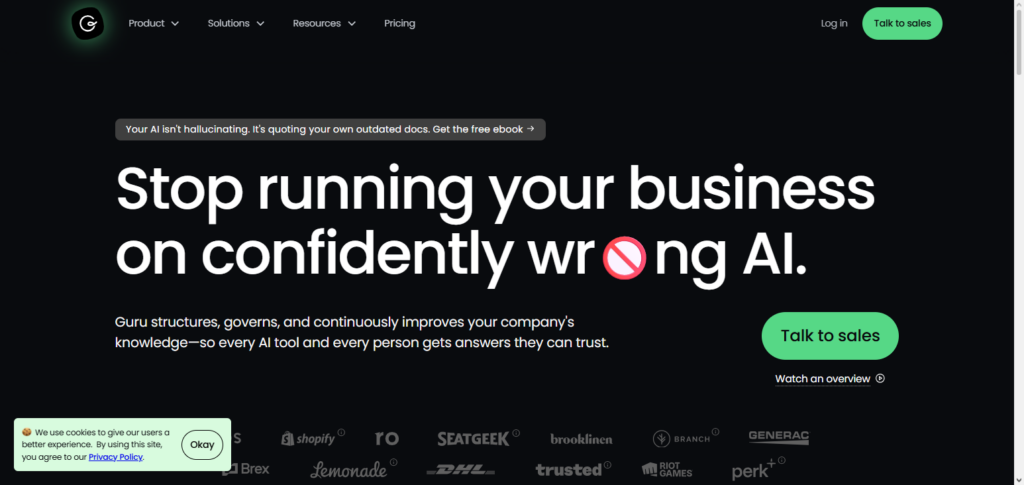
Most sales, customer support, HR, or operations teams are able to use Guru to answer their questions without having to search through numerous applications. The technology improves information discovery through AI-powered recommender systems and uses semantic search and knowledge organization.
An increasing need to manage the high volume of internal data has led many to use Guru. It helps companies capture and structure organizational information. Faster employee onboarding, improved productivity, decreasing the gap of information, and improving overall business data are the result of Guru’s business impact within an organization.
Features:
- AI Enterprise Search: helps employees discover company resources.
- Knowledge Verification: ensures company information is accurate and trusted.
- AI-powered Answers: delivers answers from company internal knowledge.
- Team Knowledge Sharing: facilitates knowledge sharing within departments.
- Workflow Integration: connects company knowledge with used business applications.
Pros:
- Excellent for managing internal company knowledge.
- Enhances employee productivity.
- Mitigates information silos.
- Effortless collaboration amongst teams.
Cons:
- Less target Customer Support focused.
- Continuous content requires management.
- May be costly for small teams.
- Limited external documentation.
- Depends on employee use.
5. Notion AI KB
Notion AI Knowledge Base applies AI and automation to documentation and collaboration within a modern flexible workspace for teams. Notion AI automates documentation and collaboration tools for internal wikis, project documentation, notes, and knowledge management.
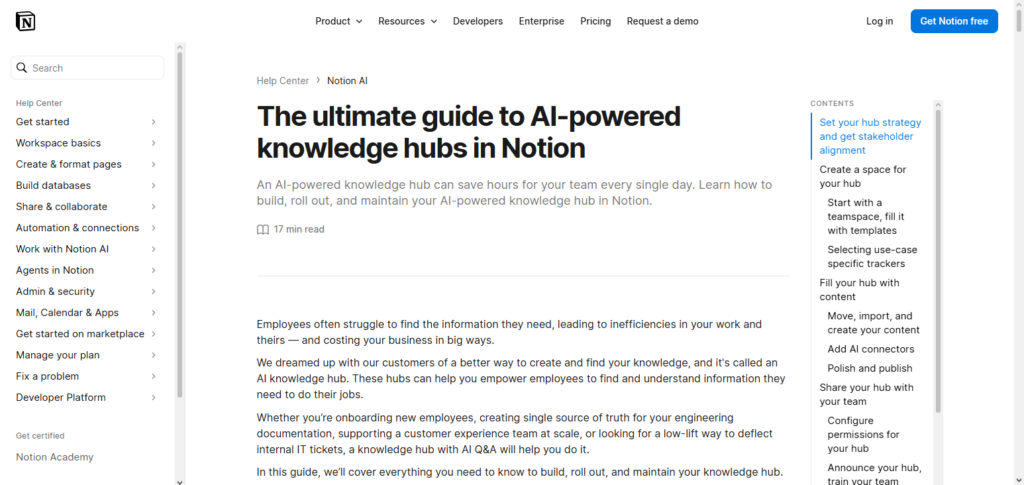
It uses AI to summarize, organize, and create content. Notion AI integrates generative AI to increase workflow and help users quickly pull information from big documents.
It is ideal for startups and teams with knowledge management needs. Notion AI delivers an ROI from decreased bureaucracy, improved collaboration and communication, and increased speed in accessibility of information of most relevance to team members.
Features:
- AI Content Creation: Creates summaries, documents, and knowledge articles.
- Flexible Knowledge Workspace: Merges notes, databases, and documentation.
- AI Search Assistant: Helps users finding information faster.
- Team Collaboration: Allows teams to develop shared knowledge spaces.
- Custom Templates: Has a variety of templates to suit many information structures.
Pros:
- User friendly.
- Adaptable to varying business requirements.
- Fits startups and small teams.
- Productivity and documentation tools consolidated.
- Ease of content creation.
Cons:
- AI features may cost more.
- Features limited compared to dedicated AI knowledge building platforms.
- Some advanced enterprise AI features lacking.
- Not great for large support teams.
- Requires content organization.
6. Confluence AI KB (Atlassian)
Confluence AI Knowledge Base, by Atlassian, is an enterprise documentation and collaboration tool with AI capabilities. Organizations can use Confluence AI to manage project data, technical documents, policies, and internal knowledge. Confluence AI integrates generative AI, search automation, and content summarization, along with automated documentation. Integrations with Jira and other Atlassian products make Confluence AI popular among software teams.
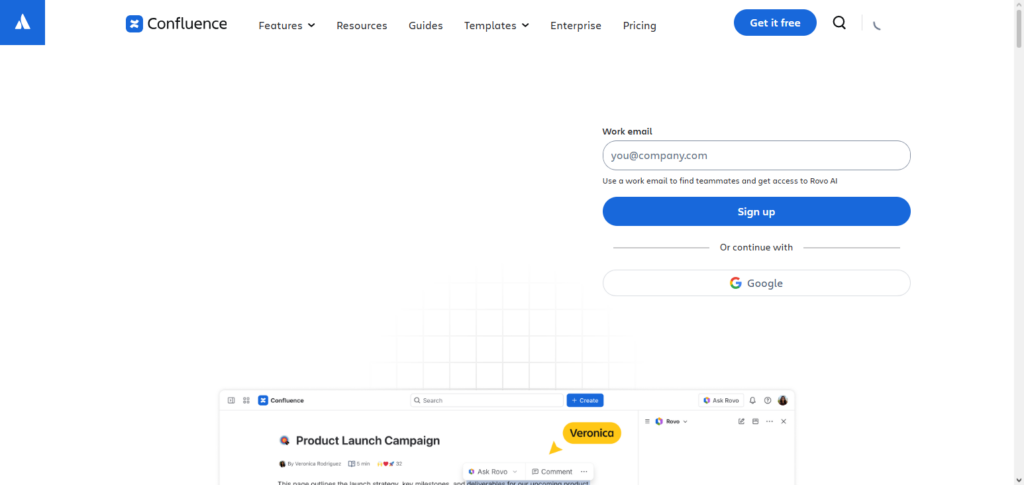
Businesses experience improved collaboration and a decrease in knowledge silos, leading to better productivity. Speed in information access and relevance is improved through search automation, helping employees finish their tasks quickly and improving productivity.
Features:
- AI Documentation Support: Aids teams in creating and optimizing business documentation.
- Smart Knowledge Search: Navigates and locates project information.
- Team Collaboration: Large scale documentation and colleague collaboration.
- Jira Integration: Knowledge resources bridge technical project initiatives.
- Enterprise Knowledge Management: Info management across departments.
Pros:
- Well optimized for technical teams.
- Excellent enterprise collaboration features.
- Works well with Atlassian products.
- Supports large documentation systems.
- Enhances project knowledge and sharing.
Cons:
- Can be complex for new users.
- Requires administration for big organizations.
- Setup takes a while.
- Less focused on customer support.
- Advanced AI features may require premium plans.
7. Zoho Desk AI KB
Zoho Desk AI Knowledge Base employs Zia AI, Zoho’s automation technology, in their knowledge management system. It helps businesses create their own FAQs, article organization, and customer interactions while providing intelligent recommendations.
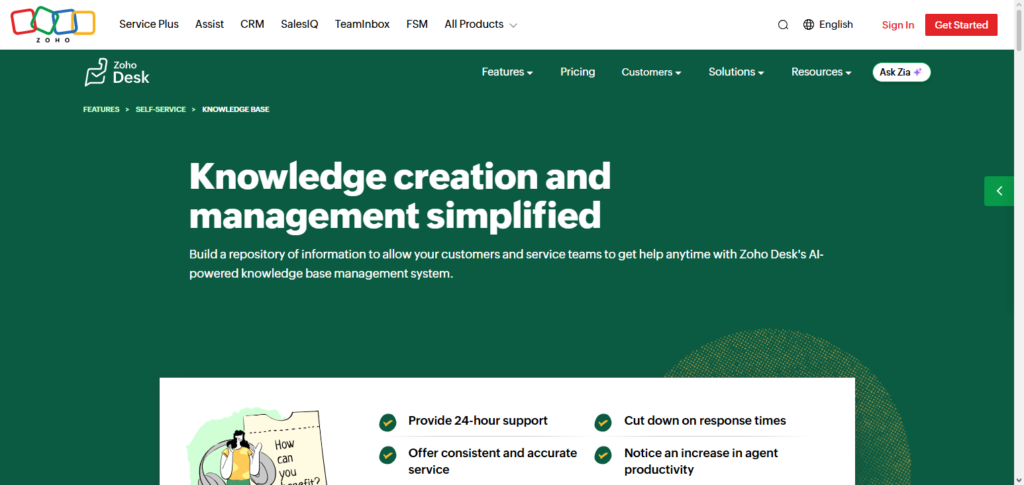
Zoho Desk AI KB employs a variety of service logic AI techniques to extract customer requirements through the automatic workflow, sentiment analysis, and intelligent search. This system is valuable for small and medium businesses which need a cost effective AI solution for their support.
It provides a strong customer service value through cost reduction of customer service, decrease in ticket resolution time, and a strong satisfaction guarantee. Zoho Desk AI Knowledge Base helps target customer volume while simultaneously improving the quality of customer service.
Features:
- AI Assistant: Automation for support responses.
- Article Management System: Creates/organizes support articles.
- AI Ticket Analyzer: Efficiently identifies support articles needed.
- Self-Service Portal: Solution look up for customers.
- Automation of Business Processes: Interconnectivity for Knowledge Management and support.
Pros:
- Low cost for small businesses.
- Easy integration within the Zoho ecosystem.
- Intuitive platform.
- Automation is effective.
- Support load reduction occurs.
Cons:
- Less advanced AI features relative to other solutions.
- Limited enterprise customization.
- Smaller ecosystem for integrations.
- May have limited advanced analytics.
- Complete feature set is available only in paid plans.
8. Helpjuice AI KB
Helpjuice AI Knowledge Base is designed for large enterprises that need complex documentation and knowledge management systems along with intelligent search frameworks. It helps companies build customer-facing knowledge portals and internal documentation systems that are amplified with analytics and content suggestions via AI.
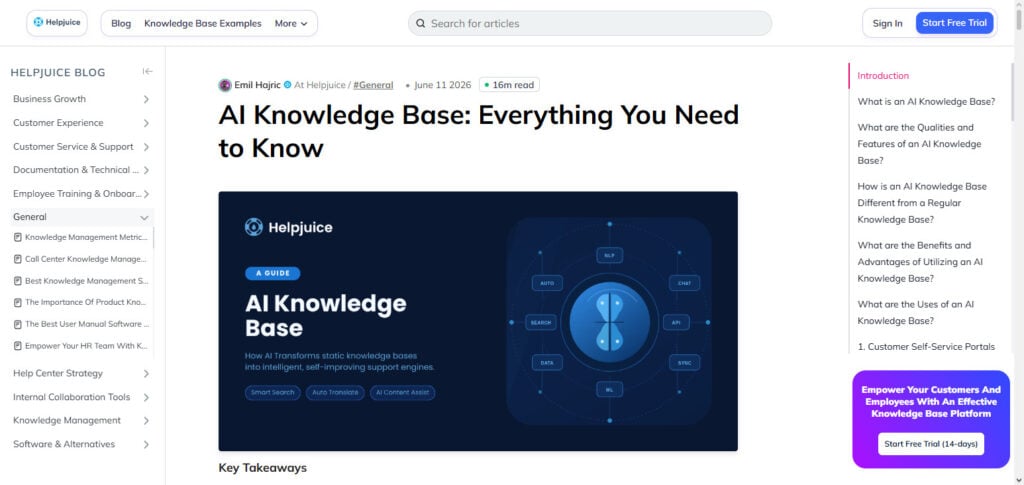
Helpjuice focuses on improving the information finding process within its systems with smart search and knowledge unit technologies.
It provides companies the ability to fill documentation gaps and optimize articles to improve customers’ self-service experiences. Its value comes from reduced customer support and training in employee efficiency. Helpjuice AI KB helps build a knowledge system with accessible, updated, and simplified information.
Features:
- AI-Powered Search: Platform to help users find information.
- Analytics for Knowledge: Insights surrounding performance and user searches.
- Custom Knowledge Portals: Build branded documentation sites.
- Content Structuring: Creating help systems for large volumes of data.
- Internal Documentation: Efforts to Docs and Share knowledge.
Pros:
- Strong Documentation Management.
- Excellent Search.
- Simple Knowledge Portals.
- Great Customization.
- Analytics are Strong.
Cons:
- Less AI Automation relative to newer platforms.
- More expensive for small businesses.
- Continual content management is required.
- AI chatbot features are less central.
- Advanced features have a learning curve.
9. Document360 AI KB
Document 360 provides organizations with an AI-powered knowledge management solution. It helps businesses create product documentation, customer help documentation, and internal knowledge portals that provide advanced search and analytics.
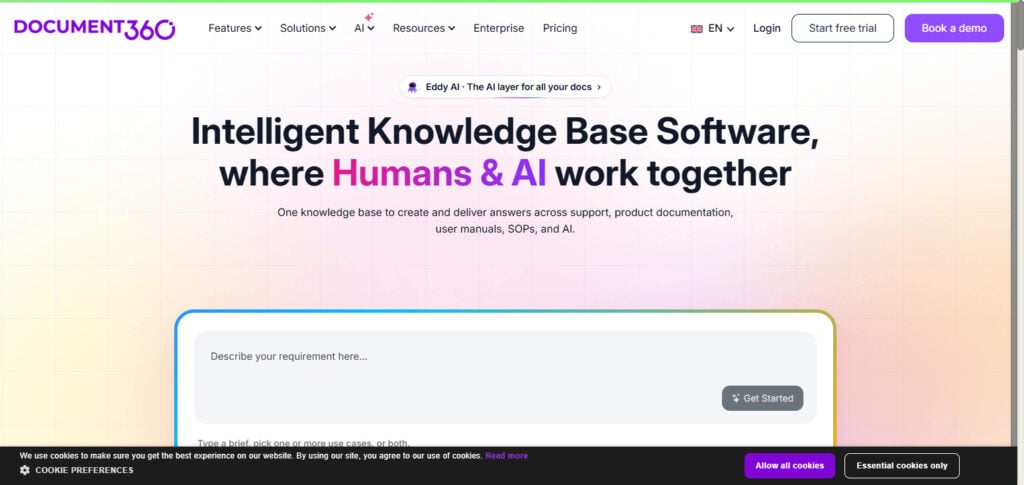
Document360 uses AI assistance and content optimization, strengthens search with semantic understanding, and provides knowledge analytics to improve documentation. The platform helps businesses identify knowledge gaps and improve their ability to deliver information accurately.
The adoption of AI-powered documentation systems benefits customer self-service and reduces the burden on support staff. The solid return on investment of Document360 primarily relies on the improvement of the customer experience, savings from reduced operations, expedited employee training, and enhanced information management on a corporate scale.
Features:
- AI documentation assistance: facilitates the creation and revision of knowledge articles.
- Advanced knowledge search: makes information discovery easier.
- Documentation Analytics: provides the customer information usage insights.
- Product Knowledge Management: offers services for manuals, guides, and help center services.
- Security controls: supports access and permission management.
Pros:
- Great for SaaS documentation.
- Great knowledge portal design.
- Great analytics.
- Great for growing businesses.
- Great for customer and internal documentation.
Cons:
- Higher pricing than most tools.
- Requires some planning before use.
- No advanced AI features.
- Some features require some content management.
- Some features may be complex and require some learning.
10. Bloomfire AI Knowledge Sharing
The Bloomfire AI Knowledge Sharing System aims to help large organizations to locate, internalize, and externalize their knowledge to all their internal threads. It employs advanced search, machine learning, and knowledge analytics tools to assist employees to locate important knowledge in a timely manner.
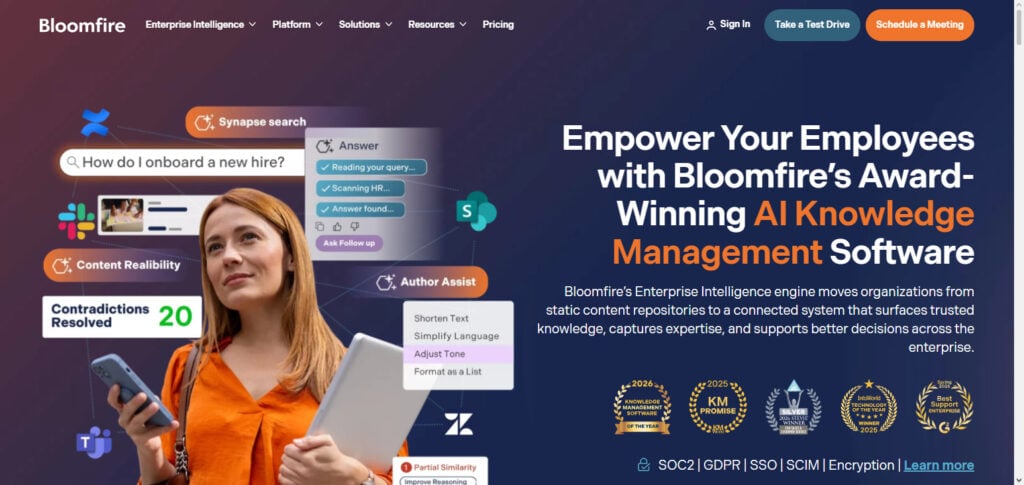
The Bloomfire AI System is useful to large companies with complex knowledge networks where knowledge is dispersed across several teams. Some business impacts of the system and framework include improved employee productivity, speed of decision-making, and preservation of institutional knowledge.
As the adoption of AI knowledge management grows, Bloomfire helps companies to transform their dispersed data to a collaborative intelligence system that positively impacts their operations.
Features:
- AI Knowledge Discovery: helps employees surface information from large data sources.
- Intelligent Search: enhances company knowledge accessibility.
- Knowledge Collaboration: focuses on expertise knowledge.
- Content recommendations: provides suggesting knowledge automatically.
- Enterprise Knowledge Analytics: provides insights usage and engagement knowledge.
Pros:
- Great enterprise knowledge sharing.
- Great for employee collaboration.
- Great for larger businesses.
- Great for larger businesses.
- Great for internal company data access.
Cons:
- Primarily designed for employee knowledge.
- Not designed for a customer support domain.
- Expensive enterprise pricing.
- Needs employee interaction.
- Requires organization changes.
Conclusion
AI Knowledge Base Software integrates artificial intelligence, automation, and intelligent search. With these elements, businesses can now efficiently manage, organize, and disseminate information. Platforms such as Zendesk AI KB, Freshdesk AI KB, Intercom Fin AI KB, Guru AI Knowledge Hub, Notion AI KB, and Document360 AI KB aid businesses with customer support and productivity of their employees and accessibility of information.
The most optimal solution for businesses will depend on the desired outcome such as the level of automation of support, internal collaboration, scalability, security, and more. With the integration of generative AIs and the constant development in semantic search and AI assistants, these platforms will assist businesses in the development of knowledge management systems that focus on automation and efficiency.
FAQ
What Is AI Knowledge Base Software?
AI Knowledge Base Software is an intelligent information management platform that uses artificial intelligence, machine learning, Natural Language Processing (NLP), and generative AI to organize, search, and deliver information automatically. Unlike traditional knowledge bases that depend on keyword searches, AI-powered knowledge bases understand user intent and provide context-based answers. These platforms can manage customer FAQs, internal documents, product guides, and company knowledge while improving accessibility through AI assistants and semantic search.
How Does AI Knowledge Base Software Work?
AI Knowledge Base Software works by collecting information from documents, websites, databases, help articles, and business systems. It uses technologies like Large Language Models (LLMs), vector search, embeddings, and Retrieval-Augmented Generation (RAG) to understand queries and generate accurate responses. AI analyzes the meaning behind questions instead of matching only specific keywords, allowing users to receive faster and more relevant answers.
What Are the Benefits of Using AI Knowledge Base Software?
AI Knowledge Base Software helps businesses reduce support costs, improve employee productivity, and deliver faster customer experiences. Key benefits include automated customer support, improved information discovery, reduced repetitive questions, faster employee onboarding, and better knowledge sharing. Companies can also use AI analytics to identify missing information and continuously improve their documentation systems.
What Is the Difference Between Traditional Knowledge Base and AI Knowledge Base?
A traditional knowledge base mainly stores articles, documents, and FAQs where users manually search for information. An AI Knowledge Base uses intelligent search, AI assistants, and automation to understand questions and provide direct answers. AI systems can generate summaries, recommend relevant content, detect knowledge gaps, and update information more efficiently than traditional documentation platforms.