




In this article, I will cover the Best AI Agents for Gathering Accounting Documents that help accounting firms automate document requests, manage client submissions and reduce manual paperwork. These AI-powered solutions assist accountants by automating invoice collection, receipt processing, bank statement management, automated follow-ups, and document verification to improve workflow efficiency, maintain organized financial records and save valuable time.
What Is AI Agents for Collecting Accounting Documents?
Accounting document collection AI agents are smart software solutions that accounting firms use to automate requesting, receiving, verifying, and organizing financial records from clients. They employ AI, OCR and workflow automation to collect invoices, receipts, bank statements, tax forms, expense reports and other key documents.
They can create smart document checklists, automate email reminders, monitor missing files, pull key financial information, and store uploaded documents in centralized storage. Some platforms integrate with accounting software like QuickBooks and Xero, enabling accountants to reduce manual data entry, improve client communications, manage documents more effectively, and speed up bookkeeping and tax preparation workflows.
Key Points
| AI Agent / Platform | Best For | Key Document Collection Capabilities |
|---|---|---|
| Dext | Accounting firms and bookkeepers | Automates collection, processing, and storage of receipts, invoices, and financial documents. |
| Hubdoc | Small businesses and accountants | Captures bills, receipts, statements, and extracts key accounting data automatically. |
| Karbon Client Portal | Accounting practice management | Enables firms to request and collect client accounting documents through a secure portal. |
| Content Snare | Client document requests | Automates document collection through structured requests, reminders, and questionnaires. |
| Vic.ai | Accounts payable automation | Uses AI to collect, process, and validate invoices for finance teams. |
| Docyt | Accounting automation | Collects financial records and automates bookkeeping workflows using AI. |
| Botkeeper | Automated bookkeeping | Gathers accounting documents and transaction data for automated bookkeeping processes. |
| AutoEntry | Data capture for accountants | Collects receipts, invoices, and financial documents while extracting key data automatically. |
| Nanonets | Intelligent document processing | Uses AI and OCR to collect and process invoices, receipts, and accounting records. |
| Rossum | Invoice and document automation | Captures supplier invoices and accounting documents with AI-powered data extraction |
1. Dext
Dext helps accounting firms collect, process and organize financial documents such as receipts, invoices, bills and bank statements. Clients can upload files through mobile upload, email, WhatsApp or direct upload, while its AI-powered extraction captures supplier names, dates, amounts, taxes and other important details.
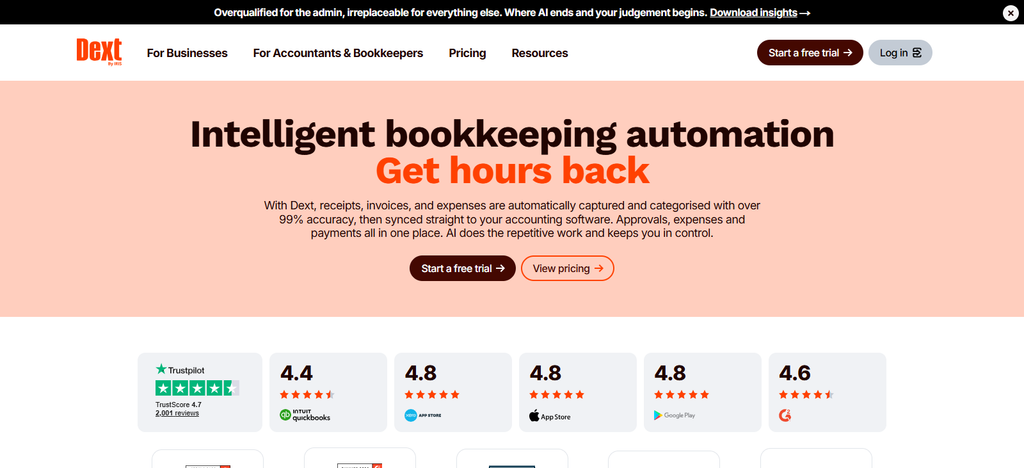
It has automated follow-up capabilities, such as requesting missing paperwork when bank transactions lack supporting documentation. Dext provides accounting integrations with Quickbooks Online, Sage, FreeAgent and Xero.
Smart categorization. Supplier rules. Document messaging. Organized client inboxes. These features help accountants efficiently manage files. It is especially helpful for gathering expense documents and for recurring bookkeeping.
Dext – Key Features
| Feature | Description |
|---|---|
| Automated Document Collection | Collects receipts, invoices, and financial documents through mobile uploads, email, WhatsApp, and direct uploads. |
| AI Data Extraction | Extracts supplier names, invoice dates, totals, taxes, and line-item information. |
| Smart Categorization | Uses AI suggestions and supplier rules to categorize financial documents. |
| Accounting Integrations | Connects with accounting platforms such as Xero, QuickBooks, and Sage. |
| Automated Publishing | Publishes reviewed and eligible financial records into connected accounting software. |
| Document Management | Organizes uploaded documents in searchable client inboxes. |
| Duplicate Detection | Helps identify duplicate financial documents before processing. |
| AI Assist | Supports bookkeeping automation, categorization, and field updates. |
2. Hubdoc
Hubdoc makes it easy for clients to get their accounting documents to their accountant. Clients can send receipts, invoices, bills and financial statements using mobile photography, email forwarding, scanning and direct upload.
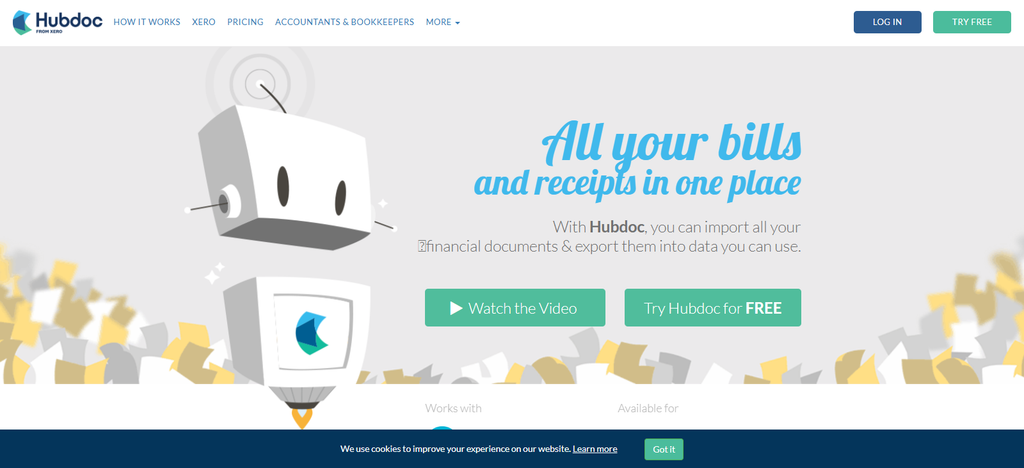
The OCR technology captures key information like supplier information, invoice numbers, dates, and amounts, reducing the need for manual data entry. Accountants can classify documents with folders and tags, and supplier rules can automatically code recurring transactions.
Hubdoc connects with Xero, QuickBooks Online, and BILL to allow the extracted information to flow into accounting workflows. Centralized document storage also helps firms keep financial records accessible. It’s especially good for small businesses and bookkeeping teams.
Hubdoc – Key Features
| Feature | Description |
|---|---|
| Document Capture | Collects receipts, invoices, and bank statements through mobile uploads, email, and desktop uploads. |
| OCR Data Extraction | Extracts important financial information from uploaded documents. |
| Automatic Document Organization | Organizes documents using supplier and date information. |
| Accounting Integrations | Supports connections with Xero and QuickBooks. |
| Cloud Document Storage | Stores financial documents securely in an accessible online system. |
| Bank Reconciliation Support | Connects supporting documents with accounting transactions through Xero workflows. |
| Mobile Receipt Capture | Allows clients to photograph and submit receipts using mobile devices. |
| Document Publishing | Transfers extracted financial information and supporting documents into accounting software. |
3. Karbon Customer Portal
Karbon Client Portal helps accounting firms gather financial documents via secure client requests, tailored task lists, and organized file sharing workflows. Accountants can build checklists of documents, assign tasks and send automated reminders to clients when they have pending requests.
It has communication features that include email, push notifications and in-app updates to help clients understand what information they need to submit. Uploaded documents link to relevant client records, work items and timelines, improving file organization.
Karbon also integrates with accounting and productivity applications like QuickBooks Online Accountant, Xero Practice Manager, Dropbox and Microsoft 365. It is perfect for companies that have repeat client projects.
Karbon Client Portal – Key Features
| Feature | Description |
|---|---|
| Secure Client Portal | Provides a centralized location for clients to access accounting requests and documents. |
| Automated Client Reminders | Sends automated nudges when clients have outstanding tasks. |
| Personalized Task Lists | Creates client-specific tasks and document request lists. |
| Secure File Sharing | Allows clients and accounting teams to exchange financial documents. |
| Client Communication | Supports email, push notifications, and in-app communication. |
| Document Tracking | Connects uploaded documents with relevant client work and tasks. |
| Electronic Signatures | Supports document signing and approval workflows. |
| Branded Client Experience | Allows firms to customize the portal with their branding. |
4. Content Snare
Accounting firms can ask clients for tax documents, financial records, onboarding information and compliance paperwork in a structured way with Content Snare. Accountants can develop checklists for reuse, divide requests into parts, include instructions, and monitor the documents that clients have already submitted or are yet to submit.
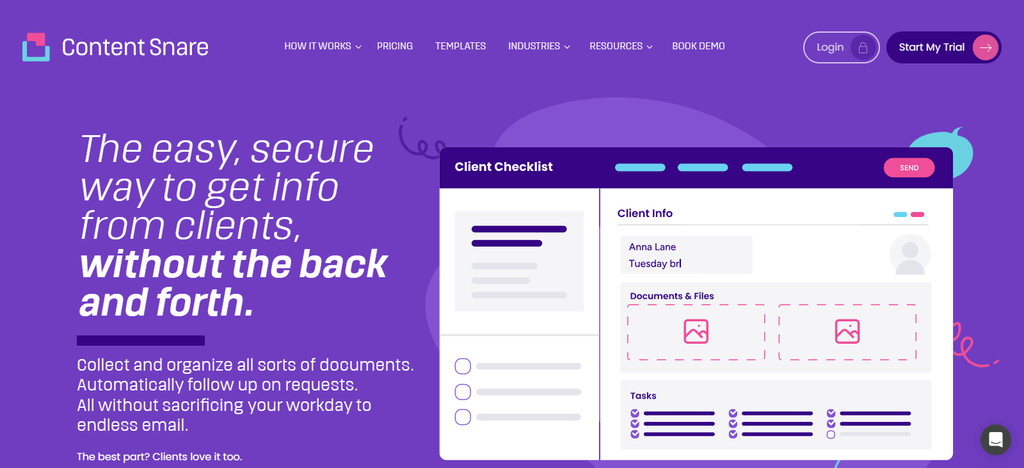
Its automated follow-up system sends scheduled reminders by email and SMS until outstanding requests are fulfilled. Clients can upload documents through a secure portal with no need to create an account, making sending documents easier.
Content Snare also integrates with Google Drive, Dropbox, OneDrive, SharePoint, Zapier, and Make. It is especially useful for tax preparation and client onboarding.
Content Snare – Key Features
| Feature | Description |
|---|---|
| Smart Document Checklists | Creates structured document request lists for accounting clients. |
| Automated Follow-Ups | Sends scheduled reminders for outstanding document requests. |
| Secure Client Uploads | Allows clients to submit financial documents through a secure portal. |
| Reusable Request Templates | Helps accounting firms create repeatable document collection workflows. |
| Progress Tracking | Tracks completed, pending, and outstanding client requests. |
| Client Instructions | Provides descriptions and guidance for individual document requests. |
| Multi-Channel Reminders | Supports automated email and SMS reminders. |
| Workflow Integrations | Connects with other business applications through supported integrations and automation tools. |
5. Vic. ai
Vic.ai specializes in automating accounts payable document processing with AI-driven invoice capture, data extraction, purchase-order matching and approval workflows. It can accept invoices via email, supplier portals, electronic formats, PDFs and scanned documents, minimizing the need for manual document entry.
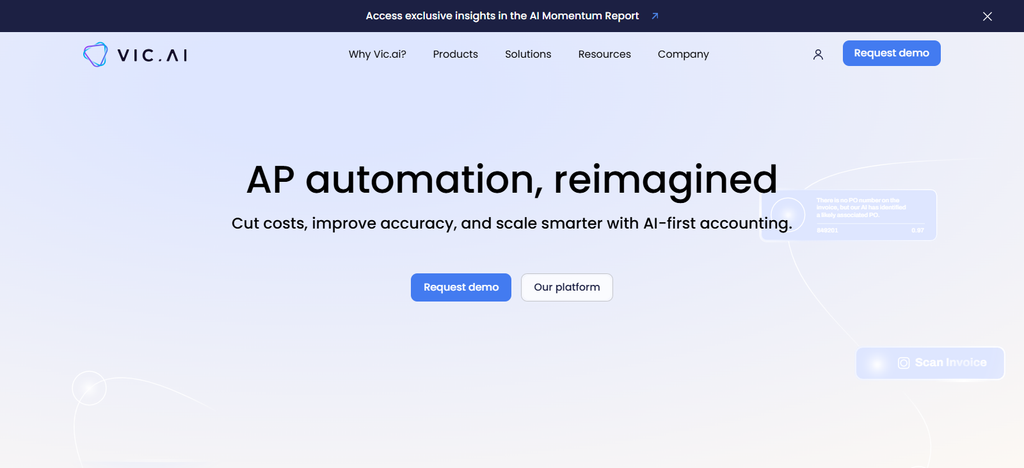
The AI recognizes data in invoices, extracts financial information and identifies potential processing hiccups before transactions go through the approval stages.
Smart routing brings invoices to the right reviewers and accounting and ERP integrations enable downstream financial workflows. It’s not primarily a client-document reminder platform, but it can help accounting departments better manage incoming vendor paperwork and invoice processing.
Vic.ai – Key Features
| Feature | Description |
|---|---|
| AI Invoice Processing | Automates the processing of incoming supplier invoices. |
| Intelligent Data Extraction | Extracts invoice numbers, supplier details, amounts, and other financial information. |
| Automated Invoice Coding | Uses AI to assist with invoice classification and accounting workflows. |
| Purchase Order Matching | Helps match invoices with corresponding purchase orders. |
| Approval Automation | Routes invoices through configured approval workflows. |
| Exception Detection | Identifies information that requires additional review. |
| Accounting Integrations | Connects with supported ERP and accounting systems. |
| Workflow Management | Helps accounting teams manage invoice processing from receipt to approval. |
7. Docyt
Docyt uses specialized AI agents to extract, process, match and organize accounting documents such as invoices, receipts and bank statements. It can reach out to vendors, banks and internal teams via branded portals and reminders to obtain any missing paperwork through its Document Collection Agent.
The Document Matching Agent matches supporting documents to their relevant accounting transactions, while other agents help with categorization and reconciliation. Clients and accounting teams can upload files via mobile apps, email and uploads.
Docyt also has communication tools, task management, document storage, and accounting integrations. This is especially true for businesses that are looking for more comprehensive bookkeeping automation and ongoing financial reconciliation.
Docyt – Key Features
| Feature | Description |
|---|---|
| AI Document Collection | Helps collect financial documents from vendors, banks, and internal teams. |
| Automated Follow-Ups | Uses document collection workflows to request missing paperwork. |
| AI Document Matching | Matches supporting documents with corresponding accounting transactions. |
| Automated Data Extraction | Extracts financial information from invoices, receipts, and statements. |
| Smart Categorization | Helps categorize transactions according to accounting requirements. |
| Reconciliation Automation | Supports automated bank and account reconciliation workflows. |
| Client Communication | Provides document collection and workflow communication capabilities. |
| Centralized Document Management | Organizes financial documents for easier access and accounting review. |
7. Botkeeper
Accounting firms can manage bookkeeping activities and organize supporting financial documents with the help of the bookkeeper through centralized document management. Its Documents tool features searchable storage, standardized client folders, customizable subfolders and document version history.
Accountants can track missing or outstanding documents using notification indicators, helping teams identify incomplete client records. The ability to comment and tag means that communication between clients, people at the firm and the Botkeeper accounting team is easy.
The wider bookkeeping automation can help with accounting workflows such as transaction categorization and reconciliations. Instead of offering it as a document-request agent that works on its own, firms should look at Botkeeper as a way to integrate document organization with outsourced bookkeeping support.
Botkeeper – Key Features
| Feature | Description |
|---|---|
| Automated Bookkeeping | Supports accounting teams with automated bookkeeping workflows. |
| Document Management | Stores and organizes financial documents in centralized client folders. |
| Client Document Tracking | Helps teams identify outstanding and available client documents. |
| Searchable File Storage | Makes it easier to locate previously uploaded financial records. |
| Document Version History | Helps maintain document versions and historical records. |
| Team Collaboration | Supports communication through document comments and tagging. |
| Client Organization | Organizes files using client-specific folders and subfolders. |
| Accounting Workflow Support | Combines document management with bookkeeping automation services. |
8. AutoEntry
AutoEntry helps accountants collect and digitize purchase invoices, sales invoices, receipts, credit notes and bank statements. Its OCR technology pulls financial data from documents you upload, so accounting teams spend less time on repetitive manual entry.
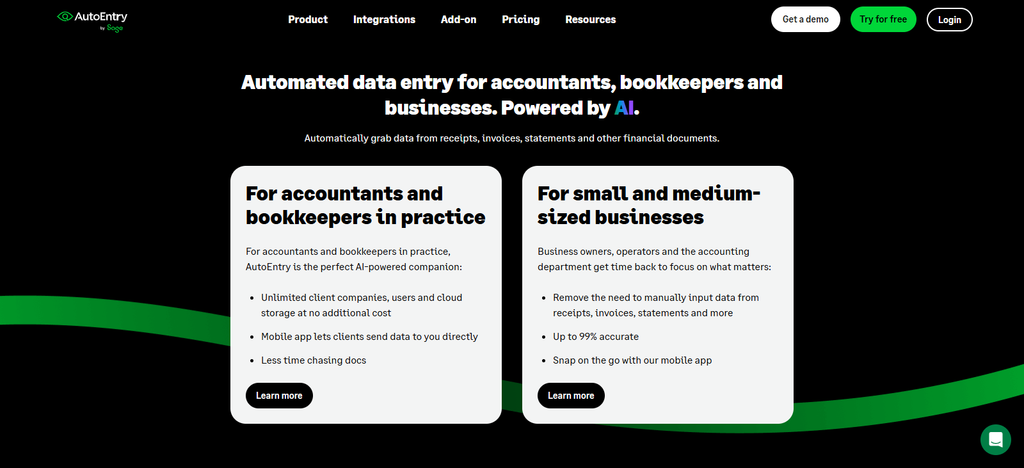
Users can apply categorization rules, capture invoice line items, match purchase orders, and mark invoices as paid before publishing extracted data. Accounting integrations include Sage products, QuickBooks and Xero-compatible workflows, depending on the package you choose.
You can also share the documents with accountants or export them for further processing. AutoEntry is especially helpful for bookkeeping teams that want a trusted document capture, structured data extraction and organized financial records.
AutoEntry – Key Features
| Feature | Description |
|---|---|
| Automated Document Capture | Collects invoices, receipts, bills, and bank statements. |
| OCR Data Extraction | Extracts financial information from scanned and digital documents. |
| Invoice Processing | Captures supplier details, invoice dates, totals, and other important fields. |
| Bank Statement Extraction | Converts bank statement information into structured financial data. |
| Line-Item Extraction | Captures individual invoice line items for more detailed processing. |
| Accounting Integrations | Supports accounting connections with Sage, Xero, and QuickBooks. |
| Document Categorization | Helps organize extracted financial information for bookkeeping. |
| Mobile Document Uploads | Allows users to submit financial paperwork through mobile devices. |
9. Nanonets
Nanonets provides AI-powered document processing to help accounting teams extract, classify, validate, and organize information from invoices, receipts, financial forms, and other business documents. Its OCR and smart data extraction capabilities convert unstructured files to structured information, including key fields and document tables.
Businesses can set up automatic workflows to send documents for review, approve or reject extracted data, and export processed data to connected business applications.
Its validation features help to catch incomplete or inconsistent information before documents move on to downstream workflows. Nanonets is especially well-suited for companies that handle large volumes of documents and need to automate extraction, verification and processing in a customizable way.
Nanonets – Key Features
| Feature | Description |
|---|---|
| AI Document Processing | Processes invoices, receipts, financial forms, and other business documents. |
| Intelligent OCR | Extracts text and structured information from different document formats. |
| Automated Document Classification | Identifies document types and routes them through appropriate workflows. |
| Data Validation | Checks extracted information against configured rules and requirements. |
| Workflow Automation | Automates document review, approval, and data-processing tasks. |
| Human-in-the-Loop Review | Allows employees to review and correct uncertain extracted information. |
| Accounting Integrations | Connects processed information with supported business and accounting applications. |
| Custom AI Workflows | Allows organizations to build document-processing workflows for specific requirements. |
10. Rossum
Rossum is good for intelligent processing of transactional documents such as invoices and other financial documents coming by email, scanners, shared drives and electronic document channels. Its artificial intelligence (AI) technology extracts information from complex documents including multilingual content and handwriting, while validation tools compare extracted details against business rules, master data and connected enterprise systems.
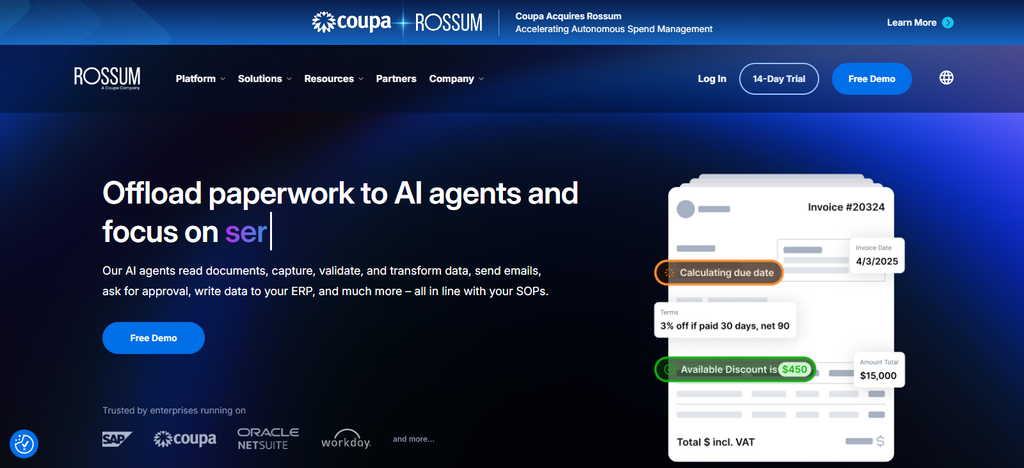
Accounting teams can use the feedback to revise ambiguous information and to improve processing quality through human-review workflows. Rossum also facilitates data standardization, transaction validation and downstream system integrations.
It’s not built for accounting-client reminder campaigns, but it’s a great tool for firms that want advanced document extraction and invoice-processing automation.
Rossum – Key Features
| Feature | Description |
|---|---|
| AI Document Understanding | Processes complex financial and transactional documents. |
| Intelligent Data Extraction | Extracts invoice details, supplier information, totals, and line items. |
| Document Classification | Identifies document types for appropriate processing. |
| Automated Validation | Checks extracted information against configured business rules. |
| Human Review Workflows | Sends uncertain or incomplete records for employee verification. |
| Multilingual Processing | Supports document processing across multiple languages. |
| Workflow Automation | Routes documents through configured processing and approval stages. |
| Enterprise Integrations | Connects extracted information with supported ERP and business systems. |
Comparison Table of the 10 Best AI Agents for Collecting Accounting Documents
| AI Agent | Primary Function | Document Collection | AI & Automation | Best For |
|---|---|---|---|---|
| Dext | Receipt and invoice processing | Yes | AI extraction and categorization | Bookkeepers and accountants |
| Hubdoc | Financial document capture | Yes | OCR and data extraction | Small accounting firms |
| Karbon Client Portal | Client collaboration | Yes | Automated reminders and task tracking | Accounting practices |
| Content Snare | Client document requests | Yes | Smart checklists and follow-ups | Tax professionals |
| Vic.ai | Accounts payable automation | Invoice-focused | AI invoice processing and coding | Finance departments |
| Docyt | Accounting automation | Yes | AI document collection and matching | Bookkeeping firms |
| Botkeeper | Automated bookkeeping | Document management | Bookkeeping automation | Accounting firms |
| AutoEntry | Financial data extraction | Yes | OCR and automated processing | Bookkeepers |
| Nanonets | Intelligent document processing | Yes | AI extraction and validation | High-volume accounting teams |
| Rossum | Transactional document processing | Document intake | AI extraction and validation | Enterprise finance teams |
Conclusion
AI agents that collect documents from accounting clients assist firms in minimizing manual paperwork, automating follow-ups, organizing financial records, and enhancing client communication. Dext, Hubdoc, Karbon Client Portal and Content Snare are centered on document collection and client requests, while Docyt, Vic.ai,
Nanonets and Rossum provide advanced document processing and accounting automation. Document capture and organization through AutoEntry and Botkeeper also streamline bookkeeping workflows. When selecting a platform, accounting firms should evaluate automation capabilities, smart checklists, accounting integrations, security, pricing and human approval requirements to find the right solution for their workflow.
FAQ
What Are AI Agents for Collecting Documents From Accounting Clients?
AI agents for collecting accounting documents are software tools that automate document requests, client reminders, file uploads, data extraction, and document organization. They help accounting firms collect invoices, receipts, bank statements, tax forms, and other financial records.
How Do AI Agents Collect Documents From Accounting Clients?
AI agents collect documents through secure client portals, email uploads, mobile applications, and shared links. They can create document checklists, send automated reminders, track pending submissions, and organize uploaded files.
Which AI Agent Is Best for Accounting Document Collection?
Dext, Content Snare, Karbon Client Portal, and Docyt are relevant options for accounting document workflows. The best choice depends on whether a firm prioritizes client reminders, document requests, AI extraction, or bookkeeping automation.
Can AI Agents Automatically Send Document Reminders to Clients?
Yes, some platforms can automatically send email or SMS reminders when clients have not submitted requested documents. Tools such as Content Snare and Karbon Client Portal support structured client requests and reminder workflows.