



This article deals with the category of Best AI Image Models most useful to creators, designers, marketers, and businesses. These models can create high-quality images with AI assistance. We will use leading models and compare image quality, prompt accuracy, editing options, text rendering, model customization, price, and other factors for practical use to help you select the best AI image model suited for your creative needs.
What is AI Image Models?
AI image models use artificial intelligence to generate, enhance, edit, or manipulate images using text prompts, example images, or even both. Machine learning allows models to comprehend various aspects of images including lighting, composition, color, style, and objects. Using instructions, models can develop new images based on the user’s input.
The top AI image models support text-to-image generation, editing, removal of backgrounds, style transfers, the development of images to display products, advertising creatives, and the generation of concept art. Some examples of these models include Midjourney, Open AI’s image generation models, Google Imagen, Adobe Firefly, Stable Diffusion, and Ideogram.
Why Choose AI Image Models to Try
Complexually With No Skills: Increasingly advanced AI models can generate images that are vivid, realistic, imaginative, and that don’t take a Graphic Designer to create.
Quick and Simple: The AI can generate a concept or idea in minutes, significantly decreasing the length of the more traditional design and editing workflows.
Improve Your Ideas: AI provides users the opportunity to experiment with a variety of styles, colors, and backgrounds in seconds.
Versatile: They can be utilized in marketing, social media posts, product, presentations, blogs, concept art, and ads.
Idea Prompts to Images: Users with a verbal notion of a concept can have that notion as a prompt, and an AI model can create an image with that notion.
Easy, Advanced Editing: Several AI models can modify backgrounds, photos, and images and adjust various visual elements.
Useful Marketing Content: Businesses can create their own marketing ads and product designs and graphics to use in their marketing.
New Creative Opportunities: Many AI models can generate realistic, artistic, 3D, illustration, and cinematic styles.
Workflow Integrations: Advanced AI models will be able to be used to create multiple designs and reference images.
Faster Concept Testing and Remote Design: Creators of all levels can test a variety of designs and ideas for their project.
Is Stable Diffusion good for professional image generation?
Stable Diffusion is well-suited for professional image generation, especially for people who want to use their own images or videos and have a more flexible creative process. Stable Diffusion has a number of features such as text-to-image, image-to-image, inpainting, outpainting, image style modification, and customized tool integration.
Designers, developers, and users have flexibility to change models and integrate the tools to meet their personal style. As with any tool, professionals need to ensure the model version is appropriate for their needs, and evaluate the output, hardware, license, and commercial use terms.
Key Point
| Model | Best For | Key Features |
|---|---|---|
| OpenAI DALL·E 4 | Creative professionals | Photorealism, inpainting, multimodal prompts |
| Stability AI Stable Diffusion 4.0 | Open‑source community | Custom fine‑tuning, ControlNet, local deployment |
| MidJourney v7 | Artistic creators | Stylized generative art, cinematic quality |
| Adobe Firefly 3 | Enterprise design | Brand‑safe generation, vector + PSD export |
| Google Imagen 3 | Research & academia | High‑fidelity text‑to‑image, multimodal grounding |
| Anthropic Claude Vision | Safety‑focused creators | Ethical filters, multimodal reasoning |
| Runway Gen‑3 | Video + image creators | Text‑to‑image + video, cinematic realism |
| Ideogram AI 2.0 | Typography + design | Text rendering inside images, meme creation |
| CivitAI Ecosystem | Community models | Open‑source diffusion forks, fine‑tuned styles |
| Alibaba Tongyi Image | Enterprise Asia markets | Multilingual prompts, e‑commerce product imagery |
1. OpenAI DALL·E 4
OpenAI DALL·E 4 can synthesize complex images when users enter long, complex descriptions. It renders text and pioneers creative workflows as a system of systems. This version it has shown considerable ability to understand instructions and transform uploaded images by incorporating text that is legible to the user.
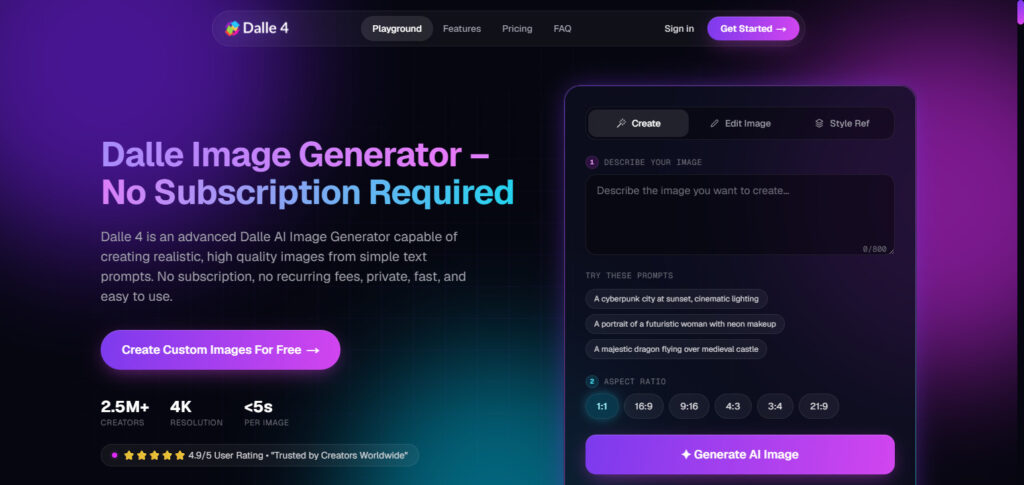
Further, it is especially adept at scenarios such as building descriptions to draw images. Creators, marketers and builders should appreciate how it improves on the earlier versions of the systems by merging AI and a workflow for programming images interactively rather than sequentially.
OpenAI DALL·E 4 Features, Pros & Cons
Features
- Advanced text-to-image generation
- Strong natural-language prompt understanding
- High-quality photorealistic image creation
- Detailed image editing and transformation
- Strong text rendering inside generated images
Pros
- Excellent prompt adherence
- Useful for marketing and creative visuals
- Supports complex visual instructions
- Strong text and typography generation
- Easy conversational creative workflow
Cons
- Usage can become expensive at scale
- Some generations may still contain visual artifacts
- Less open customization than open-source models
- Commercial usage depends on applicable terms
- “DALL·E 4” should be verified against the currently available OpenAI model naming; OpenAI’s newer GPT-4o image-generation system substantially superseded its earlier DALL·E 3 generation.
2. Stability AI Stable Diffusion 4.0
Stable Diffusion, from Stability AI, uses a flexible system with customizable image generation capabilities that is basis for unique workflows for developers. This image generation system offers developers digital artists and researchers great control over workflows and pipelines.
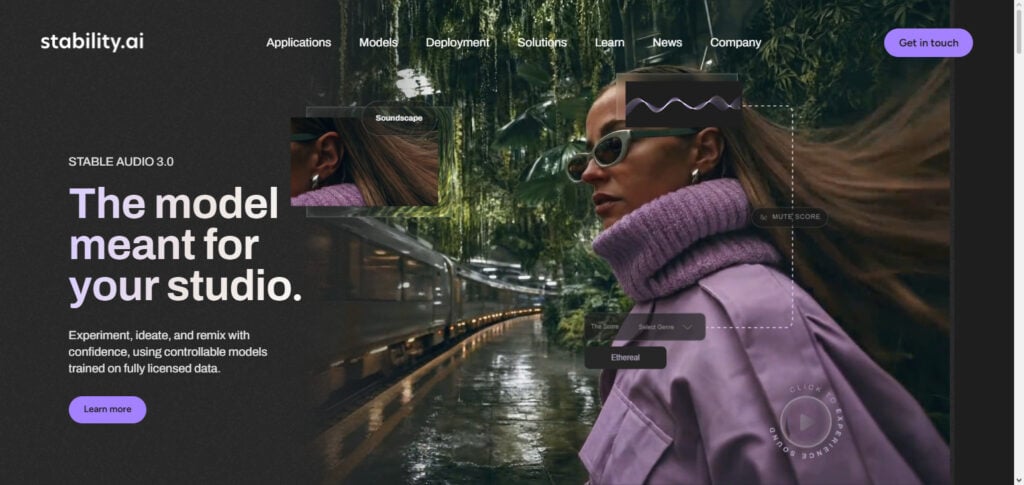
This system offers a wide variety of image editing and generation options and tools, such as inpainting, outpainting, background replacement and removal, relighting, upscaling, control of structure, sketching, and style. (Stability AI) These editing tools are a powerful addition to image generation tools.
As mentioned earlier, great control over pipelines and workflows integrated with creative image editing and generation tools are the basis of Stable Diffusion as a robust system. Users should be careful when citing Stable Diffusion 4.0, because the iterations of Stability AI’s models are not fixed, and language models change over time.
Stability AI Stable Diffusion 4.0 Features, Pros & Cons
Features
- Flexible text-to-image generation
- Extensive customization options
- Image-to-image generation
- Inpainting and outpainting workflows
- Large ecosystem of community models and extensions
Pros
- Highly customizable workflows
- Strong choice for advanced creators
- Large open-source ecosystem
- Can be integrated into custom applications
- Suitable for specialized image-generation workflows
Cons
- Requires more technical knowledge
- Output quality can vary by model and workflow
- Hardware requirements may be significant for local deployment
- Different checkpoints can have different licenses
- Users need to verify the exact model/version before referring to it as “Stable Diffusion 4.0”
3. MidJourney v7
Midjourney’s V7 is now the platform default model, introduced in June 2025. There have been improvements with image quality, prompt understanding, and detail precision. V7 is also able to create detailed images with a higher degree of coherence.
V7 is also able to handle prompts better. Additionally, Midjourney introduced several other features in V7, including Draft Mode and Omni Reference. These features help users work with consistent characters and objects. Style References and personalization tools provide creative control with the visual direction.
V7 is ideal for designers, marketers, and social media professionals who want to create professional aesthetically pleasing results, and who want to have control over the artistic side of their work, which is not usual with the developer focus workflows.
Midjourney V7 Features, Pros & Cons
Features
- High-quality artistic image generation
- Improved prompt and image-prompt understanding
- Better coherence for people and objects
- Omni Reference to help with consistent characters and objects
- Draft Mode for quick iteration
Pros
- Great results for art and film
- Great texture and composition
- Awesome for conceptual art or promoting creative campaigns
- Great customization and personal style
- Great for creative idea testing
Cons
- A model access subscription
- Not ideal for users who prefer fully controllable models
- Requires some experimentation for sophisticated options
- Editing models historically has utilized other model variations
- V7 is not Midjourney’s main model for 2026 (V8.1 Midjourney’s main model for June 2026), so it should be clear that this is a model version as opposed to the main model.
4. Adobe Firefly 3
Adobe Firefly Image 3 was made to have an improved photorealistic quality along with prompt interpretation and detail improvement and also integration with Adobe’screative suite. (Adobe Blog) In the best AI image models, Firefly is most appropriate for designers and marketers who use Photoshop, Illustrator, InDesign, or other Adobe products. Image 3 allows reference-based creative control and has features like Structure Reference and Style Reference.
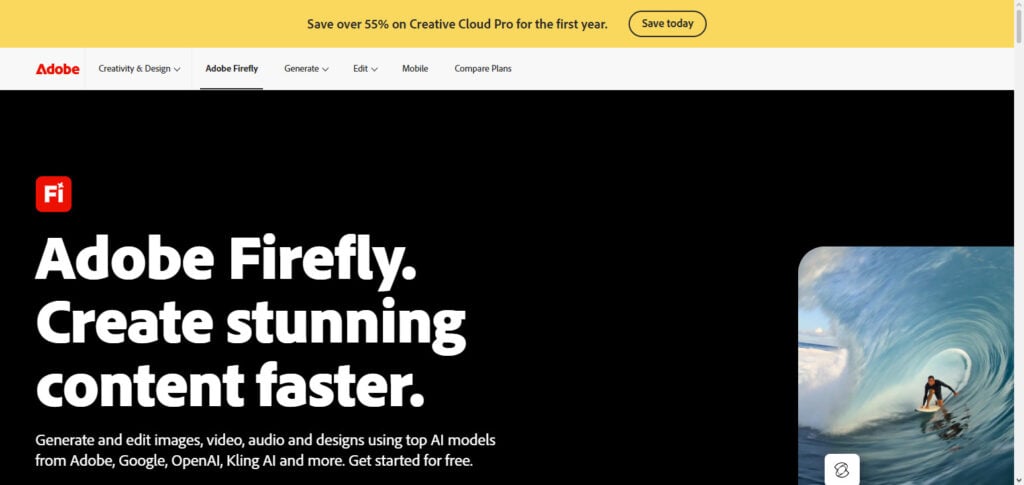
These features help users guide the composition and appearance. Adobe also positioned Firefly around creative workflows. (Adobe Blog) Firefly has evolved beyond Image 3, so readers need to differentiate the historical Image 3 model from Adobe’s newer Firefly platform and models.
Adobe Firefly 3 Features, Pros & Cons
Features
- Concept idea to dimensional form through text-to-image conversion
- Creative edits by image-to-image transformation
- Great photorealism
- Customizable styles and composition
- Adobe Creative applications integration
Pros
- Excellent design integration
- Great Creative Cloud supplementation
- Extensive creative editing capabilities
- Good for promotional and advertising materials
- Adobe provides Content Credentials for Firefly generated assets
Cons
- A paid subscription is required for some advanced features
- Output resolution may be limited
- Stylistic reproduction may be difficult
- Adobe Innovations have surpassed Image 3
- Specific model and product offerings have discretionary capabilities
5. Google Imagen 3
Google Imagen 3 is an advanced model for generating detailed, high-quality images from instructions using natural language. In the Best AI Image Models comparisons, Imagen stands out for generating photorealistic images with textured details, lighting and colors, and complex compositions.
Imagen’s top strength is its ability to output visually coherent images when given a clear prompt. This strength makes Imagen useful for advertising, product visualization, creative projects, presentations, and professional applications.
Google has also integrated Imagen into other products and development environments, empowering users to leverage its image generation technology. Since the Imagen releases, Google’s image generation technology has rapidly grown. Because of this, users should keep in mind the different versions of Imagen and how they access it.
Google Imagen 3 Features, Pros & Cons
Features
- Text-to-image generation
- Photorealistic image creation
- Detailed textures and lighting
- Support for diverse visual styles
- Integration with Google’s broader generative AI ecosystem
Pros
- Strong photorealistic output
- Good handling of detailed prompts
- Useful for professional visual concepts
- Strong color and texture reproduction
- Suitable for creative and commercial workflows
Cons
- Access can depend on the Google product being used
- Some complex compositions can still produce artifacts
- Fine text rendering may not always be perfect
- Model availability changes as Google releases newer versions
- Imagen 3 is no longer Google’s latest Imagen generation; Google currently highlights Imagen 4.
6. Anthropic Claude
Anthropic Claude is designed to be a multimodal conversational AI, thus it can’t be directly compared to Midjourney, Imagen, or Stable Diffusion. In the Best AI Image Models article, Claude should be discussed as a creative AI tool that helps generate image concepts, prompts, storyboards, and visual briefs, as well as provide design instructions and help analyze images.
Claude is best used before and after image generation; it can be used to suggest creative concepts for the images that need to be generated and help organize the creative workflow, as well as provide detailed visual and design analysis for each image.
If the article is specifically ranking AI image generation models, Claude should be made clear to be a creative AI assistant rather than an image generation competitor to avoid confusion.
Anthropic Claude Features, Pros & Cons
Features
- Advanced AI conversational assistant
- Understands and analyzes images
- Suggests creative and useful prompts
- Visual planning and briefing concepts
- Integrates into extended AI assisted methods
Pros
- Strong image prompt creation
- Reasoning and creative planning
- Useful for assessing image requirements
- Briefing and planning methods
- Can enrich other image generation tools
Cons
- Not a primary image generation model
- Should not be compared to other image generation models
- Not ideal for use as an image generation tool
- Requires another image generation service for most visual tasks
- Less ideal for ranking as a pure text to image generation model
7. Runway Gen‑3
Runway Gen-3 shines for generative video and workflow tools for visual production. This puts it more in the category of visual-based AI models than text-to-image based models it might compete with in the Best AI Image Model comparisons.
Runway can be useful for creators developing advertising, film, social media, and other visual production concepts and need to work with video and not just static imagery. One of its main strengths is helping the creator develop their idea from the static to the motion.
Gen-3 is part of a growing family of Runway models, and for any comparisons discussing capabilities, Gen-3 should not be discussed as the newest iteration. In the context of this article, rather than saying Gen-3 is the latest Runway version, say it is an important iteration.
Runway Gen-3 Features, Pros & Cons
Features
- Generative videos
- Text-to-video
- Image-to-video
- Cinematic visual generation
- Creative production, visual effects
Pros
- AI video production is solid
- Created for filmmakers
- Creative cinematic workflows
- Ideal for production of ideas into moving visual concepts
- Useful for social media & advertising production
Cons
- Video generation technology
- Not a direct competitor to pure image models
- Credit-based costs
- Output is variable and depends on the prompt
- Newer models may provide tools beyond Gen-3
8. Ideogram AI 2.0
Ideogram 2.0 is powerful for creative designs where both typography and visual composition matter. Of the Best AI Image Models, Ideogram is worth mentioning for designing posters, advertisements, graphics for social media, logos, and branding concepts that involve prominent text. Of all the models, it stands alone in that it focuses on text.
Users need to describe their goals in natural language and combine those with some design directives in order to get an output that is structurally organized. Ideogram is very useful for both designers and marketers that need to create both images and text within the same production workflow. Ideogram is great for this use case, but users should still double check the output and verify that it meets the commercial use and licensing requirements of the selected paid plan.
Ideogram AI 2.0 Features, Pros & Cons
Features
- Text-to-image
- Strong typography
- Poster, and advertising design
- Concepts for logos and brands
- Creative image and graphic generation
Pros
- Good for text within images
- Great for social graphics and posters
- Marketing creatives
- Ease of use for designers and content creators
- Balanced with image and graphic generation
Cons
- Lackluster in terms of extreme photorealism
- Complex typography still needs checking
- Access to advanced features is a paid upgrade
- Output can vary for complex layouts
- Versions of the model can change
9. CivitAI Ecosystem
CivitAI can be thought of more as an AI image model ecosystem and community platform instead of a single AI image model. For Best AI Image Models, CivitAI is valuable for users because they can discover, share, and use community models, checkpoints, LoRAs, styles, and resources for model and style customization, particularly for the Stable Diffusion framework.
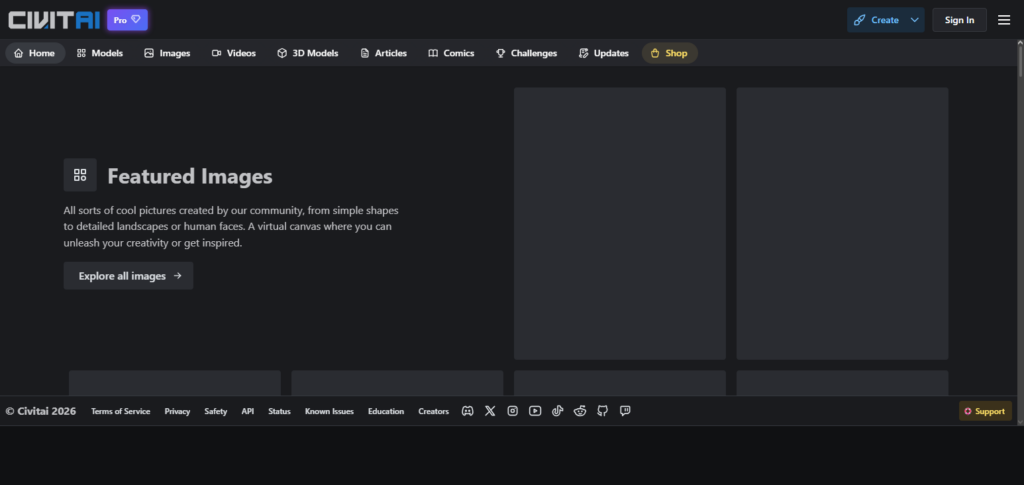
It provides creators control over the artistic styles, characters, and concepts, as well as sophisticated model generation pipelines. It has a lot of flexibility compared to other tools. Because of its flexible nature, as well as the competitive generative models available,
CivitAI tends to draw the advanced user. However, users should be aware that the quality, licensing, safety, and stability of each individual models and resources can vary, so they should not assume that all resources available through the CivitAI ecosystem are stable and reliable.
CivitAI Ecosystem Features, Pros & Cons
Features
- Large community AI-model ecosystem
- Stable Diffusion-based tools
- Custom checkpoints and LoRAs
- Artistic models
- Community building block resources
Pros
- Wide options
- Customization
- Is aimed at advanced AI artists
- Supports specialized visual styles
- Helpful community experiments
Cons
- No AI image models
- Large differences in model quality
- Differing licenses on individual resources
- Needs higher technical skill
- Users need to carefully consider safety and licensing for each model
10. Alibaba Tongyi Image
Tongyi Image is an important model and exemplar of the Chinese approach to AI-assisted multimodal and visual model generation. In Best AI Image Models, Tongyi Image is useful for users looking for AI image model generation in the Asian AI ecosystem, multilingual creative generation, commercial design workflows, and advanced AI models.
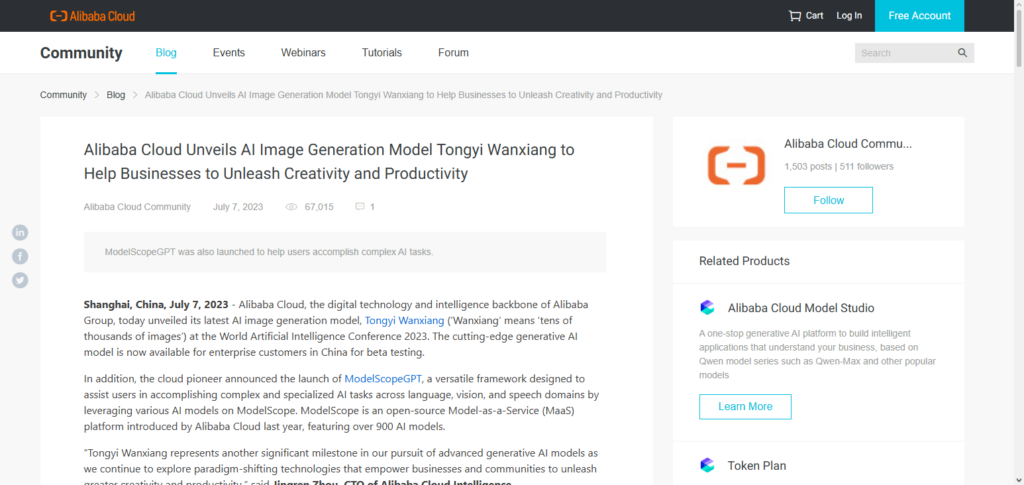
The Tongyi family of models from Alibaba is focused on generative AI, while the visual models can be used to create artwork and advertising, and to generate product and content visuals.
Tongyi Image is of great importance also due to the rapid model design and service construction in the area of image generation by competing global AI companies. To obtain an up-to-date article, one needs to indicate the exact Tongyi image model/version under review because the capabilities of the Tongyi line of models offered by Alibaba are constantly changing.
Alibaba Tongyi Image Features, Pros & Cons
Features
- AI image generation
- Support for creative applications
- Generation of images from texts
- Integrated into the broader Tongyi AI framework
Pros
- One of the better options for users interacting with Chinese AI models
- Creative content generation
- Encompassed in an extensive multi-modal AI framework
- May have business use cases
- Diversifies options compared to Western-centric AI image frameworks
Cons
- Offered AI image generation services may fluctuate by region or service
- Documentation/UI may be more unconventional for the international community
- Simultaneously support multiple versatile model frameworks
- Should be researched for commercial use
- Image generation capabilities depend on what Tongyi AI sub-model is used.
AI Image Models Comparison Table
| AI Image Model | Best For | Image Quality | Editing | Text Rendering | Customization | API/Developer Support |
|---|---|---|---|---|---|---|
| OpenAI Image Generation | General-purpose AI visuals | ⭐⭐⭐⭐⭐ | Excellent | Excellent | High | Yes |
| Stable Diffusion | Custom & professional workflows | ⭐⭐⭐⭐⭐ | Excellent | Good | ⭐⭐⭐⭐⭐ | Yes |
| Midjourney | Artistic & cinematic images | ⭐⭐⭐⭐⭐ | Excellent | Very Good | High | Limited/Varies |
| Adobe Firefly | Professional design & marketing | ⭐⭐⭐⭐½ | Excellent | Very Good | High | Yes |
| Google Imagen | Photorealistic images | ⭐⭐⭐⭐⭐ | Very Good | Very Good | High | Yes |
| Anthropic Claude | Image analysis & creative assistance | — | Image analysis | — | High | Yes |
| Runway Gen-3 | AI video & visual production | ⭐⭐⭐⭐½ | Excellent | Good | High | Yes |
| Ideogram 2.0 | Text-heavy graphics | ⭐⭐⭐⭐½ | Very Good | ⭐⭐⭐⭐⭐ | High | Yes/Varies |
| CivitAI Ecosystem | Custom models & experimentation | ⭐⭐⭐⭐½ | Excellent | Varies | ⭐⭐⭐⭐⭐ | Community-focused |
| Alibaba Tongyi Image | Multilingual & enterprise visuals | ⭐⭐⭐⭐½ | Very Good | Very Good | High | Yes/Varies |
Conclusion
The Best AI Image Models provide unique pros and cons depending on your goals, process, and technical needs. Midjourney is an excellent choice for artistic visuals, and Firefly is better suited for professional creative workflows. Google Imagen serves high-quality images for free, and Stable Diffusion has great customizability.
For text-heavy designs, Ideogram serves no greater purpose than Stable Diffusion. Similarly, OpenAI’s image-generation technology has great detail and editing capabilities. Users create their own image models instead of using the first AI model they hear of based on these factors and others: image quality, prompt fulfillment, editing, consistency, price, API accessibility, licensing, and whether or not they can use it commercially.
FAQ
What are the Best AI Image Models in 2026?
The Best AI Image Models include Midjourney, OpenAI’s image-generation models, Google Imagen, Adobe Firefly, Stable Diffusion, Ideogram, and other specialized visual AI platforms. The best option depends on image quality, editing, text rendering, customization, and intended use.
Which AI image model is best for realistic images?
Google Imagen and OpenAI’s image-generation technology are strong choices for realistic images. Midjourney is also widely used for highly detailed and visually polished creative imagery.
Which AI image model is best for designers?
Adobe Firefly is particularly suitable for designers because it integrates with Adobe’s creative ecosystem and provides tools for generating, editing, and refining visual content.
Which AI image model is best for text in images?
Ideogram is a strong choice for images that require readable typography, including posters, advertisements, logos, social-media graphics, and promotional designs.
Is Stable Diffusion good for professional image generation?
Yes. Stable Diffusion-based workflows can be highly useful for professional projects because they offer extensive customization, model selection, fine-tuning, and integration possibilities.