



Let me talk about the Best Password Manager Every Company Needs to Improve Cyber Security, Protect Sensitive Business Data and Hack Risk ·
With businesses growing with the help of digital channels and remote teams, a good password manager is needed for secure access control, effortless credential management & protection to organizational data from modern cyber threats as well unauthorized access.
Key Point & Best Password Managers Every Company Needs
| Password Manager Tool | Key Points |
|---|---|
| 1Password Business | Advanced team security, role-based access, secure vault sharing, travel mode protection |
| Dashlane Business | Dark web monitoring, VPN integration, password health reports, easy admin controls |
| LastPass Business | Centralized admin dashboard, SSO support, secure password sharing, automated provisioning |
| Keeper Security Enterprise | Zero-trust security model, encrypted vaults, compliance reporting, advanced access controls |
| Bitwarden Enterprise | Open-source security, self-hosting option, strong encryption, affordable enterprise pricing |
| NordPass Business | Zero-knowledge architecture, biometric login, activity monitoring, simple team management |
| Zoho Vault | Seamless Zoho ecosystem integration, role permissions, audit trails, secure password storage |
| Enpass Business | Offline password storage, customizable security policies, cross-platform access, data ownership control |
| RoboForm for Business | Automated password capture, centralized management, secure form filling, easy deployment |
| Passwork Enterprise | Self-hosted option, team collaboration tools, detailed activity logs, enterprise encryption |
| TeamPassword | User-friendly interface, shared team logins, permission management, quick onboarding |
| Sticky Password Teams | AES-256 encryption, local Wi-Fi sync option, password sharing, biometric authentication |
1. 1Password Business
1Password Business An enterprise-grade password management platform that empowers organisations to securely share sensitive credentials and streamline access control.
It features encrypted vaults, role-based permissions and activity logs that allow secure password sharing among teams. It’s a good choice if administrators want to enforce strong password policies, while employees access autofill and multi-device benefits. Travel Mode protects your data while traveling internationally, making vaults that contain sensitive information unavailable on request.
1Password Business (opens in new tab) – One of the Best Password Managers Every Company Needs, 1Password is perfectly suited for any growing business that needs to balance usability with enterprise-grade security, because it not only offers top-notch productivity but also provides full-strength cybersecurity protection.
1Password Business – Key Highlights
- Admin dashboard to manage employee access and permissions in a centralized manner
- Role-based access control for secure sharing of passwords.
- More detailed encryption and Secret Key protection for higher security
- Travel Mode that allows you to temporarily wipe off sensitive data from devices.
- OAuth integration with business tools such as Slack, Okta and Microsoft Azure AD.
1Password Business — Pros & Cons
| Pros | Cons |
|---|---|
| Strong end-to-end encryption security | Slightly higher pricing |
| Easy team password sharing | Limited free plan |
| Advanced admin controls | Learning curve for beginners |
| Travel Mode for secure access | Requires internet sync |
| Excellent user interface | Premium features cost extra |
2. Dashlane Business
Dashlane Business A password manager that adds an advanced level of cybersecurity monitoring to defend against data breaches. It comes with a built-in VPN, dark web monitoring, password health scoring and centralized administrative controls. Not only can an IT team effectively manage employee access, quick revocation of permissions and implement strong authentication.
The intuitive interface of Dashlane promotes rapid adoption across departments without needing robust training. Listed as one the Best Password Managers Every Company Needs — Dashlane Business enables organizations to detect compromised credentials before hackers breach their systems, keeping daily operations seamless and preventing company data from being lost or exposed by increasingly sophisticated hacker attacks.
Dashlane Business – Key Highlights
- Zero knowledge encryption guaranteeing that only the users get to see their data stored.
- Monitor dark web access in breach.
- Native VPN for using a public network securely
- GUI for smart password autofill and auto change
- Security scoring and reporting tools in the admin console.
Dashlane Business — Pros & Cons
| Pros | Cons |
|---|---|
| Built-in VPN protection | Expensive for small teams |
| Dark web monitoring alerts | Limited offline access |
| Automatic password changer | Fewer customization options |
| Easy onboarding for teams | Requires subscription renewal |
| Strong security dashboard | Can feel heavy on browsers |
3. LastPass Business
LastPass Business A centralized password manager intended for companies attempting to manage large numbers of users and applications. SSO, automated user provisioning and secure passwords to share between teams! The admin dashboard enables IT managers to oversee login activity, apply security policies and minimize password-related threats. Autofill is secure, populate and Password create works across devices.
Atrium*LastPass Business — LastPass simplifies the process of credentials management while also improving an organization’s overall cybersecurity posture. This is critical for companies as they adopt remote work environments and cloud-based infrastructure in , which allows them to focus on achieving strategic goals without security concerns getting in the way.
LastPass business – Key Highlights
- Centralised password vault for business credentials
- One sign for all — Single Sign-On (SSO)
- Login protection with multi-factor authentication.
- Password sharing in team and departments made secure.
- Monitors activities in detail with the reporting of compliance
LastPass Business — Pros & Cons
| Pros | Cons |
|---|---|
| Simple setup and deployment | Past security incidents affect trust |
| Centralized admin console | Advanced features locked behind plans |
| Secure password sharing | Limited offline features |
| Multi-factor authentication | Interface feels outdated |
| Good integrations | Customer support complaints |
4. Keeper Security Enterprise
Keeper Security Enterprise offers high scale, zero-trust and zero-knowledge security architecture for large enterprises with complicated compliance requirements. It includes features such as encrypted password vaults, detailed reporting, role-based permissions and secure file storage. Keeper works with identity management systems and multi-factor authentication so you can implement higher security.
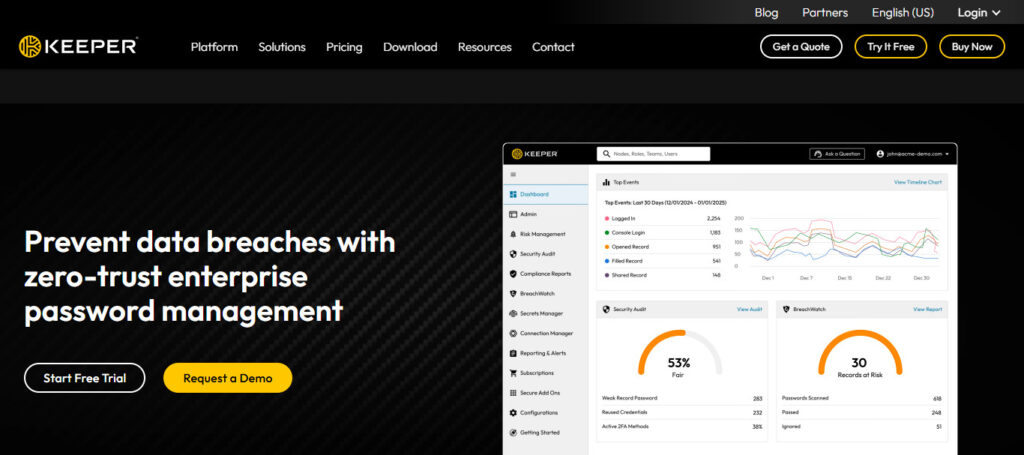
The security teams get a granular view of who accessed what, so it helps to avoid data leaks and insider threats Keeper Security Enterprise is one of the Best Password Managers Every Company Needs You to Use, and this password management solution was designed for enterprises that require high compliance standards, scalable infrastructure capabilities, extensive reporting & third-party audits as well sophisticated protection from cyberattacks specifically aimed at stealing corporate credentials.
Keeper Security Enterprise — Key Highlights
- Advanced encryption protocols in zero-trust architecture.
- Secure storage of files and encrypted messaging options
- Enterprise teams use an access management tool (separate, in most cases?) for their roles.
- In sight of all passwords on the loose, with BreachWatch monitoring
- Connect an identity management tool and/or API.
Keeper Security Enterprise — Pros & Cons
| Pros | Cons |
|---|---|
| Zero-knowledge security model | Add-ons increase cost |
| Advanced threat monitoring | Setup can be complex |
| Role-based access control | Requires admin training |
| Compliance-ready security | Enterprise focus may overwhelm SMEs |
| Secure file storage | Premium pricing tier |
5. Bitwarden Enterprise
Bitwarden Enterprise A trusted open-source password manager that promotes transparency, flexibility and robust encryption standards! Cloud host or self-host, which gives you full control over the data. It offers encrypted password sharing, organization vaults for team collaboration, audit logs and two-factor authentication features.
One of the main reasons for Bitwarden being a very popular password management solution is its cost-effectiveness, allowing even startups and medium-sized businesses to use enterprise-level security.
Bitwarden Enterprise combines affordability and security in a single solution by offering the best value password manager that enables organizations to manage credentials securely while providing full visibility into (and control over) their organizational password management environment. Ranked as one of G2’s *Best Password Manager Every Company Needs.
Bitwarden Enterprise — key Highlights
- Transparent Encryption Open-source Security Model.
- Self-hosting for companies needing full control.
- Vault sharing with organizations and permissions on shares
- Browser- and platform-independent across devices
- Enhanced security policies and audit logging capability.
Bitwarden Enterprise — Pros & Cons
| Pros | Cons |
|---|---|
| Open-source transparency | Interface less polished |
| Affordable enterprise pricing | Limited advanced automation |
| Self-hosting option available | Requires technical setup |
| Strong encryption standards | Fewer premium extras |
| Cross-platform compatibility | Basic analytics dashboard |
6. NordPass Business
NordPass Business, designed by cybersecurity professionals of NordVPN brand, offers a smart password security based on zero-knowledge architecture and advanced encryption algorithms. There is a simple to use admin panel that allows you team to securely store credentials, safely share access and monitor login activity.
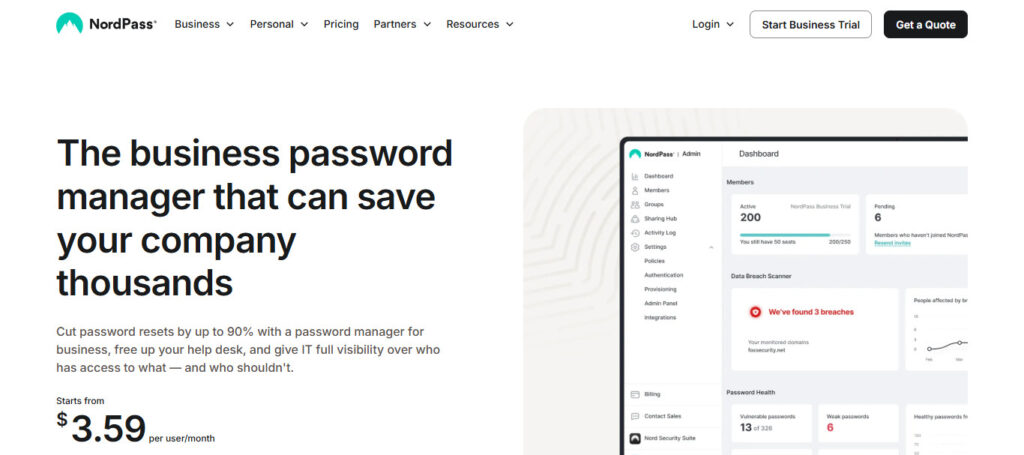
Advanced features for enhanced protection against hacking attempts, such as biometric authentication, password health monitoring and breach scanning. Featured in our own Best Password Managers for Every Company, NordPass Business is all about keeping things simple, but not by sacrificing enterprise-standard (or should we say best-in-department?) protection! Overall great option while still allowing employees to keep fast and efficient workflows.
NordPass Business — Key Highlights
- Use the most powerful XChaCha20 to encrypt password, next level protection
- Share passwords with control to who and when they can access them.
- Employee credential management for business admin panel.
- Scanner for data breaches / Password health
- Integrate seamlessly with Google Workspace, Azure AD.
NordPass Business — Pros & Cons
| Pros | Cons |
|---|---|
| Modern zero-knowledge encryption | Newer enterprise ecosystem |
| Easy team onboarding | Fewer integrations than competitors |
| Secure password health reports | Limited customization |
| Clean user interface | Advanced tools in higher plans |
| Built by cybersecurity company | Smaller enterprise history |
7. Zoho Vault
Zoho Vault, a secure password management solution, especially great during business usage along with Zoho products. Organizations can securely store passwords, manage role-based permissions and monitor access through comprehensive audit trails. Provides admins the ability to manage end user privilege and secure credential sharing between teams.
Zoho Vault integrates seamlessly with enterprise apps and includes multi-factor authentication functionality to keep your data further secure. Zoho Vault is also listed as one of the Best Password Managers Every Company Needs and until its an affordable yet robust solution for small and medium businesses trying to enhance cybersecurity without having complex deployment procedures.
Zoho Vault — Key Highlights
- Centralized password repository for organizations.
- Granular user permissions and access pathways.
- Audits trails detailed for compliance monitoring
- Step 4 — Incorporating Zoho ecosystem and other third-party apps
- Password safe access without exposing actual credentials.
Zoho Vault — Pros & Cons
| Pros | Cons |
|---|---|
| Affordable pricing plans | Interface feels technical |
| Strong integration with Zoho apps | Limited non-Zoho integrations |
| Role-based password access | Basic reporting features |
| Cloud-based management | Requires setup time |
| Good for SMEs | Less enterprise automation |
8. Enpass Business
While most password managers work with third-party servers, Enpass Business takes a different with companies that can keep this data on their local environment and/or private cloud. This means organizations have full control over sensitive data. Features include adjustable security policies, secure password sharing, offline access and cross-platform syncing.
Enpass seems to be the choice of businesses that value privacy and control over their internal environment. Included in the Best Password Managers Every Company Needs roundup, Enpass Business provides strong encryption while ensuring compliance around external data storage systems gives companies flexibility and helps mitigate risks.
Enpass Business- Major Highlights
- If you want to control the privacy of your passwords as much as possible, offline password storage
- One-time payment (no subscription)
- Cloud services already trusted to sync vaults.
- Robust encryption with custom password templates.
- Cross-platform desktop and mobile compatibility.
Enpass Business — Pros & Cons
| Pros | Cons |
|---|---|
| Offline password storage option | No built-in cloud sync |
| One-time license available | Limited enterprise features |
| Strong privacy control | Team collaboration weaker |
| Cross-platform usage | Manual configuration needed |
| Local data storage security | Smaller business ecosystem |
9. RoboForm for Business
RoboForm for Business emphasizes both productivity and security by automating capturing, storing passwords, filling forms. You can use its central management console to enforce strong password policies while managing employee credentials with ease. Tested Login Sharing Tactics Helps Teams Collaborate Without Disclosing Sensitive Data RoboForm also streamlines the onboarding process by instantly distributing credentials to new hires.
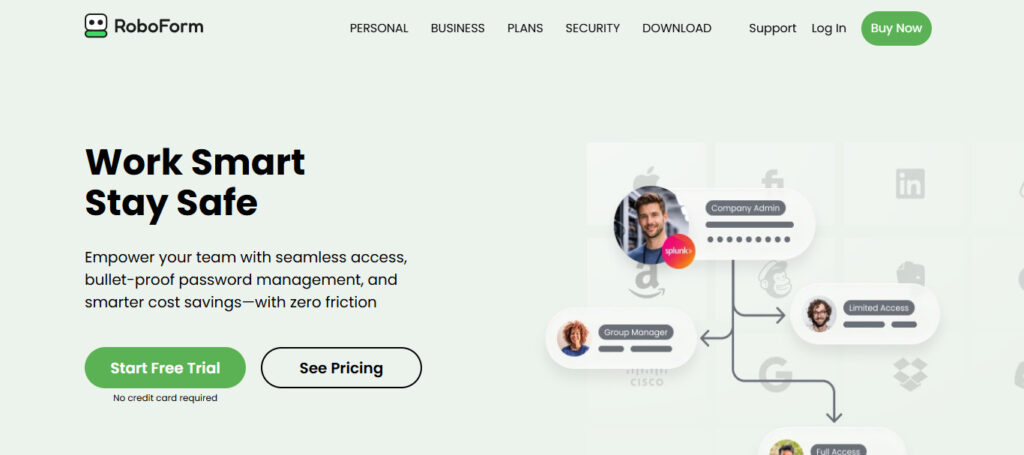
RoboForm for Business: Part of PCMag’s Best Password Managers Every Company Needs RoboForm helps organizations enhance workflow efficiency while minimizing password fatigue and defending against phishing attacks as well as credential-based cyberoperation security threats.
RoboForm for Business —Highlights
- Smart form and login autofill.
- Single admin console which is centralized for all employees.
- Secure credential sharing between departments.
- Password Auditing and Weak Password Detection
- Emergency access and backup recovery options
RoboForm for Business — Pros & Cons
| Pros | Cons |
|---|---|
| Excellent autofill technology | Interface looks outdated |
| Easy deployment for teams | Limited modern analytics |
| Affordable pricing | Fewer enterprise integrations |
| Secure password auditing | Basic admin customization |
| Reliable syncing | Limited advanced security tools |
10. Passwork Enterprise
Passwork Enterprise is ideal for organizations in need of a secure and collaborative team management solution with customizable deployment options. Organizations can deploy Passwork on an affordable infrastructure using their own servers to have full control over the data and benefit from automated encrypted password storage, as well as detailed activity history. It includes role-based features, shared vaults and API integrations for security.
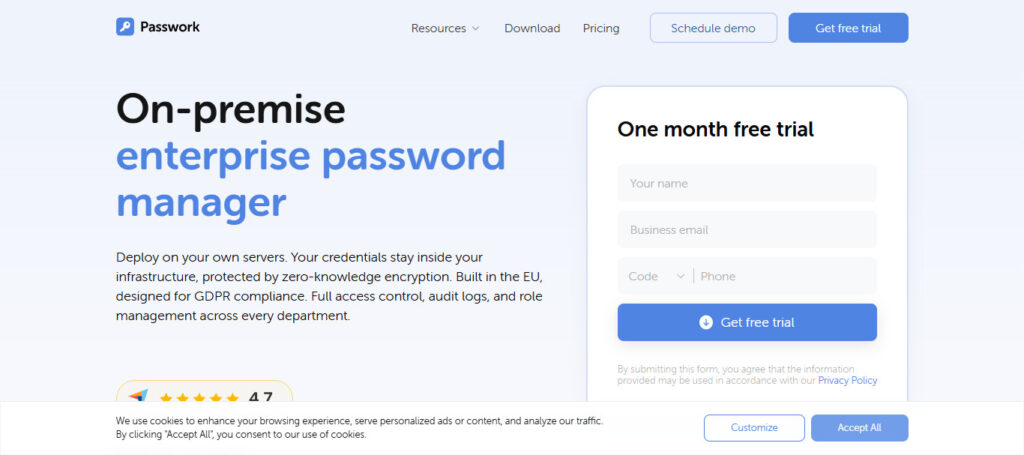
Thanks to its clean interface adoption is encouraged across technical and non-technical teams alike. Passwork Enterprise supports secure teamwork while providing businesses with complete transparency over access to credentials and administrative oversight, so no audit logs are hidden from any team members. Passwork is featured in the top as **The Best Password Managers Every Company Needs!
Passwork Enterprise Highlights
- KeyYpass Self hosted password manager for internal servers
- Team/Department-wise Flexible Permission System
- AES-256 encryption ensuring enterprise-grade security.
- Share your passwords privately and secure with an action record.
- Corporate IT Environment API Integrations
Passwork Enterprise — Pros & Cons
| Pros | Cons |
|---|---|
| Self-hosted deployment option | Requires IT expertise |
| Full company control over data | Complex initial setup |
| Role-based permissions | Less known brand |
| Secure team vault system | Smaller integration ecosystem |
| Compliance-friendly design | UI not beginner friendly |
11. TeamPassword
TeamPassword is a fast and easy password management system specifically for team collaboration. This enables employees to share login credentials without exposing real passwords, which decreases the risks connected with manual sharing methods. Admins can easily control account access and realize real-time activity data.
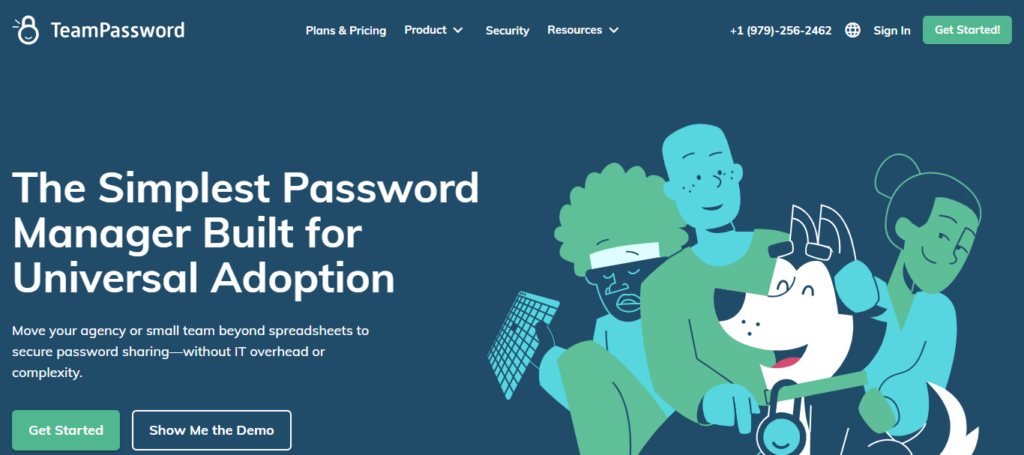
The platform is easy to set up and allows for companies in their growth phases to onboard quickly. TeamPassword is one of the Best Password Managers Every Company Needs, which is quite useful for a startup, remote teams who want to implement an easy system that enhances security and productivity without complicated technicalities.
????????????????Password — Key Highlights
- Simple team-based password sharing system.
- Two-factor authentication for account protection.
- Permissions based (employee & manager)
- Access control without compromising on master passwords.
- Simple onboarding and user management for teams at scale.
TeamPassword — Pros & Cons
| Pros | Cons |
|---|---|
| Extremely simple team sharing | Limited enterprise features |
| Quick onboarding | Basic reporting tools |
| Browser-based access | Not ideal for large enterprises |
| Easy permission management | Fewer security extras |
| Good for small teams | Limited automation features |
12. Sticky Password Teams
Sticky Password Teams Sticky password combines robust encryption with flexible synchronization options, including both secure cloud sync and local Wi-Fi hardware solubility for even greater privacy.
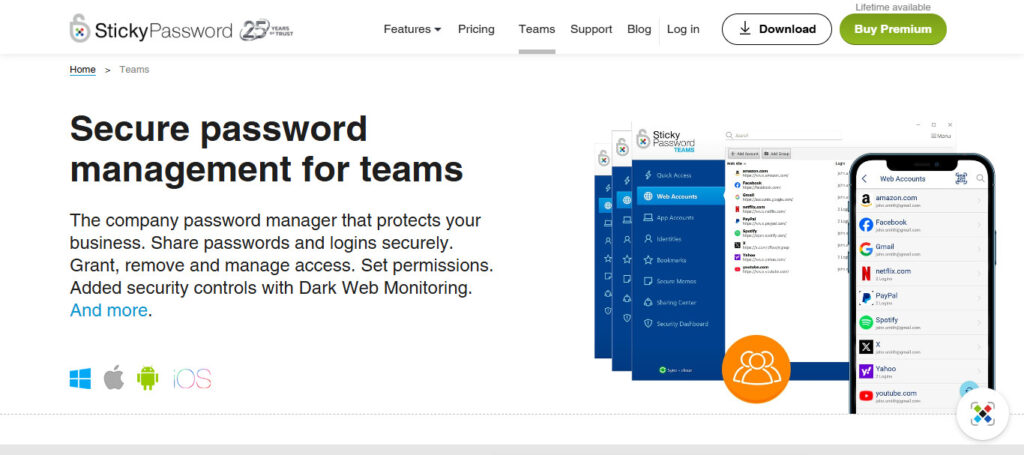
The platform enables organizations to manage shared passwords, enforce authentication policies, and provides the ability for biometric login. The offline features of the platform provide an extra protection against vulnerabilities in the cloud.
Named one of the *Best Password Managers Every Company Should Have**, Sticky Password Teams provides solid security, seamless password management and deployment options ideal for organizations desiring a robust defense while retaining control over how data is stored and accessed.
Sticky Password Teams — Key Highlights
- AES-256 encryption with zero-knowledge architecture.
- Secure password synchronization across devices.
- Local Wi-Fi sync: Find local devices to share private data.
- Password generator and autofill functionality.
- Business Security Manager administrative controls
Sticky Password Teams — Pros & Cons
| Pros | Cons |
|---|---|
| Strong AES-256 encryption | Smaller business adoption |
| Offline sync capability | Limited enterprise integrations |
| Secure password sharing | Interface less modern |
| Local Wi-Fi synchronization | Fewer advanced reports |
| Lifetime license option | Smaller support ecosystem |
Conclusion
These days protecting resources like company data is critical in the digital business environment. With an increase in cyber threats (phishing attacks, credential breaches), password security has become one of the top priorities for organizations big or small.
Password managers are vital business software for any organisation looking to securely store credentials, manage employee access and how strong passwords enforced as well as preventing unauthorized logins.
Solutions such as 1Password Business, Dashlane Business and Bitwarden Enterprise bring you advanced encryption along with centralized management at the enterprise level to enable smooth team collaboration.
Using an effective password management software, companies are not only reducing cyber risks but also gaining productivity and operational efficiency. Choosing the right password management solution will keep you protected for years to come, drive additional compliance as well as create a safe digital workplace in every organization.
FAQ
Why do companies need password managers?
Businesses handle sensitive data, employee accounts, and cloud platforms daily. Password managers help organizations store credentials securely, generate strong passwords, and prevent reuse. This reduces hacking risks, data breaches, and unauthorized access while improving overall cybersecurity management.
Are password managers safe for business use?
Yes. Modern business password managers use advanced encryption, zero-knowledge architecture, and multi-factor authentication. Even service providers cannot view stored passwords, making them far safer than spreadsheets or shared documents.
How do password managers prevent hacking?
They create complex unique passwords for every account, securely store login credentials, and monitor breaches. Many tools also offer dark-web monitoring, phishing protection, and automatic password updates to reduce cyberattack risks.
Can employees safely share passwords using password managers?
Yes. Business password managers allow secure credential sharing without revealing actual passwords. Admins can control permissions, revoke access instantly, and manage team security centrally.