




In this article I will covers AI Code Review Tools Catches Bugs Ahead of Production, how modern platforms powered by artificial intelligence help developers identify bugs, security holes and performance bottlenecks proactively during the development cycle.
For both teams and individual programmers, you will learn how these tools lead to better code quality, fewer production errors (more confidence), faster software delivery (faster development cycles) while being more scalable.
What are AI code review tools?
AI code review tools are AI-powered software systems that automatically analyze source code and find bugs, security vulnerabilities, performance issues or style inconsistencies before the actual production deployment. These tools, unlike manual code reviews (which are also necessary), make their suggestions in real time and on pull requests.
They are trained on bulk datasets of code that reflect patterns in errors and best practices from a wide variety of programming languages. AI code review tools, working along with the development environments and CI/CD pipelines provide ways for developers to write cleaner, safer, more performant codes accelerating software delivery while reducing human initiated errors.
Key Point & AI Code Review Tools That Catch Bugs Before Production
| Tool | Key Points |
|---|---|
| DeepCode (Snyk Code) | AI-driven static analysis, real-time vulnerability detection, integrates with CI/CD, strong security focus |
| Codacy AI | Automated code reviews, style & quality checks, supports multiple languages, PR-level feedback |
| SonarQube + AI Extensions | Code quality & security scanning, technical debt tracking, AI-enhanced issue detection, enterprise-ready |
| Amazon CodeWhisperer AI Review | Secure code suggestions, AWS integration, detects vulnerabilities, boosts developer productivity |
| Google Gemini Code Assist | AI-powered code suggestions, contextual review, bug detection, integrates with Google Cloud tools |
| GitHub Copilot X Review Mode | AI code explanations, PR review assistance, bug spotting, natural language-based feedback |
| Cursor AI IDE | Full AI coding environment, real-time bug detection, codebase understanding, intelligent refactoring |
| Tabnine Enterprise Review | Privacy-focused AI, team coding standards enforcement, code completion + review support |
| JetBrains AI Assistant | Deep IDE integration, smart inspections, refactoring help, context-aware code suggestions |
| CodeScene AI | Behavioral code analysis, hotspot detection, technical debt insights, team productivity tracking |
| Augment Code AI | Large codebase understanding, multi-file reasoning, advanced bug detection, intelligent code suggestions |
1. DeepCode (Snyk Code)
DeepCode (acquired by Snyk Code) is a sophisticated AI-based code analysis platform intended to identify bugs, vulnerabilities and security flaws in real time. It deploys machine learning trained on millions of code repositories to learn patterns and detect risky code that can be flagged before production.
Tools which Detect Bugs Before Production — AI Code Review Tools like DeepCode integrate with IDEs and CI/CD pipelines to provide immediate feedback (during development). It can use many programming languages and is mainly focused on security vulnerabilities such as injection issues or logic errors! The continuous learning model it uses also means detection accuracy improves significantly over time, allowing developers to write standards-compliant, safer and cleaner code much faster.
DeepCode (Snyk Code) Features
- Static code analysis using AI for bug detection in real-time.
- Spot security weaknesses such as injection flaws
- Integrated with IDE and CI/CD pipelines
- Supports multiple programming languages
- Gains knowledge from other large code datasets to become increasingly accurate
DeepCode (Snyk Code)
| Pros | Cons |
|---|---|
| Strong AI-based vulnerability detection | Advanced features can be expensive |
| Excellent security-focused analysis | Requires setup and integration effort |
| Learns from millions of code patterns | Some false positives need manual review |
| Real-time code scanning | Depth varies across languages |
| Auto-fix suggestions available | Best features in paid tiers |
2. Codacy AI
Codacy AI is an automated platform for developers to help determine the quality of their code and review it so that teams always have clean, consistent, bug-free codebases. It analyzes PRs and commits for style, performance, and security issues. AI Code Review Tools that catch bugs before reaching production: such as reducing manual review effort by providing instant feedback and enforcement of coding standards across teams with Codacy AI.
So it supports a lot of languages and can be integrated with GitHub, GitLab & Bitbucket. In addition, the tool also keeps track of technical debt and offers actionable insights to improve code quality over time making it suitable for scaling development teams with repetitive checks on code quality control.
Codacy AI Features
- Code quality and style checks
- AI root review system based on pull request
- Supports multiple programming languages
- Enforces team coding standards consistently
- Monitors technical debt and code quality trend
Codacy AI
| Pros | Cons |
|---|---|
| Easy integration with GitHub/GitLab | Can generate noisy alerts |
| Automated PR-based code reviews | Limited deep security scanning |
| Strong code quality enforcement | AI suggestions sometimes inconsistent |
| Supports multiple languages | Advanced customization can be limited |
| Good for team collaboration | Performance slows on large repos |
3. SonarQube + AI Extensions
SonarQube with AI extensions is a versatile tool for static analysis geared toward ensuring code quality, maintainability and security. It detects bugs, vulnerabilities and code smells early in the development lifecycle. Here comes AI Code Review Tools That Focus on Catching Bugs Before Production – SonarQube that combines traditional rule-based scanning with machine learning and other AI-driven insights for detecting issues smarter.
It has comprehensive dashboards on Technical Debt, Code Coverage and Complexity metrics. It also integrates with CI/CD so all commits are always scanned before deployment. It is utilized by enterprises to ensure strict coding standards and increase reliability of software products in the long run while minimizing production level failures & debugging overhead.
SonarQube + AI Extensions Features
- Static analysis (Deep) for Bugs & Vulnerabilities
- AI-enhanced issue detection and prioritization
- Tracking of technical debt and code smell
- Integration with CI/CD pipelines for continuous scanning
- Comprehensive dashboards for code quality metrics
SonarQube + AI Extensions
| Pros | Cons |
|---|---|
| Industry-leading static analysis | Complex setup and configuration |
| Strong security & bug detection | Heavy system resource usage |
| Excellent for technical debt tracking | Advanced features are paid |
| CI/CD pipeline integration | Learning curve for beginners |
| Highly customizable rules | UI can feel complex |
4. Amazon CodeWhisperer AI Review
Amazon CodeWhisperer: A coding assistant powered with artificial intelligence to create clean code and validate it for vulnerabilities. AWS Lambda integrates closely with AWS services and is polyglot. AI Code Review Tools That Catch Bugs Pre Production like, codewhisperer can help Developer Identify insecure coding pattern and provides them fix to the problem reducing developers efforts.
This is particularly beneficial for cloud-based applications where security is of the utmost importance. In real time, the tool suggests inside IDEs that lowers human error and increases development speed. This makes it a perfect fit for enterprise software development on AWS infrastructure — all built with an eye to security compliance.
Amazon CodeWhisperer AI Review Features
- Real-time secure code suggestions
- Detects insecure coding patterns automatically
- Deep integration with AWS ecosystem
- Multi-language programming support
- Facilitates compliance with security best practices matters
Amazon CodeWhisperer AI Review
| Pros | Cons |
|---|---|
| Strong AWS ecosystem integration | Less effective outside AWS stack |
| Built-in security scanning | Limited general IDE support |
| Real-time secure code suggestions | Not as strong in complex logic |
| Free tier available for individuals | Weaker multi-language depth |
| Helps prevent insecure coding patterns | Occasional generic suggestions |
5. Google Gemini Code Assist
Google Gemini Code AssistGOOGLE GEMINI CODE ASSIST is an AI-based development assistant focused on code generation, debugging and review. This means knowing large codebases inside out and providing context-sensitive suggestions to fix bugs or optimise performance. Introducing AI Code Review Tools That Detect Bugs Pre-ProductionThe AI code reviewing tools, such as Gemini Code Assist increase productivity by finding logical errors early and providing intelligent fixes.
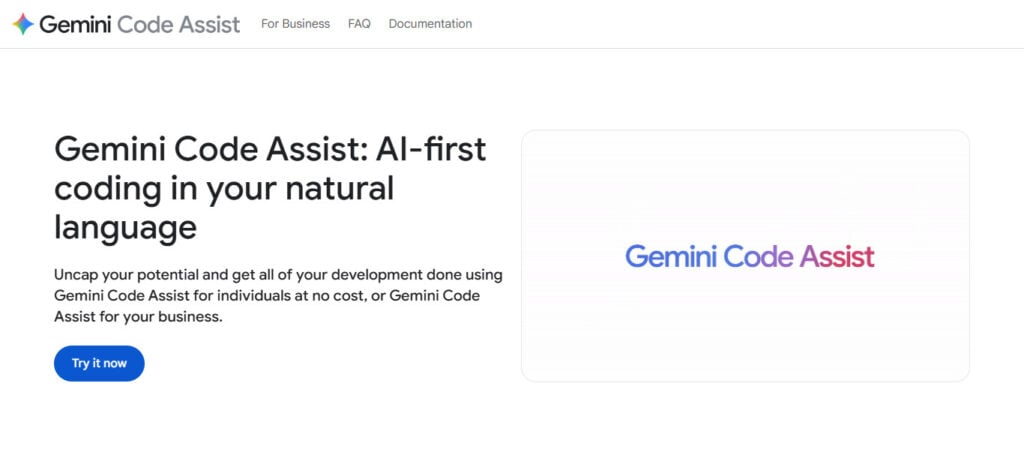
YARD integrates with Google Cloud and supports modern development workflows. Your answer from the tool can help us to take decision about complex projects since there will always be a complete insight in terms of working through multi-file reasoning. Through proactive AI based analysis, developers experience improved code clarity, less production issues and faster debugging cycles.
Google Gemini Code Assist Features
- AI-based contextual code suggestions
- Multi-file reasoning for complex projects
- Real-time bug detection and fixes
- Integration with Google Cloud tools
- Improves code optimization and readability
Google Gemini Code Assist
| Pros | Cons |
|---|---|
| Context-aware AI code review | Still evolving (newer tool) |
| Strong multi-file reasoning | Google ecosystem bias |
| Real-time bug detection | Not as mature as Copilot |
| Works well with Google Cloud | Limited offline usage |
| Improves code readability | Occasional inconsistent suggestions |
6. GitHub Copilot X Review Mode
GitHub Copilot X Review Mode transforms the conventional Couplite, incorporating AI-enabled features for code review. It reviews pull requests, explains code changes and points out bugs or other inefficiencies. AI Code Review Tools That Catch Bugs Before Production: Copilot X translates issues to natural language, making reviews faster and more accessible for developers.
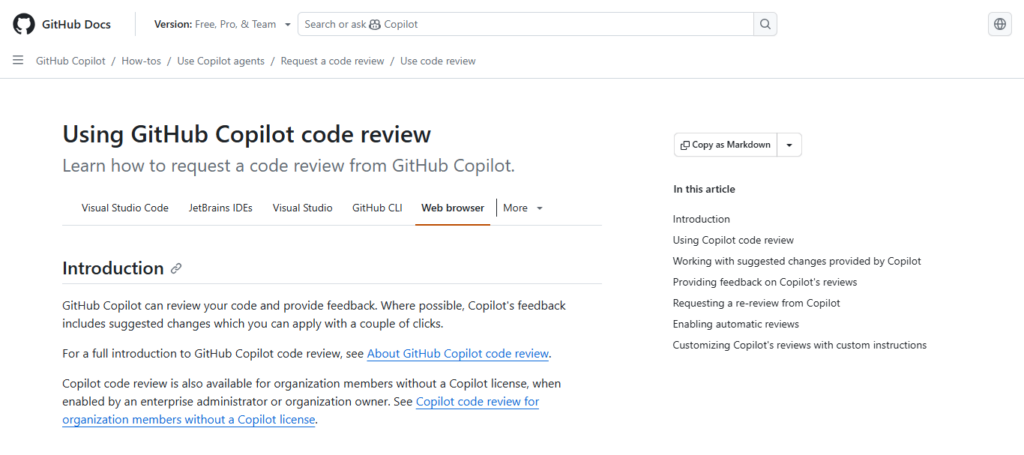
It seamlessly plugs-in to GitHub workflows and bolsters team collaboration. This tool also recommends optimized solutions and detects regular coding errors. Its conversational AI approach helps with debugging in a more intuitive fashion and lesser time for identifying production level issues.
GitHub Copilot X Review Mode Features
- AI-powered pull request code review
- Provide natural language explanations of changes made in code
- Bug and inefficiency detection
- Inline suggestions for improvements
- Seamless integration with GitHub workflows
GitHub Copilot X Review Mode
| Pros | Cons |
|---|---|
| Native GitHub integration | Misses deep security issues sometimes |
| AI explains pull requests clearly | Still experimental in review mode |
| Fast code review assistance | Can miss complex architecture flaws |
| Natural language feedback | Sometimes focuses on minor issues |
| Improves developer productivity | Not fully reliable alone |
7. Cursor AI IDE
Cursor AI IDE is an intelligent code editor built for in-depth knowledge of the code itself, and introducing smart aid to help with development. You can analyze complete codebases, find bugs and recommend solutions in the moment. Cursor implements AI Code Review Tools That Catch Bugs Before Production, which provides multi-file reasoning and debugging context well beyond just simple autocomplete.
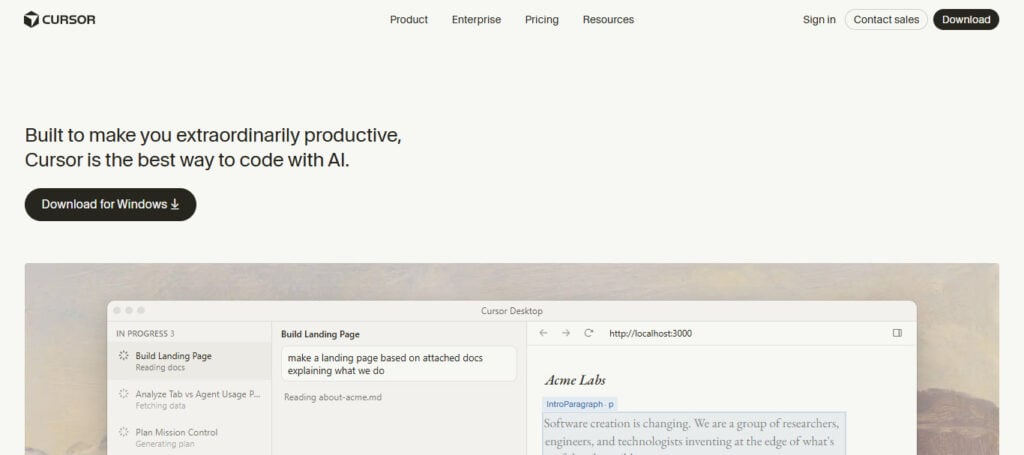
It lets developers restructure code, find inefficiencies and enhance architecture. If you go complex and get stuck, its AI assistant will even answer questions about the code and explains it. This is particularly beneficial for large projects, where maintaining the quality of code and avoiding production issues are critical?
Cursor AI IDE Features
- Full AI-powered coding environment
- Deep codebase understanding across files
- Real-time bug detection and fixes
- Intelligent refactoring suggestions
- Conversational AI for code explanation
Cursor AI IDE
| Pros | Cons |
|---|---|
| Full AI-first coding environment | Requires learning new workflow |
| Strong multi-file understanding | Can be resource-heavy |
| Real-time debugging support | Not ideal for very large enterprise setups |
| Smart refactoring suggestions | Occasional hallucinated fixes |
| High developer productivity | Still evolving rapidly |
8. Tabnine Enterprise Review
Tabnine Enterprise Tabnine is an AI code completion and review tool built. Privacy, security, and team consistency first! It trains on private codebases of the company and gives you hopefully accurate suggestions but, enforces coding standards at all times. And that brings us back to the AI Code Review Tools That Catch Bugs Before Production like and Tabnine can identify problems during development.
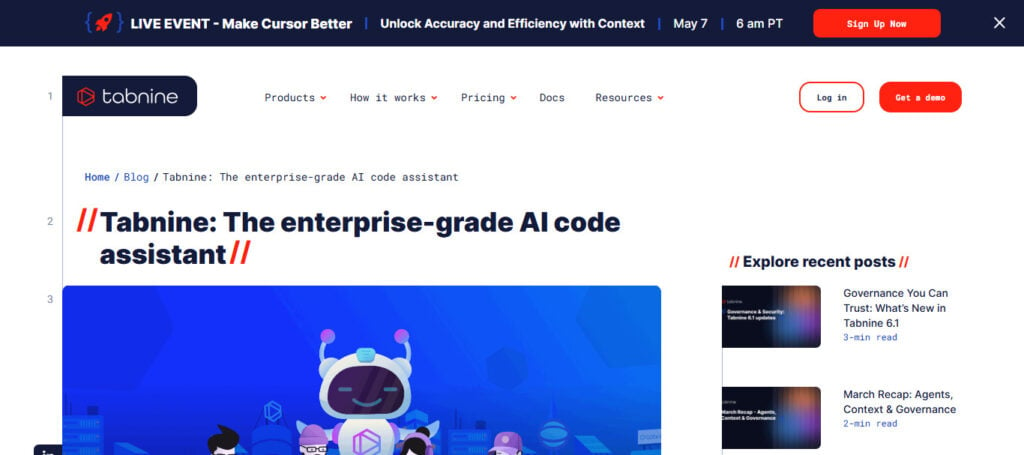
It works across IDEs and programming languages, which is appealing to large teams in enterprise applications. The tool gives organizations the power of AI without letting strong algorithms get at sensitive code. Its predictive models increase developer productivity while meeting demanding security and compliance requirements.
Tabnine Enterprise Review Features
- Privacy-focused AI code assistant
- Team-based coding standards enforcement
- Context-aware code completion and review
- On-premise and secure deployment options
- Gets trained on private codebases — but without data leakage
Tabnine Enterprise Review
| Pros | Cons |
|---|---|
| Strong privacy-focused AI model | Less powerful than Copilot/Cursor |
| On-premise deployment available | Limited advanced reasoning |
| Learns from private codebases | UI feels simpler compared to rivals |
| Enforces team coding standards | Requires tuning for accuracy |
| Works across many IDEs | Not very strong in deep bug detection |
9. JetBrains AI Assistant
JetBrains AI Assistant, part of IntelliJ IDEA and PyCharm on their IDEs is an intelligent coding assistant that also provides automated review. They offer inline suggestions that occur in real-time, they normally analyze bugs and refactor complex code.
JetBrains AI Assistant combines deep IDE integration with AI reasoning to greatly enhance developer workflows — such as catching bugs before production. Can explain the code, generate tests, and suggest optimisations. It offers tight integration which makes it a great tool for professional developers developing large applications (to promote better code quality and fewer production issues).
JetBrains AI Assistant Features
- Deep integration with JetBrains IDEs
- Intelligent code inspections and bug detection
- AI-powered refactoring suggestions
- Code explanation in natural language
- Automated test generation support
JetBrains AI Assistant
| Pros | Cons |
|---|---|
| Deep IDE integration (JetBrains tools) | Limited outside JetBrains ecosystem |
| Smart refactoring and suggestions | Subscription cost for full features |
| Code explanation in natural language | Can lag on large projects |
| Automated test generation | Requires modern IDE versions |
| High accuracy for supported languages | Less flexible than standalone tools |
10. CodeScene AI
CodeScene AI (this one focuses more on behavioral code analysis studying the behavior of how your code changes over time and marks areas that are prone to causing problems in contrast). The tool highlights hotspots, tech-debt and bug prone complex modules. Example AI Code Review Tools that catch Bugs Before Production – with fews like latest on top of the list as code scene allow teams to prioritize refactoring based upon how real work use patterns.
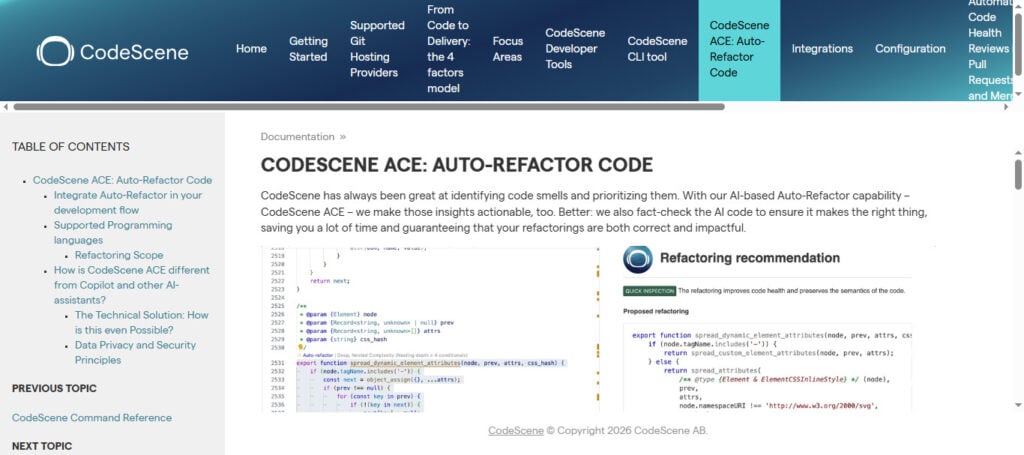
The tool also makes use of developer behavior analytics to boost productivity and team collaboration. It uses AI insights combined with code metrics to predict when and where issues might arise, enabling teams to fix problems before they negatively affect production systems.
CodeScene AI Features
- Behavioral code analysis and insights
- Identifies high-risk “hotspot” code areas
- Tracks technical debt evolution
- Predicts future bug-prone modules
- Team productivity and code health enhancement
CodeScene AI
| Pros | Cons |
|---|---|
| Behavioral code analysis (unique feature) | Not a traditional real-time coder tool |
| Detects risky “hotspot” code areas | Requires historical code data |
| Predicts future bug-prone modules | Setup can be complex |
| Tracks technical debt trends | Less IDE integration |
| Improves team productivity insights | Not focused on live coding assistance |
11. Augment Code AI
Darker than the Darkest — Augment Code AI is Semantically aware of complete codebases for truly large-scale software systems. It can detect bugs, suggest improvements and make intelligent code navigation across files.
AI Code Review Tools That Catch Bugs Before ProductionAugment Code can help manage complex projects, offering advanced reasoning and automated insights to developers.
This helps in reducing debugging time by detecting the logical errors and hidden dependencies. The AI-powered analysis makes the code more maintainable and scalable, especially when an enterprise deals with large interconnected systems.
Augment Code AI Features
- Large-scale codebase understanding
- Multi-file and cross-project reasoning
- Advanced bug detection and analysis
- Intelligent code navigation and suggestions
- Enhances scalability and maintainability of complex systems
Augment Code AI
| Pros | Cons |
|---|---|
| Excellent large codebase understanding | Still relatively new tool |
| Strong multi-file reasoning | May struggle with niche frameworks |
| Helps detect hidden dependencies | Requires cloud dependency |
| Good for enterprise-scale systems | Limited community support |
| Improves maintainability | Can be slower on huge repos |
Conclusion
AI code review tools are changing the landscape of modern software development by identifying bugs, security vulnerabilities and performance issues before they ever make it to production. These modern tools, ranging from intelligent static analysis platforms to AI-powered IDE assistants prevent developers from writing dirty and unsafe code, save their time by automating a lot of the programming tasks.
Since the AI Code Review Tools That Catch Bugs Before Production not only reduce debugging time, but also facilitate collaboration and enforce coding style checks against organizational policies that help improve software reliability. The need to embrace these A11y-powered solutions is no longer an optional one as applications become more sophisticated, but are becoming necessary for quicker time-to-market delivery with quality production-ready code that gets developed at lower risks.
FAQ
What are AI code review tools?
AI code review tools are software solutions that use artificial intelligence to analyze code for bugs, security issues, and performance problems. They help developers detect errors early in the development process before code reaches production.
How do AI code review tools catch bugs before production?
These tools scan code in real time or during pull requests using machine learning models and rule-based analysis. They identify risky patterns, logical errors, and vulnerabilities, then suggest fixes before deployment.
Are AI code review tools better than manual code reviews?
AI tools are not a replacement for humans but a powerful support system. They quickly detect common issues, while human reviewers focus on logic, architecture, and business requirements, making the process more efficient together.
Which programming languages do these tools support?
Most AI code review tools support popular languages like Python, JavaScript, Java, C++, Go, and more. Enterprise tools often support dozens of languages across different frameworks and platforms.