



I’ll go over Google Cloud’s free AI tools in this post, which enable developers, entrepreneurs, and companies to create intelligent apps at reasonable prices.
These tools make it simpler to test, prototype, and scale AI-driven solutions effectively by providing strong capabilities in generative AI, speech, vision, translation, and machine learning.
Benefits Of Free AI Tools from Google Cloud
Affordable Experimentation: No considerable cost is involved when trying out untested AI functionalities. This is super helpful for students, developers, and small companies.
Prototyping and Idea Testing: Google AI Studio and Vertex AI AutoML enhance speed and efficiency when it comes to testing out new ideas.
Diversity of AI Tools: All-in-one applications that allow you to create and manipulate text, translate languages, and analyze them.
Flexible on Scaling: Over time, easy to boost to a higher payment plan. User friendly.
Simple to Use: Users that have done little coding and ML can build and analyze models.
Dependable AI Tools: Users of the free-tier can rely on enterprise-class security, compliance, and performance.
Ideal for Skill Acquisition: AI experimentation aids students and developers in building an AI portfolio.
Remote Usage: Users can operate these AI models and tools from anywhere on the planet.
Wide Application: models can be used to transact in languages and analyze and edit videos and images. Offers content creation, predictive analytics, and transcription services.
Key Point & Free AI Tools from Google Cloud List
| Google Cloud AI Tool | Key Point |
|---|---|
| Google AI Studio (Gemini models) | Provides a browser-based environment to experiment with Gemini models for text, code, and multimodal AI without complex setup. |
| Gemini Developer API | Enables developers to integrate Gemini-powered generative AI features like chat, content creation, and reasoning into applications via APIs. |
| Translation API | Delivers fast, accurate language translation across hundreds of languages with automatic language detection and scaling support. |
| Speech-to-Text API | Converts spoken audio into highly accurate text using advanced speech recognition and real-time transcription. |
| Text-to-Speech API | Generates natural-sounding speech from text using multiple voices and languages, suitable for apps and assistants. |
| Cloud Natural Language API | Analyzes text to extract sentiment, entities, syntax, and content classification for deeper text understanding. |
| Vision AI (Image Analysis) | Detects objects, labels, faces, and text within images to power visual recognition use cases. |
| Video Intelligence API | Automatically analyzes video content to identify objects, scenes, and activities with time-based insights. |
| Vertex AI Workbench (basic tier) | Offers managed Jupyter notebooks for data science and ML development with built-in Google Cloud integrations. |
| Vertex AI AutoML | Allows users to build custom machine learning models with minimal coding using automated training pipelines. |
1. Google AI Studio (Gemini models)
Google AI Studio is an accessible online tool that encourages developers and content creators to interact with Gemini models directly in the browser. It is one of the Free AI Tools from Google Cloud.
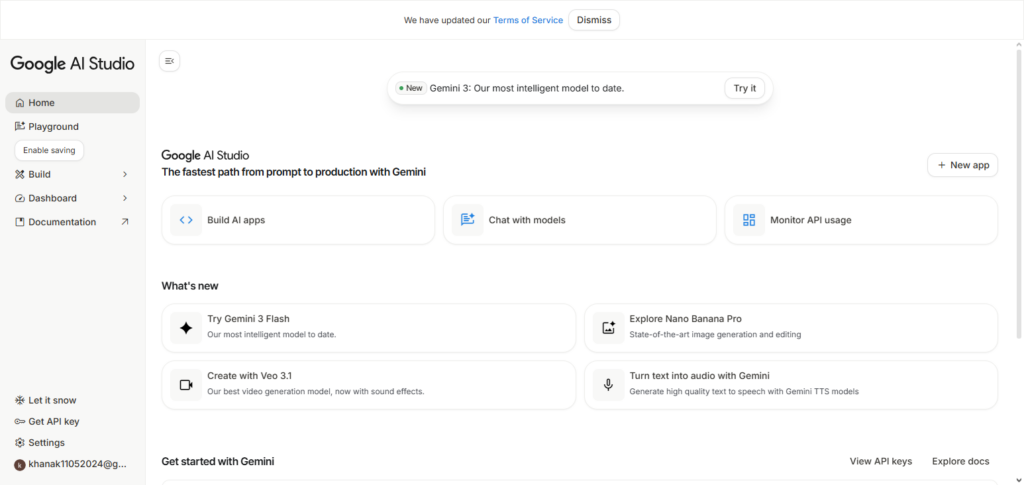
It processes text, code, images, and responds to multimodal inputs, all of which can be accomplished without complicated systems. Users can experiment with prompts and obtain corresponding answers in real-time.
Google AI Studio is the most adaptable choice for learning generative AI and validating cases prior to production deployment. It also includes safety features, prompt iteration, and easy-to-use API export, which streamlines the process for novices.
Google AI Studio (Gemini models) Features, Pros & Cons
Features:
- Web interface geared towards Gemini models.
- Text, code and multimodal prompts are supported.
- Evaluate and test prompts in real-time.
- Export of prompts to integrated APIs.
- Moderation and safety included.
Pros:
- No setup. Excellent for prototyping.
- User interface is easy to understand.
- No cost for basic functionality.
- Testing and development is done quickly.
- Integrating with Gemini APIs is seamless.
Cons:
- Free tier lacks basic computing resources.
- Large scale projects are infeasible.
- Using advanced features requires API.
- Requires a stable internet connection.
- Responses may not meet acceptable standards for the most complicated prompts.
2. Gemini Developer API
The Gemini Developer API brings the power of Gemini’s generative AI to any app seamlessly. It is one of the Free AI Tools from Google Cloud and also offers an extensive free tier for testing out text generation, chat, code, and other multimodal tasks.
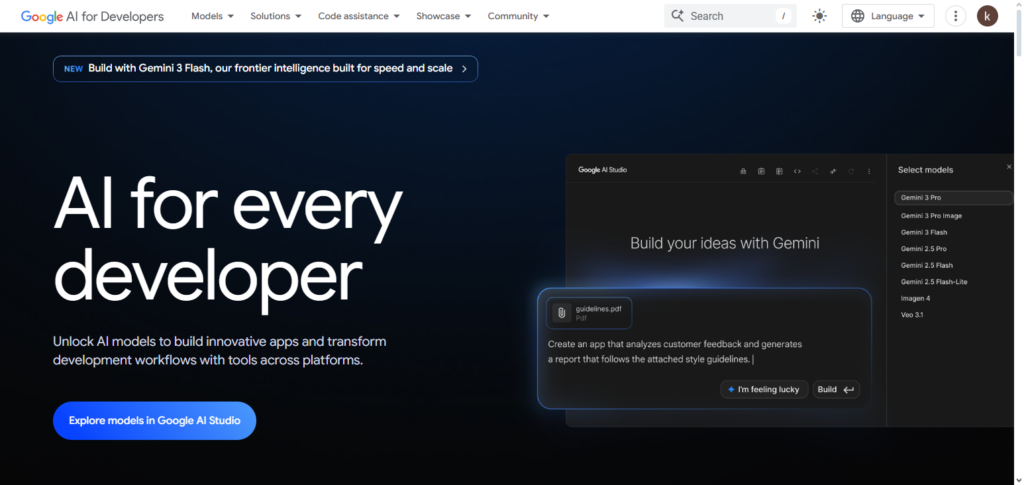
Users can create an AI chat interface, content creator, and a system for reasoning with just a few REST calls or SDKs. The API offers a good degree of control on responses with structured outputs, a tool-calling system, and safety features. With good performance and the ability to scale easily, the Gemini Developer API is perfect for startups and other independent developers.
Gemini Developer API Features, Pros & Cons
Features
- API for all the Gemini’s generative AI models.
- Supports chat, content creation, and reasoning.
- Outputs are in sections for more organization.
- Can be easily integrated to your own applications.
- There is no charge for basic API access.
Pros:
- Your users can access many features of AI.
- There is no limit for users of an account.
- It is easy, quick, and simple to set up.
- It is easy to scale and deploy.
- There is an initial free API access.
Cons:
- Limits on the free tier.
- Knowledge about API integration is essential.
- For advanced customization, maybe the paid tier.
- The rate limits may hinder larger requests.
- Some model features may be limited in the free tier.
3. Translation API
Translation API from Google Cloud is one of the most used Free AI Tools from Google Cloud for translating text. The service is provided is the detection of the target language automatically. The service is convenient for worldwide use. Developers can perform text translation, website localization, and multilingual chat support.
Google Cloud Translation API employs one of the most sophisticated neural machine translation models and delivers highly accurate and natural translations.
There is a free tier of usage, which is ideal for developers to play around with translation workflows before expanding translation usage. Google Cloud Translation API is highly reliable and fast, which is essential for use in platforms such as e-commerce, content creation and customer service.
Translation API Features, Pros & Cons
Features:
- Machine translation of more than 100 languages.
- Automatic language detection.
- It can translate in real-time or in batches.
- App and site integration is available.
- There is a free tier, but with limited usage.
Pros:
- Translation is quick and accurate.
- Integration through API is simple.
- It can be utilized on a global level.
- It is adaptable for large-scale projects.
- It allows for differing file types.
Cons:
- There are usage limits on free tier.
- Costly for high-volume translation.
- Sometimes the nuance of a particular context is lost.
- API calls necessitate an internet connection.
- The results may benefit from pre/post-processing.
4. Speech‑to‑Text API
Speech-to-Text API from Google Cloud is one of the Free AI Tools from Google Cloud. Advanced speech recognition technology from Google is used to process and convert audio into accurate texts. The service supports audio processing in real time or in batch.
The service supports various languages, dialects and vocabulary. The service can be used for transcription, voice recognition, or automated call analytics. Developers can configure the API to add comments and timestamps to various segments of text. This service is highly popular in the media sector, healthcare, education, and customer support.
Speech-to-Text API Features, Pros & Cons
Features:
- Very accurate.
- Supports real-time and batch audio.
- Recognizes accents and multiple languages.
- Added punctuation and diarization.
- Free tier is available for small workloads.
Pros:
- Transcription is accurate for most cases.
- Voice commands and chatbots are supported.
- Streaming in real-time is an option.
- Easy to integrate with applications.
- Multiple audio formats are supported.
Cons:
- Quota restrictions on free tier.
- Loss in accuracy due to ambient noise.
- Paid tier may be necessary for advanced language models.
- Lag when processing long audio files.
- Internet connection required.
5. Text‑to‑Speech API
The Google Cloud Text-to-Speech API allows for the conversion of any text into a voice that sounds like real human speech. It is one of the Free AI Tools from Google Cloud.
The application provides multiple voice options along with the choice of different accents and languages due to the usage of the WaveNet and neural model technology. Developers can adjust the customization of the parameters for multiple use cases like like tailoring the pitch, speech rate, and tone.
The API is suitable for designing accessibility options, virtual assistants, e-learning systems, and IVR systems for businesses. Users are also granted a free tier to assist in the testing of speech and voice features in their applications. This application provides high quality speech that sounds realistic and can therefore be used in a wide array of applications.
Text to Speech API Features, Pros & Cons
Features:
- Speech that sounds human is produced from text.
- Multilingual; various accents and voices.
- Ability to customize tone, speed, and pitch.
- Utilized in virtual assistants, apps, and e-learning.
- Free tier for a limited amount of usage.
Pros:
- Audio is produced in a clear and realistic manner.
- Supporting voice applications and accessibility is a plus.
- API is super simple to integrate.
- Various languages and styles are supported.
- Bigger projects and small to medium ones can scale.
Cons:
- Free tier is small.
- May need a paid tier to access advanced voice options.
- Specific use cases may need voice to be processed.
- Offline use is unavailable.
- Free version lacks customization.
6. Cloud Natural Language API
Cloud Natural Language API allows for amazing text analysis processes and offers capabilities for many text analytic processes such as character sentiment analysis, entity identification, and document organization, and it mainly AI powered.
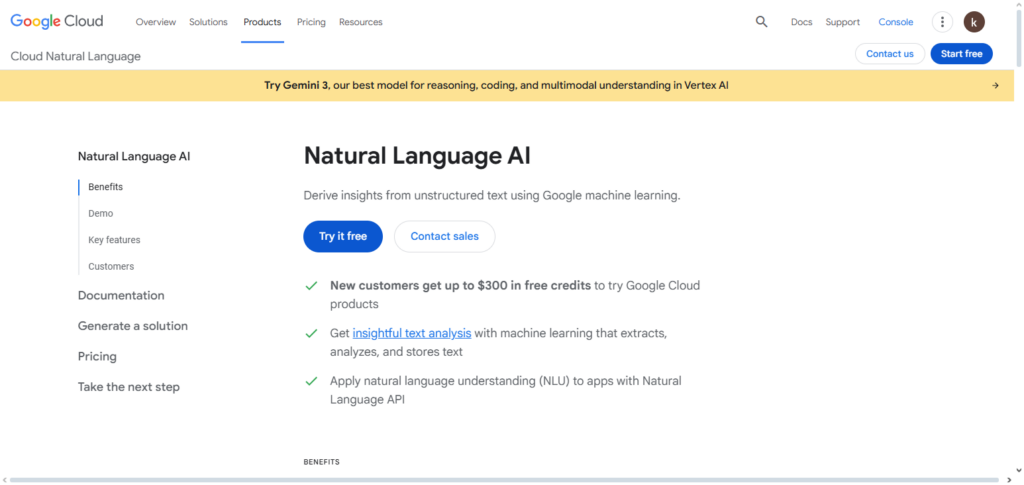
This API is also one of the Free AI Tools from Google Cloud. It provides services to enterprises to enhance their understanding UGC which is user generated content such as reviews and feedback for a document. Developers that contain large amounts of text and need to extract important data can use this API instead of creating their own NLP systems.
The API is highly adaptable as it can be integrated to any system and is multilingual. The free tier is given to let user understand the power of document analytics in streamlining processes aimed at data management, content moderation in chats, feedback analytics, and document processing. This application is also valuable for high scale platforms.
Cloud Natural Language API Features, Pros & Cons
Features:
- Sentiment, entity, and text, and category classification are analyzed.
- Multilingual support.
- Handling of structured and unstructured data.
- Ability to integrate with other Google Cloud services.
- Free tier for limited usage.
Pros:
- NLP integrations.
- Text data can be transformed into valuable insights.
- Applications and enterprises can be expanded.
- Sentiment and entity detection is supported.
- User-friendly APIs.
Cons:
- Limitations on free tier.
- May require tailored models for intricate texts.
- Input quality can affect precision.
- Higher tiers needed for extra features.
- Less free tier customization.
7. Vision AI (Image Analysis)
Vision AI allows developers to use sophisticated computer vision models to analyze photos. It is part of the Free AI Tools from Google Cloud series where it can identify objects, labels, landmarks, faces, logos, and text, among other things.
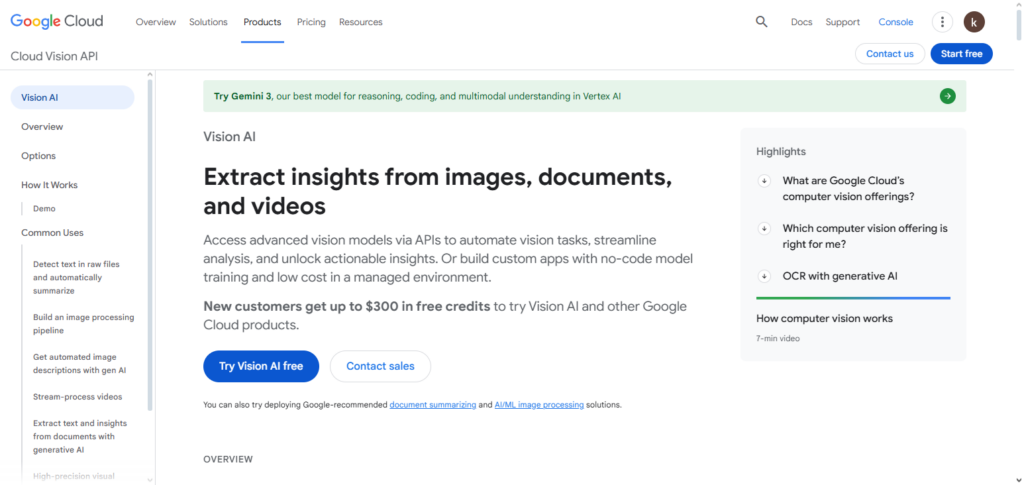
It is widely used for functions such as image classification, OCR, content moderation, and visual search offerings. The API offers multiple options for both off-the-shelf and customized models and includes a free tier for testing and refining image analysis workflows. Ideal use cases for Vision AI include e-commerce, security, healthcare imaging, and media.
Vision AI (Image Analysis) Features, Pros & Cons
Features:
- Can identify objects, faces, logos, texts, and landmarks.
- Can use custom models, as well as pre-trained models.
- Can do bulk and real-time analysis on images.
- Can be embedded on mobile and web applications.
- Free tier for smaller projects.
Pros:
- Image recognition is spot on.
- Great for moderating, searching, and classifying.
- Can work with various file types.
- API is simple and quick for integration.
- Great for smaller projects.
Cons:
- Limited features on the free tier.
- Custom models can be pricey.
- Processing can take a while when working with large volumes of images.
- May incorrectly classify some images especially when they are intricate.
- Internet is required.
8. Video Intelligence API
Video Intelligence API is an efficient means for developers to gain several insights from videos by identifying objects, scene changes of actions, and recognizing actions. It is also a part of the free Google Cloud services. It is offered along with the ability to process a video that is either streaming or stored.
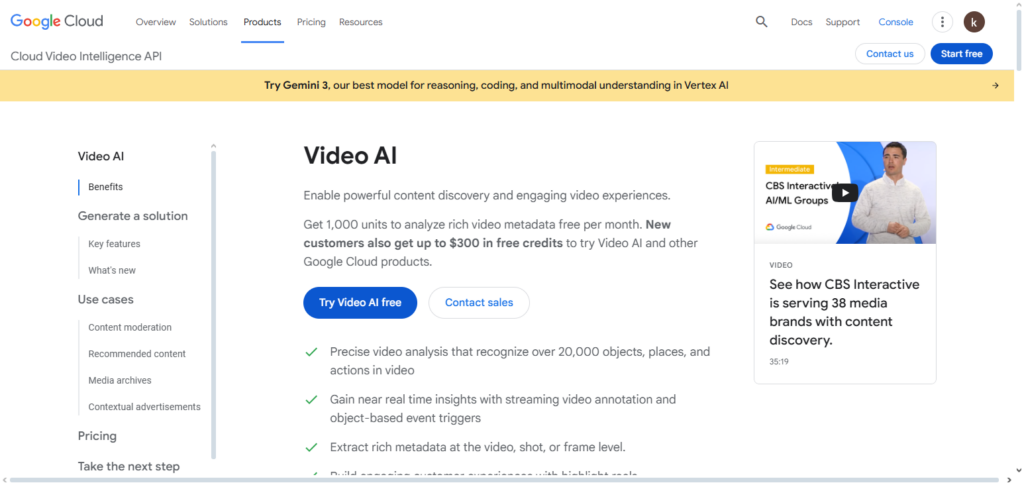
The API is able to identify inappropriate content, create further metadata, and add timestamps that is popular for media content, cataloging, and moderation… The previous and additional licenses give enough time to test and prove the AI in a real case video scenario. The report offers tools to gain maximum value from videos with a minimum effort.
Video Intelligence API Features, Pros & Cons
Features:
- Can detect objects as well as actions and can identify when a scene is changed.
- Can detect explicit content.
- Can create a time-stamped metadata.
- Can analyze videos for either live streaming or pre-recorded storage.
- Free tier provided for testing.
Pros:
- Can draw insights from videos
- Great for moderating content, indexing, and providing analytics
- Can be easily integrated into applications
- Can process data in bulk as well as in real-time.
- Beginner-friendly API.
Cons:
- Free tier has quota limits.
- Processing large videos may take some time.
- Advanced customization requires the paid tier.
- Some of the subtle actions may be skipped over.
- There is a dependency on a stable internet connection.
9. Vertex AI Workbench (basic tier)
Vertex AI Workbench offers managed Jupyter notebooks to facilitate data science and machine learning development. The basic tier provides users to utilize the free AI tools from Google Cloud to train models, explore data, and collaborate within a preconfigured and safe environment.
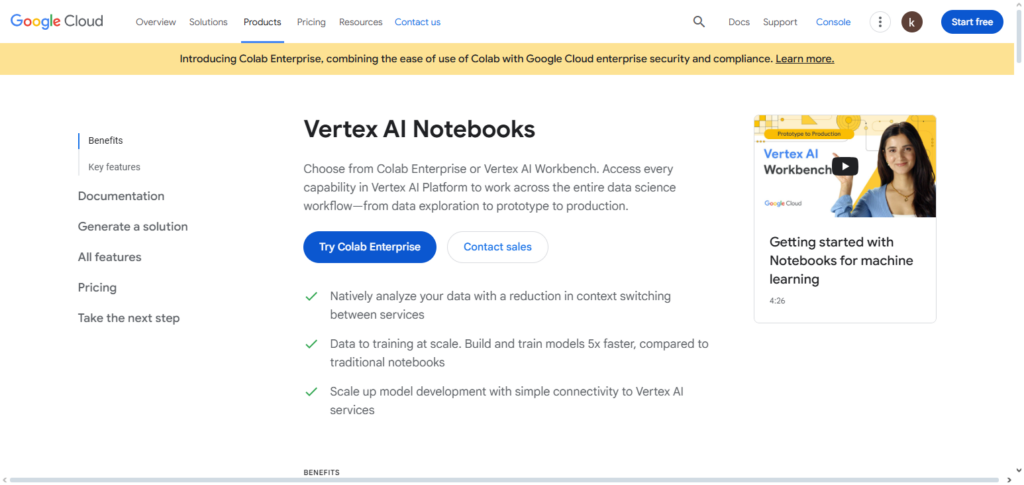
The basic tier works with other Google Cloud products such as BigQuery, and Cloud Storage. Features such as Tensor-flow and PyTorch are available to data scientists/developers. It is primarily focused on learning and practicing small ML projects, and serves as the springboard on the way to fully adopting Google’s enterprise AI system.
Vertex AI Workbench (Basic Tier) Features, Pros & Cons
Features:
- Managed Jupyter notebooks for ML development.
- Supports TensorFlow and PyTorch and other frameworks.
- Integrates with BigQuery, Cloud Storage, and other services.
- Collaborative environment for teams.
- Free tier for learning and experimentation.
Pros:
- Beginner-friendly and cloud-managed.
- Easy integration with Google Cloud ecosystem.
- Supports ML experimentation and prototyping.
- No setup is needed for basic projects.
- Free tier allows testing without cost.
Cons:
- Limited compute resources on the free tier.
- Not suitable for large scale training.
- Some advanced features require paid tier.
- Dependent on internet access.
- May need additional tools for a production deployment.
10. Vertex AI AutoML
Vertex AI AutoML allows the construction of custom machine learning models with little programming knowledge. It is one of the Free AI Tools offered by Google Cloud. It automates the processes of preparing the datasets, model selection, training and evaluation.
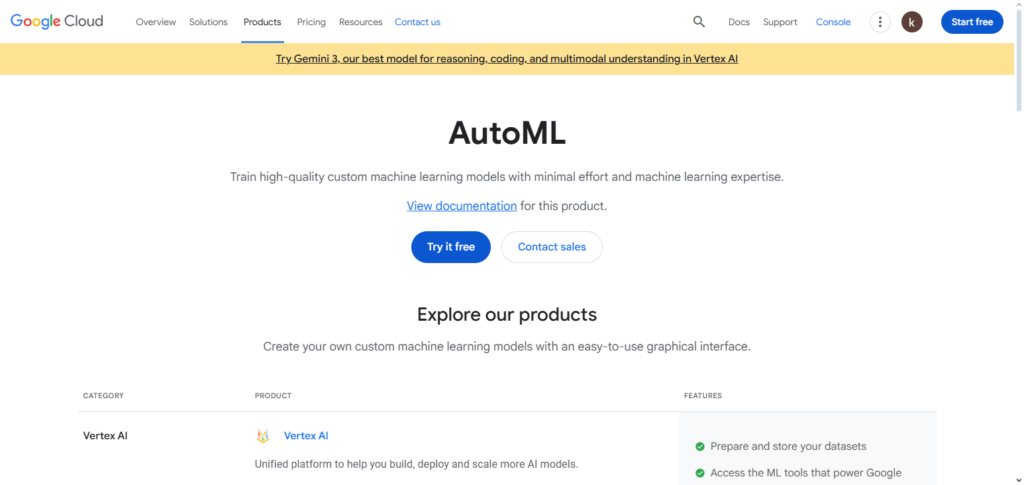
Models can be built for vision, text, structured data, and forecasting, with no deep knowledge of ML required. For this free tier, the ability to work with models in a prototyping level is available. For businesses that require accurate and scalable, though quickly developed, AI, this is a perfect fit. This system opens the doors of advanced machine learning for non-developers and non-experts alike.
Vertex AI AutoML Features, Pros & Cons
Features:
- Automated model building for vision, text, and table.
- Preps the data, chooses the model, trains and evaluates.
- Coding required is almost zero.
- Supports outputs and deployments.
- The free option allows practice.
Pros:
- Quick prototype and deploy.
- No prior ML experience needed.
- Compatible with various data types
- Combines with Google Cloud of services
- Lessens time spent on development
Cons
- Free tier is not that great
- Might need paid version for more customization options
- More resources needed for larger datasets
- Less options for tuning models
- Cloud – based
Use Cases of Free AI Tools from Google Cloud
Generative AI & Content Creation
Google AI Studio (Gemini models) and Gemini Developer API help in the creation of chatbots and AI assistants as well as the automation of marketing and customer support content generation for blogs.
Translation & Multilingual Applications
Translation API supports the translation of hundreds of written and spoken languages in real-time for the web, apps, and international conferencing.
Voice Assistants & Transcription
Speech-to-Text API and Text-to-Speech API assist in the creation of virtual assistants, transcription services IVR systems, and accessibility solutions for hearing and sight-impaired users.
Text Analysis & NLP Applications
Cloud Natural Language API affords sentiment analysis, entity recognition, chat moderation, customer feedback analysis, and document classification.
Image Recognition & Visual Analysis
Vision AI provides object detection, OCR, face recognition, logo detection, and content moderation for e-commerce, security, and media.
Video Analysis & Metadata Generation
Video Intelligence API provides automatic tagging of videos, scene detection, content moderation, and activity recognition for various media, marketing, and security purposes.
Machine Learning & Predictive Analytics
Developers and data scientists can easily train ML models and perform predictive analytics in Vertex AI Workbench and Vertex AI AutoML and deploy AI with little coding.*
Conclusion
Google Cloud’s free AI tools give developers, startups, and businesses an effective and affordable approach to investigate AI without having to pay a lot up front. These tools serve a variety of real-world use cases, including generative AI with Gemini, vision, voice, translation, and AutoML capabilities.
While preserving enterprise-grade dependability, their free tiers allow for experimentation, learning, and quick prototyping. Google Cloud is the perfect platform for effectively developing, testing, and deploying intelligent apps because users can readily scale to paid plans as needs increase.
FAQ
Are Google Cloud AI tools really free to use?
Yes, Google Cloud offers free tiers and usage credits for many AI tools. These free options allow users to experiment, prototype, and test features before moving to paid plans.
Which Google Cloud AI tools are included in the free tier?
Popular free AI tools include Google AI Studio (Gemini models), Gemini Developer API, Translation API, Speech-to-Text, Text-to-Speech, Vision AI, Natural Language API, and limited access to Vertex AI services.
Do I need a credit card to use free AI tools from Google Cloud?
In most cases, yes. Google Cloud may require a credit card for identity verification, but you are not charged unless you exceed free usage limits.
Are free AI tools suitable for production use?
Free tiers are best for development, testing, and small workloads. For production-scale applications, upgrading to paid plans is recommended for higher limits and performance.
Can beginners use Google Cloud free AI tools?
Absolutely. Tools like Google AI Studio and Vertex AI AutoML are beginner-friendly and require little to no coding experience.