




I’ll go over the Top Tools for Solopreneurs in this post, which aid in effectively managing every facet of a solo enterprise. These tools make everyday tasks easier, from productivity and project management to design, communication, payments, and automation.
Using the appropriate tools can help you save time, increase productivity, and successfully expand your business, whether you are an online entrepreneur, coach, or freelancer.
About Solopreneurs Tools
Every solopreneur has to handle every part of their business. Because of this, they have to use many different specialized tools to stay organized. Apps like Notion, Trello, and Asana help with task management. Time tracking tools like Toggl help solopreneurs plan and prioritize their workflow.
Expense tracking, invoicing, and payment tools like Quickbooks and Freshbooks help financially. Additionally, tools for marketing and social media like Mailchimp, Buffer, and Canva help solopreneurs engage with customers and build an online presence.
AI tools like ChatGPT and Jasper help with content. Workflow tools like Notion and Coda centralize a solopreneur’s project, notes, and other resources. With the right tools, solopreneurs can spend their time focusing on business growth.
How to Choose the Right Tools Solopreneurs
Identify Your Needs First – List the tasks you need to accomplish on any given day, such as managing your projects, accounting, marketing, content creation, etc. Tools are only useful if they help you tackle your biggest problems.
Prioritize Ease of Use – Tools should help you get things done, more sophisticated operations can be done faster with a single-button tool than a multi-step tool that does the same but takes longer to use. Using simple frictionless tools can help you get things done faster, rather than a screen with more buttons to choose from.
Consider Integration Capabilities – Tool connections can extend system capabilities and eliminate the need for additional work manually.
Evaluate Cost vs. Value – Costs should be weighed against the value they bring, in that some free tools may prove sufficient for your needs but investing in more advanced tools can offer better customer service, improved features, and built-in functionality for your expected business expansion.
Test and Iterate – Free trials and demos exist for a reason, and should help you make the right decision on even the smallest of tools that can make your business more efficient.
Think About Scalability – Select systems that are adaptable and will not require you to do big changes for growing parts of your business. Big switches can lead to time and resource lost.
Evaluate Reviews – Look at other solo users and user feedback to not use systems that may have unknown drawbacks or bad service.
Key Point & Best Tools for Solopreneurs List
| Tool | Key Point / Use |
|---|---|
| Notion | All-in-one workspace for notes, project management, databases, and collaboration. |
| Trello | Visual task management with boards, lists, and cards for organizing projects. |
| Canva | Easy-to-use design tool for creating social media posts, presentations, and graphics. |
| Stripe | Secure payment processing platform for online businesses and e-commerce. |
| Calendly | Automated scheduling tool to book meetings and appointments without back-and-forth emails. |
| Slack | Team communication and collaboration tool for messaging, file sharing, and integrations. |
| Zoom | Video conferencing platform for meetings, webinars, and virtual events. |
| Airtable | Flexible database and project management tool combining spreadsheets with apps. |
| Zapier | Automation platform that connects apps to automate repetitive tasks. |
| Google Workspace | Suite of cloud-based productivity tools (Gmail, Docs, Sheets, Drive, Calendar) for businesses. |
1. Notion
Notion is an all-in-one workspace that integrates databases, task tracking, project management, and note-taking. Everything may be centralized in one location by solopreneurs, including customer data and content schedules.
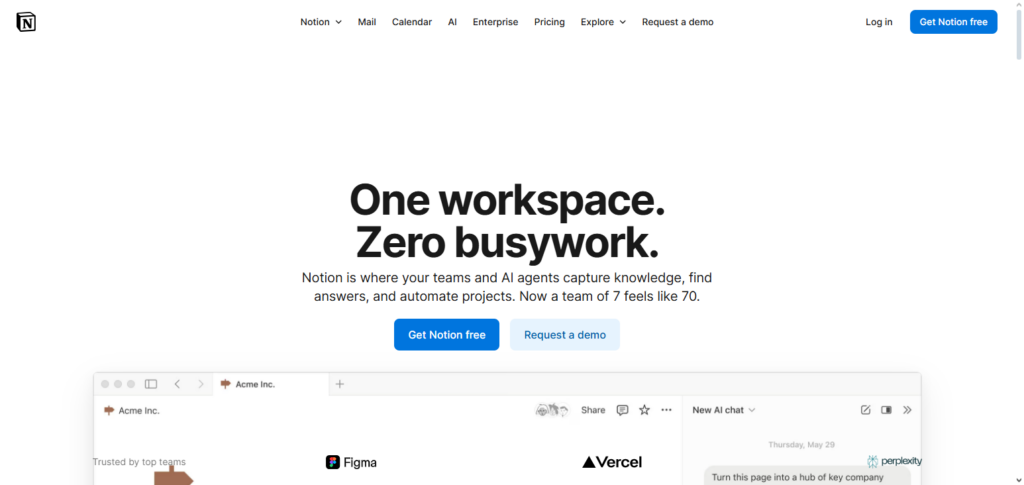
You can effectively organize your workflow with its collaborative capabilities, kanban boards, and customized templates. Because of its adaptability, it may be used to track both personal and professional projects.
Notion helps simplify operations and lessen chaos, whether you are managing funds or organizing marketing efforts. One of the best tools for solopreneurs to maintain efficiency and organization is its capacity to combine with other products, which further boosts productivity.
Notion Features, Advantages & Disadvantages
Features:
- A fully integrated workspace for notes, all types of project management, as well as with database functionality.
- Flexible, fully customizable templates for personal or business applications.
- Workspace sharing and project collaboration features.
- Cross-platform task and project management with collaboration tools like KanBan boards, calendars, and tables.
- App integration with Google Drive, Slack, and Zapier.
Advantages:
- Fully adaptable and customizable for the management of various tasks, notes, and projects.
- Very accessible with a clean and simple user interface.
- Fully functional with a free tier of the platform.
- Engages all aspects of personal and professional workflows.
- A strong user community with available templates, tutorials, and community support.
Disadvantages:
- Can be intimidating and complicated for new and inexperienced users.
- Offline use of Notion is limited.
- More complex and advanced database functions and features require more advanced user skills.
- Users experience delays and lags with larger database workspaces.
- Automation is more limited than defined task management tools.
2. Trello
Trello is a project management platform that allows for a high level of customization and organization. Users can create a board for any project they want to manage and create lists for any subdivisions of that project, such as To Do, In Progress, and Done, and use cards to represent tasks.
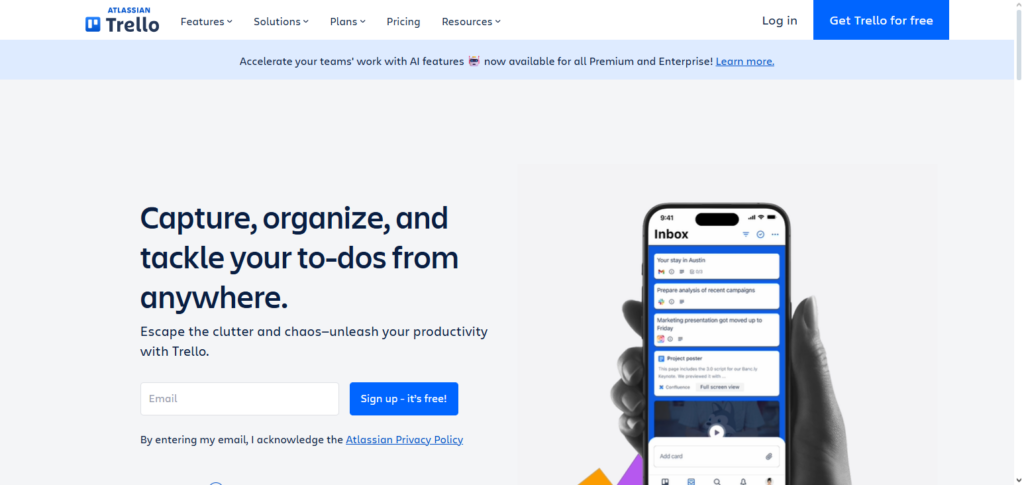
When managing deadlines and monitoring progress, cards can break down tasks in detail by adding attachments, checklists, and labels. Tracks integration with other project management tools such as Google Workspace, Slack, and Zapier further enhances organization, allowing cards to be moved and lists to be updated automatically as tasks progress.
For solopreneurs juggling a multitude of deadlines and projects, Trello is one of the best tools for solopreneurs to keep them on track and deadline driven.
Trello Features, Advantages & Disadvantages
Features:
- Kanban board project management with cloud access.
- Cloud project management with drag-and-drop task management cards with checkboxes and deadlines.
- Collaborative Power-Up integrations with Slack, Google Drive, and Zapier.
- Web and mobile app access.
Advantages:
- Very straightforward usability.
- Visual project task management.
- Adapts and adjusts project management needs easily for personal and professional use.
- Most solopreneurs will find the free plan sufficient.
- Mobile applications allow for productivity while traveling.
Disadvantages:
- Reporting and analytics are limited.
- Not great for more complicated project management.
- Power-Ups may need paid plans.
- Task dependencies are limited in scope.
- If there are too many projects, boards can become disorganized.
3. Canva
Canva is one of the most simple yet powerful design tools that solopreneurs can use to create impressive graphics easily and quickly. Canva users can create graphics for social media, presentations, and marketing.
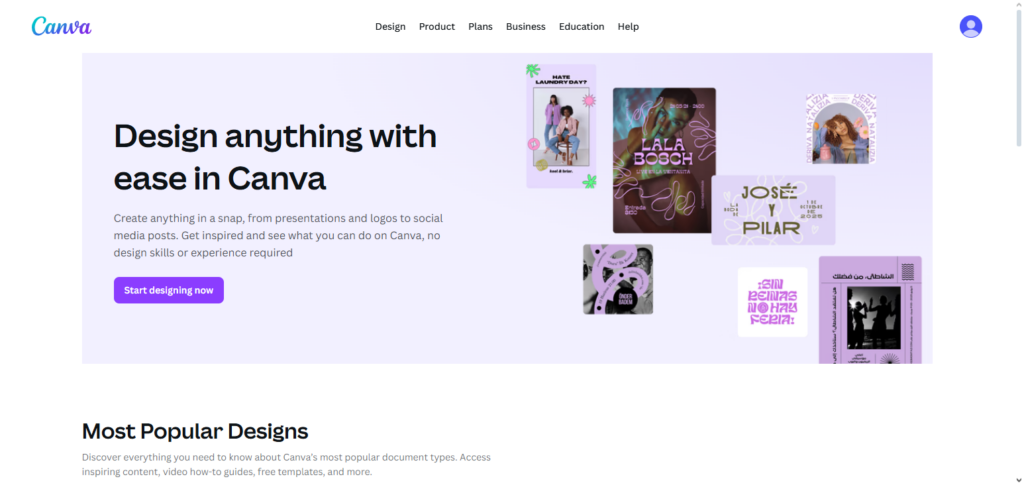
Canva is especially efficient because design costs can be avoided and there is no need to hire a designer for the graphics. Canva provides users with branding software so that all graphics feature the same branding.
Canva’s professional grade design software features to create unique graphics makes the program the most efficient for solopreneurs that need to market their services and create content. Canva’s ease of use, versatility, and professional results make the product an amazing design tool for solopreneurs.
Canva Features, Advantages & Disadvantages
Features:
- Tool for graphic design that is simple to use with a drag and drop interface.
- Templates for social media, presentations, and materials for marketing.
- Stock fonts, images, and icons that are free.
- Sharing and team collaboration features.
- Export multiple versions for the web and for print.
Advantages:
- Very easy for beginners to use.
- Creating designs that are professional helps to saves time.
- Features that are free offer solid capabilities.
- Visuals that are branded help to create easily.
- Designs can be made anywhere with the web and mobile features.
Disadvantages:
- Limited premium features are included in the free version.
- Advanced design limitations are present for professionals.
- Collaboration features that are in the free plan are basic.
- Large projects can make it lag.
- I need an internet connection for it to fully functioN.
4. Stripe
As one of the quintessential tools for solopreneurs, Stripe is one of the best payment platforms for solopreneurs. Stripe is a payment processing service that allows online payment doing business securely.
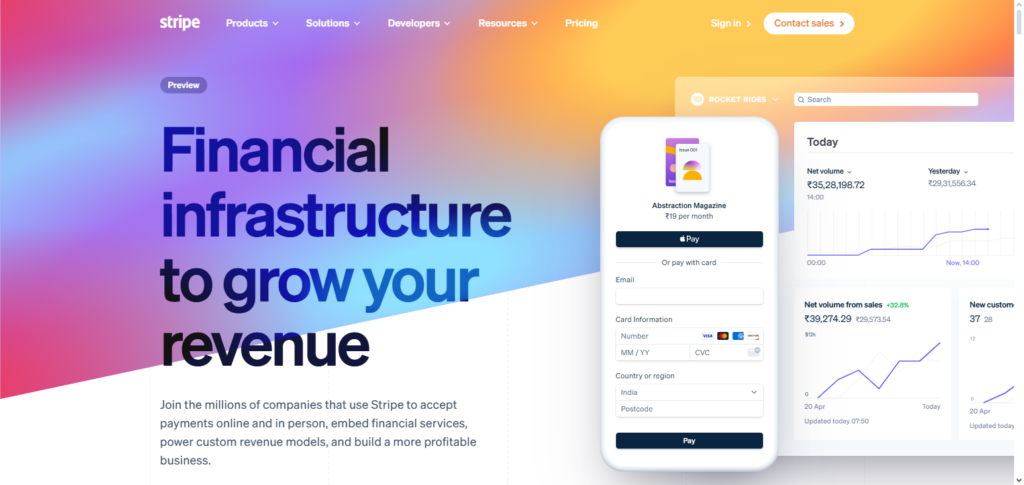
Stripe is good for online e-commerce, payments for online coaching, and for the sale of digital products. Stripe offers automated payment for invoices and for subscriptions. Stripe also allows solopreneurs to analyze payment records and manage payments.
The website integration allows for use of API of other pay systems like Shopify or Squarespace. Stripe is on the high-end of the security scale and is one of the best tools for solopreneurs to manage their business finances.
Stripe Features, Advantages & Disadvantages
Features:
- Payment processors for online merchants.
- Modes of payment are credit cards, wallets, and subscription.
- Billing and invoicing for recurring services.
- Integration of REST APIs for websites and applications.
- Measures for fraud detection and other security features.
Advantages:
- For solopreneurs, it is simple and quick to set up.
- Accepts various payment options worldwide.
- Secure and meets PCI compliance.
- Reasonable payment options for startups.
- Good developer docs for building your own.
Disadvantages:
- If you’re doing a lot of microtransactions, you’ll feel the sting of the fees.
- Some functions need custom tech builds.
- Limited service compared to the big banks.
- Beginners may find the advanced functions a bit intimidating.
- Depending on the country, payout timelines may differ.
5. Calendly
The back-and-forth of scheduling meetings is eliminated using Calendly, an automatic scheduling application. Clients or partners can select available time slots by receiving a customized link from solopreneurs.
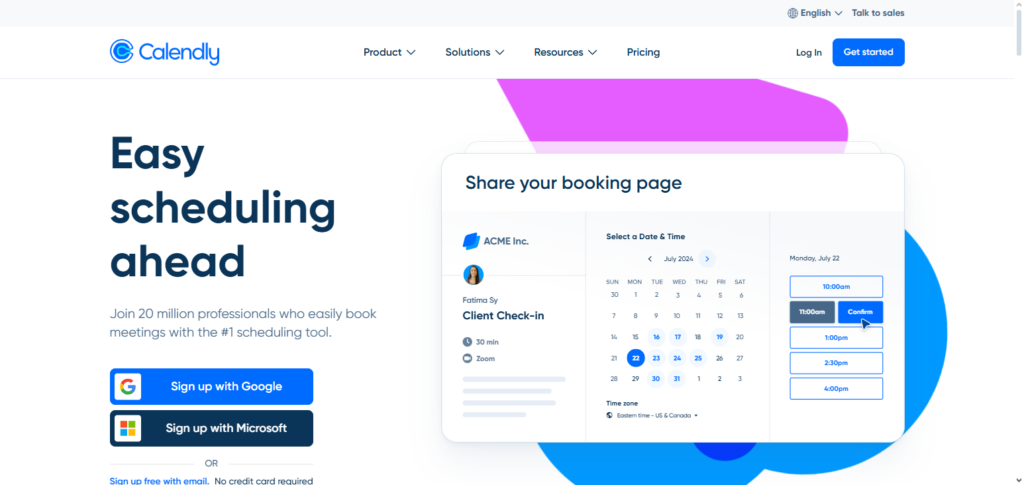
It prevents duplicate reservations and sends automated reminders by integrating with calendars such as Google, Outlook, or iCloud. Calendly is ideal for client calls, consultations, and team coordination because it enables a variety of meeting formats, time zones, and procedures.
Solopreneurs preserve professionalism and save important time by minimizing scheduling friction. Calendly is among the greatest solutions for solopreneurs to manage appointments because of its ease of use, automation, and effectiveness.
Calendly Features, Advantages & Disadvantages
Features:
- Tool for automatically scheduling meetings.
- Works with Google Calendar, Outlook, and Zoom.
- You can set your own availability for meetings.
- Automatically adjusts your time zone.
- Reminders and follow-ups are automated.
Advantages:
- No need to send emails back and forth to set a meeting.
- Great for scheduling meetings.
- Solo users can get by with the free version.
- Works with video meeting tools.
- Great for businesses with a lot of meetings.
Disadvantages:
- More scheduling features are locked behind a paywall.
- The free version is sparse.
- You can’t schedule a meeting for multiple members of your team in the free version.
- You need to connect your calendar to use it.
- The calendar reminders don’t always work.
6. Slack
Slack is a platform for collaboration and communication that facilitates file sharing and real-time conversation. Solopreneurs can integrate tools like Trello, Google Workspace, or Zoom, centralize communications, and arrange channels by topic when working with contractors, clients, or distant teams.
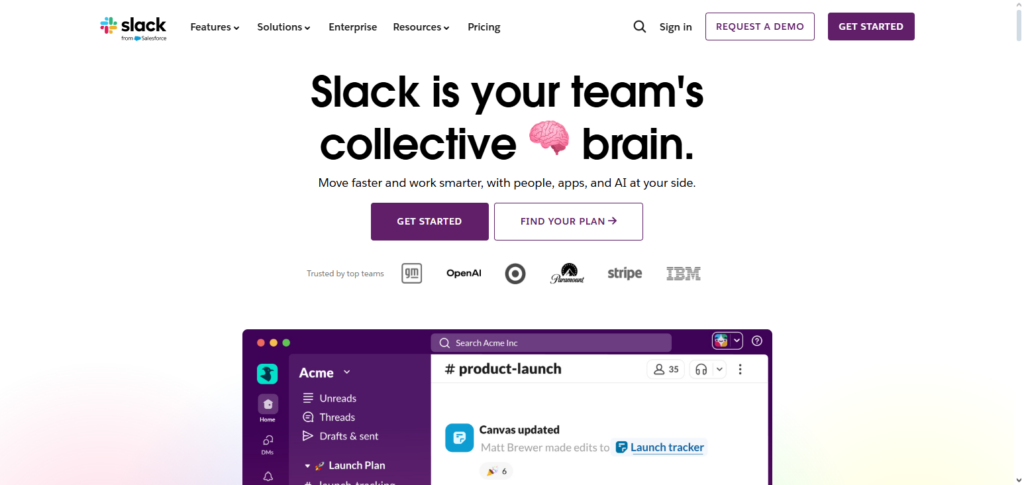
Slack guarantees quicker responses with notifications and mentions while reducing email clutter. To keep communication organized, it also allows audio calls, file sharing, and searchable message histories.
Slack may link numerous independent contractors and partners in a single hub, even for lone proprietors. It is among the greatest tools for solopreneurs looking for seamless communication because of its effectiveness, integrations, and clarity.
Slack Features, Advantages & Disadvantages
Features:
- The platform your team uses for all of your communication.
- Separate channels for the various workstreams and topics.
- Sharing and collaboration on documents.
- Integration with tools like Google Drive, Trello, and Zoom.
- Searchable message history.
Advantages:
- Consolidates business communication and minimizes email spam.
- Facilitates integrations with multiple applications.
- Free tier is adequate for smaller organizations.
- Mobile applications provide accessibility.
- Organizing discussions by channels is simple.
Disadvantages:
- Free tier restrictions on message access.
- Excessive noise due to multiple alert interruptions.
- New users may get lost with numerous channels.
- Some options only available on the higher tiers.
- Communication by other means may suffer.
7. Zoom
Zoom allows solopreneurs to run meetings, webinars, and virtual events. With Zoom, you can do screen sharing, call recording, and use breakout rooms for group events. These features make it perfect for client calls and presentations, and the simplicity allows users to join meetings without any confusion.
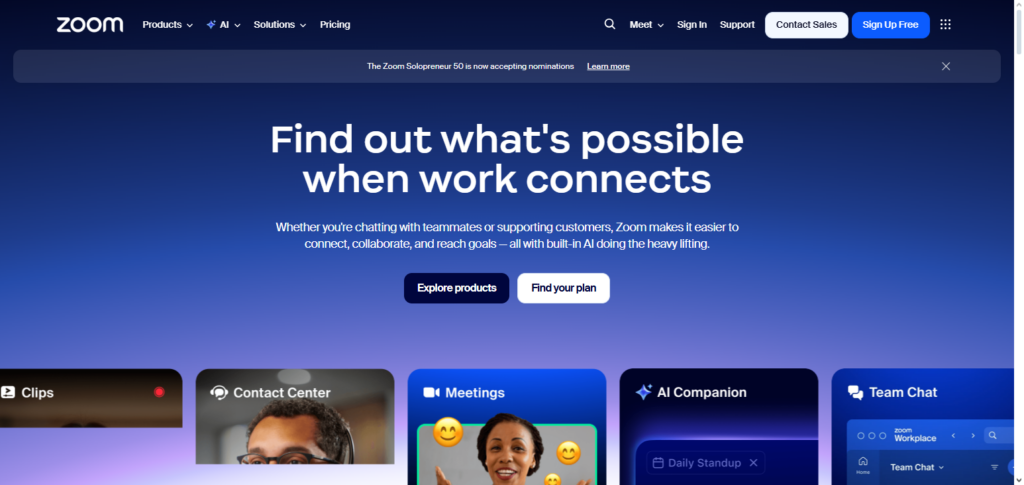
Zoom integrates with scheduling tools like Calendly and calendars to make managing online meetings even easier. For remote client management and online coaching, Zoom is reliable and easily scalable. Its wide range of features and simple interface makes it one of the best tools for solopreneurs that need to handle virtual communication.
Zoom Features, Advantages & Disadvantages
Features:
- Webinar & video conference.
- Screen share & record functions.
- Add custom backgrounds & meeting settings.
- Use chat & polls.
- Sync with calendars and other tools.
Advantages:
- Dependable for virtual meetings and client calls.
- Easy to use for first-timers.
- Free tier has a 40-minute meeting time.
- Supports a number of participants and webinars.
- Applications for tablets and computers.
Disadvantages:
- Meetings on the free tier may only last 40 minutes.
- Without security settings enabled, meetings may be at risk.
- Meetings with a large number of attendees might lag.
- Different features available at a cost.
- Audio/video issues.
8. Airtable
Airtable is flexible project management and database tool that keeps users organized like a spreadsheet while also offering the complexity of a database. For solopreneurs, this means being able to customize everything from client lists and inventory to content calendars and project tables.
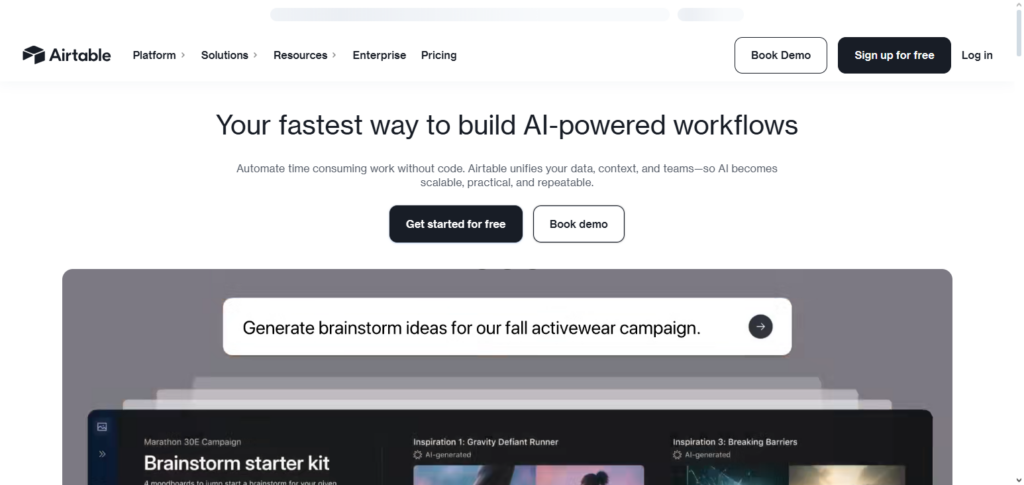
To make work even easier, Airtable uses automation, and can integrate with Zapier, Slack, Google Workspace, and more. Users also have the ability to create relational databases, so tracking multiple projects is simple. With all of the features and complete customization offered, Airtable is one of the best tools for solopreneurs that want to efficiently organize data and operations.
Airtable Features, Advantages & Disadvantages
Features:
- Database/spreadsheet platform.
- Templates for tasks, projects and inventory.
- Commenting and collaboration tools.
- Application integration using API or Zapier.
- Different visual layouts like a gallery, calendar, or kanban.
Advantages:
- A tool for project and data management.
- Simple interface, offering user-friendliness for solopreneurs.
- Different data presentation options.
- A free plan is available for small projects.
- Collaboration options with clients or team members.
Disadvantages:
- Paid plans for advanced automation are required.
- Difficult to understand some database functions.
- Price increases for extensive bases.
- Limited functionalities for the mobile application.
- Projects with a high degree of complexity are not suitable.
9. Zapier
Repetitive tasks can be automated with Zapier, an automation tool that links apps. Workflows known as “Zaps” can be developed by solopreneurs to automatically move data between programs like Google Sheets, Trello, Gmail, and Slack.
Manual tasks like sending emails, updating spreadsheets, and publishing on social media are eliminated as a result. With Zapier’s support for thousands of apps, solopreneurs may develop an automated, fully integrated company workflow.
It improves efficiency and scalability by cutting down on errors and saving time. Zapier is one of the greatest tools for solopreneurs trying to streamline operations and concentrate on expansion because of its adaptability, simplicity of use, and automation capabilities.
Zapier Features, Advantages & Disadvantages
Features:
- Over 5,000 different applications can be connected to and workflow automation.
- Automation with multi-step processes.
- Actions based on triggers and conditional logic.
- Reporting on tasks and errors.
- Simple configuration without programming.
Advantages:
- Enables users to spend time on other tasks and eliminate the need for manual work.
- There is no need for programming.
- A solution aimed at small businesses and solopreneurs.
- Automation, whether for a single application or multiple applications, is flexible and scalable.
- Compatible with a variety of tools for managing work.
Disadvantages:
- When tasks are performed at a higher volume, it can result in significant costs.
- Complex automation can be costly.
- Limited functionality in some of the applications is available from the integration.
- Some complexities may be required with multi-step workflows.
- The free plan does not include some triggers or actions.
10. Google Workspace
Gmail, Google Drive, Docs, Sheets, Calendar, and Meet are all part of Google Workspace, a collection of cloud-based productivity applications. In a single ecosystem, solopreneurs can easily organize meetings, generate documents, save files, and handle emails.
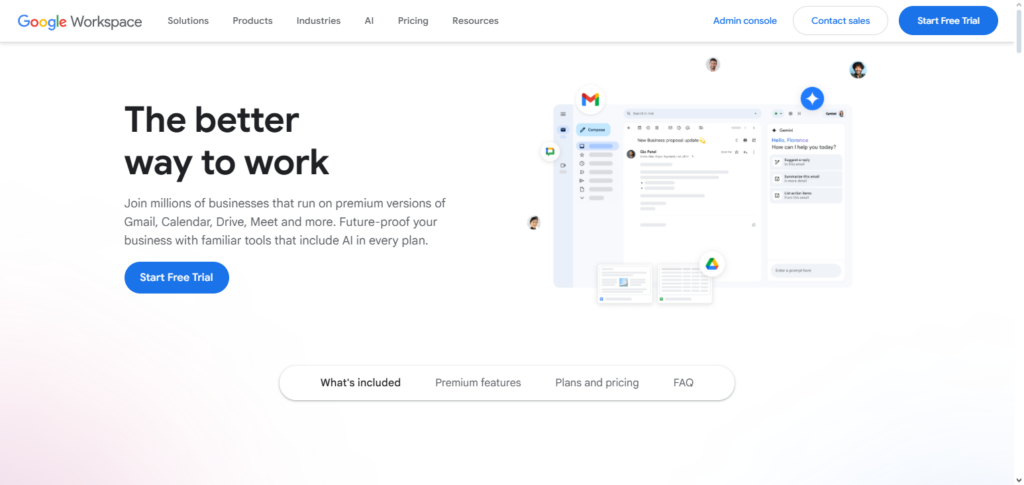
Cloud storage guarantees access from any location, and real-time collaboration enables document sharing with contractors or clients. Workflow efficiency is improved by its integrations with other programs like Zoom, Trello, and Slack.
For independent business owners, Google Workspace offers scalability, security, and dependability. It is one of the best tools for solopreneurs to manage day-to-day operations and business growth because of its extensive features, accessibility, and collaboration possibilities.
Google Workspace Features, Advantages & Disadvantages
Features:
- A complete set of productivity applications like Gmail and Drive.
- Online file sharing and storage.
- File sharing and real-time collaborative editing.
- Custom integrations including Zapier.
- Admin controls and security.
Advantages:
- All-in-one ecosystem for communication and work.
- Instant teamwork and collaboration with clients.
- Robust storage and reliable cloud backup.
- Works seamlessly on any device.
- Low-cost or free options for single users.
Disadvantages:
- Requires payment for additional features and storage.
- Advanced features like Sheets script have a complicated learning curve.
- Cloud reliant system.
- Limited offline features.
- A suite of features such that may be unneeded for independent users.
Communication & Collaboration Tools
However, communication and collaboration become ever more important even for solo business owners while dealing with clients, freelancers, and collaborators. The right tools help improve communication, limit miscommunication, and save time. Some of these tools include:
Slack: a discussion tool that consolidates communication, structures discussions into different channels, and supports document sharing. Ideal for discussions with contractors or teams.
Zoom: Video conferencing tool with good quality. Used for client meetings and webinars. Has screen sharing and recording features.
Google WorkSpace: Email + Drive + Docs + Sheets + Meet. Collaborate on documents and share them with others.
Calendly: Clients or collaborators schedule meetings with you based on your availability, so back and forth emailing is done.
Microsoft Teams: Chat, video, and file storage together for more serious business collaboration and team management.
Conclusion
It can be difficult to run a business by yourself, but with the correct tools, it is not only feasible but also effective and pleasurable.
Solopreneurs have access to a variety of tools to simplify day-to-day operations, like Notion and Trello for organization, Canva for creative design, Stripe for payments, and Calendly, Slack, and Zoom for communication.
Workflows can be automated with the aid of programs like Airtable and Zapier, while Google Workspace unifies productivity into a single environment.
Solopreneurs can save time, lower stress, increase productivity, and concentrate on expanding their business by carefully choosing and utilizing these tools. In the end, these tools enable independent business owners to function as a full-fledged team and produce expert outcomes.
FAQ
What are the essential tools every solopreneur needs?
Essential tools include productivity apps like Notion or Trello, design tools like Canva, payment solutions like Stripe, scheduling tools like Calendly, communication platforms like Slack and Zoom, workflow management with Airtable and Zapier, and cloud-based productivity via Google Workspace. These cover organization, marketing, communication, finances, and automation.
Can free tools be enough for a solopreneur?
Yes, many free versions of these tools are highly effective for starting out. For example, Trello, Canva, and Google Workspace offer free tiers that provide core features. However, as your business grows, paid versions unlock advanced capabilities, integrations, and automation that can save time.
How do I choose the right tools for my solo business?
Identify your daily tasks, prioritize ease of use, consider integration with other tools, evaluate cost versus value, and test before fully committing. Tools should simplify workflows, save time, and scale with your business.
Are these tools suitable for all types of solopreneurs?
Yes, whether you’re a freelancer, coach, content creator, or e-commerce owner, these tools are versatile enough to handle different industries and business models. They help manage operations, marketing, finances, and client interactions efficiently.
Can these tools replace a team for a solopreneur?
While they can’t replace the creativity and strategy of a team, they can automate many tasks, streamline workflows, and provide professional results, enabling a solopreneur to operate at a level similar to a small team.