



The Best SaaS Tools for Startups that assist early-stage companies in streamlining operations, increasing productivity, and scaling effectively will be covered in this article.
These SaaS tools help entrepreneurs cut expenses, save time, and successfully compete in today’s fast-paced digital economy. They cover everything from project management and design to marketing, payments, and automation.
Why Startups Need SaaS Tools
Operations at Lower Costs – With SaaS solutions there is no need to buy costly software and hardware since SaaS solutions work on subscription models.
Flexibility – Startups can easily upgrade or downgrade features as their business grows or changes.
Rapid Implementation – Startups can begin using these solutions almost instantly and as such can get their businesses up and running much quicker.
Support for Distributed Teams – Because solutions are accessible via high speed internet, remote and hybrid teams can easily collaborate.
Continuous Feature Enhancements – Without Startups having to do anything manually, new features and security upgrades are applied.
Increased Efficiency – Streamlined processes and automation result in less time spent on tasks.
Security and Backup – Backup routines and security are just two of the features offered by many SaaS solutions.
Interoperability – Providing many apps the ability to work seamlessly together is a focus of many SaaS solutions.
Core Business Focus – Startups software management allows to focus on growth and innovation.
Advanced Tooling – Startups are able to level the playing field with established competitors by utilizing new technology.
Key Categories of SaaS Tools for Startups
Collaboration Software – Assists teams with planning, tracking, and collaboration on tasks.
Customer Relationship Management (CRM) Software – Integrates lead management, sales funnel tracking, and customer communication.
Marketing & Growth Software – Encompasses search engine optimization, email marketing, social marketing, and user acquisition.
Revenue Operations Software – Deals with invoicing, subscriptions, and payment collections.
Finance Software – Handles expense tracking, tax recording, and financial reporting.
Customer Service Software – Increases customer satisfaction by integrating chat, ticketing, and helpdesk functionalities.
Product Design Software – Facilitates user interface/user experience (UI/UX) design, prototyping, and product versioning.
Workflow Automation and Software Integration – Merges different apps and automates repetitive tasks without requiring programming.
Human Resources Technology – Integrates recruitment, payroll, onboarding, and employee evaluation.
Business Intelligence Software – Presents analytics which improves business decision making.
Best SaaS Tools for Startups Points
- Figma – A cloud-based design and prototyping tool that enables real-time collaboration for UI/UX teams.
- Asana – A project management platform that helps startups plan, track, and manage tasks efficiently.
- Canva – An easy-to-use design tool for creating professional graphics, presentations, and marketing materials.
- Dropbox – A secure cloud storage solution for storing, syncing, and sharing files across teams.
- Google Workspace – A productivity suite offering email, documents, spreadsheets, meetings, and cloud storage in one place.
- Zapier – An automation tool that connects different apps to streamline workflows without coding.
- Calendly – An appointment scheduling tool that eliminates back-and-forth emails by automating bookings.
- Stripe – A payment processing platform that allows startups to accept online payments globally.
- HubSpot CRM – A free and scalable CRM system for managing leads, sales pipelines, and customer interactions.
- Mailchimp – An email marketing platform used to create, automate, and analyze marketing campaigns.
10 Best SaaS Tools for Startups
1. Figma
Startups frequently employ Figma, a potent cloud-based design and prototyping platform, for UI/UX design and product collaboration.
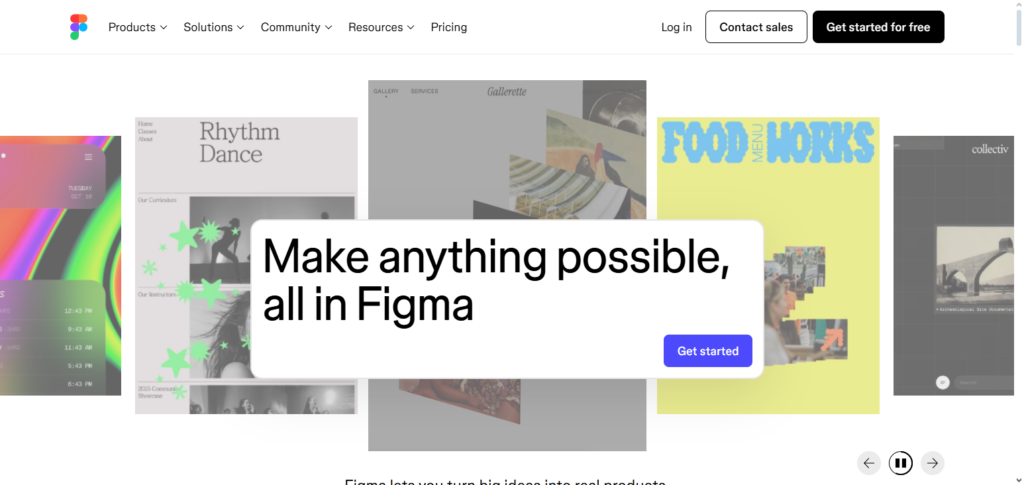
It speeds up feedback and iteration by enabling several team members to work in real time on the same design file. Because everything is saved on the cloud, version control problems are eliminated, which is one of the main benefits of Best SaaS Tools for Startups – Figma.
Without requiring a lot of gear, startups can design systems and produce wireframes and prototypes. Additionally, Figma works well with other tools, facilitating seamless collaboration between design teams and developers, marketers, and product managers.
Figma Features, Advantages & Disadvantages
Features:
- Prototyping and design UI/UX
- Collaboration in real-time
- Cloud storage and version retrieval
- Cloud based
- Management of plugins and integrated systems
- Cloud based
- Vector graphics, components
Advantages:
- No software need to be installed
- Team collaborators in real-time
- Cross platform
- Version conflicts are reduced
- Many productive tools integrate with it
Disadvantages:
- Almost no attributes function without the internet.
- Smaller files can lag.
- Some people need to be taught how to do this
- Features become limited to free plans.
- Premium plans can be too expensive
2. Asana
Asana is among the most used project and task management tools that helps startups schedule work, monitor progress, and comply with deadlines. Creating projects, assigning tasks, organizing priorities, and tracking time is possible through one dashboard.
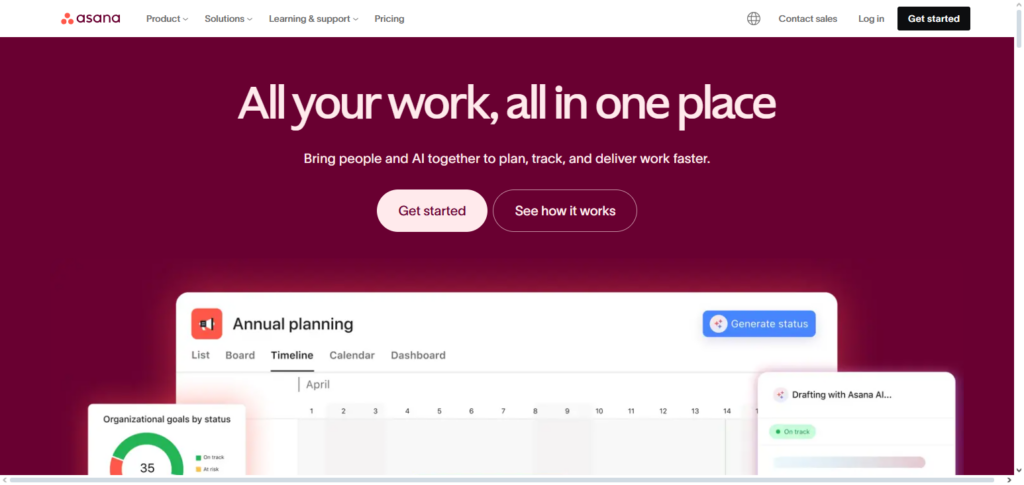
With Best SaaS Tools for Startups – Asana, founders can view the productivity of their teams and the distribution of tasks better.
Asana has tools that reduce the recurrence of tasks, and collaborations with other platforms can be automated. For rapidly growing startups, Asana clarifies goals, tasks, and responsibilities as teams grow and workflows become more sophisticated.
Asana Features, Advantages & Disadvantages
Features:
- Management of projects and tasks
- Usage of Kanban charts and timelines
- Automates repeated tasks
- Collaboration and messaging within a team
- Analyses and reporting
Advantages:
- Tasks organized at the same time
- Multiple workflows
- An application for big teams
- Increases the amount of accountability
- Popular applications can be used
- A big teams can grow
Disadvantages:
- Big groups become too big too quickly
- Some processes need to be taught
- Features become limited in free plans.
- A lot of messages can control the flows of the designs
- Some tasks are merged into a paid process.
3. Canva
Canva is simple to use and allows startups to create marketing collateral without the need to hire designers. It has thousands of templates for social media, presentations, ads, and other branding materials. Teams can use Best SaaS Tools for Startups Canva to keep their branding consistent, and save both time and money.
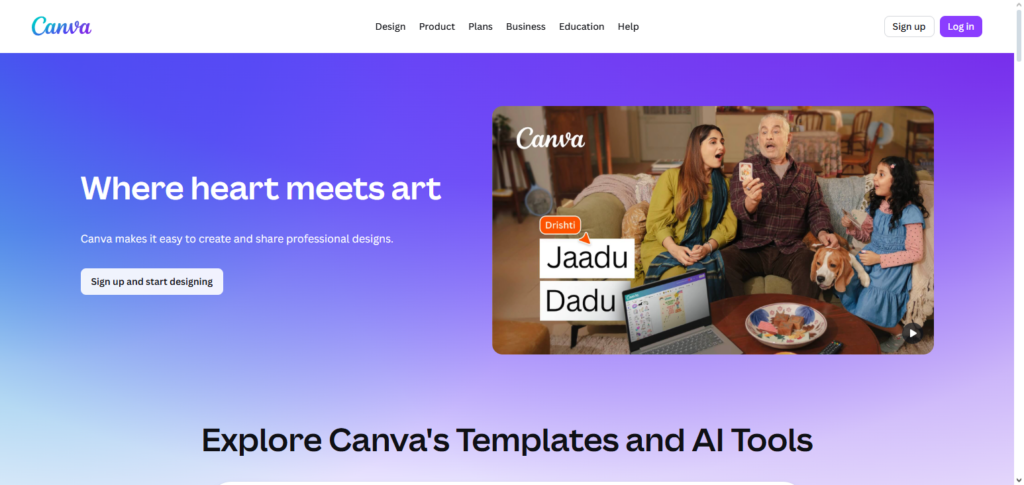
Providing a drag and drop interface, design is made simple for users who do not have a technical background, and collaborative design allows teams to work on designs in real time. Startups that need a large volume of marketing collateral and high-quality visuals without having a design team can benefit greatly from the use of Canva, making it an invaluable tool.
Canva Features, Advantages & Disadvantages
Features:
- Design tool with a drag and drop feature
- Stock images, icons, and videos
- Team collaboration and brand kits
- Export in various formats
Advantages
- Intuitive, no design experience necessary
- Marketing images created in minutes
- Available through the cloud and on any device
- Work together with your team
- Basic features are included in the free plan
Disadvantages
- Advanced design features are not available
- Use of presets leads to less creativity
- Must be online to use the app
- Additional payment is required to use premium features
- The free plan includes a watermark on some of the designs
4. Dropbox
Dropbox is a data storage and file sharing solution that allows startups to securely save, sync, and access their data from any location. It offers teams the ability to share documents, organize, manage, set permissions, and work collaboratively in real time to keep their documents organized.
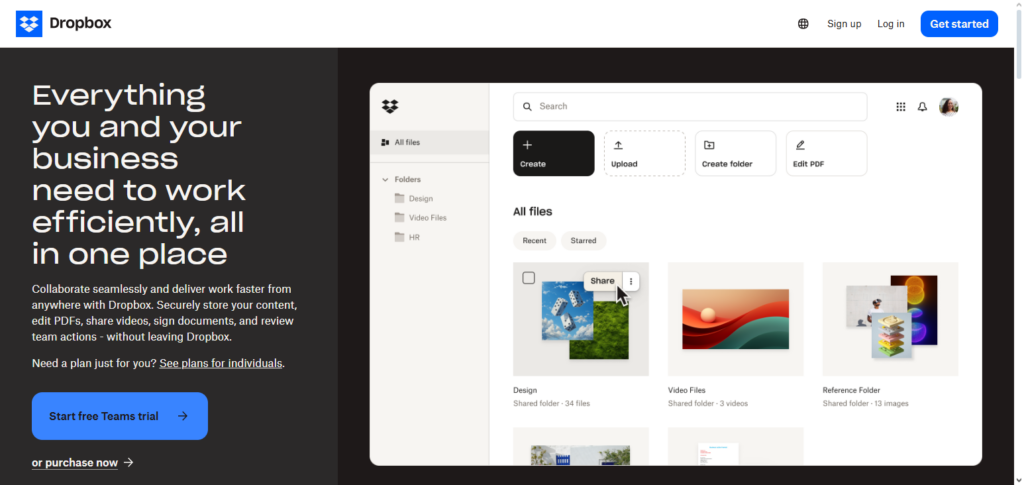
Using Best SaaS Tools for Startups Dropbox gives startups the peace of mind of not losing data with automatic backups and saved version histories.
Dropbox offers integrations with services such as Slack, Zoom, Google, and many other tools, allowing users to embed file sharing into their routines with little effort. For remote and hybrid teams, Dropbox allows seamless data access at any device.
Dropbox Features, Advantages & Disadvantages
Features
- Cloud storage and file sharing
- File synchronization on different devices
- Version history and recovery
- Team collaboration tools
- Integrations with other apps
Advantages
- Access your files from anywhere
- The cloud is secure and your files are backed up
- Good for collaborating with your team
- Available on all platforms
- You can buy more storage
Disadvantages
- The free plan is capped on how much you can store
- Storage can get expensive for big teams
- You can’t access files offline other than synced folders
- The collaboration tools are not great
- There are limits on how long you can access the recovery tools
5. Google Workspace
Gmail, Google Docs, Sheets, Drive, and Meet are all included in Google Workspace, an all-in-one work package. It makes it possible for startups to effectively manage papers, collaborate, and communicate in the cloud.
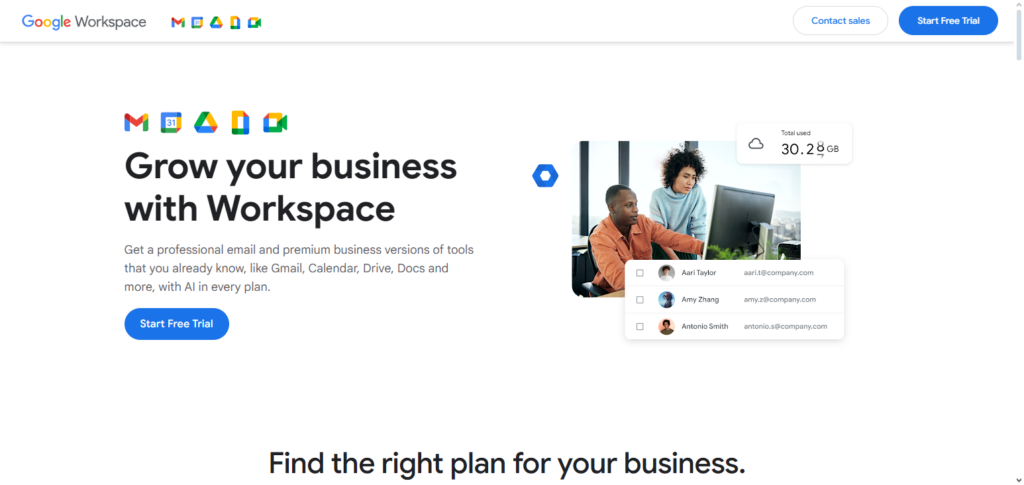
Teams may collaborate on files concurrently using Google Workspace, one of the Best SaaS Tools for Startups, which minimizes delays and misunderstandings.
The platform provides scalable plans appropriate for expanding enterprises, dependable uptime, and enterprise-grade security. Google Workspace is a fundamental tool for day-to-day operations and team collaboration for startups since it offers professional email, shared calendars, and centralized storage.
Google Workspace Features, Advantages & Disadvantages
Features
- Gmail, Docs, Sheets, Slides
- Storage in the Drive cloud
- Video conferences with Google Meet
- Collaboration in real-time
- Controls for admins and security
Advantages
- All the tools needed for productivity are in one place.
- Exceptional teamwork applications
- Flexible for startups of any dimension
- Dependable and secure cloud based systems
- Connects with numerous cloud based service applications
Disadvantages:
- Can be a little daunting having so many applications
- Additional features may be locked behind a paywall
- Limited functionality without an internet connection
- Some users may be concerned about the service’s privacy
- The system may be a little intricate for inexperienced users
6. Zapier
Zapier is an automation software that integrates many apps and uses no code to automate repetitive operations. It enables startups to design “Zaps,” or processes, that automatically initiate operations across apps.
Teams may increase productivity, decrease errors, and save hours of manual labor by utilizing Zapier, one of the Best SaaS Tools for Startups. For instance, Zapier can transmit notifications between tools or automatically add new leads from forms to a CRM. Because of this, Zapier is particularly useful for lean startups looking to grow their business without hiring more staff.
Zapier Features, Advantages & Disadvantages
Features:
- Integration of applications and workflows
- “Zaps” for multi-step workflows
- Automation based on triggers and actions
- Templates for workflows that are pre-built
- Logs of tasks and associated analytics
Advantages:
- Repetitive tasks can be automated
- Programming knowledge is not needed
- Supports automation for over five thousand apps.
- Time and mistakes are reduced
- Flexible for expanding companies
Disadvantages:
- Tasks and Zaps are limited on the free plan
- Complicated workflows can consume a lot of time
- The paid plans can be pricey
- Tasks may not execute on time
- Full integration may not be provided with some apps
7. Calendly
Calendly is a scheduling application that eliminates back-and-forth emails, making meeting reservations easier. Clients, investors, or team members can quickly schedule meetings by exchanging availability links. Startups may increase professionalism and reduce scheduling time with Calendly, one of the Best SaaS Tools for Startups.
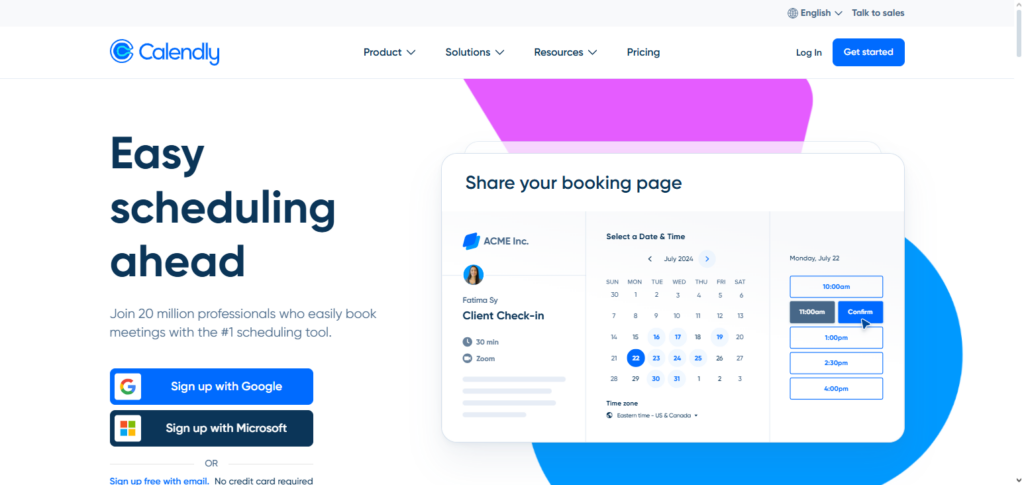
Calendly is perfect for sales calls, interviews, and demos because it interacts with Zoom, Google Calendar, and CRM systems. Calendly facilitates communication and guarantees improved team time management for companies that rely significantly on meetings.
Calendly Features, Advantages & Disadvantages
Features:
- Scheduling of appointments
- Reminders are automated
- Calendars are integrated (Google and Outlook)
- Scheduling in groups
- Availability can be customized
Advantages:
- Scheduling conflicts can be avoided
- Time and productivity is increased
- Links are easy to use and share
- Scheduling is integrated with video conferencing
- A free plan is offered for basic features
Disadvantages:
- Limited flexibility for free members
- Extra capabilities need subscription
- Difficulties in managing complicated team calendars
- Must be connected to the Internet
- Not a full featured CRM
8. Stripe
Startups may accept payments worldwide thanks to Stripe, a well-known online payment processing platform. Credit cards, digital wallets, recurring billing, and subscriptions are all supported. Stripe is one of the Best SaaS Tools for Startups, allowing owners to easily deploy payment systems without complicated installations.
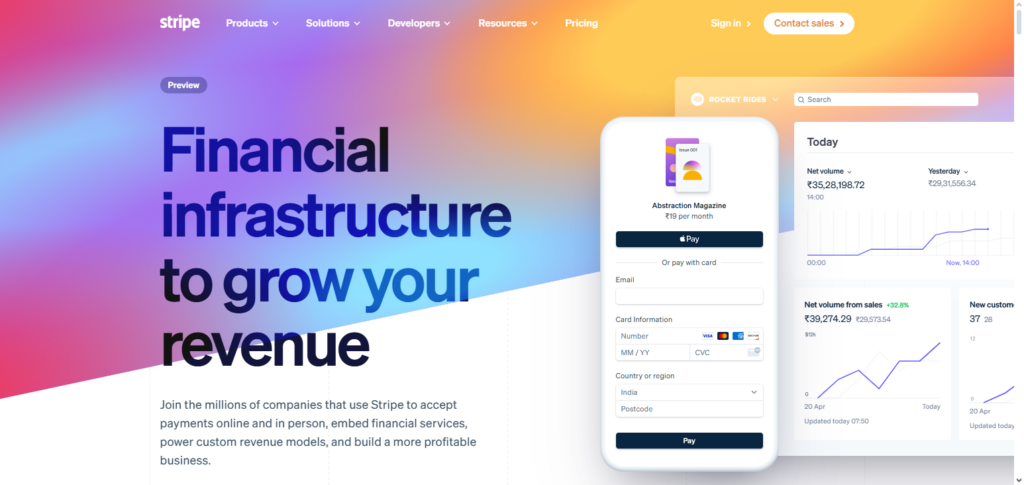
SaaS, eCommerce, and marketplace firms can benefit from Stripe’s strong APIs, fraud protection, and comprehensive analytics. Stripe is an essential tool for revenue management and monetization because of its scalability, which guarantees that the payment infrastructure expands with the company.
Stripe Features, Advantages & Disadvantages
Features:
- Payment processing
- Recurring billing
- Fraud prevention
- Developers API
- Global payments
Advantages:
- Payment processing integration
- Payments via ACH, cards, and digital wallets
- Analytics and reporting
- Strong compliance and data security
- Growing organizations
- Supports multiple payment methods
Disadvantages:
- Frequent order chargebacks
- Complex problems have slow support
- Refunds are manual
- Full access needs technical setup
9. HubSpot CRM
HubSpot CRM is a robust tool aimed to help startups streamline lead, contact, and sales pipeline management. It focuses on consolidating all customer interactions and optimizing communication and follow-ups.
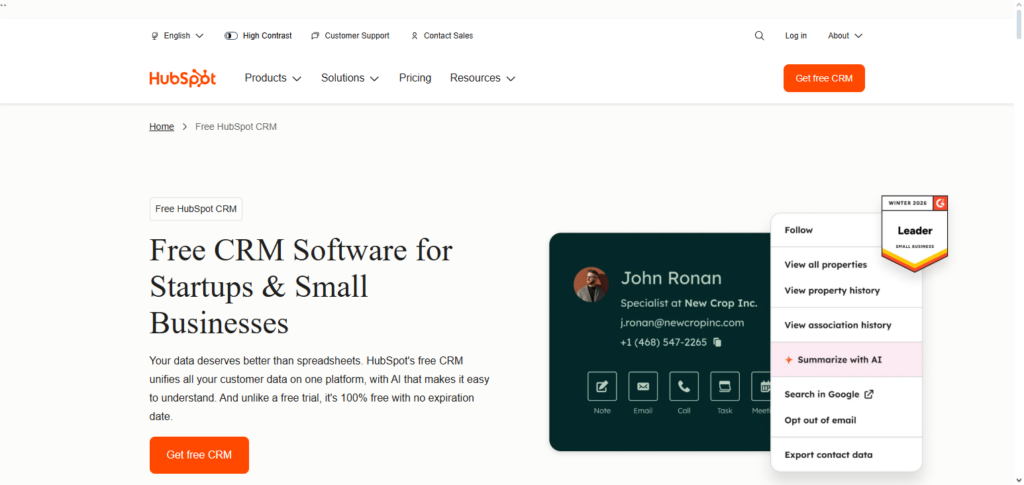
Startups utilizing Best SaaS Tools for Startups HubSpot CRM are able to automate sales processes, manage deals, and analyze performance.
The free entry-level features are perfect for nascent startups, while additional paid features accommodate future growth. HubSpot CRM is instrumental in helping startups foster customer loyalty while increasing conversions through dedicated relationship management.
HubSpot CRM Features, Advantages & Disadvantages
Features
- Record management of leads and contacts
- Email automations
- Reporting and analytics
- Pipeline management
- Free plan available
Advantages:
- Enhances conversion rates
- Consolidates customer records or data
- Steep learning curve for complex automations
- Integrates with marketing and support tools
- Free plan available for early stage startups
Disadvantages:
- Paid options tend to be better
- More flexibility with paid options
- Advanced reporting needs higher tier plan
- Complex for very large teams
10. Mailchimp
Mailchimp is one of the most popular email marketing platforms available. It assists startups in creating, automating, and analyzing marketing campaigns. It has features for newsletters, audience segmentation, and performance analytics.
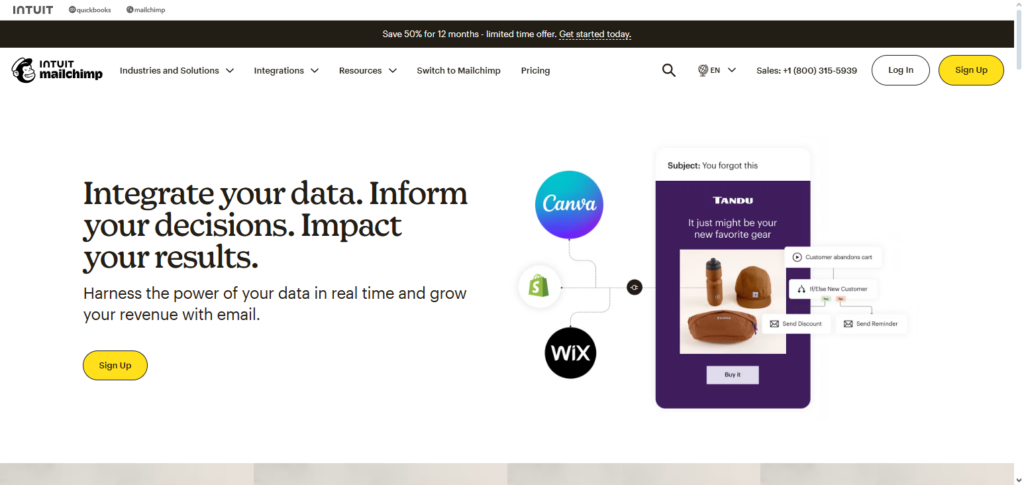
Startups using Best SaaS Tools for Startups Mailchimp can effectively communicate with customers, nurture leads, and drive sales.
Mailchimp’s customer interface and automation features allow even small teams to manage campaigns without the need for marketing experts. It also integrates with various CRMs and eCommerce platforms, offering great customer acquisition and retention capabilities.
Mailchimp Features, Advantages & Disadvantages
Features:
- Create campaigns for email
- Workflows for automation
- Segmentation of audiences
- Analytics and reporting
- Integrations with eCommerce tools
Advantages:
- Simple for people who aren’t technical
- Automation of email marketing
- There is a free plan for small lists
- It connects with a lot of SaaS tools
- It improves customer retention and engagement
Disadvantages:
- The free plan has a limit for subscribers
- The list has to grow for paid plans to be useful
- There isn’t much customizability for templates
- There is only basic reporting for free
- The premium plan is required for the advanced automation
Common Mistakes Startups Make When Choosing SaaS Tools
Over Subscribing Startups subscribe to tools that have similar overlapping functions leading to confusion.
Upgrading Without Use Startups subscribe to tools and then purchase advanced plans with added functions that they then don’t use.
Never Accounting for Growth Startups can use tools that are not able to grow with their business and then have to migrate to new tools which can be costly.
Lack of Integration Tools that cannot integrate with each other create data silos and require added manual work.
Skipping Free Trials Tools often have free trials that can be used to determine if a tool is able to be utilized and is a good fit.
Neglecting Security Tools can have serious violations that go unnoticed.
Price Bias Tools with little data to support them can have slow performance and provide lack of support.
Team Misuse Tools are often neglected when teams are not trained or properly use them.
Lack of Support High operational support can be neglected when there are high critical issues.
Lack of Tool Checkups As needs grow and change many tools are often neglected.
Conclusion
Choosing the best SaaS tools is a critical decision for any startup aiming for sustainable growth and efficiency. The right SaaS solutions help startups reduce costs, improve productivity, automate workflows, and deliver better customer experiences without heavy technical investments.
SaaS technologies enable small teams to function like big businesses in a variety of areas, including project management, design, payments, marketing, and customer relationship management.
However, choosing solutions that complement business objectives, evolve with the company, and integrate seamlessly is essential for success. Startups can simplify operations, maintain their competitiveness, and lay a solid foundation for long-term success by developing a targeted and carefully thought-out SaaS stack.
FAQ
What are SaaS tools and why are they important for startups?
SaaS tools are cloud-based software solutions that startups can access through the internet without installing or maintaining hardware. They are important because they reduce costs, save time, and allow startups to scale quickly with minimal technical effort.
How do startups choose the best SaaS tools?
Startups should identify their core needs, check scalability, compare pricing, test free trials, and ensure the tools integrate well with existing systems before making a decision.
Are SaaS tools secure for startup data?
Most reputable SaaS tools offer strong security features such as data encryption, regular backups, and compliance with industry standards, making them safe for startup use.
Can startups rely only on free SaaS plans?
Free plans are useful for early-stage startups, but as the business grows, upgrading to paid plans is often necessary to access advanced features, higher limits, and better support.
How many SaaS tools should a startup use?
There is no fixed number, but startups should focus on essential tools only. Using too many tools can increase costs and reduce efficiency.