



The Best Presentation APIs that assist developers and companies in automating slide production, improving visual storytelling, and incorporating AI-powered design into applications will be covered in this post.
These APIs are perfect for enterprise reporting requirements, sales, marketing, and education since they enable data-driven presentations, real-time collaboration, and scalable workflows.
What is Presentation APIs?
Presentation APIs are software interfaces that eliminate the need for manual design work by enabling developers to programmatically create, modify, customize, and manage presentation slides. By interacting with programs like CRMs, analytics tools, and document platforms, they make it possible to automate slide creation, formatting, content changes, and data visualization.
AI-powered design, real-time collaboration, template management, and multimedia embedding are all supported by presentation APIs.
By transforming structured data and information into polished, eye-catching presentations, these APIs—which are widely used in business reporting, sales decks, education, and marketing—assist enterprises in scaling presentation development, maintaining brand consistency, and increasing productivity.
Why Use Presentation APIs
Automated Slide Generation – Build presentations from text, documents, and data at the click of a button. No manual work required.
Time and Cost Saving – Saves operational costs by reducing the time spent designing and formatting.
AI Design – Professional designs are generated by the system as it optimizes layouts, visuals, and content streams.
Automated Presentation – Slides draw live data from a variety of sources such as CRMs, databases and analytical tools.
Automation and Scale – Presentation can be customized and made in bulk – thousands of personalized presentations.
Customization and Brand Control – All slides can be locked to a specific brand template, font, and color.
Multi-User Simultaneous Editing – Real-time state of the presentation can be locked to allow edited by a number of users.
Integrations – Has the ability to connect with a variety of business tools and cloud applications and other business workflows.
Key Point & Best Presentation APIs List
| API Name | Key Point |
|---|---|
| Microsoft PowerPoint Copilot API | Uses Microsoft Copilot AI to auto-generate slides, summaries, and visuals directly from documents and prompts. |
| Google Slides API | Enables programmatic creation, editing, and formatting of slides within the Google Workspace ecosystem. |
| Matik API | Automates data-driven slide generation by pulling live data from CRMs, databases, and analytics tools. |
| Beautiful.ai API | Provides AI-powered smart layouts that automatically adjust design elements for professional presentations. |
| Pitch API | Supports collaborative, real-time presentation workflows with modern design automation features. |
| Canva API | Allows developers to integrate Canva’s drag-and-drop design engine and templates into custom applications. |
| Prezi API | Enables creation of dynamic, non-linear presentations with zoom-based storytelling capabilities. |
| Slidebean API | Focuses on AI-driven slide design where content is prioritized and layouts are auto-optimized. |
| Visme API | Offers interactive presentation creation with support for data visualization, charts, and multimedia elements. |
| Zoho Show API | Integrates presentation automation within Zoho’s business app ecosystem for seamless workflows. |
| Ludus API | Designed for creative professionals, allowing advanced design control using external media and custom assets. |
1. Microsoft PowerPoint Copilot API
Microsoft PowerPoint Copilot API is an AI automation tool that creates slides, summarizes text, and suggests images with natural language. It is part of Microsoft 365 Copilot and works with Word, Excel, and Teams, letting users build polished presentations from documents and data. Microsoft offers enterprise security, compliance, and cloud verticals to developers.
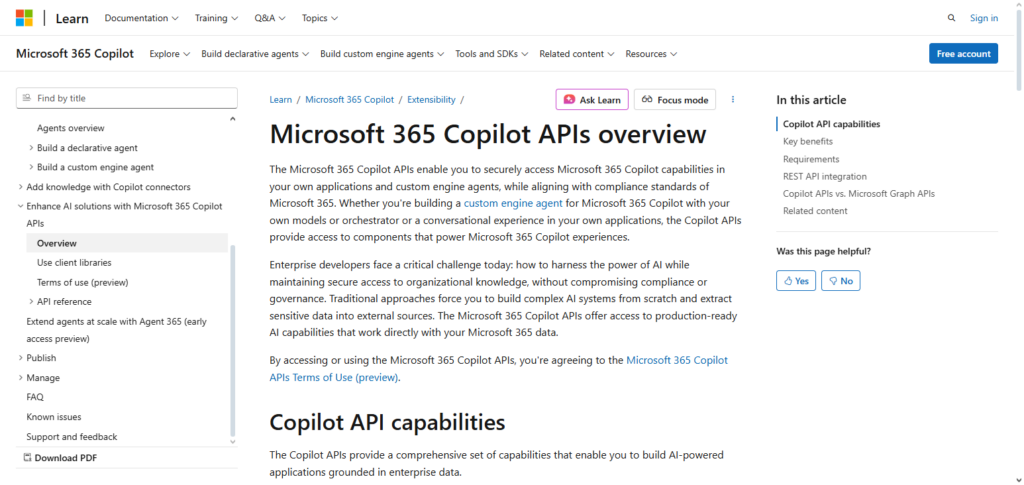
Mid-workflow, it is one of the Best Presentation APIs for real-time AI design, branding, and slide deck optimization. Ideal for businesses that want to automate processes, increase productivity, and leverage advanced Copilot integration in the Microsoft ecosystem.
Microsoft Powerpoint Copilot API Features, Pros & Cons
Features
- Creation of slides using AI to convert text and documents.
- Helps with intelligent layout design and suggestions for different designs.
- Used with Microsoft 365 applications.
- Visual recommendations to summarize content.
- Fully compliant to enterprise-grade regulations.
Pros
- Slides are professional and can be generated in a flash.
- Great Deal of Deep Integration with Microsoft.
- Copilot functionality enhances user productivity.
- Useful for styles and templates of brand design.
- Protection of user data is with high standards.
Cons
- Subscription to Microsoft 365 is required.
- Microsoft ecosystem is highly limited.
- Results of AI can be generated, yet may be required to be fine-tuned.
- Proficiency for advanced features may be required.
- API can be hard for beginners.
2. Google Slides API
With Google Slides API, Google Workspace users can create, delete, and manage their presentations. They can also create slides, format text, insert images, and engage in real-time collaboration.
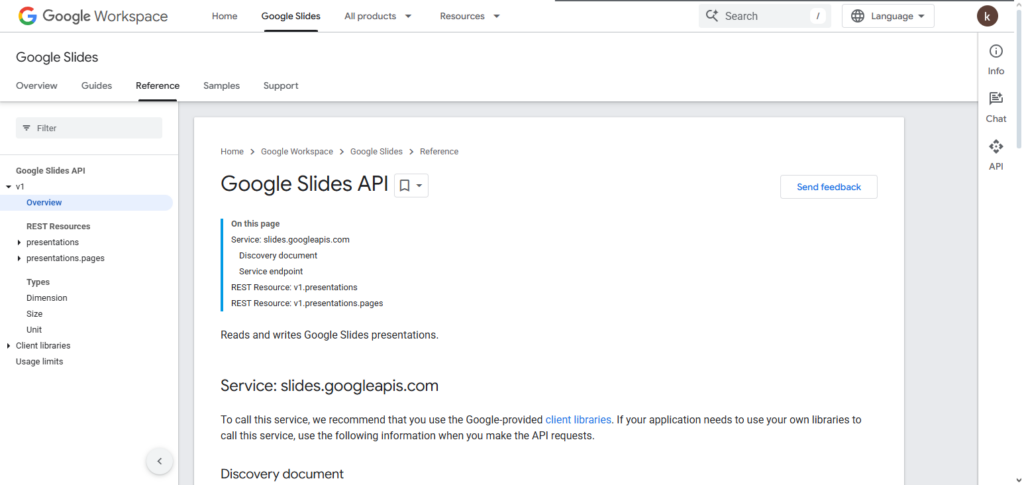
It is especially well suited for cloud-first environments. Google Slides API is also regarded as one of the best presentation APIs for its strong authentication, real-time collaboration, document versioning, and its integration with Google Docs, Google Sheets, and Google Drive.
Due to its scalable automation, cross-platform accessibility, and low infrastructure costs, many businesses and developers use Google Slides API for their SaaS products, educational technologies and business automation tools.
Google Slides API Features, Pros & Cons
Features
- Creation and modification of slides programmatically.
- Support for collaboration in real-times.
- Integrated with Google Workspace.
- Manipulations of text, images, and shapes.
- Self-service management of version histories.
Pros
- Great for collaboration in a team.
- UAble to be accessed anywhere; cloud-native.
- Simple integration with Google Docs/Sheets.
- Basic functionality is available for free.
- Community is very supportive.
Cons
- There is a lack of design automation inbuilt.
- Styling features are not as advanced.
- Google Workspace is required for a number of features.4. Internet dependent.
- Rate limit restrictions.
3. Matik API
Catering to organizations that require automation, Matik API is the best presentation API in the automation of the repetitive presentation creation process. Matik API integrates with real-time data sources such as CRMs, databases, and business intelligence tools.
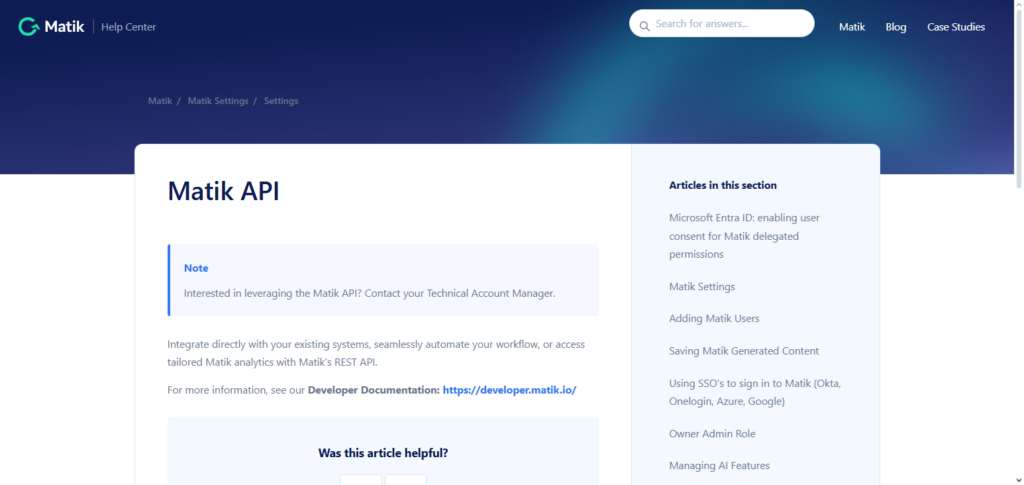
It allows organizations to create personalized presentations without the need for manual updates. It is also more accurate and consistent than manual processes, saving time. Each presentation is tailored to the needs of the revenue teams and customer success teams in need of periodic engagement reports and executive briefings.
The Matik API also automates the storytelling process presentation narrative and designed to improve the quality of data storytelling by automating the creation of charts and tables bringing real-time data to the presentation storytelling process. Matik is best suited for organizations that require a presentation to be created for each insight-rich data set.
Matik API Features, Pros & Cons
Features
- Automation in the generation of presentations.
- Integration of live data from a CRM/BI tools.
- Generation of dynamic charts with a narrative.
- Automation with templates.
- API for possible mass generation.
Pros
- Reporting and dashboards gets the job done.
- Cuts down on manual data entry/updates.
- Presentations contain real-time metrics.
- Sales and account teams benefit the most.
- Efficiency in scaling.
Cons
- Minimalistic design due to focus on data.
- Setting up data sources.
- Not a good fit if presentation is purely visual.
- May come at a cost.
- API setup has a learning curve.
4. Beautiful.ai API
Beautiful.ai API streamlines intelligent design automation so developers can automatically create professional and uniform slides without worrying about manually repositioning elements on the slides. The API AI design smart templates that automatically do spacing, alignment, and visual hierarchy as the content changes. Beautiful.ai is one of the best presentation APIs because it has eliminated the complexity of design tasks.
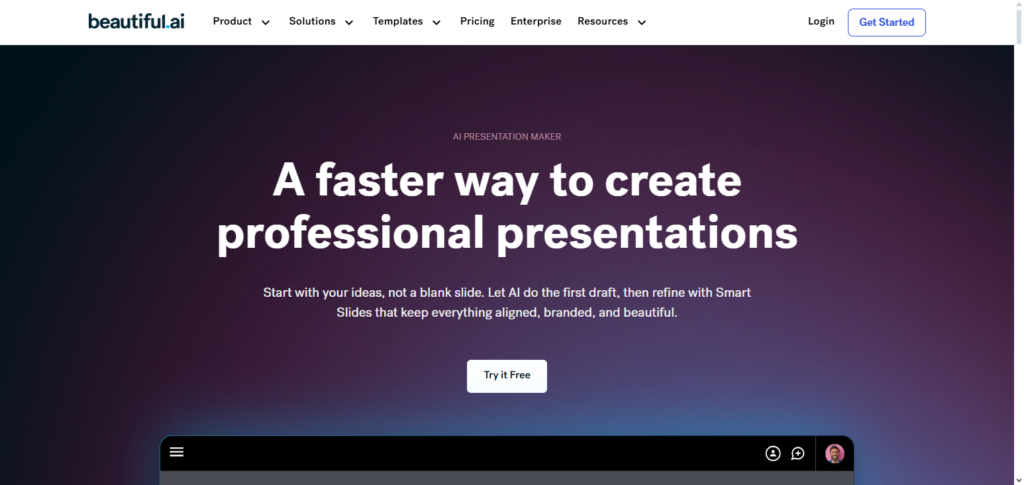
This API is ideal for polished and large-scale presentation needs. It is especially useful for SaaS and marketing teams as it allows for the rapid visual content creation without the reliance on design teams. The API focuses on the usability and beauty of the slides so the designers will not be overworked while visually appealing content is being created.
Beautiful.ai API Features, Pros & Cons
Features
- Smart templates with AI.
- Adapts the layout automatically.
- Keeps a visual hierarchy.
- Scales design consistency across slides.
- Can add images and icons.
Pros
- Unpolished, yet a design is there.
- Eliminates design need.
- Consistency in branding.
- Speedy content generation.
- API is smooth to use.
Cons
- Less control over template layout.
- AI overrides designer decisions.
- No advanced control for animations.
- Pricing is higher the more you use it.
- Less plugins to use.
5. Pitch API
Pitch API facilitates modern and collaborative presentation workflows with tools for real-time editing, commenting, and team design. It allows for the use of dynamic content blocks and reusable templates.
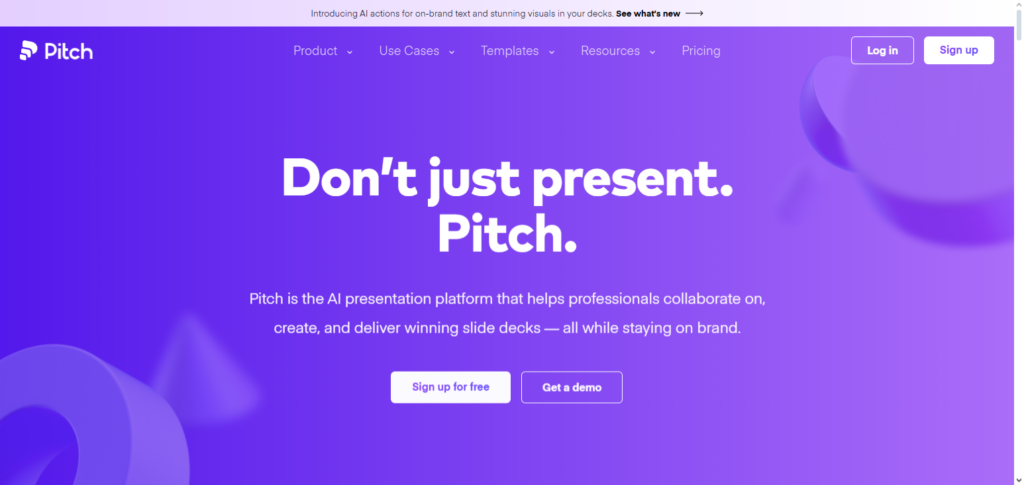
The Pitch API is one of the best presentation APIs as it allows for the fast collaborative creation of presentations which is valuable for sales teams, product teams, and startups where rapid branding iteration is needed.
Pitch helping fast-paced teams create presentations collaboratively is one of the reasons it’s one of the best presentation APIs. It cloud-native architecture enables efficient version control document control and seamless document updates. It provides a modern alternative to slide creation for teams that want hybrid presentation workflows.
Pitch API Features, Pros & Cons
Features
- Editing of slides collaboratively.
- Blocks of content are reusable.
- Integrating with a library of templates.
- Changes made in the cloud and in real time.
- Workflows with review and commenting.
Pros
- Excellent for collaborative teamwork.
- UI/UX is modern and pleasing.
- Integrations with other productivity applications.
- Versiom tracking is smooth.
- Easy and quick to create prototypes.
Cons
- Less advanced automation for designing.
- Smaller ecosystem for other third-party apps.
- Needs the internet to access full features.
- May not have advanced analytics.
- Non-technical people may need to go through a learning curve.
6. Canva API
With the Canva API, developers are allowed to embed the functionality of Canva’s most powerful features to other applications.
These features include brand kits, preset templates, and the drag and drop design generator, along with the capability to make rich media presentations. Within the ecosystem of the Best Presentation APIs, Canva has the most user friendly interface.
Canva is great for those without design skills looking to make presentations with a professional touch in a timely manner. Companies can integrate functionality of Canva into other marketing products, learning management systems, and other SaaS solutions to make content scalable while preserving harmony and creativity for end users.
Canva API Features, Pros & Cons
Features
- Design engine is a drag-and-drop style.
- Lots of templates.
- Enforces brand style and uses a brand kit.
- Supports multimedia.
- Allows several formats for export.
Pros
- Very easy to use.
- Makes the design of visual content powerful.
- Many assets in the marketplace.
- Can be embedded into apps.
- Ability to create for teams and large enterprises.
Cons
- API may have complexity for advanced use.
- Must pay to atain some features.
- Not enough AI automation to create slides narratives.
- Great for data-heavy slides.
- Internet access is needed to use platform.
7. Prezi API
Prezi API is known for allowing developers to design presentations that employ storytelling techniques in a non-linear manner that encourages the audience to engage more. Rather than the common slideshow approach, Prezi focuses more on the movement of the entire canvas to a spot.
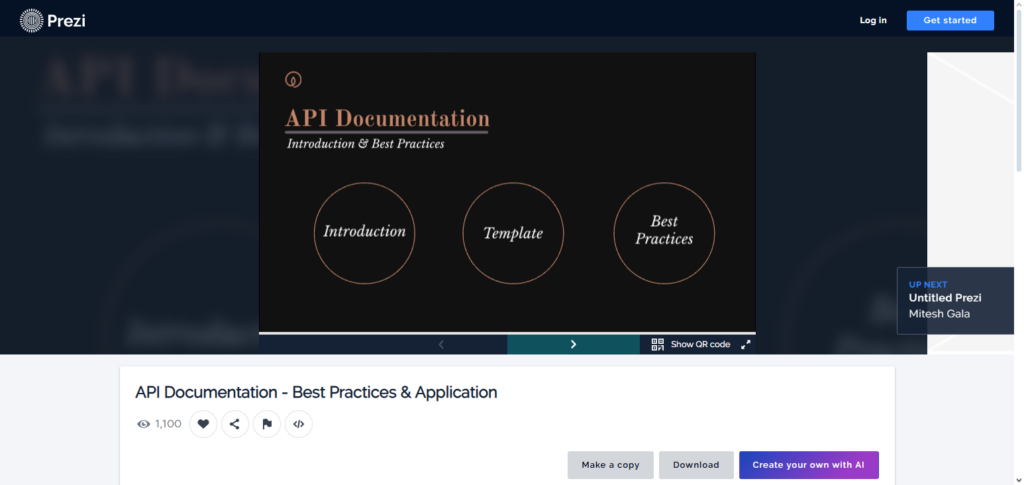
As one of the Best Presentation APIs, Prezi is great for educators, speakers and other artistic professionals looking for interactive and captivating presentations.
The API allows users to control the way in which content is animated and to modify transitions that happen visually with the presentation. For dynamic storytelling and thought leading sessions, Prezi is for those complex and important ideas that need to be explained easily and in a more intuitive manner.
Prezi API Features, Pros & Cons
Features
- Presentation format that is based on zoom.
- Tools for interactive storytelling.
- Embedding and animating of media.
- Control of the path and flow.
- Supports API access for dynamic content.
Pros
- Presentation style is very engaging.
- Outstanding for integration into a training or education environment.
- Breaks the rules of a linear slide.
- Audience retention.
- Support for seamless multimedia.
Cons
- Learning curve with non linear design.
- Not a common practice for corporate reporting.
- May seem overwhelming for straightforward decks.
- Documenting an API can be hit or miss.
- Compared to the competition there are fewer templates.
8. Slidebean API
Slidebean API specializes in custom slide design, where users concentrate solely on inputting the presentation, and the system automates the design of the slide layout and images. It remains a favorite of startups and creators of pitch decks. It has been named among the Best Presentation APIs due to Slidebean’s specialty in investor story presentation design.

The storytelling designed by Slidebean is clear, cohesive, and consistent throughout. The API is capable of arranging content in a structured manner, and also defining design parameters.
As a result, it is the best fit for founders, accelerators, and business consultants who need to deliver a presentation in a short period of time. Automation of design on Slidebean saves hours of work on design, thereby increasing the quality of narrative along with the design.
Slidebean API Features, Pros & Cons
Features
- Automation of slide layout driven by AI.
- Focus on startup or pitch decks.
- Support for different templates and themes.
- Text-to-slide automation.
- Export to other common formats.
Pros
- Quick productivity for business decks.
- Suggested designs are automated.
- Investor pitches are made easier.
- Helps to improve the narrative structure.
- Grows with the business.
Cons
- Less freedom for customization compared to design tools.
- Oversimplifications are common on complex slides.
- Fewer advanced visual designs.
- Full use requires a paid subscription.
- Smaller selection of plugins.
9. Visme API
Visme API is a data presentation software that provides tools for building interactive presentations, infographics, and visualizing data. It also includes charts, animations, multimedia, and other branded assets. Among the Best Presentation APIs, Visme is well known for its focus on visual and interactive storytelling.
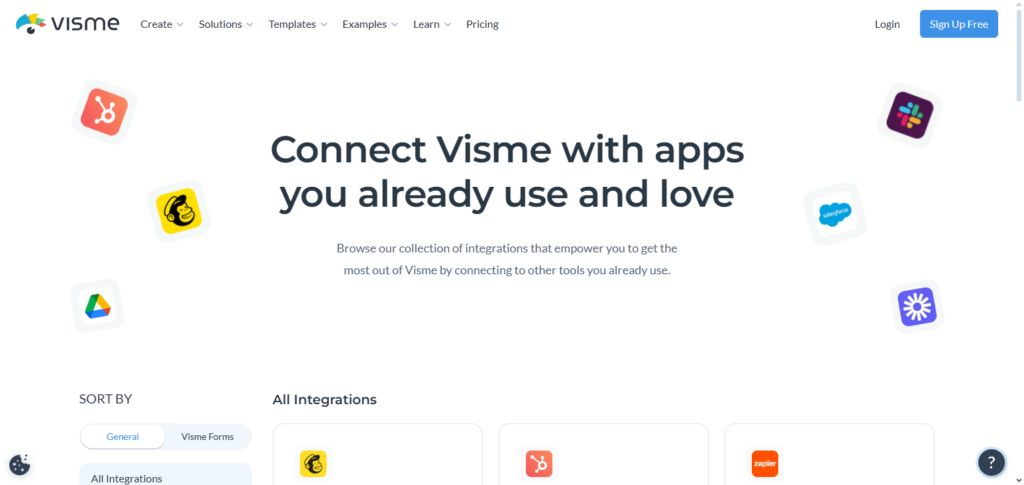
The API’s target users include marketers, educators, and those in business who need presentations that engage and showcase data effectively. Visme can be integrated by developers into dashboards and reporting tools, as well as content platforms, empowering users to seamlessly present large datasets in an interactive design.
Visme API Features, Pros & Cons
Features
- Offers a variety of interactive charts and visualization tools.
- Ability to add and animate different forms of media.
- Different blocks for data visualization.
- Provides multiple templates and themes for design use
- Automates the design process with an API.
Pros
- Great at telling stories through data.
- Offers a variety of highly interactive features.
- Ability to add your custom brand.
- Excellent option for marketing and training content.
- Supports a variety of different content forms.
Cons
- For advanced visuals, there is a bit of a learning curve.
- The API can be a bit complex and require a bit more set up than usual.
- Some export options are limited.
- Doesn’t have as much AI as other options.
- Depends on the features of the plan.
10. Zoho Show API
The Zoho Show API allows users to create automated presentations and integrate them into the Zoho ecosystem and Zoho CRM, Projects, and Analytics. One can edit, share, and collaborate on slides on the secure cloud. For companies that use additional Zoho applications, Best Presentation APIs suggests that they use Zoho Show, as it most benefits them.
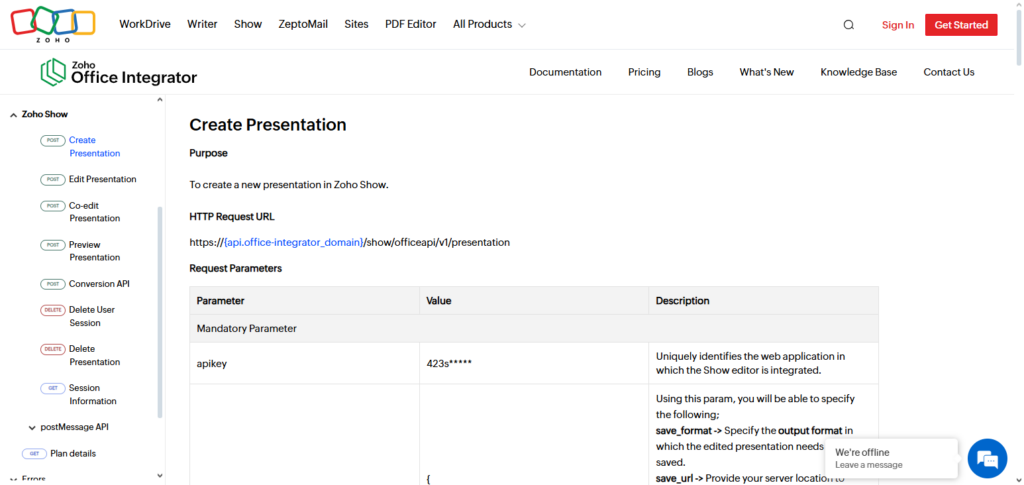
The API promotes efficient workflow, constant access to the same information, and role-specific access. Cheap automation and enterprise features within a holistic software suite make it most suited for internal reports, sales presentations, and operational dashboards.
Zoho Show API Features, Pros & Cons
Features
- Users can create and edit slides.
- Integration with other Zoho tools.
- Users can work and edit together.
- Sharing online.
- Users can manage templates.
Pros
- Ideal for businesses using the Zoho software.
- No problems integrating CRM and reporting.
- Good collaboration for teams.
- Affordable for large businesses.
- Users can manage and track different versions.
Cons
- Works best for those using the Zoho tools.
- Less advanced when it comes to design options.
- Learning to use the API can be difficult.
- Less third-party integration options.
- Only available online.
11. Ludus API
With the Ludus API, creative professionals can control advanced edit settings within the presentations and utilize multimedia in the slides for more engaging presentations.
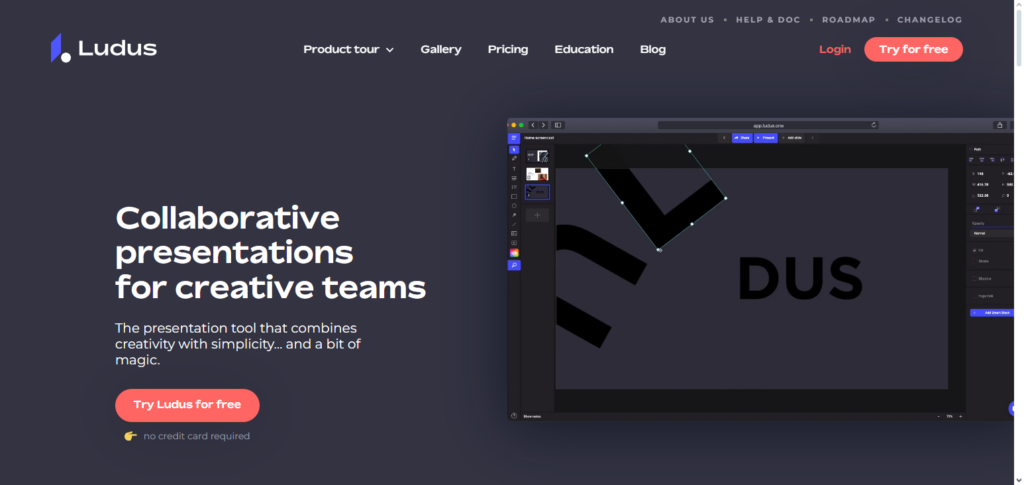
Also, users can embed media directly into the slides like external videos, web apps, and interactive content. Ludus is very flexible, and its designer approach provides easier modifying of presentations over standard presentations within many other presentation APIs.
Also, with more custom isables like sliders, animations, and better controlling over layouts, it becomes more ideal for agencies and studio brands to create presentations. Via the API, Ludus provides storytelling and presentation over many standard ones with more unlimited creative potential.
Ludus API Features, Pros & Cons
Features
- Flexible with advanced design options.
- Can embed resources and other webpages.
- Supports unique animations and fonts.
- Good control to layout presentation.
- Users have access to an API that offers a lot of features.
Pros
- Good for designers.
- Many different types of multimedia.
- Layout is very unique and customizable.
- Good for telling stories in different formats.
- Good for making an impact with a brand.
Cons
- Does not work well with business slides that are simple.
- Higher learning curve required.
- Less features that automate work as compared to others.
- Smaller community for support when using the software.
- Users need to have design skills.
Conclusion
The Best Presentation APIs enable companies, developers, and content producers to effectively scale presentation workflows, improve visual storytelling, and automate slide development.
Each tool has a specific use case, ranging from AI-driven solutions like Microsoft PowerPoint Copilot API and Slidebean API to design-focused platforms like Canva API, Beautiful.ai API, and Ludus API.
While collaborative tools like Google Slides API, Pitch API, and Zoho Show API optimize team efficiency, data-centric APIs like Matik and Visme excel in dynamic reporting. Design control, automation level, collaboration requirements, and ecosystem compatibility all play a role in selecting the best presentation API.
FAQ
What are Presentation APIs?
Presentation APIs are software interfaces that allow developers to programmatically create, edit, and manage slide decks. These APIs automate slide generation, design formatting, content updates, and integration with external systems — improving productivity and consistency across applications.
Which Presentation API is best for AI-generated slides?
For AI-powered automation, Microsoft PowerPoint Copilot API and Slidebean API are top choices. They use intelligent suggestions and automated design to create professional presentations from prompts or content inputs.
What API is best for real-time collaboration?
Google Slides API, Pitch API, and Zoho Show API excel in real-time collaborative editing, version control, and cloud-native workflows, making them ideal for team environments.
Can Presentation APIs integrate live data into slides?
Yes — APIs like Matik API and Visme API can dynamically populate slides with live metrics, charts, and reports from databases and analytics tools.
Which API is best for design flexibility?
For maximum creative control and advanced layouts, Ludus API, Canva API, and Beautiful.ai API provide rich design tools, multimedia support, and customizable templates.