


The best automation tools that replace manual labor and help businesses save time, cut down on errors, and boost production will be covered in this article.
By automating tedious activities like data entry, approvals, marketing workflows, and system connections, these solutions free up teams to concentrate on high-value, strategic work.
What Are Automation Tools?
Software programs called automation tools are made to carry out routine, rule-based tasks automatically, eliminating the need for human intervention.
By linking apps, managing data, providing messages, and carrying out procedures across systems, they assist companies in streamlining workflows, increasing productivity, and reducing human error.
These tools help teams save time, concentrate on strategic work, and boost overall productivity. They range from basic task automation like email follow-ups to sophisticated robotic process automation (RPA) for enterprise operations. They are extensively utilized in project management, marketing, sales, IT, and finance.
Why Businesses Are Replacing Manual Work with Automation
Reduce Time and Effort – Automation works quickly and doesn’t get tired or bored like humans.
Damage Control – With automated workflows there is little to no manual data entry or processing. This eliminates a huge potential source of errors.
Save Money – The operational costs become smaller as the routine tasks that are being performed become fewer.
Value Control – Employers now have the freedom to devote their time to the complex and important tasks that really require their input.
More Work, Less People – Companies can now take on more tasks without having to hire new employees.
More Money – Real time automation allows companies to make smarter and faster business choices.
Less Work Around – The automated systems maintain everything aligned to the rules, closing the leeway for errors.
Customer Satisfaction – With automated systems, companies can now respond and follow up with the clients quickly.
Key Point & Best Automation Tools Replacing Manual Work List
| Automation Tool | Key Point |
|---|---|
| Zapier | Connects thousands of apps to automate repetitive tasks without coding, ideal for small businesses and non-technical users. |
| UiPath | Enterprise-grade robotic process automation (RPA) platform designed to automate complex, rule-based business processes at scale. |
| Microsoft Power Automate | Seamlessly automates workflows across Microsoft 365 and third-party apps with strong integration and AI-powered automation. |
| Automation Anywhere | Intelligent automation platform combining RPA, AI, and machine learning to streamline end-to-end business operations. |
| Blue Prism | Secure and scalable RPA solution focused on large enterprises needing robust governance and compliance. |
| Workato | Advanced integration and workflow automation tool built for enterprises to connect apps, data, and processes in real time. |
| HubSpot Workflows | Automates marketing, sales, and customer service tasks directly within HubSpot CRM to improve lead management. |
| ActiveCampaign | Customer experience automation platform that streamlines email marketing, sales follow-ups, and customer journeys. |
| Zoho Flow | Easy-to-use workflow automation tool that connects Zoho apps and third-party services to eliminate manual tasks. |
| Monday.com Automations | Visual automation features that reduce manual updates by triggering actions across boards and team workflows. |
1. Zapier
Zapier is one of the best automation tools to replace manual work. It requires no coding knowledge to set up and integrates with over 6,000 apps.
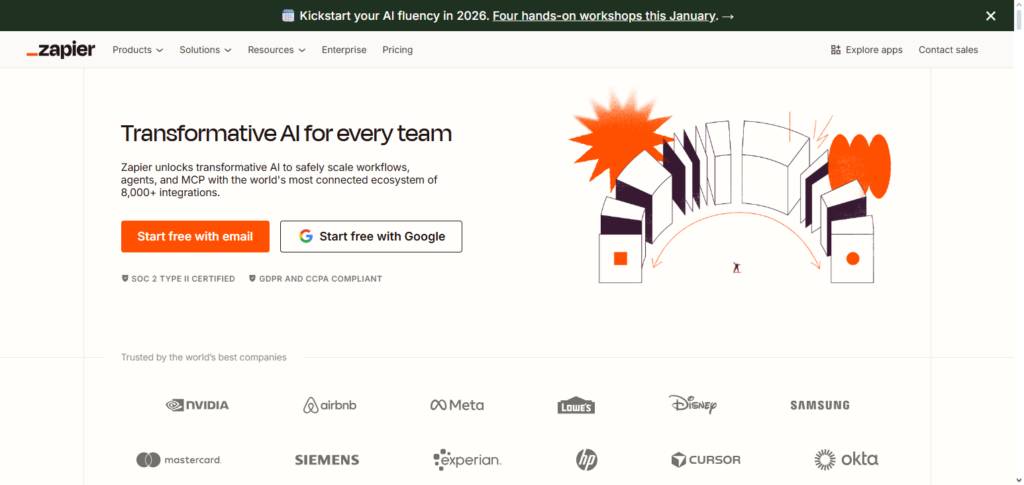
It can automatically perform tasks like data entry, file uploads, email notifications, and manage leads with workflows called Zaps. Businesses automate their processes to reduce the manual work needed to connect tools like Google Sheets, Gmail, Slack, and CRMs.
With features like built-in AI, multi-step automation, and conditional logic, Zapier helps reduce mistakes and boost productivity. It is especially favored by small businesses, freelancers, and startups who need reliable and fast automation.
Zapier Features, Advantages & Disadvantages
Features:
- Integrates with thousands of automation apps.
- Uses automated actions and triggers via simple “Zaps.”
- Supports multi-step automation.
- No coding, perfectly simple.
- Provides reports on tasks with error alerts.
Advantages:
- Simple setup and implementation.
- Excellent for small ventures and one-person businesses.
- Saves time by removing the need for manual transfers between apps.
- Integrates with tools like Gmail, Slack, and Sheets.
- Flexible and adaptable to just about any process.
Disadvantages:
- Can get expensive with task limits.
- Requires upgrades to make more complex automations.
- Limited in AI.
- Not sufficient for enterprise-grade automation.
- Some apps have limits on actions and triggers.
2. UiPath
UiPath is one of the best automation tools to replace manual work and is designed for large organizations. It is an enterprise-grade RPA platform that is powerful enough to automate anything from invoice processing, data scraping, and report generation, to system integrations. It uses software robots to perform the same tasks as humans.
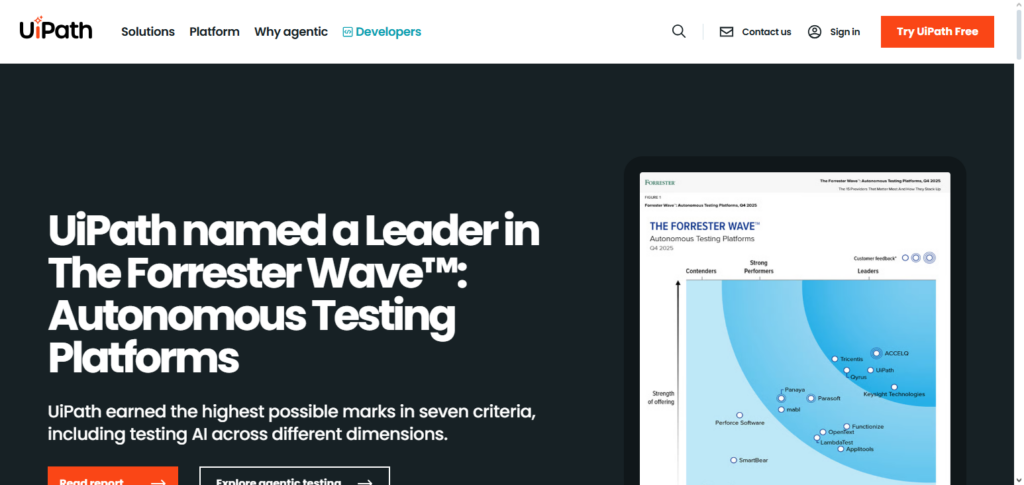
UiPath works with unstructured and structured data, thanks to the AI and machine learning capabilities. It is the best in class for tasks processing workflows. UiPath is designed for industries like manufacturing, banking, and healthcare that require high volume in their automation tasks.
UiPath Features, Advantages & Disadvantages
Features:
- Enterprise-grade robotic process automation (RPA) tools.
- Processes automation to repetitive rule-based tasks.
- Comes with a toolbox for developing workflow automations.
- Single point of control for robots and orchestration.
- Tools for AI and machine learning integration.
Advantages:
- Excellent for enterprise-grade automation.
- Provides control and governance.
- Decreases manual tasks throughout the organization.
- Can operate attended or unattended robots.
- Provides automation for advanced scenarios.
Disadvantages:
- Has a longer learning process.
- Smaller teams face higher costs.
- Needs some technical knowledge.
- Time-consuming to set up and manage.
- For some simple automation needs, it is excessive.
3. Microsoft Power Automate
Microsoft Power Automate is one of the most effective tools for automation of manual labor, especially in Microsoft-centered environments. It allows the creation of automated workflows between Microsoft 365, Dynamics, SharePoint, and hundreds of other third-party applications. It can eliminate tasks such as approvals, notifications, and sync data.
The AI Builder feature offers the ability to automate decision-making and process documents. It has low-code attributes, and with its powerful integrations with Power BI and Power Apps, it is a very popular choice in large companies to improve operational efficiency and streamline their workflows.
Microsoft Power Automate Features, Advantages & Disadvantages
Features:
- Extensive integration with Microsoft 365 applications.
- Cloud and desktop automation support.
- Offers AI Builder for predictive intelligence.
- Provides templates for faster configuration.
- Facilitates approval workflows.
Advantages:
- Optimal for users within the Microsoft ecosystem.
- Automation requires minimal code.
- Decent support for mobile and desktop versions.
- AI and data processing features available at no extra cost.
- Great scalability for enterprise.
Disadvantages:
- Complicated licensing.
- Offers the most value when using Microsoft applications.
- Some integrations come with quotas.
- Power Platform fundamentals are mandatory.
- The interface is cluttered.
4. Automation Anywhere
Automation Anywhere is an intelligent RPA (Robotic Process Automation) system. It is one of the most effective tools to automate manual processes in business. It offers a combination of RPA, automation of complete workflows, and the incorporation of artificial intelligence, as well as machine learning and analytics, to streamline and automate business activities.
The platform is particularly effective in automation of repetitive activities, such as the processing of payroll, customer service, and support, as well as in the automation of financial reporting.
Its cloud architecture allows for quick deployment, as well as greater scalability. Global companies have to place their trust in Automation Anywhere for the the reduction of operational costs, enhancement of accuracy, and overall improvement in interdepartmental productivity.
Automation Anywhere Features, Advantages & Disadvantages
Features:
- Cloud-based RPA solution.
- Integrated intelligent automation with AI + analytics.
- Builder studio for creating bots.
- Vault for secure credentials.
- Performance dashboards for centralized bots.
Advantages:
- Enterprise-wide automation.
- Combines RPA with intelligent smart decisioning.
- Provides operational efficiency.
- Automation for a wide variety of processes.
- Advanced security.
Disadvantages:
- Expensive for the complete range of features.
- Requires technical expertise for implementation.
- Not recommended for users that are not tech-savvy.
- Requires bot governance planning.
- Some advanced features are overly complicated.
5. Blue Prism
Blue Prism is used to automate back-office business functions, features high levels of governance, compliance, and security, and is a leading enterprise level B2B RPA platform.
Transactions, data validation, and report generation can all be automated with Blue Prism. Operational risk and manual effort are reduced with Blue Prism’s digital workers who are able to work around the clock.
Its centralized control and strong integration are valuable to high compliance, reliable industries such as finance, insurance, and healthcare. The industries Blue Prism serves value compliance and reliability, which makes their centralized control and strong integration especially valuable.
Blue Prism Features, Advantages & Disadvantages
Features:
- RPA enterprise platform.
- Central bot control room.
- Security and compliance.
- Design automation with objects.
- Logs and audit trail.
Advantages:
- Governance is good for large firms.
- Great for compliance-focused sectors.
- Scales well with the enterprise.
- Offers good analytics.
- Automates tasks with peace of mind.
Disadvantages:
- Learning curve is quite high.
- Costly setup and implementation.
- Developers must be trained.
- No easy approaches.
- Resource intensive setup and ongoing maintenance.
6. Workato
One of the best automation technologies to replace manual labor in contemporary businesses is Workato, a robust integration and workflow platform. Businesses can use it to automate real-time workflows across databases, apps, and APIs.
Complex business logic, data transformations, and event-driven automation are all supported by Workato. It is frequently used to automate IT procedures, finance operations, and HR onboarding. Workato lets businesses save human labor while preserving scalability and performance with its low-code interface and enterprise-grade security.
Workato Features, Advantages & Disadvantages
Features:
- Enterprise-level integration platform.
- Workflows automated in real time.
- App and service connections with logical paths.
- Complex data transformations support.
- Pre-built recipes and connectors.
Advantages:
- Good automation for complicated systems.
- Integrations happen rapidly across different systems.
- Grows along with the business.
- Positive for business and IT teams.
- Excellent at managing errors.
Disadvantages:
- When everything is included, pricing jumps.
- Advanced configurations take time and effort.
- Beginners may find it difficult.
- Enterprise plans have limited connectors.
- UI is more complicated than with more basic.
7. HubSpot Workflows
One of the greatest automation tools for marketing, sales, and customer support is HubSpot Workflows. It automates processes like lead nurturing, follow-ups, email campaigns, and ticket assignments and is integrated with the HubSpot CRM.
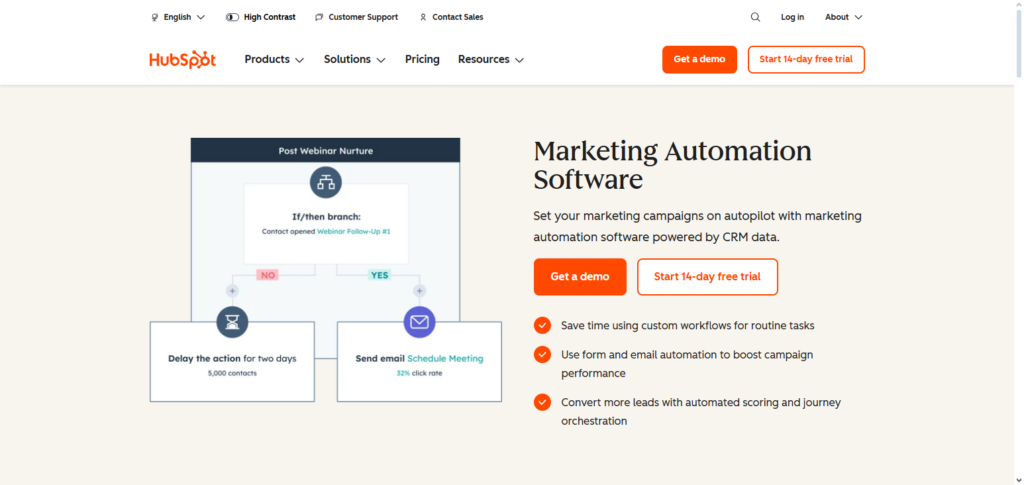
HubSpot Workflows are used by businesses to decrease manual CRM updates and customize customer journeys. It guarantees prompt interaction with prospects and clients through conditional logic and behavior-based triggers. Both team productivity and conversion rates are greatly increased by this automation.
HubSpot Workflows Features, Advantages & Disadvantages
Features:
- Automates tasks in sales, service and marketing.
- Workflows based on triggers.
- Tokens for personalization.
- Analytics and goal tracking.
- Integrated with HubSpot CRM.
Advantages:
- Excellent for automating stages of the customer journey.
- Optimizes follow-ups and lead nurturing.
- Requires no coding.
- Integrates with CRM data effortlessly.
- Assists in driving more conversions.
Disadvantages:
- Optimal functionality with complete HubSpot suite.
- Basic plans have more limits on workflow complexity.
- Marketing automation makes learning become necessary.
- Several features restricted to higher-level plans.
- Less suitable for customers that do not use HubSpot.
8. ActiveCampaign
ActiveCampaign is one of the best automation tools replacing manual work for customer experience and marketing automation. It streamlines email marketing, sales pipeline management, customer follow ups, and lead scoring.
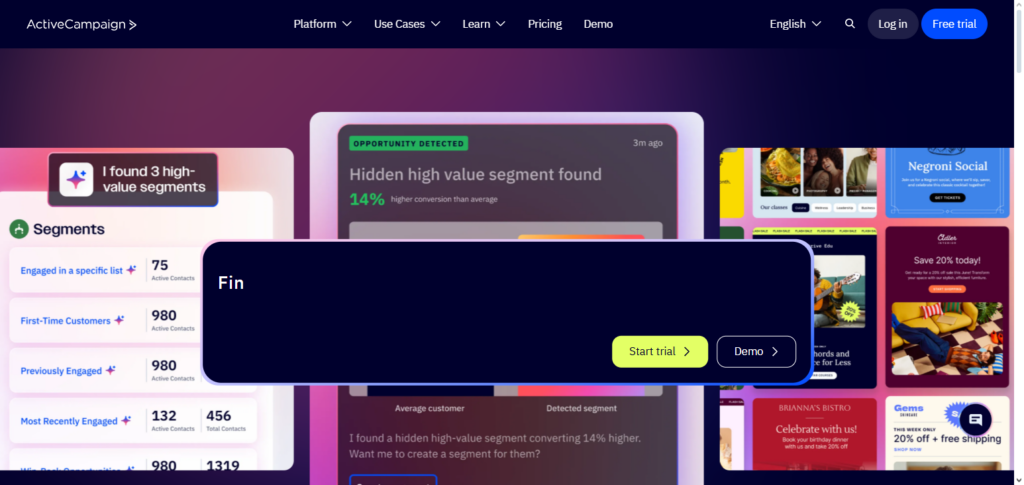
With ActiveCampaign’s advanced automation builder, businesses are empowered to build customized workflows for individual customers.
This facilitates less manual communication and more adaptive communication, therefore increasing engagement and retention. ActiveCampaign is widely adopted by small and medium enterprises on the path to growth automation, largely due to the CRM integration and advanced analytics.
ActiveCampaign Features, Advantages & Disadvantages
Features:
- Builder for email automation.
- Automation of customer experience.
- Triggers based on behavior.
- Integrated customer relationship manager.
- Segmentation and reporting.
Advantages:
- Great for workflows in sales and marketing.
- Top-notch for personalization and customer engagement.
- Retention is boosted through follow-ups done automatically.
- Automation templates are quite flexible.
- Workflow creation and modification is simple and quick.
Disadvantages:
- There is an additional cost for advanced features.
- Interface is cluttered for newcomers.
- Email-centered automation is its strong suit.
- CRM is not as robust as dedicated CRM solutions.
- Strategic use is needed to fully take advantage of automation.
9. Zoho Flow
One of the best automation tools for small and mid-sized organizations to replace manual labor is Zoho Flow, an intuitive workflow platform. It links hundreds of third-party services with Zoho apps to automate tedious processes like approvals, notifications, and data syncing.
The drag-and-drop interface of Zoho Flow enables non-technical users to design intricate workflows. It guarantees seamless operations while lowering reliance on manual processes across departments with real-time execution and error handling.
Zoho Flow Features, Advantages & Disadvantages
Features:
- Integrates Zoho applications with third party app solutions.
- Workflow builder with drag and drop.
- Support for conditional logic.
- Execution In real-time.
- Tools for managing errors.
Advantages:
- Budget-friendly automation.
- Simple workflow creation without coding.
- Great for users in Zoho ecosystem.
- Assists with the removal of tedious activities.
- Suitable for small and medium sized companies.
Disadvantages:
- Not as robust as enterprise level tools.
- Some applications do not have robust deep integrations.
- Not suitable for intricate automation.
- Analytics features are not very advanced.
- Optimal with Zoho products.
10. Monday.com Automations
Monday.com One of the best automation solutions for team communication and project management is Automations, a visual workflow solution. Reminders, cross-board activities, task assignments, and status updates are all automated.
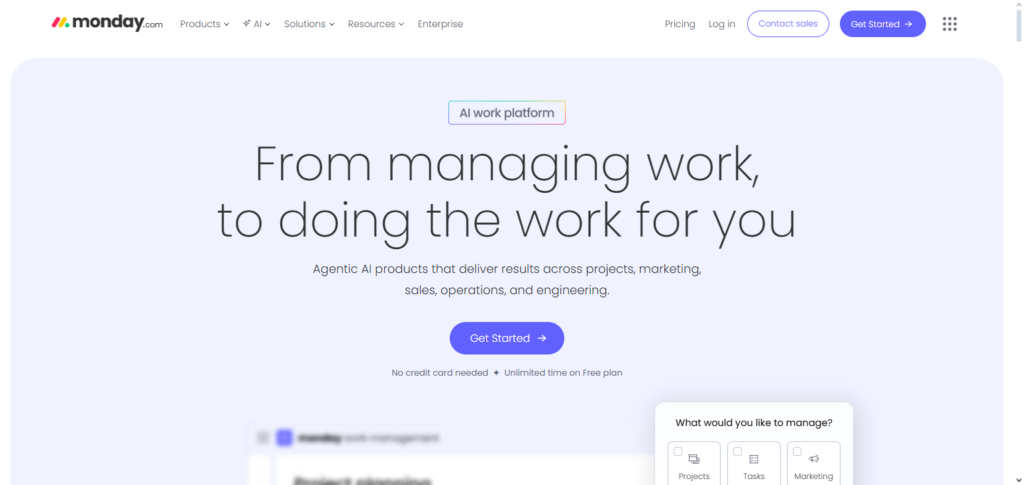
Teams may do away with tedious project tracking and manual reporting by using Monday.com Automations. Its straightforward rule-based automation increases workflow efficiency and transparency. It lets businesses concentrate on strategic work rather than repetitive duties, making it perfect for marketing, IT, and operations teams.
Monday.com Automations Features, Advantages & Disadvantages
Features:
- Triggers for automation are based on rules.
- Updates to boards and items.
- Automations for timelines and dependencies.
- Actions across multiple boards.
- Custom recipes for automation.
Advantages:
- Automation builder is visual.
- Excellent for teams working on projects.
- Less manual updates and notifications needed.
- Rules that are easy to understand.
- Good for collaboration.
Disadvantages:
- Automation actions are limited based on the plan.
- Does not serve as a full robotic process automation (RPA) tool.
- Works best within Monday.com boards.
- Advanced logic can be challenging.
- Automation usage can inflate costs.
Key Factors to Consider When Choosing Automation Tools
User Friendliness – Look for tools that have direct interfaces along with low or no code options so that users are able to immediately adopt them.
Integration – Look for tools that integrate with all your existing apps, software, and systems.
Adaptability – Look for tools that will be able to adapt to your company’s changing automated needs.
Safety and Regulation – Look for tools with high data security, access controls, and adherence to compliance.
Cost – Explore all subscription options, task limits, and any hidden fees.
Type – Depending on your needs, you will have to choose between workflow automation, RPA, or AI powered automation.
Customization – It is important for tools to have the ability to customize systems with new pathways and ideas.
Performance – Automation is most helpful when there are no interruptions or errors.
Value – It is important to have access to dedicated customer support and an active community of users for the tool.
Insights and Analytics – Tools are helpful when there is performance data to facilitate beneficial changes to automation systems.
Conclusion
Businesses looking to increase productivity, accuracy, and scalability now need the greatest automation tools to replace manual labor. Automation Anywhere, Microsoft Power Automate, UiPath, Zapier, and other tools help departments save time by reducing human error and eliminating repetitive activities.
These technologies facilitate quicker workflows and more intelligent operations, whether for straightforward app integrations, enterprise-level RPA, or marketing and CRM automation. Organizations can reduce operating expenses, increase productivity, and free up teams to concentrate on high-value, strategic work rather than repetitive manual operations by implementing the appropriate automation platform.
FAQ
What are automation tools replacing manual work?
Automation tools replacing manual work are software platforms that automatically perform repetitive, rule-based tasks such as data entry, approvals, email follow-ups, and system integrations, reducing human effort and errors.
Why should businesses use automation tools?
Businesses use automation tools to save time, reduce operational costs, improve accuracy, and increase productivity by eliminating repetitive manual tasks across workflows.
Which industries benefit most from automation tools?
Industries such as finance, healthcare, e-commerce, marketing, IT, and manufacturing benefit greatly, as automation streamlines operations, improves compliance, and speeds up processes.
Are automation tools suitable for small businesses?
Yes, tools like Zapier, Zoho Flow, ActiveCampaign, and Monday.com Automations are affordable, easy to use, and ideal for small and mid-sized businesses.
Do automation tools require coding skills?
Most modern automation tools are low-code or no-code, allowing non-technical users to create workflows using drag-and-drop interfaces and pre-built templates.