



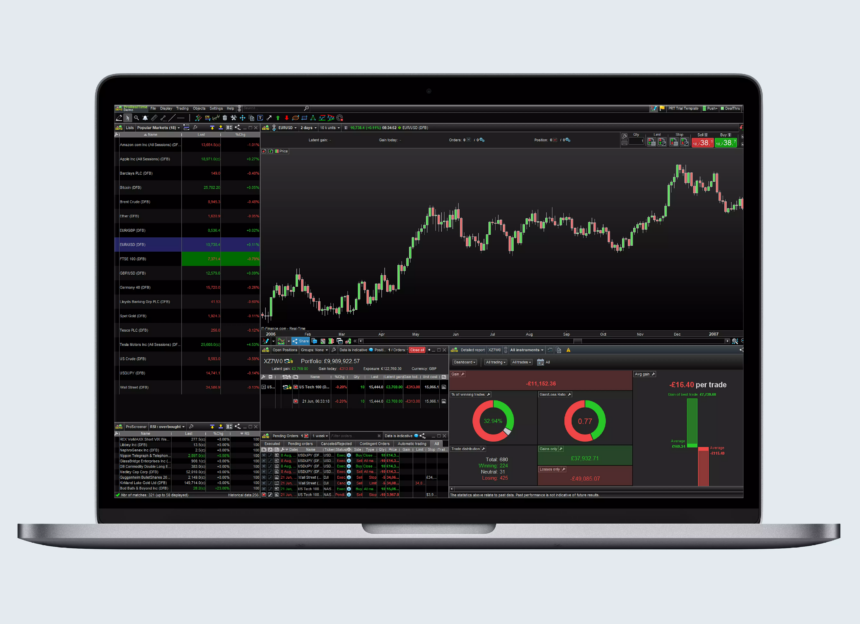
This article will cover some of the Best Algorithmic Trading Software Tools for every class of traders and investors. These tools assist in the automation of trading strategies, the conduction of complex analyses, and the automation of decision-making processes within the financial markets.
Tools such as MetaTrader 5 are great for beginners, while others such as the Bloomberg Terminal are better suited for professionals. This range of software is designed to improve the effectiveness, precision, and profitability of algorithmic trading.
What is Algorithmic Trading Software Tools?
Algorithmic trading software tools allow traders and investors to automate the purchasing of financial assets. Algorithmic trading tools implement their own customized purchasing policies based on their own predicated rules and proprietary models.
With their tools, traders may analyze and collect market data for purchase analysis, and execute the purchase at remarkable speed to eliminate as much human error as possible. Algorithmic tools may execute predetermined strategies at all hours.
Algorithmic trading tools may provide their users with the ability to implement multi-asset trading, risk analysis and management, real-time analytics, and the ability to run back tests and other similar services. Through proprietary software, traders and investors may utilize their own trading strategies, increase their own profitability, and refine their trading strategies.
How To Choose Algorithmic Trading Software Tools
Trading Goals & Asset Classes – Consider your trading style and goals, and choose software that will best fit your preferred asset type, be it stocks, forex, futures, options, and crypto.
Automation & Strategy Capabilities – Look for platforms that allow you to automate your strategies through custom programming (in Python, C#, MQL5, and similar), or use built-in automation tools to create your own.
Data & Analytics – In most cases, you will want to maximize your trading analytics and make sure to use real-time and historical market data in your trading analytics.
User-Friendliness & Learning Curve – Platforms and plugins often have different audiences in mind; MetaTrader 5, for example, usually caters more to beginners, while more complex professional tools will have a steeper learning curve.
Cost & Subscription Plans – Make sure to negotiate your subscription cost if your algorithmic trading software comes with costs, as free or low-cost software usually comes with a lot less data, while institutional-grade services will usually supply much more data.
Broker Integration & Execution Speed – Execution speed will vary for each trading software to make sure to take note of this and look for integration with your preferred brokering software for best results.7. Support And Community – Available tutorials, user community, and customer support simplify the processes involved in strategy development and troubleshooting.
Key Point & Best Algorithmic Trading Software Tools
| Software | Key Points |
|---|---|
| MetaTrader 5 (MT5) | Advanced charting, multi-asset trading, automated strategies via MQL5, built-in market and signals, supports hedging and netting. |
| QuantConnect | Cloud-based algo trading, supports multiple languages (C#, Python), backtesting engine, integrates with brokers, vast dataset library. |
| AlgoTrader | Institutional-grade algo trading, multi-asset support, automated trading strategies, backtesting & live execution, regulatory compliance features. |
| TradeStation | Powerful charting & analytics, EasyLanguage for custom strategies, equities & options trading, backtesting, robust community. |
| NinjaTrader | Futures & forex focus, advanced charting, automated trading, strategy analyzer, third-party app ecosystem. |
| MultiCharts | Professional charting & trading, supports EasyLanguage, automated trading, robust backtesting, multi-broker support. |
| Amibroker | Technical analysis & charting, AFL scripting for strategies, backtesting, portfolio-level optimization, lightweight & fast. |
| Bloomberg Terminal Algo Suite | Institutional platform, market data & analytics, custom algorithm deployment, portfolio risk management, high-cost but comprehensive. |
| Kavout (Kai Score AI) | AI-driven stock ranking, predictive analytics, integrates with trading platforms, quantitative scoring system, data-driven investment insights. |
| Zorro Trader | Free/low-cost algo trading, scripting in C/Lua, automated trading, backtesting & simulation, supports retail & professional strategies. |
1. MetaTrader 5 (MT5)
As one of the Best Algorithmic Trading Software Tools, MetaTrader 5 (MT5) stands out as a trading platform offering flexibility, versatility, and a large number of highly effective features. MT5 stands out among most algorithmic trading platforms for supporting multiple asset classes which may include Forex, stock, and future trading.
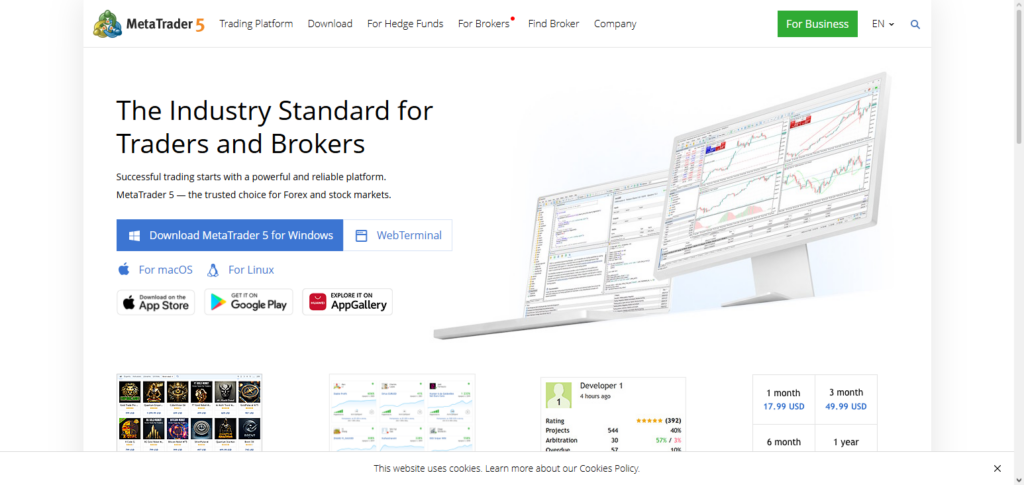
In addition to supporting multiple financial markets, MT5 also supports multiple types of trading such as automated trading (algorithmic trading), hedging, and netting. Other features that include signal, indicator, and expert advisor markets gives MT5 a competitive edge in algorithmic trading over other trading platforms.
MetaTrader 5 (MT5) Features, Pros & Cons
Features:
- Multi asset trading: Forex, stocks, futures
- Charting and other technical indicators
- Trading automation with MQL5 Expert Advisors
- Community, Signals and Market built-in features
- Netting and hedging available
Pros:
- Adoption, and easy to use
- Automated trading is flexible
- Strong community support for the software
- Accounts for demo trading available for free
- Extensive backtesting available
Cons:
- Higher automation MQL5 knowledge is needed
- For certain assets less broker accessibility
- For advanced analytics the interface offers little
- Focus is on desktop; mobile use limited
- Little use of AI
2. QuantConnect
QuantConnect is a trading and software development tool in a cloud environment. It allows you to create and test trading strategies in a variety of programming languages. You can also trade in real time and access historical data for backtesting in a variety of trading markets such as stocks, foreign exchange and cryptocurrencies. You can also access real time data and create live trades with integrated brokers.
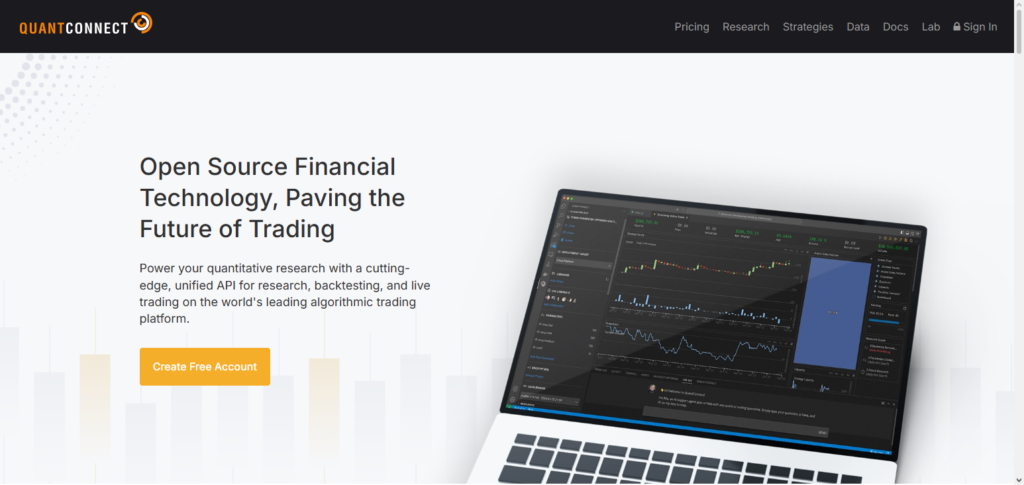
QuantConnect has built an ecosystem that allows data and trading strategies to be shared, as well as data and strategy testing to be done at a high level of cooperation and collaboration. Because of their high level of backtesting and versatile engine, they have also won awards for being one of the Best Algorithmic Trading Software Tools.
QuantConnect Features, Pros & Cons
Features:
- Algorithmic trading with multiple brokers on the cloud
- C# and Python programming support
- Trading automation for multiple assets: stocks, forex, crypto
- Access to real time and historical data
- Integration of brokers for live execution
Pros:
- Backtesting engine is very powerful
- Collaboration with open-source community
- Quantitative strategies supported
- Flexible and scalable with cloud accessibility
Cons:
- More difficult for beginner users
- Charting and drawing features are limited
- Knowledge of programming is a prerequisite
- Paid plans are necessary to access certain features
- Not friendly for beginners
3. AlgoTrader
AlgoTrader is an algorithmic trading software that is designed for professional traders and hedge funds. It allows you to create automated strategies for trading in the stocks, futures, options, and cryptocurrencies markets, and enables you to trade in real time and backtest your strategies.
You can also manage the strategies and ensure they comply with both your performance goals and with the regulations governing the markets. It is also one of the Best Algorithmic Trading Software Tools because its design, along with its data integration capabilities, and its trading strategy management tools, are some of the best available in the marketplace.
AlgoTrader Features, Pros & Cons
Features:
- Institutional-grade automated trading
- Support for multiple asset classes
- Simulations, both backtested and live
- API and broker integrations
- Features for regulations and compliance
Pros:
- Trustworthy for advanced trading
- Strategy complexity supported
- Trading across multiple assets is supported
- Risk management is included
- Designed for hedge funds
Cons:
- Very expensive, unfit for newcomers
- Complicated setup and initial deployment
- Technical knowledge necessary
- Support from the community is limited
- Significant system capabilities required
4. TradeStation
TradeStation is considered one of the best trading tool. With the platform you can create charts, analyze what would be your best moves as well as create an automated program to execute your best moves. TradeStation caters to stock, options, futures, and forex, and provides useful up to date analytics on market movements.
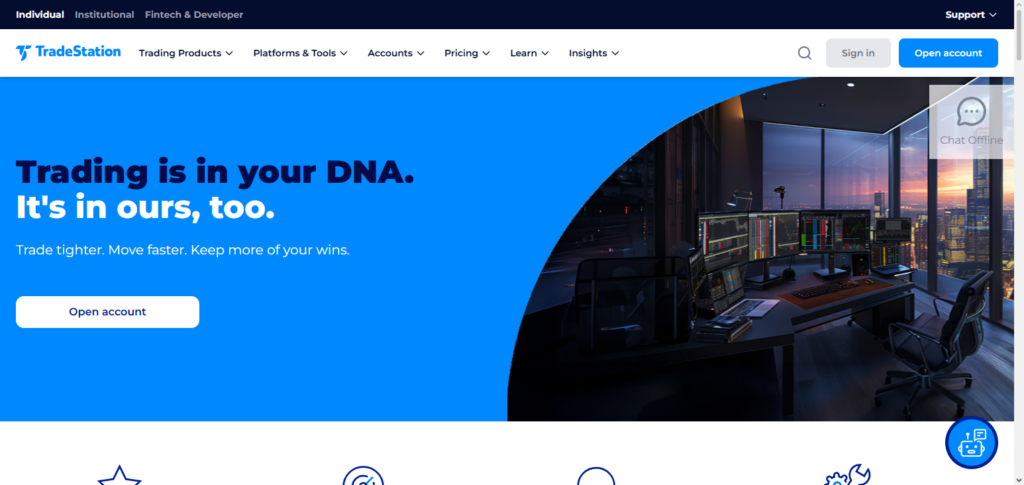
TradeStation provides educational tools, helps optimize your market moves, and allows you to collaborate with other traders to help them optimize and automate their trading. With the many features TradeStation is considered to have one of the best high level trading automation available for customers to use.
TradeStation Features, Pros & Cons
Features:
- Sophisticated tools for analytics and charting
- EasyLanguage for automation and scripting
- Support for trading multiple assets
- Backtesting and optimality for strategies
- Strategies shared by the community
Pros:
- Dependable for traders who are active
- Great analytics and reporting
- High-quality educational materials
- Strategies can be automated
- Included are integrations for market data
Cons:
- Full features are behind a monthly paywall
- You have to learn EasyLanguage
- An interface that is heavy on desktop usage
- Small traders may find it costly
- High complexity for newbies
5. NinjaTrader
Ninjatrader is by far the best option for futures, forex, and equities trading with the most developer friendly interface for them optimal charting and advanced automation functionality. They provide developer tools to automate your strategy as well as the tools to test and analyze your strategies as well as third party integrations to really customize your strategies.
They provide you the developer with all the tools to implement and execute your strategies and automation to help you execute your strategies. With the large amount of tools and developer functionality available Ninjatrader is considred one of the best trading tools available.
NinjaTrader Features, Pros & Cons
Features:
- Focus on forex and futures trading
- Sophisticated charts
- Automated trading and strategy analyzer
- Support for third-party applications and indicators
- Connectivity to multiple brokers
Pros:
- Great backtesting engine
- Very customized
- Great plugins
- Basic free version available
- Features for professional trading
Cons:
- Future and forex-centric.
- Advanced features require a subscription.
- Significant learning time.
- Complex user interface for novices.
- Coverage of assets is lacking.
6. MultiCharts
MultiCharts is a charting and trading software platform. It allows end-users to design, test, and execute automated trading strategies with a high level of precision and confidence. Thanks to its diverse and updated tools, its high-quality charting and analytics, streamlined order execution, and strategy analytics, it is one of the more recognized trading platforms by algorithmic traders and trading institutions.
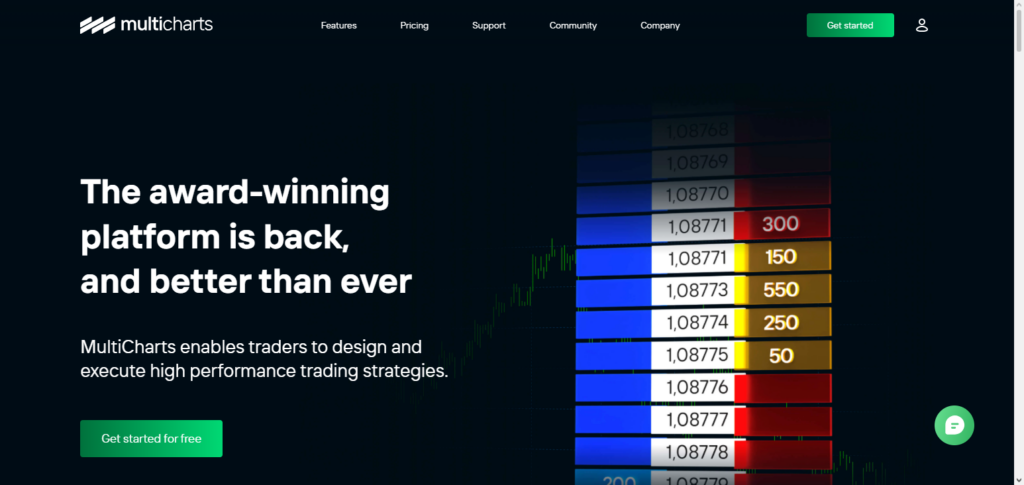
Users can automate their strategies using EasyLanguage, a programming language designed by TradeStation Technologies. Its multi-broker architecture, real-time data feed, and portfolio level analytics capabilities allows automated trading on a higher level than is seen on platforms with a single-broker architecture. For these reasons, MultiCharts is among the Best Algorithmic Trading Software Tools on the market.
MultiCharts Features, Pros & Cons
Features:
- Analysis and charting of a professional level
- Scripting in EasyLanguage
- Trading automation
- Connection to multiple brokers
- Backtesting at portfolio level
Pros:
- High speed and reliable execution
- Backtesting tools are very good
- Weakness in strategy is very flexible
- Multiple brokers are supported
- Visual editing of strategy
Cons:
- License is very expensive
- EasyLanguage must be learned.
- User interface can be very cluttered
- Community support is very limited
- Software requires a lot of resources.
7. Amibroker
Amibroker is a trading platform that places most of its focus on technical analysis. It allows end-users to optimize their portfolios and backtest their strategies to a greater degree than MultiCharts. It uses its own scripting language called AFL (Amibroker Formula Language) to allow users to automate their processes by creating custom indicators and strategies.
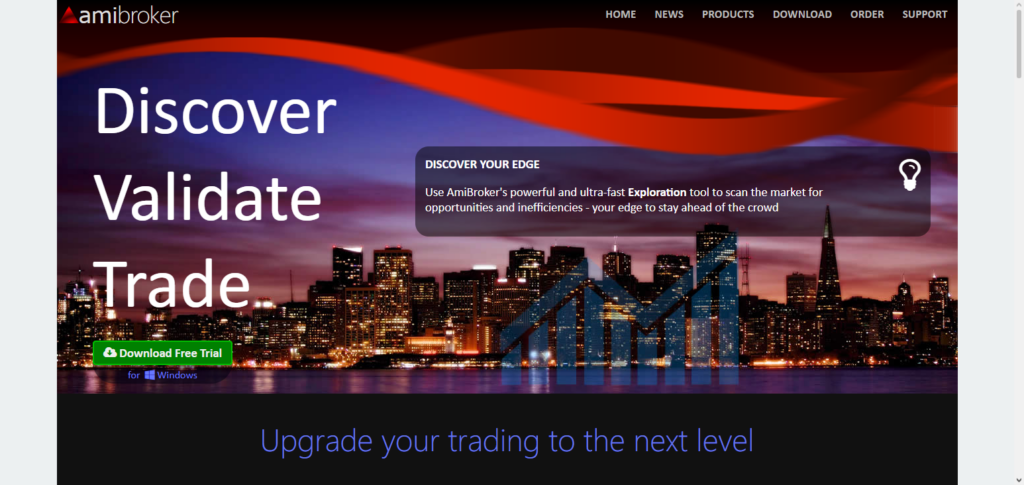
It is very popular among retail traders, but has a large audience in the professional trader space due to its fast portfolio analysis and backtesting, advanced strategy scanning, and unique ability to analyze and process large amounts of data. This is why Amibroker is also considered one of the Best Algorithmic Trading Software Tools to help traders optimize their automated trading strategies and minimize their losing trades.
Amibroker Features, Pros & Cons
Features:
- Analysis and charting tools
- Strategies can be automated using AFL scripting.
- Backtesting at the level of portfolio
- Scanning, alerts and optimization
- Lightweight and fast
Pros:
- The backtesting engine is very fast.
- Compared to tools used at institutions, it is very inexpensive.
- The scripting flexibility using AFL is very good.
- Very large datasets are handled well.
- Scans and alerts can be customized.
Cons:
- Learning time is significant.
- Integration with brokers is limited.
- User interface is primitive
- There is no support for cloud
- It is not user friendly.
8. Bloomberg Terminal Algo Suite
Bloomberg Terminal Algo Suite is a premium institutional trader’s platform with comprehensive market data, analytics, execution algorithms, and order routing tools. Designed with portfolio risk management, predictive analytics, and real-time market data, traders can create, backtest, and implement automated strategies at an institutional level.
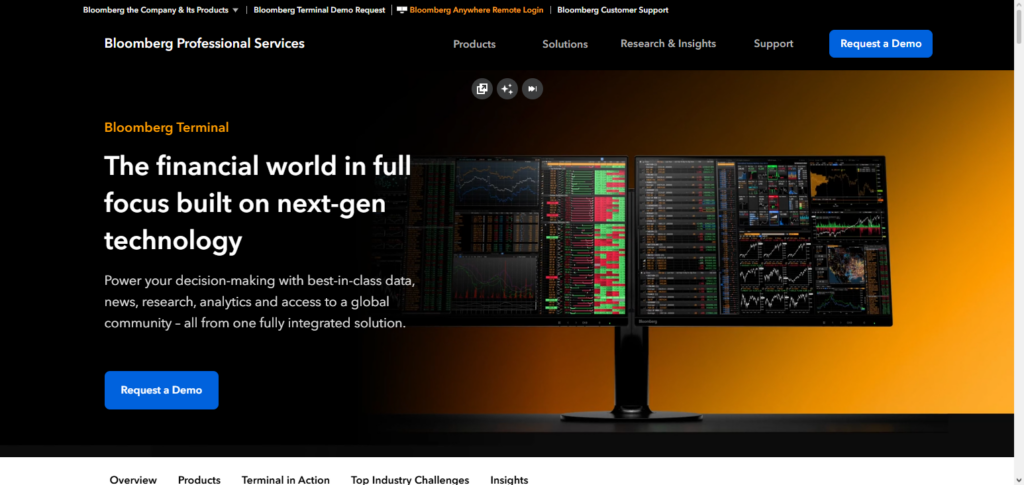
While expensive, premium features justify the investment of professional asset managers and hedge funds. Acknowledged as one of the Best Algorithmic Trading Software Tools, it offers unrivaled premium data, execution, and analytics, boosting high-level trading strategies.
Bloomberg Terminal Algo Suite Features, Pros & Cons
Features
- Institutional Grade Trading Platform
- Trading Market Data & Analytics
- Execution of Algorithmic Strategies
- Management of Portfolio Risk
- Tools for predictive analytics
Pros:
- Good data
- Good predictive analytics
- Good predictive modelling
- Good analytics for institutional trading
- Predictive analytics for Bloomberg
Cons:
- Cost a lot of money
- Difficult to use
- Good predictive analytics for institutional trading
- Limited predictive analytics outside of Bloomberg
- Predictive analytics require training and a subscription
9. Kavout (Kai Score AI)
Kavout utilizes AI and Quant Analytics to rank stocks, predict the future, and help make investment decisions. Its Kai Score AI delivers actionable and predictive equities insights. Kavout’s trading platform and AI signal provide strategies that traders can set to execute automatically.
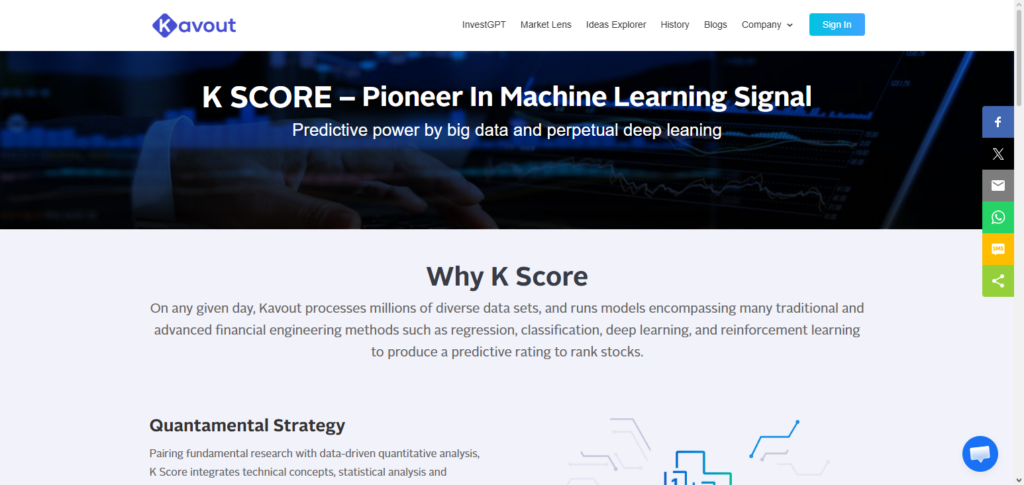
It serves data-driven and tech-analytically modern traders, as Kavout is one of the Best Algorithmic Trading Software Tools. It offers traders an advanced trading analytical advantage to implement automated strategies.
Kavout (Kai Score AI) Features, Pros & Cons
Features:
- Stock ranking using AI
- Kai Score for predictive analytics
- Predictive analytics for Automated trading
- Predictive modelling for automated trading
- Analytics for prediction trading
Pros:
- Predictive modelling for trading using AI
- Good predictive modelling
- Automation for traders via brokerage
- Predictive modelling via ranking systems
- Useful for trading prediction
Cons:
- Paid subscription
- Predictive modelling via AI
- Automation is less
- Predictive modelling and trading is processed via other systems
10. Zorro Trader
Zorro Trader is a lightweight automated trading software that costs a little but offers opportunities for automation, backtesting, and simulation. Zorro enables development of trading strategies by scripting in C or Lua, and lets users trade in multiple brokerages and asset classes including forex, futures, and crypto currencies.
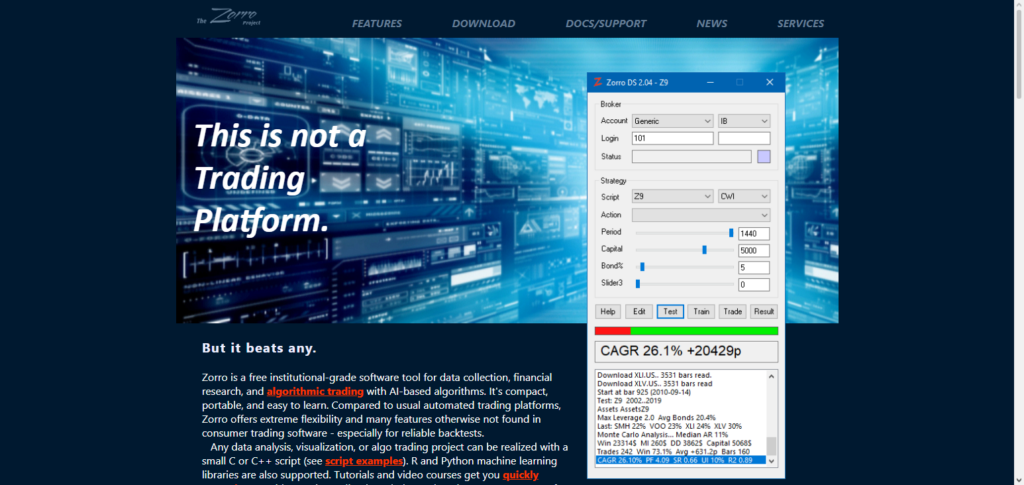
Zorro’s affordability and automation makes it an adaptable entry to algorithmic trading software, and it is well documented for new users. For a long time, Zorro Trader has allowed its users to test, deploy, and optimize automated trading strategies algorithms without any big cost, and is to be considered the Best Algorithmic Trading Software Tools.
Zorro Trader Features, Pros & Cons
Features
- Algorithmic trading
- Automated trading using C or Lua
- Automated trading and backtesting
- Support for multiple brokerage
- Trading systems for testing and analytical modelling
Pros:
- Good for trading
- Good predictive modelling
- Good analytics and models
- Good systems for modelling
- Good predictive analytical systems modelling
Cons:
- Good predictive analytics
- Good analytics predictive systems
- Automated trading
- Limited predictive modelling and trading
- Not as refined as paid platforms
- Lacking some built-in features
Conclusion
Selecting one of the several available algorithmic trading software options is an important decision for retail traders and professional traders alike. Algorithmic trading software carries the weight of streamlining and automating processes for increased effectiveness and precision.
While MetaTrader 5 (MT5), QuantConnect, and AlgoTrader allow for the development, backtesting, and execution of trading strategies, NinjaTrader, MultiCharts, and Amibroker focus more on charting and trading strategy development via technical analysis.
The Bloomberg Terminal Algo Suite is, on the other end of the spectrum, an institutional marketplace offering risk and data management alongside out classed quality market data. Data-centric research traders, in contrast, will benefit from more AI-facilitated trading strategies at lower transaction costs so the Kavout and Zorro Trader platforms serve their purpose nicely.
While the marketplace offers more choice, focusing on the Best Algorithmic Trading Software Tools available will help traders take control of their processes so that they may concentrate their efforts on strategy development, risk management, and profit maximization.
FAQ
What is algorithmic trading software?
Algorithmic trading software allows traders to automate buying and selling of financial assets based on pre-defined rules, strategies, and algorithms. These tools enable faster execution, reduce emotional trading, and provide advanced analytics, backtesting, and risk management capabilities.
Which is the best algorithmic trading software for beginners?
For beginners, platforms like MetaTrader 5 (MT5) and Zorro Trader are ideal due to their user-friendly interface, extensive community support, and accessible scripting languages for automated trading.
Can algorithmic trading software handle multiple assets?
Yes. Many platforms like QuantConnect, AlgoTrader, and TradeStation support multi-asset trading, including stocks, forex, futures, options, and cryptocurrencies, making them suitable for diverse investment strategies.
Are there AI-driven algorithmic trading tools?
Yes. Platforms like Kavout (Kai Score AI) leverage artificial intelligence and machine learning to provide predictive analytics, stock rankings, and actionable insights for automated trading strategies.
Is algorithmic trading software suitable for institutional traders?
Absolutely. Tools such as Bloomberg Terminal Algo Suite and AlgoTrader are designed for professional institutions, offering high-quality market data, compliance features, and advanced risk management for large-scale trading operations.