


The Best AI Tools for Building SaaS Without Developers will be covered in this post, along with how they enable business owners to create potent applications without knowing how to code.
These platforms increase the speed, affordability, and accessibility of SaaS development with AI-driven automation, drag-and-drop builders, and clever connectors. These technologies may turn your ideas into scalable software products, regardless of whether you are a solitary inventor or the founder of a firm.
Why Choose AI Tools for Building SaaS Without Developers
Speed to Launch
No-code platforms that use AI will shorten the time it takes to develop. Instead of months spent on coding and testing, you could have a working SaaS product in a matter of weeks, or even days.
Cost of Development
It is expensive to hire developers, designers, and testers. AI tools help to remove the majority of technical hiring costs, and are therefore, more accessible for the creation of SaaS for startups and solo founders.
No Technical Knowledge Necessary
No programming is needed. Non-tech users are able to create robust applications using simple tools, such as drag and drop builders, AI generated workflows, and the free use of automation.
Automation
Automation of repetitive tasks is possible using AI. Optimization of workflows, generation of content, building of logic, both testing, and the improvement of efficiency and the reduction of manual work.
Integrating Other Tools
Seamless operation of your business is possible using AI SaaS builders that integrate with your CRM, payment system, databases, and marketing tools, without the need for custom code.
Flexibility and Scalability
With AI-powered platforms that allow you to scale as your business grows, you will have the ability to upgrade your features, integrate new ones, and support a larger user base without any hassle.
Rapid Prototyping & Testing
Focusing on rapid MVP development and idea testing allows for the collection of feedback and subsequent iterations, all without significant development costs.
Key Point & Best AI Tools for Building SaaS Without Developers
| Platform | Key Points |
|---|---|
| Softr | Build web apps & client portals from Airtable/Notion data; AI helps automate content and user flows. |
| Glide | Turn spreadsheets into apps instantly; AI assists in app design, data integration, and workflow suggestions. |
| Bubble.io (AI‑enhanced) | Powerful visual web app builder; AI supports code suggestions, workflow automation, and design optimization. |
| OutSystems AI | Enterprise-grade low-code platform; AI provides predictive development, bug detection, and workflow recommendations. |
| Retool AI | Build internal tools rapidly; AI helps generate queries, code snippets, and UI components efficiently. |
| Framer AI | Design-first web apps; AI assists in content creation, layout suggestions, and responsive design. |
| Webflow AI | Visual website builder; AI automates copywriting, layout optimization, and SEO-friendly content. |
| Zapier AI | Automate workflows across apps; AI suggests automation recipes, detects errors, and improves integration logic. |
| Notion AI + API | Enhance productivity & knowledge management; AI generates text, summaries, and automates database tasks. |
| Levity AI | No-code AI automation for tasks; AI processes documents, images, and text to automate workflows. |
1. Softr
Softr is a no-code solution for building SaaS with developers. You can develop web applications, customer portals, and marketplaces directly from your Airtable or Notion data.
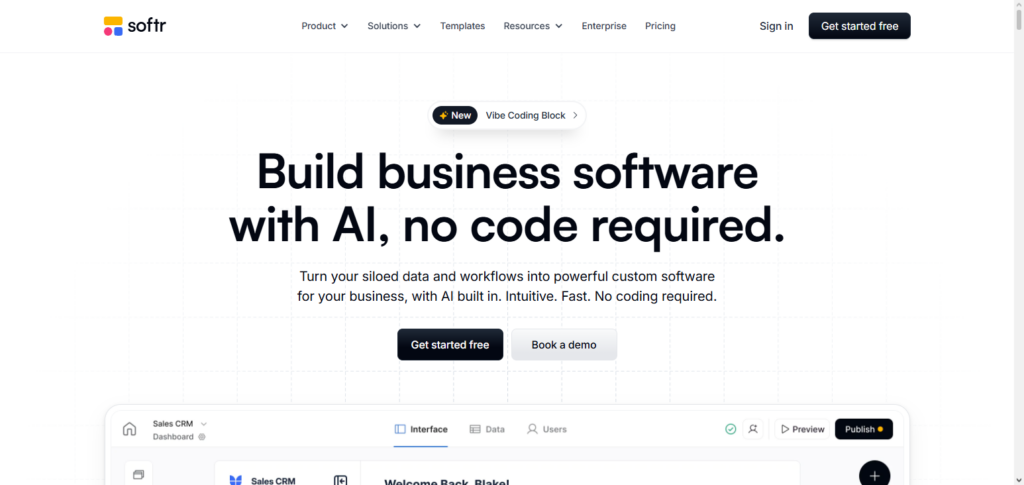
Their AI handles tedious tasks like content and page generation, and user workflow automation, making Softr a no-code solution excellent for non-technical founders.
Softr relies on a drag-and-drop mechanism and pre-built components, so whilst you can develop a lot of custom components, you can also integrate a lot of components. Softr is one of the Best AI Tools for Building SaaS Without Developers for small teams and startups.
Softr Features, Pros & Cons
Features
- Portal and web app builder with no coding required
- Links and integrates with Notion and Airtable
- Templates already created for users
- Users can authenticate and create roles
- Users can create their own automations and custom workflows
Pros
- Accessible to new users due to the simplicity of the drag-and-drop design
- Templates provide for a quicker setup process
- Client portals and internal tools are excellent uses for Softr
- Connecting and integrating to data sources is simple
- No-code users are technically challenged
Cons
- Less available advanced logic when compared to full-code
- Softr is a newer platform and thus has less users and a smaller community
- A number of the features available are paid
- Complex SaaS have a number of customization issues
- External data sources are used in a number of different areas
2. Glide
Glide is the ultimate tool for building SaaS solutions without developers. You can make a mobile or web app from a spreadsheet or other data source that seamlessly integrates with Glide like Google Sheets or Airtable.
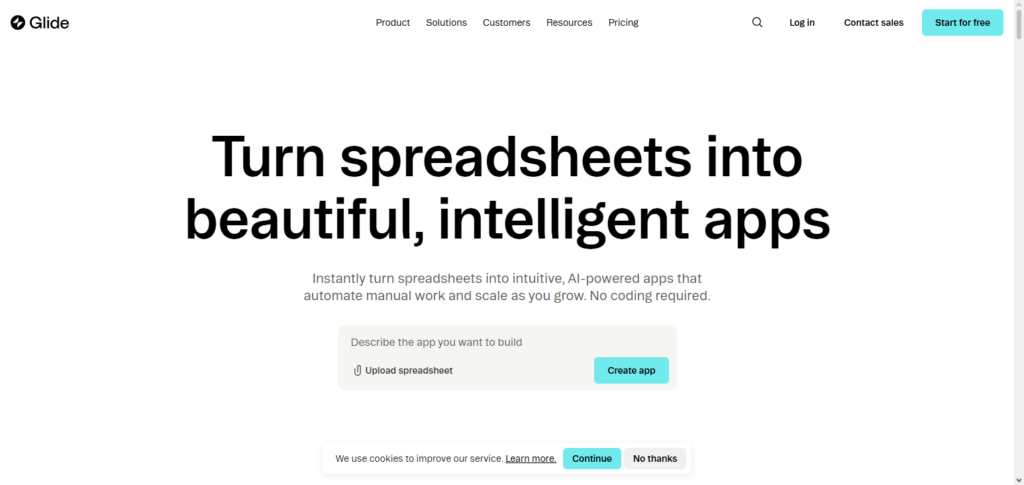
Apps can be created in a matter of minutes and without any coding. You can avoid a lot of manual app configuration by using Glide’s AI functionality for layout recommendations and workflow automation.
Glide also provides automation for app usage notifications, user management, and app updates. Glide’s simplicity and AI features make it a top of the line tool for building initial MVP versions of SaaS solutions without using any dev resources.
Glide Features, Pros & Cons
Features
- Applications can be created from spreadsheets
- Suggestions made by ai for layout and workflow
- Web and mobile applications are both responsive
- User management and push notifications are available
- Integrates with Google Sheets and Airtable
Pros
- The ability to instantly create an app from the available data
- Gap and use mobile apps and dashboards
- The app requires no coding
- The app is updated regularly with new features
- The app is easy to collaborate on
Cons
- The backend has limited functionality and is weak
- As the available data increases in size, then the application’s performance decreases
- Customization has limited depth and is constrained
- Advanced automation requires zapier
- Complex logic is more difficult to create than simple logic
3. Bubble.io (AI‑enhanced)
Bubble.io is a leading no-code visual web app development platform that allows users to create sophisticated apps. Its AI-enhanced capabilities include smart suggestions for workflows, automated code generation, and AI recommendations for UI/UX. These features allow founders to quickly and effectively launch their SaaS products.
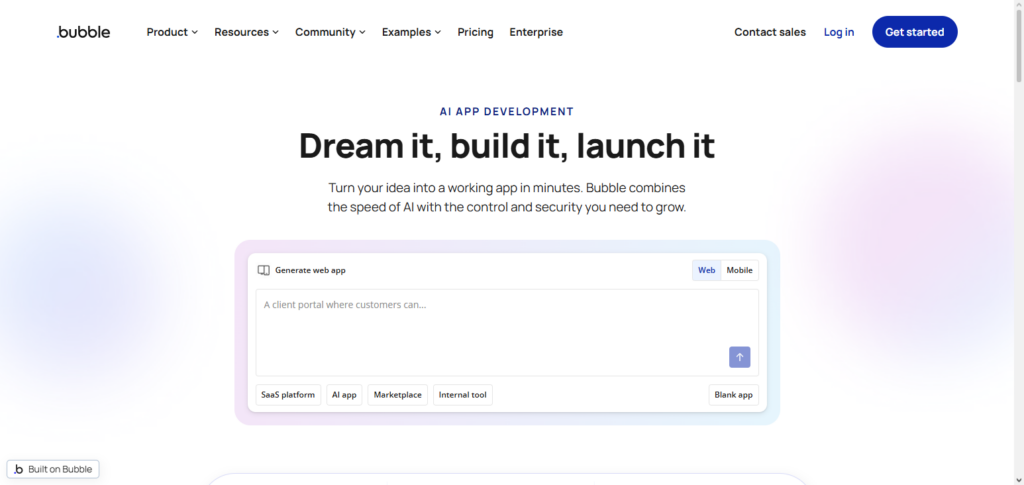
Users of Bubble can create, control, and design their apps’ databases, API integrations, and responsive UI visually. AI is utilized by Bubble to automate and streamline tedious development processes such as debugging, populating data, and creating logic.
It is highly scalable and flexible, allowing users to build SaaS solutions of any complexity. Bubble.io (AI‑enhanced) is ranked as one of the Best AI Tools for Building SaaS Without Developers.
Bubble.io (AI-enhanced) Features, Pros & Cons
Features
- Visual application builder
- AI workflow & logic support
- Integrations via API
- Database editor
- Controls for responsive UI
Pros
- Fully versatile for custom applications
- AI aids in logic and design
- Good plugin capacity
- Supports complicated SaaS applications
- Good community support
Cons
- Higher learning curve than the others
- Movement optimization is required
- With greater use, pricing more increases
- Support AI tools, not full replacements
- Difficult and tedious to debug complicated applications.
4. OutSystems AI
Through AI-driven suggestions, OutSystems AI, an enterprise-grade low-code platform, speeds up app development. Predictive development, automated code recommendations, problem identification, and speed optimization are some of its advantages.
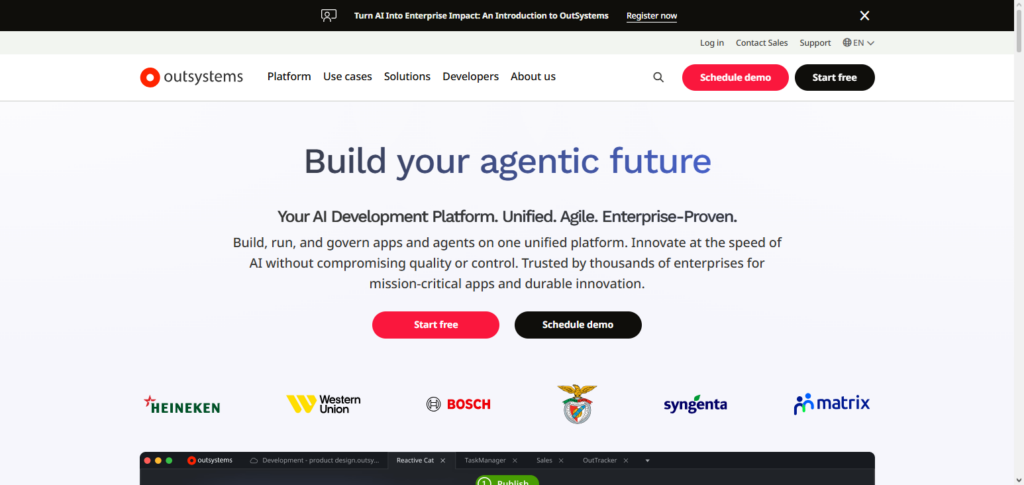
While AI simplifies workflow generation and lowers development complexity, OutSystems enables smooth interface with databases, legacy systems, and APIs. With the help of AI coaching, even non-technical users can create complex SaaS apps that increase speed and dependability.
OutSystems AI is one of the Best AI Tools for Building SaaS Without Developers because of its emphasis on automation, security, and scalability. This makes it perfect for businesses looking to swiftly build reliable SaaS solutions.
OutSystems AI Features, Pros & Cons
Features
- Low-code platform for large enterprises
- AI code suggestions
- Predictive analytics for development
- Management for full lifecycle
- Integrations with APIs & data
Pros
- Development of SaaS is ready for enterprises
- AI aids in design and code
- Security and governance better than others
- Scalable for large applications
- Comes with monitoring apps for large applications
Cons
- More expensive than platform with more simpler services
- Difficult to set up for beginners
- AI suggestions still required manual modification/ edits
- Too much for smaller and simpler apps
- Less sharing of community resources
5. Retool AI
Retool AI focuses on building internal SaaS tools and admin dashboards quickly and at no code effort. AI helps formulate SQL queries, build reusable building blocks, and streamline complex process flows. The data fetching and processing AI suggests and optimizes reduces manual work.
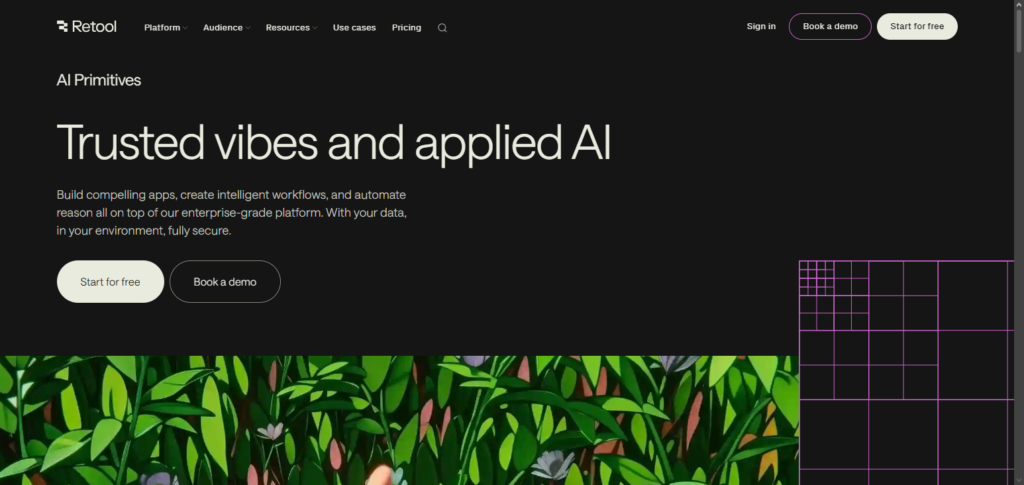
The data integrations, along with API and AI, reduces work. The drag and drop and AI suggestions help build internal SaaS tools. Data focused applications can be built rapidly for operational teams. It also streamlines the development process. For this reason, Retool is Best AI Tools for Building SaaS Without Developers.
Retool AI Features, Pros & Cons
Features
- Builder for internal tools
- AI for query/code and generation
- Connectors for data sources
- Library for UI components
- Automation of workflows
Pros
- Quickly builds dashboards for the internal team
- AI decreases the required manual work of SQL and coding
- Lots of integrations
- Ideal for data teams
- Custom components
Cons
- No public-facing SaaS builder
- A little complex to set up
- Expenses increase with usage
- Limited visual design
- AI needs directions sometimes
6. Framer AI
Design-first online apps and prototypes are the main emphasis of Framer AI. Its AI helps with content creation, responsive layout generation, and design enhancement recommendations based on user input and behavior.
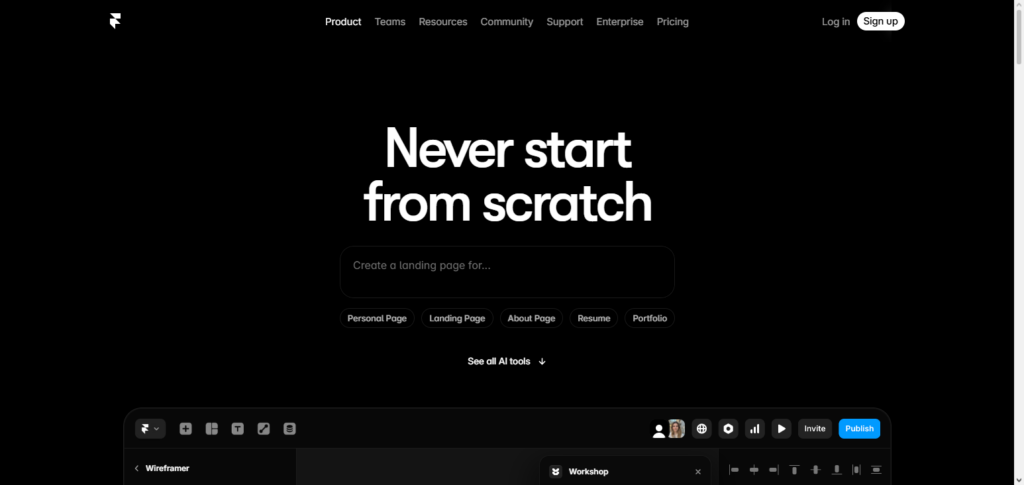
For non-developers, Framer lowers the learning curve and streamlines front-end design, enabling them to create viable SaaS websites with little effort. With database and API integration capabilities, customers can develop dynamic applications driven by automation powered by AI.
Framer AI is one of the Best AI Tools for Building SaaS Without Developers because of its focus on design and speed, especially for firms that value user experience and aesthetics.
Framer AI Features, Pros & Cons
Features
- App builder, design comes first
- AI for layout and content
- Interactive components
- Preview in real time
- API for integrations
Pros
- Designs are aesthetically pleasing and responsive
- AI greatly accelerates content production
- Ideal for landings pages and prototypes
- Simple design tools
- Optimized workflow for iteration
Cons
- Limited backend logic
- AI lacks for high level UX
- Less adequate for full SaaS functions
- Limited plugins
- Design concepts should be learned
7. Webflow AI
With AI-assisted content creation, layout optimization, and responsive design suggestions, Webflow AI improves the development of websites and SaaS applications. Functional web apps can be launched by non-technical users with complete control over design and style. Scalable apps and dynamic content are made possible by its CMS and API connections.
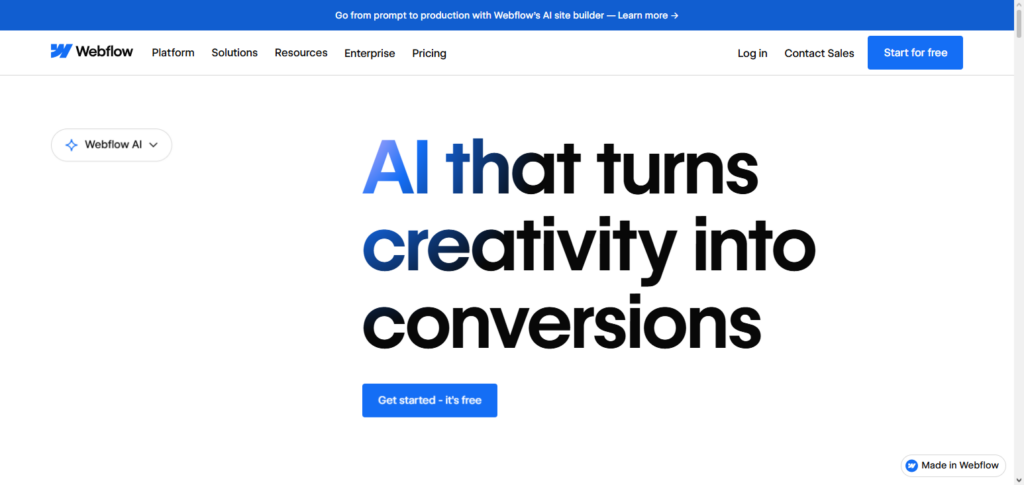
AI solutions lessen the need for developers by automating SEO-friendly content, identifying design errors, and streamlining operations. One of the Best AI Tools for Building SaaS Without Developers, Webflow AI strikes a balance between creativity and automation, making it perfect for individuals or teams looking to effectively blend functionality with aesthetics.
Webflow AI Features, Pros & Cons
Features
- Web design editor
- AI for content and SEO
- SEO CMS workflows
- Custom interactions with animations
- API + integrations
Pros
- Good for SaaS sites marketing
- AI writes content
- Best SEO
- Perfect for design
- Good for hosting and performance
Cons
- Not good for backend SaaS
- AI content is not accurate
- Higher design curve to learn
- Each template requires a investment in customization.
- Pricing may be a concern when it comes to enterprise requirements.
8. Zapier AI
SaaS builders may link and synchronize data without knowing any code thanks to Zapier AI, which automates workflows across several applications. Its AI capabilities identify mistakes, recommend automation recipes, and optimize work sequences for optimal effectiveness.
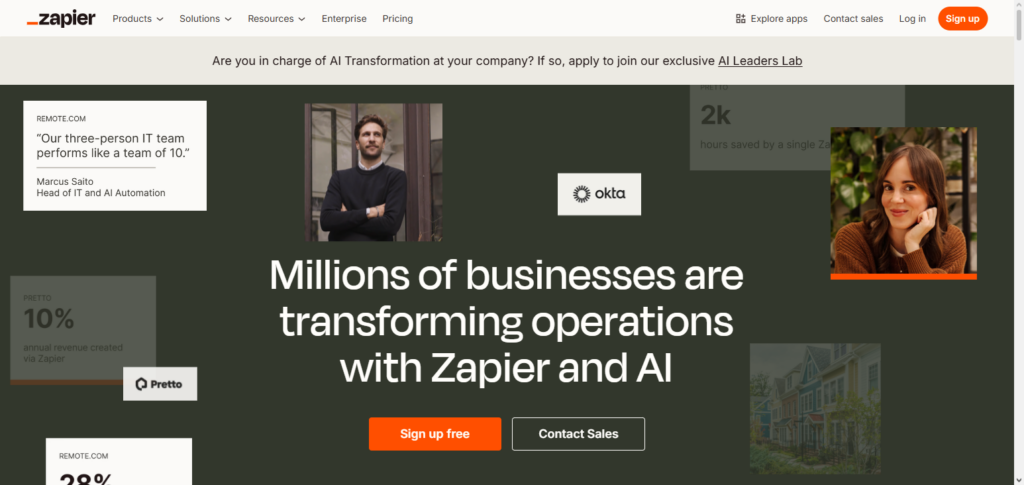
Zapier facilitates end-to-end automation for internal SaaS tools by integrating applications such as Google Workspace, Slack, and Airtable. With AI help, users can swiftly create intricate multi-step workflows, reducing the need for human setting.
One of the Best AI Tools for Building SaaS Without Developers, Zapier AI is particularly useful for small organizations and non-technical teams seeking seamless automation because of its ability to connect dissimilar services effectively.
Zapier AI Features, Pros & Cons
Features
- Workflow automation
- AI-generated recipe recommendations
- Connectors for multiple apps
- Error detection and insights
- Conditional logic
Pros:
- Connects 5000+ apps
- Excellent for task automation
- AI recommends improvement for workflows
- Greatly reduces work done manually
- Fast and simple for basic automation
Cons:
- Can’t build apps on it
- Advanced automation can increase costs
- Limitations on triggers/actions in some apps
- AI recommendations aren’t always correct
- May need to purchase upgrades if it’s used heavily
9. Notion AI + API
Users can automate task workflows, content production, and knowledge management with Notion AI and its API. While the API allows interaction with other SaaS products, AI can help with database automation, create templates, and summarize notes.
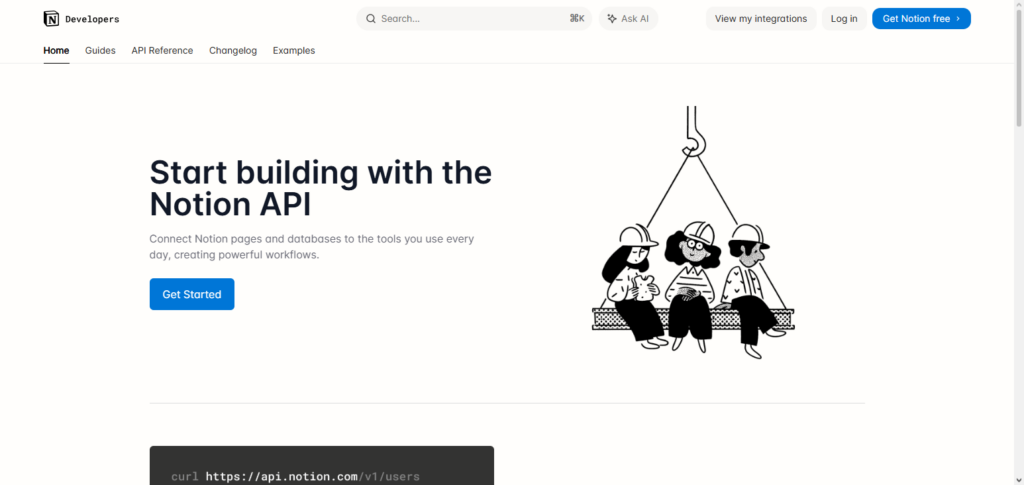
This platform allows non-developers to create structured, interactive dashboards, project management systems, or internal apps without knowing how to code.
It saves time by streamlining repetitive processes with its intelligent suggestions and automation features. With a potent combination of content, data, and automation on a single platform, these characteristics make Notion AI + API one of the Best AI Tools for Building SaaS Without Developers.
Notion AI + API Features, Pros & Cons
Features
- AI writing & summarization
- Templates for workflows
- Integrations with APIs
- Automation of databases
- Tools for collaboration
Pros:
- Productivity boost due to AI
- Excellent for documentation and planning
- API allows integration with other services
- Templates and automation come in handy
- Excellent for task tracking
Cons:
- Not tailored for SaaS products
- UI design is limited
- Sometimes AI needs more work
- Workspaces that are heavily used become chaotic
- If deeper integrations are needed, API is messy and requires a developer.
10. Levity AI
No-code AI automation is made possible by Levity AI, which transforms tedious procedures into intelligent workflows for SaaS operations. Without writing code, users may use AI models to automatically process text, emails, documents, and images.
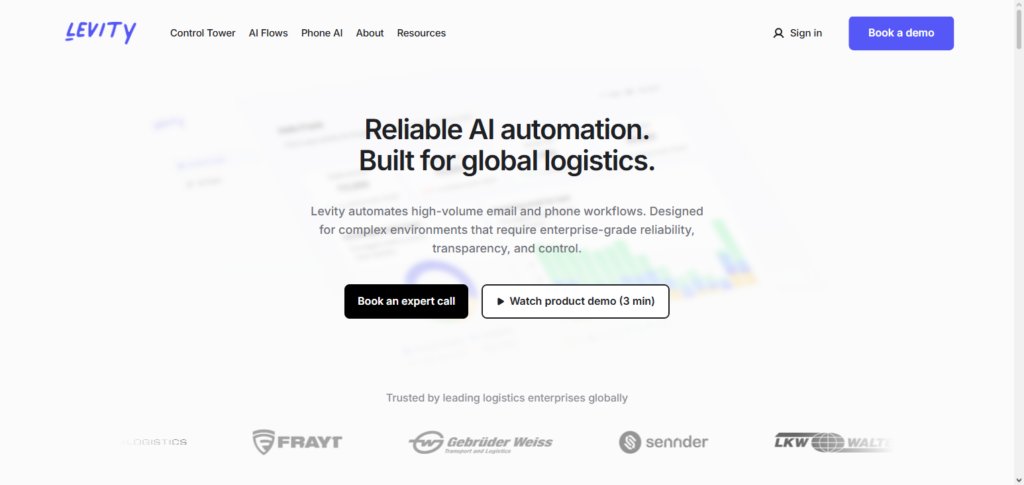
It allows for internal SaaS automation and the construction of dynamic workflows by integrating with different apps through APIs. AI features can improve efficiency by classifying data, extracting information, and initiating activities based on situations.
Levity makes it easier for non-developers to create intelligent SaaS applications with its no-code AI capabilities. Because of this, Levity AI is among the best AI tools for creating SaaS without the need for developers, especially when it comes to automating data-intensive and operational operations.
Levity AI Features, Pros & Cons
Features
- Workflow automation of AI with no code
- Processing of documents and text
- Classification of images and text
- Support for API and integration
- Automations based on triggers and actions
Pros
- Quickly automates tasks that are repetitive
- Excellent for data workflows that are AI based
- No coding skills are needed
- Good for internal logic of SaaS
- Can work with data that is unstructured
Cons
- It is not a complete app builder
- Must be used with other tools
- The accuracy of AI is dependent on quality of data
- More expensive for larger data sets
- Fewer options for output on user interface
Conclusion
SaaS development has been transformed by the emergence of AI-powered low-code and no-code platforms, which allow teams and people to create complex apps without the need for traditional developers.
Automation, AI-assisted design, workflow optimization, and smooth integrations are all offered by tools like Softr, Glide, Bubble.io (AI-enhanced), OutSystems AI, Retool AI, Framer AI, Webflow AI, Zapier AI, Notion AI + API, and Levity AI.
These platforms enable creators to concentrate on creativity rather than coding while saving time and money. Businesses can develop scalable, effective, and user-friendly applications more quickly than ever before by utilizing these Best AI Tools for Building SaaS Without Developers.
FAQ
What are the best AI tools for building SaaS without developers?
The best AI tools for building SaaS without developers include Softr, Glide, Bubble.io (AI-enhanced), OutSystems AI, Retool AI, Framer AI, Webflow AI, Zapier AI, Notion AI + API, and Levity AI. These platforms provide no-code or low-code environments with AI automation, smart suggestions, and integrations, enabling SaaS creation without traditional coding skills.
Do these AI tools require any coding knowledge?
Most of these tools are designed for no-code users, so you don’t need prior coding knowledge. AI-assisted features handle logic generation, workflows, and design elements, making SaaS development accessible to non-technical founders.
Can I build complex SaaS applications using these tools?
Yes — platforms like Bubble.io (AI-enhanced) and OutSystems AI support the creation of feature-rich and scalable SaaS applications. While simple apps are extremely easy to build, complex logic and integrations are also possible with AI-assisted tools.
How does AI help in these platforms?
AI enhances these tools by generating workflows, optimizing layouts, suggesting components, automating content, detecting errors, and improving integration logic, reducing the time and effort needed to build functional SaaS applications.