



I’ll go over the top AI tools for automating internal IT support in this post, which can help businesses increase productivity and streamline IT processes.
These AI systems offer round-the-clock assistance and predictive insights while managing common chores like ticket management, password resets, and troubleshooting.
IT teams can improve overall employee happiness, decrease response times, and concentrate on complicated issues by utilizing these solutions.
Criteria for Selecting AI Tools for IT Support
AI Capabilities & Accuracy
- Ability to use Natural Language Processing to identify users’ intet.
- Ability to improve over time through Machine Learning.
- Ability to provide contextual assistance for layered IT support.
Integration with ITSM & Collaboration Platforms
- Ability to integrate easily with tools like Jira Service Management, ServiceNow, Zendesk, etc.
- Integration support for Slack, Microsoft Teams, email, and chat.
- Ability to reach existing asset and user repositories (for instance, AD/LDAP) to boost functionality.
Multi‑Channel Support
- Ability to manage requests and support tickets through chat, email, voice, mobile, and portals.
- Able to provide a consistent experience across all of its supported channels.
Automation & Workflow Capabilities
- Ability to automate ticket creation, classification, priority settings, and routing.
- Ability to automate workflows with repetitive IT tasks (password resets, access requests) in focus.
- Ability to provide actions and responses that are triggered automatically.
Knowledge Management & Self‑Service
- AI-generated self-service responses from in-built or integrated knowledge repositories.
- Ability to suggest self-service articles to users and support agents.
- Ability to learn autopmatically, and to self-update from new tickets and resolutions.
Reports and Analytics
- Trend and performance dashboards that cover ticket categories, resolution times, and metrics for AI tools.
- Notifications for SLA breaches and SLA bottlenecks.
User Experience and Ease of Use
- Self-service users and IT users have an easier time with the tools and the process.
- Requires minimal onboarding training because the tools are simple to use and intuitive.
- Chatbots are programmed with simple steps and clear dialogue.
Security and Compliance
- There are different roles for users, and their access is mixed with different data protection measures.
- There is compliance with many popular regulations, including GDPR and ISO.
- Support data with sensitive information are stored securely.
Scalability and Performance
- It is possible to have an increased number of tickets open with have increasing number of overall users for the system.
- There is no latency, and performance is good for a period of time with heavy demand for the system.
Key Benefits of AI in Internal IT Support
Quick Answer Response
- AI virtual assistants answer IT questions instantly.
- This considerably lowers wait times for users.
Non-Stop Availability
- AI systems work continuously without taking time off.
- This allows consistent support outside of office hours or for distributed teams.
Less Routine Admin Work
- Routine administrative tasks such as password resets, access requests and, ticket categorizations automation.
- This allows IT staff to focus on higher value work that is more complex.
More Reliable and Uniform
- AI eliminates human error from ticket processing steps as well as from the distribution of information.
- Response and procedural standardization are result outcomes.
Preemptive Problem Solving
- With pattern recognition, AI is able to find and fix problems that have the potential to worsen.
- This makes incident prevention and maintenance more proactive.
Knowledge Management
- AI autonomously fetches knowledge base articles that are relevant.
- With continuous ticket learning, it is able to enhance self-service.
Insight Analytics
- Allows for the collection of metrics such as ticketing system use, time to solution, and, issues frequently reported.
- This allows IT leaders to better manage and direct resources.
Cost Savings
- Support manual and overtime hours reduction.
- Enhances operational efficiencies and reduces cost.
Scalability
- Manages increasing volumes of support requests without additional resources.
- Accompanies organizational growth.
Greater User Satisfaction
- Employees receive support that is faster, more accurate and consistent.
- Employee experience with internal IT services improves.
Key Point & Best AI Tools for Automating Internal IT Support List
| AI Tool | Key Points / Highlights |
|---|---|
| Moveworks | AI-powered chatbot for IT ticket resolution, natural language understanding, integrates with major collaboration platforms like Slack & Teams, automates repetitive IT tasks, provides analytics for IT operations. |
| Aisera | AI Service Desk automation, handles email/chat/voice requests, predictive ticket routing, self-service knowledge base, reduces resolution time and IT workload. |
| Resolve.ai | Automates IT incident response, integrates with ITSM platforms, provides AI-driven ticket triage, workflow automation, reduces manual IT intervention. |
| Jira Service Management (with AI) | AI-assisted ticket categorization and prioritization, automation rules for workflows, knowledge management suggestions, integrates with Atlassian ecosystem, improves IT response efficiency. |
| Zendesk AI | AI-powered chatbots and answer bots, predictive ticket routing, automated responses for common IT issues, integrates with multiple channels, provides reporting analytics. |
| eesel AI | AI-driven IT support automation, incident detection & resolution, proactive alerts, knowledge base recommendations, customizable workflows for internal IT teams. |
| Risotto | Intelligent IT support assistant, automates ticket resolution, predictive insights for recurring issues, integrates with ITSM platforms, improves service desk efficiency. |
| Datadog | Primarily monitoring-focused, AI alerts for infrastructure issues, anomaly detection, integrates with IT tools for automated incident management, predictive analytics for IT operations. |
| Atera | Remote monitoring and management with AI alerts, automated IT task execution, ticketing automation, predictive maintenance insights, suitable for MSPs and internal IT teams. |
| SysAid | ITSM with AI-powered ticket management, automated workflows, AI suggestions for ticket resolutions, customizable dashboards, reporting for IT efficiency. |
1. Moveworks
One of the top AI technologies for automating internal IT support is Moveworks, which is made to effectively manage a variety of employee IT demands. Its exceptional strength is its sophisticated natural language comprehension, which enables it to grasp complicated questions in several languages and deliver prompt answers.

Moveworks easily interfaces with email, Slack, Microsoft Teams, and other communication platforms, automating the generation, classification, and resolution of tickets without the need for human participation.
It continuously learns from previous tickets to increase accuracy and forecast resolution, in contrast to many other solutions. IT operations are quicker, smarter, and more economical because to its proactive issue identification and real-time analytics.
Moveworks Features, Pros & Cons
Features
- Understanding natural language with AI.
- Automatic routing and resolution of tickets.
- Slack, Teams, and email integration.
- Recommendations for knowledge base.
- IT trend analytics dashboard.
Pros
- For users, support is conversational and fast.
- Volume of tickets is reduced, resulting in the distribution of tickets.
- Learning from historical data.
- Integration of tools for collaboration improves efficiency.
- Increased user satisfaction.
Cons
- Lengthy initial configuration is sometimes needed.
- Larger companies realize the most value.
- Extremely complicated questions might be misinterpreted.
- Expertise is necessary for customization.
- Small teams may find it to be too expensive.
2. Aisera
Automation of internal IT operations is the focus of Aisera, but they ouperform competitors due to their ability to autonomously automate the service desk. Other IT service desks may focus on IT service request automation, but Aisera’s AI understands the nuances of Natural Language Requests.
Through the automation of service desk applications, Aisera resolces common IT service requests, like password resets, software access, troubleshooting, etc., without human intervention. This reduces overall ticket volumes and workload on IT Support.
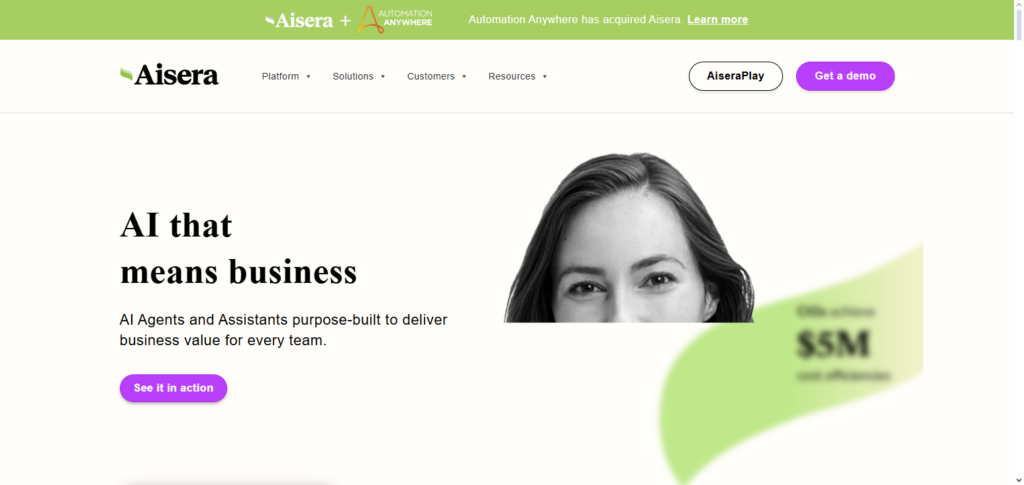
Aisera is the only service desk that understands requests as complex as helping a user resolve a software issue, and continues to learn post-intervention.
Aisera service desks do not require as much intervention as their competitors IT service desks due to Aisera’s advanced post-automation service detection, issue resolution, and seamless integration with existing IT service desk automation. This makes Aisera IT service desk competitors much more automated than their competitors.
Aisera Features, Pros & Cons
Features
- Automation of AI service desk.
- Support over multiple channels (chat, email, and voice).
- Extraction of knowledge for self-service.
- Predictive problem resolution.
- Automation of workflows.
Pros
- Support is broad and handled efficiently.
- Elimination of manual ticket handling.
- Learning from the language of the company.
- Reduction of escalations with proactive suggestions.
- Integration with ITSM systems is impressive.
Cons
- Learning to set up the initial system can be challenging.
- Tuning may be needed over time.
- Premium plans are required for advanced features.
- False positives may be generated.
- High resource utilization is required for implementation.
3. Resolve.ai
Because it provides agentic automation that proactively handles IT workflows and incidents rather than just managing tickets, Resolve.ai is a unique AI tool for automating internal IT assistance.
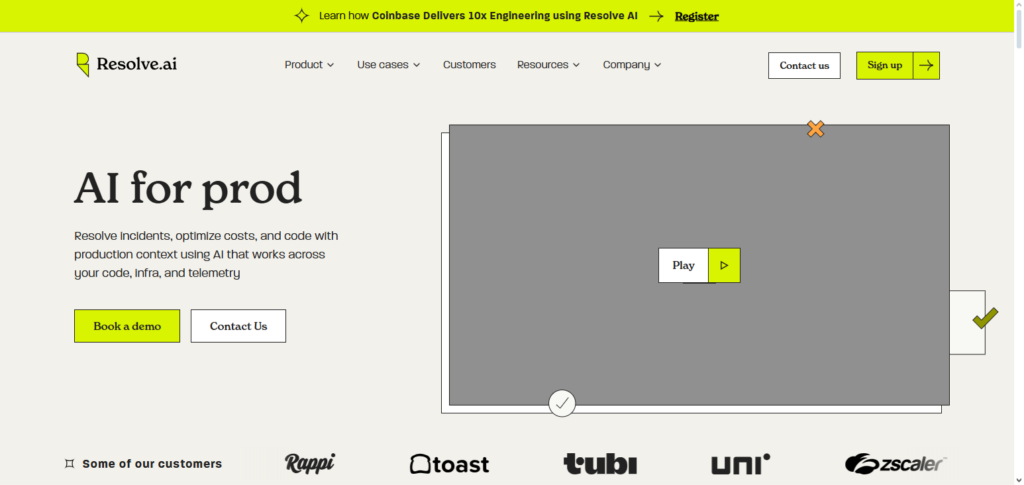
Its AI agents substantially reduce mean time to resolution and ticket volume by interpreting requests in real time, autonomously triaging issues, and carrying out specified remediations—like handling regular service desk inquiries or coordinating cross-system actions—without human participation.
Resolve’s capacity to apply AI-driven orchestration and interface with current ITSM and observability solutions guarantees scalable, consistent support that learns and gets better over time, allowing IT teams to concentrate on strategic goals.
Resolve.ai Features, Pros & Cons
Features
- Automated flow of agentic processes
- Resolution of incidents in real time
- Triage of tickets using AI
- Integration with observable ITSM
- System-wide orchestration
Pros
- Reduces the need for people to intervene
- Speeds up the lifecycle of incidents
- Increases the uniformity of responses
- Compatible with monitoring solutions
- Excellent orchestration of automation
Cons
- Increased setup complexity for workflows
- Does not emphasize the end-user conversational AI
- Potential need for more developer resources
- There should already be ITSM in place
- Lacking in ease of design for users without technical knowledge
4. Jira Service Management (with AI)
The automation of internal IT support by Jira Service Management (with AI) entails the merging of IT service management (ITSM) superpowers with automation of self-service and agent workflows.
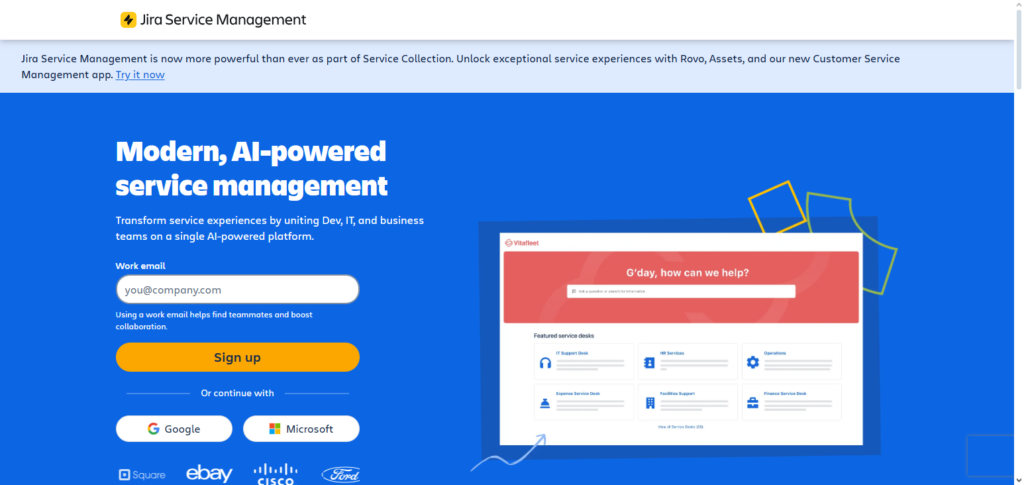
The virtual service agent AI understands and speaks natural language for quick automated support of tier-one requests (e.g. password resets and software access) via Slack, Teams, email, and service portal. This automation diminishes repetitive support tickets and liberates IT staff for more advanced work.
The service provides AI ticket triage, prioritization, summarization and knowledge suggestions that increase confidence and velocity in the support process. The degree of seamlessness with service workflows and existing knowledge bases provides legacy modern internal IT Support teams systemization of internal IT Service Management automation at unprecedented levels.
Jira Service Management (with AI) Features, Pros & Cons
Features
- AI assisted ticket classification
- Virtual service agent
- Knowledge suggestions
- Automated workflows & SLAs
- Integration in Atlassian Ecosystem
Pros
- Great for Atlassian users
- Improves ticket accuracy
- Custom workflows
- Centralized platform for ITSM
- Strong reporting tools
Cons
- UI can be complex for new users
- AI features add cost
- Better suited for Jira ecosystems
- Setup time can be significant
- May need admin training
5. Zendesk AI
Zendesk AI’s built-in intelligent automations, easy integrations, and no-code workflow automations make it a highly suitable platform for automating internal IT support. This is because automations help streamline the completion of basic IT tasks without disrupting workflow.
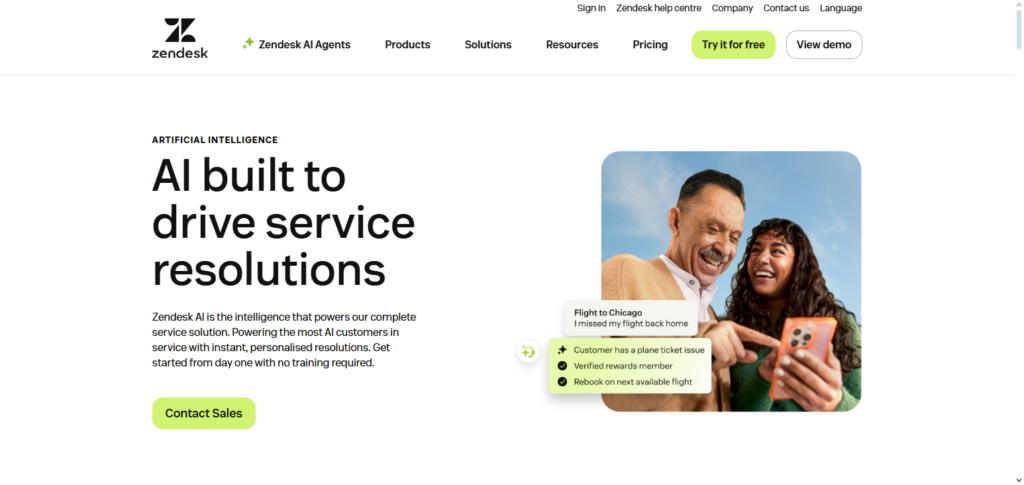
Furthermore, AI agents and virtual assistants process and understand the natural language meaning of a ticket, create a resolution for common requests, reference and attach relevant knowledge-base and draft responses, and close tickets themselves, significantly decreasing ticket volume.
This also allows IT staff to focus on higher-value requests which are more complex and require specialized input. These automations offer rapid deployment with low overhead and get better over time which is a huge benefit for internal IT teams when it comes to supporting multiple requests for faster services consistently.
Zendesk AI Features, Pros & Cons
Features
- AI chat bots and answer bots
- Automated ticket responses
- Multi-channel support
- Knowledge-base recommendations
- Analytics and insights
Pros
- Easy setup and use
- Supports email, web, chat, social
- Minimizes onboarding duration
- Enhances resolution during initial contact
- Accuracy continues improving with learning
Cons
- Premium features available at higher pricing tiers
- Less ITSM functionality than highly specialized tools
- Complexities may require bespoke flows
- The AI performance is linked to the knowledge base quality
- The costs of scalability
6. eesel AI
esel AI is a useful AI tool for internal IT support that automates responses. It learns from a company’s historical support tickets, documents and knowledge bases to provide accurate, contextual support, simulating a saturdadry internal colleague.

It is able to connect to many popular servcie desks like Jira and Zendesk and collboration platforms like Slack and Teams, almost out of the box, allowing for automatic sicket dumping, intelligent triaging, and real time answers to internal questions.
eesel AI also allows you to set custom instructions for how the AI operates, including how and when to talk to a person, increasing support efficiency while keeping your internal knowledge secure and custom to your organization’s workflow.
eesel AI Features, Pros & Cons
Features
- AI is trained with company support tickets
- Automatic understanding of tickets
- Help desks & chat integration
- AI can give customizable responses
- Delivery of knowledge in context
Pros
- Learns from organization-specific data
- Context-aware responses
- Integrates easily with help desks
- Improves with usage over time
- Behavior can be modified
Cons
- Needs initial training on the data
- Historical data can be loud with noise
- Automation of workflows is limited by oneself
- Subscription can be costly over time
- Requires effective knowledge management
7. Risotto
Risotto is an intelligent automation tool that helps organizations cut down the time internal IT support takes within communication channels like Slack. Risotto goes beyond basic IT support keyword bots or rule-based automation and resolves IT requests entirely (e.g. password resets, access requests, basic troubleshooting, etc.) without the need for an IT staff member to be engaged, only escalating to staff when the issue is complex enough to require human input.
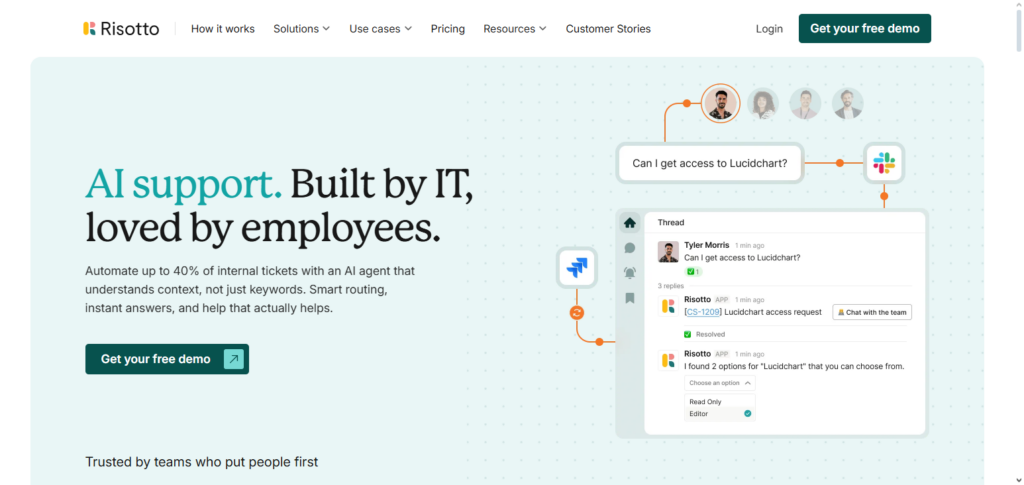
Risotto improves system support and ticket triaging efficiencies by integrating with other IT support systems like Jira. It helps organizations focus staff time on more fruitful work by keeping support requests within the channels staff are already engaged with and reducing support ticket volume.
Risotto Features, Pros & Cons
Features
- AI assistant embedded in Slack/Teams
- Handling of common requests is automated
- Performs basic IT tasks
- Ticketing systems can be integrated
- Conversational interface is lightweight
Pros
- Does its work where employees already communicate
- Ready to use within a short period
- Reduces the number of straightforward tickets
- End users find the interface familiar and easy to use
- A good solution for small and medium-sized businesses
Cons
- Does not contain a full suite of ITSM tools
- Few sophisticated automation features
- Must rely on a chat platform
- Lacks sophisticated data analysis features
- Assumes expertise is already in place
8. Datadog
By proactively identifying and evaluating problems with infrastructure, applications, logs, and performance metrics, Datadog is a potent AI-enabled observability and automation platform that assists internal IT teams. Its built-in AI engines reduce downtime and alert fatigue by using machine learning to discover abnormalities and connect data.
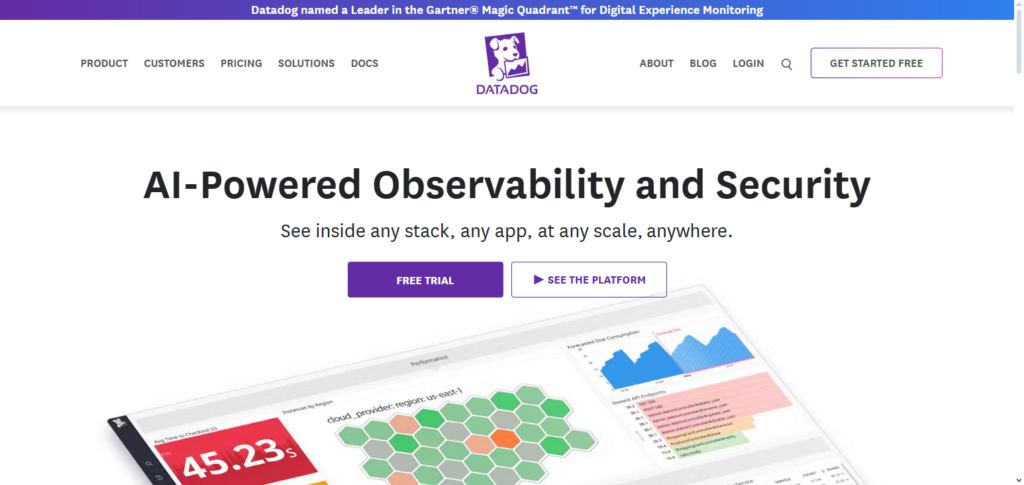
This helps find the underlying root cause of incidents more quickly than manual investigation. Datadog enables IT to react quickly to issues and preserve system stability by initiating automated workflows or providing context-rich insights to the appropriate teams. It is a useful tool for IT support automation because of its proficiency in intelligent troubleshooting and predictive detection.
Datadog Features, Pros & Cons
Features
- AI parametric anomaly detection.
- Real-time infrastructure observability.
- Cross-event correlation insights.
- Delivers alerts automatically.
- Dashboards can be personalized.
Pros
- Predictive detection is superb.
- Quick insights on root cause.
- Proactive incident prevention.
- Works across various technology stacks.
- Dependability is improved.
Cons
- An unconventional support bot.
- More observability and less ticketing.
- Increasingly expensive with scale.
- Requires significant alert tuning.
- Lesser direct end-user process automation.
9. Atera
By integrating Remote Monitoring & Management (RMM), AI agents, and autonomous assistance into a single, cohesive solution, Atera is a complete AI-enabled IT management platform that excels at automating internal IT support.
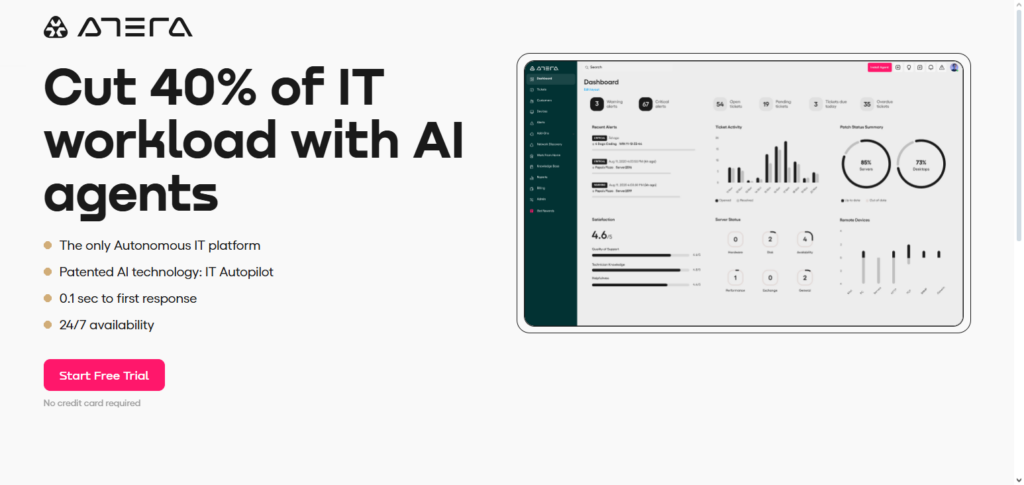
In order to reduce Tier-1 ticket volume and provide employees with immediate assistance at any time, its AI Autopilot functions as a virtual technician that immediately handles typical IT issues—such as troubleshooting, password resets, software installs, and diagnostics—through channels including email, Slack, Teams, or the service portal.
Atera’s AI Copilot speeds up resolutions and increases accuracy by helping technicians with insights, script generation, and ticket summaries. Atera’s intelligent escalation procedures, automated patching, and real-time monitoring enable IT teams to work more efficiently, fix issues more quickly, and relieve employees of tedious duties.
Atera Features, Pros & Cons
Features
- AI Autopilot RMM.
- Automated system diagnostics.
- AI co-pilots designed for technicians.
- Automated patching and maintenance.
- Automated ticketing and alerting.
Pros
- Unified suite for MSP and IT.
- Excellent platform for remote support.
- Automation of redundant tasks.
- Economical option for small and medium businesses.
- Aids productivity of technicians.
Cons
- Constraints in conversational AI.
- Most suited for MSPs and SMBs.
- Less advanced Natural Language Understanding in comparison to stand-alone bots.
- Integration scope is inconsistent.
- Custom workflows entail configuration.
10. SysAid
Because it combines extensive ITSM capability with intelligent automation, SysAid is an appealing AI-powered platform for automating internal IT support that helps teams manage repetitive chores and optimize workflows with less manual labor.
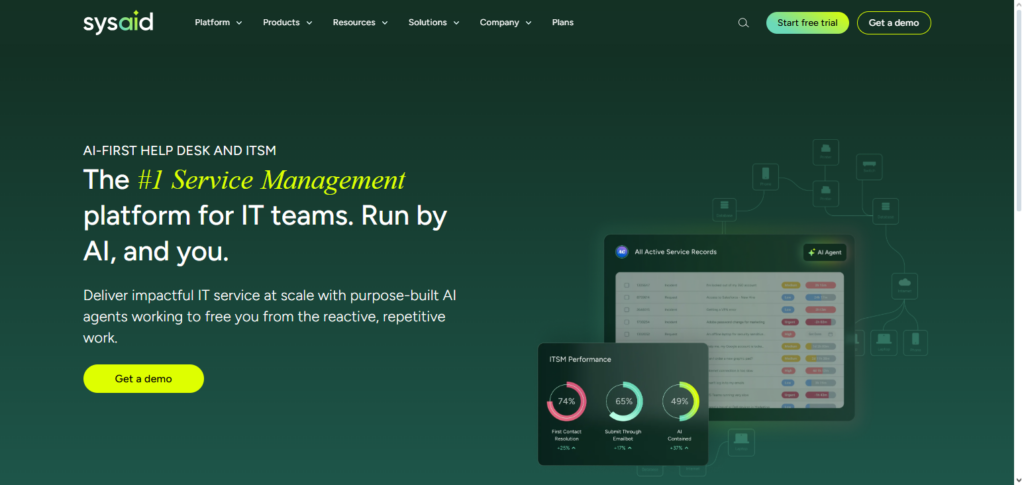
While its conversational AI chatbots provide consumers with round-the-clock self-service help across channels, its AI agents automatically classify, prioritize, and even resolve common support cases, freeing up IT workers to concentrate on significant issues.
Additionally, SysAid has a no-code AI Agent Builder that enables teams to tailor automation to particular workflows, interfaces easily with current systems, and constantly learns from ticket history to increase efficiency and accuracy over time.
SysAid Features, Pros & Cons
Features
- Automation of tickets using AI
- Self-service bots that can converse
- Automation builder with no code
- Dashboards and reporting
- Connections with ITSM systems
Pros
- Extensive capabilities in ITSM
- Automation can be customized
- Analytics are sufficient
- Availability of bots for voice and chat
- Automation with no code or little code
Cons
- Can be considerable setup work.
- User interface might be older.
- Can be heavier than other specialized bots.
- Must have relatively advanced skill in administration.
- Some functionalities only available in upper levels.
Challenges and Limitations
Handling Complex Issues
AI performs well on repetitive or predictable tasks but struggles with complex, multi-step IT problems that require human judgment.
Continuous Learning and Maintenance
AI models require regular updates and training on new tickets, technologies, and organizational changes to remain accurate.
Integration Challenges
Integrating AI tools with existing ITSM systems, databases, and collaboration platforms can be technically complex.
Data Privacy and Security Concerns
Handling sensitive IT data through AI requires strong security and compliance measures.
Cost of Implementation
High upfront costs for AI tools and integration may be a barrier for some organizations.
Limited Contextual Understanding
AI may misinterpret user queries if they are ambiguous, incomplete, or highly context-specific.
Over Reliance on Automation
- While helpful, letting AI do all the work gives less room for human oversight, and could the impact errors being made in Important systems.
Conclusion
AI is becoming a revolutionary force in internal IT support, boosting response times, cutting down on repetitive work, and streamlining processes. Moveworks, Aisera, Resolve.ai, Jira Service Management (with AI), Zendesk AI, eesel AI, Risotto, Datadog, Atera, and SysAid are just a few of the tools that offer special features, ranging from proactive issue identification and workflow automation to intelligent ticket triage and virtual agents.
The advantages of quicker fixes, round-the-clock assistance, and data-driven insights make AI a worthwhile investment, despite obstacles like integration complexity and managing extremely complicated problems. IT teams may work more effectively and provide better employee experiences by implementing the appropriate AI technology that is suited to the demands of the company.
FAQs
What is AI in internal IT support?
AI in internal IT support refers to the use of artificial intelligence to automate routine IT tasks, ticket management, troubleshooting, and knowledge sharing, reducing manual effort and improving efficiency.
Can AI completely replace IT support staff?
No. AI handles repetitive and predictable tasks efficiently, but complex issues, critical decision-making, and human judgment still require IT staff involvement.
What are the benefits of using AI for IT support?
Key benefits include faster response times, 24/7 availability, reduced ticket volume, predictive issue resolution, and data-driven insights for better decision-making.
Are AI tools like Moveworks and Aisera easy to integrate?
Yes, most leading AI IT support tools integrate with popular ITSM platforms, collaboration tools (Slack, Teams), and existing ticketing systems, though setup may vary by organization.
How does AI learn and improve over time?
AI uses machine learning from historical tickets, user interactions, and feedback to improve response accuracy and predictive capabilities continuously.