


I’ll talk about the top AI tools that create beautiful videos from photos in this post. With animations, effects, and virtual avatars, these potent AI systems can turn your still photos into dynamic, captivating videos.
These tools make it simple to swiftly, creatively, and professionally bring images to life, regardless of your role as a creator, marketer, or business professional.
Key Point & Best AI Tools That Turn Photos into Stunning Videos
| AI Tool | Key Features / Keypoint |
|---|---|
| Runway Gen‑3 | AI-powered video generation from images and text prompts with editing capabilities. |
| Pika Labs | Converts images into dynamic short videos with automatic scene transitions. |
| Kaiber AI | Generates animated videos from single photos using AI-driven motion effects. |
| Synthesia AI | Creates AI avatars and video content from images and text inputs. |
| Stable Video Diffusion (SV3D) | Produces video sequences using diffusion models from still images. |
| Luma AI | 3D reconstruction from photos to generate realistic moving scenes. |
| DeepBrain AI | AI video synthesis and avatar creation from images and scripts. |
| Hour One AI | Converts images into virtual presenters for video content. |
| HeyGen AI | Transforms photos into AI-driven animated videos quickly. |
| Elai.io | Generates professional videos from images and text in minutes. |
1. Runway Gen‑3
Runway Gen-3 is at the forefront of AI technology, specializing in the conversion of still images into immersive and engaging videos. Users can easily bring images to life, add motion and visual effects, and create videos of a cinematic nature by simply moving a few sliders.

With a thorough understanding of the movement and dynamics of various objects within a scene and the interplay of lighting, Runway Gen-3’s deep learning models can produce outputs of photorealistic quality.
Therefore, among the Best AI Tools That Turn Photos into Stunning Videos, Runway Gen-3 is the fastest and most versatile. It caters to the needs of both seasoned professionals and casual users and requires little effort in order to create captivating visual content.
Runway Gen‑3 Features, Pros & Cons
Features
- Image and text to video AI conversion
- Scene and motion editing features
- Resolution up to 4k available
- Presets for styles and effects
- Processing on servers (in the cloud)
Pros
- Excellent AI makes video look like a movie
- Timeline editing precision
- Lots of community content and tutorials
- No need for expensive computers
- Good for professionals and novices
Cons
- Subscriptions are expensive
- Rendering software can lag for some tasks
- Advanced editing tools can be complicated
- Need an internet connection for cloud editing
- Effects can be very repetitive
2. Pika Labs
Pika Labs focuses on automatic video generation from still images. Users upload images for an AI created video with animation of their choosing and AI created cuts and transitions for a more cinematic feel. Because of the user friendly design of the site, casual users can merely upload an image and create a video, whilst more advanced users can utilize video customization or several more complex features.
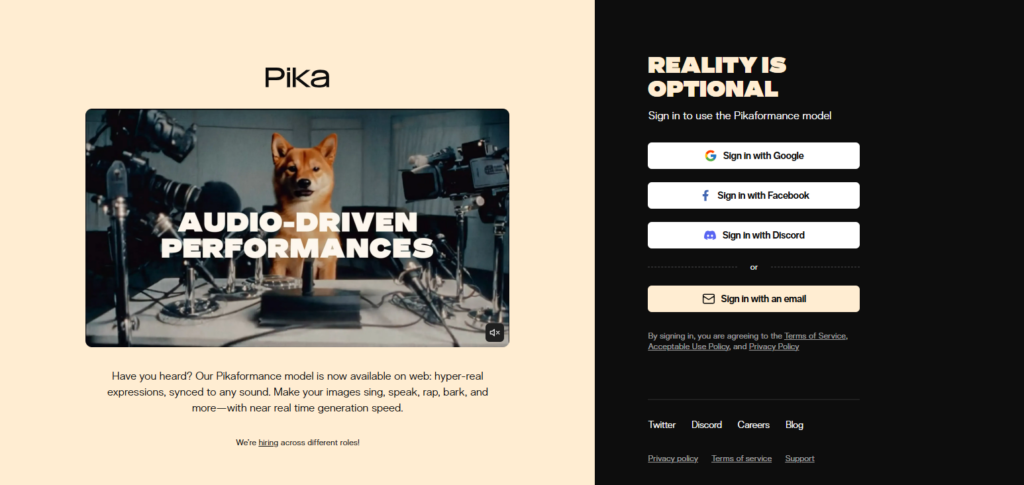
For this reason, Pika Labs is on the Best AI Tools That Turn Photos into Stunning Videos list because it offers the most customization. If you have an image you want to animate for a social media post, casual users can create videos whereas more advanced users can create more complex animations. This tool is perfect for simple users or advanced users to animate any still image.
Pika Labs Features, Pros & Cons
Features
- Automatic conversion of pictures to videos
- Video style filter options
- Animations have preset styles
- Social media video customization
- Straightforward controls
Pros
- Extremely easy to use
- Very fast video production
- Excellent for social media
- Video editing is not a requirement
- Very low price
Cons
- Very limited editing features
- No professional video tutorials
- Animations have preset styles
- Free versions have low resolution
- No motion keyframing
3. Kaiber AI
Using advanced synthesis techniques, Kaiber AI animates still images to create real video footage and can create videos from images with a high degree of quality. This tool can create cinematic video feel images because of its analysis of depth, perspective, and context.
If you have high quality animations with a Kaiber AI, you can adjust the control, motion, and speed to create high quality animations. Because of this, Kaiber AI is featured on the Best AI Tools That Turn Photos into Stunning Videos list. This tool is meant for storytelling, advertising, and other image video synthesis in an artistic manner.
Kaiber AI Features, Pros & Cons
Features
- depth-based motion synthesis
- custom motion paths
- style blending
- export multiple resolutions
- editable animation parameters
Pros
- realistic motion from still images
- customizable animation controls
- good balance of simplicity & depth
- works without complex hardware
- great for artistic storytelling
Cons
- advanced settings take time to learn
- free tier is limited
- not ideal for corporate presentations
- render time depends on complexity
- fewer template options
4. Synthesia AI
Synthesia AI generates videos using AI virtual avatars, which include image and text speech synthesis. It is often used to make videos for educational, corporate, and marketing purposes, as animated presenters are able to bring scripts to life. A user can upload a photo or pick an avatar, change their voice, and select gestures and a background, to create a fully customized and interactive video.
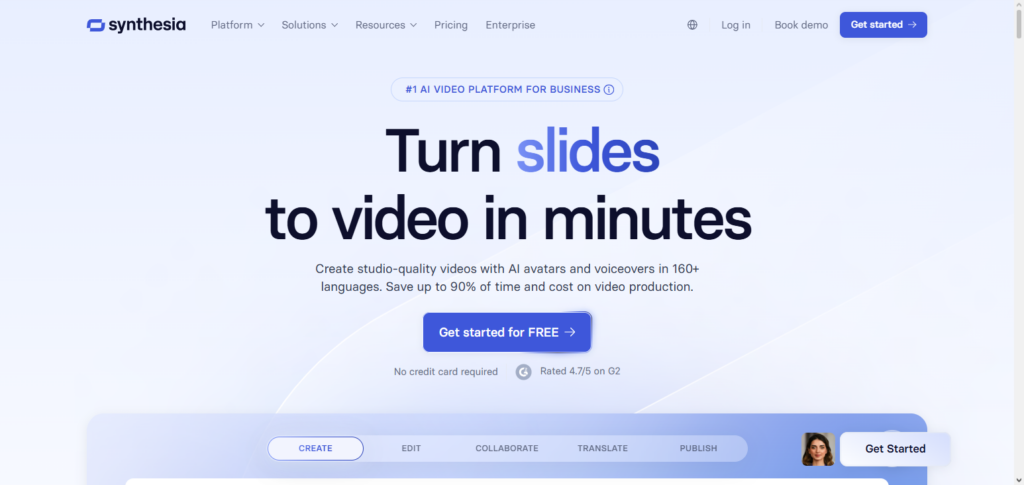
Synthesia AI is one of the Best AI Tools That Turn Photos into Stunning Videos. It helps empower individuals and companies to create videos of their ideas, and helps them to get away from having to use a camera, a studio, or actors. It helps create videos that synthesize the engaging aspect of video with static images.
Synthesia AI Features, Pros & Cons
Features
- AI avatars & voice synthesis
- image upload for presenter animation
- script-to-video workflow
- multi-language support
- branding & layout templates
Pros
- professional presenter videos without filming
- realistic avatars
- useful for training & marketing
- automated lip sync
- wide language selection
Cons
- limited animated photo tools
- heavy usage is expensive
- avatars may feel generic
- limited customization options
- required
5. Stable Video Diffusion (SV3D)
Stable Video Diffusion (SV3D) uses one of the newest techniques, diffusion models, to create a video sequence from a still image. SV3D analyzes and understands textures, depth, and the context of a scene to create fluid and amazingly realistic transitions in a video, including in the most complex scenes.
The AI behind SV3D makes all animations feel as real as possible, while still using the style and content of the image. SV3D is one of the Best AI Tools That Turn Photos into Stunning Videos. It is a perfect tool for artists, filmmakers, and social media creators who want easier ways to convert their images into entertaining videos while being able to control the look and movement of the video as they desire.
Stable Video Diffusion (SV3D) Features, Pros & Cons
Features
- diffusion-based video creation
- depth & texture awareness
- smooth motion interpolation
- adjustable transitions
- iterative refinement
Pros
- creates natural motion from flat images
- strong art-style consistency
- Suitable for artistic endeavors
- Implementations for open styles are available
- Applicable for multiple resolutions
Cons
- Unpredictability with complex scenes.
- High-quality outputs have slower rendering times.
- Limited polish on UI compared to commercial software
- Corporate branded content is not suited
- Learning curve to develop optimal prompts
6. Luma AI
A 3D reconstruction tool, Luma AI creates animated 3D scenes with video depth and 3D spatial animations. It also allows for 3D spatial animations and provides video depth and 3D animations, allowing for the creating with animated 3D scenes.
Because of its 3D animated depth, Luma AI is perfect for visual storytelling, and is a best tool for photo video generation. Numerous videos can also receive a new 3D spatial animated video experience, enabling the great new animated flat images in videos, its 3D method creates flat images and is of the valuable quality level.
Luma AI Features, Pros & Cons
Features
- 3D reconstructions done with photos
- Virtual camera unobstructed
- Effects that add dimension
- Realism of light and shadow
- Scenes that have animations and are realistic can be exported
Pros
- Real 3D from images can be created.
- Extensive control over the created camera pathway.
- Added cinematic dimension of light.
- Great for sophisticated architecture and narrative.
- Realism is elevated
Cons
- Capture images that are done well.
- A lot of time is taken to get set up.
- More advanced and more technical than the basic adjuncts.
- File sizes of exported images can be enormous.
- Costs associated with a subscription
7. DeepBrain AI
DeepBrain AI uses its fully autonomous NFT avatars with realistic animated video synthesization, allowing it to also create foldable NFT avatars. DeepBrain AI also automates professional and virtual video communication.
It employs video communication technology to create and animation video. It also uses video avatar models to create video communication animated avatars. It uses video photo animation technology to create personal and equal participates in virtual, real, animated videos.
It also videos animated avatars in a cost efficient way while maintaining the video quality, and can create video in a way that can easily be applied to the video. It is video avatar communication and animated video communication.
DeepBrain AI Features, Pros & Cons
Features
- Animation of avatars from photos.
- Cloning and synthesis of voices.
- Control over movements and expressions
- Importing of scripts
- Realistic facial movements
Pros
- Animation of avatars is lifelike
- Presentations and voice over work can be done with it.
- Very strong facial movements.
- Great for corporate training
- Many options for voices.
Cons
- There is not enough emphasis on visual elements that are abstract
- More geared towards presenter videos
- Advanced features are costly
- There are not many limiting photo animations available.Steeper learning curve for the UI.
8. Hour One AI
Hour One AI produces virtual presenters from images that can speak from a given script and can converse with a given audience. The tool focuses on changing a picture into professional, dynamic video for e-learning, marketing, and corporate communication purposes.
The user has the option to select a suitable avatar, voice, and style for their story, or video. Hour One AI has also been awarded the Best AI Tools That Turn Photos into Stunning Videos nomination.
Most importantly, for the award it does video production without a studio or a camera. The realistic avatar animations and user-friendly controls make it a top choice to for businesses, educators, and marketers who need high quality video production from images.
Hour One AI Features, Pros & Cons
Features:
- Photo animation of virtual presenters
- Text-to-speech (TTS) in multiple languages
- Brand-able templates
- Layouts for multiple scenes
- Personalization of videos
Pros:
- Rapid creation of avatar videos
- Output is polished and professional
- No cameras have to be employed
- Excellent for business and e-learning
- Voice and gesture synchronization is good
Cons:
- Presentation-centric animation of photos
- Few creative options for motion
- Monthly charges can be expensive
- Custom avatar creation can be charged additionally
- Best accompanied by a script with limited visuals
9. HeyGen AI
HeyGen AI is an AI tool that focuses on the rapid and seamless conversion of images into video and animation files. The AI also adds motion, changes, and effects to suit the purpose of the video as well as the audience. The tool is good for social media, personal, or professional or any other type of content. The user has the option to select an animation for the video, edit the video in a desired order, and use the tool’s preview feature to instantly repeat the steps.
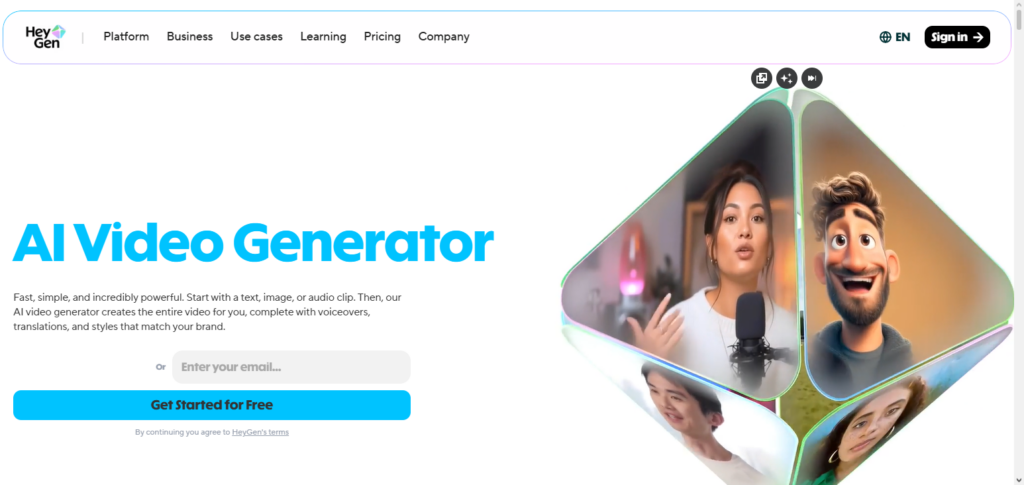
HeyGen AI has been awarded nomination in the category of the Best AI Tools That Turn Photos into Stunning Videos. The tool is very efficient and simple, and it gives the user a lot of creative control. Many individuals and businesses without the proper video production knowledge are able to use this tool to help them tell a visual story through the use of photos, and to help them build their brand.
HeyGen AI Features, Pros & Cons
Features:
- Photo to video animation
- Presets for styles and transitions
- Simple export
- Multi-platform compatibility
- Quick processing
Pros:
- Workflow is fast and simple
- Easy to share on social networks
- AI generated motion is fluid
- UI is good for beginners
- Affordable tiers are available
Cons:
- Editing tools are limited in depth
- Effects provided are advanced
- There is a lack of variety in templates
- Limitations are set in the free version
- Less suitable for high-end professional use
10. Elai.io
Elai.io transforms images and text into professional videos. This platform offers AI avatars, script generation, and animations. Customers can create polished video content from Elai.io for video-based learning, video-based marketing, and other video-based presentations.
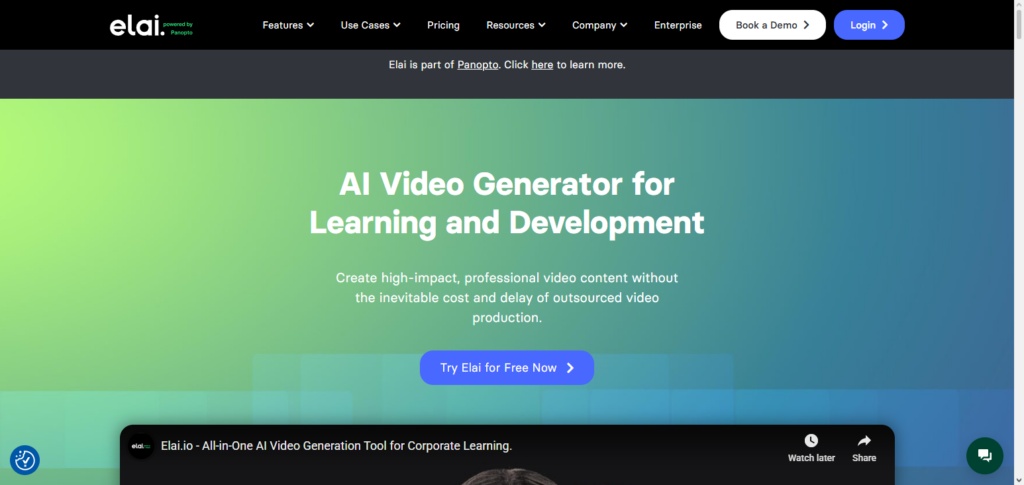
With Elai.io’s support for multiple languages, styles, and formats, users can create videos that meet their specific needs. Speed, ease of use, and range of features make Elai.io a leader in the category of the Best AI Tools That Turn Photos into Stunning Videos.
The tool is perfect for users in content creation, businesses, and education who want to turn still images into videos, regardless of the challenges they face in traditional video production.
Elai.io Features, Pros & Cons
Features:
- Photo and text to video
- AI avatars and voices
- Custom scripts can be added
- Tools for branding
- Export in multiple formats
Pros:
- Solid combination of visuals and narration
- Ideal for corporate or video messaging
- Simple branding and layout
- Various voices and languages
- Short turnaround times
Cons
- Mostly presenter-oriented
- Limited depth in photo animations
- Subscriptions needed for premium features
- Creative effects library is limited
- No advanced motion keyframing
Conclusion
To sum up, the way organizations, marketers, and creators create visual content has been completely transformed by the Best AI Tools That Turn Photos into Stunning Videos. Every tool offers a different technique to make still photos come to life, from the cinematic animations of Runway Gen-3 to the lifelike avatars of Synthesia AI and the 3D transformations of Luma AI.
Whether for social media, marketing, education, or personal narrative, these platforms open you countless creative options, save time, and lower production costs. Anyone can quickly and easily turn common images into captivating, high-caliber videos by utilizing AI-driven animation.
FAQ
What are AI tools that turn photos into videos?
AI tools that turn photos into videos use machine learning, motion synthesis, and 3D modeling to animate still images. They add movement, effects, and transitions, allowing users to create professional-looking videos without traditional filming. These tools are ideal for creators, marketers, and educators.
Which AI tool is best for beginners?
Pika Labs and HeyGen AI are great for beginners. Their intuitive interfaces and automatic video generation features allow users to create stunning animated videos from photos quickly and easily, without prior video editing experience.
Can I create 3D animations from a single photo?
Yes. Tools like Luma AI and Stable Video Diffusion (SV3D) use depth mapping and AI modeling to transform 2D images into 3D animated sequences, offering realistic camera movements and immersive visual experiences.
Are these tools suitable for business and marketing content?
Absolutely. Synthesia AI, Hour One AI, and Elai.io are designed for professional use. They allow businesses to create avatar-led presentations, marketing videos, and tutorials from photos and scripts, reducing production time and cost.