



The Best AI Tools for Multi-Department Workflow Orchestration will be covered in this post. These cutting-edge platforms assist businesses in connecting different divisions, automating complicated procedures, and improving cooperation.
Businesses may eliminate manual labor, increase data accuracy, expedite decision-making throughout the entire organization, and streamline operations in HR, finance, sales, and customer support by utilizing AI-driven workflows.
What is Multi-Department Workflow Orchestration?
The practice of coordinating and automating tasks, procedures, and communications across several departments within an organization to guarantee smooth cooperation and efficiency is known as multi-department workflow orchestration.
It entails integrating teams, data, and technology to ensure error-free, seamless processes between departments. Organizations may decrease manual labor, increase data accuracy, speed up decision-making, and uphold uniform process standards by coordinating processes across HR, finance, sales, customer service, and operations.
By ensuring that all departments collaborate effectively, this strategy facilitates quicker completion of intricate business procedures and improved overall performance.
Key Features to Look for in AI Workflow Tools
Integration Capabilities – The ability to interface with various systems, applications, and databases across different departments to allow smooth data movement.
Low-Code/No-Code Workflow Design – Intuitive platforms that empower business users to create and administer workflows without complex programming.
AI and Machine Learning Support – Smart automation that understands data and can decide to enhance process automation.
Scalability and Governance – The tools must accommodate enterprise expansion with appropriate access controls, audits, and compliance attributes.
Analytics and Reporting – Insightful data in real-time, dashboards to monitor and analyze actionable reports, to measure and analyze the workflow.
Error Handling & Adaptability – The ability to identify, resolve and rectify workflow issues automatically.
Collaboration Features – Facilitation of interdepartmental and shared workflows to ensure effective collaborative efforts.
Key Point & Best AI Tools for Multi-Department Workflow Orchestration List
| Platform | Key Point |
|---|---|
| UiPath Business Automation Platform | Enterprise-grade RPA platform offering AI-powered automation, process mining, and strong governance for large-scale business workflows. |
| Automation Anywhere | Cloud-native intelligent automation with AI bots, document processing, and analytics for end-to-end business automation. |
| Blue Prism | Secure, scalable RPA designed for regulated enterprises with strong control, governance, and digital workforce management. |
| Workato | Low-code integration and automation platform focused on connecting apps, automating workflows, and enabling business-led automation. |
| Zapier AI | No-code automation tool enabling quick app integrations and AI-driven workflow creation for small teams and non-technical users. |
| IBM Watson Orchestrate | AI-driven orchestration platform that automates business tasks using Watson AI, skills-based workflows, and intelligent decision-making. |
| ServiceNow Flow Designer + AI | Workflow automation within ServiceNow ecosystem, combining AI and low-code tools to streamline IT and enterprise operations. |
| Oracle Fusion Cloud + AI Orchestration | Integrated automation and AI orchestration across Oracle applications for finance, HR, supply chain, and ERP processes. |
| Celigo Integrator.io | iPaaS solution specializing in automating and synchronizing data between cloud apps like ERP, CRM, and eCommerce platforms. |
| Tray.io | API-first, low-code automation platform for building complex, scalable integrations and workflows across modern SaaS applications. |
1. UiPath Business Automation Platform
Because it skillfully combines robotic process automation (RPA), AI-driven decision-making, and process intelligence into a single, cohesive solution, UiPath Business Automation Platform stands out as one of the top AI tools for multi-department workflow orchestration.
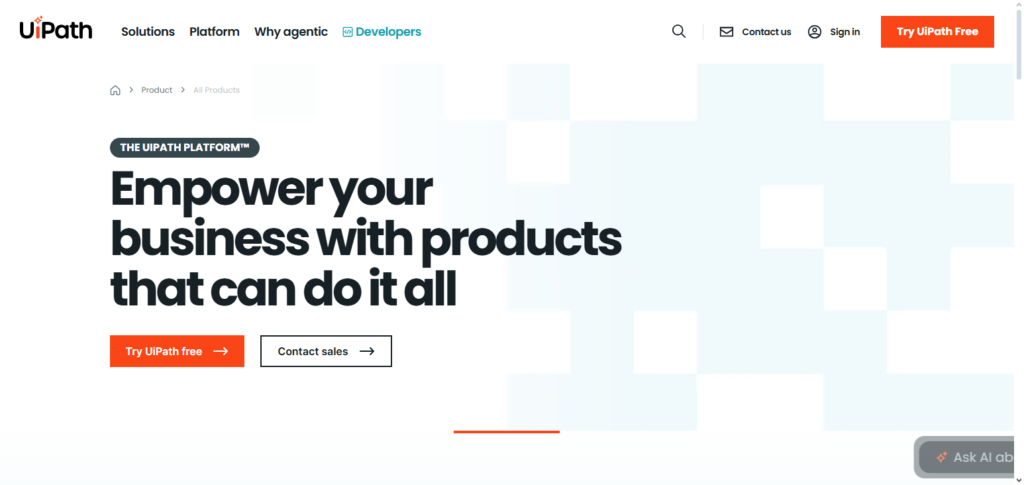
Its special feature is that it makes it possible for a variety of departments, including operations, customer service, finance, and HR, to automate intricate end-to-end procedures without requiring a lot of coding. The platform’s built-in AI features enable it to comprehend unstructured data, provide workflow enhancements, and adjust to evolving business regulations.
UiPath guarantees safe, transparent automation across departments with centralized governance and scalable architecture, increasing productivity, removing bottlenecks, and enabling business users to collaborate on innovative projects.
UiPath Business Automation Platform Features, pros & Cons
Features
- RPA automation for the entire process
- Integrating AI/ML for smart decision-making
- Analytics and process mining
- Centralized management of robots
- Architecture that is scalable for enterprises
Pros
- Fantastic for bigger enterprises
- Great administrative governance & compliance
- AI skills integration deeply
- A versatile community and an ecosystem
- Automation across departments is flexible
Cons
- For beginners, it can be overly complicated
- Mastery requires significant training
- Costs of licensing are higher
- Large deployments take time to set up
- Skilled administrators are needed for advanced features
2. Automation Anywhere
Because Automation Anywhere integrates intelligent automation with robust analytics and cognitive capabilities throughout the company, it is one of the best AI tools for multi-department workflow orchestration.
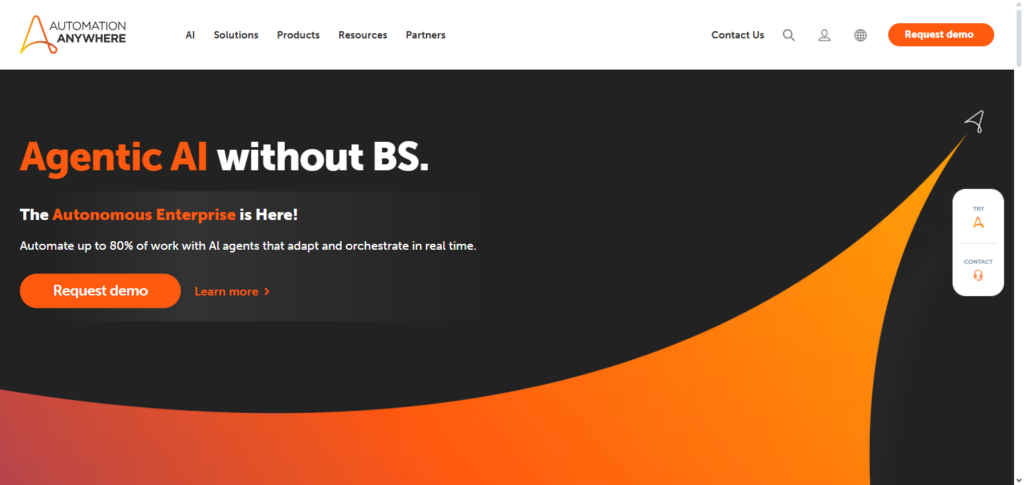
Its cloud-native design, which enables many departments—including finance, HR, procurement, and customer service—to jointly develop, implement, and oversee automation bots with few technological obstacles, is what makes it so effective.
The platform uses machine learning and embedded AI to automate decision-making, comprehend complex data, and constantly improve operations. Because of its scalable and secure infrastructure, which guarantees consistent governance and visibility, businesses may eliminate manual labor, streamline cross-functional processes, and reliably and precisely expedite business outcomes.
Automation Anywhere Features, pros & Cons
Features
- RPA solution that is cloud-native
- Automation of tasks driven by AI
- Document scanning/ automation of processes
- Insights for bots & automation analytics
- Automation governance that is safe, secure & compliant
Pros
- Robust horizontal scalability across departments
- AI is cognitive & smart
- A supportive community exists
- UI for developing bots is simple
- Integrations with multiple systems are seamless
Cons
- For some users, it may be daunting & overwhelming
- Costs are proportional to the scale & complexity
- More advanced AI may require some tuning
- Integrations that are more complex can be cumbersome
- Some resources require training
3. Blue Prism
Blue Prism is considered one of the best AI programs for multi-department workflow orchestration because of its enterprise-grade robotic process automation (RPA) and the sustainable management of digital workforces.
Its singular feature is its ability to offer a fully compliant and secure automation suite. Its automation is able to span the most complex of cross-organizational processes including compliance, finance, supply chain, customer service and service overall.
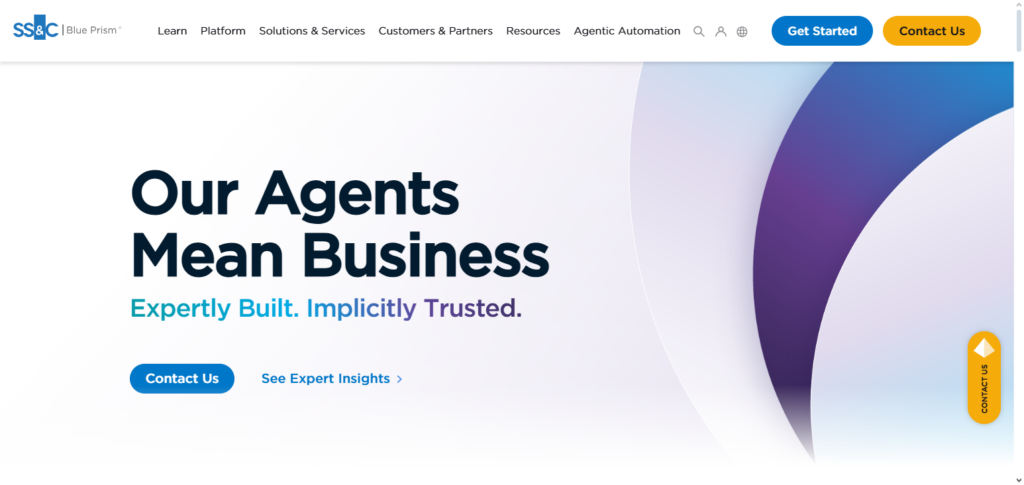
Blue Prism’s digital employees are able to use AI and machine learning to execute more intelligent, structured and unstructured data at scale, allowing for intelligent task execution at a much larger scale.
Through its centralized orchestration and highly specialization integration, digital employees can work in sink across departments, achieving sophisticated operational excellence at an overall decreased error rate and an overall raised operational speed.
Blue Prism Features, pros & Cons
Features
- Enterprise class RPA system
- Management of secure digital workforce
- API integration support
- Automation documentation and trail records
- AI and ML plug-in features
Pros
- Great protection and adherence to regulations
- Great for supervised sectors
- Reliable for massive business operations
- Advanced control functions
- High audit availability
Cons
- Increased difficulty
- More challenging for non-technical users
- Configuration requires numerous resources
- More rigid for quick alterations
- Needs IT for increasing resources
4. Workato
Workato is the first and only AI tool for cross departmental workflow automation and orchestration that specializes in providing seamless integration and automation within a low code environment for business and IT collaboration.
Workato specializes in integrating complex systems together; like integrating a department’s CRM, ERP, and Support Tools, so that the organization can code and automate processes at an entire company level without having to code complex automations.
Workato AI enhances the systems knowledge and analysis with orchestration and adaption to business conditions continuously. Insihgts and automated error handling, further Cross departmental automation is empowered built within Workato so that faster and consisntent data is held in the systems and teams can drive innovation.
Workato allows enterprises to avoid complex automation governance Workato provides systems within the enterprise. Workato provides systems within the enterprise. Workato provides systems within the enterprise. Workato provides systems within the enterprise.
Workato Features, pros & Cons
Features
- Low-code platform for automation
- Integration of apps in real-time
- Automation templates
- Workflow suggestions with AI
- Collaboration features across teams
Pros
- Fast to implement
- User-friendly
- Great application variety
- Automation template reusability
- Suitable for mid-sized and large companies
Cons
- Difficult automation may require
- Increased costs
- Advanced integration partnerships can be costly
- Automation during system downtime is not possible
- Lack of monitoring dashboards
5. Zapier AI
Because it makes it easy to link and automate operations across a variety of platforms without requiring technical expertise, Zapier AI stands out as a top AI tool for multi-department workflow orchestration.
Its special feature is that it allows non-technical users from marketing, sales, HR, finance, and support teams to easily create intelligent workflows that transfer data, initiate operations, and make decisions based on AI recommendations.
While its AI capabilities can read inputs and optimize actions, Zapier AI’s user-friendly interface and integrated automation templates facilitate team collaboration and speed up iteration. This makes it perfect for businesses looking for cross-departmental, agile automation that increases productivity with little setup and lots of flexibility.
Zapier AI Features, pros & Cons
Features
- Automation is available without coding
- AI to help in automation
- Many applications to connect
- Actions and triggers in real-time
- User-friendly
Pros
- Very available
- Great for small to medium-sized companies
- Quick automation
- Pricing is very competitive
- Effectively handles simple tasks among numerous departments
Cons
- Primarily not for large-scale enterprise automation.
- Lacks advanced workflow.
- System performance may degrade at scale
- Very minimal governance capabilities
- Weaker artificial intelligence
6. IBM Watson Orchestrate
Because IBM Watson Orchestrate employs agentic AI to coordinate intelligent agents, systems, and data across business units with minimal manual intervention, it is a leading AI-driven technology for multi-department workflow orchestration.
Watson Orchestrate recognizes high-level business goals and breaks them down into actionable steps that interact with different systems, processes, and teams in a single flow, as opposed to merely automating straightforward programmed activities.
Its prebuilt domain agents, AI agent builder, and open integration model speed up implementation in HR, sales, procurement, and other areas, allowing for flexible, cross-functional workflows that continually learn and optimize results at scale.
IBM Watson Orchestrate Features, pros & Cons
Features
- Orchestrates AI agents
- Understands tasks intelligently
- Has domain‑specific AI agents
- Integrates workflows across multiple apps
- Can contextualize tasks
Pros
- Robust AI capabilities
- Able to automate tasks of high complexity
- Evolved over time
- Has extensive options
- Well-suited for knowledge‑intensive tasks
Cons
- Complicated to set up
- Requires time for training the AI
- A higher cost is needed for more advanced features
- Has a difficult learning curve
- The focus on enterprise may be overwhelming for smaller organizations
7. ServiceNow Flow Designer + AI
Because it combines native AI with easy no-code/low-code workflow building to unify automation across IT, HR, finance, customer service, and more on a single platform, ServiceNow Flow Designer + AI is one of the top AI tools for multi-department workflow orchestration.
Its AI-assisted flow generation and integration features make it easier to link systems and data in real time, and its visual drag-and-drop interface enables both business users and developers to swiftly design complicated, end-to-end processes without significant coding expertise.
It assures consistency across departmental workflows, speeds up communication, and minimizes human labor because to its enterprise-grade governance, reusable components, and built-in decision logic.
ServiceNow Flow Designer + AI Features, pros & Cons
Features
- Workflow builder with drag‑and‑drop
- Action suggestions based on AI
- Process orchestration for enterprises
- Service management is integrated
- Governed at a higher level
Pros
- Very useful for automating services in enterprises
- Good alignment with IT service management
- Efficiency is boosted by AI
- Offers excellent reports
- Has reusable components
Cons
- Provides the best value in the ServiceNow ecosystem
- Licensing may become expensive
- Can be too complex for beginners
- Needs administrative support
- Requires time for customization
8. Oracle Fusion Cloud + AI Orchestration
Because it integrates cutting-edge AI directly into the Fusion Cloud environment, Oracle Fusion Cloud + AI Orchestration is a potent option for multi-department workflow orchestration. This allows for intelligent, automated coordination of activities across finance, HR, supply chain, sales, and service.
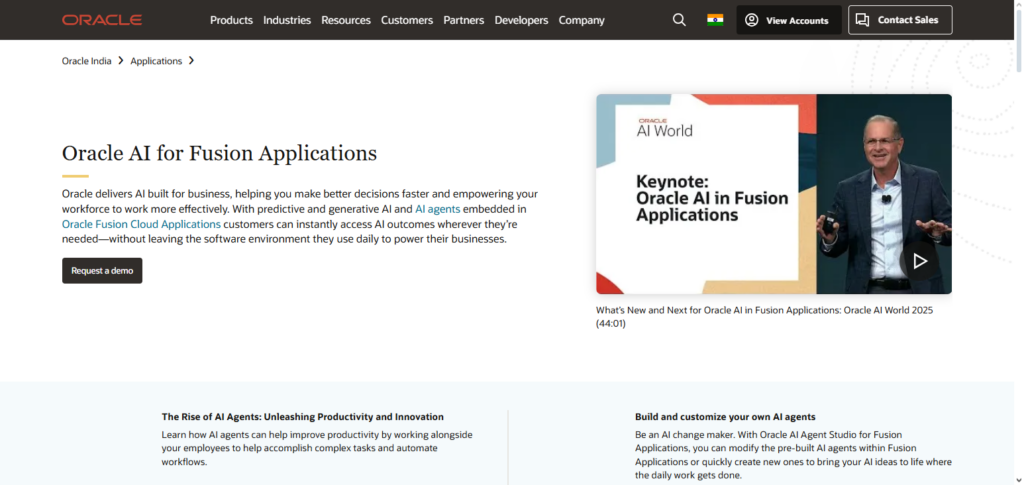
Its most notable feature is AI Agent Studio, which enables businesses to create, set up, and implement AI agents that collaborate to manage intricate, multi-step processes customized to particular business requirements while remaining inside the safe Fusion Cloud environment.
These AI agents provide smooth, scalable orchestration with robust governance and no manual monitoring since they can access real-time data, interact with external systems, and adjust to changing circumstances.
Oracle Fusion Cloud + AI Orchestration Features, pros & Cons
Features
- Incorporates AI agents for business workflows
- Integrates Cloud ERP/HCM/SCM modules
- Supports decision-making in real time
- Comes with business workflows
- Data driven automation
Pros
- Full enterprise automation.
- Powerful AI insights.
- Integrates with key business systems.
- Cross departmental scaling.
- Centralized data governance.
Cons
- High cost for small teams.
- Complicated to deploy for new teams.
- Requires expert assistance for implementation.
- Can be difficult for admins to learn initially.
- Overkill for on less impactful use cases.
9. Celigo Integrator.io
Celigo Integrator.io is a powerful, AI-enhanced software solution for inter-departmental automation since it integrates a variety of cloud applications and data sources so sales, finance, marketing, and operations teams can automate end-to-end processes without generating data silos.
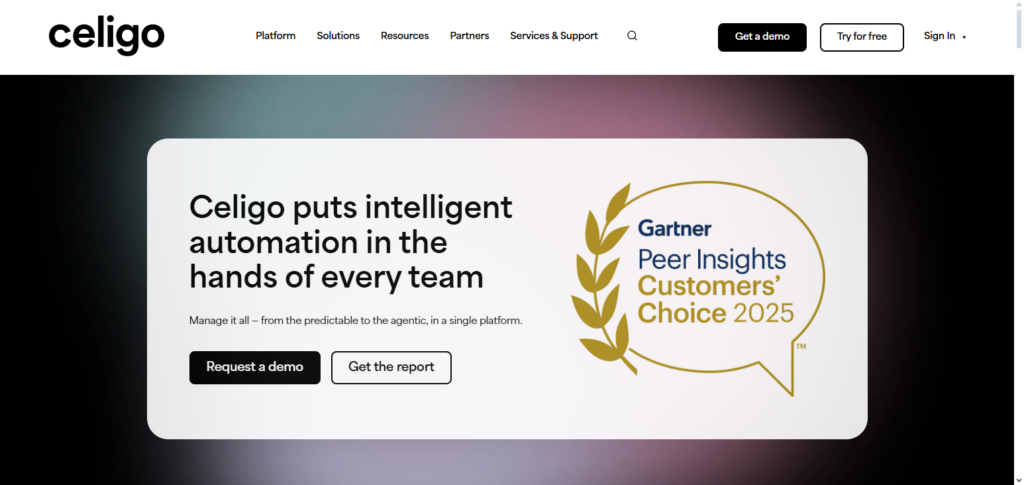
The tool is able to do this through self-healing Adaptive Integration Flows that handle data mapping, schema changes, and error resolution. Unlike other solutions, no manual mapping is required. With minimal training, teams can use the self-service interface to automate workflows and integrate patched silos. The tools eliminate the friction associated with operational, data, and workflow silos.
Celigo Integrator.io Features, pros & Cons
Features
- Integrated intelligent data & apps.
- Adaptable AI data mapping.
- Connectors with software apps.
- Handles & detects errors automatically.
- Automation of workflows.
Pros
- Connections between cloud apps are straightforward.
- Synchronizes data with ease.
- Supports data driven scaling.
- Best suited for mid-sized companies.
- Quick onboarding process.
Cons
- AI components are not robust.
- Needs tailored logic for more complicated systems.
- Heavy RPA use not supported well.
- Workflow automation monitoring can be improved.
- Inconsistent support based on pricing.
10. Tray.io
Tray.io fosters efficient collaboration and organized process execution among various departments through its innovative AI technology, allowing both technical and non technical employees to create complex automations that interact with marketing, sales, finance, customer support and operational tools.
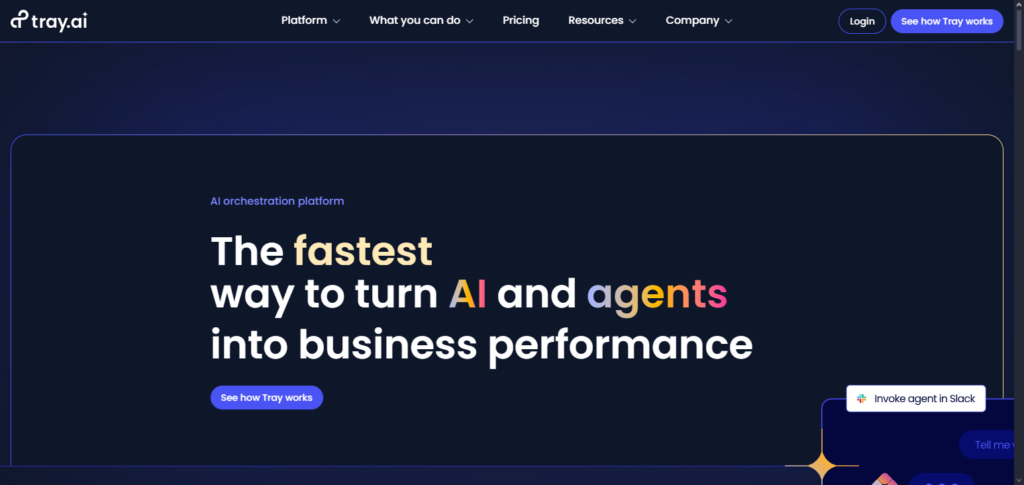
Its ease of use and rapid implementations with large number of SaaS tools make it the market leader. What makes this even more unique is their emphasis on API and the automation of logic allowing their users to create workflows that do not follow a cliched template.
Unlike other players, with Tray.io there is no need to make the trade off of intuitive yet low control on your workflows, hence their enterprise systems. With functionality to help govern users of the software, systems can be effectively organized across the entire company.
Tray.io Features, pros & Cons
Features
- Workflow creator built with API.
- Automation with intelligent logic.
- Able to set difficult conditions for flows.
- Library of SaaS integrations.
- Can trigger actions in real time.
Pros
- Automation is adaptable and can be changed.
- Best for teams with experience.
- Integrates with many services.
- Complication is not an issue for scaling.
- Can accommodate enterprise size.
Cons
- Takes time for teams to learn the platform.
- Advanced workflows need people with technical skills.
- Can become costly quickly.
- Visual UI less friendly for novices\
Conclusion
Selecting the best AI tool for orchestrating workflows is the key to obtaining the desired efficiency, precision, and ease of functioning throughout the various units of the organization.
Companies like UiPath, Automation Anywhere, Blue Prism, Workato, Zapier AI, IBM Watson Orchestrate, ServiceNow Flow Designer + AI, Oracle Fusion Cloud + AI Orchestration, Celigo Integrator.io, and Tray.io offer an array of diverse capabilities, from intelligent automation, AI-enabled decision-making, a low-code approach to integration and API-first flexibility, and more.
With the help of these tools, organizations will be able to better automate challenging workflows, eliminate the manual processes involved, automate the consistency of data, facilitate cross-sectional workflows, and enhance the overall operational efficiency, productivity, and innovation, along with the growth on a larger scale.
FAQ
What does “workflow orchestration” mean?
Workflow orchestration refers to automating, coordinating, and managing multiple tasks or processes across different teams, systems, or departments to ensure they work together smoothly and efficiently.
Why use AI tools for workflow orchestration?
AI tools bring intelligent decision‑making, real‑time data handling, predictive insights, and adaptive automation to workflows. This reduces manual work, speeds up processes, and improves accuracy and reliability.
Which AI platforms are best for multi‑department orchestration?
Leading platforms include UiPath, Automation Anywhere, Blue Prism, Workato, Zapier AI, IBM Watson Orchestrate, ServiceNow Flow Designer + AI, Oracle Fusion Cloud + AI Orchestration, Celigo Integrator.io, and Tray.io—each offering unique strengths for cross‑department automation.
Are these tools suitable for small businesses?
Yes. Tools like Zapier AI, Workato, and smaller packages of enterprise platforms are especially accessible for small to mid‑sized companies wanting to automate workflows without heavy IT support.
Can these tools handle enterprise‑level automation?
Absolutely. Platforms like UiPath, Automation Anywhere, Blue Prism, ServiceNow, IBM Watson Orchestrate, and Oracle Fusion Cloud are built to scale for industry‑wide enterprise orchestration with strong governance and compliance.