




I’ll go over the Top AI Tools for Decision Making in this post, which assist companies in transforming complicated data into understandable, useful insights.
These potent platforms, which range from automation and predictive analytics to natural language querying and real-time dashboards, enable smarter strategies, quicker responses, and confident decisions, enabling businesses to remain competitive in today’s increasingly data-driven and technology-focused business environment.
Key Point & Best AI Tools for Decision Making
| Platform | Key Point |
|---|---|
| IBM Watson Decision Platform | Integrates AI with business workflows, offering predictive insights, automation, and decision optimization for enterprise-scale operations. |
| Microsoft Azure Machine Learning | Provides end-to-end ML lifecycle management with automated model training, deployment, and scalable cloud infrastructure. |
| Google Cloud AI (Vertex AI) | Offers unified ML tools for building, deploying, and managing models with strong integration of data pipelines and AutoML. |
| Tableau with Einstein AI (Salesforce) | Combines interactive data visualization with AI-powered predictions and natural language insights for actionable business intelligence. |
| Qlik Sense AI | Uses augmented analytics and associative AI to uncover hidden insights and enable self-service data exploration. |
| Power BI with Copilot (Microsoft) | Integrates AI-driven suggestions, natural language querying, and automated insights directly into interactive dashboards. |
| DataRobot | Automates machine learning model building, deployment, and monitoring with explainable AI features for business users and data scientists. |
| RapidMiner AI | Provides a no-code/low-code platform for data prep, modeling, and deployment, emphasizing workflow automation and collaboration. |
| Sisense Fusion AI | Embeds AI-driven analytics into business applications, allowing real-time insights and natural language querying across data sources. |
| Oracle Analytics Cloud AI | Offers AI-powered analytics with smart visualizations, predictive modeling, and integration with enterprise databases for end-to-end insights. |
1. IBM Watson Decision Platform
IBM Watson Decision Platform is one of the Best AI Tools for Decision Making as it incorporates AI, analytics, and automation to refine business processes. Watson can help enterprises evaluate data and understand possible future outcomes.
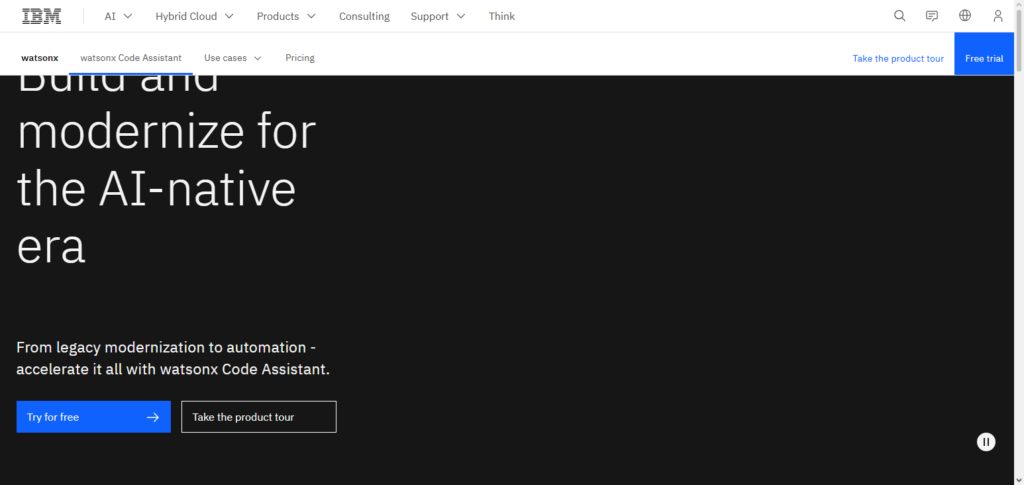
It can help businesses identify and mitigate risks, automate operational processes, and improve customer service. Watson’s decision intelligence is one of the features that differentiate him from other AI analytics.
Organizations are able to make better decisions by using analytics on both structured and unstructured data. Watson is an AI for collaborative decision-making across divisions and operational efficiency.
IBM Watson Decision Platform Characteristics, Benefits & Drawbacks
Characteristics
- Merges machine learning with business processes automation.
- Has predictive analytics and decision-making intelligence.
- Processes both structured and unstructured data.
- Offers Natural Language Processing as a service.
- Cloud service with enterprise-grade security.
Benefits
- Increases operational decision making efficiency.
- Enhances predictive customer experience.
- Encourages cross collaboration for decision making.
- Decreases operational decision making AI risks.
- Has the capacity for enterprise-level workloads.
Drawbacks
- Can be regarded as complex by small businesses.
- Pricey implementation process.
- Non-technical needed users training.
- Legacy systems may experience integration issues.
- Additional licenses may be necessary for some features.
2. Microsoft Azure Machine Learning
Microsoft Azure Machine Learning is listed among the Best AI Tools for Decision Making because of providing complete end-to-end services for machine-learning solutions. When combined with automated machine learning, prebuilt algorithms, and cloud scalability, Azure ML allows companies to efficiently construct, train, and implement models.
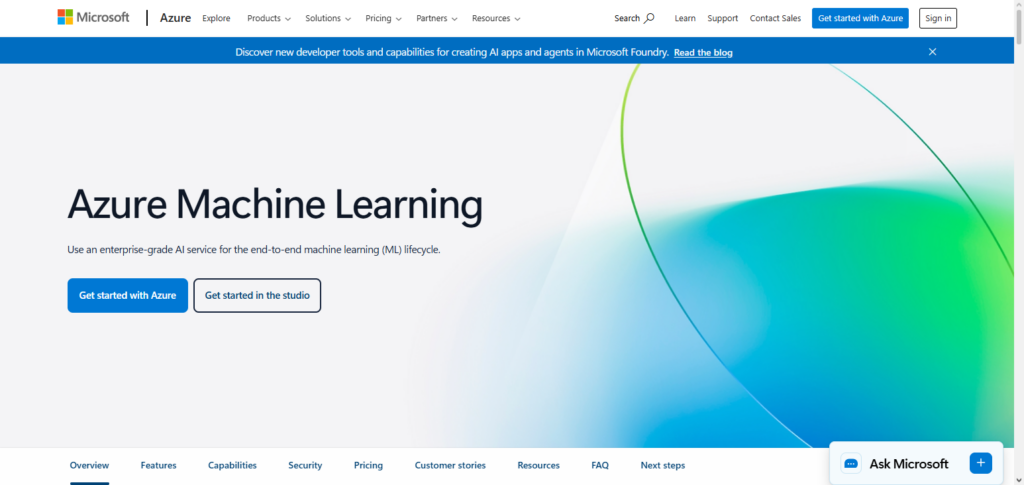
Azure ML allows for real-time predictions and Power BI for visualization to enable rapid, data-driven decisions. Its governance and monitoring features ensure that deployed models are reliable and comply with regulations. With support for Python and R and drag-and-drop features, technical and business users alike can use this to gain insights and improve strategic decision-making.
Microsoft Azure Machine Learning Characteristics, Benefits & Drawbacks
Characteristics:
- Supports the entire lifecycle of machine learning.
- Provides customized automation ML and algorithms.
- Provides scalable infrastructure in the cloud.
- Supports coding in Python and R, as well as, simple drag and drop.
- Allows users to deploy and monitor models in real time.
Benefits :
- Provides development of non-technical users with the ability to code.
- Provides high level security and the ability to meet compliance needs.
- Automates recurring processes in machine learning.
- Provides seamless integration with other Microsoft products.
Drawbacks:
- Flexibility issues regarding on-premises restrictions/requirements.
- Pricing complexity.
- Advanced features might need extra technical skills.
- Complex features might require more time to fully grasp.
- Minimal capabilities offline.
3. Google Cloud AI (Vertex AI)
Google Cloud AI, particularly Vertex AI, has been recognized as one of the Best AI Tools for Decision Making due to its ability to create seamless integrations.
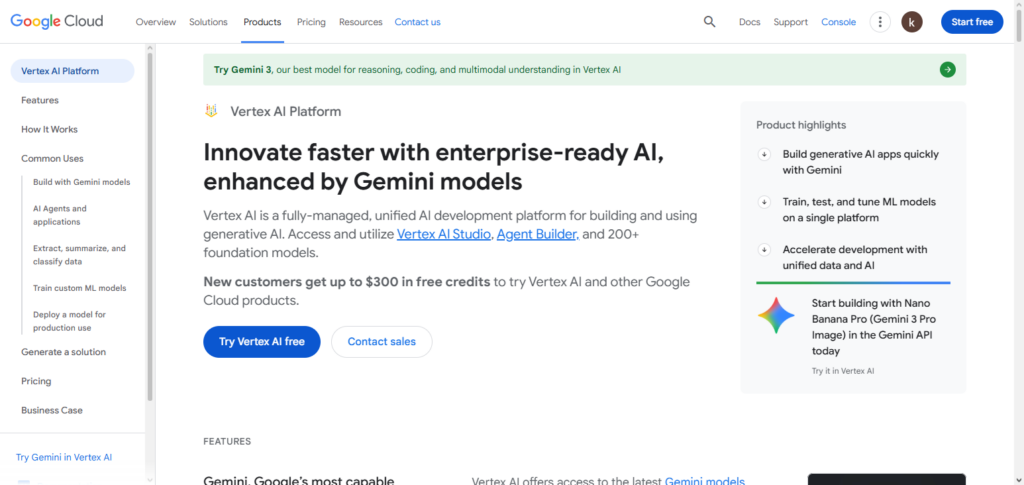
With the ability to create streamlined ML models, manage automated endpoints, and customize the training process, managed AutoML, and endpoints, AI Vertex allows companies to effectively Operationalize ML. Vertex AI is integrated with advanced data analytics, predictive analytics and real-time analytics.
When combined with Google Cloud’s other features, it provides seamless data analysis, insight generation, and workflow automation. Its predictive analytics and user interface provide access to timely data for technical teams, as well as actionable data for decision-makers.
Google Cloud AI (Vertex AI) Characteristics, Benefits & Drawbacks
Characteristics:
- Unified machine learning (ML) platform for building models.
- Has capability to train auto ML and custom models.
- Endpoints for managed deployment.
- Integrations with Google Cloud products
- Handles extensive large-scale data pipelines.
Benefits:
- Streamlining operational processes for ML models.
- Fast decisions due to quicker real-time predictions.
- Infrastructure that is dependable and is very scalable.
- Eisenhower allows for both ready-made and self-made AI models.
- Auto ML simplifies the model development processes.
Drawbacks:
- Entirely cloud-based.
- High expenses when dealing with extensive data.
- Needs familiarity with the Google Cloud.
- Cloud-based.
- Auto ML simplifies the model development processes.
4. Tableau with Einstein AI (Salesforce)
The integration of Tableau with Einstein AI has also been anointed one of the Best AI Tools for Decision Making due to its combination of interactive charts and predictive analysis.
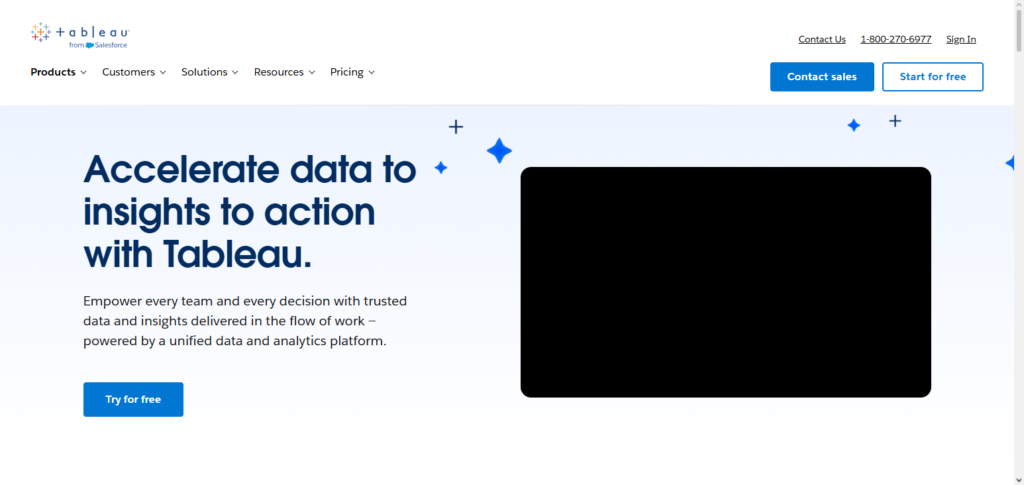
With the help of Einstein AI, Tableau dashboards portray custom forecasts, detect anomalies, and provide decision-making recommendations to help decision-makers assess trends. Tableau users can also transform data into natural language, automate data summaries, and receive predictive scores about customers and business operations.
Tableau with Einstein AI, enriched with Salesforce CRM coupled with other datasets, grants businesses the ability to act in a more informed and proactive way. Its high rating for ease of use signals its accessibility to both analysts and executives and assures actionable insights at all tiers.
Tableau with Einstein AI (Salesforce) Characteristics, Benefits & Drawbacks
Characteristics:
- Mixes AI with Interactivity for dashboards.
- Predictive insights and automated analytics.
- Natural querying language (Data Ask).
- Salesforce CRM integration.
- Capabilities for story-telling through data visuals.
Benefits:
- Fast insights generation.
- AI-driven predictions enhancing business drive.
- Simplicity and ease for users without technical backgrounds.
- Streamlining activities for different divisions.
- Assists in the recognition of patterns and deviations.
Drawbacks:
- Cost-prohibitive for smaller teams.
- To enable some features, Salesforce licenses must be purchased.
- Offline features are minimal.
- Personalization can involve a steep learning curve.
- Large data sets can impact dashboard performance.
5. Qlik Sense AI
Qlik Sense AI has been recognized as one of the Best AI Tools for Decision Making given its augmented analytics abilities. The AI engine helps in associating analytics exploration so users can identify relationships and insights in data and information.
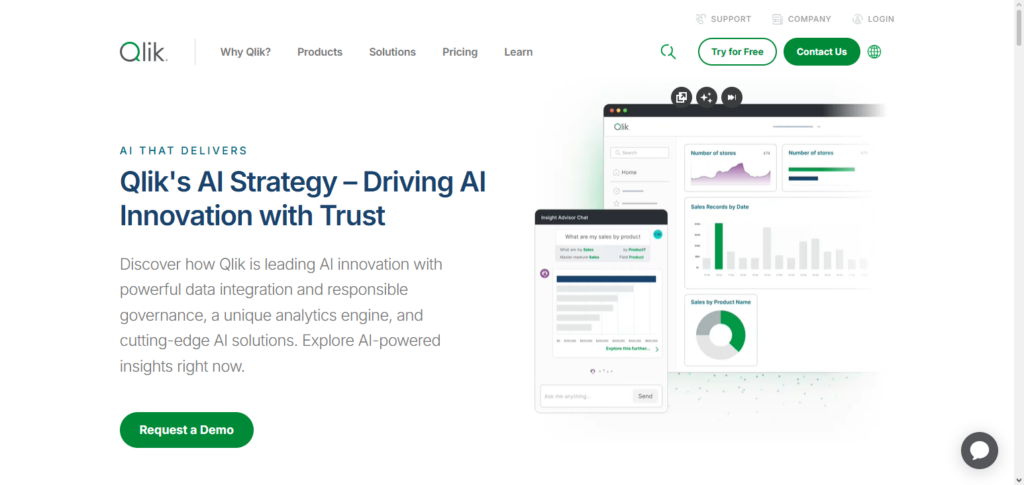
With Qlik Sense AI, users can leverage predictive analytics, as well as natural language queries and automated recommendations to assist with decision making. The platform also offers data analytics to businesses and supports sophisticated data science processes.
With a blend of data visualization and machine learning, Qlik Sense AI empowers organizations to identify patterns, anticipate and mitigate risks, and improve business processes, making it a dependable tool for data-driven decision making.
Qlik Sense AI Characteristics, Benefits & Drawbacks
Characteristics:
- Predictive analytics features and augmented analytics with an associative AI engine.
- Capabilities in Predictive analytics.
- Queries using natural language.
- Exploration of data on a self-service basis.
- Connectivity with diverse data sources.
Benefits:
- It Helps in identifying patterns in complicated data.
- It facilitates coordinated and integrated collaborative decision processes.
- It allows and helps in predicting and identifying patterns in data over a period of time.
- It helps and reduces dependency on IT for data reporting.
- It provides Flexible deployment on-premise or in the cloud.
Drawbacks:
- It takes a while to learn for new users.
- It has a big cost and more expensive initial licensing.
- It can be a challenge for advanced analytics and may require some knowledge of scripting.
- It can be a little slower and performance may suffer with very large data sets.
- It has fewer predictive models waiting to be used than your competitors.
6. Power BI with Copilot (Microsoft)
Microsoft Power BI with Copilot is one of the top rated tools for AI in decision making because of the flexible dashboards with AI insights. Copilot builds reports, analysis, summaries, and data visualizations by understanding user requests in natural language.
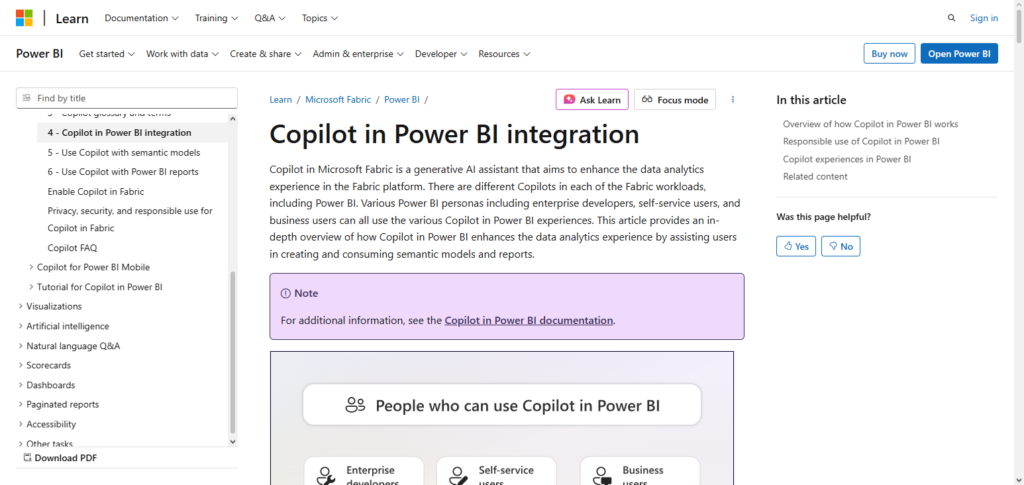
Copilot offers executive decision making insights, trend forecasting, and identification of anomalies. Power BI integrates with Microsoft 365 and Azure for collaboration and enterprise accessibility. Users without data analytics technical skills, can rely on the AI tools in Power BI to identify data patterns and make recommendations.
Microsoft Power BI with Copilot Characteristics, Benefits & Drawbacks
Characteristics:
- AI-based insights are incorporated in the dashboard.
- The ability to ask questions in natural language.
- Integration with Microsoft 365 and Azure.
- The ability to visualize data in real time.
- Identifying patterns and anomalies automatically.
Benefits:
- Simple to use and learn for non-technical users.
- Provides insights that are timely and actionable.
- It improves collaboration across teams.
- AI suggestions provide a reduction in the time it takes to analyze data.
- Integration with Microsoft applications is seamless.
Cons:
- Some premium functionalities are gated behind a paywall.
- It may take time to model the data.
- The AI tools are not as sophisticated as those found in dedicated machine learning tools.
- Performance may be impacted by overly complex dashboards.
- Some features are not available when working offline.
7. DataRobot
DataRobot is an automated machine learning platform that is great for AI in Decision making and acts as a great tool for technical and business users. It allows companies and organizations to rapidly construct, validate, and implement predictive models without needing extensive coding.
Users can gain an understanding of AI insights to help them in constructive decision making. They achieve this by offering the users the understanding of the variables and parameters causing the prediction within the AI tool. They help companies and organizations optimize predictive intelligence to improve operational efficiency, enhance customer experience, and help in organizational growth.
DataRobot Characteristics, Benefits & Drawbacks
Characteristics:
- Offers automated machine learning.
- Offers a variety of modeling and feature engineering options.
- Transparency through explainable AI.
- Monitoring and deployment.
- Team collaboration features.
Benefits:
- Allows users to build models faster without the need for coding.
- Predictive AI helps to better model responses.
- Offers interpretable insights for decision making.
- Streamlined the deployment of AI solutions.
- Users from businesses and technical backgrounds can utilize it.
Drawbacks:
- Small companies may need to pay more than they can afford.
- Users cannot work offline due to cloud reliance.
- Some machine learning knowledge is necessary.
- More specialized knowledge is required for configuration.
- It can take considerable time to process large amounts of data.
8. RapidMiner AI
RapidMiner AI is a strong candidate for making it to the top AI Tools for Decision Making list because of its no-code/low-code tool that helps businesses with data cleaning, modeling, and deployment.
RapidMiner allows businesses to analyze data, create predictive models, and automate decision workflows without the need for extensive programming. RapidMiner’s advanced analytics, real-time scoring, and team collaboration features are well suited for business analysts and data scientists.
Users of the company’s visual workflow designer are enabled to combine data from numerous sources, create machine learning models, and analytics actionable data. RapidMiner improves operational excellence to facilitate data-driven strategies across industries.
RapidMiner AI Characteristics, Benefits & Drawbacks
Characteristics:
- Data science platform that requires little to no coding.
- Data preparation and modeling and deployment are all supported.
- Designer of workflows in a visualization.
- Immediate scoring and analytics.
- Interfaces that make collaboration easy.
Benefits:
- It is accessible to those without a programming background.
- Analytics workflows are sped up.
- Decisions can be made in real time.
- Data from a variety of sources can be integrated.
- Collaboration is improved between analysts and other team members.
Some drawbacks include:
- The free version cannot do as much as the paid version.
- Technical skills may be required to do more advanced analytics.
- Performance can slow down with more complex datasets.
- Larger organizations can find it more difficult to deploy.
- Some specific tasks may require additional custom scripting.
9. Sisense Fusion AI
Sisense Fusion AI is one of the Best AI Tools for Decision Making by embedding analytics powered by AI into business applications for real time insights.
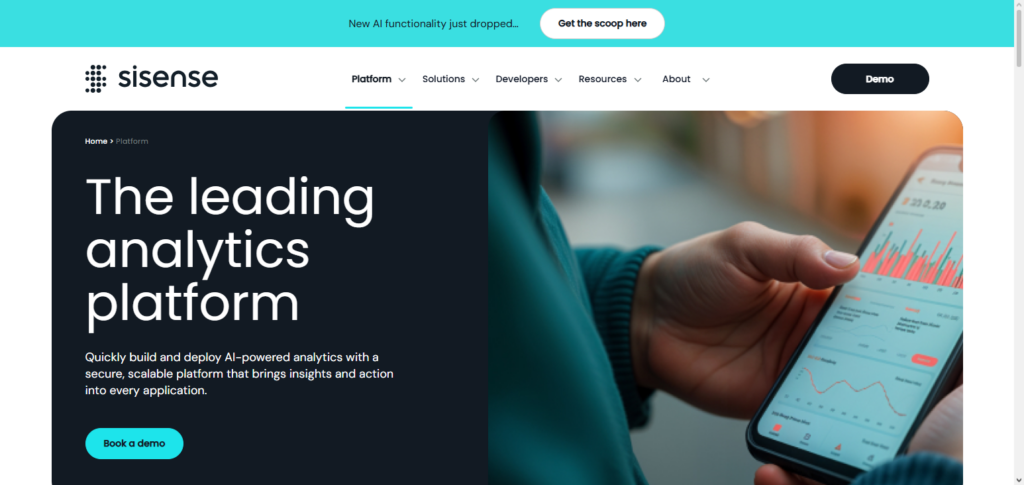
Sisense chooses to combine machine learning, natural language querying, and data visualization, to offer actionable intelligence and analysis at scale. With the Fusion AI, the users gain the ability to analyze and understand complex data systems, recognize patterns, and provide predictive analytics.
Fusion AI also offers automated alerts and decision triggers. Fusion’s ability to integrate analytics into other applications makes it easier to operationalize data and allows teams to improve decision making and respond to changes in the business without relying on IT and data science.
Sisense Fusion AI Characteristics, Benefits & Drawbacks
Characteristics:
- Embedded analytics within application AI.
- Insight generation in real-time with the ability to trigger decisions.
- Querying via natural language.
- Platform in the cloud that is scalable.
- Multi-source data integration.
Benefits:
- Insight generation within business processes.
- IT or data scientists’ reliance is absolved.
- It increases the level of operational productivity.
- Quick decisions are enabled through operational real-time alerts.
- Analytics and predictive modeling on a large scale.
Drawbacks:
- For micro and small enterprises, the solution is expensive.
- Non-specialist users will need some level of training.
- The integration may need specialized skills.
- Customization is required for some advanced functionalities.
- The solution may suffer from performance problems if there is a lot of data for it to process.
10. Oracle Analytics Cloud AI
Because of its extensive data management capabilities and AI-powered analytics, Oracle Analytics Cloud AI is regarded as one of the Best AI Tools for Decision Making. To provide useful information, it offers natural language querying, anomaly detection, and predictive modeling. For well-informed decision-making, users can forecast results, visualize trends, and integrate various data sources.
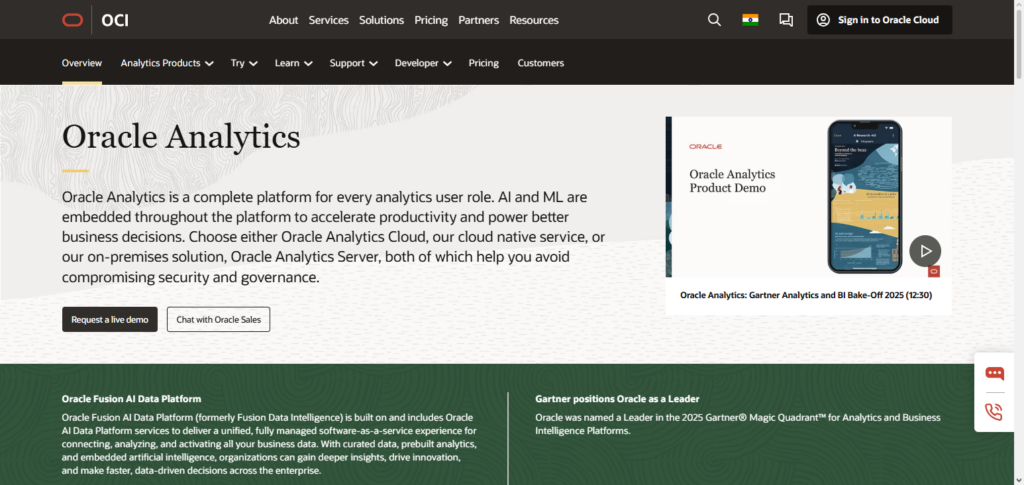
Analysts and executives can rely on precise intelligence thanks to the platform’s automated data preparation, governance, and powerful machine learning features. Oracle Analytics Cloud AI simplifies decision-making procedures, assisting businesses in operational optimization, opportunity identification, and data-driven risk mitigation.
Oracle Analytics Cloud AI Characteristics, Benefits & Drawbacks
Characteristics:
- Smart visualizations that are analytics powered via AI.
- Predictive modeling plus anomaly detection.
- Integration with Oracle’s cloud applications and databases.
- Automation of data prep and data governance.
- Natural language queries enabled.
Benefits:
- Insight generation that is accurate and derived from data.
- It helps to streamline operational and strategic decisions.
- It minimizes the need for manual data evaluations.
- It provides enterprise level scalability and security.
- Allows for the prediction of actionable trends and analyzing those trends.
Drawbacks:
- Full-featured deployment comes at an expensive price.
- Complexity may be an issue for some users.
- May be difficult to integrate with systems that are not Oracle-based.
- Technical skills are necessary for customization.
- The larger the data set, the slower the system’s performance may be.
Conclusion
In conclusion, choosing the appropriate AI tool for decision-making can revolutionize how businesses function, plan, and handle obstacles.
Advanced capabilities ranging from predictive analytics and automation to natural language querying and real-time insights are offered by platforms such as IBM Watson Decision Platform, Microsoft Azure Machine Learning, Google Cloud AI (Vertex AI), Tableau with Einstein AI, Qlik Sense AI, Power BI with Copilot, DataRobot, RapidMiner AI, Sisense Fusion AI, and Oracle Analytics Cloud AI.
Businesses can leverage data-driven strategies, improve operational efficiency, and make smarter, faster, and more informed decisions in an increasingly competitive landscape by utilizing these Best AI Tools for Decision Making.
FAQ
What are AI tools for decision-making?
AI tools for decision-making are software platforms that leverage artificial intelligence, machine learning, and analytics to provide actionable insights, predictions, and recommendations. They help organizations analyze complex data, automate decisions, and optimize business processes for better outcomes.
Which platforms are considered the best AI tools for decision-making?
Some of the top platforms include IBM Watson Decision Platform, Microsoft Azure Machine Learning, Google Cloud AI (Vertex AI), Tableau with Einstein AI, Qlik Sense AI, Power BI with Copilot, DataRobot, RapidMiner AI, Sisense Fusion AI, and Oracle Analytics Cloud AI.
How do these tools help businesses make better decisions?
They provide predictive analytics, real-time insights, trend forecasting, anomaly detection, and natural language querying. By processing large datasets, these tools identify patterns, risks, and opportunities that support smarter, faster, and evidence-based decisions.
Are these tools suitable for non-technical users?
Many platforms, such as Power BI with Copilot, Tableau with Einstein AI, Qlik Sense AI, and RapidMiner AI, offer low-code or no-code interfaces. This allows business analysts and executives to generate insights without deep technical expertise.
Can these AI tools integrate with existing business systems?
Yes. Most of these tools support integration with CRM, ERP, cloud storage, and data warehouse systems. For example, Tableau and Salesforce, Power BI and Microsoft 365, or Oracle Analytics Cloud with Oracle databases enable seamless data connectivity.