

The Best AI Tools for Automated Compliance Documentation that assist businesses in streamlining audits, minimizing manual labor, and maintaining ongoing regulatory preparedness will be covered in this post.
By automating evidence gathering, control mapping, and reporting, these AI-powered technologies help modern firms comply more quickly, accurately, and scalably.
Why Use AI Tools for Automated Compliance Documentation
Saves Time and Effort: Gathering evidence, mapping controls, and generating documentation are all things that compliance AI tools can do, alleviating some busywork and enabling compliance teams to take on more strategic and critical tasks.
Reduces Human Errors: Because there is a greater reliance on the automated systems to complete the data entry, compliance records across frameworks are more complete and consistent. Furthermore, there is less risk of non-compliance due to errors in data entry and automation.
Ensures Continuous Compliance: Instead of periodic reviews, AI monitors systems in real time to update documentation as controls, policies, or regulations change. Continuous compliance documentation is more efficient and effective.
Improves Audit Readiness: Consolidated, current documentation is a treasure for audits. It gives the auditing team effortless access to all required evidence, reports, and the status of compliance.
Scales with Business Growth: AI tools take on more compliance tasks as organizations grow, and do so without passing on the burden of a maintaining large input-output operational baseline.
Enhances Regulatory Coverage: From control mapping to meeting regulations, AI tools efficiently, and quickly. Meeting compliance regulations across multiple industry standards becomes a much less daunting task.
Provides Real-Time Insights: Compliance management becomes more proactive as gaps, risks, and overdue actions within a system become more visible through widgets that allow for real time interaction.
Strengthens Collaboration: Access to the same, shared documentation improves the coordination of automated digital workflows between compliance and other teams (security, IT, audit).
Key Point & Best AI Tools for Automated Compliance Documentation List
| Tool Name | Key Point |
|---|---|
| Hyperproof | Centralized compliance management platform that simplifies evidence collection, audit readiness, and continuous compliance tracking across multiple frameworks. |
| LogicGate Risk Cloud | No-code GRC platform designed for building customizable risk, compliance, and audit workflows with strong automation capabilities. |
| Onspring AI | Cloud-based GRC solution that uses AI-driven analytics to streamline risk assessments, compliance reporting, and internal audits. |
| Drata | Automated security and compliance platform focused on real-time monitoring, continuous control tracking, and faster audit preparation. |
| Sprinto | Compliance automation tool that helps fast-growing companies maintain continuous compliance with minimal manual effort. |
| Secureframe | All-in-one compliance platform that automates evidence collection, policy management, and audit collaboration. |
| AuditBoard | Enterprise-grade platform for audit, risk, and compliance teams with advanced reporting and collaboration features. |
| LogicManager AI | Risk management platform that uses AI to identify, assess, and mitigate enterprise risks proactively. |
| Resolver AI | Intelligence-driven risk management solution that connects incident management, compliance, and investigations in one system. |
| ComplyAdvantage AI | AI-powered financial crime and compliance platform specializing in AML, fraud detection, and real-time risk screening. |
1. Hyperproof
Hyperproof is an AI-powered compliance operations platform that helps organizations streamline risk and compliance audit operations to be audit ready at all times Best AI Tools for Automated Compliance Documentation. Hyperproof covers 100+ frameworks including SOC 2, ISO 27001, and HIPAA, and automatically collects and documents evidences via Jira, Slack, and various cloud services.
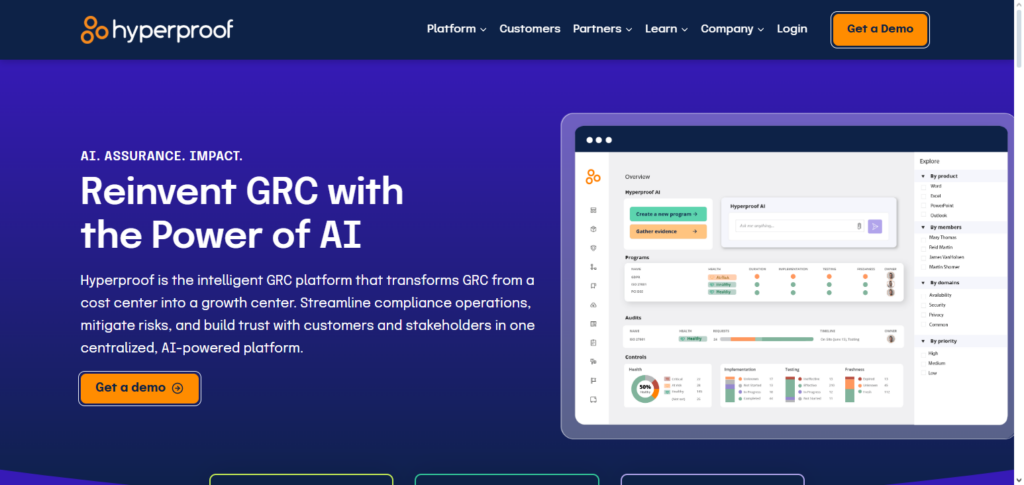
Hyperproof’s compliance functionality helps organizations automatically generate, tag, and interlink evidence and controls of various frameworks to record compliance and sustain compliance document maintenance, resulting in easy access and efficient auditing.
Hyperproof’s compliance status and task management automation dashboard enables operational resourcing and task inter duplication documentation supervision.
Hyperproof Features , Pros & Cons
Features
- Building compliance and automating evidence collection work
- Control and policy task management synchronizes with real time
- Customizable evidence maps and reporting
- Connecting with cloud providers, identity, and ticketing systems
- Risk dashboards and alerts of continuous monitoring
Pros
- No stress of evidence gathering manually
- Outputs of files that are audit ready are a time saver during the assessments
- Makes it easy to interrelate the systems; clear traceability of controls, evidence, and issues
- User and compliance team friendly; no complexity
Cons
- Advanced functionalities may require architectural alterations
- Pre-built template frameworks may require tailoring for specific, non-standard regulations
- Advanced risk modelling lacks depth
- It may take time for large teams or startups to onboard multiple integrations of data sources
2. LogicGate Risk Cloud
Teams can Best AI Tools for Automated Compliance Documentation for risk assessments, control monitoring, and compliance documentation using LogicGate Risk Cloud, a versatile no-code governance, risk, and compliance (GRC) platform.
Organizations may create audit trails that record compliance actions, automate evidence logging, and model processes without the need for developer support thanks to its drag-and-drop interface.
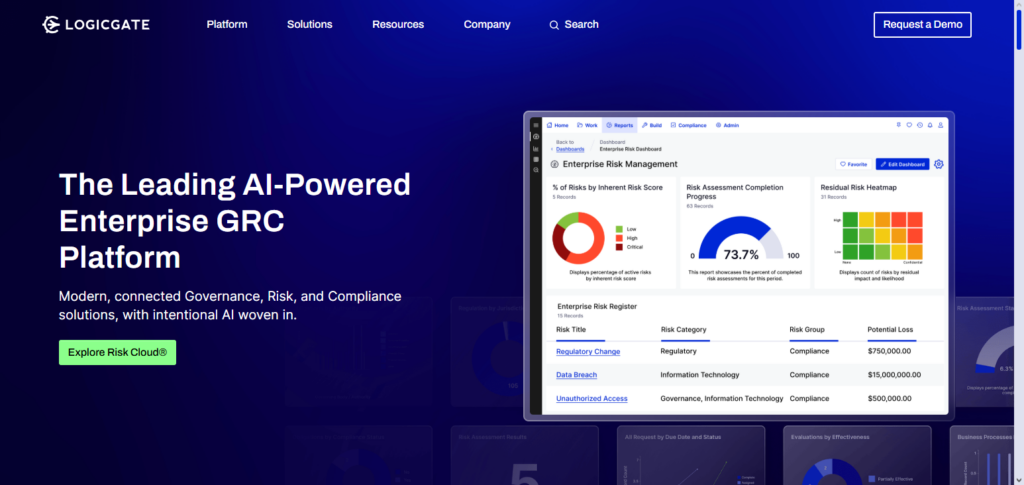
LogicGate’s flexible architecture enables customized documentation workflows that take into account changing regulatory needs, and it offers modular applications for corporate risk, vendor risk, and incident response.
Compliance teams can see gaps, monitor remediation, and produce reports thanks to integrated risk scoring and dashboards, which improve the organization and effectiveness of compliance paperwork.
LogicGate Risk Cloud Features , Pros & Cons
Features
- Orchestration for risk and compliance platforms with low code
- Automation of workflows in visual playbooks
- Single risk register with issue management and tracking
- Access based on roles and history with governance controls
- Packaged frameworks for regulations and compliance templates
Pros
- Low code configurability, in addition to the templates allows the vendor to be totally flexible for the client
- Suitable for sophisticated functionality on the enterprise-scale cross-functional business processes.
- Excellent risk register and remediation tracking functionality.
- Processes automation with real-time visual logic, transparency for stakeholders.
- Enterprise-grade role-based access and audit log functionalities.
Cons
- Longer learning curve for complete platform configuration.
- Application may need committed resources or contractors to complete.
- For smaller teams only doing basic compliance, the user interface can feel cramped.
- Prices can escalate with more modules or more users.
- Additional connectors, more advanced, may need more configuration effort.
3. Onspring AI
Onspring AI is a component of the greater Onspring GRC Best AI Tools for Automated Compliance Documentation , and it uniquely integrates low-code/no-code automation and AI for the purpose of optimizing workflows in compliance documentation and risk mitigation.
Onspring enables organizations to consolidate their risk registers, control libraries, policies, and evidence in a single repository while giving them the ability to develop tailored compliance and audit applications without having to expend significant effort on coding.
The AI capabilities help to eliminate the tedious nature of document preparation for compliance, as it can eliminate duplication, summarize documents like a third-party SOC 2 pre-authorization, and provide relevant suggestions for documentation. Additionally, it streamlines the policy mapping and workflow assignment processes.
Onspring AI Features , Pros & Cons
Features
- Automation of risk and compliance processes with complete and or minimal coding.
- For audits and controls, defined custom record types with relationship and structure.
- Collection of evidence automatically for defined tasks over time.
- Availability of dashboards, and ad hoc reporting over defined KPIs.
- Task-centric workflows based on roles with automation of emails and notifications.
Pros
- A highly adaptable data model is a good fit for workflows with minimal structure.
- Configuration speed is high and does not need much developer effort.
- Automation for regular compliance tasks and notifications is good.
- Reporting is easy for stakeholders and executives.
- Well-suited for teams focused on compliance that need custom workflows.
Cons
- The interface is quite functional and basic compared to competitors with a more advanced user interface.
- Complicated interrelationships can create more of a data maintenance burden with more intricate data models and complex relationships.
- Some users express that the more advanced analytics features are not available right away.
- For real-time data syncing, integrations may require middleware.
- Administrators will require training to appropriately map the processes.
4. Drata
Designed to automate continuous compliance across frameworks such as SOC 2, ISO 27001, HIPAA, GDPR, PCI DSS, and NIST, Drata is a Best AI Tools for Automated Compliance Documentation for trust management and compliance automation.
Drata replaces manual evidence collecting with automated workflows by integrating closely with cloud, identity, and security systems to automatically gather evidence and monitor control health in real time.
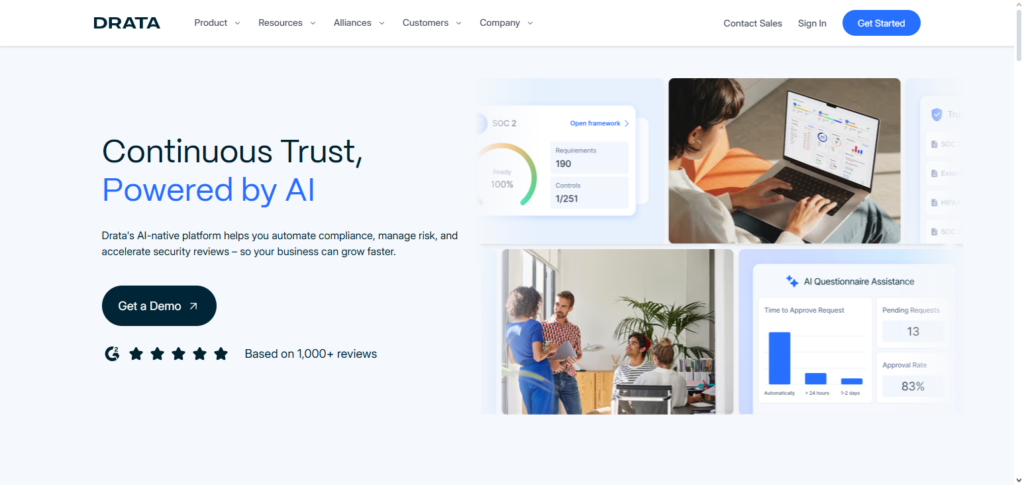
Customizable processes and automated alerts assist in keeping paperwork current, and its integrated compliance dashboard provides a real-time view of control status and audit preparedness.
Teams can respond promptly to compliance requests and keep comprehensive records thanks to the platform’s continuous monitoring and control mapping, which drastically cut down on human labor and speed up audit preparation.
Drata Features , Pros & Cons
Features
- Continuous control monitoring with automated evidence collection.
- Prebuilt frameworks available for SOC 2, ISO 27001, HIPAA, etc.
- Automation with cloud providers, IAM, and CI/CD tool integrations.
- Compliance roadmap along with readiness assessment.
- Policy management along with tracking of security awareness.
Pros
- Continuous monitoring and evidence collection are highly automated.
- SOC 2 and similar audits are completed in a short time.
- Security teams with low resources will appreciate the simple UI, guided setup, and well designed workflow.
- Good integrations within the engineering stack.
- Good reporting with convenient exports for auditors.
Cons
- More difficult to implement with highly customized and/or atypical control sets.
- Limitation on enterprise-level customization and complicated tailoring.
- For smaller organizations the pricing framework could be restrictive.
- Some of the processes are vendor locked into Drata workflows.
- Advanced features in areas like GRC (Governance, Risk, and Compliance) with complex risk modelling are not developed enough.
5. Sprinto
Sprinto is a compliance Best AI Tools for Automated Compliance Documentation that fast-growing companies use to prepare and maintain compliance for frameworks like SOC 2, ISO 27001, HIPAA, GDPR, and PCI DSS.
Sprinto automates control mapping and monitoring, and evidence is captured through audit documentation that is organized and continuous of cloud stacks.
Evidence is organized and automation workflows seed documentation through Excel and coordination tasks to a completion point. compliance progress and tasks are provided, and control gaps are provided through no touch documentation of evidence of integrated applications. Audit preparation is a primary focus of the automation features.
Sprinto Features , Pros & Cons
Features
- Automated compliance workflows with an emphasis on continuous assurance.
- Control mappings across different frameworks are prebuilt.
- Telemetry and evidence ingestion have an integration-first approach.* Audit collaboration space and playbook installation
- Policy and vendor risk management capabilities
Pros
- Automation focus lessens audit prep
- Great multi-framework mapping for organizations with multiple certifications
- Excellent integrations for security telemetry and cloud
- Fast audit completion with in-platform auditor collaboration
- Solid remediation and process improvement guidance
Cons
- Might need technical setup for certain telemetry connections
- Smaller vendor marketplace than larger competitors
- Improvement needed for UI and visibility on history change
- Advanced customizations may be limited for complex enterprise workflows
- Multi-framework use may lead to bad pricing and packaging transparency
6. Secureframe
For standards like SOC 2, ISO 27001, HIPAA, PCI DSS, and GDPR, Secureframe is an Best AI Tools for Automated Compliance Documentation compliance platform that simplifies security, risk, and compliance procedures.
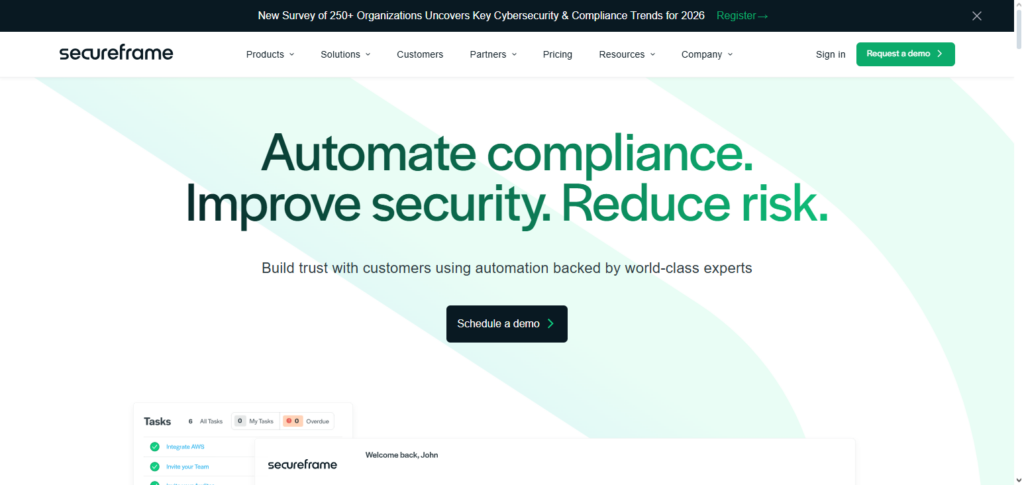
Secureframe reduces the human burden of compliance documentation by using automation and AI-powered capabilities to administer controls, gather evidence, and continually monitor systems. It helps businesses monitor compliance posture across several frameworks by offering pre-configured templates, automated testing, and real-time audit-readiness dashboards.
Automated policies, risk evaluations, and remedial guidelines guarantee consistent compliance with regulatory requirements and further streamline documentation. Teams are able to maintain an audit-ready evidence repository while concentrating more on strategic changes.
Secureframe Features , Pros & Cons
Features
- Self-service evidence collection and monitoring for SOC 2, ISO, HIPAA
- Automated vendor assessments and third-party risk onboarding
- Procedural security policy templates and employee training workflows
- Peripheral tools cloud, identity, and endpoints integration
- Readiness guidance, auditor preparation, and collaboration tools
Pros
- Excellent overall support in compliance and audit management
- Excellent onboarding with variety of templates in new tools
- Strong vendor risk and onboarding workflows
- Great guided workflows for security teams new to formal audits
- Streamlined integrations for evidence collection
Cons
- Less customizable for specific control frameworks or internal processes
- Limited in custom reporting outside of templates
- Additional features or integrations can get expensive
- Some organizations require more in-depth risk analytics than is provided
- SLA for customer support and response times varies based on the tier of the plan
7. AuditBoard
AuditBoard is an integrated audit, risk, and compliance management tool that centralizes the documentation and governance processes Best AI Tools for Automated Compliance Documentation.
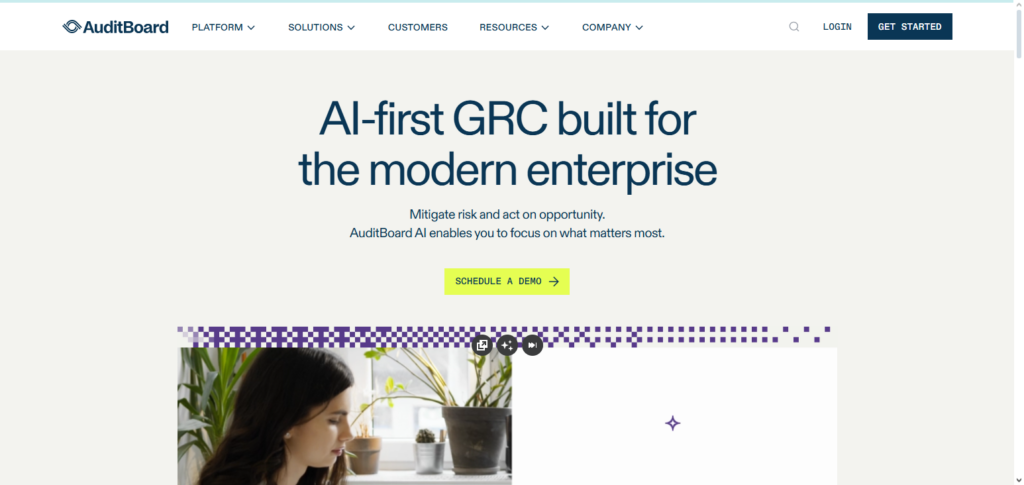
With respect to achieving audit readiness and compliance, it assists in the automation of control mapping, gap assessments, and evidence compilation across frameworks. In the field of IT GRC, Audit Board offers a one-compliance language and smart suggestions to lessen manual documentation efforts and enhance the quality of the documentation.
Their dashboards and reporting solutions help compliance teams visualize their milestones, track risk, manage governance, and produce reports for audits. This is how it becomes easier for big companies to maintain their compliance documents orderly, and respond to auditors in a timely fashion.
AuditBoard Features , Pros & Cons
Features
- Audit Management, Risk, SOX and Controls of the entire Enterprise GRC Suite
- Planning of audits and workflows driven from remediation of issues and tracking
- Ongoing risk assessment and automation of control testing
- Great reporting, dashboards for executives, summary, and drill down
- Repository for audits and compliance collaborative work documentation
Pros
- Large enterprises focus graphically for audits and SOX compliance needs
- Predictable reporting and analytics for executives and dashboard
- Designed for complexities across multiple teams and processes
- Excellent workflows for complete lifecycle management of audits
- Very good product for compliance and focus on the details
Cons
- Heavyweight for small to mid-market companies and can get pricey
- Onboarding and implementation tends to need professional services
- Compared to no code players can be less nimble for quick, ad hoc changes
- Some features can lead to more complexity and steeper administrative overhead
- Additional effort for integration setup for newer, cloud-native tools may be needed
8. LogicManager AI
LogicManager is a risk management and Best AI Tools for Automated Compliance Documentation that uses artificial intelligence to streamline the discovery and documentation of pertinent controls and risks.
The company’s LiquidOffice platform, powered by taxonomy-driven AI, automates the mapping of risks and regulatory requirements, streamlines processes between compliance automations, and minimizes manual setup.
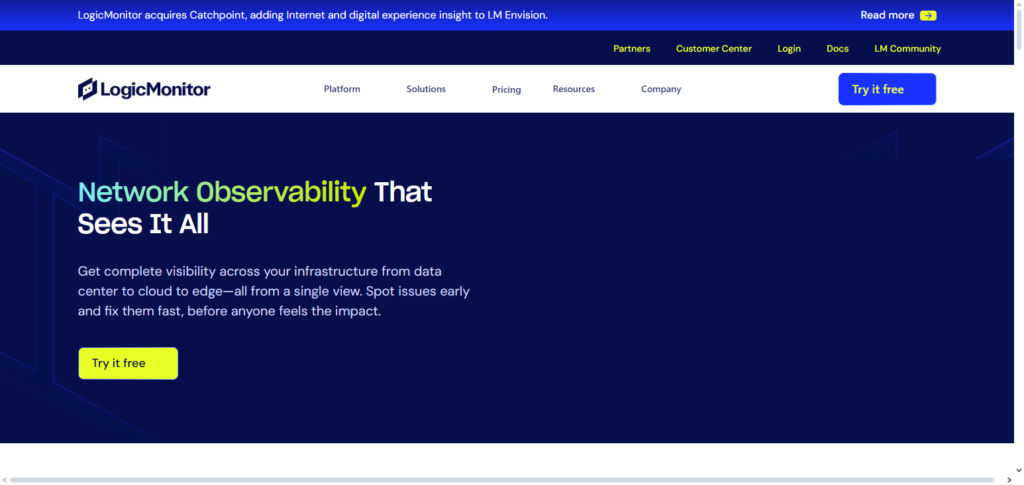
LogicManager synthesizes risk registers, compliance tasks, and notifications, allowing teams to proactively manage transforming requirements.
The platform facilitates continuous compliance automation, mitigates documentation and reporting inefficiencies, and bolsters organizational agility by eliminating tasks and providing advanced improvements.
LogicManager AI Features , Pros & Cons
Features
- Risk management with AI-enabled risk detection
- Issue tracking, control assessment, and control monitoring
- Regulatory compliance libraries and regulatory mapping
- Risk management using dashboards, heat maps and/or scenario analysis
- Third party and vendor risk management modules
Pros
- Scenario analysis and risk modelling well developed
- Risk detection and AI-enabled trend spotting
- Regulatory mapping is good for compliance teams
- Strong suit for organizations where risk-first governance is a priority
- Comprehensive features for third party risk
Cons
- AI features may need tuning for validation and to improve from accuracy
- Complexity of configurations tailored to unique business contexts
- Module pricing and accompanying complexity may be difficult for smaller purchasers
- Users report the interface less modern than other competitors
- Pro services engagement still needed for advanced analytics
9. Resolver AI
As a component of the Resolver risk intelligence suite Best AI Tools for Automated Compliance Documentation, Resolver AI provides solutions to improve business risk management, expedite compliance procedures, and automate risk and incident recording.
Resolver’s platform reduces the amount of manual labor involved in tracking controls and evidence by using AI and automation to record risk occurrences, correlate risk data, and maintain audit trails.
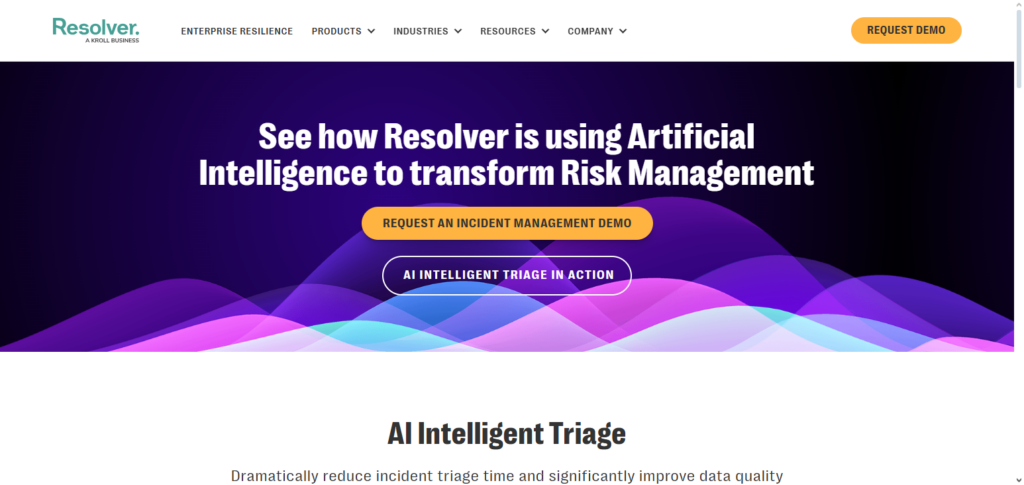
It offers dashboards that show risk trends and compliance gaps, automates incident tracking and response documentation, and integrates risk assessments with compliance workflows.
These features assist companies in keeping organized, consistent records that facilitate regulatory reporting and enhance visibility into risk management and compliance initiatives.
Resolver AI Features , Pros & Cons
Features
- Automation enabled risk, compliance, and incident management
- Interlinked case management workflows for incident response
- AI-based risks and detection of associated trends
- Risk assessment of third parties and vendors
- Dashboards for monitoring operational risk and effectiveness of controls
Pros
- Strong integration of incident and case management with risk data
- AI features improve issue response time and prioritization to focus on the most critical* Adaptable workflow for security and operations teams
- Convenience for organizations with incident-to-risk consolidation
- Reporting capabilities and auditable logs suitable for Enterprises
Cons
- Significant human oversight to avoid AI output and information errors
- Complex organizations may take time to configure workflows
- Advanced features are reported to have steep learning curves by some users
- There are many modules available and the user count can impact the pricing significantly
- Integration with some unique niche tools might require custom development
10. ComplyAdvantage AI
ComplyAdvantage is an AI-powered risk intelligence platform that uses automated screening, monitoring, and reporting to fight financial crime Best AI Tools for Automated Compliance Documentation.
Its solutions identify high-risk entities and actions by scanning worldwide sanctions lists, PEPs, adverse media, and transaction data using machine learning and natural language processing.
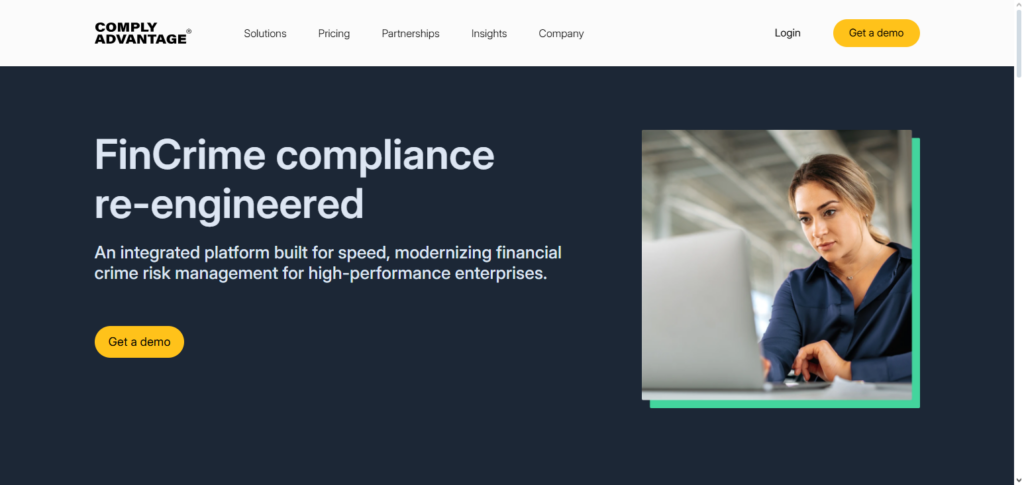
ComplyAdvantage’s automated risk profiles, continuous monitoring warnings, and compliance reporting greatly lessen the burden of human documentation and support regulatory reporting, even though its primary focus is on AML/KYC and fraud compliance rather than traditional audit documentation.
In financial services settings, its AI capabilities aid in ensuring consistent, current compliance records.
ComplyAdvantage AI Features , Pros & Cons
Features
- Automated AML and KYC Screening with AI/ML and transaction monitoring
- Live screening and monitoring for sanctions, PEPs, and adverse media
- Significant customer risk and transaction score with entity resolution
- alerts and case management with advanced tools for investigation
- global data enrichment and watchlist management
Pros
- Solid Detection and Screening capabilities within Financial Crime.
- Excellent Coverage in watch lists and global sanctions.
- Real time surveillance in fintech and banking use cases.
- Entity resolution driven by AI to gradually mitigate false-positives.
- Easily adaptable for high transaction volume organizations.
Cons
- More limited than competitors, mainly focused on AML/KYC.
- Higher costs for nascent or low transaction volume firms.
- Gaining Tuned AML operators to internal risk policies and local regulations is challenging.
- Analysts still have to spend time to resolve false positives when they come up
- Legacy payments stacks can complicate integration
Risk & Considerations
Data Privacy and Security Risks: Automating compliance documentation and having AI tools process and analyze a lot of data for documentation purposes can leave room for security breaches and data exposures.
Over-Reliance on Automation: Oversight and attention to compliance documentation may be absent if automation tools are relied upon to process data alone.
AI Accuracy and False Positives : There is a risk of misleading compliance reviews because AI tools which can be contacted for automation and compliance purposes may issue alerts and alerts which have to be confirmed.
Regulatory Interpretation Limitations: Sophisticated AI tools which process data may miss elements otherwise by a human and may include gaps because of the absence of a legal or compliance person familiar with the specific legislation.
Integration Challenges: Illogical distribution of compliance documentation may be the result of poor compliance automation.
Customization Constraints: Advanced compliance documentation automation tools have rigid settings and poor interoperability.
Cost and ROI Concerns: If all these compliance automation tools are incorporated into an organization, strik consequences are to be expected given the price of the compliance automation tools.
Vendor Lock-In: If a compliance automation tool is to be activated, the compliance documentation data then is changed into a locked walled garden, leaving the vendor to provide compliance automation tools.
Audit Acceptance Risks: There is a risk of total loss of automated compliance documentation auditing if compliance automation tools and valid AI tools are contacted for compliance automation.
Conclusion
The way businesses handle audits, risks, and legal obligations has completely changed thanks to AI-powered compliance documentation solutions. By automating evidence gathering, control monitoring, and reporting, platforms like Hyperproof, Drata, Sprinto, Secureframe, and AuditBoard drastically cut down on manual labor and human mistake.
LogicGate, Onspring, LogicManager, Resolver, and ComplyAdvantage are examples of advanced GRC solutions that provide intelligence through workflow automation, risk insights, and ongoing monitoring.
When used in tandem, these technologies assist companies in ensuring regulatory alignment, maintaining audit preparedness, and effectively scaling compliance programs. Adopting AI-driven compliance software is now crucial for sustainable governance and risk management, but the best option relies on organizational size, automation requirements, and compliance frameworks.
FAQ
What are AI tools for automated compliance documentation?
AI tools for automated compliance documentation use artificial intelligence and automation to collect evidence, monitor controls, manage risk workflows, generate reports, and maintain audit-ready records, reducing manual effort and improving accuracy in regulatory compliance processes.
Why should organizations use AI compliance documentation tools?
These tools save time, enhance accuracy, centralize compliance data, reduce manual tasks, provide real-time visibility into control status, and help organizations stay prepared for audits while ensuring continuous compliance with evolving standards.
Which AI compliance tools are best for SOC 2 compliance?
Platforms like Hyperproof, Drata, Sprinto, Secureframe, and AuditBoard are widely recognized for supporting SOC 2 automation through evidence collection, control mapping, and readiness dashboards.
Can these tools handle multiple regulatory frameworks?
Yes. Many tools such as LogicGate Risk Cloud, Onspring AI, Secureframe, and LogicManager AI support multiple frameworks like ISO 27001, HIPAA, GDPR, PCI DSS, and more, enabling consolidated compliance documentation.
How do these tools reduce manual compliance work?
They integrate with existing systems to automatically collect evidence, use AI to classify and tag compliance data, provide automated notifications and workflows, and generate audit-ready documentation and reports.