

In this post, I’ll go over the top AI CRMs that use AI to assist companies improve customer relationship management, marketing, and sales.
Predictive lead scoring, workflow automation, and real-time analytics are just a few of the features that these AI-powered products offer to increase productivity and profitability. The appropriate AI CRM can revolutionize customer management for both small and large firms.
What is an AI CRM?
A modern CRM system that uses artificial intelligence to improve how companies handle customer contacts, sales, and marketing procedures is called an AI CRM (Artificial Intelligence Customer Relationship Management).
AI CRMs, in contrast to traditional CRMs, are capable of analyzing vast volumes of data to enhance decision-making, automate tedious processes, and offer predictive insights.
AI-powered chatbots, workflow automation, predictive lead scoring, and real-time analytics are some of the features that help teams prioritize high-value prospects, improve communication, and provide individualized customer experiences.
Businesses may improve efficiency, boost sales performance, and forge better, data-driven client relationships by incorporating AI into customer management.
Key Features of AI CRMs
Predictive Lead Scoring – Customer data is analyzed by AI to identify and score leads that sales teams should prioritize.
Workflow Automation – Repetitive tasks are automated, such as follow-ups, task assignation, and reminders that save time.
AI Communication – Customer engagement is improved by including chatbots, email suggestions, and automated messaging systems.
Sales Forecasting and Reporting – Provides data driven insights in real time along with predictive sales trends and performance reporting.
Integration with Other Platforms – Easily connects with email, marketing, project management, and various other business tools.
Customer Journey Mapping – Personal engagements are made with aids of improved experiences by tracking interaction across multiple channels.
Pipeline and Opportunity Management – AI is used to predict sales and monitor the stages of deals in the sales pipeline.
Activity Tracking – Calls, emails, and meetings are automatically logged to enhance the collaboration of the team.
Next Best Action – Based on the predictive behavior and historical data to a customer, the system recommends the next content, action or product.
Dashboard and Reporting – Areas that need improvement in sales and marketing are highlighted by actionable insights that are made visible in dashboards.
Key Point & Best AI CRMs List
| CRM Tool | Key Points |
|---|---|
| HubSpot AI CRM | AI-driven lead scoring, predictive analytics, automated email campaigns, conversational chatbots, and workflow automation. |
| Microsoft Dynamics 365 Copilot | AI-powered sales insights, automated customer interactions, forecasting, natural language processing, and integration with Microsoft 365 apps. |
| Insightly AI CRM | Intelligent relationship mapping, workflow automation, AI-based opportunity scoring, project management integration, and predictive sales analytics. |
| Monday Sales CRM + AI | Customizable pipelines, AI-assisted deal prioritization, workflow automation, predictive analytics, and collaborative dashboards. |
| SugarCRM AI | AI-driven sales forecasting, predictive lead scoring, customer journey insights, workflow automation, and relationship intelligence. |
| Copper AI CRM | Gmail and Google Workspace integration, AI email suggestions, automated data entry, pipeline forecasting, and relationship management insights. |
| Folk CRM | Contact management, AI-assisted follow-ups, streamlined communication tracking, collaboration tools, and simple reporting. |
| Nutshell AI CRM | AI-powered lead scoring, email tracking, automated reporting, workflow automation, and sales pipeline management. |
| Salesmate AI CRM | Predictive sales insights, AI task reminders, workflow automation, email sequencing, and activity tracking. |
| Keap AI CRM | Automated marketing and sales workflows, AI-powered contact segmentation, follow-up automation, predictive analytics, and invoicing integration. |
1. HubSpot AI CRM
HubSpot AI CRM was developed to help manage your sales, marketing, and customer service functions, all in one place and using AI technology. The AI functionality of the tool includes lead scoring, which determines which prospects are worth your attention and other resources. Tools to predict sales and sales trends.
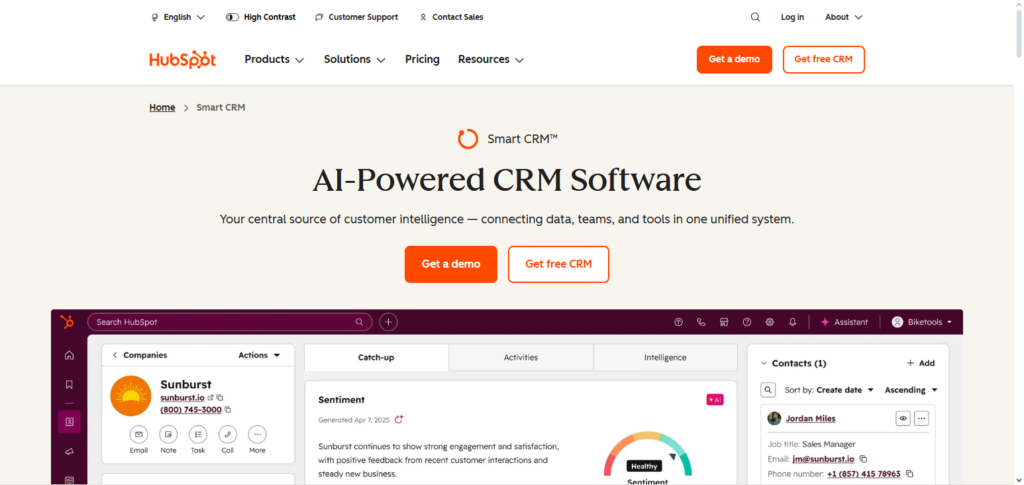
Automated email campaigns to achieve personalized one-to-one communication and chatbots for customers to ensure engagement.
The software includes Workflow Automation to take the drudgery out of repetitive tasks, enabling teams to concentrate on the strategic aspects and building relationships. The integration with marketing and service hubs of HubSpot is what makes this one of the top AI CRMs.
HubSpot AI CRM – Features
| Feature | Explanation |
|---|---|
| Predictive Lead Scoring | Uses AI to score and prioritize leads based on behavior, engagement, and likelihood to convert, helping sales focus on high‑value prospects. |
| AI Chatbots | Automated chat assistants engage website visitors in real time, qualify leads, and route conversations to the right team members. |
| Automated Email Campaigns | AI triggers personalized email sequences based on customer actions or sales stages to nurture leads without manual effort. |
| Workflow Automation | Automates repetitive tasks like task creation, notifications, and updates, saving time and ensuring process consistency. |
| Analytics & Reporting | Offers dashboards and reports that visualize trends, performance, and forecasted results to support better decision‑making. |
HUBSPOT AI CRM Pros & Cons
Pros
Ease of Use: The interface is beginner friendly and easy for non-technical individuals to master so onboarding is fast.
Workflow Automation: The software automates several tasks including emails, workflows, and even lead nurturing. As a result, time is saved and efficiency is improved.
All in One Solution: Hubspot integrates marketing, sales, and customer service into a single ecosystem.
Performance and Analytics Reporting: Measuring performance and reported trends are easy to understand through real time dashboards and analytics.
Cons
Steep Price Increases: Advanced AI functionalities are often gated behind higher-tiered pricing plans.
Shallow Anpassung: Automation and reporting functionalities are at times lacking in unbedingt customization without requiring additional third party modules.
Not Designed for Smaller Teams: Smaller teams may not require use of all features, but may need to pay for the package in full.
Functionality and External Module Costs: Some functionalities are quite powerful, but will require purchasing additional modules at an upcharge.
2. Microsoft Dynamics 365 Copilot
Microsoft Dynamics 365 Copilot utilizes artificial intelligence to facilitate the actionable prediction of sales and insights within the customer relationship management environment. It uses natural language processing to allow users to create summaries and emails, and automate reports.
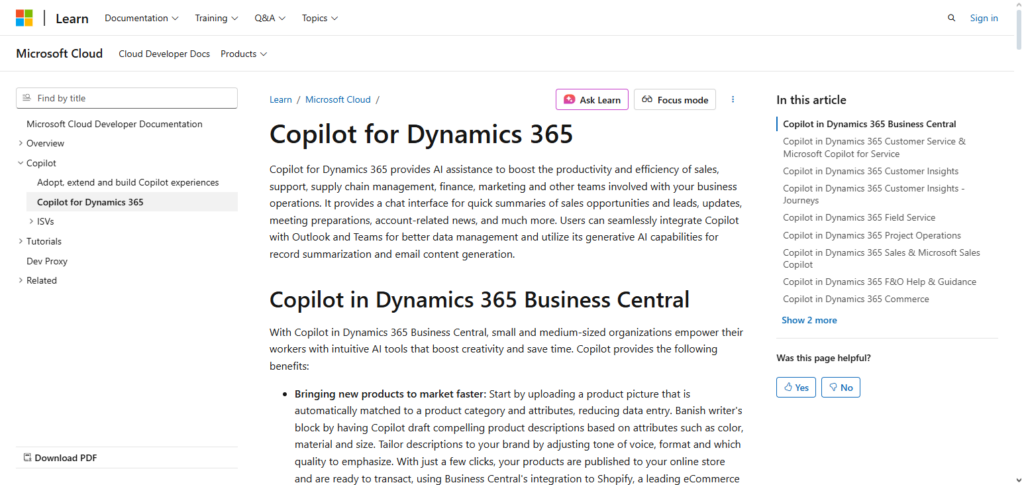
Copilot automates one-time interactions and provides forecasting so that sales teams focus on other activities. Productivity is increased by seamless and straightforward integration of Dynamics 365 with Microsoft Suite apps, including Outlook, and Teams, as well as Excel.
Furthermore, AI analytics provide customized recommendations, and thoughtful decision prompts to users. Due to its enterprise functionalities, Microsoft Dynamics 365 Copilot is one of the best AI CRMs for big businesses focused on optimizing sales through AI.
Microsoft Dynamics 365 Copilot – Features
| Feature | Explanation |
|---|---|
| AI Sales Insights | Provides real‑time recommendations and patterns from data to help sales reps make smarter decisions. |
| Natural Language Processing | Generates summaries, emails, and reports from prompts, allowing users to interact with CRM data conversationally. |
| Forecasting Tools | Uses AI to predict sales trends, pipeline health, and future outcomes for more accurate planning. |
| Automated Interactions | Automates routine responses and follow‑ups to maintain engagement with leads and customers. |
| Microsoft 365 Integration | Seamlessly connects with Outlook, Teams, and Excel for unified workflows and shared context across tools. |
Microsoft Dynamics 365 Copilot Pros & Cons
Pros
Applicable AI Insight: Advanced Analytics and useful recommendations are available to assist with determining the best steps in the sales cycle.
Seamless Integration Microsoft software suite (e.g. Outlook, Office 365, and Teams) operate without any interruptions of workflow.
Custom Azure: Incorporating the Microsoft Azure cloud platform allows for unrestricted customization for advanced and complex enterprise business structures.
Forecasting Accuracy: Revenue and sales trends forecasting is highly accurate.
Predictive Drone: Sales trends are highly accurate.
Cons
No Custom Integration: Standard integrations are available only through Microsoft cloud, resulting in a reliance on their ecosystem.
Higher Prices: With so many features, it is easy to incur high costs.
No Pre-Built Modules: External modules are often highly expensive, and may be the only option available for complex business requirements.
No Active Hubspot Module: Integrating with Hubspot modules is not available.
3. Insightly AI CRM
Considering efficiency in sales and relationship management, Insightly AI CRM is configured for small and mid-sized companies. Insightly AI features include relationship mapping, an automated process for tracking contact and organization connections, and intelligent opportunity scoring that assesses deals’ closure probability.
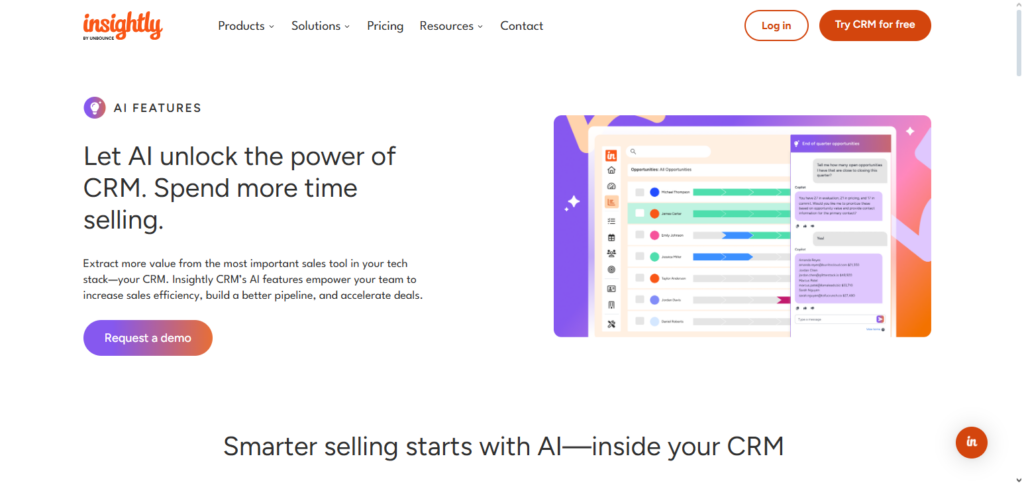
Predictive analytics, automated workflow systems, and task-tracking capabilities, eliminate manual data entry. Integrated project management systems provide cross-team coordination lacking in traditional CRM systems.
Insightful AI provides data-driven insights to help businesses improving customer engagement and prioritizing leads. Small and mid-sized companies focusing on relationship-driven sales and rapid growth will benefit from Insightly CRM, one of the best AI CRMs.
Insightly AI CRM – Features
| Feature | Explanation |
|---|---|
| Relationship Mapping | Displays visual links between contacts, organizations, and opportunities to help teams understand context easily. |
| Predictive Opportunity Scoring | Ranks active deals based on the likelihood of closing, guiding teams on where to focus efforts. |
| Workflow Automation | Creates automated processes for repetitive tasks like reminders, follow‑ups, and stage updates. |
| Project Management Tools | Built‑in project views and task lists help bridge sales and execution workflows in one place. |
| Predictive Analytics | Identifies patterns and trends to support forecasting and strategy refinement. |
Insightly AI CRM Pros & Cons
Pros
Relationship Mapping: Displays the relationships and connections of people and companies.
Project Management Tools: You can keep track of tasks and projects in the same platform as the CRM.
Predictive Scoring: Helps in the decision-making of which opportunities to pursue.
Workflow Automation: Minimizes the effort put in small tasks and improves workflow.
Cons:
Limited Advanced Reporting: Lacks the analytics of larger enterprises.
Basic Integrations: Less access to third-party applications in comparison to larger CRMs.
Less Sophisticated UI: Compared to more modern CRMs, the interface can appear out of date.
Restricted AI Depth: Some predictive capabilities may be lacking.
4. Monday Sales CRM + AI
The flexibility of the Monday.com project management platform with Monday Sales CRM + AI tools allows for the flexibility that users can create customizable AI-assisted deal pipeline automation. Workflow automation helps determine which prospects should be prioritized. Sales outcomes predictions provide relevant insight analytics for the forecast.
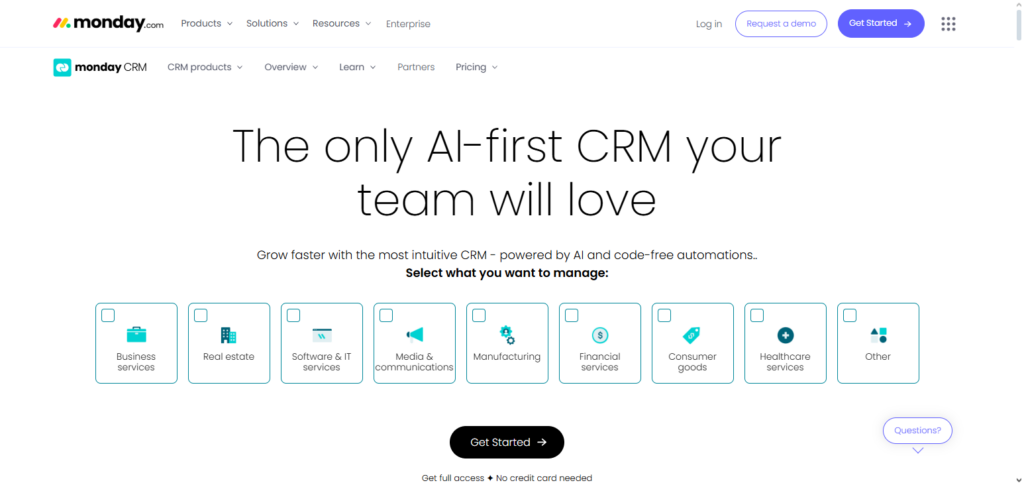
Transparency and coordination across teams are enabled by collaborative dashboards. Operational efficiencies improve by reducing human effort with automation of task assignments. Designed with a high level of visual interactivity and AI, it is no wonder that Monday Sales CRM is one of the most influential AI CRMs for automation, collaboration, and action-oriented data insights.
Monday Sales CRM + AI – Features
| Feature | Explanation |
|---|---|
| Customizable Pipelines | Allows teams to design sales stages and boards that reflect their unique workflow and sales cycle. |
| AI Deal Prioritization | Highlights priority deals using AI signals so teams can focus on opportunities with highest potential. |
| Collaborative Dashboards | Centralized visual dashboards keep teams aligned on progress and key metrics. |
| Workflow Automation | Automates repetitive tasks and status updates to reduce manual tracking. |
| Predictive Analytics | Uses historical data to forecast trends and spotlight areas needing attention. |
Monday Sales CRM + AI Pros & Cons
Pros:
Highly Visual Pipelines: Workflow management is straightforward with custom boards and views.
Collaborative Dashboards: Updates in real-time to help teams get aligned.
Flexible Automation: Automation of tasks and updates to remove manual unnecessary effort.
Custom Templates: Templates at your fingertips to help with faster implementation.
Cons
Basic AI Insights: The AI functions integrated into this software are basic compared to CRM-based AI.
Potentially Costly: The company stays financially impacted with every new user that joins.
Limited Analytics Depth: The relative analytics capabilities of this software are below average compared to the AI competitors.
Learning Curve for Customization: Tailor-fitting custom pipelines can take some time.
5. SugarCRM AI
Predictive lead scoring and AI-driven forecasting allow for the most advanced AI CRM, SugarCRM AI, to radically improve customer engagement, workflow efficiency, and sales forecasting. Focused marketing and sales interactions are aided by customer journey insights, which optimize your organization’s prospects.
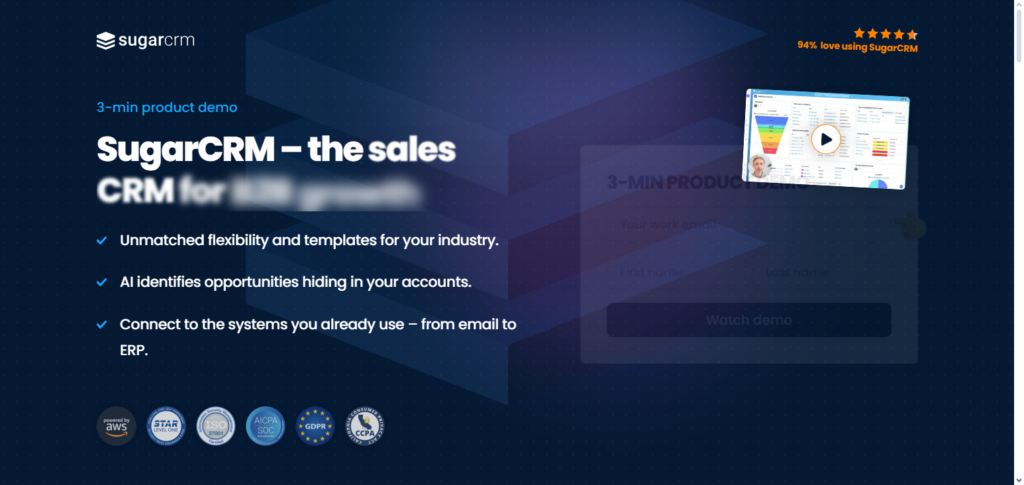
Repetitive workflow tasks are streamlined by automation, and relationship intelligence translates interaction insights into action to strengthen client relationships. Strategic business decisions and resource allocation can be optimized with advanced forecasting. Predictive and flexible customer management analytics provide ideal data solutions, making SugarCRM AI one of the best AI CRMs.
SugarCRM AI – Features
| Feature | Explanation |
|---|---|
| Predictive Lead Scoring | Evaluates prospects using AI models to highlight those most likely to buy. |
| Customer Journey Analytics | Tracks interactions across touchpoints to reveal engagement patterns and improve personalization. |
| Workflow Triggers | Automates actions based on rules, such as sending alerts or advancing deal stages. |
| Relationship Intelligence | Offers insights into communication patterns and sentiment to deepen engagement. |
| Sales Forecasting | Predicts future revenue and pipeline outcomes to support strategic planning. |
SugarCRM Pros & Cons
Pros
Predictive Analytics: The AI within this software is capable of understanding expected values for leads as well as estimating success.
Flexible Automation: There is needs-based automation of business rules and many workflows.
Relationship Intelligence: The software is capable of assisting its users with understanding an individual at a deeper level.
Enterprise-Ready: The software is built to cater for bigger businesses with multiple needs.
Cons
Outdated UI: Compared to other competitors, the display is not as modern.
Technical Setup: The software takes a long time to properly.
Higher Pricing: The most advanced features are unlocked at the highest tier price of the software.
Overwhelming for SMBs: Smaller organizations that have basic needs tend to have a harder time optimally using the software.
6. Copper AI CRM
Copper AI CRM is a Gmail and Google Drive integratred tool perferable by teams that utilize Google workspace. Copper CRM integrates AI for automating data entry, saving a team from having to constantly update contact and deal data. With Gmail integrated AI, team members are able to be more productive by having AI generate email and remind them to respond to pending emails.
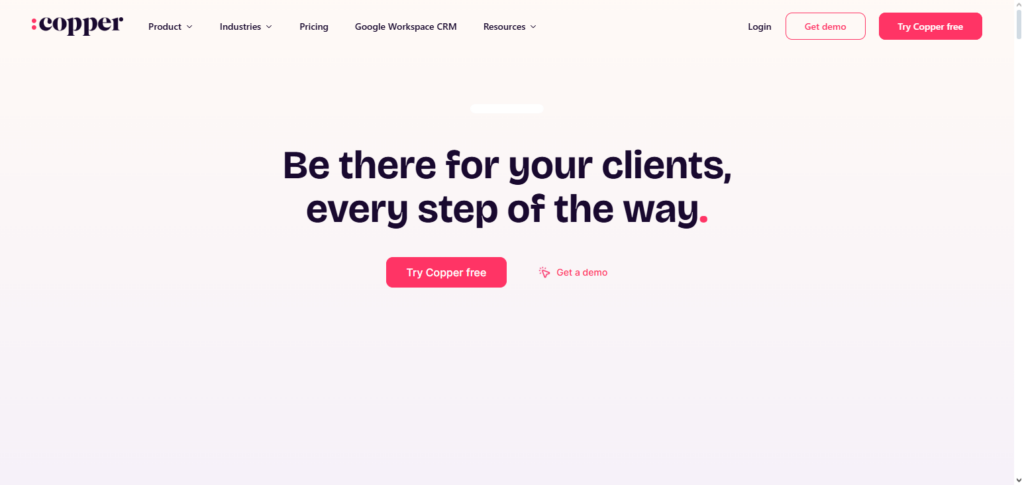
Copper CRM also assists teams to be more data driven and manage their priorities better via pipeline forecasting and relationship management insights. Because of Copper CRM’s simplicity, integration and use of automation, it is rated one of the best AI CRMs by teams with no CRM experience and small to mid-sized businesses.
Copper AI CRM – Features
| Feature | Explanation |
|---|---|
| Gmail & Workspace Integration | Syncs emails, contacts, and calendar activities seamlessly with Google Workspace. |
| AI Email Suggestions | Provides smart recommendations for email replies to increase response effectiveness. |
| Auto Data Capture | Automatically logs interactions, reducing manual data entry and ensuring accuracy. |
| Pipeline Forecasting | AI analyzes pipeline data to estimate deal outcomes and revenue. |
| Relationship Tracking | Tracks contact history and engagement so teams always see recent activity and context. |
Copper AI Pros & Cons
Pros
Google Workspace Integration: Intergradation occurs seamlessly, for example with Gmail.
Auto Data Capture: The software efficiently captures data and minimizes manual work.
AI Email Suggestions: The software is able to draft responses to emails and assist users with engagements.
Simple & Clean UI: The UI helps with easy onboarding and is appreciated in organizations that rely heavily on the Google Workspace.
Cons
Limited Advanced Reporting: There are better options available when it comes to reporting activities.
Basic AI Features: The company’s AI capabilities are quite basic.
Not Ideal for Enterprise: This is more applicable for small and medium sized enterprises.
Dependent on Google: Optimally used when integrated with Google products.
7. Folk CRM
More than most Folk CRMs focus on relationship management and building contact networks. With how AI is praised, Folk is able to help with tracking communication and scheduling timely reminders for support and sales teams so that follow ups are more efficient.

With teams sending and receiving a lot of information, Folk CRM provides tracking automation and data collaboration to ensure team members can join together to send and receive information at once. Folk is praised for having a focus on relationship intelligence making it one of the best AI CRMs for businesses that place a lot on strong relational contact with their teams and clients.—
Folk CRM – Features
| Feature | Explanation |
|---|---|
| Smart Contact Management | Organizes customer records with interaction history for better relationship visibility. |
| AI Follow‑Up Reminders | Generates reminders so sales reps never miss an important outreach opportunity. |
| Communication Tracking | Logs calls, emails, and messages to maintain a complete engagement timeline. |
| Collaboration Tools | Shared notes and team views help teams work together with shared context. |
| Basic Reporting | Provides simple dashboards to track engagement trends and task completion. |
Folk CRM Pros & Cons
Pros:
Excellent Contact Focus: Maintains and organizes communication histories.
AI Reminders: Automated follow up reminders help capture missed opportunities.
Lightweight & Simple: Low complexity allows for easy adoption with a minimal training focus.
Team Collaboration: Improves coordination with shared notes and interaction histories.
Cons:
No Deep Automation: Automated workflows are basic and minimal.
Limited Predictive Analytics: AI capabilities for lead prediction and sales forecasting, are weak.
Basic Reporting: Reporting capabilities are basic and do not produce advanced insights.
Not for Complex Sales: Focus is on lower complexity sales and maintaining relational, contact centric focus.
8. Nutshell AI CRM
Nutshell AI CRM merges automation and AI insights to enhance operational efficiencies within a business. Predictive lead scoring helps recognize high-value leads, whereas communication tracking is automated with email tracking and reporting. Automation of processes reduces administrative burden through better task assignment and tracking.
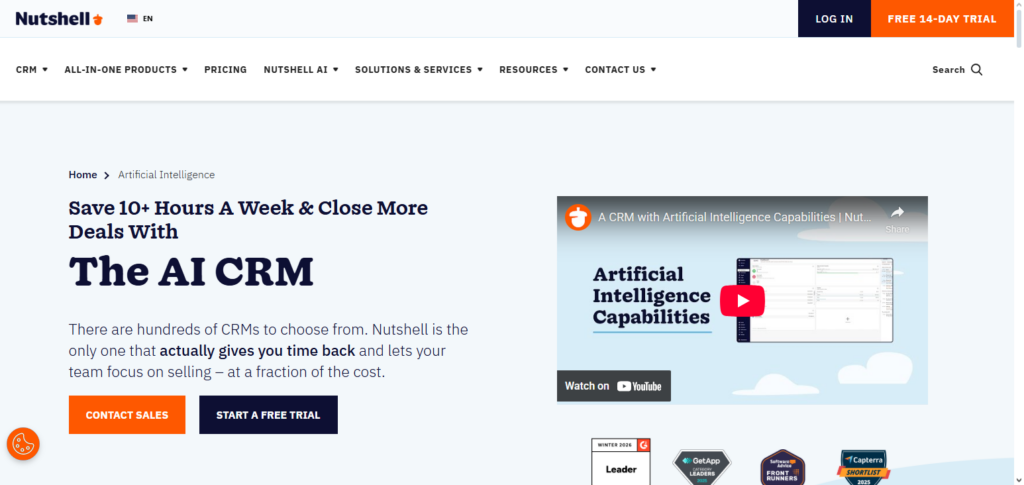
AI Pipeline Health and Trend Analytics provide important metrics on sales activities and trends. Thanks to its AI features and user-friendly interface, Nutshell AI CRM is regarded one of the most renowned AI CRMs with a focus on actionable insights and automation to improve operational efficiencies and sales growth for small and medium sized enterprises.
Nutshell AI CRM – Features
| Feature | Explanation |
|---|---|
| Predictive Lead Scoring | AI ranks leads to help teams focus on the most promising prospects first. |
| Email Tracking | Monitors email opens and engagement, giving visibility into communication effectiveness. |
| Workflow Automation | Automates task assignments and follow‑ups to streamline sales cycles. |
| Sales Pipeline Management | Offers visual stages and movement tracking to manage deals efficiently. |
| Reporting Dashboards | Provides actionable insights through visual charts and performance metrics. |
Nutshell AI CRM Pros & Cons
Pros:
Easy to Learn: Designed for small teams and has a lower barrier to entry.
Predictive Lead Scoring: AI offers lead prediction in terms of success propensities.
Workflow Automation: Automation of repetitive workflows and follow up reminders.
Email Tracking: Tracking provides an engagement metric for insights.
Cons:
Limited Integrations: This platform offers less third party integrations than industry leaders.
Basic AI Tools: The level of AI is not comparable to more advanced industries.
Modest Analytics: Advanced analytics are lacking in the reporting of the platform.
Small Business Focused: Less suitable for large scale, complex businesses.
9. Salesmate AI CRM
Salesmate AI CRM focuses on boosting sales productivity and closing ratios through AI sales assistance. Predictive insights provide recommendations on the next best move for leads and opportunities. AI reminders for tasks help ensure follow ups are made on time.
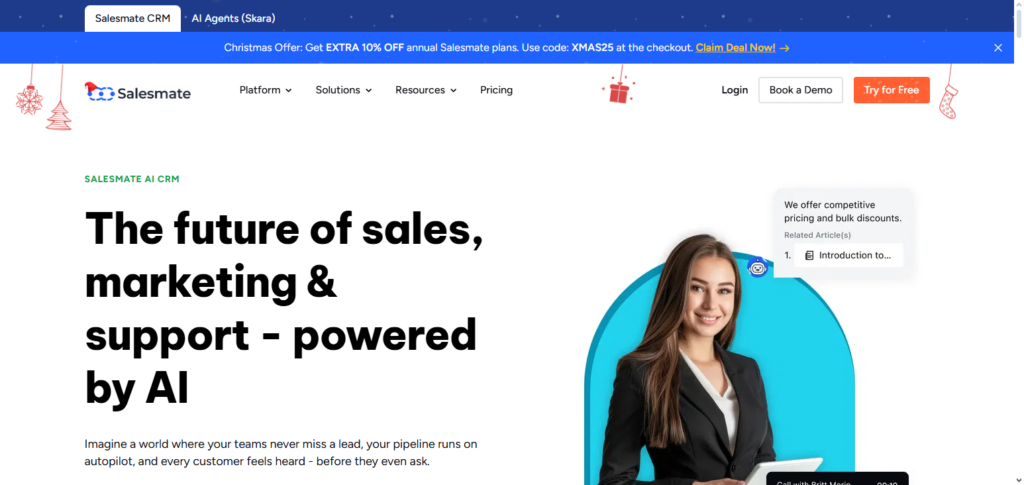
Streamlining repetitive communication is achieved through email automation and automated workflows. Communication visibility and sales reporting is offered through activity tracking. Focusing on automation and predictive analytics, Salesmate AI CRM is recognized as one of the most renowned AI CRMs for businesses wanting to efficiently scale sales operations and leverage AI for data informed decision making.
Salesmate AI CRM – Features
| Feature | Explanation |
|---|---|
| AI Task Reminders | Automatically prompts reps to follow up at optimal times based on AI analysis. |
| Predictive Insights | Recommends next actions and suggests deal prioritization using historical data. |
| Email Sequencing | Automates multi‑step email campaigns with scheduling and tracking. |
| Activity Tracking | Logs calls, emails, and tasks automatically to maintain context and history. |
| Workflow Automation | Reduces manual repetition by triggering tasks and updates based on behaviors. |
Salesmate AI CRM Pros & Cons
Pros:
Affordable Pricing: Cost effective for startups and SMBs.
AI Task Reminders: Provides reminders for tasks at optimal times for reps to follow up.
Email Sequencing: Automates emails for multiple stages of outreach.
Activity Tracking: Automatically logs activities of users.
Cons:
Basic Interface: UI design lacks polish of the leading CRMs at enterprise levels.
Limited Integrations: Supports less applications than bigger ecosystems.
Simple Analytics: Reporting and analytics is shallow for insights.
Less Customizability: Options for custom workflows are more limited.
10. Keap AI CRM
Keap AI CRM incorporates both marketing automation and AI-powered sales management. Classifications of AI engagement include smart contact segmentation, automated follow-up, and engagement strategy improvement through predictive analytics.
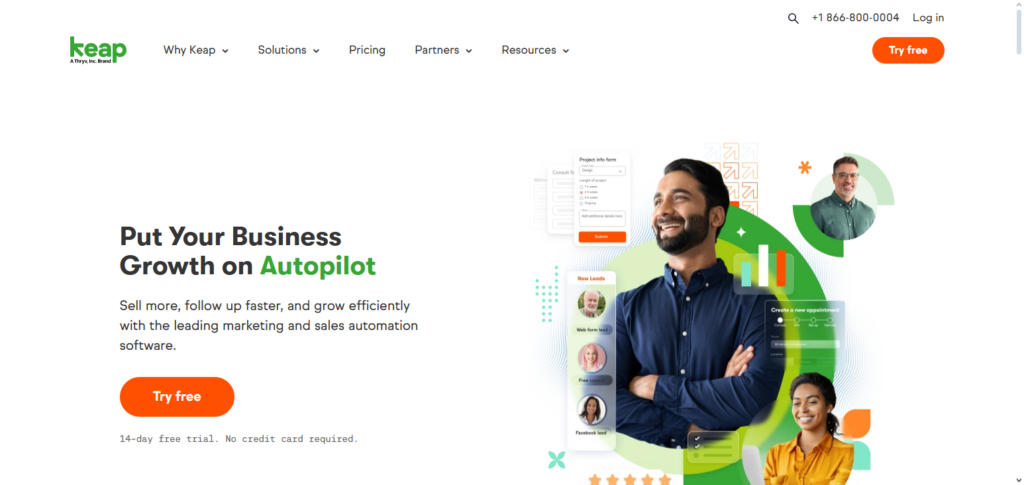
The platform offers automation of marketing campaign workflows to alleviate manual work, along with automation for invoicing and lead management.
Customer behavior analytics are also incorporated to help teams facilitate greater personalization to improve conversion. Being focused on single proprietorships and small business owners, Keap AI CRM ranks among the ceil AI CRMs for small orgs needing a unified marketing automation, sales, and client communication platform.
Keap AI CRM – Features
| Feature | Explanation |
|---|---|
| AI Contact Segmentation | Automatically groups contacts by behavior, purchase history, or engagement levels. |
| Automated Sales Workflows | Triggers follow‑ups, reminders, and campaign steps without manual input. |
| Marketing Automation | Runs email campaigns and nurturing sequences based on customer journeys. |
| Predictive Analytics | Assesses patterns to forecast engagement and conversion potential. |
| Invoicing & Payments | Integrated billing tools help small businesses manage sales and payments from one place. |
Keap AI CRM Pros & Cons
Pros:
All-in-One Platform: Merges CRM, marketing automation, and invoicing in one platform.
AI Segmentation: Automatically segments contacts for more effective outreach.
Automated Campaigns: Sets up follow ups and messages without needing human interaction.
Small Business Focused: Provides ease of use for solopreneurs and SMBs.
Cons:
Scalability Limits: Not as well fit for large enterprises.
Some Introductory AI: Helpful suggestions and AI, but little sophistication.
UI Complexity: May be overwhelming for users who are new to the platform.
Limited Advanced Reporting: Could be more advanced in analytics.
Benefits of Using AI CRMs
Better sales results – AI helps recognize the most promising leads, enabling sales teams to concentrate their efforts where they have the best chance of success, leading to higher conversion rates.
Saving time – AI automates routine actions such as follow-up emails, data input, and report creation. This delivers time savings and enables teams to work on higher-value strategic initiatives.
Data-driven decision making – With predictive analytics and actionable insights, AI helps organizations make data-driven decisions in sales and marketing.
Better customer experience – AI helps organizations communicate and engage with customers in a tailored manner, and outreach is optimized based on customers’ preferred behaviors.
Better pipeline management – AI improves overall sales pipeline efficiency by predicting deal outcomes and tracking the stages of pipeline deals.
Increased productivity – AI systems improve productivity by automating the tracking of activities.
Easy integration – AI systems synchronize with email, marketing, project management, and other productivity tools.
Better reporting and insights – Allows organizations to automate reporting and provides real-time dashboards to help teams monitor their activities and identify new opportunities.
Predictive lead scoring – Identifies the most engaged leads based on their actions and predicts which ones are likely to convert.
Better competitive advantage – Companies with AI most responsive and make better overall decisions in their industry.
Comparison of Best AI CRMs
| AI CRM | Key Features | Best For | Strengths | Limitations |
|---|---|---|---|---|
| HubSpot AI CRM | Predictive lead scoring, AI chatbots, automated email campaigns, workflow automation, analytics | SMBs, marketing & sales teams | User‑friendly, strong ecosystem, great automation | Advanced AI features require higher plans |
| Microsoft Dynamics 365 Copilot | AI sales insights, forecasting, natural language tools, deep MS 365 integration | Large enterprises, complex workflows | Powerful analytics, scalable & customizable | Steep learning curve, complex setup |
| Insightly AI CRM | Relationship mapping, opportunity scoring, workflow automation, project management | SMBs & agencies | Good relationship intelligence, project tools | Analytics less robust than big enterprise CRMs |
| Monday Sales CRM + AI | Custom pipelines, AI prioritization, automation, collaborative dashboards | Teams needing flexible visual workflows | Highly customizable, excellent collaboration | AI insights are more basic vs advanced CRMs |
| SugarCRM AI | Predictive lead scoring, customer journey analytics, workflow triggers | Mid‑size & enterprise | Flexible automation, deep insights | UI feels dated; complex setup for full potential |
| Copper AI CRM | Gmail/Workspace integration, AI email suggestions, auto data capture | Google Workspace users, SMBs | Seamless Google integration, easy to use | Limited advanced reporting & analytics |
| Folk CRM | Contact management, follow‑up reminders, communication tracking | Small teams focused on relationships | Simple, lightweight, easy adoption | Lacks deep automation & predictive analytics |
| Nutshell AI CRM | Lead scoring, email tracking, workflow automation, sales pipeline views | Small businesses | Easy setup, affordable, automation focus | Fewer integrations & less advanced AI |
| Salesmate AI CRM | Predictive insights, task reminders, email sequencing, activity tracking | SMB sales teams | Affordable, good automation | Basic interface & fewer integrations |
| Keap AI CRM | Marketing + sales automation, AI segmentation, campaign workflows | Small businesses & solopreneurs | All‑in‑one automation, easy engagement | Not ideal for large enterprises |
Conclusion
Utilizing AI-powered CRMs has become crucial for optimizing sales, marketing, and customer interaction procedures in the cutthroat commercial world of today. Advanced features like predictive lead scoring, workflow automation, AI-assisted communications, and actionable analytics are offered by the top AI CRMs, including HubSpot AI CRM, Microsoft Dynamics 365 Copilot,
Insightly AI CRM, Monday Sales CRM + AI, SugarCRM AI, Copper AI CRM, Folk CRM, Nutshell AI CRM, Salesmate AI CRM, and Keap AI CRM. These tools improve decision-making, increase client engagement, and increase revenue growth in addition to saving time and minimizing manual labor.
The size, objectives, and workflow requirements of the company will determine which AI CRM is best, but combining any of these options guarantees more intelligent, data-driven customer management as well as a major competitive edge.
FAQ
What is an AI CRM?
An AI CRM is a customer relationship management system that uses artificial intelligence to automate tasks, analyze data, provide predictive insights, and improve customer engagement, helping businesses save time and make data-driven decisions.
Which are the best AI CRMs in 2026?
Some of the best AI CRMs include HubSpot AI CRM, Microsoft Dynamics 365 Copilot, Insightly AI CRM, Monday Sales CRM + AI, SugarCRM AI, Copper AI CRM, Folk CRM, Nutshell AI CRM, Salesmate AI CRM, and Keap AI CRM.
What features should I look for in an AI CRM?
Key features include predictive lead scoring, workflow automation, email and communication automation, AI-powered analytics, sales forecasting, relationship intelligence, and integration with existing tools.
Who can benefit from using AI CRMs?
Small, medium, and large businesses across industries can benefit. AI CRMs help sales teams, marketing teams, customer service departments, and managers streamline processes and improve customer engagement.