
The AI Tools That Create Art, which are revolutionizing the way we create, illustrate, and produce images, will be covered in this article.
These clever systems create beautiful graphics from text prompts, doodles, or ideas using sophisticated algorithms. Artificial intelligence (AI) programs that produce art, from realistic representations to bizarre pieces, enable artists, designers, and enthusiasts to express their creativity more quickly, easily, and endlessly.
Key Point & AI Tools That Create Art
| AI Art Tool | Key Point |
|---|---|
| MidJourney v6 | Offers highly detailed and stylized AI-generated images with advanced prompt customization. |
| DALL·E 3 (OpenAI) | Creates realistic and imaginative images from text prompts with strong comprehension of context. |
| Stable Diffusion XL | Open-source AI model that enables high-resolution, customizable, and versatile image generation. |
| Runway Gen‑3 | AI video and image generation platform supporting creative editing and animation tools. |
| DeepAI Art Generator | Provides easy-to-use AI art creation with a variety of artistic styles and filters. |
| Artbreeder | Allows collaborative image blending and customization for portraits, landscapes, and abstract art. |
| NightCafe Studio | User-friendly AI art platform with multiple creative modes and style options for diverse outputs. |
| Fotor AI Art Generator | Quick AI-generated art with style transfer and enhancement tools for social media-ready visuals. |
| Dream by Wombo | Generates imaginative and vibrant artworks from simple text prompts with minimal user input. |
| Designify AI | Focused on enhancing and creating images with automatic background removal and AI styling. |
| DeepDream Generator | Transforms images into surreal, dream-like creations using neural network patterns. |
| PaintsChainer | AI-powered automatic coloring tool for line art and illustrations with style customization. |
1. MidJourney v6
MidJourney v6 is one of the most cutting-edge AI tools that create art and produces sophisticatedly realistic and detailed art. Users can create text prompts and the AI can interpret the multiple meanings of the description in relation to the tone, style, and mood.
It can generate art of different styles for multiple uses, including fantasy or futuristic themed cities, and creates images of the highest quality. Also, users can refine images multiple times, and this tool has brilliant options for upscaling images and creating variations. Overall, this tool is excellent for digital artists.
MidJourney v6 Features
- High quality image generation from text composite
- Each generation includes several styles
- Each generation can be finely tuned to preference
- Generated images can be useful in professional setting
- Community generated suggestions
MidJourney v6
| Pros | Cons |
|---|---|
| 1. Extremely detailed and artistic visuals. | 1. Subscription required for full access. |
| 2. High-resolution output suitable for professional use. | 2. Learning curve for complex prompts. |
| 3. Large, active community for inspiration. | 3. Free trial is limited in usage. |
| 4. Supports multiple styles and creative flexibility. | 4. Slower generation for high-resolution images. |
| 5. Frequent updates and improvements. | 5. Results can be unpredictable with vague prompts. |
2. DALL·E 3 (OpenAI)
DALL·E 3 is an innovative AI art generator created by OpenAI. It produces highly detailed and imaginative images using text prompts and is known for its ability to understand context. The tool is capable of combining and transforming multiple prompts with different subjects, styles, and emotions.
DALL·E 3’s in painting tool allows users to edit and generate images in specific areas of the image, providing users with highly professional images. The tool is most effective for conceptual images and illustrations, as well as images for marketing, making the tool a necessity for designers and content creators, as well as anyone looking for a source of inspiration.
DALL·E 3 (OpenAI) Features
- Good context understanding, images created reflect prompt well
- Centered images can be created
- Users can edit freehand
- Useful in professional setting
- Good contextual understanding, images created reflect prompt well
DALL·E 3 (OpenAI)
| Pros | Cons |
|---|---|
| 1. Highly realistic and imaginative outputs. | 1. Requires OpenAI subscription for full access. |
| 2. Handles complex prompts with context awareness. | 2. Limited customization compared to open-source alternatives. |
| 3. Inpainting allows selective edits within images. | 3. Outputs may appear generic for vague prompts. |
| 4. High-resolution output suitable for professional projects. | 4. Can be slower for larger images. |
| 5. Seamless integration with OpenAI ecosystem. | 5. Licensing restrictions for commercial use. |
3. Stable Diffusion XL
Stable Diffusion XL is an open-source, adaptable AI art tool that lets users experiment with styles, produce high-quality photos, and even fine-tune models. Customization is its strongest point; users may create original artistic results by modifying prompts, changing parameters, and adding more models.
High-resolution generation is supported by this AI art creation tool, which makes it appropriate for digital designs, concept art, and professional illustrations. Stable Diffusion XL can be incorporated into software programs by developers and artists, providing flexibility for creative workflows. It is a well-liked option for AI-driven creation because of its community and plugin ecosystem.
Stable Diffusion XL Features
- Community driven text to image composite
- Can generate images of high detail
- Community generated suggestions
- Good contextual understanding, images created reflect prompt well
- Good contextual understanding, images created reflect prompt well
Stable Diffusion XL
| Pros | Cons |
|---|---|
| 1. Free and open-source, highly flexible. | 1. Requires technical knowledge for setup. |
| 2. Customizable with fine-tuning and models. | 2. Hardware-intensive for local generation. |
| 3. Professional-grade high-resolution outputs. | 3. Output consistency can vary. |
| 4. Large community with shared models and resources. | 4. Fine-tuning may be complex for beginners. |
| 5. Flexible integration into apps or creative workflows. | 5. No official support or dedicated help. |
4. Runway Gen‑3
Runway Gen-3 is a powerful AI tool that produces art, emphasizing the creation of both photos and videos. It allows users to create beautiful images from text prompts or pre-existing material by combining AI-powered editing, animation, and creative generating capabilities.
Runway Gen-3 is perfect for filmmakers, content producers, and digital artists since it offers smooth video synthesis, style transfer, and AI-assisted editing. Designed for professional-grade creative workflows, this AI art creation tool offers a user-friendly interface with sophisticated customizable possibilities. Teams may effectively co-create, experiment, and develop visually appealing projects because to its collaborative features.
Runway Gen‑3 Features
- Generation of images and videos with the use of AI.
- Tools for artistic editing and transfer of styles.
- For multimedia projects, animation, and motion effects.
- Generation of images and videos from text.
- for creativity in teams supportive offers.
Runway Gen‑3
| Pros | Cons |
|---|---|
| 1. Supports both image and video generation. | 1. Paid subscription needed for full features. |
| 2. Offers style transfer and advanced editing tools. | 2. Video rendering can be slow. |
| 3. Professional-grade results for creatives. | 3. Limited free access for beginners. |
| 4. Collaborative tools for teams. | 4. Advanced features have a learning curve. |
| 5. Multiple creative modes including animation. | 5. Complex projects may produce artifacts. |
5. DeepAI Art Generator
DeepAI Art Generator is one of the easiest AI art generators to use. It allows users to input any image and apply art styles and filters to it. Paintings, drawings and digital designs can be created quickly and easily from any text prompt.
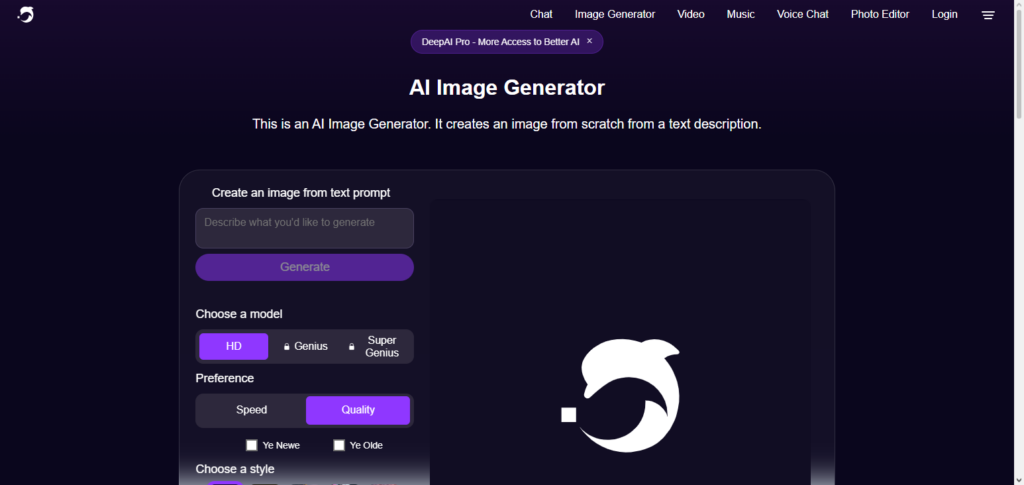
The tool creates art using machine learning, and it’s free. Users can choose from different art and design styles. For example, there are abstract, realistic and cartoon styles, and everything in between. DeepAI Art Generator is ideal for artists (of any level) who want to quickly and simply create multiple designs and art pieces.
DeepAI Art Generator Features
- Creation of images from worded inputs, in a manner that allows a variety of artistic styles to be used.
- Realistic, abstract, and stylized cartoon styles are supported.
- Quick generation of images for rapid results.
- The user-friendly interface is easier and quicker than most.
- For integration and automation, API support is available.
DeepAI Art Generator
| Pros | Cons |
|---|---|
| 1. Beginner-friendly interface. | 1. Lower resolution outputs. |
| 2. Fast image generation. | 2. Less detailed than advanced AI tools. |
| 3. Multiple artistic styles available. | 3. Limited style options compared to competitors. |
| 4. Free access available. | 4. Generic results for complex prompts. |
| 5. API support for integration and automation. | 5. Less control over fine details. |
6. Artbreeder
A collaborative AI program called Artbreeder specializes in blending and evolving photos to produce abstract graphics, landscapes, and portraits. Age, color, and style are just a few of the variables that users can change to create extremely personalized results. Images can be mixed, altered, and improved over several iterations using this AI art creation tool, enabling interactive exploration.
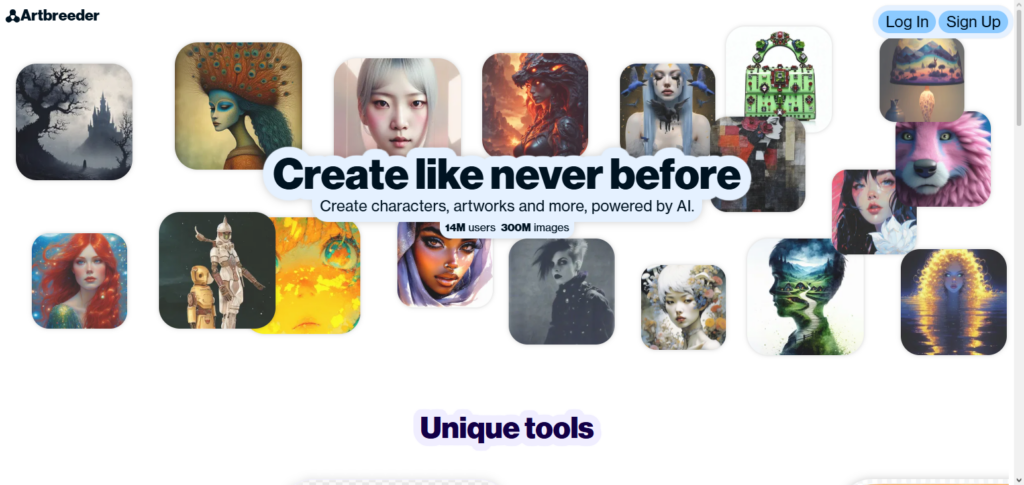
Character creation, concept art, and digital narrative are all made possible by Artbreeder’s distinctive generative method, which fosters creativity by allowing people to collaborate with AI. Inspiration and limitless opportunities for AI-powered artistic exploration are provided via its community-driven platform, which distributes models and artwork.
Artbreeder Features
- Blending and evolving images, for creative outputs, and a variety of artistic styles.
- 1. Adjustable parameters include age, style, and color.
- Capable of producing portraits, landscapes, and abstract art.
- Images can be improved through iterative refinement.
- Community-driven remixing and sharing aids in inspiration.
Artbreeder
| Pros | Cons |
|---|---|
| 1. Highly interactive and creative platform. | 1. Limited control over exact image features. |
| 2. Excellent for character design and portraits. | 2. Free version has usage limits. |
| 3. Collaborative community sharing and remixing. | 3. Not ideal for high-resolution professional art. |
| 4. Allows iterative refinement for creativity. | 4. Requires stable internet connection. |
| 5. Unique generative outputs with customization. | 5. Some images may appear synthetic. |
7. NightCafe Studio
A well-known AI tool for creating art, NightCafe Studio is renowned for its adaptability and various creative modes. Users can experiment with various artistic movements, create artwork from text prompts, and reinterpret existing photos via style transfer.
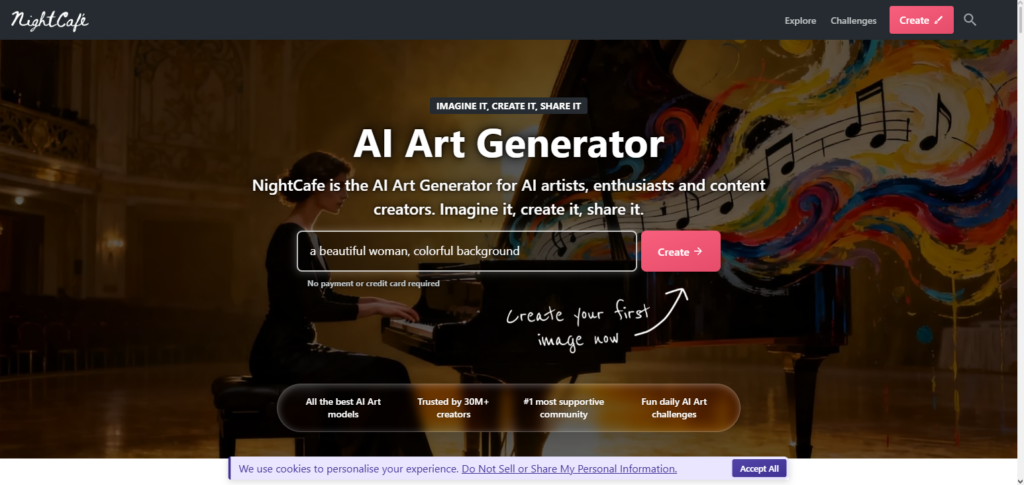
NightCafe Studio prioritizes accessibility, offering a user-friendly interface and creating excellent results appropriate for social media, digital art, and individual projects. The color schemes, brush effects, and output resolution of this AI art creation program are all adjustable.
NightCafe Studio is a dependable platform for creators looking for AI-powered art generation without a high learning curve because of its credit-based approach, which enables effective experimentation.
NightCafe Studio Features
- Several creative modes for image generation.
- Style transfer allows new ways to use existing images.
- Text-to-image generation involves detailed prompts.
- Adjustable resolution for images according to need.
- Limited use due to a credit system.
NightCafe Studio
| Pros | Cons |
|---|---|
| 1. Beginner-friendly and easy to use. | 1. Credit-based system limits free usage. |
| 2. Variety of artistic styles. | 2. Some styles are less refined. |
| 3. High-quality outputs. | 3. Limited batch generation options. |
| 4. Adjustable resolution for different needs. | 4. Paid subscription needed for high-resolution images. |
| 5. Encourages experimentation and creativity. | 5. Occasional AI artifacts in images. |
8. Fotor AI Art Generator
Fotor AI Art Generator is an easy-to-use AI tool that gives you the capability to rapidly and inexpensively produce digital artwork. Users can create Fotor AI Art Generator works by entering a text prompt or uploading an image, and interactive features provide assistance for enhancement and image effect applications.
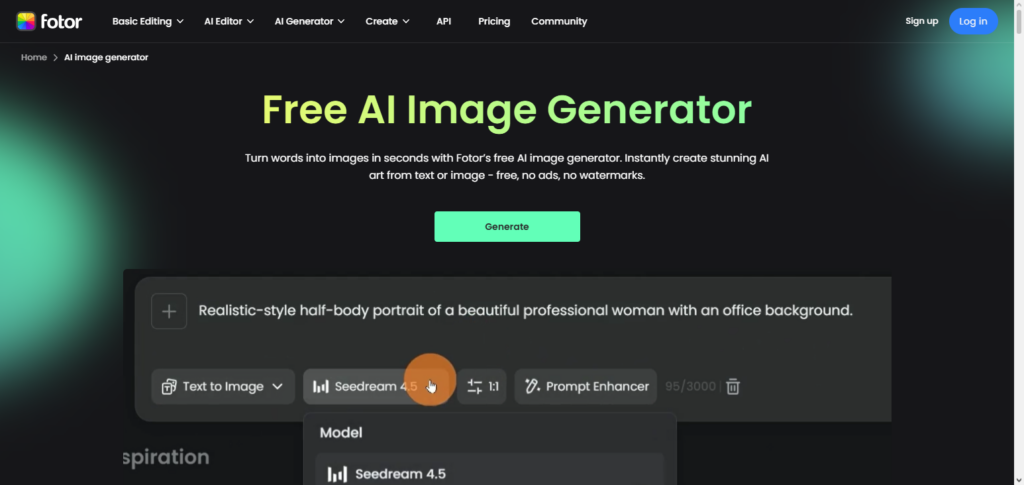
This tool is great for marketers, designers, and hobbyists that create visuals for social media and would appreciate a low-effort way to produce Fotor AI Art Generator work. Users can combine different colors, textures, and artistic styles, thanks to Fotor’s flexibility.
The Fotor platform’s quick generation and easy navigation make it a good option for those wanting to experiment with AI-generated art without the need for a lot of technical ability.
Fotor AI Art Generator Features
- Image generation and style transfer from text.
- Enhancements and filters are applied as a quick process.
- Images are produced for social media.
- Simple interface online.
- Styles that are artistic are diverse.
Fotor AI Art Generator
| Pros | Cons |
|---|---|
| 1. Fast and easy image generation. | 1. Limited customization options. |
| 2. Multiple artistic styles. | 2. Lower resolution compared to advanced tools. |
| 3. Social media-ready visuals. | 3. Paid subscription required for premium features. |
| 4. Beginner-friendly online platform. | 4. Less suitable for complex prompts. |
| 5. Quick enhancements and filters. | 5. Outputs can sometimes appear generic. |
9. Dream by Wombo
Dream by Wombo is a creative AI program that turns text prompts into vivid, beautiful images. It places a strong emphasis on usability, enabling anyone with no prior knowledge to create beautiful photos. This AI art-making tool supports a variety of artistic styles, from realistic to abstract, and generates products that are highly shareable in a short amount of time.
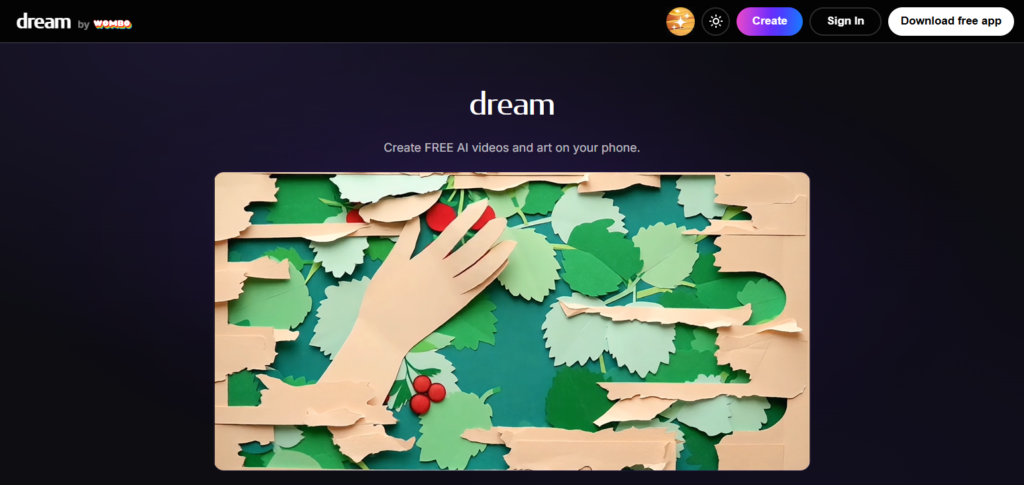
The algorithms used by Dream by Wombo creatively interpret prompts, giving each piece a distinctive flavor. It is an approachable and motivating tool that is frequently utilized for concept art, individual projects, and social media material. Users value its quickness, inventiveness, and effortless production of excellent AI images.
Dream by Wombo Features
- Bright colors are used in image generation.
- There are many artistic styles to choose from.
- Creation can be done on the move.
- Image generation done in little time.
- Learning for beginners is less.
Dream by Wombo
| Pros | Cons |
|---|---|
| 1. Highly accessible and mobile-friendly. | 1. Limited fine-tuning of outputs. |
| 2. Produces vibrant, creative visuals. | 2. Free version includes watermarks. |
| 3. Fast image generation. | 3. Outputs may lack realism. |
| 4. Minimal learning curve for beginners. | 4. Limited composition control. |
| 5. Supports multiple artistic styles. | 5. Repetitive results for similar prompts. |
10. Designify AI
Designify AI is an effective AI tool that creates art. It adds creativity with automatic background removals, image enhancements, and AI styling. It is an AI tool that creates art and helps people with their artistic & commercial needs. It transforms normal images into artistic images with social media and website design. Users can do a lot of things effortlessly.
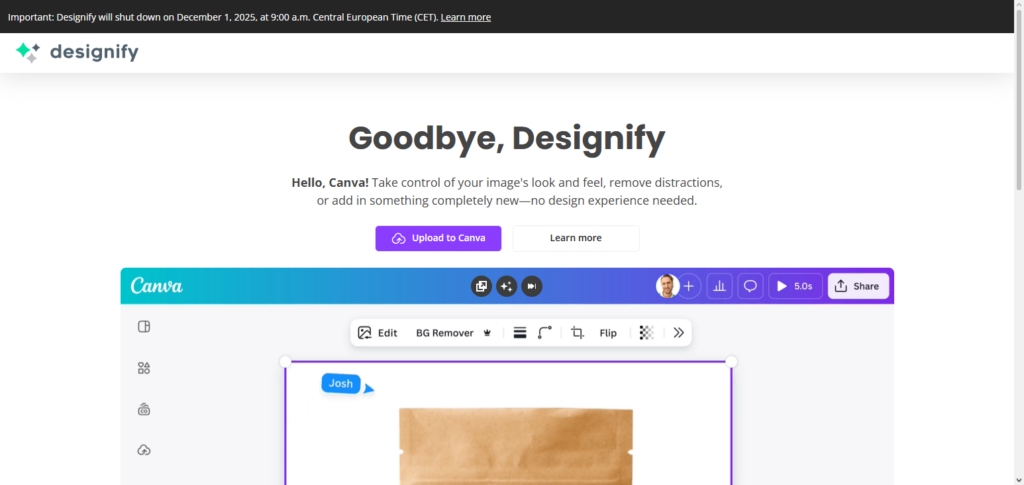
Users can do advanced photo editing, do AI styling, make changes in the images, & apply filters. The tool creates high-quality images with AI and is easy to use for e-commerce, design & marketing.
Designify AI Features
- Image styling and enhancement is done automatically.
- Professionally done visuals after background removal.
- Edits are done quickly on images for product, marketing or design.
- AI filters increase creativity.
- Non-designers will find it easy to use.
Designify AI
| Pros | Cons |
|---|---|
| 1. Fast and efficient image enhancement. | 1. Limited original art creation. |
| 2. Automatic background removal. | 2. Paid subscription required for full features. |
| 3. AI-powered styling and filters. | 3. Less flexibility for artistic experimentation. |
| 4. Ideal for e-commerce and professional visuals. | 4. AI may misinterpret complex backgrounds. |
| 5. User-friendly interface for non-designers. | 5. Focused mainly on edits, not full artwork generation. |
11. DeepDream Generator
DeepDream Generator is a one of its kind AI tool that creates art. The tool generates crazy and unrealistic images to create surreal images using neural networks. Users can select their own style to create the images.
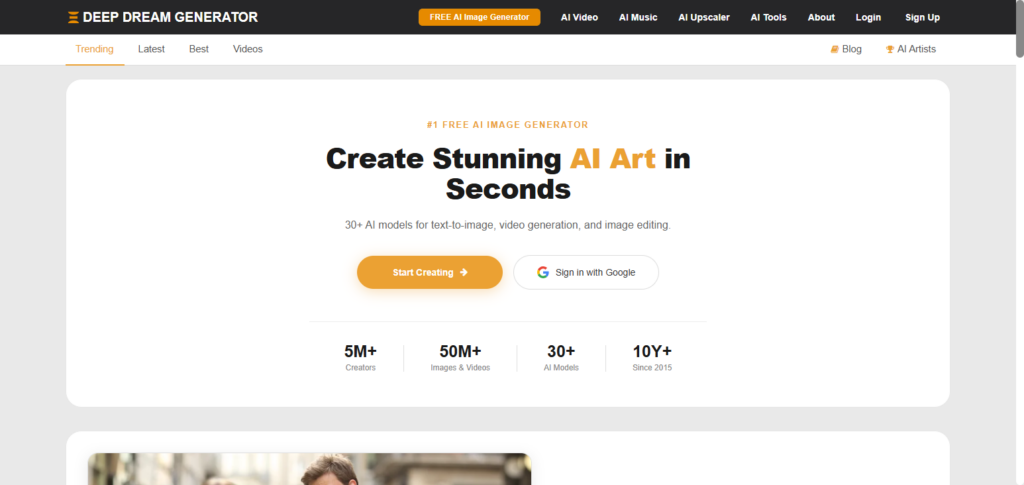
This AI tool that create art uses the neural networks in a creative and fun way. DeepDream Generator is often used for online galleries to create art that is a combination of true and neural networks. The tool is fun and silly and creates art that is very different, creating inspiration for projects and personal uses.
DeepDream Generator Features
- Images are produced in a dream-like style.
- Patterns change due to the use of a neural network.
- Experimentation with styles is done through art.
- Images can be edited and uploaded.
- Intensity and style can be adjusted through iterative refinement.
DeepDream Generator
| Pros | Cons |
|---|---|
| 1. Produces unique, surreal visuals. | 1. Less control over realism. |
| 2. Encourages creative experimentation. | 2. Can produce overly abstract images. |
| 3. Multiple artistic styles available. | 3. Free version has limitations. |
| 4. Works with existing image uploads. | 4. Slower processing for high-resolution images. |
| 5. Iterative refinement adjusts intensity and style. | 5. Not ideal for professional commercial projects. |
12. PaintsChainer
PaintsChainer is novel AI tool that creates art and specializes in automatic coloring of black and white line art and illustrations. Users of PaintsChainer can upload sketches and PaintsChainer uses AI to detect a suggested color palette based on upload intent and style preferences.

PaintsChainer is a tool that creates art and helps artists by saving them time and providing professional results with the option for users to adjust and refine the results PaintsChainer gives to artists.
PaintsChainer also gives users the ability to customize and adjust the art effect color style via a digital effect toggle switch, and is ideal for coloring manga and comic art illustrations. PaintsChainer allows users to digitally and quickly color black and white sketches and art, showing the capability and potential of AI in the world of art.
PaintsChainer Features
- Line art and sketch automatic colorization.
- AI-based recommendations for coloring styles.
- Variety for different coloring methods.
- Desired result interactive adjustment.
- Perfect for comics, manga and digital artworks.
PaintsChainer
| Pros | Cons |
|---|---|
| 1. Saves significant time with automatic coloring. | 1. Limited to line art and sketches. |
| 2. AI-guided suggestions for coloring. | 2. Not suitable for generating original images. |
| 3. Supports multiple coloring styles. | 3. Styles may not always match artist intent. |
| 4. Interactive refinements to achieve desired results. | 4. Free version has restrictions. |
| 5. Ideal for manga, comic, and digital illustrations. | 5. Manual adjustments often needed for perfection. |
Conclusion
In conclusion, AI-powered art tools have transformed the expression of creativity by providing hobbyists, designers, and artists with previously unheard-of access to strong, intelligent picture generation.
These AI solutions meet a variety of creative demands, from highly comprehensive platforms like MidJourney v6 and DALL·E 3 to experimental tools like DeepDream Generator and PaintsChainer.
They increase productivity, save time, and provide creative opportunities that were previously challenging or impossible to accomplish by hand. As these tools develop further, they become partners as well as assistants, pushing the limits of digital art and generating fresh approaches to visual narrative.
FAQ
What are AI tools that create art?
AI tools that create art are software platforms powered by artificial intelligence capable of generating images, illustrations, and designs based on text prompts, uploaded images, or user-defined parameters. They use machine learning and neural networks to mimic artistic styles or create entirely new visuals. Examples include MidJourney v6, DALL·E 3, and Stable Diffusion XL.
Who can use AI art generators?
Anyone can use AI art generators—artists, designers, marketers, or hobbyists. Many tools are beginner-friendly, like Dream by Wombo and NightCafe Studio, while others, like Stable Diffusion XL, allow advanced customization for professional creators.
Are AI-generated images free to use?
Usage rights vary by platform. Some AI tools, like DeepAI Art Generator, offer free usage with limitations, while others, like DALL·E 3 or MidJourney, may require subscriptions or credit systems. Always check licensing before commercial use.
Can AI tools replicate famous art styles?
Yes. Tools like Artbreeder, NightCafe Studio, and DeepDream Generator can mimic specific artistic styles, from classical paintings to modern digital art, allowing users to generate images in various creative styles.
Do AI art tools require technical skills?
Not necessarily. Many AI tools that create art, like Fotor AI Art Generator, Dream by Wombo, and Designify AI, are user-friendly with simple interfaces. Advanced tools, such as Stable Diffusion XL, may require more technical knowledge for customization.