




This article will cover AI Tools Every Entrepreneur Should Try. Automating tasks and improving productivity helps smart tools save business owners time and make better decisions to grow their businesses.
Whether it’s managing finances and creating content or streamlining workflows, the right AI tools will change how entrepreneurs work and grow their businesses.
Key Point & AI Tools Every Entrepreneur Should Try
| AI Tool | Key Points |
|---|---|
| Copilot for Microsoft 365 | Integrates AI directly into Word, Excel, and Teams to automate tasks, generate content, and enhance productivity. |
| Jasper AI | AI-powered writing assistant for marketing, blogs, and social media content creation with templates and tone customization. |
| HubSpot AI CRM | Enhances CRM with AI-driven insights, lead scoring, email automation, and personalized customer interactions. |
| Zoho Zia AI | AI assistant within Zoho CRM that predicts sales trends, automates tasks, and provides data-driven insights. |
| QuickBooks AI | Automates bookkeeping, invoicing, and financial reports using AI to save time and reduce errors. |
| Xero AI | AI-driven accounting tool that offers smart invoicing, expense tracking, and real-time financial insights. |
| Notion AI | AI-powered note-taking and workspace assistant that generates summaries, drafts, and task management suggestions. |
| Grammarly Business AI | Enhances business writing with AI suggestions for grammar, tone, clarity, and brand-consistent communication. |
| Salesforce Einstein | AI layer in Salesforce CRM offering predictive analytics, customer insights, and automated workflows. |
| Zapier AI | Connects apps with AI-powered automation to streamline workflows, trigger actions, and reduce manual work. |
| Trello + AI Plugins | Adds AI features to Trello boards for task prioritization, content suggestions, and workflow automation. |
1. Copilot for Microsoft 365
Copilot for Microsoft 365 is a new AI tool that works with other Microsoft 365 tools like Word, Excel, PowerPoint, and Teams. Because of this deep integration, Copilot can perform various functions of an office worker, such as write, summarize, and create reports in Word, Excel, PowerPoint, and other Microsoft tools.
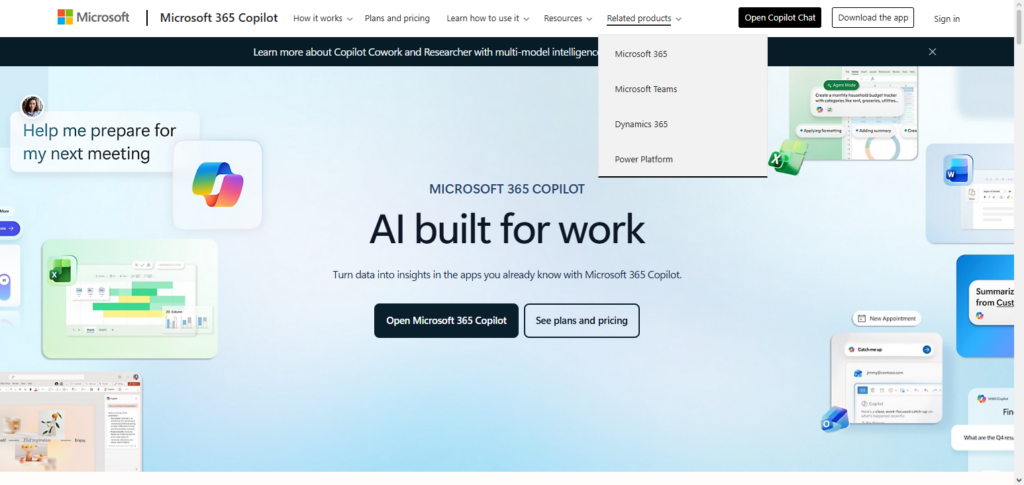
Copilot can work out long word lists in emails and even long reports and write quick replies to emails. She can answer questions in Excel and other Microsoft tools. She can automate repetitive tasks and Microsoft says can help Microsoft users save productivity.
For entrepreneurs, considering all the office tasks this AI can perform, this tool is one of the more useful tools, and for a good reason, Microsoft Tasks is in the AI tools that every Entrepreneur Should Try.
Copilot for Microsoft 365 Features
- AI-powered document writing in Word
- Automated analysis of data and creation of charts in Excel
- Suggestions for email summaries and replies in Outlook
- Presentation in PowerPoint that is auto-generated
- AI meeting summary and insights in Teams
Copilot for Microsoft 365
| Pros | Cons |
|---|---|
| Speeds up document creation and editing | Can produce generic content needing refinement |
| Automates data analysis in Excel | May misinterpret complex datasets |
| Generates polished presentations quickly | Limited design customization |
| Summarizes emails to save time | May omit important context |
| Provides insights from Teams meetings | Works best with clean, structured input |
2. Jasper AI
Jasper AI is one of the new content creation AI tools. Jasper AI can work to create content for marketing, blogging, and even social media. Jasper AIs marketing support entrepreneurs as they can invest less work and generate more marketing copy and get more and more scripts for advertisements and get more and more marketing campaigns.
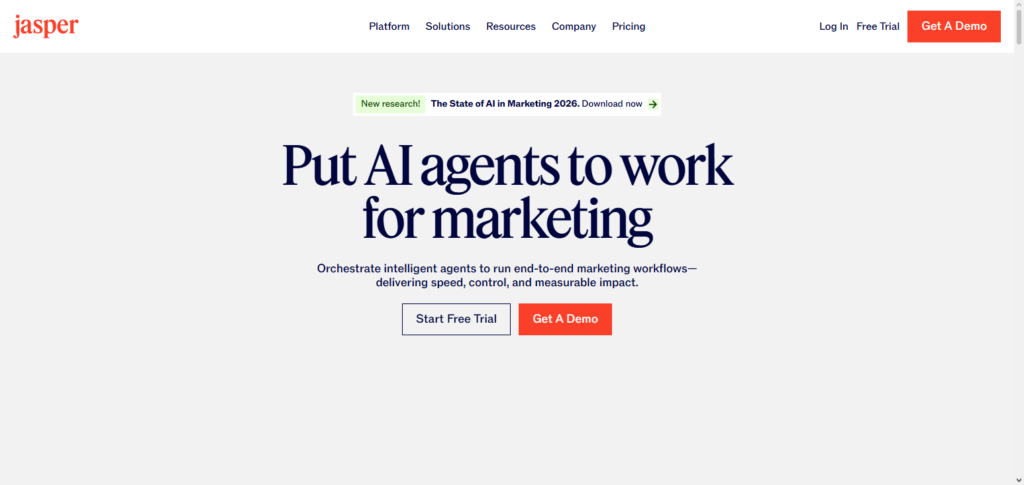
Jasper AI is supposed to mimic the tone of the brand and create new ads. Jasper AI is also supposed to create and re-create the content of ads to promote content on google, and Jasper AI is supposed to g. Jasper AI is one of the tools in AI Tools Every Entrepreneur Should Try that should be used first by every small business.
Jasper AI Features
- AI writing assistance for blogs, advertisements, and scripts
- Customization for brand tone and style
- SEO keyword recommendations and optimizations
- Templates for marketing content
- Ability to write in multiple languages
Jasper AI
| Pros | Cons |
|---|---|
| Fast content generation for marketing | May require tone fine‑tuning |
| Offers SEO and keyword suggestions | SEO suggestions not always optimal |
| Useful templates for various content types | Templates can feel restrictive |
| Supports multiple languages | Some languages may be less accurate |
| Helps scale content creation | Not ideal for highly technical writing |
3. HubSpot AI CRM
HubSpot AI CRM is a customer relationship management platform that incorporates AI to help entrepreneurs manage leads, audience segmentation, sales forecasting, and automated email campaigns. Based on past customer behaviors, HubSpot AI CRM provides insight on the best ways to engage customers and includes predictive lead scoring.
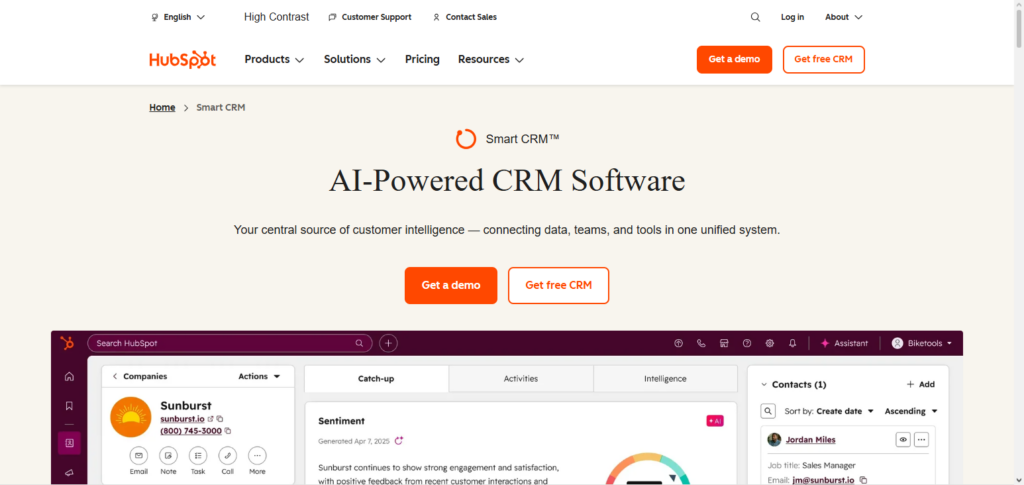
The platform provides AI tools that help small businesses with marketing decisions and further eliminates the need for a large team. HubSpot AI CRM is one of the tools in AI Tools Every Entrepreneur Should Try, helping entrepreneurs manage customer relationships, increase sales, and automate daily sales and marketing tasks.
HubSpot AI CRM Features
- AI-powered predictive customer scoring
- Automated marketing and sales activities
- AI customer segmentation
- Personalized Automation for Emails
- Insights to customer engagement in real-time
HubSpot AI CRM
| Pros | Cons |
|---|---|
| Predictive lead scoring boosts sales focus | Accuracy depends on clean data |
| Automates email and follow‑ups | Setup can be complex for beginners |
| Smart customer segmentation | Requires strategy to segment effectively |
| Real‑time engagement insights | Too much data can overwhelm small teams |
| Improves sales and marketing alignment | Full value often needs premium plan |
4. Zoho Zia AI
Within the scope of Zoho CRM, Zia AI provides business insights in the form of an intelligent assistant. The assistant is capable of sales forecasting, abnormality detection, workflow automation, and natural language answers to questions. Zia assists entrepreneurs with revenue forecasting, performance analysis, and customer engagement, all in a hands-off manner.
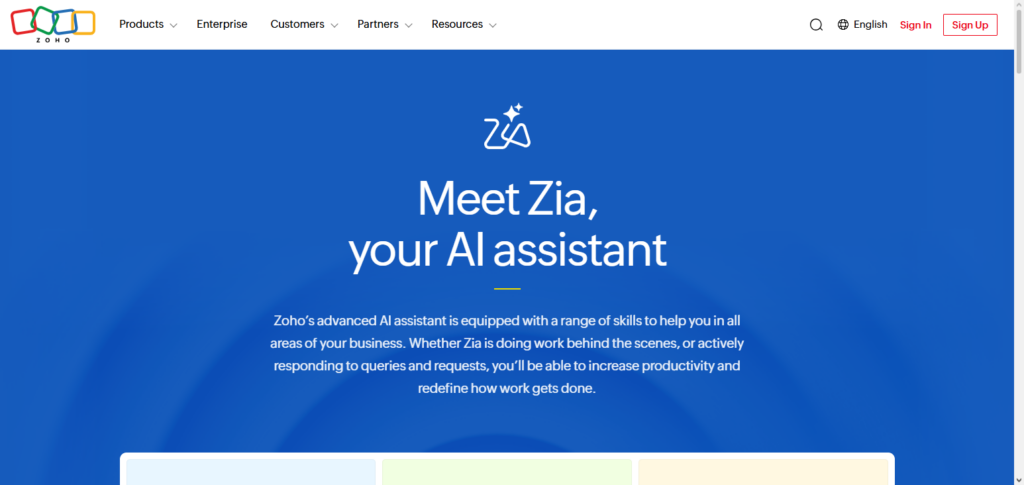
For a resulting automation, real-time alerts and AI-driven analytics keep businesses competitive within their market. For an entrepreneur looking for the automation and data-driven decisions within their operations, Zoho Zia AI is one of the AI Tools Every Entrepreneur Should Try.
Zoho Zia AI Features
- Forecasting sales trends
- Task automation and alerts driven by AI
- Intelligent anomaly detection in CRM data
- Reporting and queries in Natural Language
- Predictive insights in performance dashboards
Zoho Zia AI
| Pros | Cons |
|---|---|
| Forecasts sales trends effectively | Forecasts aren’t always precise |
| Automates routine CRM tasks | Initial configuration takes time |
| Detects anomalies in data | False positives possible |
| Natural language reporting | Limited to supported queries |
| Enhanced dashboards for insights | May overwhelm first‑time users |
5. QuickBooks AI
Based on artificial intelligence, QuickBooks AI has automated many areas of accounting, including bookkeeping, financial reporting, and invoicing. Entrepreneurs are able to automatically generate cash flow forecasts, categorize transactions, and identify errors in real-time.
Furthermore, AI identifies possible areas of cost savings and aids in tax planning. The benefit of QuickBooks AI is that business owners can now concentrate on other high-level strategic and growth-related activities instead of tedious accounting functions.
The software has also been recognized to be among AI Tools Every Entrepreneur Should Try to use, and is worthwhile to companies that want to manage their finances without having to compromise on precision, streamlining, or compliance requirements.
QuickBooks AI Features
- Automated bookkeeping and categorization of transactions
- Smart invoicing
- Forecasting the cash flow
- Expense tracking using AI
- Alert for tax insights and planning
QuickBooks AI
| Pros | Cons |
|---|---|
| Automates bookkeeping and categorization | Setup can be time‑intensive |
| Generates invoices quickly | Template choice is limited |
| Cash flow forecasting | Forecasts may vary in accuracy |
| Tracks expenses intelligently | May misclassify expenses |
| Helps with tax planning insights | Needs accountant verification |
6. Xero AI
Also an AI-based solution, Xero AI is cloud-based and provides the resources businesses need to effectively manage finances. Entrepreneur can do things such as automate invoicing and bank transaction reconciliation, as well as monitor their finances and provide real-time updates on the overall financial status.
Predictive cash flow analytics can help anticipate and provide solutions to cash flow challenges, improving budgeting and overall financial decision-making. Xero AI’s smart reporting and integration capabilities provide businesses the ability to adapt and grow.
It is also one of the AI Tools Every Entrepreneur Should Try. Xero AI is perfect for those looking to streamline financial operations and take their financial management and business strategy to the next level as it is intelligent and comprehensive.
Xero AI Features
- Bank reconciliation assisted by AI
- Analytics of cash flow that is predictive
- Reminder of invoices that are automated
- Smart suggestions for expense categories
- Integration with 3rd party apps without any hassles
Xero AI
| Pros | Cons |
|---|---|
| Efficient bank reconciliation | Requires correct bank feed connections |
| Predictive cash flow projections | Projections may miss sudden changes |
| Automated invoice reminders | Customers may find reminders repetitive |
| Expense categorization suggestions | Suggestions are not always perfect |
| Integrates with apps seamlessly | Integration setup varies by app |
7. Notion AI
Notion AI reimagines the popular workspace & note-taking app and transforms it into a smarter, more productive workspace. Entrepreneurs can draft meeting notes, recap long documents, manage and delegate tasks, and more. AI can also be leveraged for brainstorming, drafting, and structuring workflows through and across teams.

The combination of knowledge management and AI tasks not only decreases administrative burden, it also increases the collaborative potential of a workspace. Notion AI streamlines repetitive workflows, and enhances the progressive and imaginative potential of the user within the workspace.
Notion AI Features
- AI summaries of pages and documents
- Smart drafting and rewriting of content
- Suggestions for task ideas along with organizing assistance
- Help with creative brainstorming
- Smart searching across systems
Notion AI
| Pros | Cons |
|---|---|
| Summarizes long documents | May skip key points sometimes |
| Drafts content quickly | Requires editing for style and accuracy |
| Supports task ideation | Ideas can be generic |
| Enhances brainstorming | Not always context‑aware |
| Improves search across notes | Occasional misinterpretation |
8. Grammarly Business AI
Grammarly Business AI is one of the best AI tools for entrepreneurs and aims to provide excellent lifelong professional communication.
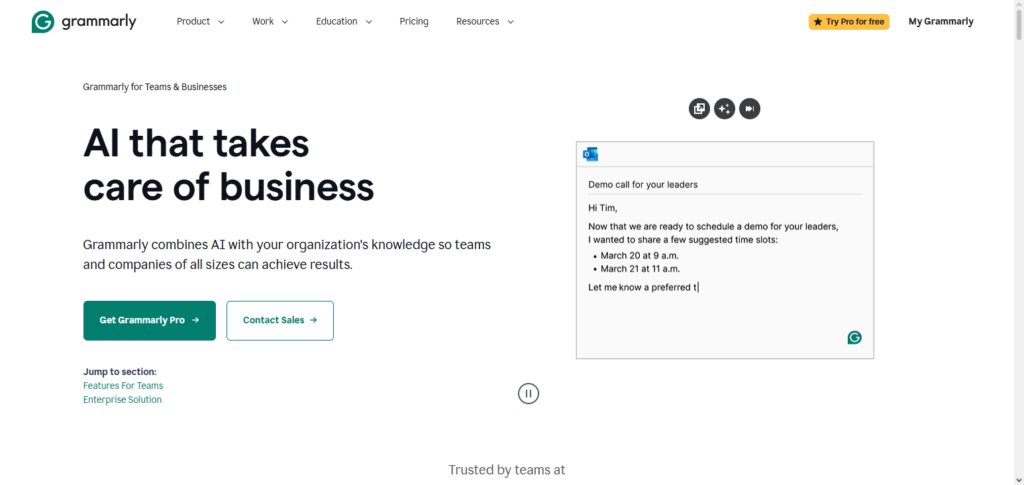
Business email and presentation content is regularly proofread to maintain and ensure a high level of corporate tone, style, and clarity, whilst enhancing Grammarly’s situational awareness to identify and remedy tone mismatches, advocate for equity and neutralize, and perform cross-portal stream assessments to ensure content is easily read.
Written communication upholds the business’ image, while Grammarly’s AI allows the company to circumvent the need for professional business editors in order to maintain and improve written standards.
Grammarly Business AI Features
- Corrects grammar and spelling mistakes
- Detects tone and offers professional recommendations
- Improves clarity and conciseness
- Brand style and vocabulary consistency
- Detects plagiarism
Grammarly Business AI
| Pros | Cons |
|---|---|
| Corrects grammar and syntax | Can over‑correct casual tone |
| Detects tone and clarity issues | Tone suggestions vary by context |
| Improves professionalism of writing | Sometimes alters meaning |
| Enforces brand style | Requires setup for style guides |
| Plagiarism detection included | Limited database coverage |
9. Salesforce Einstein
Salesforce Einstein incorporates an AI tool within the Salesforce CRM and provides predictive analytics, automated processes, and customer insights. Using AI, entrepreneurs can predict sales, determine lead quality, and tailor marketing offerings. Intelligent data analytics and decision-making come with no complicated configuration through Einstein’s NLP.
Routine CRM tasks can be automated and Salesforce Einstein allows customers to prioritize strategy and client engagement. Among the AI Tools Every Entrepreneur Should Try, Salesforce Einstein’s strong AI functionality to improve sales and marketing effectiveness is unparalleled.
Salesforce Einstein Features
- Predictive lead scoring and opportunity insights
- Recommended automation of workflows
- Analyzed AI-driven customer behavior
- Suggested intelligent sales and marketing
- Smart analytics dashboards
Salesforce Einstein
| Pros | Cons |
|---|---|
| Predictive scoring enhances targeting | Needs large datasets for accuracy |
| Automates workflows | Complex setup for new users |
| Delivers smart customer insights | Data privacy must be managed |
| AI‑powered sales recommendations | Can overwhelm small teams |
| Powerful analytics dashboards | Requires training to interpret |
10. Zapier AI
Combining automation and AI, Zapier AI connects multiple applications and makes workflow management easier. Simple tasks such as data entry, sending emails, and notifications can be automated, even by non-coders. Zapier’s AI makes it possible to handle complex workflows and optimizes processes through prediction.
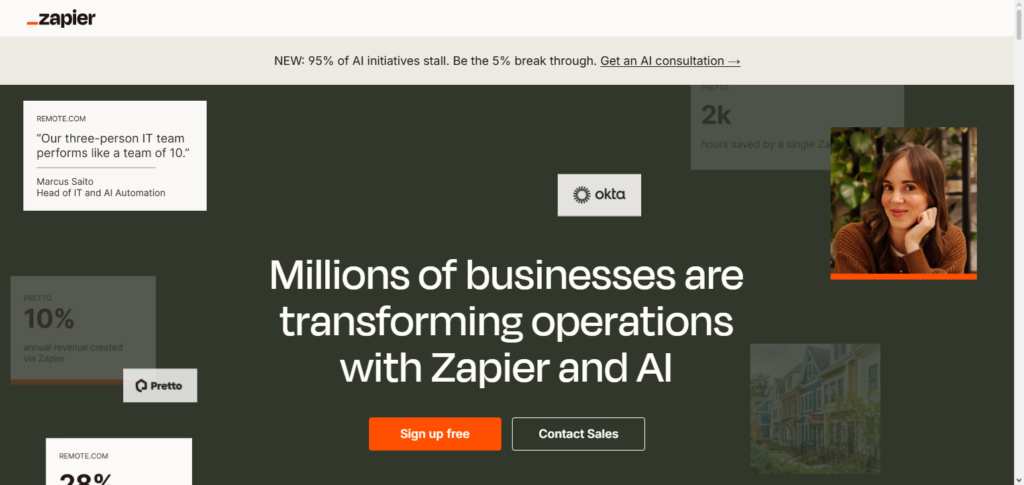
Zapier AI reduces the amount of work done manually and allows entrepreneurs to prioritize tasks that are strategic, instead of operational. Zapier AI is a top pick among the AI Tools Every Entrepreneur Should Try. For businesses that need advanced automation that meshes with existing software solutions, Zapier AI is a must.
Zapier AI Features
- Integrations of apps with AI
- Automation of workflows across platforms
- Logic paths and conditional triggers
- Suggested smart actions
- Sequences automated in multiple steps
Zapier AI
| Pros | Cons |
|---|---|
| Connects apps with no code | Free tier has low limits |
| Automates repetitive tasks | Complex flows take learning |
| Supports conditional logic | Errors can disrupt workflows |
| Suggests useful automations | Suggestions may miss relevance |
| Handles multi‑step automations | Management gets tricky at scale |
11. Trello + AI Plugins
Smart automation, task prioritization, and content suggestions that AI plugins bring to the table revolutionize project management. Entrepreneurs can structure their boards and monitor the team’s workflow to create actionable insights for better performance. AI plugins ease the workload in administrative project planning by predicting deadlines, optimizing the distribution of tasks, and summarizing the activities on each board.
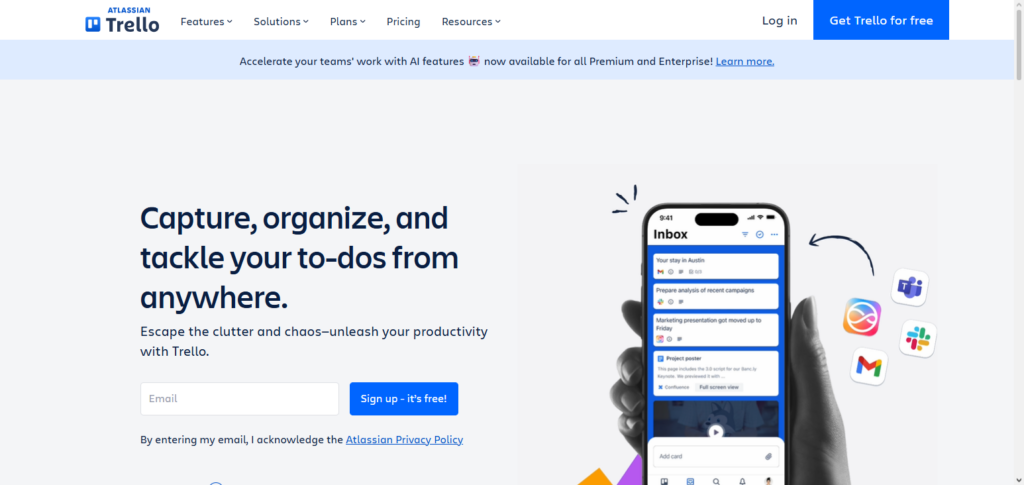
Trello with AI plugins is a must-try tool for every entrepreneur, as it helps manage projects effectively, maintains accountability, and boosts team performance. It is perfect for businesses that prioritize collaboration and scaling.
Trello + AI Plugins Features
- Prioritization of tasks using AI
- Summaries of boards created automatically
- Prediction of deadlines and schedules
- Suggested smart tasks
- Improved automation of workflows
Trello + AI Plugins
| Pros | Cons |
|---|---|
| Prioritizes tasks intelligently | AI may misjudge priorities |
| Summarizes board progress | Summary can be too high‑level |
| Predicts deadlines | Predictions are estimates only |
| Offers suggestions for tasks | Suggestions aren’t always relevant |
| Automates workflow actions | Some features require paid plans |
Conclusion
In the modern era of high-speed business advancements, incorporating AI into workflows is a necessity, not an option. The 11 tools analyzed, including Copilot for Microsoft 365 and Trello with AI plugins, equip business owners with the means to optimize processes and automation, improve marketing efforts, and enhance data-driven insights.
Improved AI tools integration will save businesses time, minimize errors, and improve overall scalability. The process of adapting to AI tools will enhance the business operations of owners and deliver a competitive advantage to innovators and growing business leaders. This is the first case of AI Tools Every Entrepreneur Should Try.
FAQ
What are AI tools for entrepreneurs?
AI tools are software solutions that use artificial intelligence to automate tasks, provide insights, and improve efficiency in business operations. They help entrepreneurs with content creation, customer management, accounting, project management, and workflow automation.
Why should entrepreneurs use AI tools?
AI tools save time, reduce errors, and provide data-driven insights. They allow entrepreneurs to focus on strategy, growth, and decision-making rather than repetitive tasks, helping businesses scale more efficiently.
Which AI tools are essential for small business owners?
Essential AI tools include Copilot for Microsoft 365 for productivity, Jasper AI for content creation, HubSpot AI CRM for customer management, QuickBooks AI for accounting, and Zapier AI for workflow automation.
Can AI tools improve marketing and sales?
Yes. Tools like Jasper AI, HubSpot AI CRM, and Salesforce Einstein provide personalized marketing, predictive lead scoring, automated email campaigns, and customer insights to enhance sales and engagement.