



This article will focus on the Best VoIP Services for businesses of every size. I will talk about powerful enterprise solutions like RingCentral and Avaya Cloud Office and budget-friendly solutions for small teams like Ooma Office and Grasshopper.
All of these VoIP services are reliable and flexible to enhance communication and collaboration and improve customer engagement.
What is VoIP Services?
Voice over Internet Protocol or VoIP services allow individuals who use traditional landline telephone services to communicate via the internet. By converting telephone signals into digital format, communication becomes cheap and more versatile.
VoIP services have also introduced video and audio conferencing, team chat, voicemail to email transcription, call forwarding and voicemail access, and business or customer relationship management (CRM) software integration.
VoIP is not only used by large corporations, it is also essential for small and medium sized organizations to provide modern communication solutions, support remote and hybrid communication, and reduce telephony expenses.
Key Point & Best VoIP Services
| Service | Key Features |
|---|---|
| RingCentral | Cloud-based VoIP, SMS, video conferencing, team messaging |
| Nextiva | VoIP, CRM integration, analytics, team collaboration |
| Zoom Phone | VoIP, video meetings, call routing, mobile app |
| Dialpad Ai Voice | AI transcription, VoIP, call analytics, team messaging |
| Ooma Office | VoIP, mobile app, call handling, virtual receptionist |
| Grasshopper | VoIP, call forwarding, custom greetings, mobile app |
| Microsoft Teams Phone | VoIP, Teams collaboration, call queues, PSTN support |
| Aircall | VoIP, call routing, CRM integration, analytics |
| CloudTalk | VoIP, IVR, call monitoring, analytics |
| Avaya Cloud Office | VoIP, team messaging, video conferencing, mobile app |
1. RingCentral
RingCentral is one of the most established cloud VoIP and unified communications services. They offer competitive pricing for voice, SMS, video conferencing, team messaging, and advanced call handling, with most services offered via a single suite. RingCentral supports standards such as IVR, call routing, call recording, and auto–attendant, and can seamlessly switch between voice and video calls.
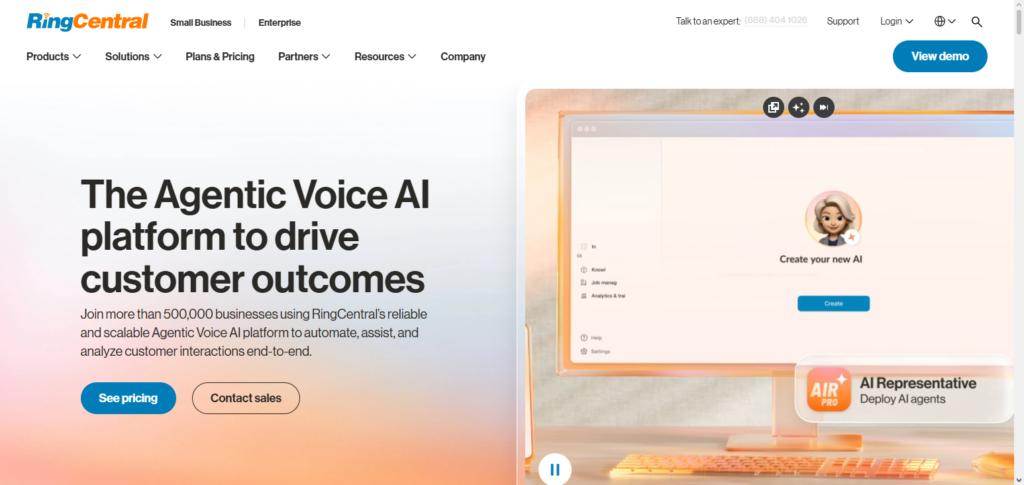
They integrate with hundreds of business tools, including Salesforce and Microsoft Teams. This makes RingCentral a great option for businesses that want to consolidate all of their communications on one platform. They also great for medium and large businesses with a global market because of their robust features and high uptime.
RingCentral Features, Pros & Cons
Features:
- Cloud‑based VoIP voice calling
- Team messaging and SMS
- Video conferencing included
- Auto‑attendant & IVR (Interactive Voice Response)
- CRM & productivity tools Integrations
Pros:
- Excellent flexibility for all business sizes
- Reliable uptime and call quality
- Comprehensive unified communication suite
- Advanced analytics and reporting
- Strong third‑party integrations
Cons:
- Advanced pricing; includes basic VoIP plans
- New users would find this complex
- Total cost increases due to add-on features
- Mobile app UI could be cluttered
- Support can be slow during peak hours
2. Nextiva
Nextiva offers strong VoIP services that integrate seamlessly with their all-in-one communications suite, NextOS, which includes voice, SMS, team chat, video, and analytics. Nextiva has dashboards that are easy to use. They also seamlessly integrate with CRM systems including HubSpot and Microsoft Dynamics, which helps Nextiva customers keep track of their customer interactions across all channels.
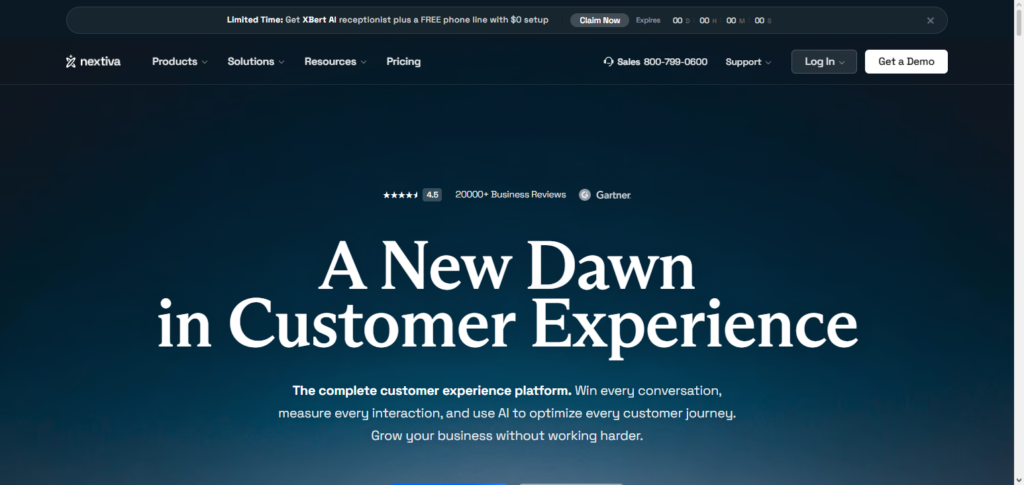
Other features included are intelligent call routing, call recording, and operational response time boosting analytics. Nextiva’s growing team’s reliable infrastructure and 24/7 customer support, easy onboarding, and platform offers seamless internal and external customer communication.
Nextiva Features, Pros & Cons
Features:
- VoIP business phone service
- CRM built-in and dashboards for customers
- Analytics and reporting for calls
- Team chat and SMS
- Integrations for business tools
Pros:
- Onboarding is simple, and is a quick setup
- Support for customers is excellent
- Communication platform; all in one
- Interface is user-friendly
- Animus is solid
Cons:
- Advanced features in higher-tier plans
- Beginners would find the CRM tools to be overwhelming
- Less advanced automation than competitors
- Integrations can be more tedious
- Costs can increase with more usage
3. Zoom Phone
Zoom Phone offers VoIP services that run off of the well-built Zoom communication system. Perfect for businesses that are already using Zoom Meetings, Zoom Phone offers enterprise-grade voice calling, and other features like voicemail transcriptions and call delegations and transfers.
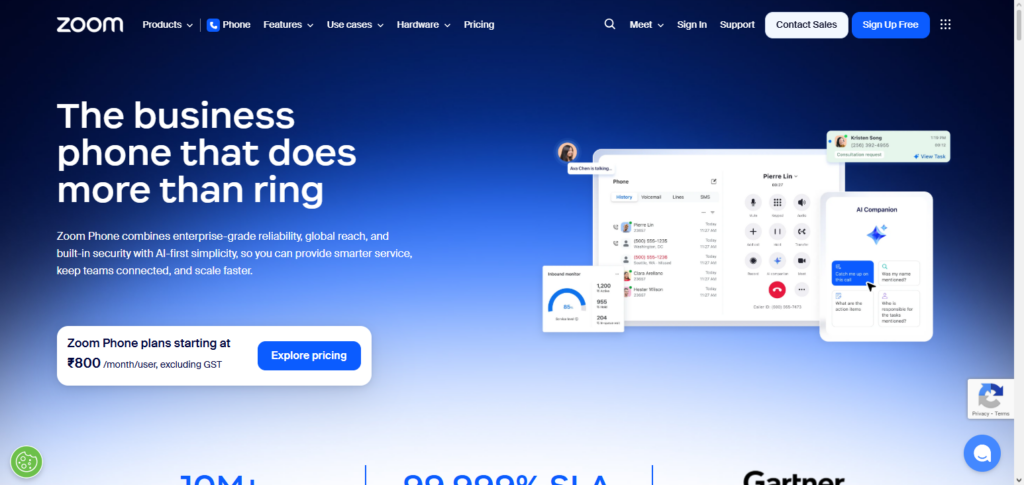
Chat and video conferencing, along with seamless setup for remote or hybrid teams is included with the cloud-native approach creating extra continuity between meetings and phone communications. Reliable call quality and easy management thanks to Zoom’s infrastructure along with familiar Zoom apps keeps communications in one place.
Zoom Phone Features, Pros & Cons
Features:
- VoIP calling with guaranteed business reliability
- Integrated with Zoom Meetings
- Call routing and delegation
- Voicemail and voicemail transcription
- Phone numbers for international calls
Pros:
- Quick setup for users who already use Zoom
- Easy to use
- Low cost for add-on for Zoom users
- Solid calling infrastructure
- Available on the desktop and mobile app
Cons:
- Lacks enough features to be considered a full UCaaS
- Not enough advanced call center capabilities
- No CRM built-in
- The reports are basic
- Add-on for full enterprise features are required
4. Dialpad Ai Voice
Dialpad Ai Voice uses advanced AI like other services, to enhance the VoIP experience. Besides having regular VoIP calling, Dialpad offers real-time transcriptions, sentiment analysis, and predictive insights, along with other AI-assisted coaching tools that improve team performance and efficiency.
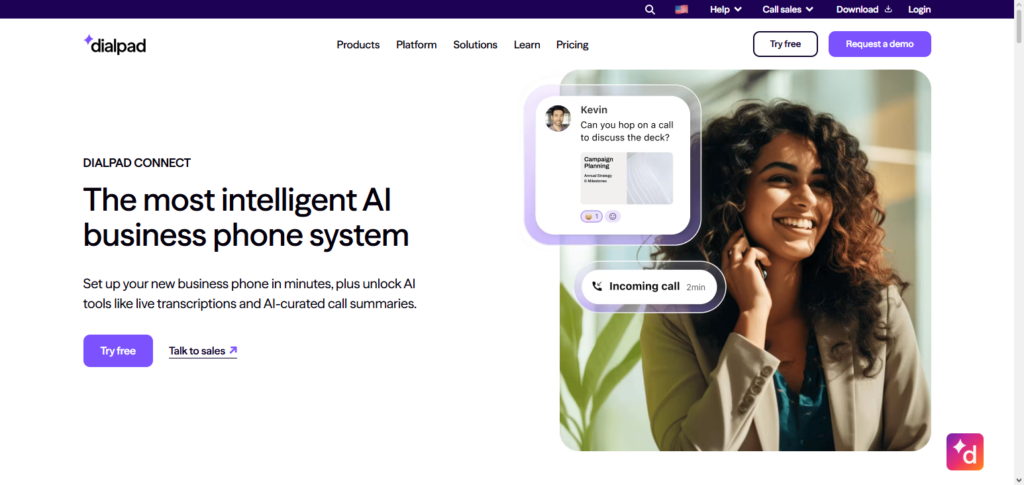
Sales and support teams gain the most from automated call summaries and live guidance which convert conversations to actionable data. Reduced training time is a benefit of the interface which works across mobile and desktop. Unlike most businesses that focus on connections, Dialpad makes actionable intelligence from everyday interactions its selling point.
Dialpad Ai Voice Features, Pros & Cons
Features:
- Calling via VoIP
- Transcription through AI, in real-time
- Sentiment analysis, and provides insights for the call
- Summarizes calls and meetings automatically
- Integrations with CRM and helpdesk
Pros:
- Offers unique AI technology for analysis on performance
- Easy to navigate with a modern design
- Use on any device
- Boosts productivity for your sales and support team
- Simple to set up
Cons:
- Pay for advanced AI features
- Less reliable with heavy background noise and strong accents
- Trusty connection is a must
- Redundant features
- 5. Not the best option as a basic standalone VoIP service
5. Ooma Office
Ooma Office is a simple and inexpensive VoIP service for small businesses. Since the service is entirely cloud hosted, Ooma Office provides small businesses with a professional phone system without the complexity. Features include virtual receptionists, ring groups, and voicemail to email.
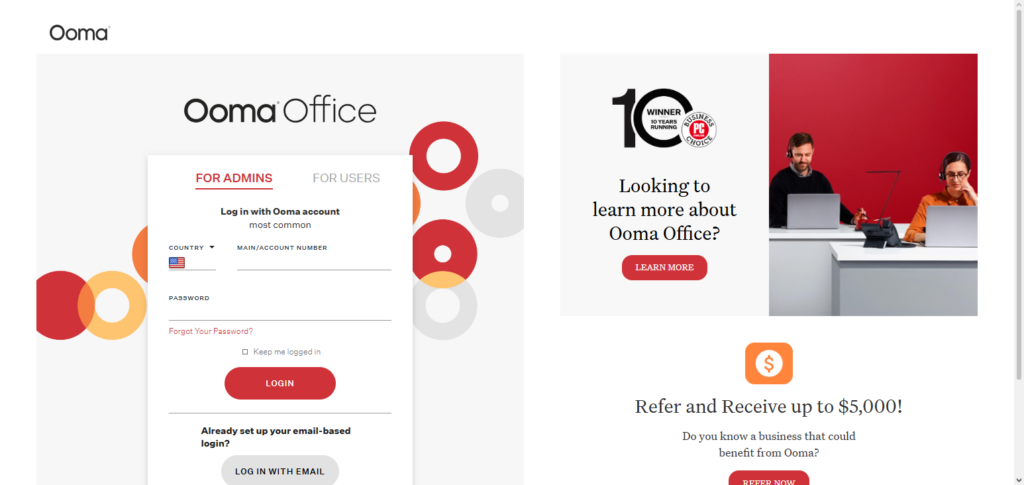
Users can also download a mobile app to receive and make calls. Small businesses can get as many local and toll-free numbers as they want and can also purchase as many unlimited extensions as their business requires. Ooma Office is attractive to small teams, startups, and small offices with limited IT support because of the simple interface and quick setup.
Ooma Office Features, Pros & Cons
Features:
- VoIP business voice calls
- Auto‑attendant
- Call ring groups
- Availability of Mobile & Desktop Apps
- Voicemail sent to email
Pros:
- Low cost for small business
- Basic setup and simple to use
- No high priced equipment involved
- Local & Toll Free numbers
- Decent basic VoIP
Cons:
- Limited more advanced features
- No built in CRM or analytics
- Less integrations
- Call center potential not as good
- Basic reporting
6. Grasshopper
Grasshopper is for entrepreneurs and small teams that want a simple virtual phone presence without a complete VoIP system. In addition to call routing to their mobile and landline devices, Grasshopper offers business text, custom greetings, voicemail transcription, and simultaneous calls.
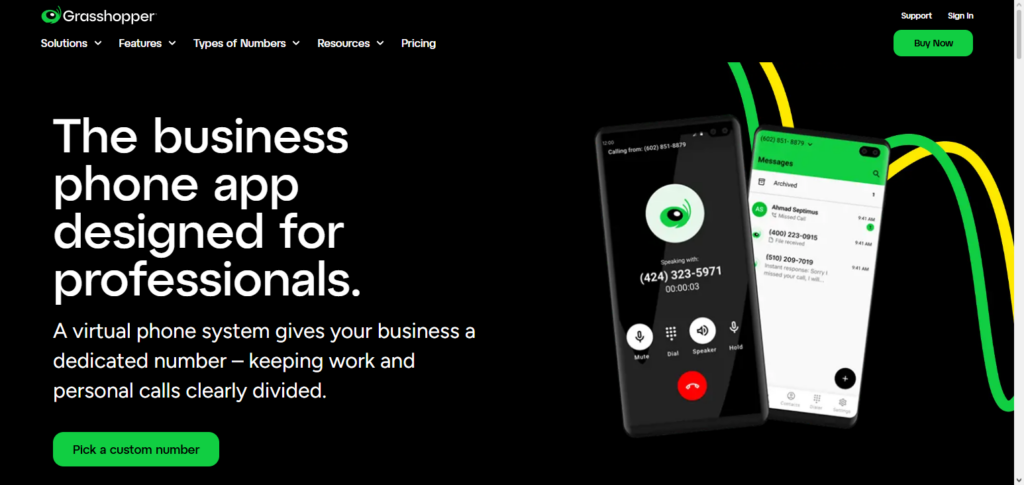
With a focus on your business numbers and how they are utilized on various devices, there are no complex hardware requirements as everything is compatible with apps. Although there is no hardware required, it is recommended to have advanced call analytic features, contact center capabilities, and other things which may make your business look professional. However, you may still lose some features.
Grasshopper Features, Pros & Cons
Features:
- VoIP virtual phone system
- VoIP call forwarding and custom greetings
- Text business line
- Voicemail transcription
- Call forwarding to multiple extensions
Pros:
- Has simple setup
- Is less expensive for individual and very small teams
- business phone number can be used on a personal phone
- No phone system needed
- User experience very easy and nice
Cons:
- VoIP has less advanced call features
- Less analytics
- Larger teams it won’t work as well
- No built in CRM
- Routing is basic
7. Microsoft Teams Phone
For businesses using Microsoft 365, Microsoft Teams Phone is a great fit as it provides seamless integration of VoIP calls into Microsoft Teams. Businesses can add calling plans and implement direct routing into Microsoft Teams so employees can make and receive calls, monitor call queues, set up auto attendants and have a visual voicemail right in the same app as their other business chat and collaboration tools.
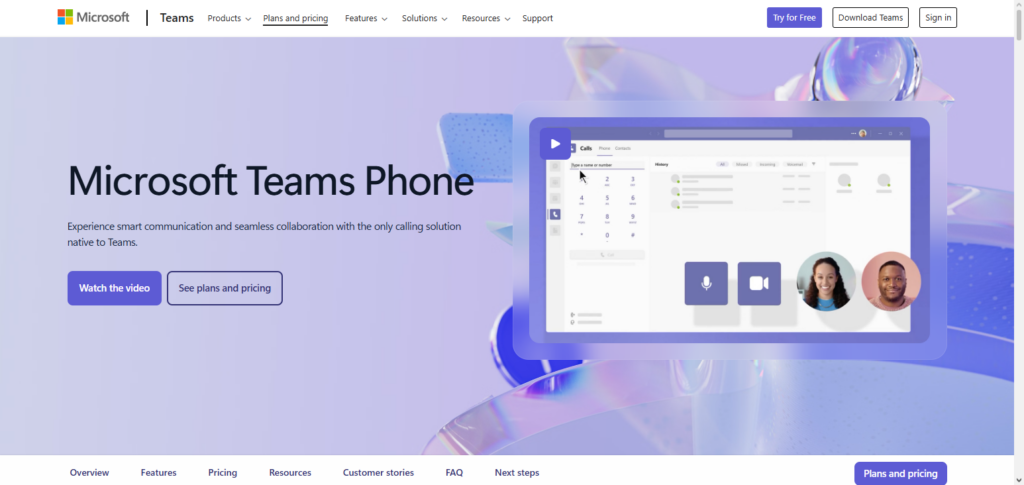
This open collaboration environment minimizes the number of business communication tools needed and reduces the complexity for users and administrators. Teams Phone is also committed to having features for international numbering and phone systems streamlining the growth of your business from a small number of Teams to large Enterprise systems. This makes it simple for businesses who are committed to utilizing Microsoft systems.
Microsoft Teams Phone Features, Pros & Cons
Features:
- VoIP calls done in Teams
- Auto‑attendant & Call Queue
- Has direct routing
- Visual voicemail
- Microsoft 365 has deep integration
Pros:
- Strongest fit for Microsoft 365 ecosystems
- Combined chat, voice, and video
- Security and compliance
- Scalable from SMB to enterprise
- Includes desktop & mobile apps
Cons:
- Licensing and setup can be complex
- Calling plans cost extra
- Setup may need IT support
- Non-Teams users may find it less intuitive
- Features may be limited by region
8. Aircall
With a focus on customer support and sales, Aircall is a Cloud-based VoIP phone system that is built for seamless communication workflow. Aircall adds a communication channel with various capabilities and tools to support the team’s customer conversation more effectively.
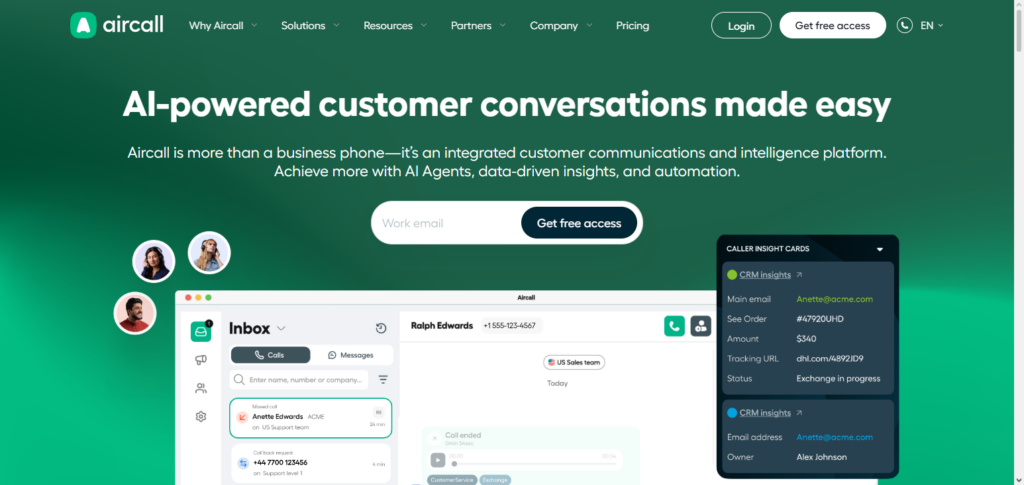
These capabilities and tools include conversation analytics, an interactive voice response system (IVR), call routing and artificial intelligence (AI).With Aircall’s easy integration with various CRM’s and helpdesks like Salesforce, HubSpot, and Zendesk, data can link between platforms seamlessly without manual input. Its user-friendly design and integration options make it easy for customer service teams to focus on customer information instead of switching between systems.
Aircall Features, Pros & Cons
Features:
- Cloud VoIP
- IVR + call routing
- Call analytics & performance analytics
- Integrations for CRM & helpdesk
- Outbound calling power dialer
Pros:
- Great for support & sales teams
- Quick and simple setup
- Dashboard is user-friendly
- Great integration with CRM
- Analytics are useful
Cons:
- Pricing can be high for large teams
- Call quality is internet dependent
- It can be confusing to choose feature tiers
- Support is sometimes slow
- Many advanced features cost extra
9. CloudTalk
CloudTalk is a great platform for VoIP and call center services. They have combined global voice and AI driven automation with smart routing and CRM integration. CloudTalk is great for sales, support and operations with inbound and outbound voice, automated workflows, and analytics.
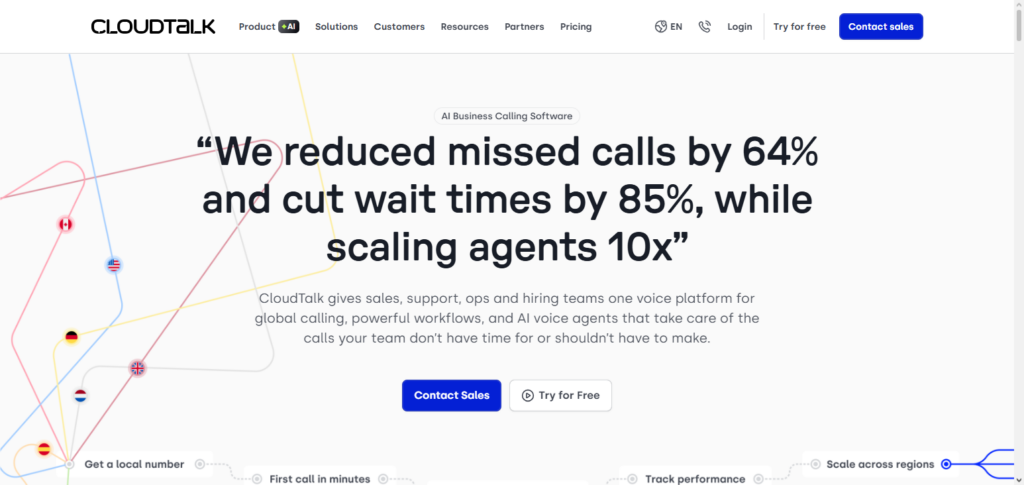
CloudTalk also has international scaling and integrations with CRM platforms like Salesforce, HubSpot, and Zendesk. They have many features, AI call summarization, power dialers, and intelligent call queues. They are great for high call volume businesses.
CloudTalk Features, Pros & Cons
Features:
- VoIP calling + call center features
- Smart call routing
- AI-assisted call summaries
- Integrations for CRM and helpdesk
- Advanced analytics and power dialer
Pros:
- Great for support teams
- AI improves insights and productivity
- Pricing and scaling are flexible
4 .Global functionality5. High level of integration
Cons
- Advanced features have a learning curve.
- Reporting features can be improved.
- Call quality depends on your bandwidth.
- Basic plans are lacking features.
- Not great for basic VoIP needs.
10. Avaya Cloud Office
Avaya Cloud Office unifies VoIP and enterprise systems to provide strong call systems, collaboration systems and powerful scalability for large businesses. Cloud Office is based on many years of telephony design and it has features like team messaging, video calls on mobile and computer, and advanced call routing.
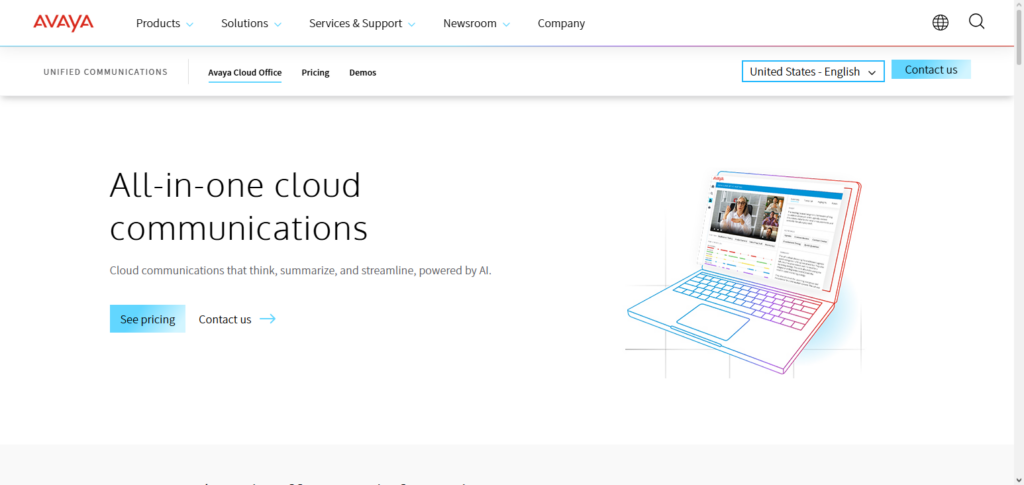
It also supports international distribution and can be customized to suit any business in need of a sophisticated and flexible VoIP service that can be tailored and integrated into productivity, CRM, and customer experience platforms at a high level of reliability. This is ideal for enterprises with diverse teams to support.
Avaya Cloud Office Features, Pros & Cons
Features:
- VoIP_calls for enterprises
- Messaging for teams
- Video calls
- Call routing + IVR
- Integrations for your CRM and work apps
Pros:
- Reliability at the enterprise level
- Great features for communication
- Applicable for large systems
- High level of security + compliant
- Great level of control for admins
Cons:
- Cost is higher than standard VoIP plans
- Setup/ management is more difficult.
- Can take a long time to onboard
- Not great for small teams
- To get the most you will need to purchase add ones.
Conclusion
In summary, the best VoIP services for your business depends on business size, budget, and communication type. Enterprises hunting global reach and strong features should consider RingCentral and Avaya Cloud Office, as they provide advanced team collaboration and call management.
Nextiva and Microsoft Teams Phone are also great for unified experiences as they integrate with your CRM and productivity tools. If your business requires real-time analytics and transcription, ai Powered Dialpad is also a good option, while Aircall and CloudTalk are best for sales and support teams with high call volume.
For Smaller businesses, Ooma Office and Grasshopper are the more cost-effective options, while Zoom phone is best for collaboration and seamless video and voice integration. Overall, the top VoIP services for ahieving improved connectivity, productivity, and customer engagement, are great tools for every business, regardless of size.
FAQ
What is a VoIP service?
VoIP (Voice over Internet Protocol) allows businesses and individuals to make phone calls using the internet instead of traditional phone lines. It often includes features like call forwarding, voicemail, video conferencing, and integrations with other business tools.
Which are the best VoIP services?
Some of the top VoIP services include RingCentral, Nextiva, Zoom Phone, Dialpad Ai Voice, Ooma Office, Grasshopper, Microsoft Teams Phone, Aircall, CloudTalk, and Avaya Cloud Office. Each has unique features suited for different business sizes and needs.
What are the benefits of using VoIP for business?
VoIP services reduce costs, improve call quality, enable remote work, integrate with CRM systems, and offer advanced features like analytics, AI-driven insights, call routing, and collaboration tools.
Can VoIP replace a traditional phone system?
Yes, VoIP can fully replace landlines for most businesses. Modern VoIP solutions offer enterprise-grade reliability, mobile access, and global scalability that traditional phone systems can’t match.
How do I choose the right VoIP service?
Consider your business size, budget, feature requirements, integration needs, and call volume. For example, RingCentral and Avaya Cloud Office are ideal for enterprises, Ooma Office and Grasshopper suit small businesses, and Dialpad Ai Voice or Aircall are perfect for teams needing AI and CRM integration.