


The top AI technologies for executive reporting automation that assist businesses in converting unprocessed data into intelligent dashboards, predictive analytics, and real-time insights will be covered in this post.
These AI-powered solutions improve accuracy, productivity, and strategic planning throughout the company while enabling executives to automate reporting, spot trends, and make quicker, data-driven choices.
What is Executive Reporting Automation?
The process of automatically creating, distributing, and updating high-level business reports for executives and decision-makers using cutting-edge software and artificial intelligence tools is known as executive reporting automation.
Automated reporting systems grab real-time data, apply analytics, and generate actionable insights in dashboards or summaries rather than manually collecting data from many sources, cleaning it, and producing visuals.
By giving executives current, data-driven summaries of key performance indicators (KPIs) and company metrics, this not only saves time but also guarantees accuracy, consistency, and quicker decision-making.
Key Features to Look for in AI Executive Reporting Tools
Automated Data Integration – Connects effortlessly to different data sources (databases, CRMs, ERPs, cloud apps) and refreshes data without manual work.
AI Driven Insights – Applies AI and ML to discover trends, anomalies, and predictive patterns that are not obvious.
Natural Language Queries – Users can ask a question in casual/conversational manner and get a relevant answer or visual in an instant.
Custom Dashboards and Visualizations – Available personalization of executive dashboards with interactive visuals like charts, graphs, and KPI widgets.
Real Time Alerts and Notifications – Alerts are triggered if specific metrics reach a set threshold or had notable shifts.
Predictive Analytic – Offers forecasts and scenario projections that are forward-looking to aid in strategic decision-making.
Automated Narrative Summaries – Automates data insights and provides written summaries with smart interpretations for easy snacking.
Role Based Access and Security – Allows secured and permissioned report access based on users’ role.
Collaboration and Sharing – Easy report distribution via email, Slack, Teams, or embedded links.
Mobile Accessibility – Allows executives to access dashboards and reports on mobile devices due to a responsive design.
Audit Trails & Versioning – For control and compliance, it follows changes, data lineage, and report versioning.
Scalability & Performance – Keeps high speed and performance despite growing data volumes and increasing number of users.
Key Point & Best AI Tools for Executive Reporting Automation List
| AI Analytics Platform | Key Points |
|---|---|
| Microsoft Power BI + Copilot AI | AI-assisted insights, natural language queries, automated dashboards, integration with Microsoft ecosystem, predictive analytics capabilities. |
| Tableau + Einstein Discovery (Salesforce) | AI-driven predictive modeling, actionable insights, seamless Salesforce integration, drag-and-drop visualizations, automated recommendations. |
| Qlik Sense + Predictive AI | Associative analytics engine, AI-based predictions, smart visualizations, data storytelling, advanced data integration. |
| Sisense Fusion AI | Embedded AI, predictive analytics, automated insights, customizable dashboards, strong scalability for large datasets. |
| Zoho Analytics + Zia AI | AI-powered insights, anomaly detection, conversational analytics, predictive modeling, easy integration with Zoho suite. |
| IBM Cognos Analytics + Watson AI | AI-assisted reporting, natural language query, data pattern detection, automated visualizations, enterprise-grade analytics. |
| Oracle Analytics Cloud + AI | Predictive analytics, AI-driven recommendations, smart data visualization, cloud-native integration, automated insights. |
| SAP Analytics Cloud + AI | Integrated business intelligence, AI-driven predictions, planning & simulation, smart data discovery, enterprise analytics platform. |
| Workday People Analytics + AI | Workforce insights, predictive HR analytics, AI-driven recommendations, talent management optimization, integration with Workday HCM. |
| Domo AI | Real-time data insights, predictive analytics, AI-driven alerts, customizable dashboards, strong data connectivity across sources. |
1. Microsoft Power BI + Copilot AI
Because it seamlessly combines advanced analytics with AI-driven natural language insights, Microsoft Power BI + Copilot AI stands out as one of the top AI tools for executive reporting automation.
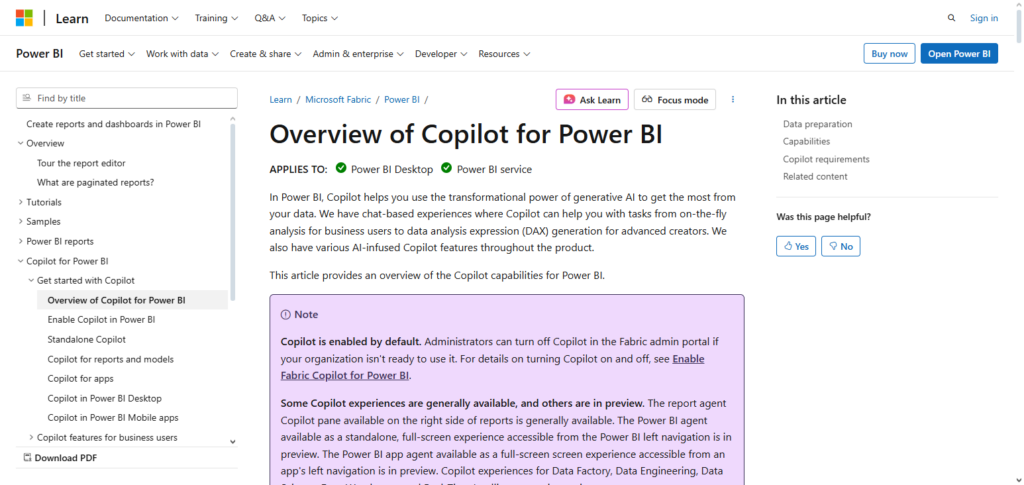
Executives can ask sophisticated business questions in simple terms using Copilot AI, which instantly creates interactive dashboards and narrative reports that highlight important patterns and anomalies. Its capacity to instantly combine data from several sources guarantees precise, comprehensive findings.
Leadership may concentrate on strategic choices as predictive analytics and automated visual storytelling minimize human labor. The distinctive strength is the integration of Power BI’s powerful visualization with AI intelligence, resulting in reporting that is quicker, more intelligent, and completely actionable.
Microsoft Power BI + Copilot AI Features, Pros & Cons
Key Features
- Natural language queries powered by Artificial Intelligence
- Automation of the reports and narratives
- Dashboards in real time with KPI tracking
- Trend detection and prediction analytics
- Microsoft 365 integration
Pros
- User-friendly for non-technical executives
- Excellent data visualization
- Integration with Excel, Azure, and Microsoft Teams is seamless
- Solutions can be tailored to the size of the business
- Lower in price than their competitors
Cons
- Premium licenses are required for the more AIs
- For students learning, DAX calculations can be more difficult
- Large data sets may cause system lag
- Not many systems can natively write back data
- Custom AIs along with Azure are more complex difficult systems
2. Tableau + Einstein Discovery (Salesforce)
Because it combines Tableau’s potent visual analytics with Einstein Discovery’s AI-driven predictive and prescriptive insights, Tableau + Einstein Discovery (Salesforce) is a top AI tool for executive reporting automation.
Executives may find hidden patterns, predict trends, and get practical advice from within interactive dashboards thanks to this connection.
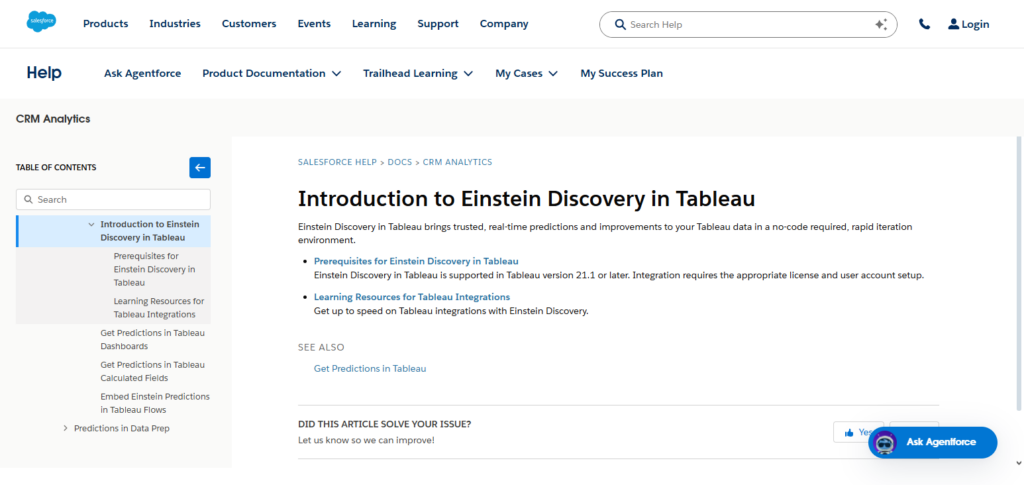
Its special strength is its ability to automatically analyze big, complicated datasets and turn them into clear visual narratives that highlight important business factors.
Tableau + Einstein Discovery reduces manual reporting and improves strategic planning across sales, operations, and customer interaction by enabling leaders to make data-driven decisions fast through “what-if” scenario analysis and AI-generated narratives.
Tableau + Einstein Discovery (Salesforce) Features, Pros & Cons
Key Features
- Predictive and prescriptive analytics powered by AI
- Modeling of scenarios and their expectations
- Dashboards that allow for interactivity
- Automated analysis of driven patterns
- Integration with Salesforce CRM
Pros
- Excellent for visual storytelling
- Predictive insights can provide executives with data
- Great for analytics regarding customers and sales
- Dashboards are interatively excellent
- A platform that is well-established and trusted
Cons
- Increased licensing cost
- Used outside of Salesforce ecosystem, but still Salesforce best value
- Data preparation needed to get better results from AI
- Without add-ons, automation is very limited
- New user learning curve can be high
3. Qlik Sense + Predictive AI
Because it integrates Qlik Sense’s associative analytics engine with cutting-edge predictive intelligence, Qlik Sense + Predictive AI is a top AI tool for executive reporting automation. Executives may investigate intricate correlations across datasets thanks to this special integration, finding insights that conventional reporting would miss.
Proactive decision-making is made possible by predictive AI, which forecasts trends, identifies anomalies, and offers scenario-based recommendations. Leadership can easily monitor KPIs and performance measures thanks to its dynamic dashboards, which update in real time.
Its ability to combine self-service analytics with AI-driven foresight is its most notable feature. It turns static reports into dynamic, forward-looking insights that enable executives to make quicker, more intelligent strategic decisions.
Qlik Sense + Predictive AI Features, Pros & Cons
Key Features
- Text and Data Overview
- Predictive AI, Detection of Anomalies and Forecasting
- Self-service analytics for general managers of the company
- Automated suggested insights
- Real-time data survey
Pros
- Excellent at uncovering hidden trends or connections
- Quality predictive and trend analysis
- Rapid data exploration
- Scalable analytics at the enterprise level
- Adaptable to numerous data sets
Cons
- Complex UI for fresh users
- Advanced AI configurations needed
- Visualization options are not as well crafted as Tableau
- Storytelling automation is limited
- Advanced functionality is at a higher price
4. Sisense Fusion AI
Because Sisense Fusion AI combines enhanced analytics with AI-driven insights to produce extremely intelligent, actionable reports, it is a top AI tool for executive reporting automation. Its ability to automatically analyze complicated datasets from various sources, identify trends, and flag anomalies without human intervention is its special strength.
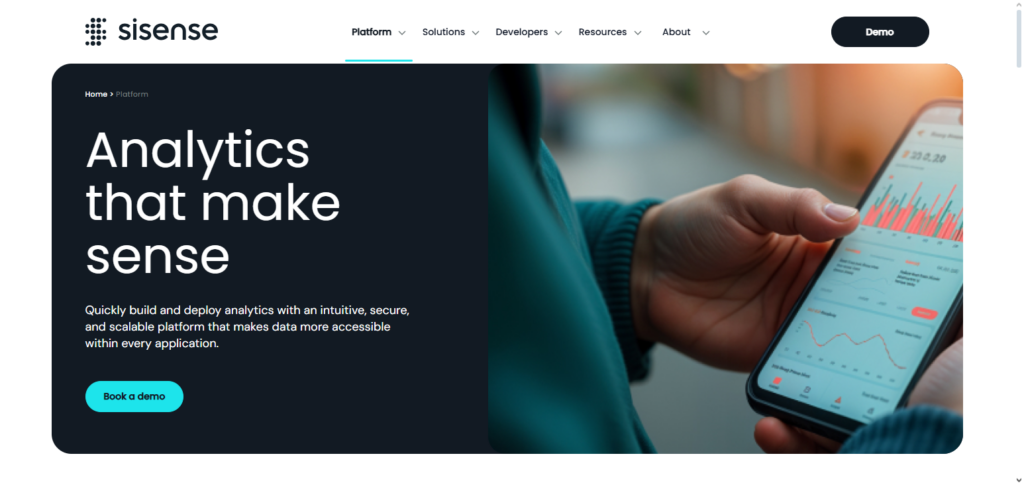
Executives can use natural language questions to engage with dashboards, getting narrative explanations and prompt responses. Additionally, Fusion AI facilitates scenario simulations and predictive modeling, enabling leadership to forecast results and make well-informed strategic choices.
Sisense Fusion AI turns reporting into a proactive tool that helps executives make decisions by fusing automation, AI intelligence, and interactive visualization.
Sisense Fusion AI Features, Pros & Cons
Key Features
- Enhanced analytics with explanations from AI
- Ability to embed analytics
- Predictive modeling, and forecasting
- Natural language queries
- Integrated data from multple sources
Pros
- Excellent automation of insights driven by AI
- Beneficial for dashboards aimed at executives
- Adaptable to usage in various settings
- Efficient with complicated datasets
- Good for platform developers
Cons
- Needs high level of setup for technical processes
- Out of the box templates are limited
- Small ecosystem as compared to Power BI
- Non-explicit prices
- Steep learning curve for business users
5. Zoho Analytics + Zia AI
Because it combines Zia’s cognitive AI capabilities with Zoho’s strong analytics platform to provide automated, actionable insights, Zoho Analytics + Zia AI is a potent AI solution for executive reporting automation.
Large datasets can be interpreted using Zia AI, which can also produce predictive projections, identify abnormalities, and offer natural language explanations from within dashboards.
Conversational analytics, which enables executives to ask questions in plain English and instantaneously receive graphical, AI-driven responses, is its distinct benefit.
Zoho Analytics + Zia AI reduces manual reporting labor and enables leadership to make quicker, more intelligent, and data-driven strategic choices by combining data from several departments to produce a unified, real-time view of business performance.
Zoho Analytics + Zia AI Features, Pros & Cons
Key Features
- Conversational analytics
- Anomaly detection autopilot
- Predictive analytics
- Cross-department report sharing
- AI-powered report narratives
Pros
- Ideal for small and mid-sized businesses
- Intuitive user interface
- Automation of recurring reports
- Seamless integration within Zonho apps
- Low technical skill requirements
Cons
- Advanced AI customizability is limited
- Not best for huge organizations
- Basic visualization functions
- Performance is affected when handling large datasets
- Advanced governance features lack
6. IBM Cognos Analytics + Watson AI
Because it combines Cognos’s enterprise-grade analytics with Watson’s cutting-edge AI capabilities to produce intelligent, actionable insights, IBM Cognos Analytics + Watson AI is a remarkable AI tool for executive reporting automation. Its distinctive feature is its ability to use natural language processing to produce narrative reports and provide sophisticated business answers, making analytics understandable to executives who are not technical.
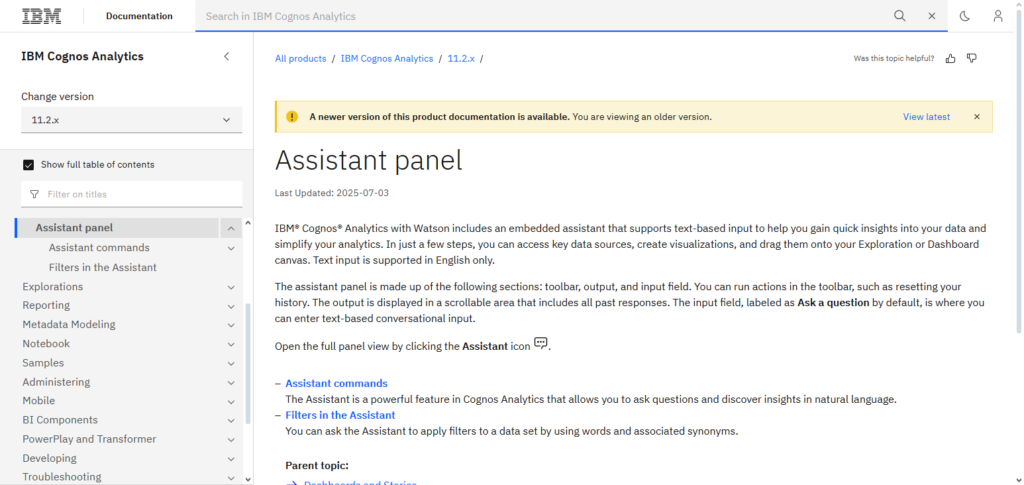
While Cognos visualizations offer insights in an understandable and engaging manner, Watson AI is capable of identifying trends, anomalies, and predictive patterns across enormous datasets. IBM Cognos + Watson AI lowers manual labor, improves decision accuracy, and gives executives the confidence to make strategic, data-driven decisions by automating data integration, analysis, and storytelling.
IBM Cognos Analytics + Watson AI Features, Pros & Cons
Key Features
- Analytics via Natural language
- AI-driven data storytelling
- Dashboards generation automation
- Predictive and trend forecasting
- Enterprise-grade governance
Pros
- Narrative insights via AI is brilliant
- Strong data security and compliance
- Best for complicated and large organizations
- Reporting is accurate
- Analytics is scalable
Cons
- Complicated to set up
- UI is outdated
- More expensive compared to previously mentioned tools
- Needs training to use the tool effective
- Innovation cycle is slow
7. Oracle Analytics Cloud + AI
Because it combines robust cloud-based analytics with cutting-edge AI to provide real-time, actionable insights, Oracle Analytics Cloud + AI is a top AI tool for executive reporting automation.
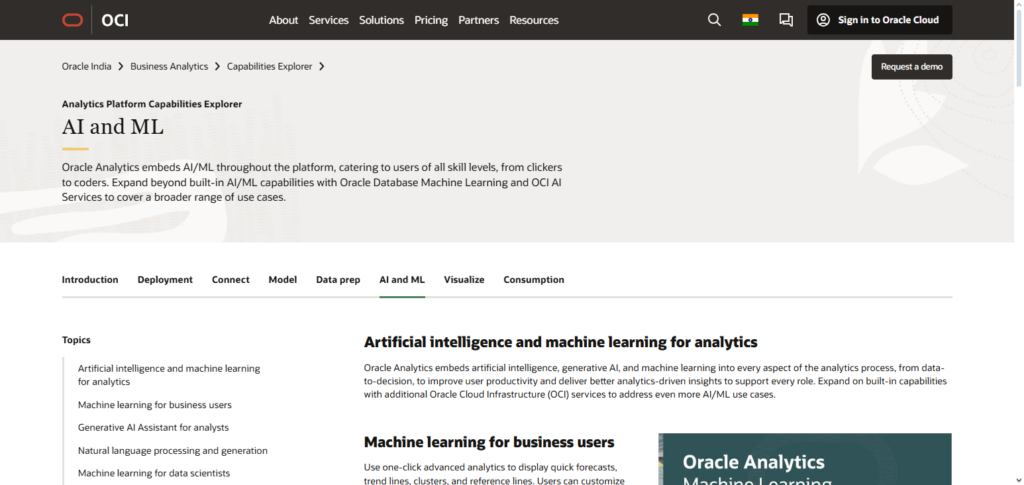
Its special ability to automatically analyze big, complicated datasets to find patterns, predict results, and spot anomalies allows executives to take preemptive measures. Natural language questions are supported by the platform, which offers immediate narrative and graphic answers that make data interpretation easier.
It guarantees accurate, integrated reporting through smooth integration throughout Oracle’s enterprise ecosystem. Oracle Analytics Cloud + AI turns reporting into a strategic, leadership-enabling tool by fusing predictive analytics, interactive dashboards, and AI-driven suggestions.
Oracle Analytics Cloud + AI Features, Pros & Cons
Key Features
- Powered by advanced ML algorithms
- Capability to converse naturally
- Predictive and prescriptive insights
- Scalable cloud-based analytics
- Seamless integration with Oracle system
Pros
- Optimal fit for Oracle businesses
- Solid security and governance
- Scalable analytics in the cloud
- Insights Consumed by Executives in Real-Time.
- Outstanding forecasting predictors
Cons
- Little freedom for customization outside Oracle.
- Complicated licensing
- Steep learning curve
- Custom development require advanced skills
- UX flaws make tool less userfriendly
8. SAP Analytics Cloud + AI
Because it effortlessly integrates real-time analytics, machine learning, and predictive intelligence into a single platform, SAP Analytics Cloud + AI is a top-tier AI tool for executive reporting automation.
Its distinct benefit is its ability to automatically identify patterns, predict future events, and produce narrative insights from intricate information, allowing executives to take swift and calculated action. Leadership can easily analyze data without technical knowledge thanks to interactive dashboards and natural language query capabilities.
A unified perspective of enterprise performance is ensured by integration with both SAP and non-SAP systems. SAP Analytics Cloud + AI enables executives to make quicker, more intelligent, and well-informed business choices by fusing AI-driven foresight with thorough visualization.
SAP Analytics Cloud + AI Features, Pros & Cons
Features
- Artificial intelligence forecasting and planning
- Discover insights using the AI
- Queries can be expressed in natural language
- Reporting for finance and operations
- Combined analytics and planning
Pros
- Best in class for SAP-centered firms
- Comprehensive enterprise planning
- Excellent modeling and forecasting
- Integrated intelligence for the business
- Data and its governance was crystal clear
Cons
- Charges high fees for licensing
- Needs the SAP ecosystem to extract full value
- With large analytic models, system performance can degrade
- Not much room for custom changes
- Steep learning curve
9. Workday People Analytics + AI
A fantastic AI tool for executive reporting automation, Workday People Analytics + AI was created especially to maximize workforce insights and strategic HR choices. Its distinctive feature is its ability to discover trends in employee performance, engagement, and retention by fusing real-time workforce data with AI-driven predictive analytics.
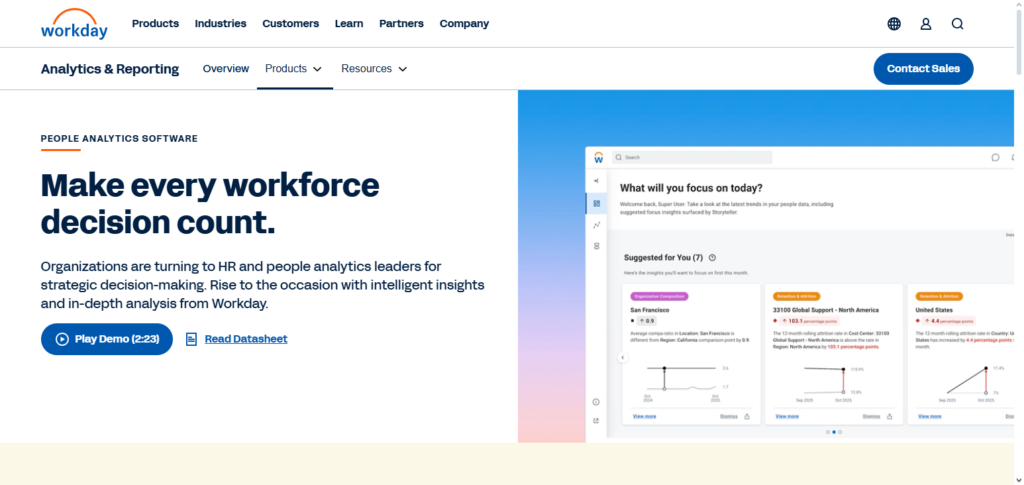
AI-generated narratives and automated dashboards that highlight important workforce indicators are available to executives, assisting them in making proactive, well-informed decisions.
A comprehensive understanding of company performance is made possible by Workday’s smooth integration of HR, finance, and operational systems. Workday People Analytics + AI enables leaders to increase productivity, lower employee attrition, and effectively achieve strategic business goals by transforming complicated human data into actionable intelligence.
Workday People Analytics + AI Features, Pros & Cons
Key Features
- Workforce trends
- Predictive retention insights
- Dashboards for HR automation
- AI workforce planning
- People analytics in real time
Pros
- Top-tier executive HR reporting
- Excellent probable analytics regarding the workforce
- Excellent integration with Workday
- Simplistic dashboards
- Talent strategies based on analytics
Cons
- Limited HR analytics
- Primarily available for Workday clients
- Limited intermediate customizations with non-HR data
- High acquisition costs
- Restricted outside data analysis
10. Domo AI
The Domo AI is at the forefront of executive-reporting automation because of the ability to merge sophisticated artificial intelligence tools with cloud-based business intelligence to provide real time actionable insights across all areas of the business.

Domo AI’s data integration capabilities are unrivaled.~Domo AI can aggregate data from critical business functions in real time, identify patterns, and provide real time anomaly detection and forecasting all within customizable dashboards.
Executives can run complex data sets through natural processing queries to receive tailored insights in AI generated narratives. With the ability to automatically produce forecasts and track metrics and KPIs, Domo AI provides the tools leaders need to make real time fully-informed strategic decisions. Reporting becomes an engine of business growth.
Domo AI Features, Pros & Cons
Key Features
- Cloud analytics with no wait time
- Alerts or insights driven through AI
- Data queries in everyday speech or SBOL
- Confirmative and predictive analytics
- Many available data connectors
Pros
- Immediate availability of dashboards for executives
- Simple distribution and widening of the system
- Good analytics for different functions
- Interface is easy to handle
- Excellent reporting on mobile devices
Cons
- High acquisition costs
- Limited options for advanced data modeling
- High rigidity of the system
- Problems with system functioning when there is a lot of data
- Opacity in system costs
Conclusion
In conclusion, the way businesses obtain, analyze, and respond to vital business data has changed as a result of the incorporation of AI into executive reporting. By automating data analysis, producing predicting insights, and producing interactive, narrative-driven dashboards, tools like Microsoft Power BI + Copilot AI, Tableau + Einstein Discovery, Qlik Sense + predicting AI, and others simplify reporting.
These platforms enable leaders to make quicker, better-informed, and more strategic decisions, whether it’s workforce analytics with Workday People Analytics + AI, enhanced business intelligence with Domo AI, or thorough enterprise insights with SAP Analytics Cloud + AI. In today’s data-driven corporate environment, utilizing AI-driven reporting guarantees precision, effectiveness, and a competitive edge.
FAQ
What is Executive Reporting Automation?
Executive Reporting Automation uses AI-powered tools to automatically generate reports, dashboards, and insights for leadership. It reduces manual effort, provides real-time data analysis, and highlights trends, anomalies, and KPIs, enabling faster, data-driven decision-making.
Which AI tools are best for Executive Reporting Automation?
Some of the leading tools include Microsoft Power BI + Copilot AI, Tableau + Einstein Discovery, Qlik Sense + Predictive AI, Sisense Fusion AI, Zoho Analytics + Zia AI, IBM Cognos Analytics + Watson AI, Oracle Analytics Cloud + AI, SAP Analytics Cloud + AI, Workday People Analytics + AI, and Domo AI.
How do these AI tools improve decision-making?
AI tools automate data analysis, identify patterns, predict trends, and provide actionable insights. They enable executives to make informed decisions faster by turning complex datasets into visual, narrative-driven, and interactive reports.
Can these tools integrate with existing systems?
Yes. Most AI reporting platforms support integration with ERP, CRM, HR, and other business systems, ensuring consolidated, accurate, and real-time data for reporting.
Are these tools suitable for small and large businesses?
Absolutely. Tools like Zoho Analytics + Zia AI and Domo AI cater to small-to-medium enterprises, while platforms such as SAP Analytics Cloud + AI and Oracle Analytics Cloud + AI are designed for large organizations with complex data needs.